Learn how to spot AI-generated travel photos through lighting, texture, and metadata clues, and why authenticity now matters more than ever for travelers.
Signs of Artificial Intelligence in Travel Photography
Travel photography used to be proof that a place existed exactly as pictured. That certainty is fading. Today, a single text prompt can produce a flawless sunrise over Santorini, a mist-covered temple in Kyoto, or a beach that no map will ever confirm. As someone who has spent years reviewing travel imagery for blogs and marketing campaigns, I have watched AI-generated photos slip past editors, mislead travelers, and quietly reshape how we trust visuals online. This guide breaks down the real, observable signs of artificial intelligence in travel photography so you can tell the difference with confidence.
Quick Answer: Signs of AI in travel photography include unnatural lighting and shadows, impossible landscape details, distorted architecture, malformed people, overly perfect symmetry, and missing camera metadata. Checking EXIF data and reverse-image searching a photo are the fastest ways to confirm whether an image was generated rather than captured.
Why AI Travel Photography Is Suddenly Everywhere
Generative image tools crossed a quality threshold that made fake travel scenes nearly indistinguishable from real ones. According to a 2023 study published by Cornell University researchers, people correctly identified AI-generated faces only about 50 percent of the time, no better than a coin flip. Travel scenes are even harder to judge because we rarely know what an unfamiliar destination truly looks like.
The volume is staggering too. Industry estimates suggest that more than 15 billion AI images had been created by 2023, and travel is one of the most generated categories because destinations sell aspiration. When a synthetic photo of a "hidden lagoon" goes viral, real tourists sometimes travel thousands of miles to find nothing there. That gap between image and reality is exactly why detection skills matter.
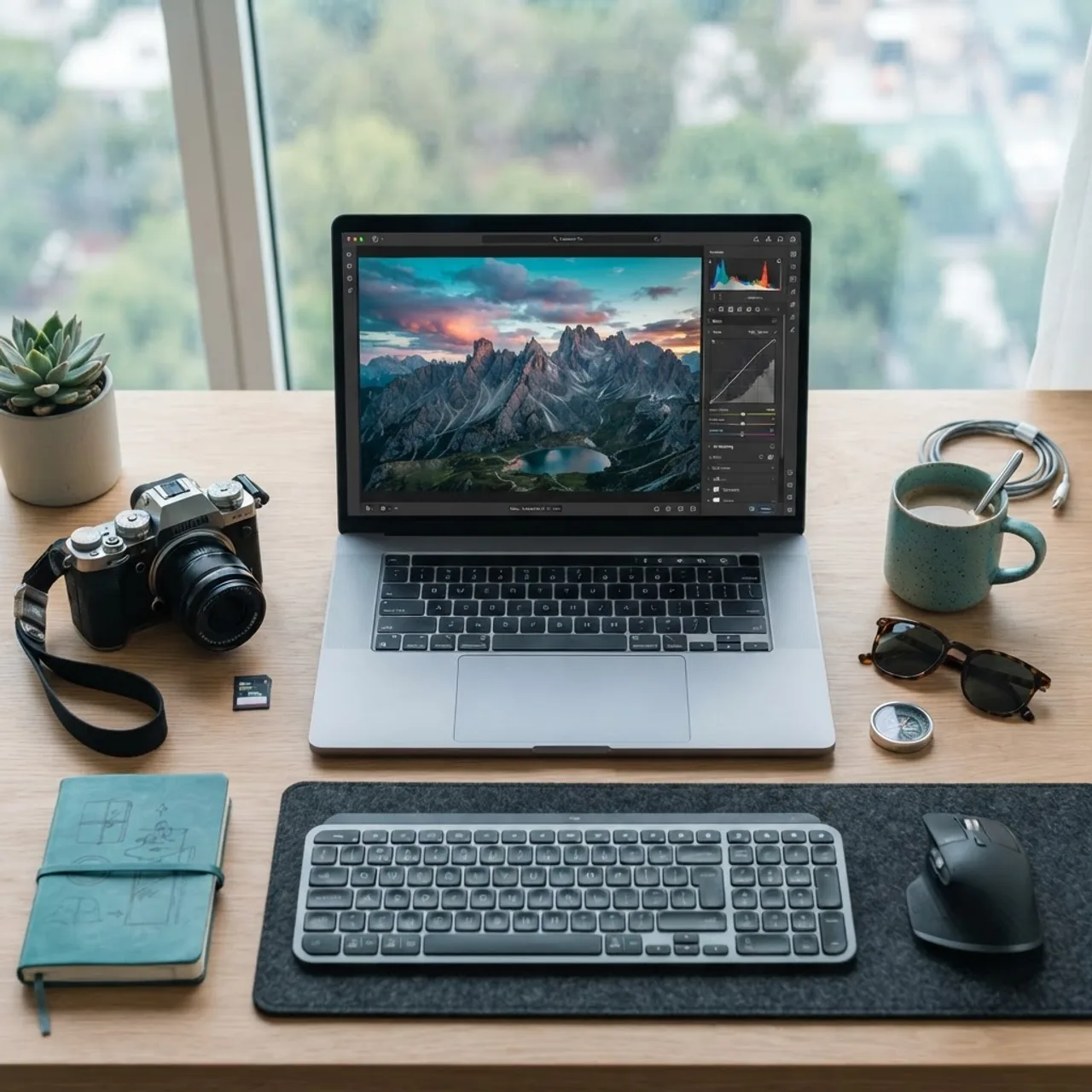
Definition: AI travel photography refers to images of destinations, landscapes, or travel scenes that are fully or partially generated by artificial intelligence models rather than captured with a camera at a real location.
The Most Reliable Visual Signs of AI
Most AI tells are visual, and once you know where to look, they become obvious. The key is to zoom in rather than admire the image at a glance. Generative models excel at overall composition but struggle with small, repeated, or physically constrained details.
1. Unnatural Lighting and Shadows
Light is physics, and AI does not truly understand physics. Look for shadows that fall in conflicting directions, a sky that glows brighter than the light source, or reflections that do not match their surroundings. Real golden-hour light wraps a scene consistently. AI light often looks painted on, with a dreamy uniform glow that no single sun could produce.
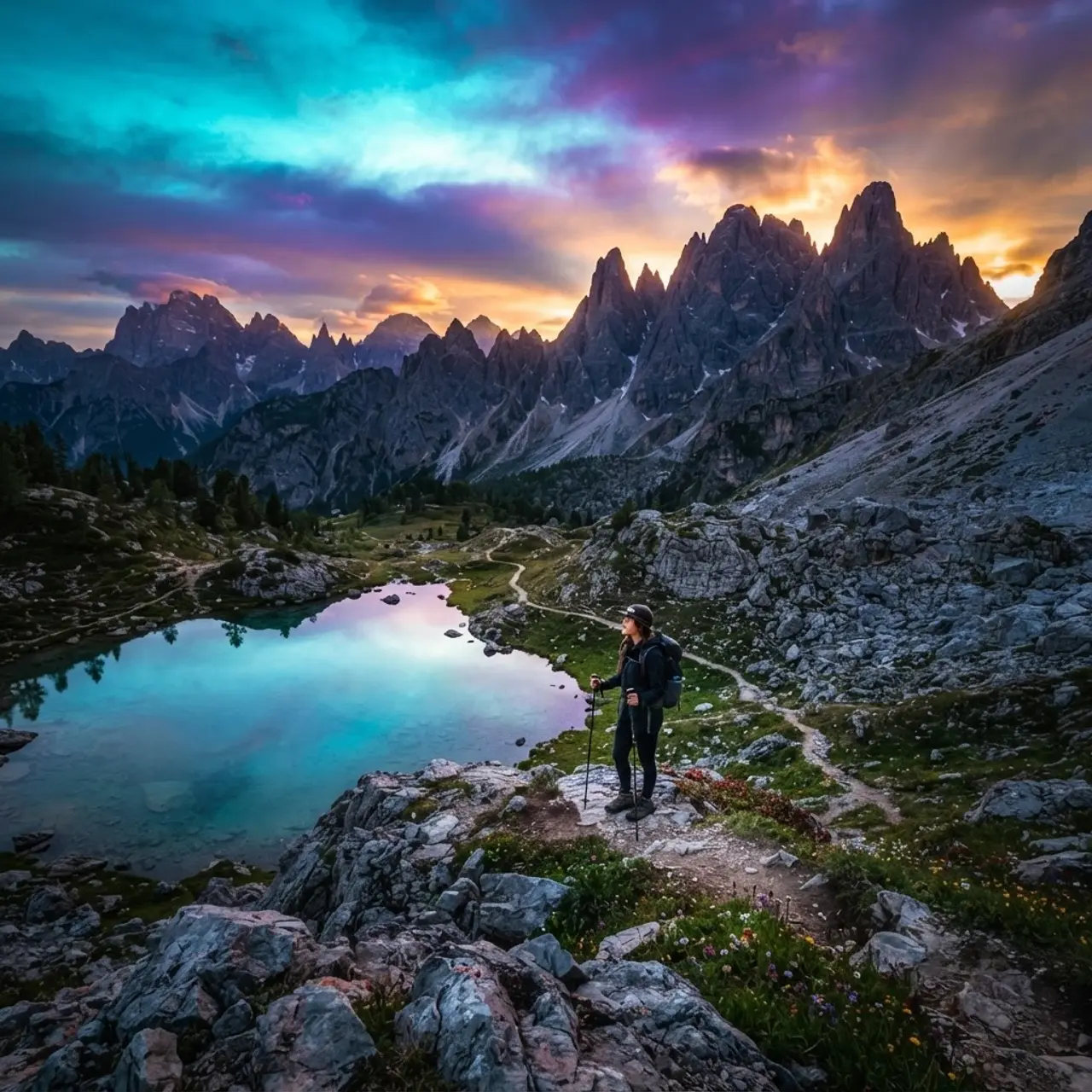
In my own reviews, inconsistent shadows are the single fastest giveaway. If a mountain casts a shadow to the left while a nearby tree casts one to the right, you are almost certainly looking at a generated image.
2. Impossible or Repeating Landscape Details
Nature is irregular, but AI loves patterns. Waterfalls that flow into themselves, foliage where the same leaf repeats in a grid, and rock textures that blur into one another are classic signs. Zoom into the background: real landscapes get messier the closer you look, while AI landscapes often get smoother and stranger.

Water is especially revealing. Genuine reflections mirror the scene with slight distortion. AI reflections frequently invent details that do not exist above the waterline.
3. Distorted Architecture and Signage
Buildings expose AI quickly because they follow strict geometry. Watch for windows of uneven sizes, doorways that melt into walls, staircases that lead nowhere, and brick or tile lines that bend illogically. Text is even worse: signs, menus, and street names in AI images often show scrambled or invented letters.
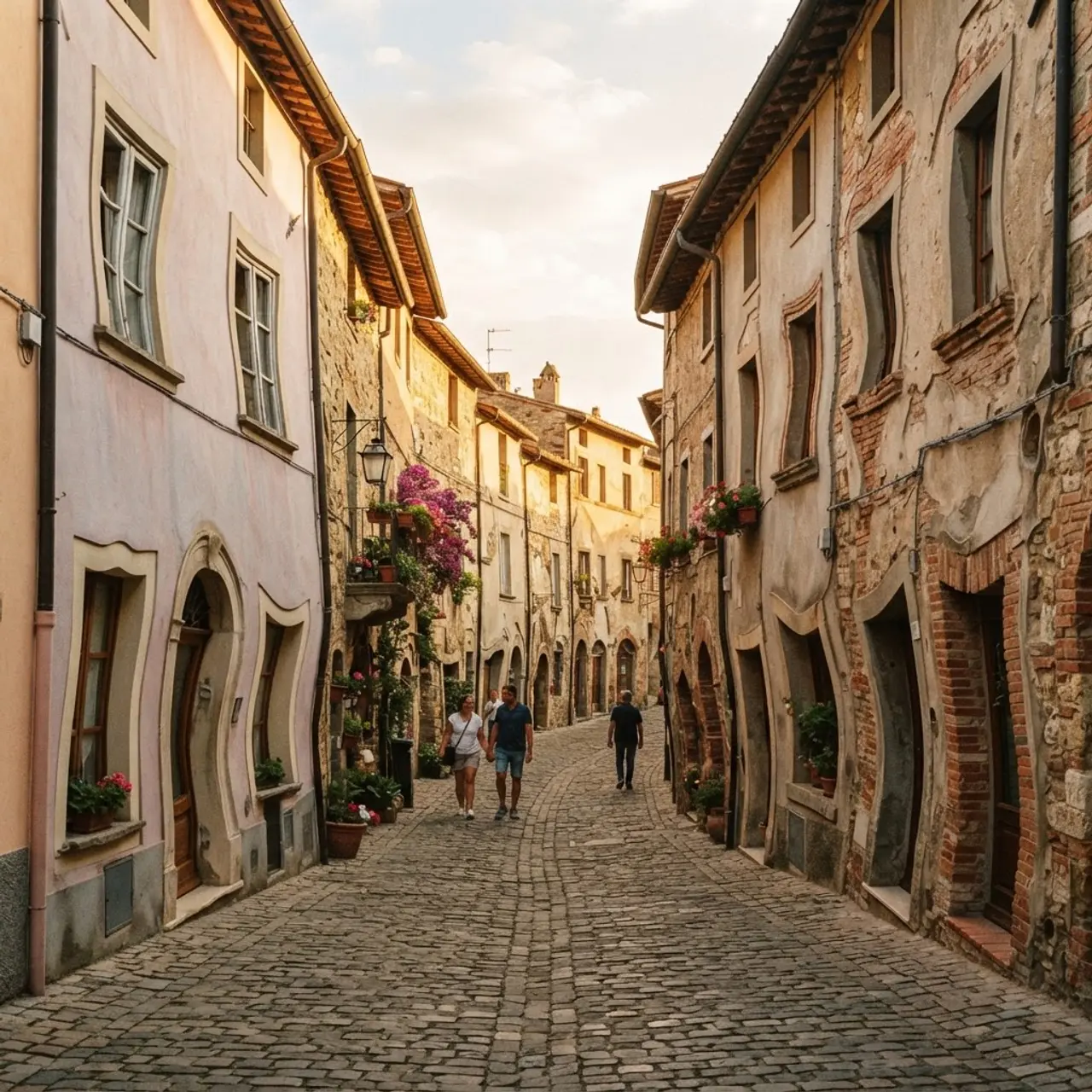
If you photograph famous landmarks often, this gets easier. AI tends to blend architectural styles, placing Gothic arches on a modern facade or mismatching a roofline that no real builder would construct.
4. Malformed People and Body Details
Hands remain AI's most famous weakness, but the problems go further. Count fingers, check for extra limbs, and look at how people connect to what they hold. In crowds, faces in the background often blur into smeared, doll-like features, and clothing sometimes fuses with skin or nearby objects.
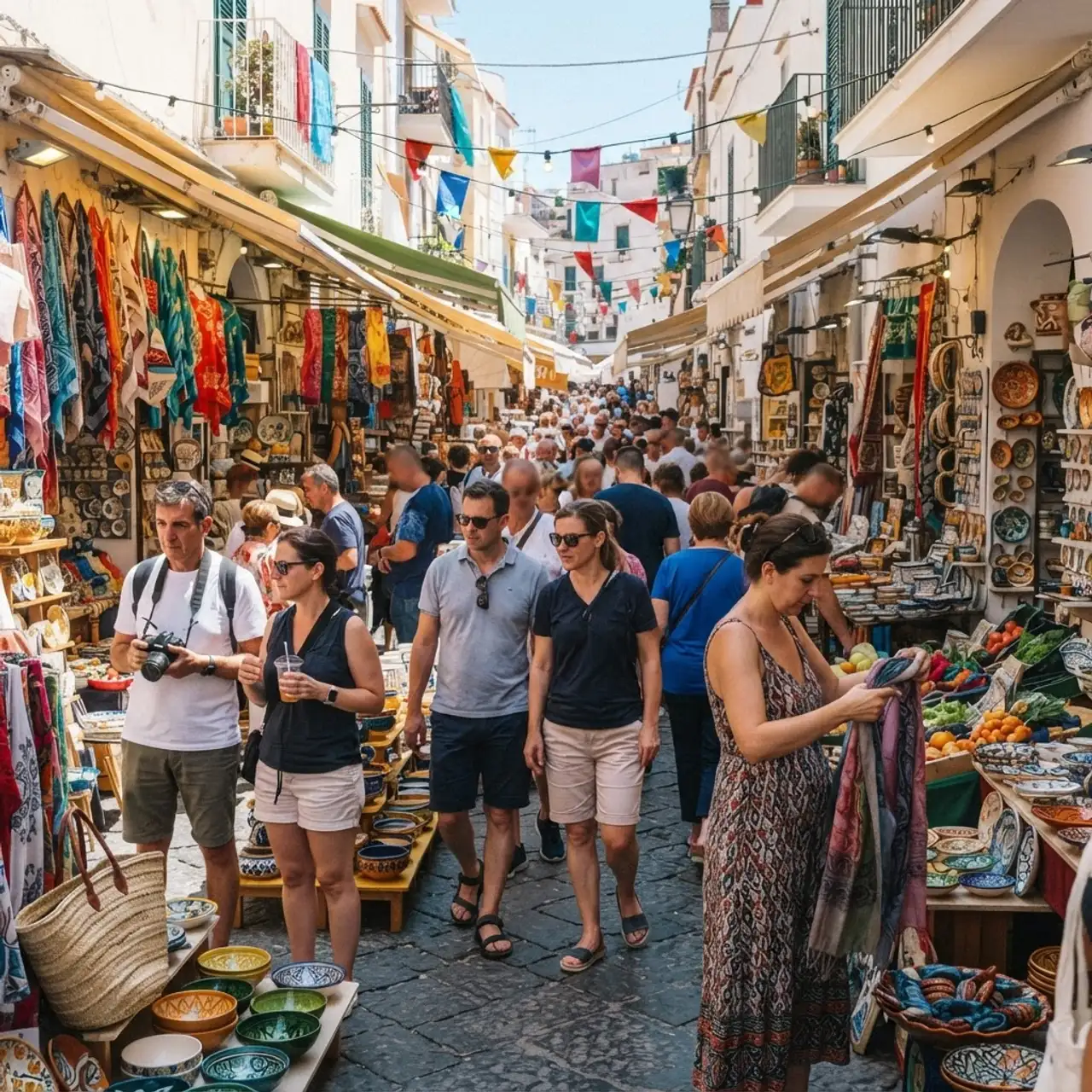
Jewelry, sunglasses, and camera straps are trouble spots. AI struggles to keep thin, continuous objects consistent, so straps may vanish mid-shoulder or split into two.
5. Suspiciously Perfect Composition
Real travel photography includes clutter, imperfect framing, power lines, tourists, and litter. When every element sits in flawless balance with no distractions, be skeptical. AI is trained to produce pleasing compositions, so it removes the messy reality that authentic photos naturally contain.
Technical Signs: What the File Itself Reveals
Beyond the pixels, the file carries evidence. This is where verification becomes near-certain rather than a judgment call, and it is the approach I trust most when authenticity truly matters.

EXIF metadata is data embedded by cameras, including the device model, lens, aperture, shutter speed, ISO, and GPS coordinates. Real photos almost always carry some of this. Purely AI-generated images usually have no camera data at all, or contain generator tags. Many platforms now also embed C2PA "Content Credentials," an industry standard backed by Adobe, Microsoft, and others, that flags AI involvement.
Here is a practical technical checklist:
- Open the image properties or use an EXIF viewer to check for camera, lens, and GPS fields.
- Look for C2PA or Content Credentials markers indicating AI generation.
- Run a reverse-image search to see if the photo appears on stock or AI-art sites.
- Check the resolution and aspect ratio, as many generators default to fixed square or specific sizes.
- Inspect for the absence of natural sensor noise, which real cameras always produce.
For teams building tools that automate this kind of detection, working with specialists in artificial intelligence services can help integrate metadata analysis and AI-classification models directly into a content pipeline.
AI-Generated vs Authentic Travel Photos: A Comparison
The table below summarizes the differences I check most often when auditing travel imagery.
| Feature | Authentic Photo | AI-Generated Photo |
|---|---|---|
| Lighting and shadows | Consistent, physically accurate | Conflicting or unnaturally glowing |
| Fine details | Messier when zoomed in | Smoother or repeating patterns |
| Text and signage | Legible and correct | Scrambled or invented letters |
| Hands and faces | Correct anatomy | Extra fingers, blurred faces |
| EXIF metadata | Camera, lens, GPS present | Often missing or generator tags |
| Composition | Natural clutter present | Suspiciously perfect |
How to Verify a Travel Photo in Under Two Minutes
You do not need forensic software to reach a confident conclusion. A quick, repeatable process works for most cases and is the exact method I recommend to editors and clients.

- Zoom in on three zones: hands or faces, any text, and the busiest background area.
- Check the light: trace every shadow back to a single believable source.
- Inspect the file: open EXIF data and look for camera details or AI credentials.
- Reverse-search it: confirm whether the image traces to a real location or an AI gallery.
- Cross-reference the place: compare against verified maps, geotagged photos, or official tourism sites.
If you publish travel content professionally, building these checks into your editorial workflow protects your credibility. Agencies such as ZoneTechify and WebPeak increasingly treat image authenticity as a core part of quality control, not an afterthought.
Why Authenticity Matters More Than Ever
There is an ethical layer here that goes beyond spotting fakes. Travelers make real decisions, spend real money, and form real expectations based on the images they see. When AI invents destinations, it erodes the trust that travel media depends on. Original, honest photography also aligns with Google's helpful content principles, which reward genuine first-hand experience over synthetic filler.
My recommendation is not to reject AI entirely. It has legitimate uses in concept art, mood boards, and marketing mockups. The problem arises when generated images are passed off as documentary truth. Clear labeling solves most of the ethical tension, and I expect disclosure to become an industry standard within a few years.
Key Takeaways
- AI-generated faces fool people roughly 50 percent of the time, making visual instinct unreliable on its own.
- The most consistent visual signs are conflicting shadows, repeating textures, distorted architecture, and malformed hands.
- EXIF metadata and C2PA Content Credentials are the strongest technical proof of a photo's origin.
- Reverse-image search quickly reveals whether a "real" location traces back to an AI gallery.
- Over 15 billion AI images existed by 2023, so verification is now an essential editorial skill.
Frequently Asked Questions (FAQ)
How can I tell if a travel photo is AI-generated?
Zoom in on hands, faces, and any text, then trace the shadows to a single light source. Check the file's EXIF metadata for camera details and run a reverse-image search. Missing camera data, scrambled text, and inconsistent lighting are the clearest signs of AI generation.
Do AI travel photos always have missing metadata?
Not always, but it is common. Purely AI-generated images usually lack camera, lens, and GPS data, though some are edited to add fake EXIF fields. Look instead for C2PA Content Credentials, sensor noise, and consistency between the visible scene and any metadata claims.
Are AI-generated travel photos illegal to use?
Generally no, but passing them off as real locations can be deceptive and may violate advertising or platform rules. Ethical use requires clear labeling. Many stock sites and news outlets now mandate disclosure of AI involvement to protect audiences from being misled.
What is the fastest way to verify a destination photo?
Run a reverse-image search first, then cross-reference the location against verified geotagged photos, official tourism pages, or map street views. If no independent source confirms the scene exists as shown, treat the image as unverified or likely AI-generated until proven otherwise.
Can AI detection tools reliably catch fake travel images?
Detection tools help but are not perfect, often reaching 70 to 90 percent accuracy depending on the model. Combine automated tools with manual checks of lighting, anatomy, and metadata. A layered approach that mixes human judgment and software gives the most dependable results today.