
Adding too many keywords to Google Ads splits budget, weakens ad relevance and hides winning search terms. Learn the right keyword count per ad group and how to prune bloat safely.
Is Adding Too Many Keywords Bad for Google Ads
Most advertisers assume more keywords equal more reach, more clicks and more conversions. In practice, the opposite is usually true. Keyword bloat is one of the most common reasons a Google Ads account spends heavily while converting poorly, because it starves every individual keyword of the data and budget it needs to prove itself.

Quick Answer: Yes, adding too many keywords is usually bad for Google Ads. Excess keywords fragment your budget, dilute ad relevance and slow machine learning, which raises cost per conversion. Most accounts perform best with roughly 5 to 20 tightly themed keywords per ad group, backed by disciplined negative keyword lists and regular search term pruning.
What Counts as Too Many Keywords
There is no universal number, but there is a reliable test: if a keyword cannot realistically accumulate enough impressions and conversions to be judged within your reporting window, it is excess weight. Google Ads needs volume before it can optimize. Smart Bidding strategies typically stabilize once a campaign records around 30 conversions in 30 days, so spreading a modest budget across 500 keywords guarantees that no single term ever reaches statistical significance.
A practical definition of keyword bloat:
- Ad groups containing more than 20 keywords with mixed search intent.
- Keywords with fewer than 10 clicks over 90 days that are still active.
- Multiple near-duplicate keywords competing for the same query.
- Keywords whose landing page does not directly answer the query.
- Broad terms added "just in case" with no conversion hypothesis behind them.
Why Advertisers Over-Add Keywords
The habit comes from legacy SEO thinking, where a broader term list could plausibly capture more organic surface area. Paid search behaves differently because every keyword is an active spending decision. When Google introduced close variant matching, exact match keywords began covering misspellings, plurals and same-meaning phrases automatically. That change made large manual keyword lists largely redundant, yet most accounts never trimmed them back.
How Keyword Bloat Damages Ad Relevance
Ad relevance is a Quality Score component that measures how closely your ad copy matches the intent behind the keyword. When one ad group holds 60 loosely related keywords, a single set of ads cannot speak precisely to all of them. Relevance drops, Quality Score falls, and your cost per click rises to compensate.
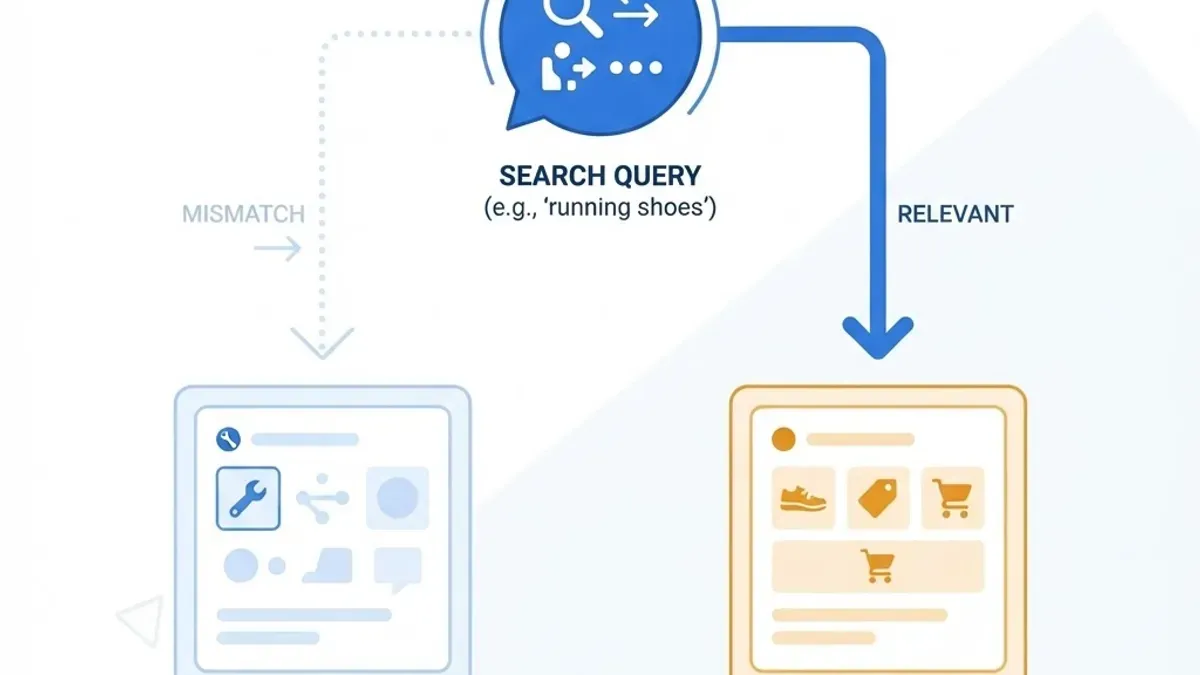
Google has stated publicly that higher Quality Score generally correlates with lower cost per click and better ad rank at the same bid. The mechanism matters: ad rank is calculated from bid, expected click-through rate, ad relevance and landing page experience. Three of those four levers are damaged by keyword bloat, because unfocused keywords attract unfocused clicks that never convert.
The Message Match Problem
Someone searching "emergency plumber near me" and someone searching "how to fix a leaking tap" have almost nothing in common commercially. Placing both in the same ad group forces you to write generic ad copy that underperforms for both. Splitting them lets each ad promise exactly what the searcher wants, which is the single highest-leverage change most accounts can make without raising budget.
Budget Fragmentation: The Hidden Cost
Budget fragmentation is the real financial damage. Your daily budget is a fixed pool. Every additional keyword is another claim on that pool, and Google will distribute impressions across eligible keywords rather than concentrating spend on the ones that convert.

Consider a simple worked example on a budget of 3,000 per month:
| Account Setup | Keywords Active | Avg Monthly Spend per Keyword | Data Quality | Typical Outcome |
|---|---|---|---|---|
| Bloated | 400 | 7.50 | No keyword reaches significance | Spend spread thin, unclear winners |
| Moderate | 90 | 33 | Partial signal on top terms | Some optimization possible |
| Focused | 25 | 120 | Clear winners and losers within 30 days | Fast iteration, falling cost per lead |
The focused setup does not reduce total reach as much as advertisers fear, because close variants and phrase match still capture long-tail queries. What it does reduce is wasted impressions on terms with no commercial intent.
Match Types Replace Keyword Volume
The strategic answer to "should I add more keywords" is almost always "use smarter match types instead." Match types let a small list cover a wide query surface while keeping control.

| Match Type | Query Coverage | Control Level | Best Use Case |
|---|---|---|---|
| Broad match | Widest, includes related concepts | Lowest | Discovery with strong negatives and Smart Bidding |
| Phrase match | Queries containing the meaning of the phrase | Medium | Scaling proven themes efficiently |
| Exact match | Same meaning or intent as the keyword | Highest | Protecting high-converting core terms |
A disciplined structure often uses exact match for proven money keywords, phrase match for controlled expansion, and a small broad match test campaign for discovery only. That combination replaces hundreds of manually added variants.
Definitions Worth Knowing
- Keyword: the term you bid on and pay for.
- Search term: what the user actually typed, visible in the search terms report.
- Negative keyword: a term you explicitly block from triggering ads.
- Close variant: a system-matched form of your keyword, such as a plural or misspelling.
- Keyword cannibalization: two or more of your keywords competing for the same auction, which inflates internal competition without adding reach.
Negative Keywords Matter More Than New Keywords
The search terms report is where wasted spend becomes visible. Reviewing it weekly and adding negatives is usually more profitable than adding new keywords, because it removes cost without removing qualified traffic.
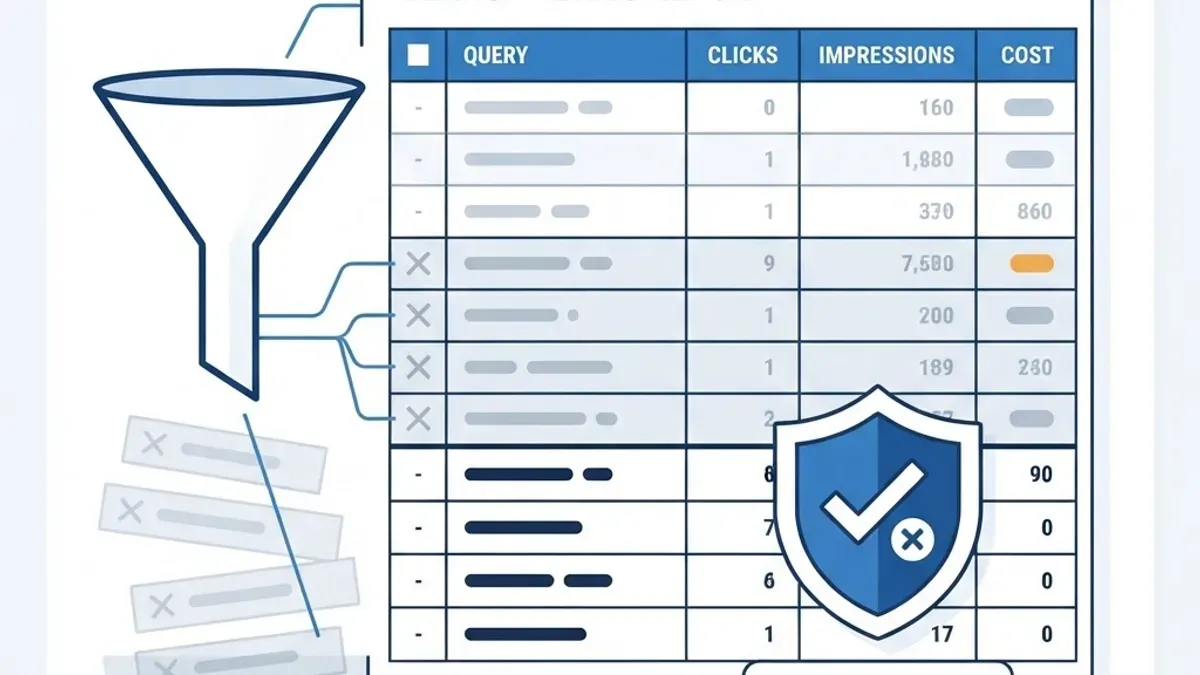
A repeatable weekly routine:
- Open the search terms report for the last 14 to 30 days.
- Sort by cost descending and scan for zero-conversion queries.
- Add clear mismatches as phrase or exact negatives at campaign level.
- Build shared negative lists for permanent blockers such as "free", "jobs", "salary", "DIY" and competitor names you do not want.
- Promote high-converting search terms into exact match keywords with their own tailored ad copy.
Step five is the only healthy way to grow a keyword list. New keywords should be earned by evidence, never guessed. Agencies that run this loop consistently, including the teams behind data-focused campaign management at performance marketing, typically report that pruning delivers faster gains than expansion in the first 60 days of an account takeover.
Quality Score Recovery After Pruning
Cutting keywords does not instantly reset Quality Score, because the metric is historical. Expect a lag of roughly two to four weeks before improvements appear, since Google recalculates expected click-through rate as new impression data accumulates.

Sequence the recovery in this order:
- Pause keywords with zero conversions and meaningful spend over 90 days.
- Consolidate duplicates into the strongest match type version.
- Rewrite ads so each ad group has copy containing its core keyword theme.
- Align landing pages to the ad group theme rather than a generic homepage.
- Wait a full learning cycle before judging results.
Skipping step five is the most common mistake. Restructuring and then changing bids three days later destroys the signal you were trying to create. Teams building conversion-focused landing experiences alongside campaign work, such as the specialists at digital marketing agency, tend to sequence page changes and ad changes deliberately so attribution stays readable.
When More Keywords Actually Help
Keyword volume is not universally harmful. Larger lists are defensible in specific conditions:
- Ecommerce catalogues with thousands of distinct products, where each keyword maps to a unique product page and real query demand exists.
- High-budget accounts spending enough that even niche keywords reach significance monthly.
- Local service businesses replicating a small keyword set across many geographic modifiers.
- Brand protection, where defensive keywords exist to hold position rather than to prospect.
Even in these cases the rule holds: every keyword needs a purpose, a matching ad and a matching landing page. Volume without structure is still bloat.
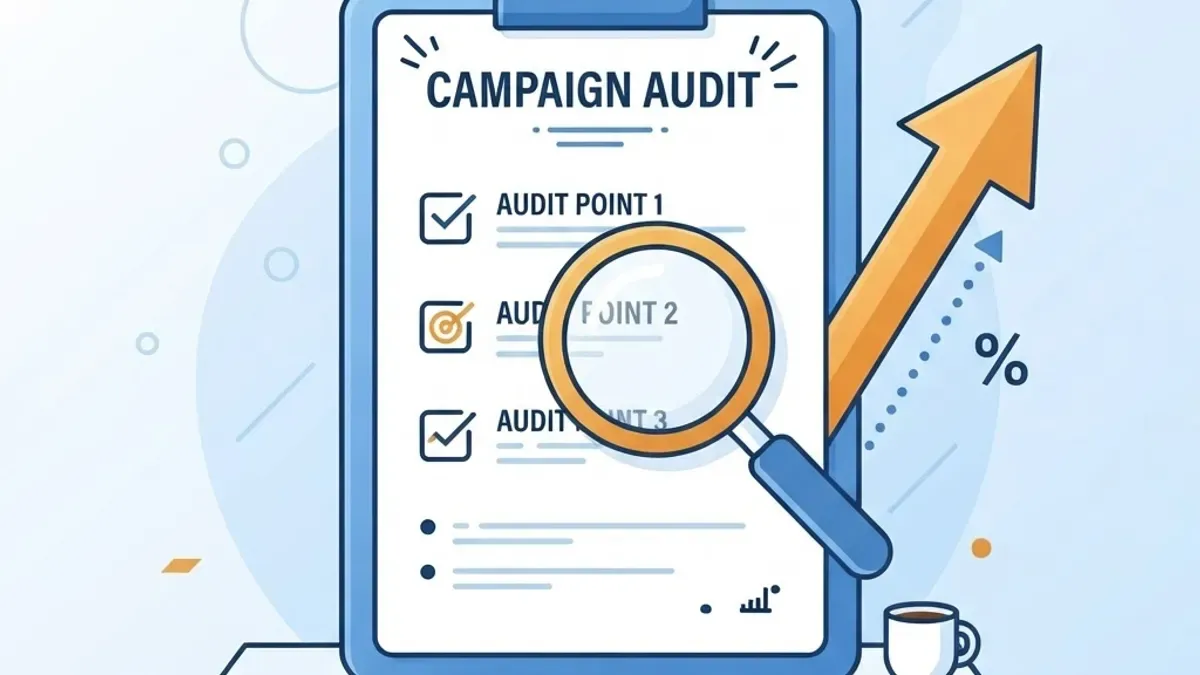
A Practical Audit You Can Run Today
- Export all keywords with 90 days of cost, clicks and conversions.
- Flag every keyword with spend above your target cost per acquisition and zero conversions.
- Flag every keyword with under 10 clicks in 90 days.
- Count keywords per ad group and mark any group above 20 for splitting.
- Check that each ad group has at least one ad containing its primary keyword.
- Confirm every ad group points to the most relevant landing page available.
- Pause or restructure the flagged items in one batch, then hold changes for 14 days.
This audit routinely removes 40 to 70 percent of keywords in accounts that have never been pruned, with no meaningful loss in conversion volume.
Key Takeaways
- Adding too many keywords is generally harmful because it fragments budget and dilutes ad relevance.
- Roughly 5 to 20 tightly themed keywords per ad group is a reliable working range for most accounts.
- Smart Bidding needs approximately 30 conversions in 30 days per campaign to stabilize, which bloated accounts rarely achieve.
- Close variant matching already covers plurals, misspellings and same-meaning phrases, so manual variant lists are mostly redundant.
- Negative keywords and search term promotion outperform speculative keyword expansion.
- Quality Score improvements typically appear two to four weeks after restructuring, not immediately.
Frequently Asked Questions (FAQ)
How many keywords should I have in one Google Ads ad group?
Aim for 5 to 20 keywords that share a single search intent and can be served by the same ad copy and landing page. If you cannot write one ad that fits every keyword in the group, the group is too broad and should be split into tighter themes.
Will pausing keywords hurt my Google Ads performance?
Pausing keywords that have spent money without converting over 90 days rarely hurts performance. It usually redirects budget toward proven terms and improves cost per conversion. Keep paused keywords rather than deleting them so historical data stays available for future review and comparison.
Do too many keywords lower my Quality Score?
Indirectly, yes. Large unfocused ad groups force generic ad copy, which reduces ad relevance and expected click-through rate, two of the main Quality Score inputs. Lower Quality Score raises your cost per click, so keyword bloat quietly increases what you pay for the same position.
Should I use broad match to reach more people?
Use broad match only in a separate test campaign with strong negative keyword lists and Smart Bidding enabled. It can surface valuable new queries, but without guardrails it consumes budget on irrelevant searches. Promote winning search terms into exact match once they prove they convert profitably.
How often should I review my keyword list?
Review the search terms report weekly to add negatives, and run a full keyword performance audit monthly or quarterly depending on spend. Weekly negative maintenance prevents waste from compounding, while the deeper audit catches structural issues such as duplicate keywords and oversized ad groups.
Is it better to add keywords or improve landing pages?
Improving landing pages usually delivers a larger return. Landing page experience affects Quality Score and conversion rate simultaneously, so a better page lifts every keyword pointing to it. Adding keywords only increases traffic volume, which amplifies existing conversion problems instead of solving them.