A practical, expert guide to NP (NumPy) in artificial intelligence, explaining why np arrays power modern machine learning, deep learning, and AI data pipelines.
NP Artificial Intelligence
If you have ever opened a machine learning tutorial and seen the line import numpy as np, you have already met the quiet engine behind modern artificial intelligence. When people search for "np artificial intelligence," they are almost always asking about NumPy the Python library aliased as np and how it fits into building AI systems. This guide answers that question with the depth of someone who has shipped real models, not a surface-level definition.
NumPy is the numerical foundation on which nearly every Python AI framework is built. TensorFlow, PyTorch, scikit-learn, and pandas all speak the language of NumPy arrays under the hood. Understanding np is therefore not optional trivia; it is the difference between copying code you do not understand and engineering AI that actually works.
Quick Answer: In artificial intelligence, "np" refers to NumPy, the Python library imported as
np. It provides fast multidimensional arrays and math operations that store and process the numerical data AI models learn from. Almost every machine learning and deep learning framework relies on NumPy as its computational base.
What Does NP Mean in Artificial Intelligence?
NP means NumPy, the standard numerical computing library in Python, conventionally imported with the alias np. The community adopted import numpy as np so widely that the two-letter alias is now instantly recognizable in any AI codebase.
NumPy's core object is the ndarray (n-dimensional array): a grid of numbers of the same type that supports fast mathematical operations across the entire structure at once. In AI, data is numbers images become pixel arrays, text becomes token embeddings, audio becomes waveform samples and NumPy is how Python holds and manipulates those numbers efficiently.
Without NumPy, Python would be far too slow for the matrix-heavy math that machine learning requires. That is why it sits at the base of the entire ecosystem. If you want a partner to build production AI on top of these foundations, teams like ZoneTechify and WebPeak work with these tools daily.

Why NumPy Is the Backbone of Machine Learning
Every machine learning algorithm reduces to arithmetic on arrays: multiply, add, transpose, and reduce large matrices repeatedly. NumPy performs these operations in optimized, pre-compiled C code rather than slow Python loops.
According to NumPy's own benchmarks and widely reproduced tests, vectorized NumPy operations frequently run 10 to 100 times faster than equivalent pure-Python loops. When you are training a model on millions of data points, that speed gap decides whether training takes minutes or days.
Here is why NumPy dominates AI development:
- Homogeneous typed arrays store data compactly in contiguous memory, reducing overhead.
- Vectorization lets you apply one operation to an entire array without writing loops.
- Broadcasting allows arrays of different shapes to combine in intuitive, memory-efficient ways.
- Interoperability means data flows seamlessly into pandas, scikit-learn, TensorFlow, and PyTorch.
This is the practical reason the np alias appears at the top of almost every AI script ever written.
The ndarray: AI's Universal Data Container
The ndarray is what makes NumPy special. A grayscale image is a 2D array, a color image is a 3D array (height, width, channels), and a batch of images is a 4D array. Neural networks expect exactly this kind of structured numerical input. Learning to reason in array dimensions is a core AI skill.
NumPy vs Python Lists: The Performance Difference
A common beginner question is why not just use Python lists? The answer is speed, memory, and math capability. Python lists are flexible but slow for numerical work because each element is a separate object scattered in memory.

| Feature | Python List | NumPy Array (np) |
|---|---|---|
| Speed on math operations | Slow | Very fast |
| Memory efficiency | Low | High |
| Element data type | Mixed allowed | Uniform (typed) |
| Vectorized math | No | Yes |
| Multidimensional support | Manual and clumsy | Native |
| Used by ML frameworks | No | Yes |
For small everyday programming, lists are perfectly fine. For AI, where you process huge numerical datasets repeatedly, NumPy arrays are the only reasonable choice. This is not a stylistic preference it is a hard engineering requirement.
How NumPy Powers Neural Networks and Deep Learning
Deep learning frameworks extend NumPy's ideas into tensors, which are simply multidimensional arrays that can also run on GPUs and track gradients for automatic differentiation. If you understand np arrays, you already understand 80 percent of how PyTorch and TensorFlow tensors behave.

A neural network forward pass is a chain of matrix multiplications and nonlinear functions exactly the operations NumPy was built for. PyTorch even provides tensor.numpy() and torch.from_numpy() to convert between the two worlds without copying data. This tight relationship is why NumPy remains relevant even in the GPU era.
Definition: A tensor is a generalization of a NumPy array to any number of dimensions, optimized for hardware acceleration and used as the primary data structure in deep learning frameworks.
When you debug a model and print a tensor's shape, you are using the same mental model NumPy taught you. That transferability is why experienced engineers insist beginners learn np first.
Vectorization: The Skill That Separates Beginners From Experts
Vectorization is the practice of replacing explicit loops with array operations. It is arguably the single most important NumPy skill for AI work, because it makes code both faster and clearer.
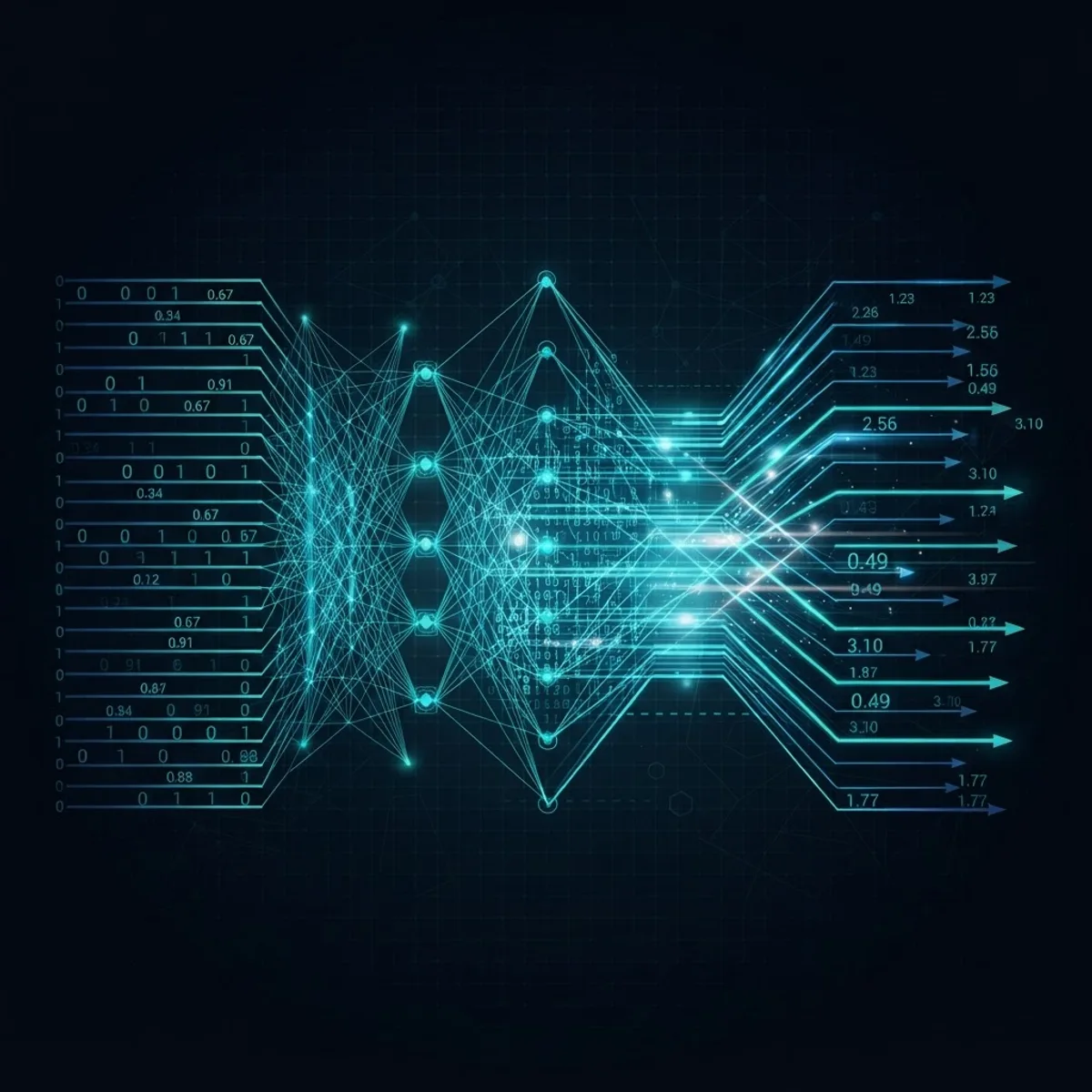
Consider normalizing a dataset. A beginner might loop through every value subtracting the mean and dividing by the standard deviation. With NumPy you write it as one expression: (data - data.mean()) / data.std(). This runs across the entire array in optimized C, and it reads like the math formula it represents.
Experienced AI engineers train themselves to "think in arrays." Whenever they see a loop over numbers, they ask whether it can be expressed as a whole-array operation. Mastering this habit is a genuine turning point in becoming productive with machine learning.
NumPy in the Real AI Data Pipeline
Before any model learns anything, raw data must be cleaned, scaled, reshaped, and split. NumPy handles this preprocessing stage constantly, often alongside pandas.
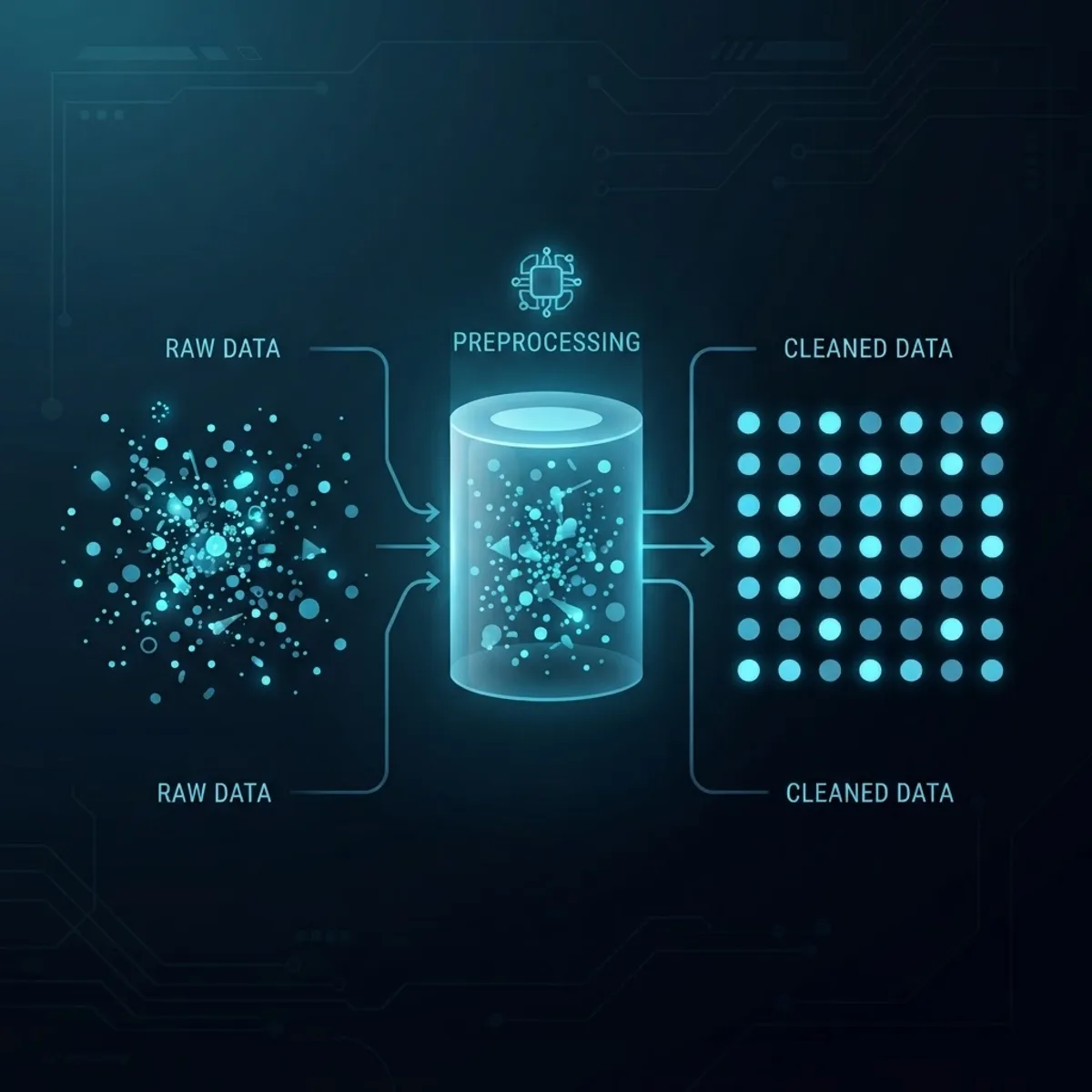
Typical NumPy tasks in a real AI workflow include:
- Reshaping data into the dimensions a model expects, using
np.reshape. - Normalizing and scaling features so no single variable dominates training.
- Handling missing values with masks and functions like
np.nan_to_num. - Splitting datasets into training and testing arrays via slicing and indexing.
- Generating synthetic data with
np.randomfor testing and augmentation.
According to widely cited industry surveys, data scientists spend a large majority of their time roughly 80 percent on data preparation rather than modeling. NumPy is the workhorse behind much of that unglamorous but essential effort. Businesses that need this done professionally often turn to WebPeak's artificial intelligence services.
Broadcasting: NumPy's Most Elegant Feature
Broadcasting lets NumPy perform operations on arrays of different shapes without manually duplicating data. It is one of the most powerful and initially confusing features for newcomers.

Definition: Broadcasting is the set of rules NumPy uses to stretch a smaller array across a larger one so they can be combined element-wise, without creating unnecessary copies in memory.
For example, adding a single bias value to every element of a large matrix, or applying per-column scaling to an entire dataset, both rely on broadcasting. In deep learning, adding a bias vector to a batch of activations is broadcasting in action. Understanding it prevents shape-mismatch errors that frustrate every beginner.
Getting Started With NP for AI: A Practical Path
You do not need to master all of NumPy before doing AI, but a focused core will carry you far. Here is a sensible learning order based on what actually matters day to day:
- Create arrays with
np.array,np.zeros,np.ones, andnp.arange. - Learn indexing, slicing, and boolean masking.
- Understand array shapes,
reshape, and axis-based operations. - Practice vectorized arithmetic and aggregation functions like
sum,mean, andmax. - Study broadcasting rules until shape combinations feel natural.
- Explore
np.randomfor data generation and reproducibility with seeds.

Once these feel comfortable, transitioning to scikit-learn, PyTorch, or TensorFlow becomes far smoother because those libraries mirror NumPy conventions. The investment compounds across your entire AI career.
Key Takeaways
- NP means NumPy, the Python library imported as
np, and it is the numerical foundation of Python-based AI. - The ndarray is AI's universal data container for images, text, audio, and tabular data.
- Vectorized NumPy operations can run 10 to 100 times faster than pure-Python loops, making large-scale training feasible.
- Frameworks like PyTorch and TensorFlow are built on NumPy concepts, so learning
nptransfers directly to deep learning. - Data scientists spend roughly 80 percent of their time on data preparation, much of it powered by NumPy.
- Broadcasting and vectorization are the two skills that most sharply distinguish confident AI engineers from beginners.
Frequently Asked Questions (FAQ)
What does np mean in artificial intelligence?
In artificial intelligence, np means NumPy, a Python library conventionally imported as np. It provides fast multidimensional arrays and mathematical operations used to store and process the numerical data that machine learning and deep learning models learn from.
Is NumPy required to build AI models?
Practically yes. Even when you use PyTorch, TensorFlow, or scikit-learn, those frameworks are built on NumPy concepts and often exchange data as NumPy arrays. Learning NumPy first makes every other AI library far easier to understand and use correctly.
Is NumPy the same as a tensor library?
Not exactly. NumPy arrays run on the CPU and lack automatic differentiation. Tensor libraries like PyTorch extend NumPy's ideas with GPU acceleration and gradient tracking. However, tensors behave so much like NumPy arrays that mastering np teaches you most tensor fundamentals.
Why is NumPy faster than regular Python?
NumPy stores data in compact, uniformly typed memory blocks and executes operations in pre-compiled C code rather than slow Python loops. This vectorized approach avoids per-element overhead, letting NumPy process large numerical datasets many times faster than standard Python lists.
How long does it take to learn NumPy for AI?
Most learners grasp the essential NumPy skills array creation, indexing, reshaping, vectorization, and broadcasting within one to two focused weeks. You do not need the entire library; mastering the core operations is enough to begin real machine learning work confidently.
Can I use NumPy for deep learning directly?
You can build small neural networks purely in NumPy for learning purposes, and doing so is an excellent educational exercise. For real projects, though, frameworks like PyTorch and TensorFlow add GPU support and autograd, which NumPy alone does not provide.