
A practical, expert guide to how artificial intelligence is transforming instructional design, from personalized learning paths to faster content authoring and smarter analytics.
Instructional Design Artificial Intelligence
Instructional design has always centered on one goal: helping people learn effectively. Artificial intelligence is now changing how quickly and how well that goal can be reached. From generating first-draft course outlines to personalizing learning paths for thousands of students at once, AI is reshaping the daily work of instructional designers, corporate trainers, and educators.
Yet the technology is often misunderstood. Some fear it will replace instructional designers; others expect it to do everything automatically. The truth sits in the middle. This guide, written from hands-on experience with modern learning teams, explains what AI in instructional design really means, where it delivers measurable value, and how to adopt it responsibly.
Quick Answer: Instructional design artificial intelligence means using AI tools to plan, create, personalize, and improve learning experiences. It automates repetitive work like drafting content and quizzes, adapts material to each learner, and analyzes performance data, helping designers build more effective courses faster while human expertise stays central.

What Is AI in Instructional Design?
Artificial intelligence in instructional design is the practice of applying machine learning, natural language processing, and generative AI to the process of creating and delivering educational content. Instead of building every slide, quiz, and scenario manually, designers use AI to accelerate research, drafting, media creation, and analysis while they focus on strategy, accuracy, and learner experience.
This shift matters because instructional design is time-intensive. Industry benchmarks from the training research community have long shown that a single hour of finished e-learning can take 40 to 200 hours to develop, depending on complexity. AI directly targets that production bottleneck without sacrificing the designer's control.
Key Definitions
- Instructional design: The systematic process of creating learning experiences that help people acquire knowledge and skills efficiently.
- Generative AI: Technology that produces new content, such as text, images, audio, or video, based on prompts and training data.
- Adaptive learning: A method where content difficulty and sequence automatically adjust to each learner's performance in real time.
Why Instructional Design Is Being Reshaped by AI
The demand for learning content is outpacing the capacity of teams to produce it. According to LinkedIn's Workplace Learning Report, most L&D professionals say they are being asked to do more with fewer resources, while the skills employees need are changing faster than ever. AI closes that gap by removing repetitive production work and freeing designers for higher-value thinking.
There is also a quality dimension. Educational psychologist Benjamin Bloom's well-known "2 sigma problem" found that one-to-one tutoring can raise learner performance dramatically compared with conventional classroom teaching. Historically, delivering that level of personalization at scale was impossible. AI-driven adaptive systems make it economically realistic for the first time, which is why forward-looking organizations are investing in it now.
How AI Supports Each Phase of the ADDIE Model
Most instructional designers work within a framework, and the most widely used is ADDIE: Analysis, Design, Development, Implementation, and Evaluation. AI adds concrete value at every stage rather than replacing the process.
- Analysis: AI summarizes surveys, interviews, and job-task data to identify skill gaps and learning objectives faster.
- Design: It suggests outlines, objectives aligned to Bloom's taxonomy, and storyboards you can refine.
- Development: Generative tools draft scripts, quiz questions, scenarios, images, and even voice-over narration.
- Implementation: Chatbots and virtual tutors answer learner questions instantly, reducing support load.
- Evaluation: Machine learning analyzes assessment data to reveal which content works and which needs revision.

Practical Ways AI Improves Instructional Design
1. Personalized Learning Paths
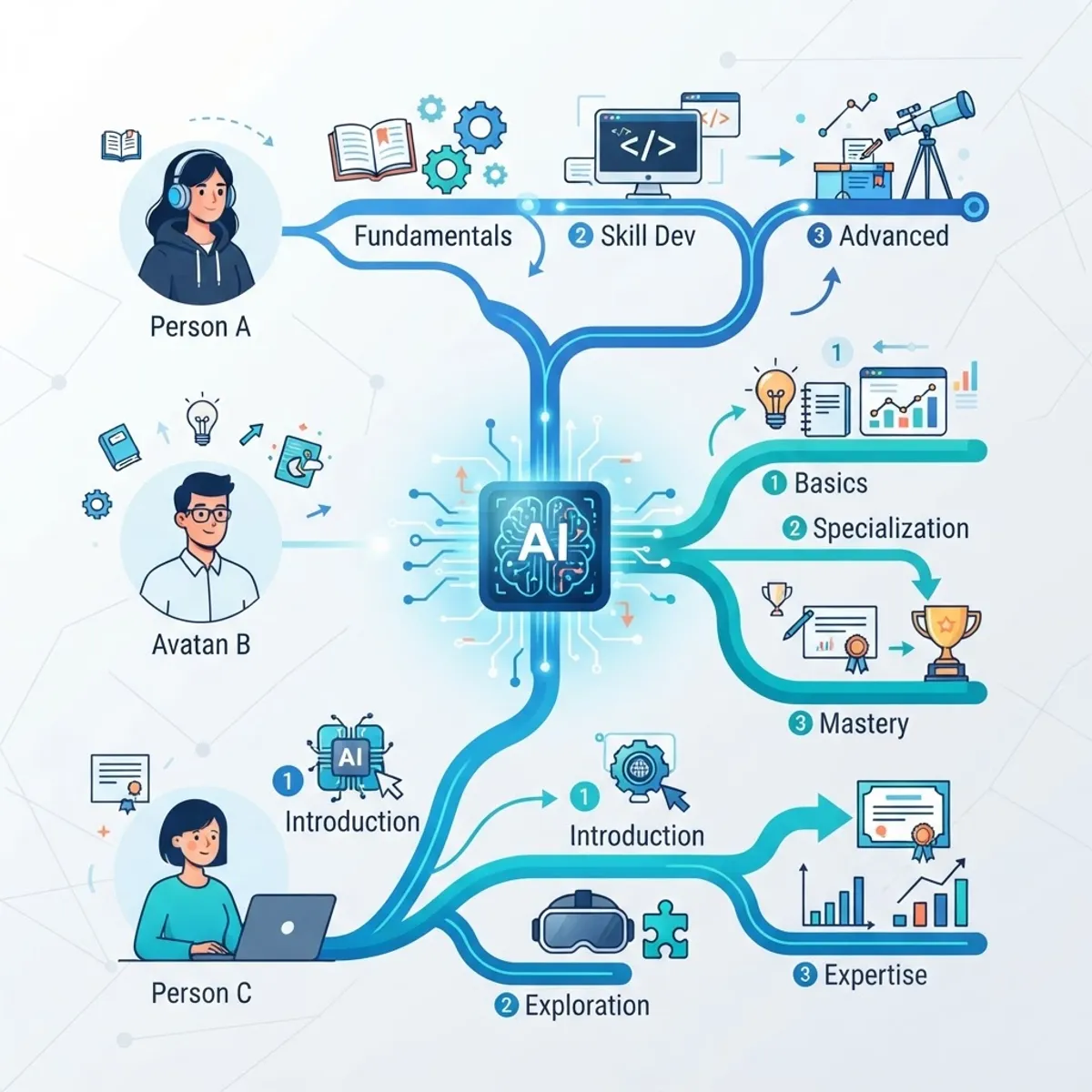
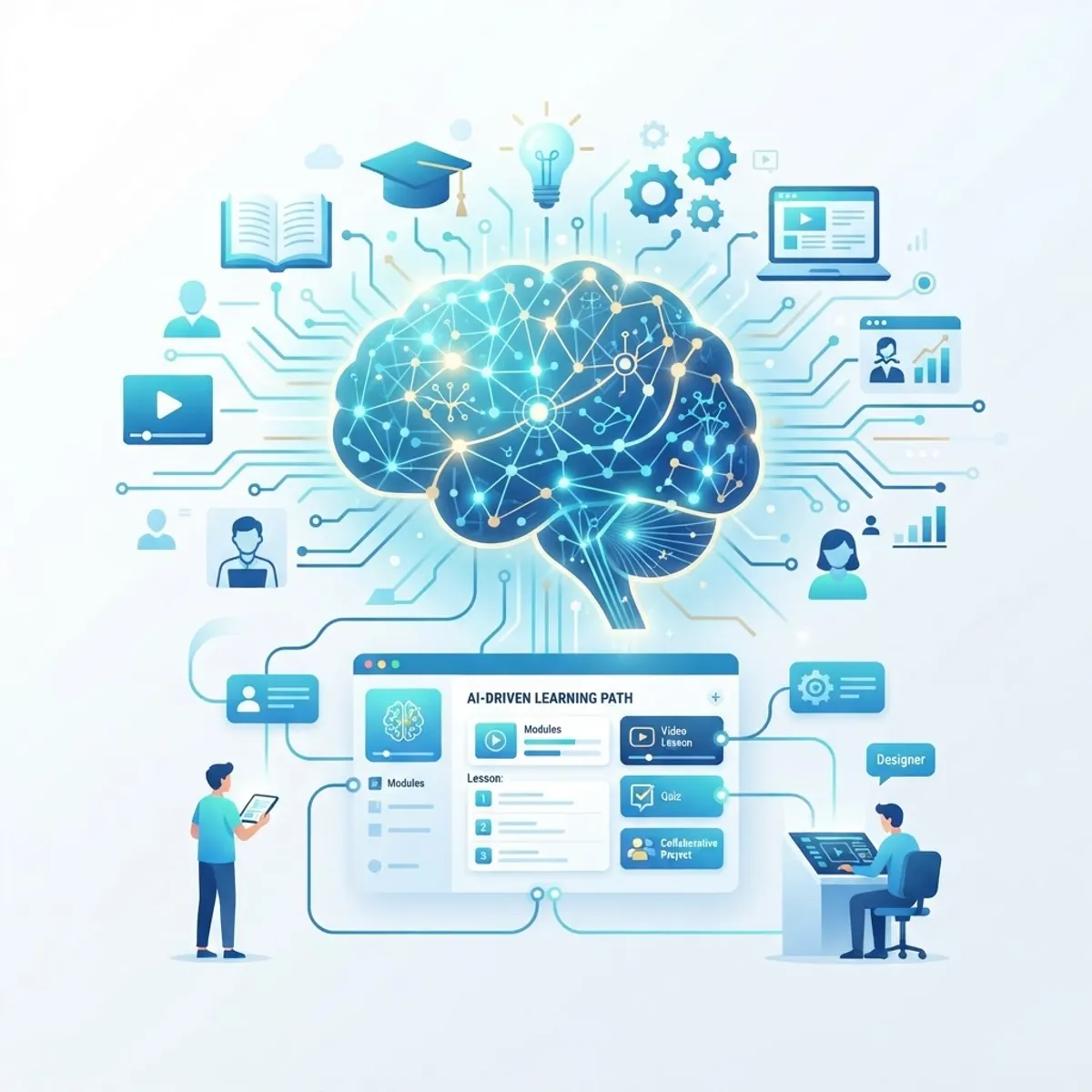
AI can route each learner through content based on prior knowledge, pace, and goals. A beginner and an expert taking the same course no longer sit through identical material. The system recommends what each person actually needs, improving completion rates and retention while reducing wasted time.
2. Faster Content Authoring
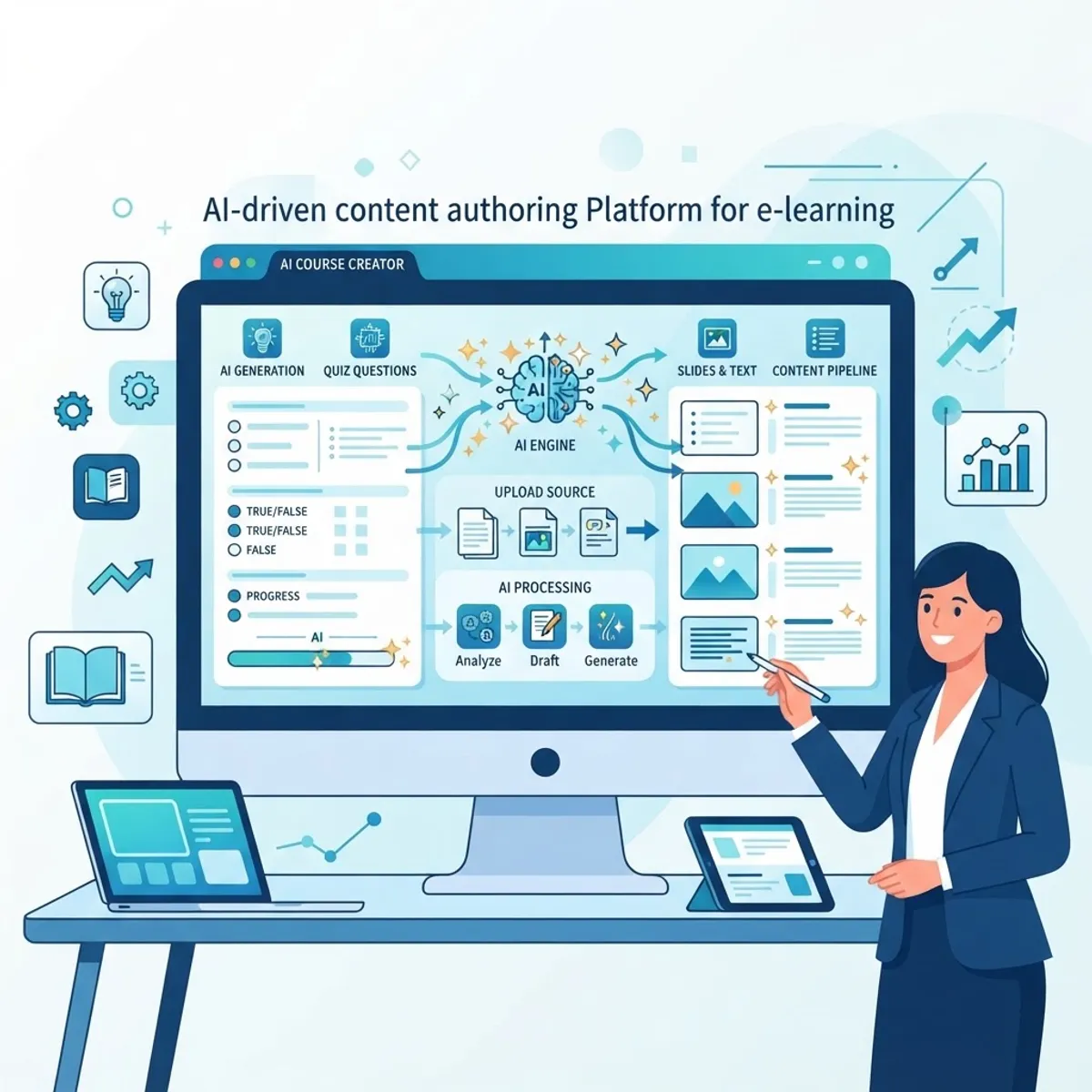
Generative AI produces first drafts of lesson text, summaries, quiz banks, and case studies in minutes. Designers then edit for accuracy and tone. This is where teams see the biggest time savings, often cutting development hours substantially. Organizations that need help building these systems can rely on specialized providers such as ZoneTechify's artificial intelligence services for end-to-end implementation.
3. Smarter Assessment and Feedback
AI can generate varied question types, detect misconceptions from wrong answers, and deliver instant, specific feedback instead of a generic "incorrect." This keeps learners engaged and shortens the loop between practice and mastery, which is one of the strongest predictors of durable learning.
4. Data-Driven Analytics
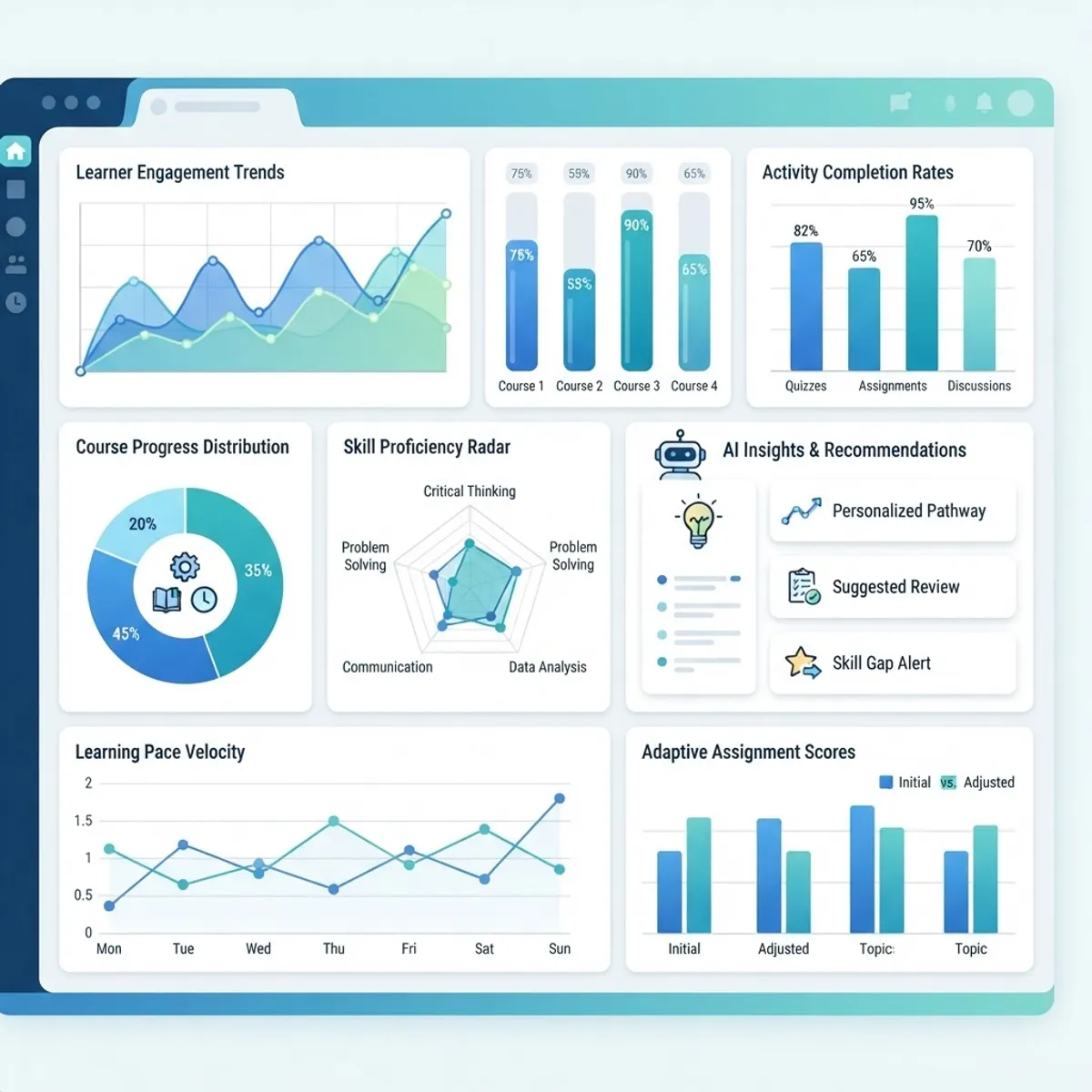
Learning analytics powered by AI reveal patterns humans miss: where learners drop off, which questions are too hard, and how engagement shifts over time. These insights turn course revision from guesswork into evidence-based improvement, making every future iteration measurably stronger.
Traditional vs AI-Assisted Instructional Design
| Factor | Traditional Design | AI-Assisted Design |
|---|---|---|
| Content drafting speed | Slow, fully manual | Fast, AI-generated drafts |
| Personalization | Limited, one path for all | Adaptive per learner |
| Assessment feedback | Often generic and delayed | Instant and specific |
| Data analysis | Manual, time-consuming | Automated and real-time |
| Scalability | Constrained by team size | Scales to large audiences |
| Human role | Creates everything | Guides, edits, and validates |
The table makes the pattern clear: AI does not remove the instructional designer. It removes the repetitive work so the designer can focus on judgment, accuracy, and learner outcomes, which are the parts machines cannot own.
How to Start Using AI in Your Instructional Design Workflow
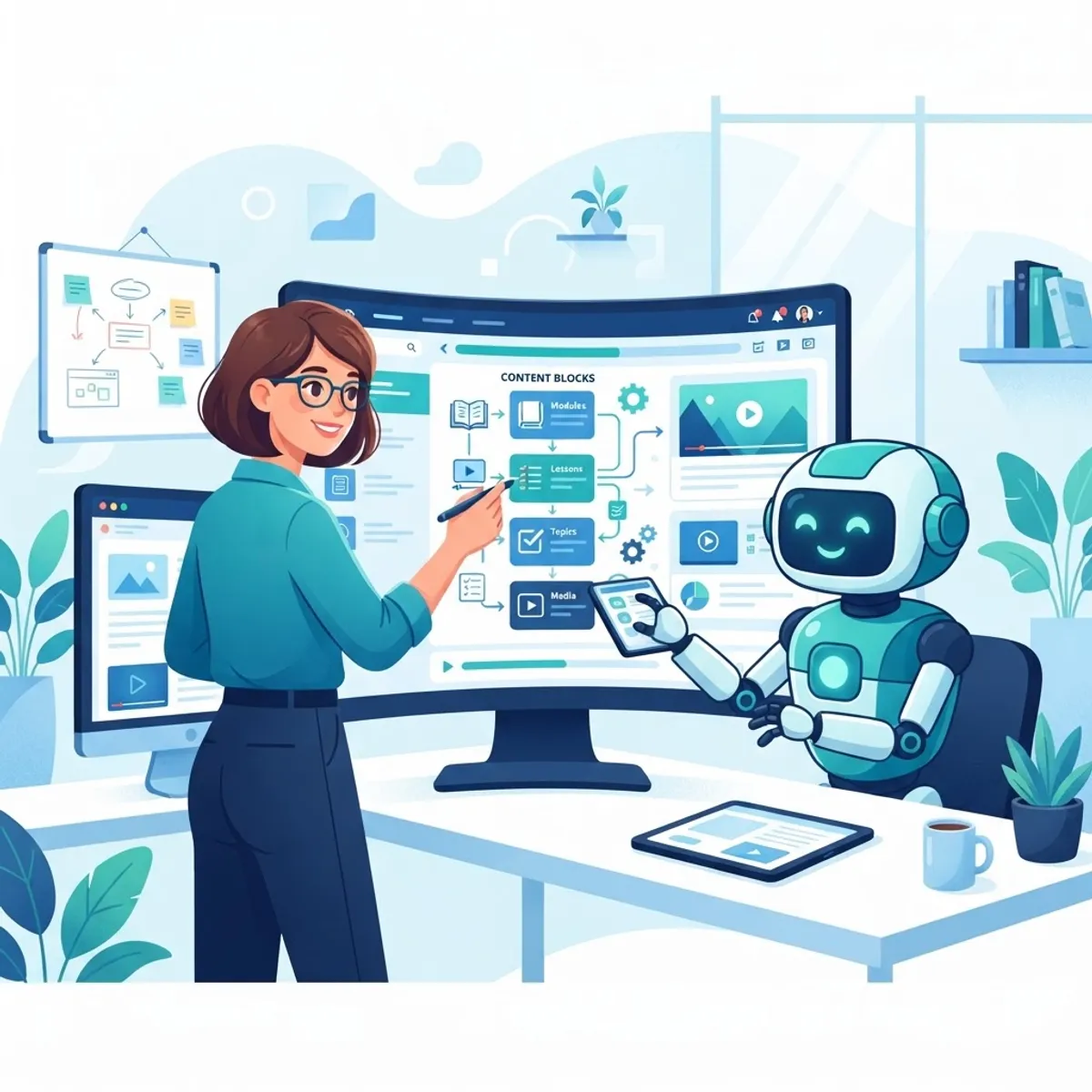
You do not need to overhaul everything at once. Follow these steps to adopt AI safely and see results quickly:
- Pick one repetitive task. Start with quiz generation or first-draft outlines where mistakes are low-risk.
- Choose the right tools. Test a generative writing assistant and an authoring tool with built-in AI features.
- Create prompt templates. Save reusable prompts that include your audience, tone, and learning objectives for consistent output.
- Always review output. Treat AI drafts as a starting point; verify facts, remove bias, and align with your standards.
- Measure results. Track development time saved and learner outcomes to prove value before scaling further.
Teams that want a guided rollout often partner with experts. Agencies like WebPeak and its artificial intelligence services help organizations integrate AI into learning workflows without sacrificing instructional quality.
Limitations and Ethical Considerations
AI is powerful but not infallible. Generative models can produce confident yet incorrect information, known as "hallucinations," so every output needs human review. Bias in training data can seep into examples and scenarios, a serious concern in education. Accessibility, data privacy, and transparency about AI-generated content are non-negotiable. The instructional designer remains the accountable expert; AI is a tool, not a replacement for pedagogical judgment or ethical responsibility.
Key Takeaways
- AI in instructional design automates drafting, personalization, and analysis while keeping humans firmly in control.
- A single hour of e-learning can take 40 to 200 hours to build; AI directly reduces that production load.
- Bloom's research shows personalized learning dramatically outperforms one-size-fits-all, and AI finally makes it scalable.
- AI adds value across every ADDIE phase, from analysis through evaluation.
- Human review is essential to catch hallucinations, bias, and accuracy issues before content reaches learners.
Frequently Asked Questions (FAQ)
Will AI replace instructional designers?
No. AI automates repetitive production tasks like drafting and quiz creation, but it cannot replace human judgment about learning strategy, accuracy, empathy, and pedagogy. Instructional designers who use AI become more productive and valuable, shifting their time toward high-level design decisions rather than manual content creation.
What AI tools are best for instructional design?
The best setups combine generative writing assistants, AI-enabled authoring platforms, and learning analytics dashboards. Popular options include large language model assistants for drafting, rapid authoring tools with built-in AI, and adaptive learning platforms. Choose based on your existing workflow, budget, and the specific tasks you want to automate first.
How does AI personalize learning?
AI personalizes learning by analyzing each learner's performance, pace, and prior knowledge, then adjusting content difficulty and sequence in real time. Instead of everyone following one fixed path, the system recommends the next best lesson or activity for each individual, improving engagement, completion rates, and long-term knowledge retention.
Is AI-generated learning content accurate?
Not automatically. AI can produce fluent but factually wrong content, so human review is essential. Instructional designers must verify facts, check for bias, ensure accessibility, and align output with learning objectives. Used as a first-draft tool rather than a final authority, AI is both efficient and dependable enough for real courses.
How do I start using AI in instructional design?
Start small by automating one low-risk task, such as generating quiz questions or course outlines. Choose a reliable AI tool, build reusable prompt templates with your audience and objectives, review every output carefully, and measure the time saved. Expand gradually once you have proven results and built team confidence.
Final Thoughts
Artificial intelligence is not the end of instructional design; it is its next evolution. The designers who thrive will treat AI as a collaborator that handles the heavy lifting while they focus on strategy, creativity, and learner success. Start with one task, keep humans in the loop, and let data guide your improvements. To explore more practical guides on AI and digital growth, visit ZoneTechify.