
A practical, expert guide to reducing your blog bounce rate with proven tactics for speed, content quality, UX, and internal linking that keep readers engaged.
How to Reduce Blog Bounce Rate

A high bounce rate is one of the clearest signals that your blog is losing readers before it ever earns their trust. After auditing hundreds of content pages, the pattern is almost always the same: visitors arrive, feel friction within seconds, and leave. The good news is that bounce rate is fixable. It responds directly to the choices you make about speed, structure, relevance, and reader experience. This guide walks through exactly what works, based on real optimization work rather than recycled theory.
We will define the metric properly, show you what a healthy benchmark looks like, and give you a prioritized action plan you can apply this week. If you want strategic help, the team at ZoneTechify and WebPeak work on these exact problems daily.
Quick Answer: To reduce blog bounce rate, speed up page load to under three seconds, match content to search intent, improve readability with short paragraphs and clear headings, add relevant internal links, and ensure a clean mobile experience. These five fixes keep visitors engaged and exploring.
What Is Blog Bounce Rate?
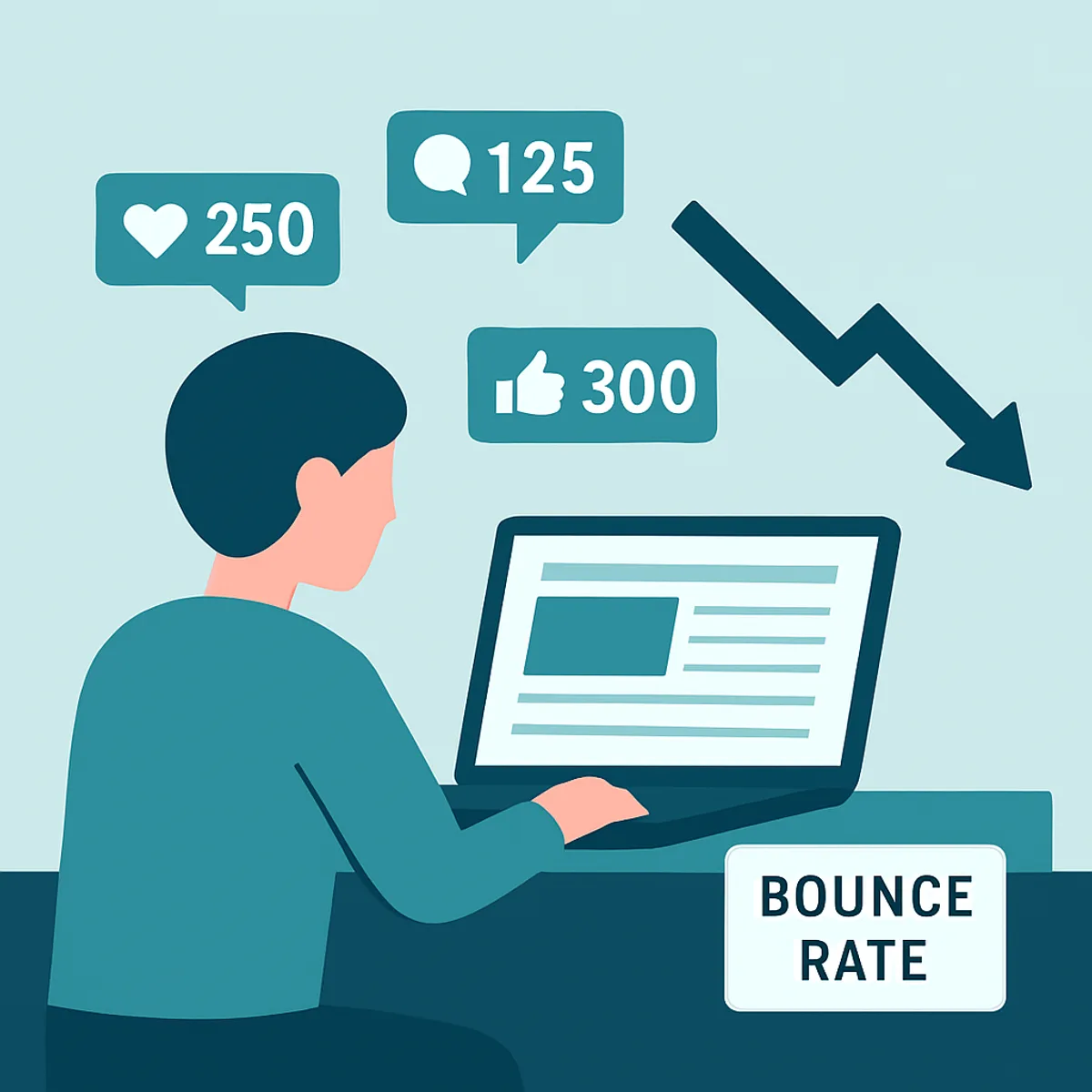
Bounce rate is the percentage of visitors who land on a page and leave without triggering a second interaction, such as visiting another page or completing an event. In the older Universal Analytics model, a bounce was a single-page session. In Google Analytics 4 (GA4), the concept shifted to engagement rate, where a session is "engaged" if it lasts longer than 10 seconds, includes a conversion, or has two or more page views. Bounce rate in GA4 is simply the inverse of engagement rate.
Understanding this distinction matters because a high bounce is not always bad. A reader who finds a complete answer to a quick question may leave satisfied. The problem is when readers leave unsatisfied and return to search results, which signals to Google that your page did not meet their need.
Why Bounce Rate Matters for SEO and Revenue
Bounce rate is a behavioral signal that reflects content quality and user experience. According to Google research, 53% of mobile site visits are abandoned if a page takes longer than three seconds to load. That single statistic explains why so many blogs bleed traffic before content even renders. Slow pages do not get a chance to engage anyone.
There is also a revenue angle. The longer a reader stays, the more opportunities you have to build authority, capture an email, or guide them toward a service. Studies of content marketing consistently show that businesses publishing helpful, well-structured blogs generate significantly more leads than those that do not, and engagement time is a core driver of that outcome. Lower bounce rate usually correlates with higher pages per session and stronger conversions.
What Is a Good Blog Bounce Rate?
Benchmarks vary by industry and traffic source, but the table below reflects typical ranges observed across content-driven websites.
| Bounce Rate Range | Interpretation | Typical Scenario |
|---|---|---|
| 26% to 40% | Excellent | Strong UX, highly relevant content |
| 41% to 55% | Average | Most blogs and content sites |
| 56% to 70% | Higher than ideal | Needs UX or relevance fixes |
| Above 70% | Concerning | Speed, intent, or design problems |
Blogs naturally sit a little higher than e-commerce or service pages because many visitors arrive for a single answer. Aim for steady improvement against your own baseline rather than chasing a universal number.
How to Reduce Blog Bounce Rate: 7 Proven Tactics
1. Improve Page Load Speed

Speed is the highest-leverage fix available. Compress images to modern formats like WebP, enable browser caching, minify CSS and JavaScript, and use a content delivery network. Run your page through Google PageSpeed Insights and prioritize Core Web Vitals, especially Largest Contentful Paint. In our experience, cutting load time from five seconds to two can drop bounce rate by double digits on its own because visitors no longer abandon before the first paragraph appears.
2. Match Content to Search Intent
Misaligned intent is the silent bounce killer. If someone searches "how to reduce blog bounce rate" and lands on a sales pitch, they leave instantly. Read the query, deliver the answer fast, and structure the page so the core response appears above the fold. Every section should map to a real question the reader is asking. When the content delivers exactly what the headline promised, readers stay and scroll.
3. Make Content Scannable and Readable

Dense walls of text repel readers. Use short paragraphs of two to three sentences, descriptive H2 and H3 headings, bullet points, and bold text for key ideas. Keep sentences direct. A clean layout signals that the answer is easy to find, which lowers the psychological cost of staying. Strong content structure is also why professional content writing consistently outperforms quickly drafted posts on engagement metrics.
4. Add Strategic Internal Links

Internal linking is the practice of connecting one page on your site to another relevant page. Well-placed links give readers a logical next step, which increases pages per session and directly reduces bounce. Link to related guides, deeper explainers, and relevant service pages using descriptive anchor text. The key is relevance: a link only helps when it genuinely extends the reader's journey. Place two to four contextual links inside the body, not just in the footer.
5. Optimize for Mobile

With mobile accounting for the majority of web traffic, a poor mobile experience guarantees high bounce. Use responsive design, legible font sizes of at least 16px, tappable buttons, and adequate spacing. Avoid intrusive pop-ups that cover content, since Google penalizes them and readers hate them. Test your blog on real devices, not just a desktop preview, because subtle layout breaks are invisible otherwise.
6. Strengthen Your Introduction and Visual Hook
The first 100 words decide whether a reader commits. Open with the answer or a clear promise of value, not a long wind-up. Add a relevant image, a quick-answer box, or a short summary so the reader immediately sees they are in the right place. A confident, specific opening reassures visitors that the rest of the page is worth their time.
7. Use Analytics to Find and Fix Weak Pages

You cannot fix what you do not measure. In GA4, review engagement rate, average engagement time, and exit behavior page by page. Identify the posts with the highest traffic and the worst engagement, then apply the tactics above to those first. This 80/20 approach delivers the fastest gains. Pair behavioral data with heatmaps to see exactly where readers stall or rage-click. Ongoing digital marketing support can turn this analysis into a repeatable optimization loop.
Common Mistakes That Increase Bounce Rate
- Auto-playing video or audio that startles and annoys visitors.
- Aggressive pop-ups that appear before readers see any value.
- Clickbait titles that overpromise and create instant disappointment.
- Cluttered ad placement that buries the actual content.
- Broken links and slow images that erode trust within seconds.
Avoiding these is often easier and faster than adding new features, and the impact on retention is immediate.
Key Takeaways
- Bounce rate measures visitors who leave without a second interaction; GA4 reframes this as engagement rate.
- Google reports that 53% of mobile visits are abandoned after a three-second load delay, making speed the top priority.
- A bounce rate of 41% to 55% is average for blogs; 26% to 40% is excellent.
- The five fastest wins are speed, intent matching, readability, internal linking, and mobile optimization.
- Use GA4 and heatmaps to target your highest-traffic, lowest-engagement pages first for the biggest return.
Frequently Asked Questions (FAQ)
What is a good bounce rate for a blog?
For most blogs, a bounce rate between 41% and 55% is considered average and healthy. Anything in the 26% to 40% range is excellent and reflects strong relevance and user experience. Rates above 70% usually point to speed, intent, or design problems that need attention.
Does bounce rate affect Google rankings?
Google has said bounce rate is not a direct ranking factor, but it correlates strongly with signals that matter. High bounce often means poor content relevance, slow speed, or weak user experience, all of which influence rankings indirectly. Improving engagement typically improves search performance over time.
How can I reduce bounce rate quickly?
The fastest win is improving page load speed, since 53% of mobile users leave after three seconds. Compress images, enable caching, and minify code. Next, strengthen your introduction so readers instantly see value, and add relevant internal links that give them a clear next step.
Why is my blog bounce rate so high?
Common causes include slow loading pages, content that does not match search intent, poor mobile experience, intrusive pop-ups, and hard-to-read formatting. Audit your highest-traffic pages first, check load speed and readability, then confirm the content actually answers the query that brought visitors there.
Is a high bounce rate always bad?
Not always. If a visitor lands on a page, finds a complete answer quickly, and leaves satisfied, that bounce is acceptable. The real concern is when readers leave unsatisfied and return to search results, which signals your page failed to meet their needs and should be improved.
Final Thoughts
Reducing blog bounce rate is not about gaming a metric; it is about respecting your reader's time. When pages load fast, answer the real question, and read effortlessly, people naturally stay longer and explore more. Start with the highest-traffic posts, apply the seven tactics above, and measure the change in GA4. For hands-on help building content and websites that hold attention, explore ZoneTechify and WebPeak.