Computer programs are also known as software, applications, code, or executables. This guide explains every term, how programs work, and the key differences.
Computer Programs Are Also Known As
Ask a roomful of people what they call the thing that makes their laptop, phone, or smartwatch do something useful, and you will get a dozen different answers. The terminology around computing can feel slippery, especially for students, new developers, and curious professionals trying to speak about technology accurately. The short version is this: a computer program is most commonly known as software, but it also goes by several other correct names depending on context. In this guide, we break down every term, explain why each one exists, and show exactly how the pieces fit together so you never confuse them again.
Quick Answer: Computer programs are also known as software, applications (apps), code, scripts, or executables. The most widely used synonym is "software." Each term describes the same core idea: a set of written instructions that tells a computer precisely what tasks to perform and how to perform them.
What Is a Computer Program?
A computer program is a set of precise, step-by-step instructions, written in a programming language, that tells a computer how to complete a specific task. Think of it as a recipe: the ingredients are the data, and the steps are the logic the machine follows in exact order. Without programs, hardware is just inert metal and silicon with no purpose.
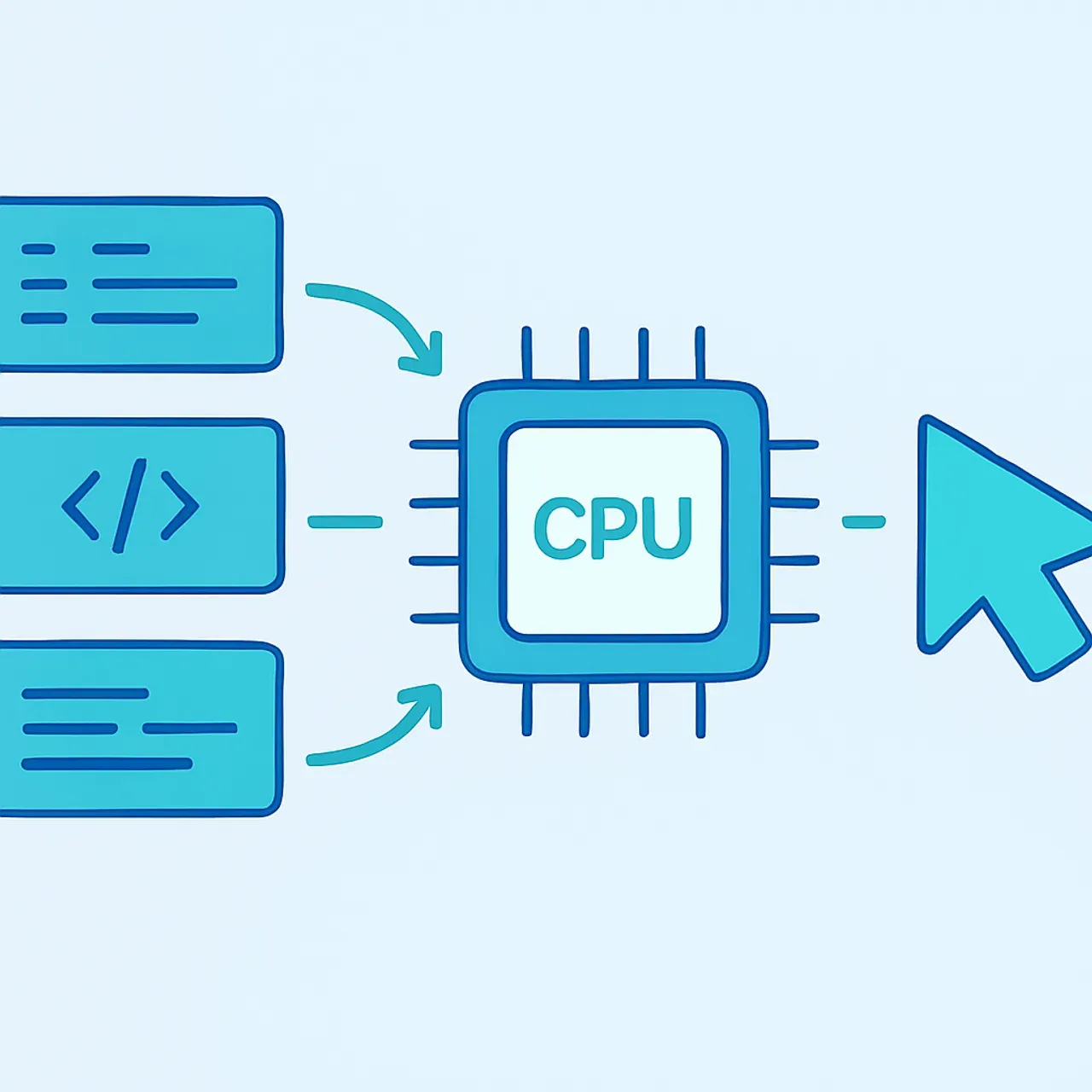
Every program shares three traits: it has a defined input, it processes that input through logic, and it produces an output. When you tap a calculator app, your numbers are the input, the arithmetic logic is the processing, and the result on screen is the output. This input-process-output model holds true whether the program is a tiny script or a global platform like a banking system.
Computer Programs Are Also Known As: The Common Terms
The reason a computer program has so many names is that different industries, eras, and technical layers emphasize different aspects of the same thing. Below are the terms you will encounter most often, with clear definitions for each.
Software
Software is the broadest and most common synonym for computer programs. It refers to the collection of programs, data, and instructions that operate a computer, as opposed to hardware, the physical components. When someone says "install the software," they almost always mean a program or group of programs working together.
Applications (Apps)
An application, or app, is a program designed for end users to accomplish a particular goal, such as editing photos, sending messages, or tracking fitness. The word "app" became mainstream with smartphones, but it has always described user-facing programs. All apps are programs, though not every program is an app.
Code or Source Code
Code refers to the human-readable instructions a programmer writes. Before it runs, this source code is translated into a form the computer can execute. Developers often say "the code" when discussing the program in its written, editable state rather than its finished, running state.
Scripts, Routines, and Executables
A script is a smaller program, often used to automate repetitive tasks. A routine (or subroutine) is a reusable block of instructions inside a larger program. An executable is the compiled, ready-to-run version of a program, the file you double-click to launch. Each term simply describes a program at a different stage or scale.
Software vs Program vs Application: A Clear Comparison
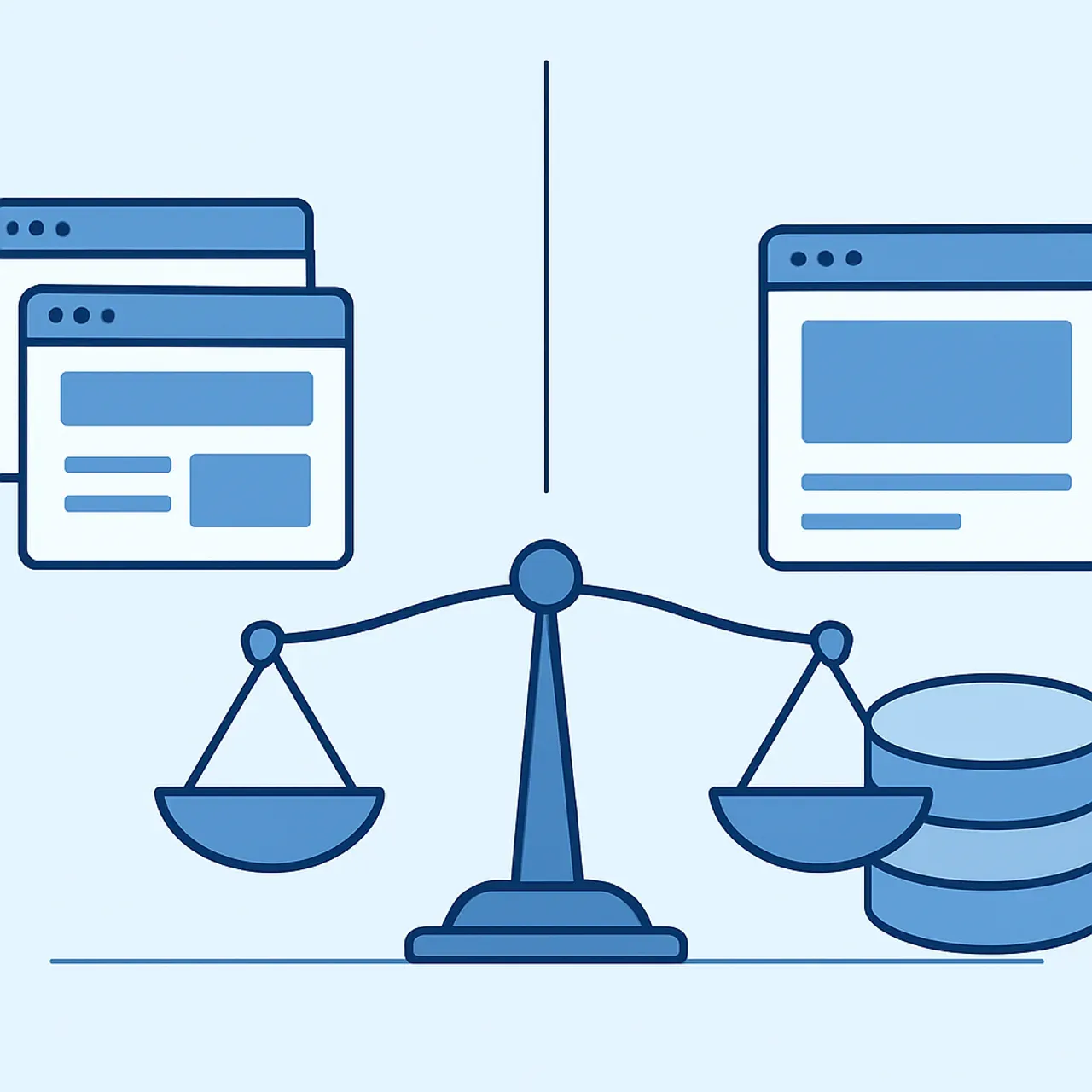
People use these words interchangeably, but precise communication matters in technical work. The table below clarifies how they relate.
| Term | What It Means | Scope | Everyday Example |
|---|---|---|---|
| Software | All programs and data on a system | Broadest | Everything installed on your PC |
| Program | One set of instructions for a task | Medium | A photo editor |
| Application | A user-facing program | Subset of programs | A messaging app |
| Script | A small automation program | Narrow | A backup script |
| Executable | Compiled, runnable program file | Specific file | A .exe installer |
As a rule of thumb: software is the umbrella, programs and applications sit underneath it, and scripts and executables describe specific forms. If you need custom programs built for a real business goal, professional teams such as those at ZoneTechify turn these concepts into working products every day.
Types of Computer Programs
Not all programs serve the same purpose. Understanding the main categories helps you place any new tool you encounter into a clear mental map.
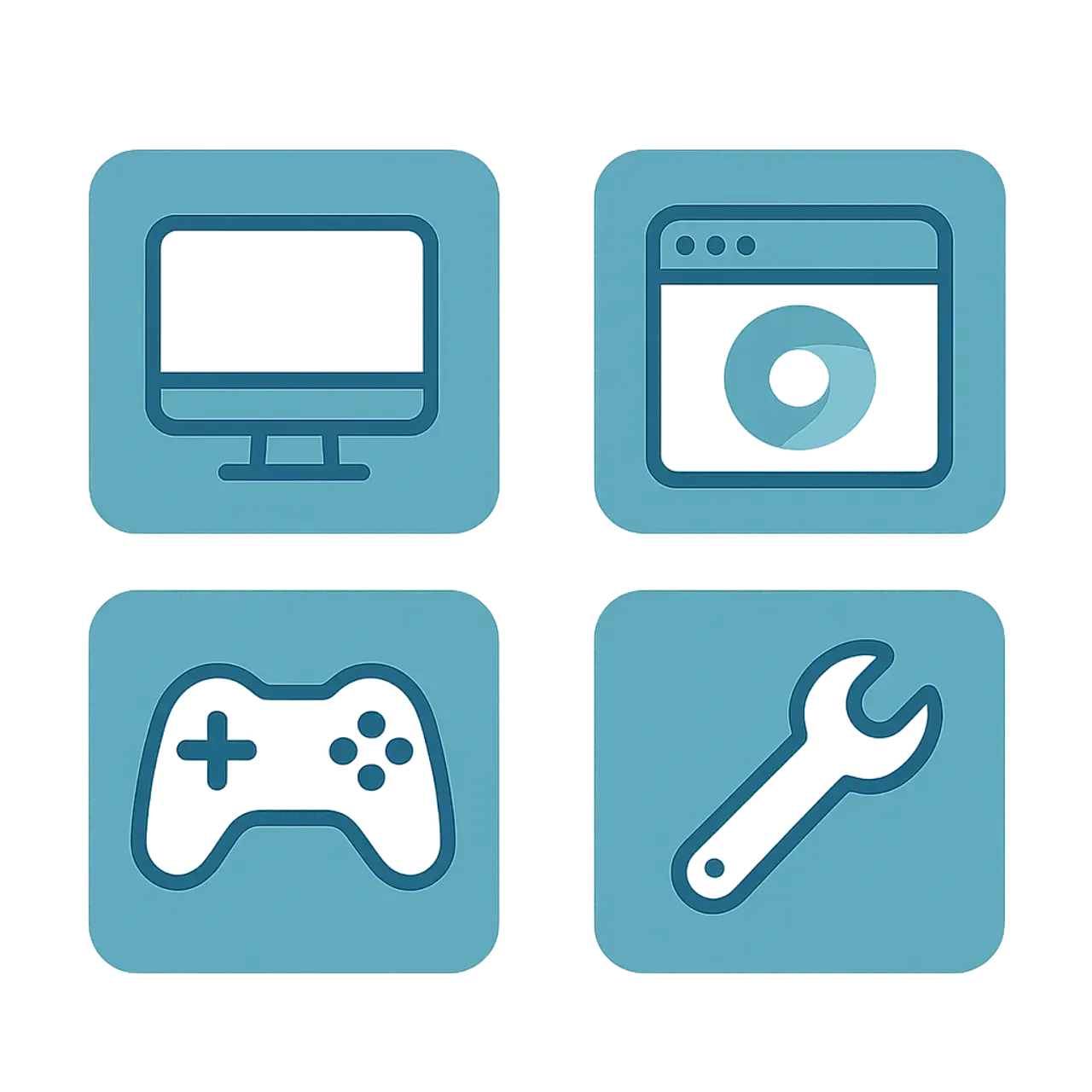
- System software manages the computer itself. The most important example is the operating system (Windows, macOS, Linux, Android), which coordinates hardware and runs other programs.
- Application software helps users perform specific tasks, such as word processors, browsers, and games.
- Utility programs maintain and optimize the system, including antivirus tools, disk cleaners, and backup managers.
- Programming software gives developers the tools to write new programs, such as code editors, compilers, and debuggers.
- Embedded programs run inside devices like microwaves, cars, and smart thermostats, often invisible to the user.
This classification is widely taught in computer science because it maps cleanly onto how real systems are organized, from the kernel up to the apps you tap.
How Computer Programs Actually Work
A program written by a human cannot run directly on a processor. The processor only understands machine code, a stream of binary ones and zeros. So the journey from idea to execution involves several stages.
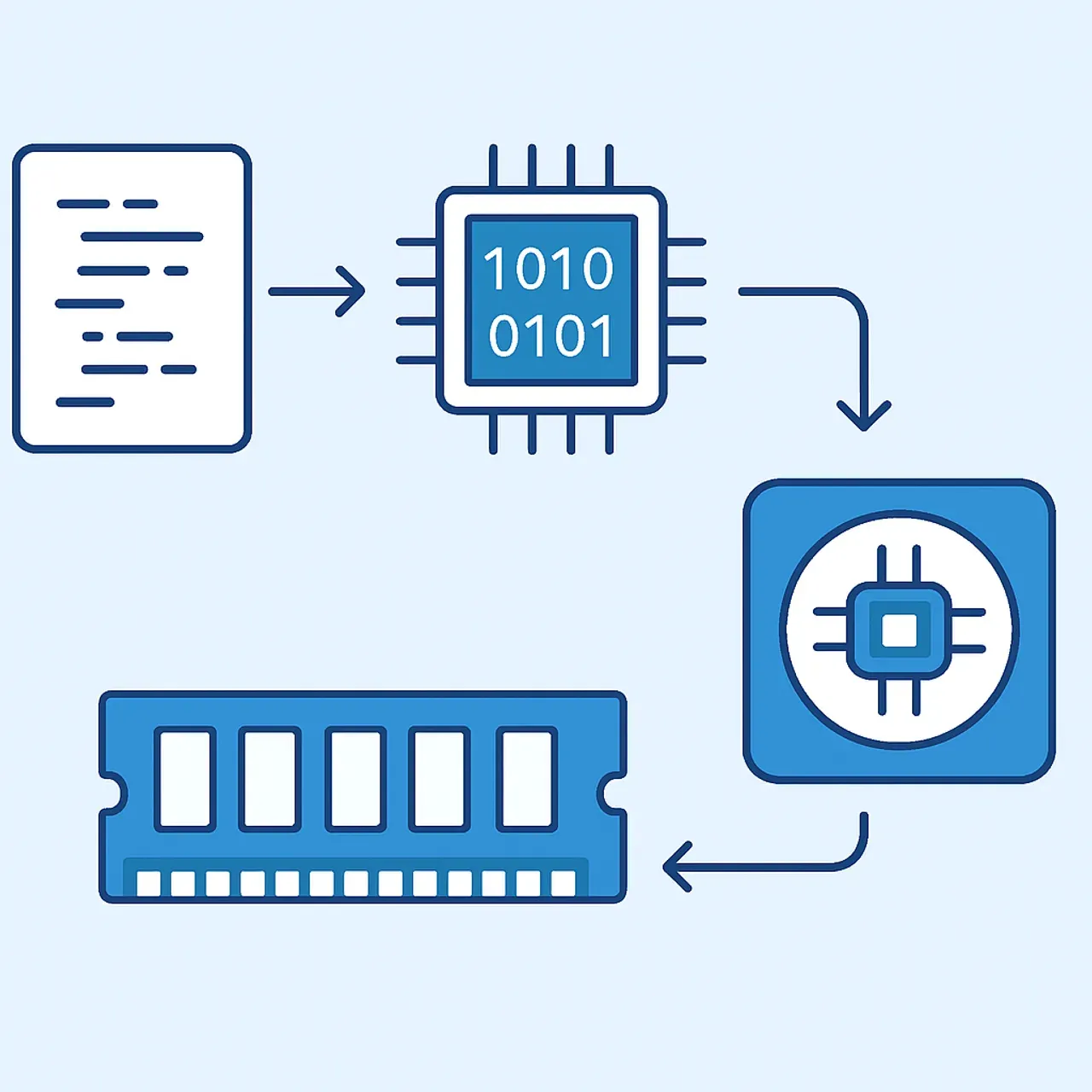
First, a developer writes source code in a language like Python or JavaScript. Next, a compiler or interpreter translates that code into machine instructions, either ahead of time or line by line as it runs. The translated program is then loaded into the computer's memory (RAM), where the CPU fetches and executes each instruction in sequence, billions of times per second.
According to industry benchmarks, a modern consumer processor can execute several billion instructions per second, which is why programs that took minutes decades ago now feel instant. This speed is also why small inefficiencies in code can scale into noticeable slowdowns when millions of users are involved, a key reason performance engineering is a profession of its own.
Programming Languages: How Programs Are Written
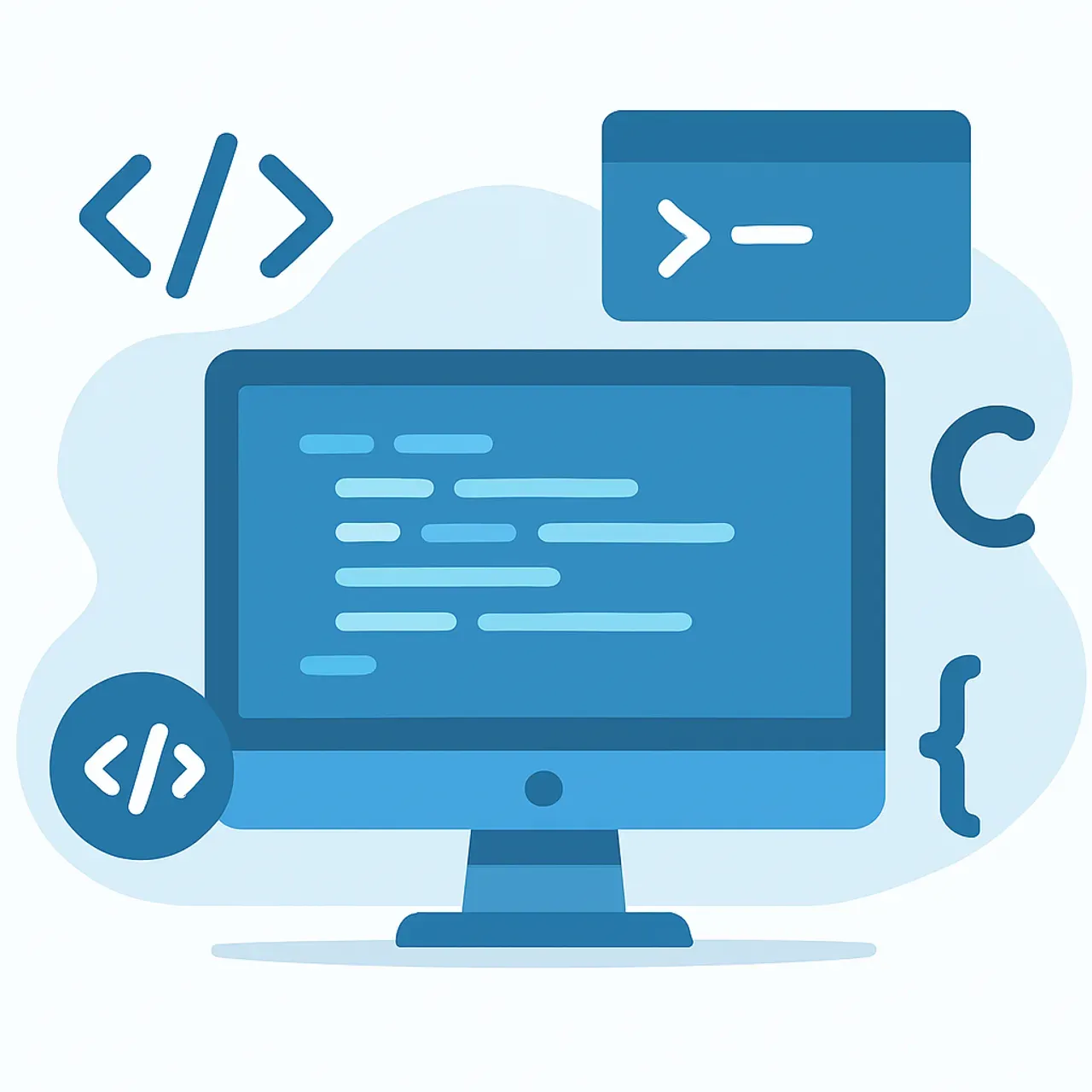
Programs are written in programming languages, formal systems of syntax and rules that humans use to express logic clearly. There are hundreds of languages, each suited to particular jobs.
- Python is prized for readability and dominates data science and automation.
- JavaScript powers interactive websites and runs in every browser.
- Java and C# drive large enterprise and Android applications.
- C and C++ offer low-level control for operating systems and games.
- SQL is a specialized language for managing databases.
According to Stack Overflow's long-running Developer Survey, JavaScript has ranked as one of the most commonly used languages for over a decade, largely because the web is built on it. Choosing the right language is less about popularity and more about matching the tool to the problem, a decision experienced teams make based on performance, ecosystem, and maintainability.
Real-World Examples of Application Software
To make these terms concrete, consider the application software you likely use without a second thought. Each is a computer program, and each could equally be called software or an app.

- A web browser like Chrome or Firefox renders websites and runs web apps.
- A word processor like Microsoft Word or Google Docs handles documents.
- A media player plays audio and video files.
- A spreadsheet like Excel performs calculations and data analysis.
- A messaging app like WhatsApp or Slack handles real-time communication.
These examples prove the point of this article: the same product can be accurately described with several names. The label you choose simply signals which aspect, the user task, the underlying code, or the broader category, you want to emphasize. For businesses that rely on these tools daily, resources like WebPeak help bridge the gap between technical capability and practical results.
The Future of Computer Programs
The definition of a computer program is steadily expanding. For most of computing history, humans wrote every line of code by hand. Today, AI-assisted tools generate, complete, and review code, changing how programs are created.
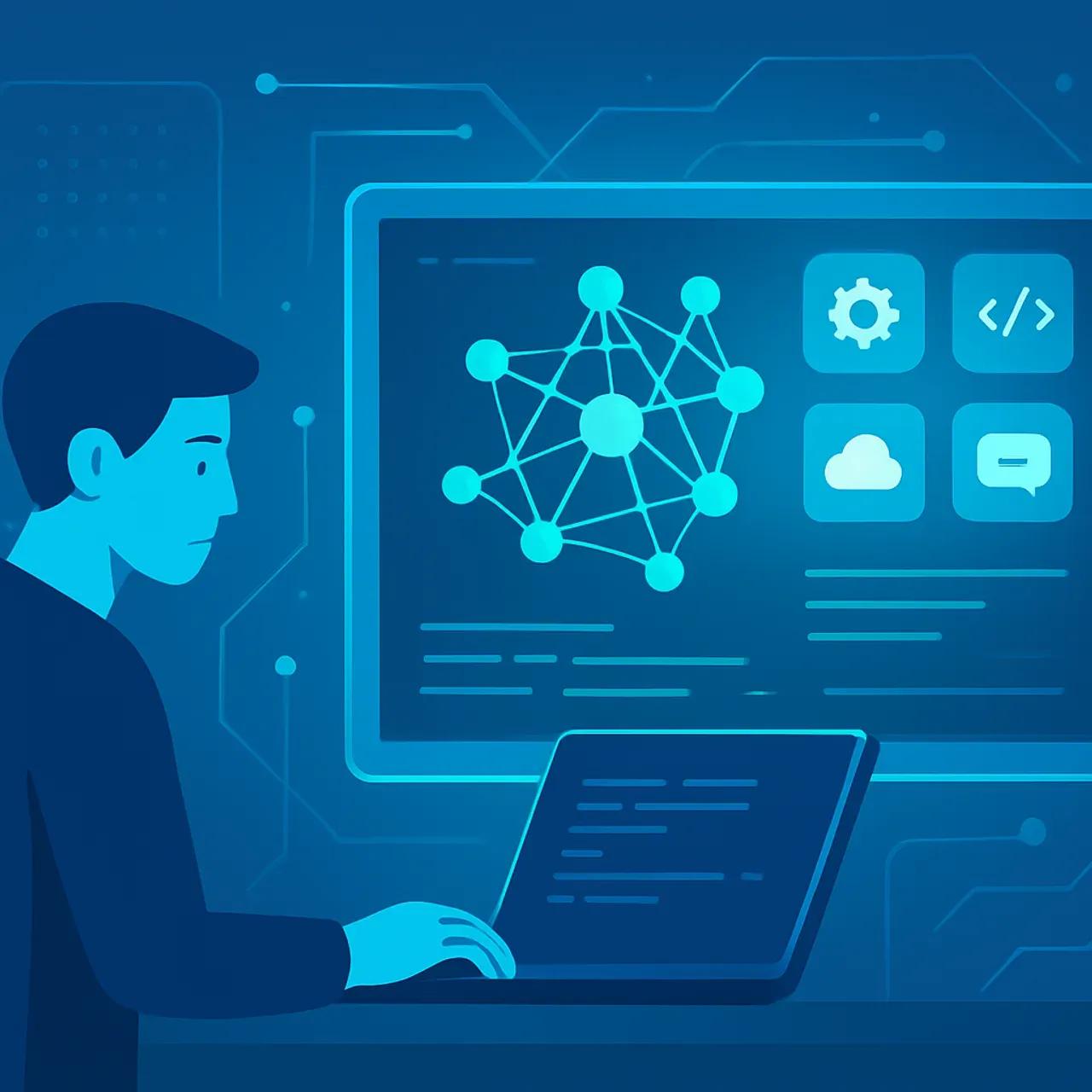
GitHub has reported that developers using AI pair-programming tools can complete certain coding tasks significantly faster, with some studies citing productivity gains of over 50 percent on isolated tasks. This does not mean programs will write themselves entirely; rather, the human role is shifting toward design, review, and judgment, while machines handle repetitive scaffolding. The core definition, a set of instructions that tells a computer what to do, remains unchanged. What is changing is who, or what, writes those instructions, and how quickly modern web development teams can ship reliable software.
Key Takeaways
- A computer program is most commonly known as software, and also called an application, code, script, or executable.
- Software is the umbrella term; programs and applications are specific kinds of software.
- Every program follows an input-process-output model and is built from precise instructions.
- Programs come in five main types: system, application, utility, programming, and embedded.
- Programs are written in programming languages, translated into machine code, and executed by the CPU billions of times per second.
- AI tools are reshaping how programs are written, but not the fundamental definition of what a program is.
Frequently Asked Questions (FAQ)
What are computer programs also known as?
Computer programs are also known as software, applications, apps, code, scripts, or executables. Software is the most common synonym. Each term highlights a different aspect of the same idea: a set of written instructions that directs a computer to perform specific tasks in a precise, repeatable order.
Is software the same thing as a computer program?
Not exactly. Every computer program is software, but software is the broader term that covers all programs, data, and instructions on a system. A single program is one piece of software designed for a specific task, while "software" can refer to one program or an entire collection working together.
What is the difference between a program and an application?
A program is any set of instructions a computer executes, while an application is a program built specifically for end users to complete a task, like editing photos or sending messages. All applications are programs, but background programs such as drivers or system services are not considered applications.
What language are computer programs written in?
Computer programs are written in programming languages such as Python, JavaScript, Java, C++, and SQL. Each language has its own syntax and strengths. Developers choose a language based on the project's goals, performance needs, and ecosystem, then translate the code into machine instructions the processor can run.
Are apps and computer programs the same?
Yes, apps are a type of computer program. The word "app" became popular with smartphones and usually refers to user-facing programs on phones, tablets, or computers. Technically, every app is a program, but not every program is an app, since many programs run quietly in the background.
Conclusion
The many names for a computer program, software, application, code, script, executable, can feel confusing at first, but they all point to one timeless idea: a clear set of instructions that tells a computer what to do. Software is your safest default synonym, while the other terms add useful precision once you understand them. Master this vocabulary and you will communicate about technology with confidence, whether you are studying, building products, or simply trying to make sense of the digital tools you use every day.