
Learn how the artificial intelligence filetype:ppt search trick helps you find, evaluate, and customize ready-made AI PowerPoint presentations fast.
Artificial Intelligence Filetype:ppt
If you have ever needed a polished slide deck on machine learning, neural networks, or automation in a hurry, you have probably typed something like artificial intelligence filetype:ppt into Google. That single search string is one of the most underrated productivity tricks for students, teachers, consultants, and marketers. Instead of building a presentation from a blank slide, you can surface thousands of ready-made PowerPoint files created by universities, researchers, and industry experts, then adapt the best ones to your needs.
In this guide we break down exactly how the filetype:ppt operator works, why it is so useful for artificial intelligence topics, where to find trustworthy sources, and how to refine raw decks into professional presentations. Whether you are preparing a classroom lecture or a boardroom pitch, this approach saves hours. For more practical tech and productivity guides, you can also explore ZoneTechify and WebPeak.

What Does Filetype:ppt Actually Mean?
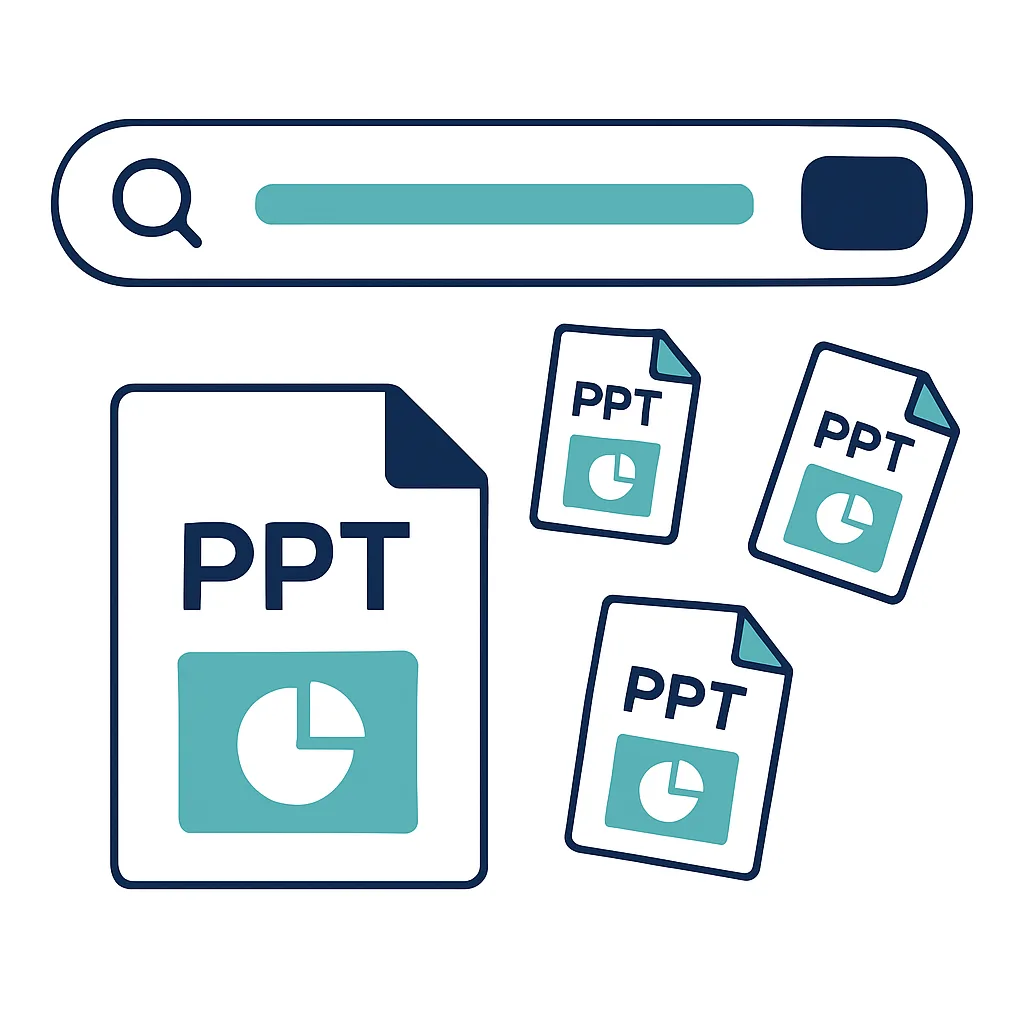
The filetype: command is a Google search operator. It tells the search engine to return only results that match a specific file extension. When you combine a keyword with an extension, you filter the entire web down to a single document type.
So a query like artificial intelligence filetype:ppt asks Google to show only PowerPoint files (.ppt) that mention artificial intelligence. You can swap ppt for pptx to capture the newer PowerPoint format, or use pdf, doc, and xls for other document types. Many people miss the newer files because .ppt is the legacy extension, so it is smart to run both filetype:ppt and filetype:pptx to get full coverage.
This works because educational institutions, conference organizers, and professionals frequently upload slide decks to public servers without hiding them. The operator simply exposes what is already indexed.
Why People Search Artificial Intelligence Filetype:ppt
Artificial intelligence is a broad, fast-moving field, and building accurate slides from scratch takes real effort. The search shortcut solves several problems at once:
- Speed: You get a structural starting point in seconds instead of hours.
- Credibility: University and research decks often include verified diagrams, citations, and definitions.
- Inspiration: Even if you do not reuse a deck directly, you see how experts organize complex AI concepts.
- Coverage: You can find niche subtopics such as deep learning, computer vision, natural language processing, and reinforcement learning.
The key is to treat these files as raw material, not finished products. The best presenters borrow structure and data, then rebuild the visuals and narrative in their own voice.
How to Build the Perfect Search Query
A basic query works, but a refined one works far better. Below are practical variations you can copy and adapt.
| Goal | Example Query |
|---|---|
| General AI decks | artificial intelligence filetype:ppt |
| Newer format only | artificial intelligence filetype:pptx |
| University sources | artificial intelligence filetype:ppt site:edu |
| Specific subtopic | machine learning basics filetype:ppt |
| Beginner level | introduction to artificial intelligence filetype:ppt |
| Recent content | artificial intelligence 2026 filetype:pptx |
A few tips make these searches sharper. Add site:edu to favor academic sources, wrap exact phrases in quotation marks, and use a minus sign to exclude noise, for example artificial intelligence filetype:ppt -jobs. Combining operators is where the real power lives.

Finding High-Quality AI PowerPoint Templates
Not every result is worth your time. Some decks are outdated, visually cluttered, or thin on substance. When you scan the search results, prioritize files that come from recognizable domains, show a recent upload date, and have descriptive titles. A deck titled "Deep Learning Fundamentals - Stanford" is usually more reliable than a generic "ai presentation final v3."
Look for these quality signals:
- Clear section structure with an agenda or table of contents
- Original diagrams rather than blurry screenshots
- Accurate, current definitions of AI terms
- Source citations or reference slides at the end

Once you collect a handful of strong candidates, download them and compare. You will quickly notice which structure communicates the topic most clearly. That winning structure becomes the skeleton for your own deck.
Trusted Sources Beyond Plain Search
While the filetype:ppt operator is powerful, it is smart to pair it with reliable repositories. SlideShare, academic course pages ending in .edu, government research portals, and open courseware libraries from major universities all host quality AI material. Conference websites for events focused on machine learning often publish speaker slides too.

When you rely on multiple sources, you reduce the risk of repeating one author's mistakes or outdated claims. Cross-checking two or three decks against each other is the fastest way to confirm that a definition, statistic, or diagram is correct before you present it to an audience.
If you would rather skip the manual hunting and have a custom, on-brand AI deck built for you, the artificial intelligence services team can design accurate, modern presentations tailored to your goals.
Turning a Downloaded Deck Into Your Own
Downloading is only the first step. A reused slide deck rarely fits your brand, audience, or timeline out of the box. Here is a simple workflow to transform borrowed material into something original and people-first.
Step 1: Audit the Content
Read every slide and remove anything outdated, irrelevant, or inaccurate. AI moves quickly, so a deck from a few years ago may reference models or statistics that no longer hold. Keep only the slides that serve your specific message.
Step 2: Rebuild the Visual Identity
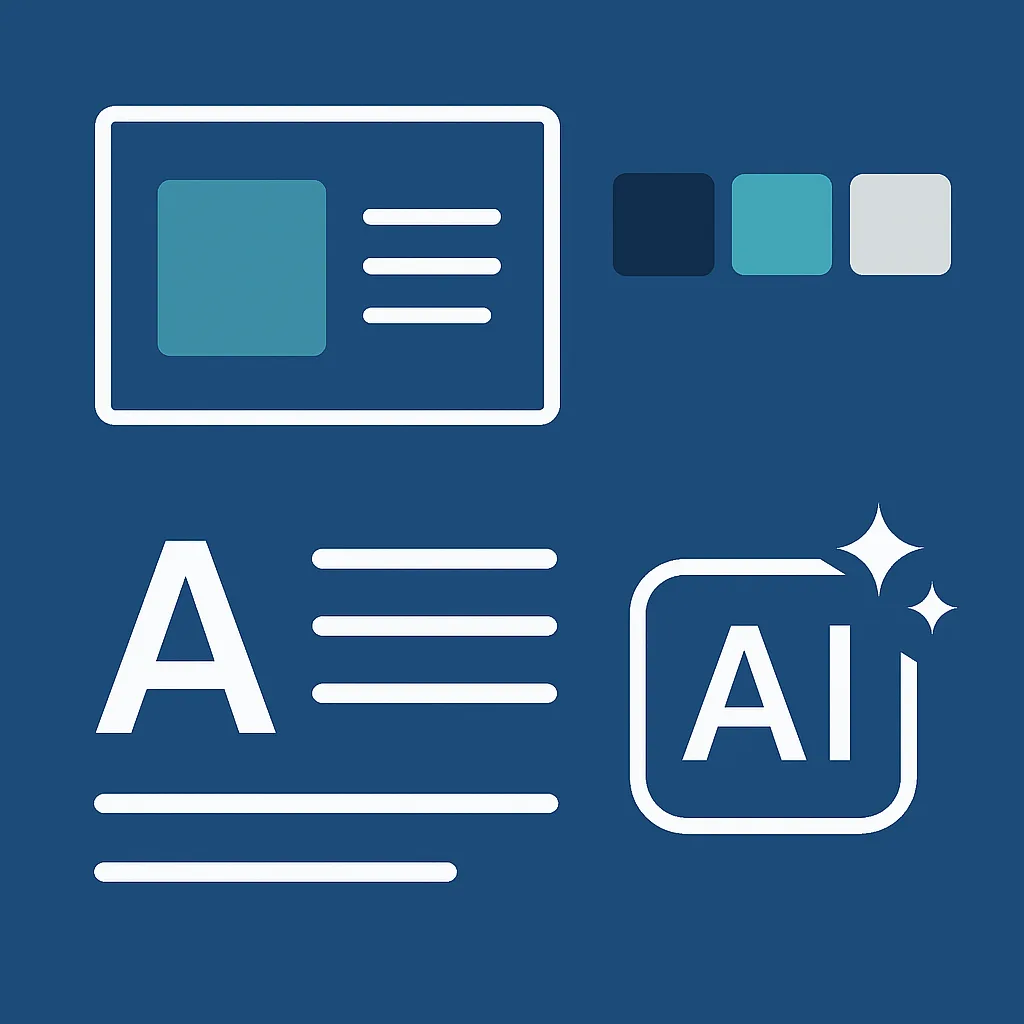
Replace mismatched fonts, clashing colors, and low-resolution images. Apply your own color palette and logo so the deck feels cohesive. Consistency in spacing and typography instantly makes a presentation look more professional.
Step 3: Add Original Insight
This is the most important step for Google's helpful content standards and for your credibility. Add your own commentary, examples, case studies, or local data. Original analysis is what separates a memorable presentation from a recycled one. Your unique perspective is the value you bring.
Step 4: Simplify Every Slide
A common flaw in downloaded decks is overcrowding. Aim for one core idea per slide, use short bullet points, and let visuals carry weight. If a slide takes more than a few seconds to understand, split it into two.
Common Mistakes to Avoid
Even with a great search shortcut, people stumble in predictable ways. Watch out for these traps:
- Copying without permission: Respect copyright and licensing. Use decks for inspiration and structure, and create your own visuals and wording for anything you publish or present commercially.
- Trusting outdated data: Always verify statistics and model names against current sources.
- Keeping someone else's branding: Leaving another organization's logo on your slides looks careless and unprofessional.
- Information overload: Dumping an entire research paper onto slides overwhelms your audience.
- Ignoring accessibility: Use readable font sizes, strong color contrast, and descriptive alt text so everyone can follow along.
Avoiding these mistakes keeps your presentation ethical, accurate, and engaging.
The Future of AI Presentations
The filetype:ppt trick is excellent today, but the way we build presentations is changing fast. AI presentation tools can now generate full decks from a short prompt, suggest layouts, and even draft speaker notes. Instead of searching for an existing file, you describe your topic and let a model produce a first draft you can refine.

This does not make the search operator obsolete. In fact, the two methods complement each other. You can use artificial intelligence filetype:ppt to research how experts frame a topic, then feed those insights into an AI tool to generate a polished, customized deck. The result is faster than manual building and more grounded than a purely generated one.
As these tools mature, the winning skill will be curation and judgment, knowing which content is accurate, which structure communicates best, and how to add genuine human insight. The technology handles production, while you handle meaning.
Quick Reference Checklist
Before your next AI presentation, run through this short checklist:
| Task | Done |
|---|---|
| Searched both filetype:ppt and filetype:pptx | Yes |
| Verified sources from trusted domains | Yes |
| Removed outdated AI claims | Yes |
| Applied your own branding and colors | Yes |
| Added original insight and examples | Yes |
| Simplified crowded slides | Yes |
| Checked accessibility and contrast | Yes |
If you can answer yes to each row, your deck is ready for an audience.
Conclusion
The search string artificial intelligence filetype:ppt is a small trick with a big payoff. It opens a library of expert slide decks that can jumpstart your research, sharpen your structure, and save you hours of work. The key is to treat those files as a foundation rather than a finished product. Audit the content, rebuild the visuals, verify the facts, and add your own original insight so the final presentation reflects your voice and serves your audience.
As AI tools continue to evolve, combining smart search with intelligent generation will become the standard workflow for fast, high-quality presentations. Master both, and you will never face a blank slide again. For more guides on AI, productivity, and modern web tools, keep exploring ZoneTechify and WebPeak.