
Discover the most common reasons your business is missing from Google Maps and learn practical, step-by-step fixes to get your listing visible and ranking again.
Why Is My Business Not Showing on Google Maps
If you have ever searched for your own company and found nothing, you are not alone. "Why is my business not showing on Google Maps" is one of the most frustrating questions local business owners ask. Your storefront is real, your customers exist, yet the map seems to ignore you completely. The good news is that almost every cause behind a missing listing is fixable once you understand how Google decides what to display.
In this guide, we break down the real reasons your business may be invisible on Google Maps, and we give you a clear action plan to fix each one. Whether you run a local cafe, a law office, or a service business that visits customers, these steps apply to you. At ZoneTechify we have helped many local brands climb back onto the map, and the patterns are remarkably consistent.
Understanding How Google Maps Shows Businesses
Google Maps does not list businesses randomly. It pulls from your Google Business Profile, formerly known as Google My Business. This profile is the foundation of your local presence. If the profile is incomplete, unverified, suspended, or duplicated, Google may choose not to show it at all.
Three core factors decide whether and where you appear: relevance, distance, and prominence. Relevance means how well your profile matches what someone searched. Distance refers to how close you are to the searcher. Prominence reflects how well known and trusted your business is, based on reviews, links, and overall online activity.

When any of these signals are weak or broken, your visibility drops. The first step is always to confirm that your profile exists, is accurate, and is verified. If you are building or rebuilding your local presence from scratch, professional digital marketing support can speed the process and help you avoid costly mistakes.
Reason 1: Your Business Profile Is Not Verified
The single most common reason a business does not appear on Google Maps is that the profile has never been verified. Until you complete verification, Google treats your listing as unconfirmed and often hides it from public search results.
Verification usually happens by postcard, phone, email, or video, depending on your business type. The postcard method remains common and can take one to two weeks. Until the code is entered, your listing stays in limbo.
How to Verify Your Listing
Sign in to your Google Business Profile, locate the verification prompt, and choose the method offered. Enter your code as soon as it arrives. If your verification option seems missing or stuck, request a different method or contact Google support. Never create a second profile while waiting, because duplicates can trigger suspensions.
Reason 2: Incorrect or Inconsistent Business Information
Google relies on consistency. If your name, address, and phone number, known as NAP, differ across your website, social media, and directory listings, Google may lose confidence in your data and suppress your listing.
Even small mismatches matter. "Street" on one site and "St." on another can confuse automated systems. An outdated address from a previous office location is one of the most damaging errors, because Google may place you in the wrong area entirely or remove you from local results.

How to Fix Inconsistent Information
Audit every place your business appears online. Make your NAP identical everywhere, matching the exact format shown on your Google Business Profile. Update old citations, fix typos, and remove duplicate directory entries. A clean, consistent web footprint sends Google a strong trust signal. A reliable web development partner can ensure your website displays accurate, structured contact data that search engines can read easily.
Reason 3: Your Listing Has Been Suspended
A suspended profile vanishes from Maps instantly. Suspensions happen for many reasons: keyword stuffing in the business name, using a virtual office or a residential address against guidelines, frequent edits in a short period, or a category that does not match your real services.
There are two suspension types. A soft suspension limits editing ability but keeps the listing visible. A hard suspension removes the listing entirely. Hard suspensions require a reinstatement request.

How to Recover a Suspended Profile
First, identify what triggered the suspension. Remove any policy violations such as promotional words in your business name. Gather proof of your physical presence, such as utility bills, signage photos, or a business license. Then submit a reinstatement request through Google. Be patient, accurate, and honest. Most legitimate businesses recover their listings when they correct the underlying issue.
Reason 4: Ranking and Competition Problems
Sometimes your business is technically on Google Maps, but it ranks so low that you never see it. If competitors dominate the top three positions, often called the local pack, you may feel invisible even though your listing exists.
This is a prominence problem rather than a visibility problem. Google ranks businesses with more reviews, stronger engagement, complete profiles, and better local relevance higher than those with thin or neglected profiles.

How to Improve Your Map Ranking
Fill out every field in your profile, including hours, services, attributes, and a detailed description. Add high quality photos regularly. Encourage satisfied customers to leave genuine reviews and respond to each one. Publish Google posts about offers and news. Build local citations and earn links from respected local websites. Over time these efforts lift your prominence and push you into the local pack.
Reason 5: New Listings and Indexing Delays
If you recently created your profile, patience is key. New listings can take several days to weeks to appear consistently, especially after verification. Google needs time to crawl, validate, and trust the new data.
Rapid changes can extend this delay. Editing your address, name, or category repeatedly resets the trust clock and may even flag your profile for manual review. Make your edits carefully and then leave the profile stable.
A Quick Diagnostic Checklist
Use the table below to quickly identify which issue most likely affects your business.
| Symptom | Likely Cause | Priority Fix |
|---|---|---|
| Listing never appears | Not verified | Complete verification |
| Wrong location on map | Incorrect address | Correct NAP details |
| Listing disappeared suddenly | Suspension | Submit reinstatement |
| Appears but ranks low | Weak prominence | Add reviews and content |
| Brand new and missing | Indexing delay | Wait and stay consistent |
| Duplicate entries | Multiple profiles | Merge or remove duplicates |
Working through this checklist in order solves the majority of visibility problems. Start at the top, because an unverified or suspended profile makes ranking work pointless until it is resolved.
Reason 6: Duplicate Listings Competing With Each Other
Duplicate profiles are surprisingly common, especially for businesses that have moved, rebranded, or been added automatically by Google. When two listings represent the same business, Google may split trust between them or hide both to avoid confusion.
Search for your business name and address variations to find duplicates. If you find them, claim each one and request a merge or removal through Google support. Consolidating into a single, strong profile concentrates your reviews and authority where they belong.
Building Long Term Local Visibility
Fixing the immediate problem is only half the journey. To stay visible, treat your Google Business Profile as a living asset. Update it whenever your hours, services, or location change. Post fresh photos and offers monthly. Reply to reviews quickly to show activity and care.
Your website also plays a major role. Embedding a map, adding local schema markup, and creating location specific pages all reinforce your relevance. Strong content and a fast, mobile friendly site amplify everything your profile is doing. The teams at WebPeak regularly combine technical site improvements with local optimization to keep clients firmly on the map.
Monitoring Your Progress
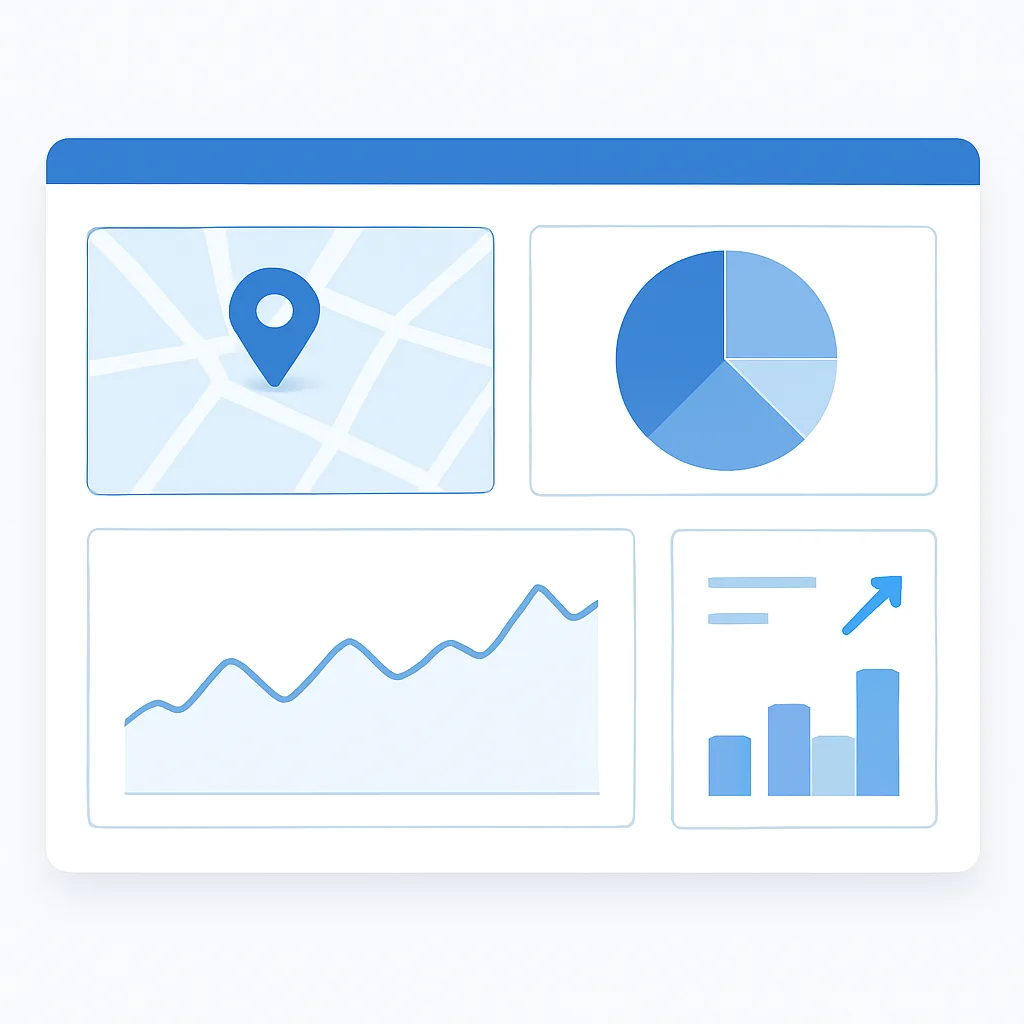
Once your listing is healthy, keep watching it. Google Business Profile insights show how customers find you, what they search, and how often they call or request directions. Track these numbers monthly so you can spot drops early and react before they become serious.
Set a simple routine: check your listing weekly, audit your NAP quarterly, and refresh your photos and posts monthly. Consistency beats intensity. Small, steady actions keep your profile trusted and visible far better than occasional bursts of effort.
Final Thoughts
When you ask, "Why is my business not showing on Google Maps," the answer almost always traces back to a handful of fixable issues: missing verification, inconsistent information, suspensions, low prominence, indexing delays, or duplicate listings. Work through them methodically and your visibility will return.
Local search is one of the highest value channels for any business, because people who find you on Maps are often ready to buy or visit. Investing the time to claim, verify, optimize, and monitor your profile pays off in real customers walking through your door. If the process feels overwhelming, expert help can shorten the path dramatically and ensure your listing is set up to last.
Stay consistent, follow the steps above, and your business will not just appear on Google Maps. It will stand out.