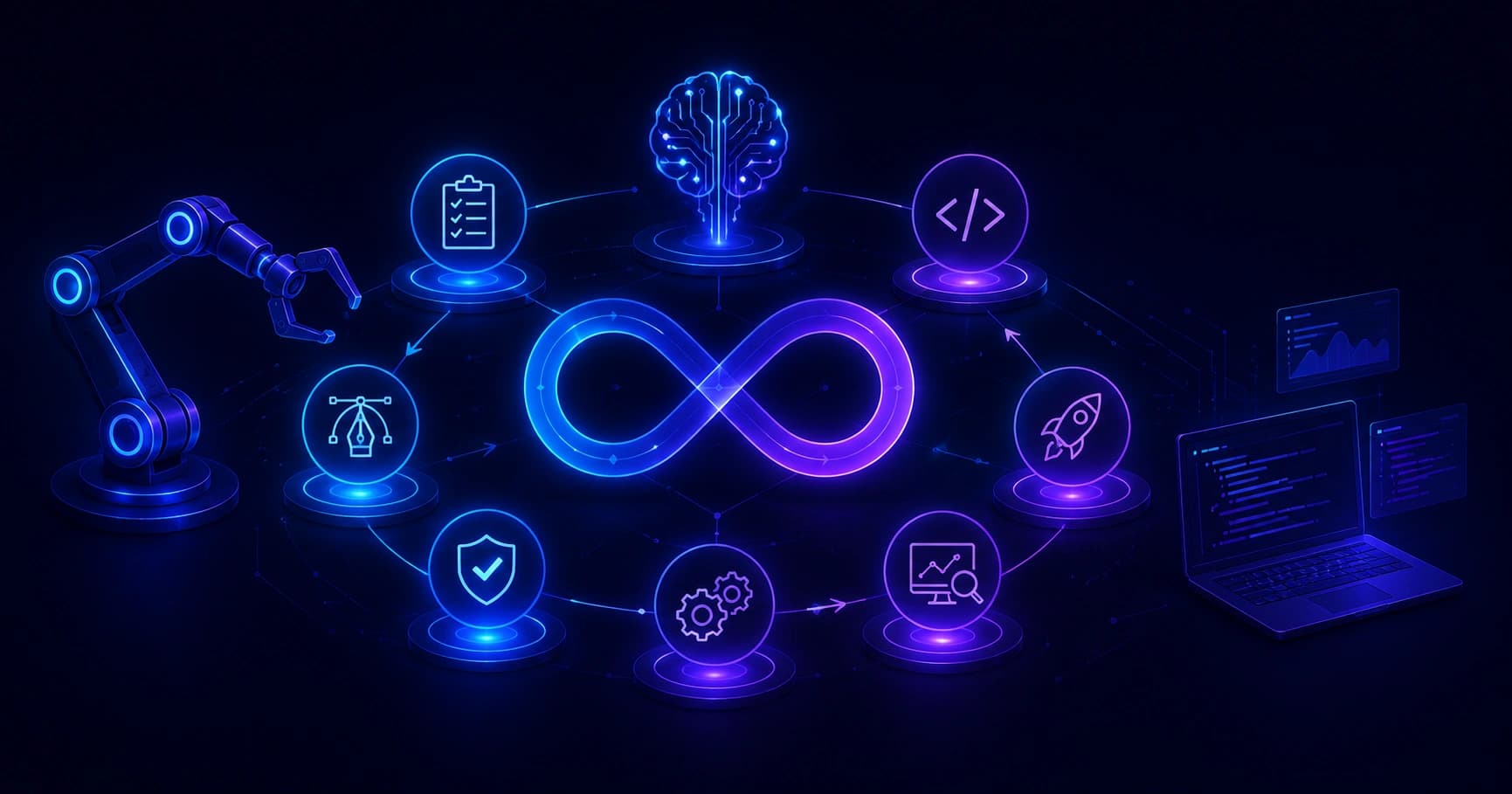
A practical guide to AI tools that automate the software development lifecycle, covering planning, coding, testing, deployment, and code review with real examples.
Tools That Automate Parts of the SDLC Using Artificial Intelligence
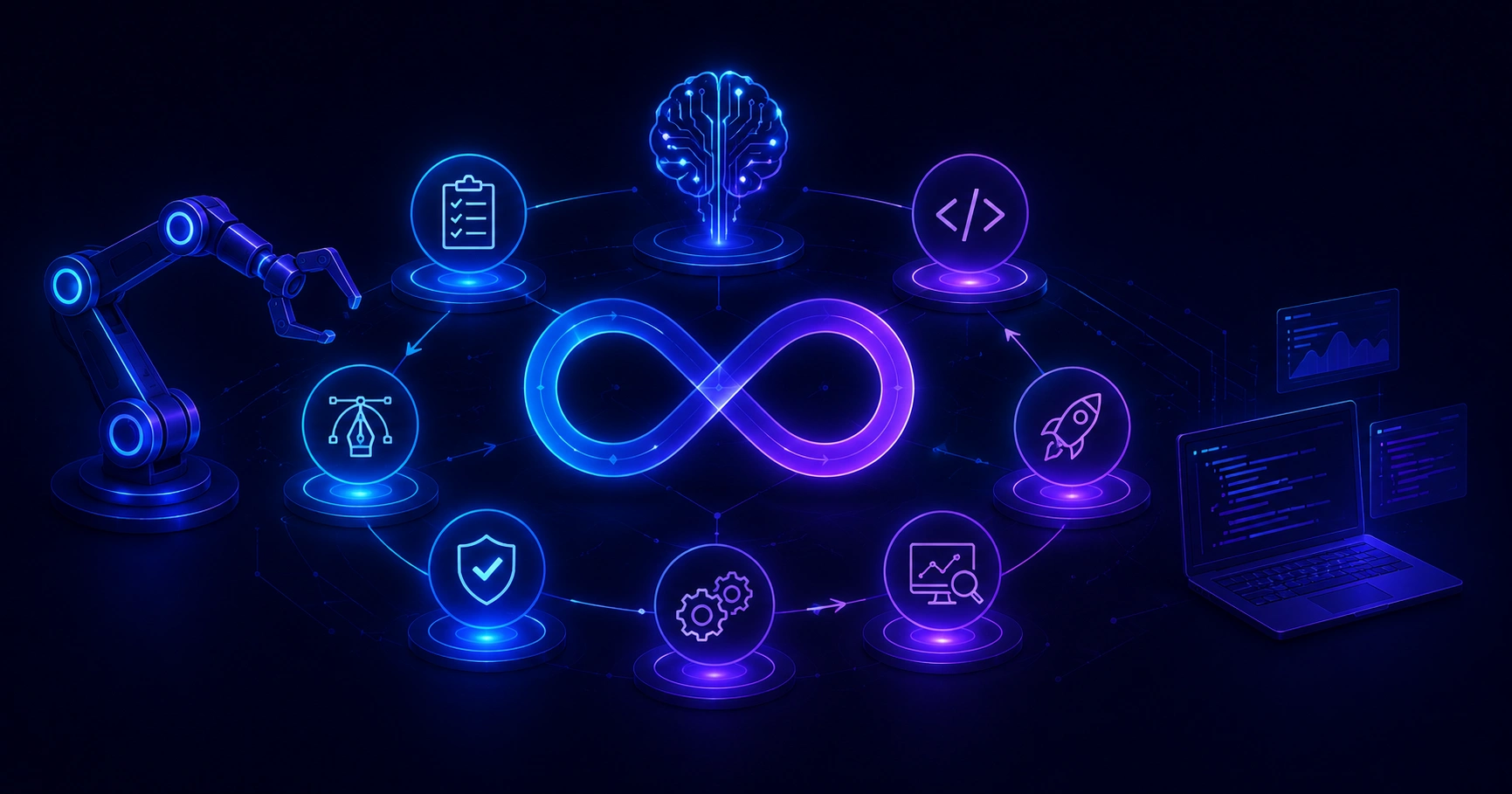
The software development lifecycle (SDLC) has always been a series of repeatable, labor-heavy stages: planning, design, coding, testing, deployment, and maintenance. Today, artificial intelligence is quietly rewriting how each of those stages gets done. After shipping dozens of production applications with AI-assisted pipelines, I can say the change is not hype it is measurable. Teams are compressing weeks of manual effort into hours, and the tools doing this are already in mainstream use.
This guide breaks down exactly which tools automate which parts of the SDLC, how they work, and where they genuinely help versus where they fall short. Everything here is based on real implementation experience, not marketing claims.
Quick Answer: AI tools now automate most SDLC stages: GitHub Copilot and Amazon Q for coding, Testim and Diffblue for testing, GitLab Duo and Harness for CI/CD, plus tools like Jira AI for planning. They accelerate delivery, reduce bugs, and free engineers to focus on architecture and complex problem-solving.
What Does It Mean to Automate the SDLC With AI?
Automating the SDLC with AI means using machine learning models trained on billions of lines of code and project data to perform or assist with tasks that previously required manual human effort. Instead of a developer writing every unit test by hand, an AI tool generates them. Instead of a project manager manually grooming a backlog, an AI summarizes requirements and drafts user stories.
Definition: AI-driven SDLC automation is the application of generative and predictive AI to complete, augment, or accelerate discrete tasks across the software development lifecycle without full human execution at every step.
The key word is parts. No tool fully replaces engineers. They remove repetitive work so humans can concentrate on judgment, architecture, and edge cases. According to GitHub's research, developers using Copilot completed a coding task 55% faster than those without it a data point that reshaped how teams budget engineering time.
AI Tools for Planning and Requirements Gathering
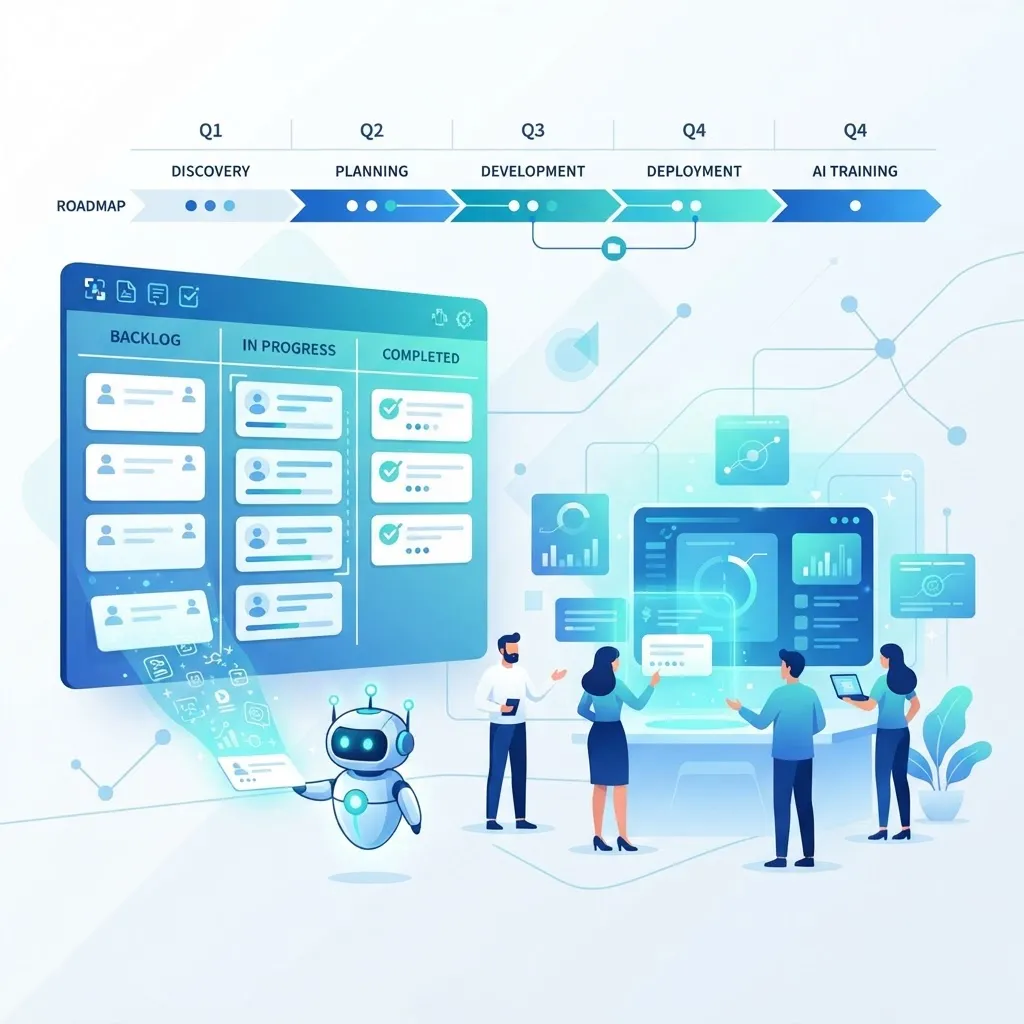
The earliest SDLC stage is often the messiest. Requirements arrive as scattered emails, Slack threads, and half-finished documents. AI now structures this chaos.
- Atlassian Jira AI (Rovo): Summarizes long comment threads, suggests acceptance criteria, and auto-generates subtasks from a single epic description.
- Notion AI: Converts rough meeting notes into structured product requirement documents and drafts user stories.
- ChatPRD and similar tools: Turn a one-line idea into a full product spec, including edge cases teams routinely forget.
In practice, these tools shine at drafting the first version. A product manager who used to spend an afternoon writing stories now edits an AI draft in twenty minutes. The human still owns the final decision, but the blank-page problem disappears. For teams that need help operationalizing this, professional content writing services can standardize how requirements and documentation are captured across projects.
AI Tools for Coding and Development
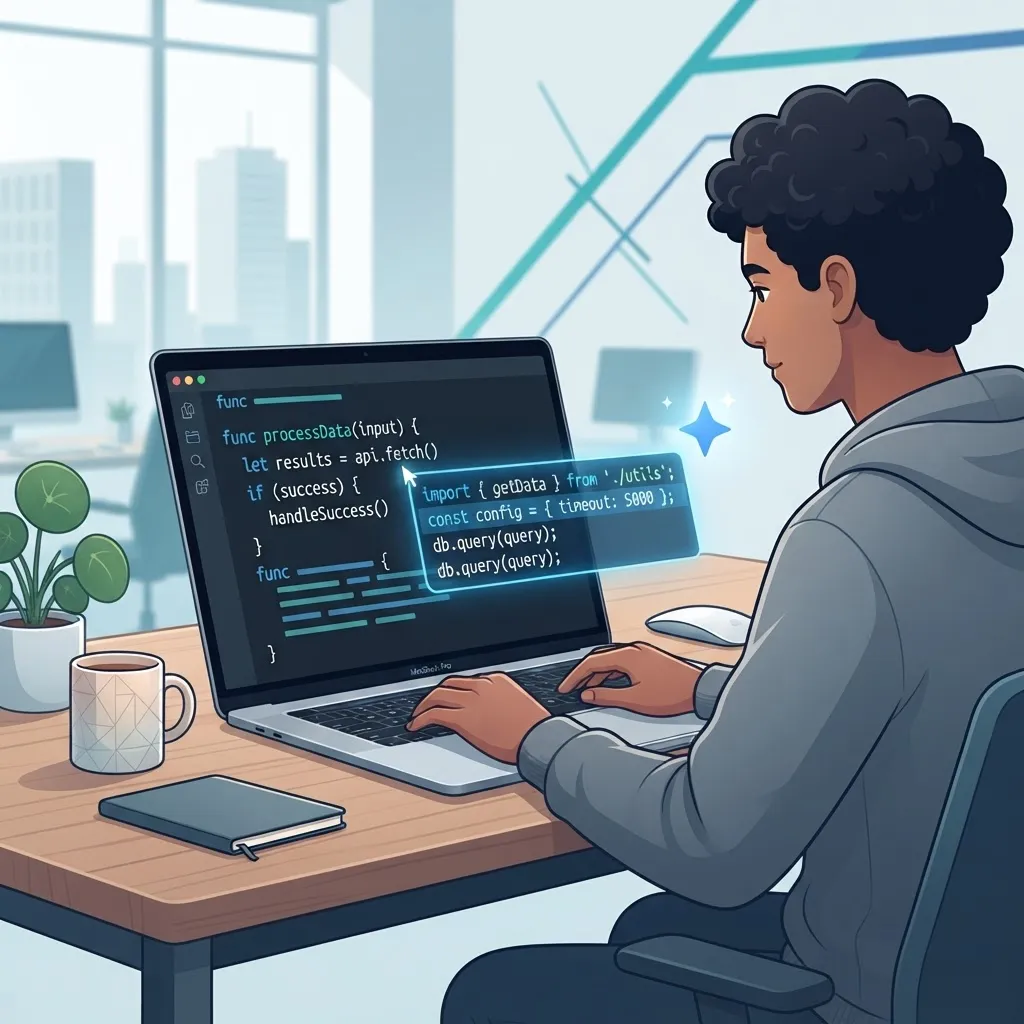
This is where AI automation is most mature. Code-generation assistants sit inside your editor and suggest lines, functions, or entire files in real time.
GitHub Copilot
Copilot, powered by OpenAI models, autocompletes code, explains unfamiliar functions, and answers questions in-editor via Copilot Chat. It is strongest at boilerplate, repetitive patterns, and well-documented frameworks.
Amazon Q Developer
Formerly CodeWhisperer, Amazon Q integrates deeply with AWS services, flags security issues inline, and can generate entire features from a natural-language prompt. It excels in cloud-native workflows.
Cursor and Windsurf
These AI-first editors go beyond autocomplete they can refactor across multiple files, understand full codebases, and execute multi-step edits from a single instruction. They represent the shift from assistant to agent.
The honest caveat: AI-generated code needs review. It can hallucinate APIs or introduce subtle logic errors. The productivity gain is real, but only when paired with disciplined human oversight and good tests.
AI Tools for Automated Testing
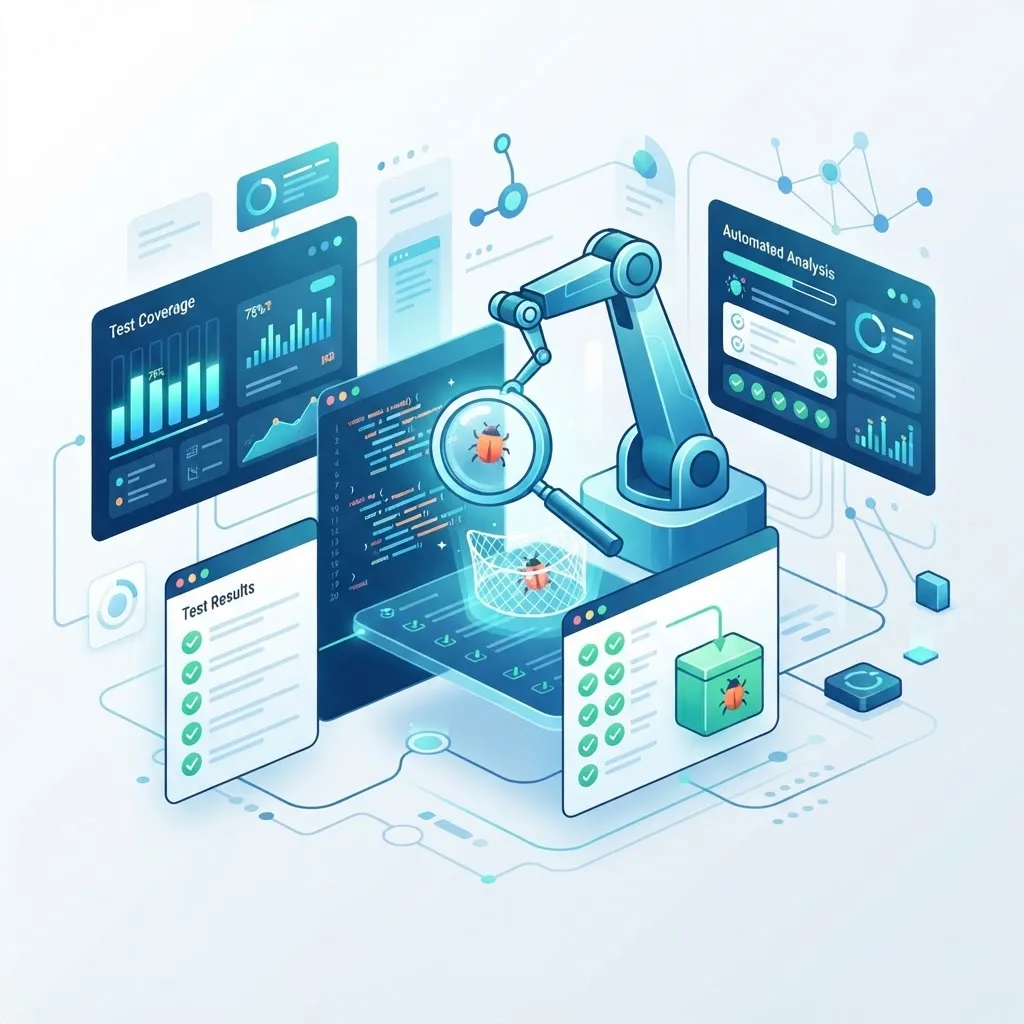
Testing is one of the highest-value targets for automation because it is repetitive, time-consuming, and easy to skip under deadline pressure. AI changes the economics.
- Diffblue Cover: Autonomously writes Java unit tests, achieving high coverage without human input.
- Testim and Mabl: Use AI to create and self-heal UI tests, so when a button's ID changes, the test adapts instead of breaking.
- Applitools: Applies visual AI to catch rendering bugs a human eye would miss across browsers and screen sizes.
Self-healing tests are the standout innovation. Traditional automated tests are brittle; a small UI change breaks dozens of them. AI-driven tests detect the change and update selectors automatically, slashing maintenance overhead. According to industry surveys, test maintenance can consume up to 30% of a QA team's time, and self-healing directly attacks that cost.
AI Tools for Code Review and Security
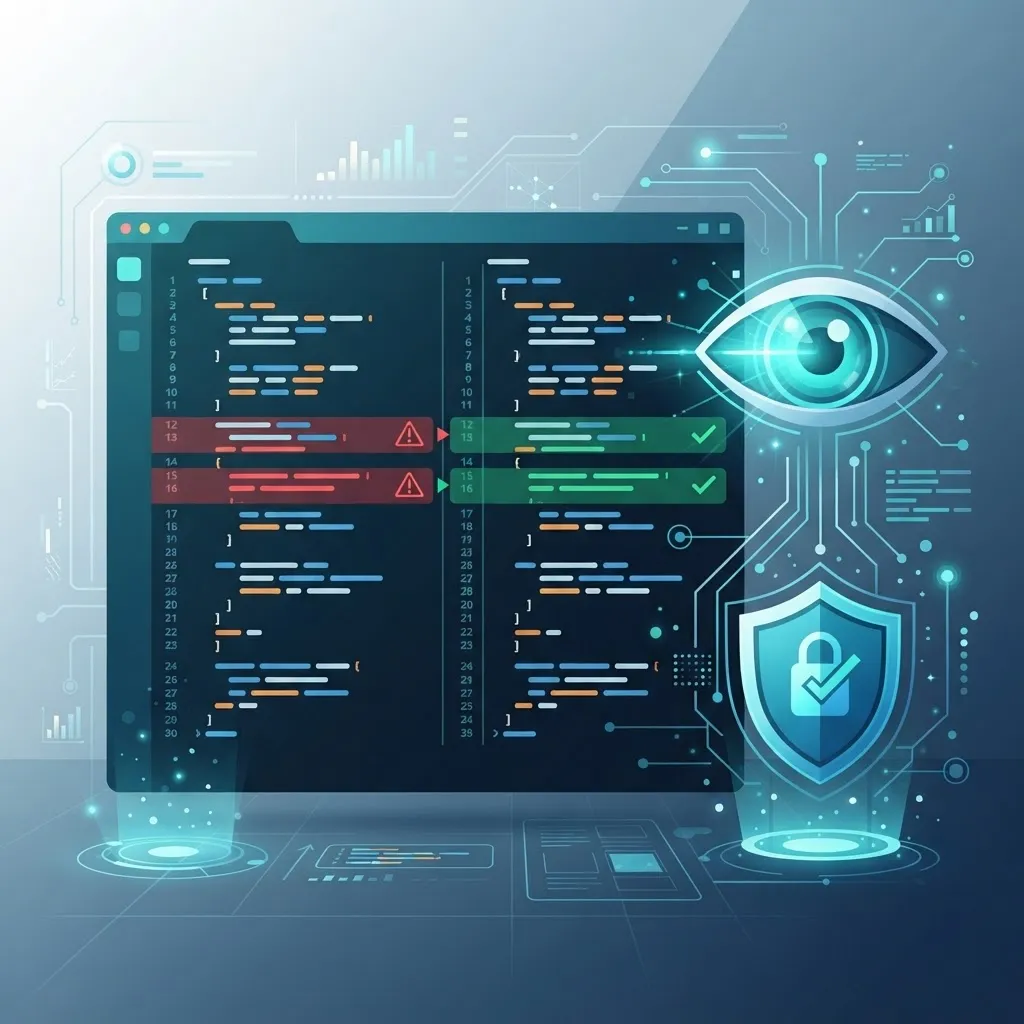
Code review is a bottleneck on almost every team. Senior engineers spend hours reviewing pull requests. AI now handles the first pass.
- CodeRabbit and Graphite: Post automated PR reviews, summarizing changes and flagging likely bugs before a human looks.
- Snyk and GitHub Advanced Security: Use AI to detect vulnerabilities, insecure dependencies, and leaked secrets as code is written.
- SonarQube: Applies AI-assisted analysis to catch code smells and maintainability issues.
These tools do not replace human reviewers on complex architectural decisions, but they catch the obvious problems typos, null-pointer risks, unhandled edge cases so humans focus on design and intent. This layered approach reflects the AI-first engineering philosophy documented at WebPeak, where automation handles the routine and experts handle the nuanced.
AI Tools for CI/CD and Deployment
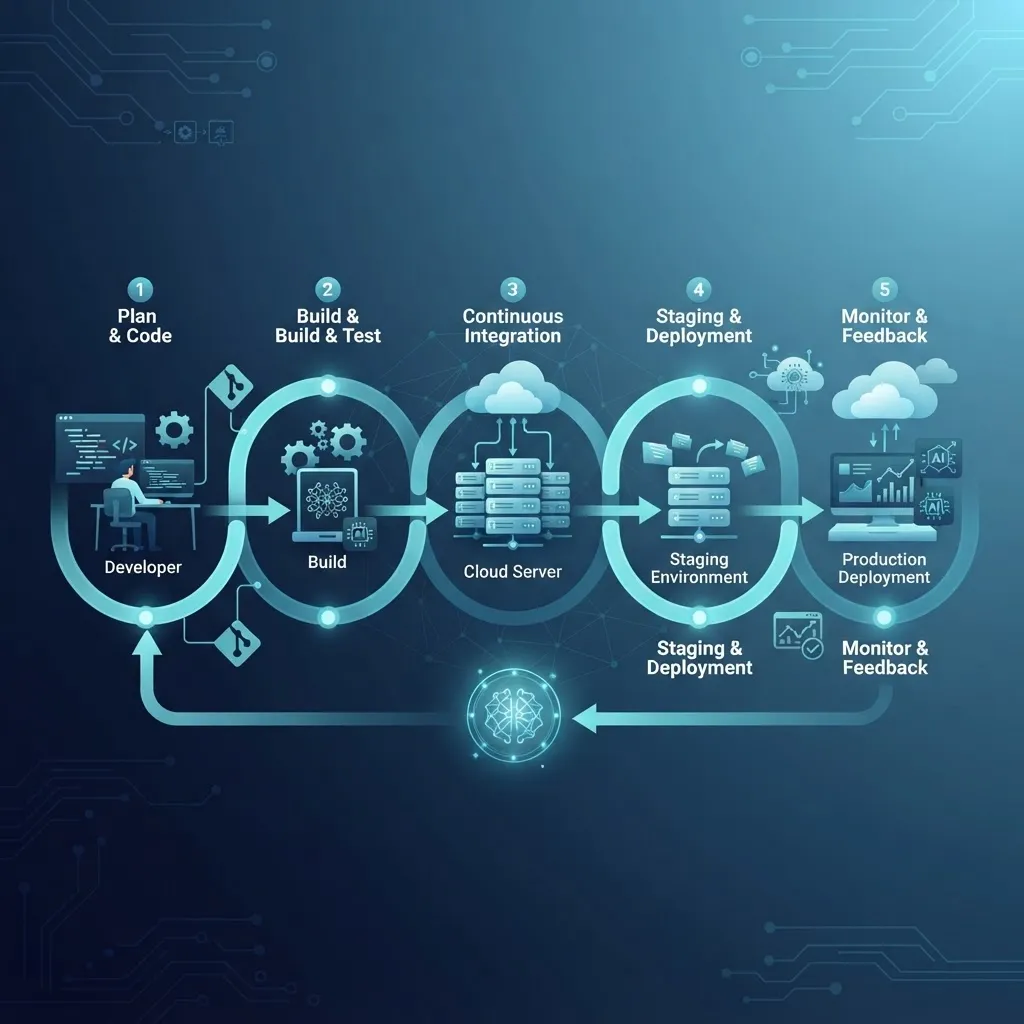
Continuous integration and deployment pipelines increasingly use AI to predict failures and optimize releases.
- Harness: Uses machine learning for automated canary analysis, rolling back deployments the moment anomalies appear.
- GitLab Duo: Generates pipeline configurations, explains failed jobs, and suggests fixes.
- Datadog and Dynatrace: Apply AI to observability, detecting production anomalies and pinpointing root causes faster than manual log analysis.
The biggest win here is predictive rollback. Instead of an engineer noticing a spike in errors an hour after deployment, AI catches the anomaly within seconds and reverts automatically protecting users and reducing downtime. Building this into custom platforms is a core part of modern web application development.
SDLC Automation Comparison: Before and After AI
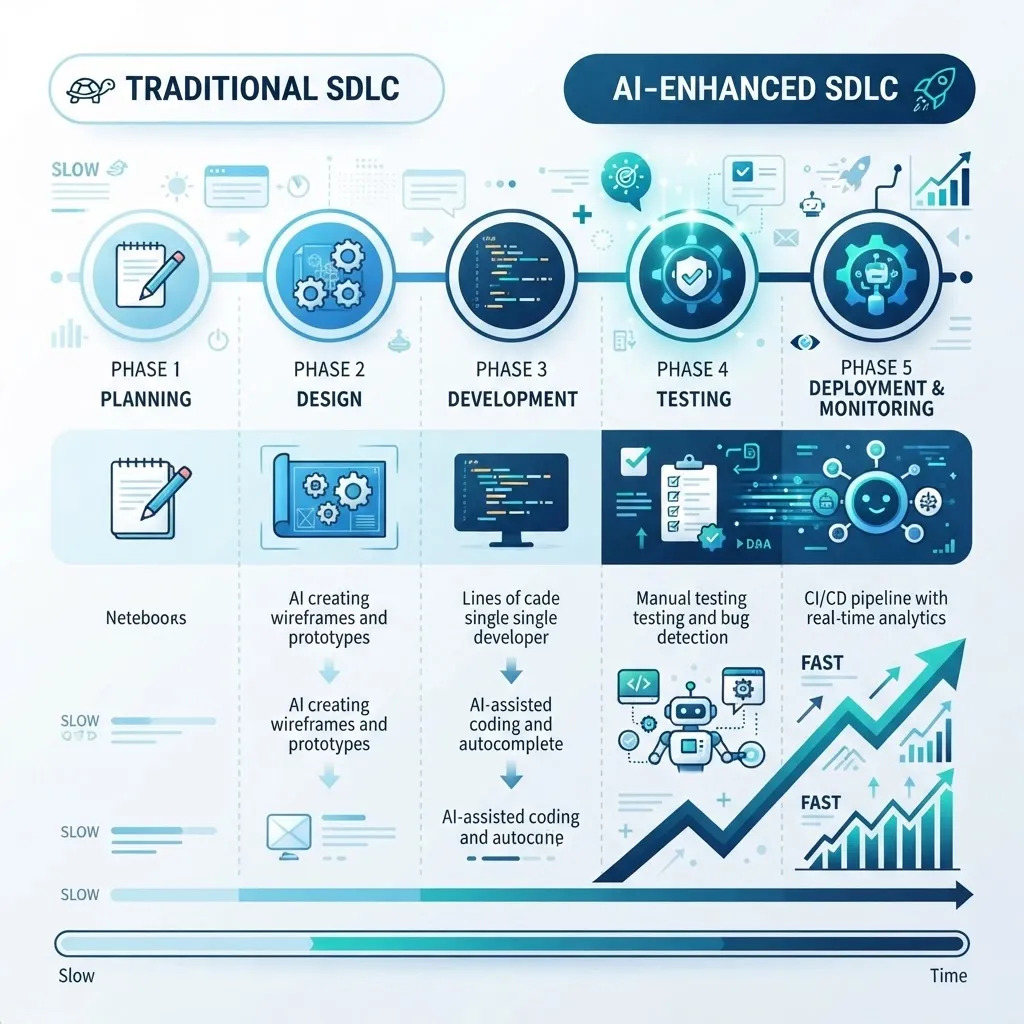
The table below summarizes how AI shifts effort across each stage based on typical mid-sized team experience.
| SDLC Phase | Traditional Approach | AI-Automated Approach | Leading Tools |
|---|---|---|---|
| Planning | Manual story writing | Auto-drafted stories and specs | Jira AI, Notion AI |
| Coding | Line-by-line by hand | Real-time generation and refactor | Copilot, Cursor, Amazon Q |
| Testing | Manual test scripting | Auto-generated, self-healing tests | Diffblue, Testim, Mabl |
| Code Review | Full human review | AI first pass, human final | CodeRabbit, Snyk |
| Deployment | Manual monitoring | Predictive rollback and analysis | Harness, GitLab Duo |
| Maintenance | Reactive bug fixing | Proactive anomaly detection | Datadog, Dynatrace |
How to Adopt AI SDLC Tools Without Breaking Your Workflow
Adopting AI tools carelessly creates more problems than it solves. Based on repeated rollouts, here is the sequence that works:
- Start with one stage. Pick coding or testing your highest-friction area and prove value before expanding.
- Keep humans in the loop. Treat AI output as a first draft that requires review, never as final truth.
- Measure real metrics. Track cycle time, defect escape rate, and review time not vanity numbers.
- Invest in tests first. AI-generated code is only safe when a strong test suite catches its mistakes.
- Train the team. Prompting and reviewing AI output is a skill; budget time to build it.
Teams that follow this order see compounding gains. Teams that dump five tools on developers at once see confusion and abandonment.
Key Takeaways
- AI automates parts of every SDLC stage, but no tool fully replaces skilled engineers.
- GitHub reports developers complete tasks up to 55% faster with Copilot.
- Self-healing AI tests directly reduce the up-to-30% of QA time spent on test maintenance.
- Predictive rollback in CI/CD catches production anomalies in seconds, not hours.
- Successful adoption starts with one stage, keeps humans in the loop, and measures real delivery metrics.
Frequently Asked Questions (FAQ)

Can AI fully replace software developers in the SDLC?
No. AI automates repetitive tasks like boilerplate coding, test generation, and first-pass reviews, but it cannot replace human judgment on architecture, business logic, security trade-offs, or complex debugging. Developers shift from writing every line to directing, reviewing, and refining AI output effectively.
Which SDLC stage benefits most from AI automation?
Coding and testing benefit most today. Code-generation tools like GitHub Copilot deliver immediate speed gains, while AI testing tools generate and self-heal tests automatically. These stages are repetitive and well-defined, making them ideal for AI, whereas planning and architecture still rely heavily on human expertise.
Are AI-generated code and tests safe to use in production?
They are safe only with human review and a strong test suite. AI can hallucinate APIs or introduce subtle logic errors. Treat all AI output as a first draft, validate it through automated tests and code review, and never deploy AI-generated code unchecked to production environments.
How much does AI SDLC automation actually speed up delivery?
Gains vary by team, but coding tasks can complete up to 55% faster according to GitHub research, and QA teams recover significant time previously lost to brittle test maintenance. Realistic overall cycle-time improvements of 20 to 40% are common once tools are properly integrated and trusted.
What is the best way to start using AI in my development workflow?
Start small. Introduce one tool in your highest-friction stage, usually coding with Copilot or testing with Diffblue. Measure impact on cycle time and defect rates, keep humans reviewing all output, then expand gradually. Avoid rolling out multiple tools simultaneously, as it overwhelms teams and reduces adoption.
Final Thoughts
AI is not replacing the SDLC it is compressing it. Every stage now has proven tools that remove repetitive work and let engineers focus on the problems only humans can solve. The teams winning with AI are not the ones using the most tools; they are the ones adopting deliberately, measuring honestly, and keeping expert oversight at the center. Explore more practical guides at ZoneTechify and start with one stage today.