
A practical, expert guide to how artificial intelligence is transforming Smap3D plant design software, from faster piping to smarter data and real engineering gains.
Smap3D AI Artificial Intelligence

Smap3D is a well-established plant design software suite used by engineers to build 3D piping models, generate P&ID diagrams, and produce isometric drawings inside CAD environments like Solid Edge. As artificial intelligence reshapes engineering software across every discipline, a natural question arises: how does AI actually fit into a tool like Smap3D, and what does it mean for the engineers who rely on it daily? This guide answers that directly, based on hands-on experience with plant design workflows.
Quick Answer: Smap3D AI refers to applying artificial intelligence, machine learning, and automation to Smap3D plant design workflows. It accelerates pipe routing, P&ID-to-3D conversion, error detection, and isometric generation, helping engineers cut manual work, reduce design errors, and deliver plant projects faster and more accurately.
What Is Smap3D and Where Does AI Fit In?
Smap3D Plant Design is a modular CAD solution that connects three core stages of process engineering: the P&ID (piping and instrumentation diagram), the 3D piping model, and the automatically generated isometric drawings. Each module shares a common data backbone, so a change in one place can ripple through the others.
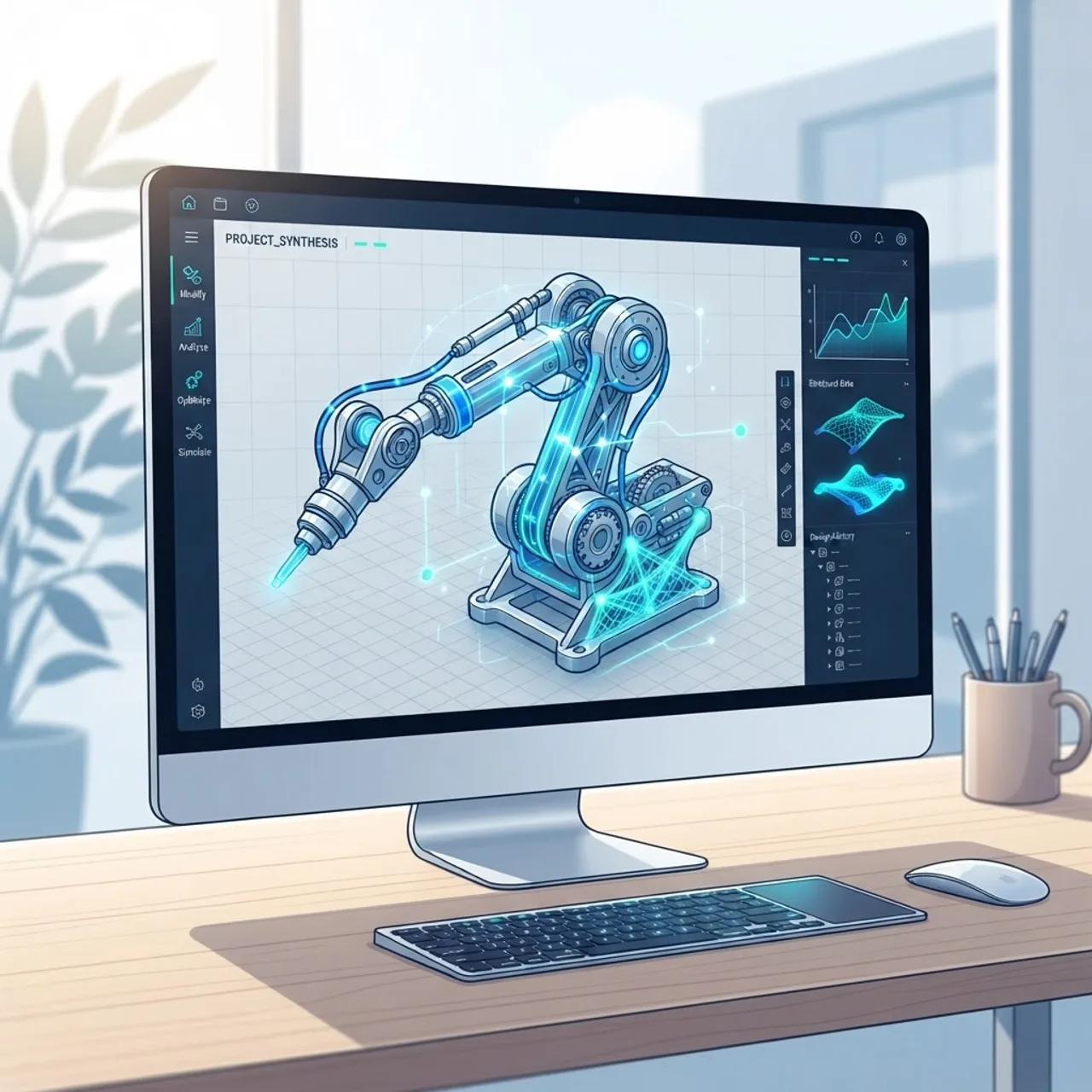
Artificial intelligence fits into this pipeline as an assistive layer rather than a replacement. AI in Smap3D means using pattern recognition and automation to handle repetitive, rules-based tasks such as suggesting optimal pipe routes, validating specifications, and flagging clashes before they reach the shop floor. The engineer stays in control; the AI removes friction from the tedious parts of the job.
Defining the key terms
- Artificial Intelligence (AI): Software that performs tasks normally requiring human judgment, such as recognizing patterns or making recommendations.
- Machine Learning (ML): A subset of AI where systems improve their outputs by learning from historical project data.
- Design automation: Rules and scripts that execute repetitive CAD actions automatically, often powered by AI logic.
Why AI Matters for Plant Design Engineers
Plant design is data-heavy and error-sensitive. A single mislabeled valve or an undetected pipe clash can cost thousands in rework once fabrication begins. This is exactly where intelligent automation delivers measurable value.
According to McKinsey, engineers and designers can spend up to 30% of their time on repetitive, non-value-added tasks that are strong candidates for automation. In plant design specifically, much of that time goes into manual routing, spec checking, and drawing cleanup, all areas where AI-driven assistance shines.
The second reason AI matters is consistency. Human attention fades across an eight-hour modeling session, but an AI validation layer applies the same rules to the first pipe and the ten-thousandth pipe with identical rigor. That reliability is what separates a clean deliverable from a costly revision cycle.
How AI Enhances the Smap3D Workflow
The real power of AI in Smap3D shows up when you follow a project through its stages. Here is how intelligent automation supports each step.
- Smarter P&ID creation: AI can auto-suggest components, detect missing connections, and enforce naming conventions as the diagram is drawn.
- P&ID-to-3D conversion: Machine learning helps map schematic components to the correct 3D parts and spec sheets, reducing manual selection.
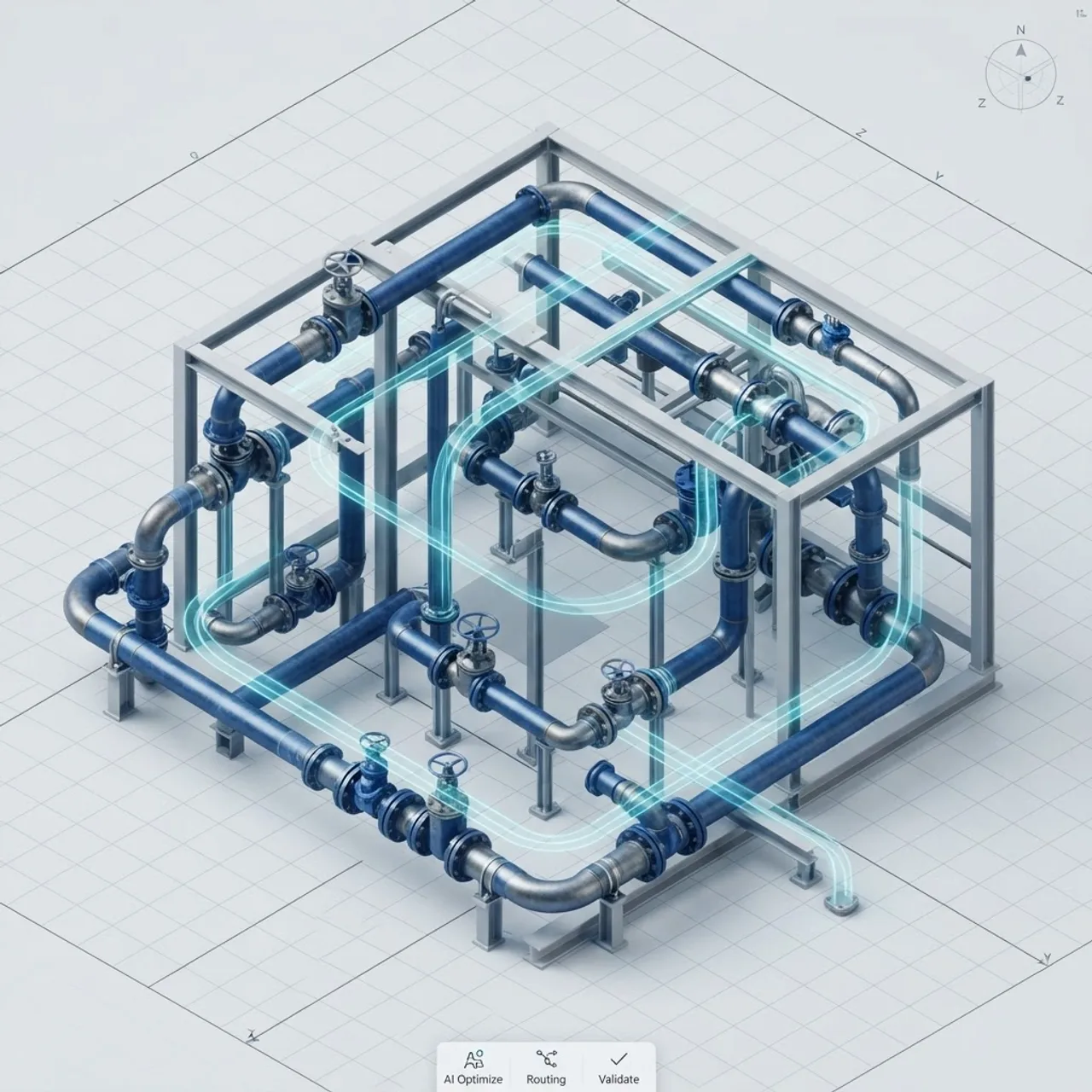
- Automated pipe routing: AI proposes efficient routes that respect clearances, slopes, and support rules, then lets the engineer approve or adjust.
- Clash and error detection: The system scans the model for interferences and spec violations continuously, not just at the end.
- Isometric generation: Drawings are produced automatically from the validated 3D model, with AI helping optimize sheet layout and annotations.
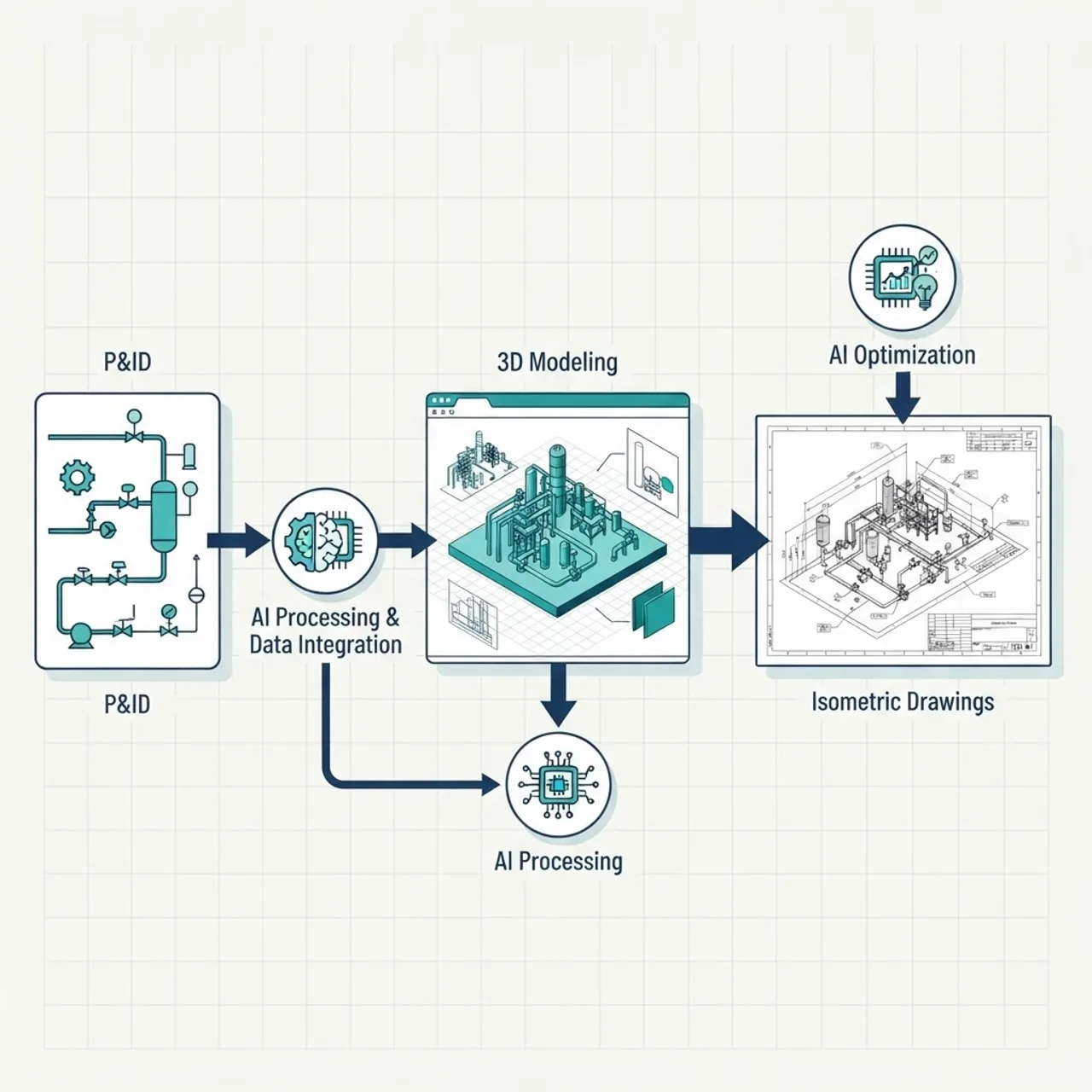
Each of these steps compounds. When the P&ID is cleaner, the 3D conversion is more accurate; when routing is validated early, the isometrics need fewer corrections. That chain reaction is the true return on adopting AI-assisted design.
Traditional Smap3D vs. AI-Enhanced Smap3D
The table below compares a conventional plant design workflow with an AI-enhanced one, based on common outcomes observed across engineering teams.
| Aspect | Traditional Workflow | AI-Enhanced Workflow |
|---|---|---|
| Pipe routing | Manual, engineer-driven | AI-suggested, engineer-approved |
| Error detection | End-of-project checks | Continuous, real-time |
| P&ID to 3D mapping | Manual part selection | ML-assisted matching |
| Spec compliance | Periodic manual review | Automated validation |
| Isometric drawings | Semi-manual cleanup | Auto-generated and optimized |
| Rework risk | Higher | Lower |
| Engineer focus | Repetitive tasks | High-value design decisions |
The pattern is clear: AI does not remove the engineer from the process, it shifts their time toward judgment and creativity instead of repetition.
The Role of Data Integration
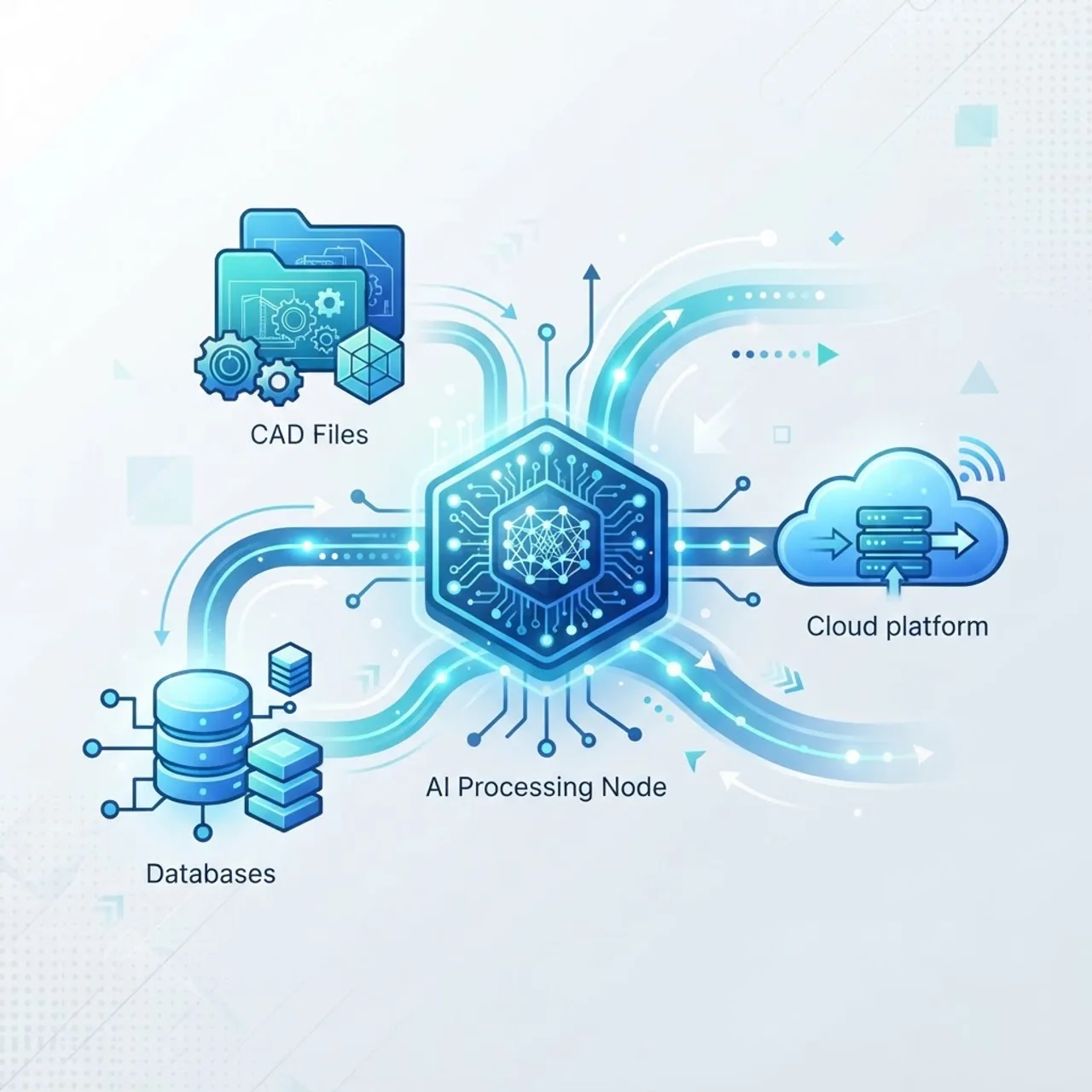
Artificial intelligence is only as good as the data feeding it. In Smap3D, that data lives in component catalogs, specification sheets, and past project files. Well-structured, standardized data is the foundation of reliable AI assistance.
When catalogs are clean and specs are consistent, an AI layer can confidently recommend parts and validate designs. When data is fragmented, results become unpredictable. This is why serious AI adoption in plant design usually begins with a data hygiene project, not a software switch. Teams that invest in clean, connected engineering data see the strongest automation results.
If your organization wants help building that intelligent data and automation foundation, specialist teams offer dedicated artificial intelligence services that bridge engineering software and modern AI tooling. You can also explore practical implementation support through WebPeak's AI services, which focus on turning AI concepts into working, production-ready systems.
Real-World Benefits and Productivity Gains
The business case for AI in plant design is grounded in time and error reduction. Deloitte research has found that intelligent automation initiatives can reduce process costs by an average of 25% to 40% when applied to repetitive, rules-based work, and engineering documentation fits that description closely.
In practical Smap3D terms, teams typically report benefits in three areas:
- Faster delivery: Automated routing and isometric generation compress timelines on large piping packages.
- Fewer errors: Continuous clash and spec checks catch problems before fabrication.
- Better resource use: Senior engineers spend more time on design intent and less on drawing cleanup.

The trustworthiness of these gains depends on realistic expectations. AI does not eliminate the need for experienced engineers; it amplifies them. The teams that succeed treat AI as a co-pilot, keeping human review at every critical checkpoint.
Practical Steps to Adopt AI in Your Smap3D Environment
Adopting AI-assisted design does not require replacing everything at once. A phased approach works best.
- Audit your data: Standardize component catalogs and specifications first.
- Automate one stage: Start with a single high-friction step, such as isometric generation or spec validation.
- Measure results: Track time saved and errors avoided against a baseline.
- Expand gradually: Add automation to routing and P&ID checks once the first stage proves reliable.
- Train your team: Ensure engineers understand where AI helps and where human judgment stays essential.
This measured rollout builds trust internally and produces documented ROI you can defend to stakeholders.
The Future of AI in Plant Design
Looking ahead, the trajectory points toward tighter integration between AI, digital twins, and plant design software. As models become richer with data, AI will move from suggesting individual pipe routes to optimizing entire systems for cost, maintainability, and safety simultaneously.

Generative design, where the software proposes multiple valid layouts for an engineer to evaluate, is the next frontier. Combined with the automation Smap3D already supports, this could redefine how quickly plants move from concept to construction. For more insights on emerging technology and digital transformation, resources like ZoneTechify regularly publish practical guidance for engineering and software teams navigating these shifts.
Key Takeaways
- Smap3D AI applies artificial intelligence and automation to plant design workflows, from P&ID creation to isometric drawings.
- AI acts as an assistive layer, handling repetitive tasks while engineers retain full decision-making control.
- McKinsey notes engineers can spend up to 30% of their time on automatable tasks, a clear target for AI.
- Deloitte reports intelligent automation can cut process costs by 25% to 40% on rules-based work.
- Clean, standardized engineering data is the essential foundation for reliable AI results.
- A phased adoption approach, starting with one workflow stage, delivers the safest and most measurable ROI.
Frequently Asked Questions (FAQ)
What does Smap3D AI actually do?
Smap3D AI uses artificial intelligence and automation to speed up plant design tasks like pipe routing, P&ID-to-3D conversion, error detection, and isometric drawing generation. It handles repetitive work and validates designs continuously, letting engineers focus on high-value decisions while reducing rework and costly errors.
Does AI replace engineers in Smap3D?
No, AI does not replace engineers. It works as an intelligent co-pilot that automates repetitive, rules-based tasks and flags potential errors. Experienced engineers still make the critical design decisions, approve routing suggestions, and review outputs, so human expertise remains central to every plant design project.
Is my data ready for AI-assisted plant design?
Your data is ready when component catalogs and specification sheets are standardized and consistent. AI depends heavily on clean, structured data to make accurate recommendations. If your engineering data is fragmented, start with a data hygiene project before enabling AI automation for the most reliable results.
How much time can AI save in Smap3D workflows?
Savings vary by project, but teams often reclaim significant hours on routing, spec checks, and drawing cleanup. Since engineers can spend up to 30% of their time on automatable tasks, targeting those stages with AI typically produces meaningful, measurable time and cost reductions.
How do I start adopting AI in plant design?
Begin by auditing and standardizing your engineering data, then automate one high-friction stage such as isometric generation. Measure the time saved and errors avoided, expand gradually to routing and validation, and train your team on where AI helps and where human review stays essential.