Discover how Selenium and artificial intelligence combine to build faster, self-healing, and smarter automated tests for modern web applications.
Selenium Artificial Intelligence
Selenium has been the backbone of web test automation for nearly two decades, but artificial intelligence is quietly rewriting the rules of how we test software. Teams that once spent hours patching broken locators and rewriting brittle scripts are now pairing Selenium with AI to create tests that adapt, self-heal, and catch defects humans routinely miss. This shift is not hype. It is a practical response to a real problem: modern web apps change too fast for traditional scripting alone.
In this guide, I draw on hands-on experience running Selenium suites across CI pipelines to explain exactly what "Selenium artificial intelligence" means, how it works, where it delivers value, and where it still falls short. You will leave knowing how to combine the two effectively instead of chasing buzzwords.
Quick Answer: Selenium artificial intelligence refers to enhancing Selenium test automation with AI capabilities like self-healing locators, visual validation, and automated test generation. AI reduces flaky tests and maintenance by predicting element changes and adapting scripts automatically, making browser automation faster, more reliable, and far easier to scale.
What Is Selenium Artificial Intelligence?
Selenium is an open-source framework that automates real browsers so you can test web applications the way a user would. Artificial intelligence, in this context, is the layer of machine learning that observes, predicts, and corrects test behavior without explicit human instruction.
When combined, AI sits on top of or alongside Selenium WebDriver to handle the fragile parts of automation. Instead of a test failing the moment a button's ID changes, an AI-assisted locator recognizes the same element by analyzing multiple attributes, position, and context. The result is automation that behaves less like a rigid script and more like an experienced tester who knows what a login button looks like even after a redesign.
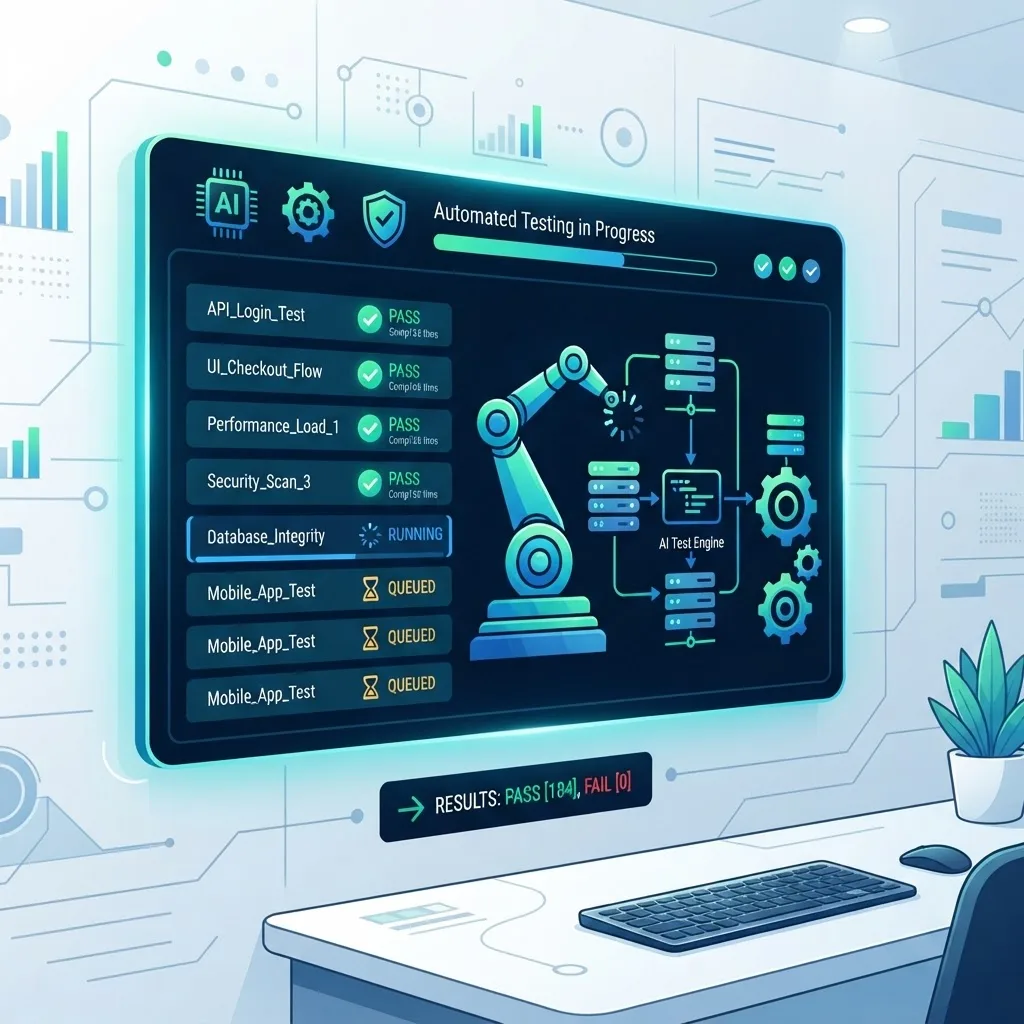
This matters because test maintenance is expensive. According to industry surveys on QA automation, teams commonly report spending 30 to 40 percent of their automation effort simply maintaining existing tests rather than expanding coverage. AI targets that exact waste.
Why Traditional Selenium Alone Struggles
Selenium is powerful, but it was designed to execute deterministic instructions. It clicks exactly where you tell it and finds elements exactly as you define them. That precision becomes a weakness in fast-moving products.
Three recurring pain points push teams toward AI:
- Flaky tests. Timing issues, dynamic content, and asynchronous loading cause tests to fail intermittently, eroding trust in the suite.
- Locator fragility. A single changed class name or restructured DOM can break dozens of tests overnight.
- Limited coverage. Writing and maintaining scripts manually is slow, so critical edge cases often go untested.
Each of these issues consumes engineering hours that could be spent shipping features. AI does not replace Selenium here; it removes the friction that makes Selenium painful at scale.
How AI Enhances Selenium: Core Capabilities
1. Self-Healing Locators
Self-healing is the flagship benefit. When an element's primary locator fails, an AI engine evaluates alternative signals such as neighboring text, tag hierarchy, and historical attributes to re-identify the correct element and continue the test.
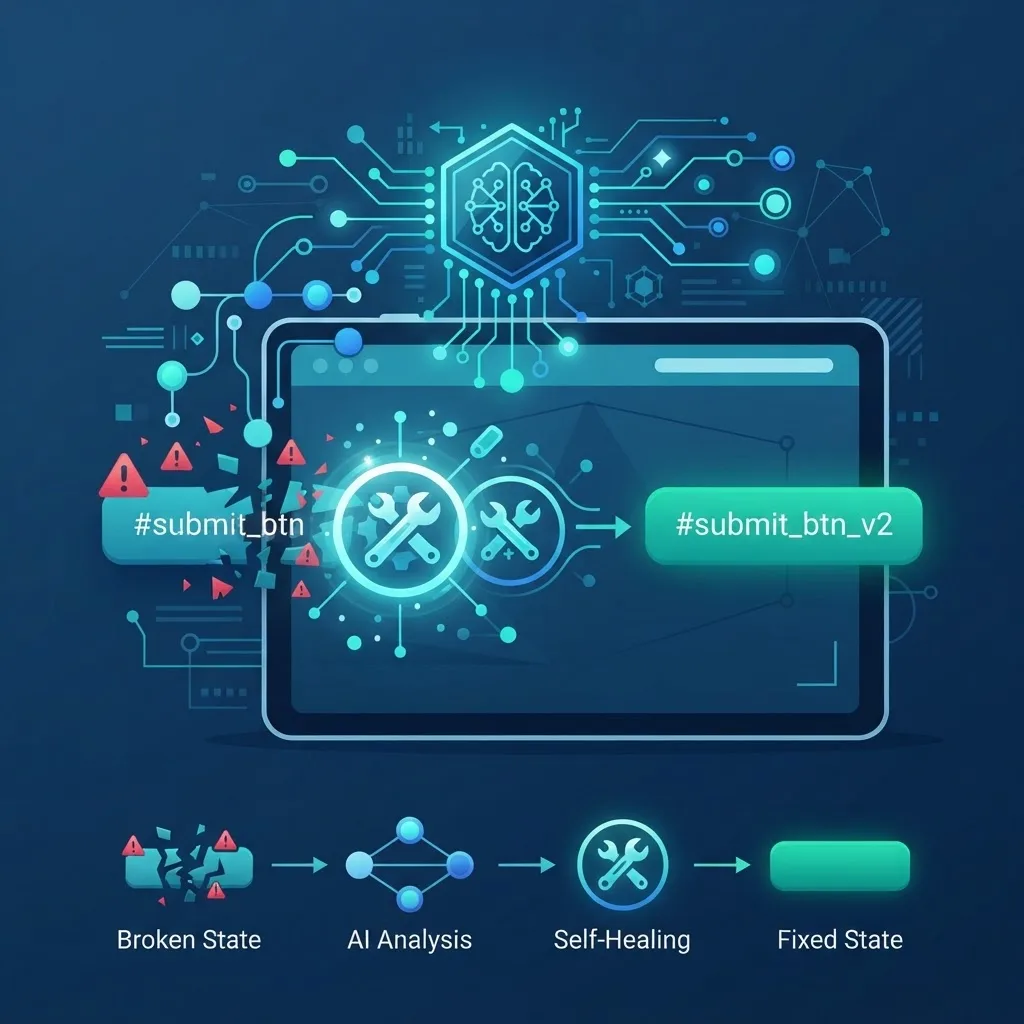
In practice, this means a test that would have failed at 2 a.m. in your pipeline instead adapts, logs the change, and passes. You review the suggested fix the next morning instead of firefighting a broken build.
2. Visual and Layout Testing
Traditional Selenium checks whether elements exist, not whether they look right. AI-driven visual testing captures screenshots and uses computer vision to detect unexpected shifts, overlaps, or rendering bugs across browsers and screen sizes.
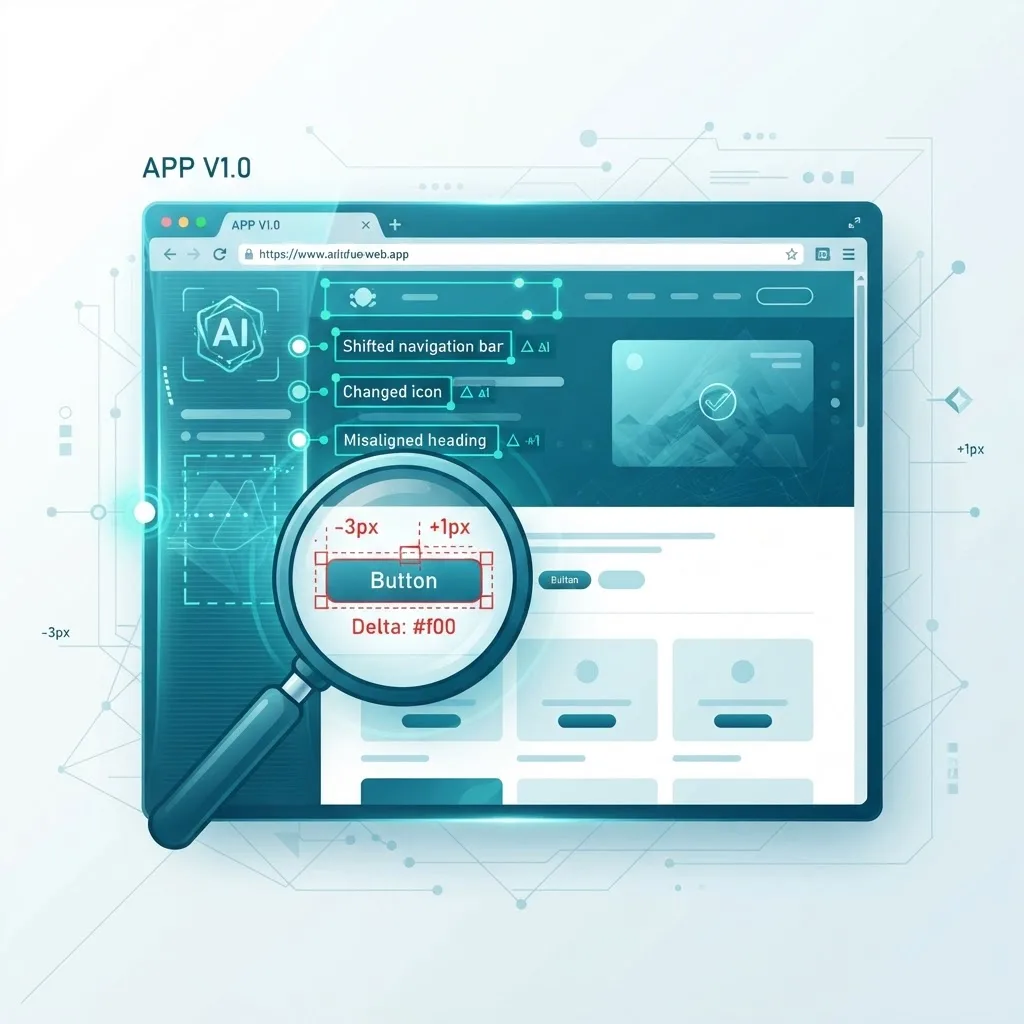
This catches an entire class of defects, like a broken responsive layout or an invisible overlapping button, that functional assertions completely miss.
3. Automated Test Generation
Modern AI tools can crawl an application, infer user flows, and generate baseline Selenium test cases automatically. This accelerates coverage for new projects and surfaces paths a human tester might overlook.
4. Smart Wait and Flakiness Reduction
Instead of hard-coded sleeps or manual explicit waits, AI models learn typical load patterns and dynamically adjust wait strategies, dramatically reducing timing-related failures.
Selenium WebDriver and AI: How They Connect
Understanding the integration point helps you avoid over-engineering. Selenium WebDriver still drives the browser and executes commands. The AI layer typically intercepts locator resolution and result validation.
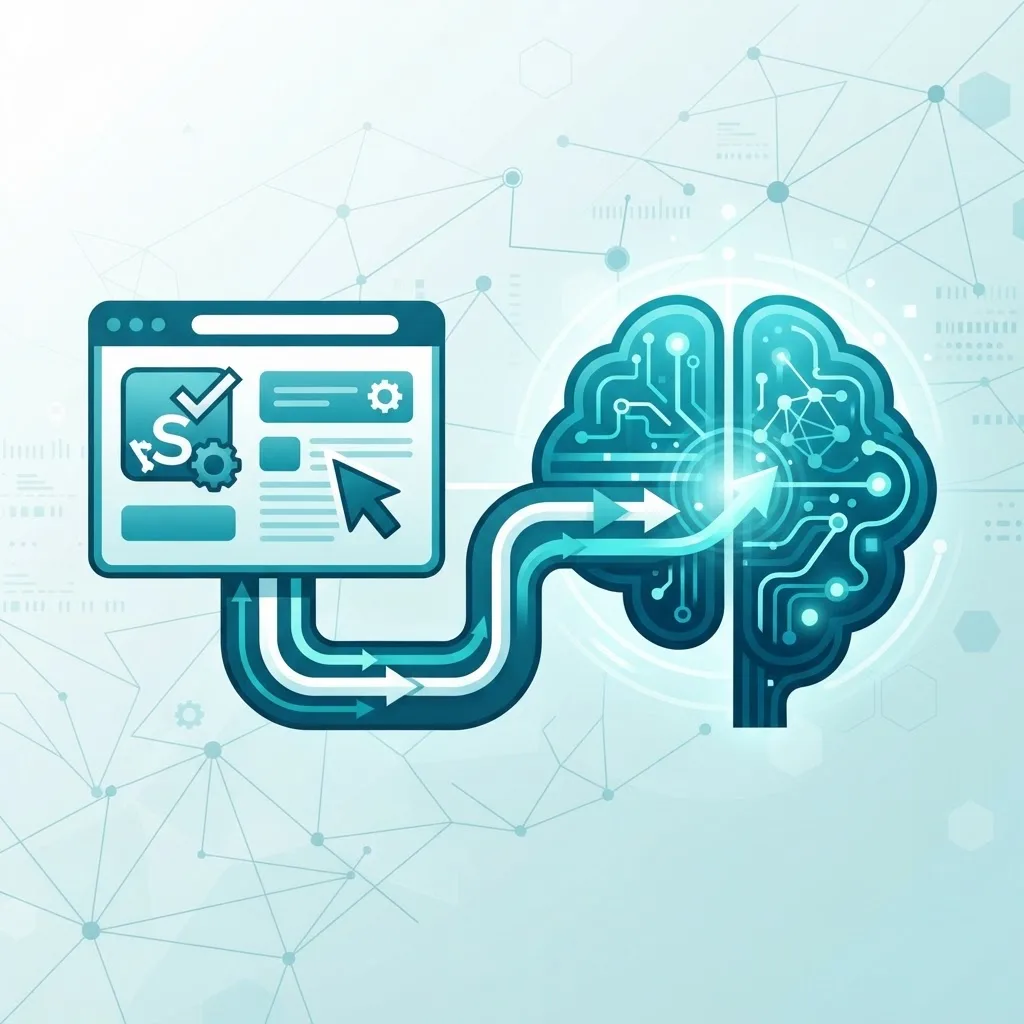
A simplified flow looks like this:
- Your test calls WebDriver to find an element.
- The AI layer records the element's full context during passing runs, building a fingerprint.
- When a locator fails, the AI compares the current DOM against stored fingerprints.
- It selects the closest match, executes the action, and reports the deviation.
This architecture keeps Selenium at the core while AI handles resilience. If you are building custom testing platforms or internal QA dashboards, this is exactly the kind of intelligent automation the team at ZoneTechify helps engineering teams design, and it pairs naturally with dedicated artificial intelligence services for teams scaling automation.
A Real Workflow: AI-Powered Test Automation
Here is how a mature AI-assisted Selenium pipeline operates in a continuous integration environment.
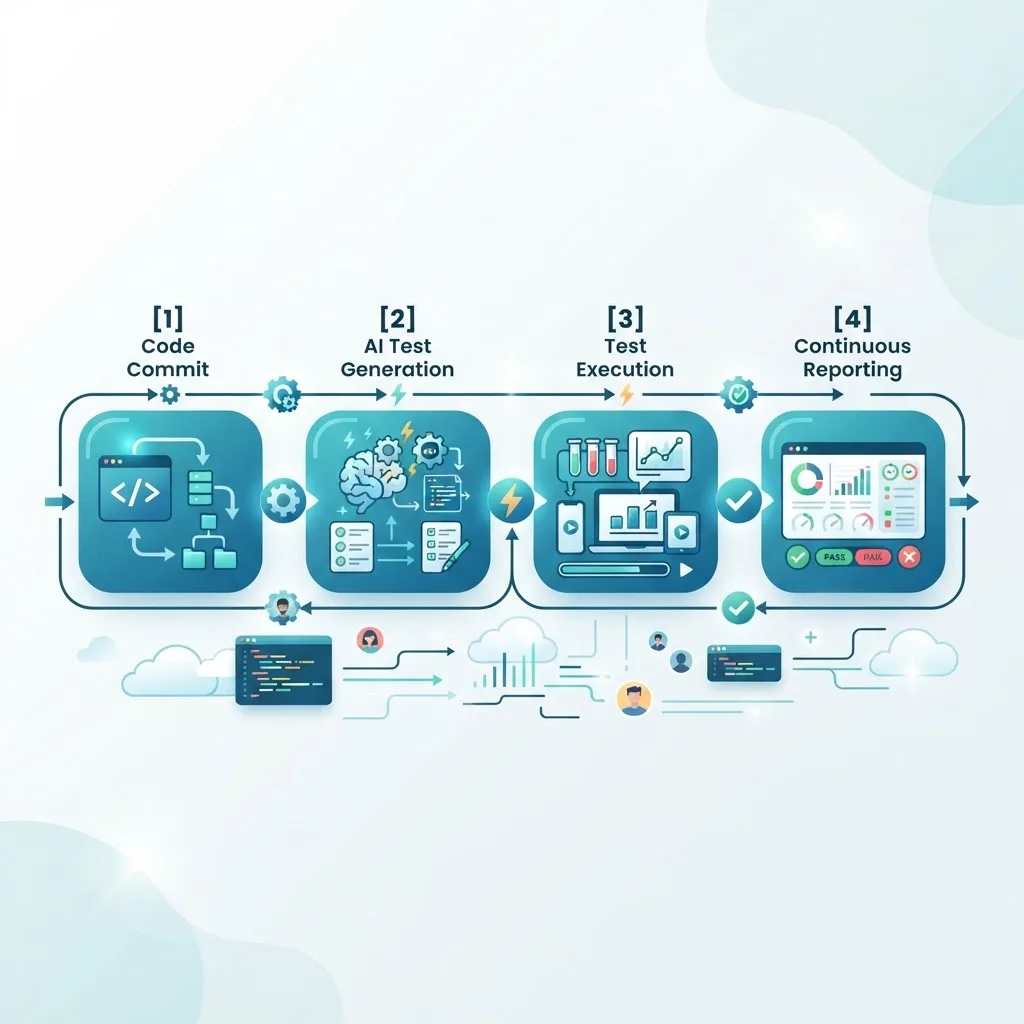
- Commit triggers the pipeline. A developer pushes code and CI kicks off the Selenium suite.
- AI validates locators. Any elements changed by the commit are matched intelligently instead of breaking.
- Tests execute in parallel. Cloud grids run scenarios across multiple browsers simultaneously.
- Visual AI compares snapshots. Rendering regressions are flagged with pixel-level precision.
- Results are triaged automatically. AI groups failures by likely root cause, so engineers fix issues faster.
According to Google's research on developer productivity, faster and more reliable feedback loops are among the strongest predictors of high-performing engineering teams, which is precisely what this workflow delivers.
Selenium With AI vs Traditional Selenium
The table below compares the two approaches across the factors that matter most to QA teams.
| Factor | Traditional Selenium | Selenium With AI |
|---|---|---|
| Locator maintenance | Manual, time-consuming | Self-healing, automatic |
| Flaky test rate | High | Significantly reduced |
| Visual bug detection | Not supported | Built-in via computer vision |
| Test creation speed | Slow, fully manual | Accelerated with auto-generation |
| Learning curve | Moderate | Moderate to higher |
| Cost | Low tooling cost | Higher tooling cost |
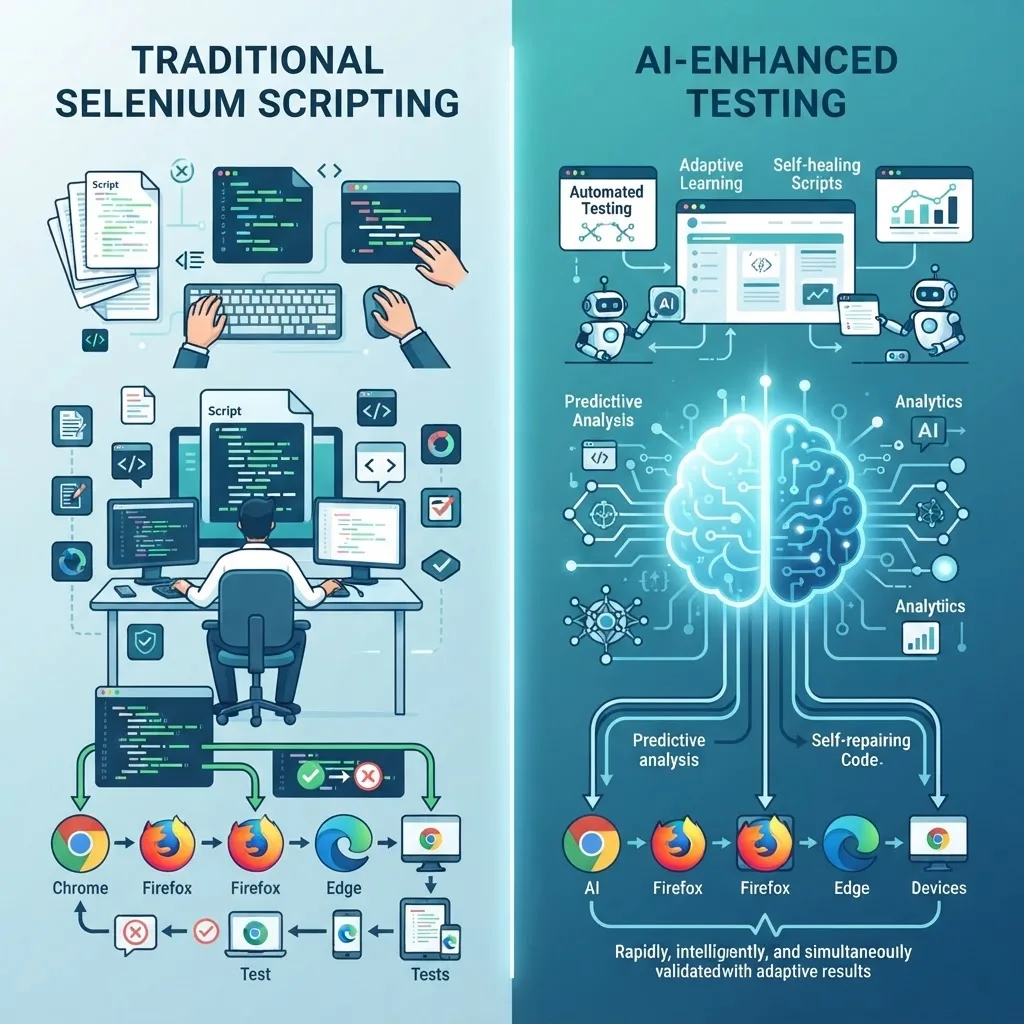
The honest takeaway: AI adds tooling cost and a learning curve, but it repays that investment quickly on any project large enough to suffer from maintenance overhead.
Practical Tips for Adopting Selenium AI
Based on real rollouts, these steps prevent the most common mistakes:
- Start with your flakiest suite. Apply self-healing where pain is highest to prove value fast.
- Keep humans in the loop. Review AI-suggested locator fixes before trusting them blindly.
- Do not delete good practices. Clean page objects and stable test data still matter; AI is not an excuse for messy code.
- Measure before and after. Track flaky-test rate and maintenance hours to justify the tooling spend.
- Version your AI baselines. Store visual and locator baselines in source control for auditability.
Teams that treat AI as an assistant rather than a replacement consistently see the best results.
The Future of Selenium and AI
The trajectory is clear: automation is moving from scripted to intelligent. Expect natural-language test authoring, where you describe a scenario in plain English and AI generates the Selenium code, to become mainstream. Predictive analytics will also identify high-risk areas of an application before bugs even reach production.
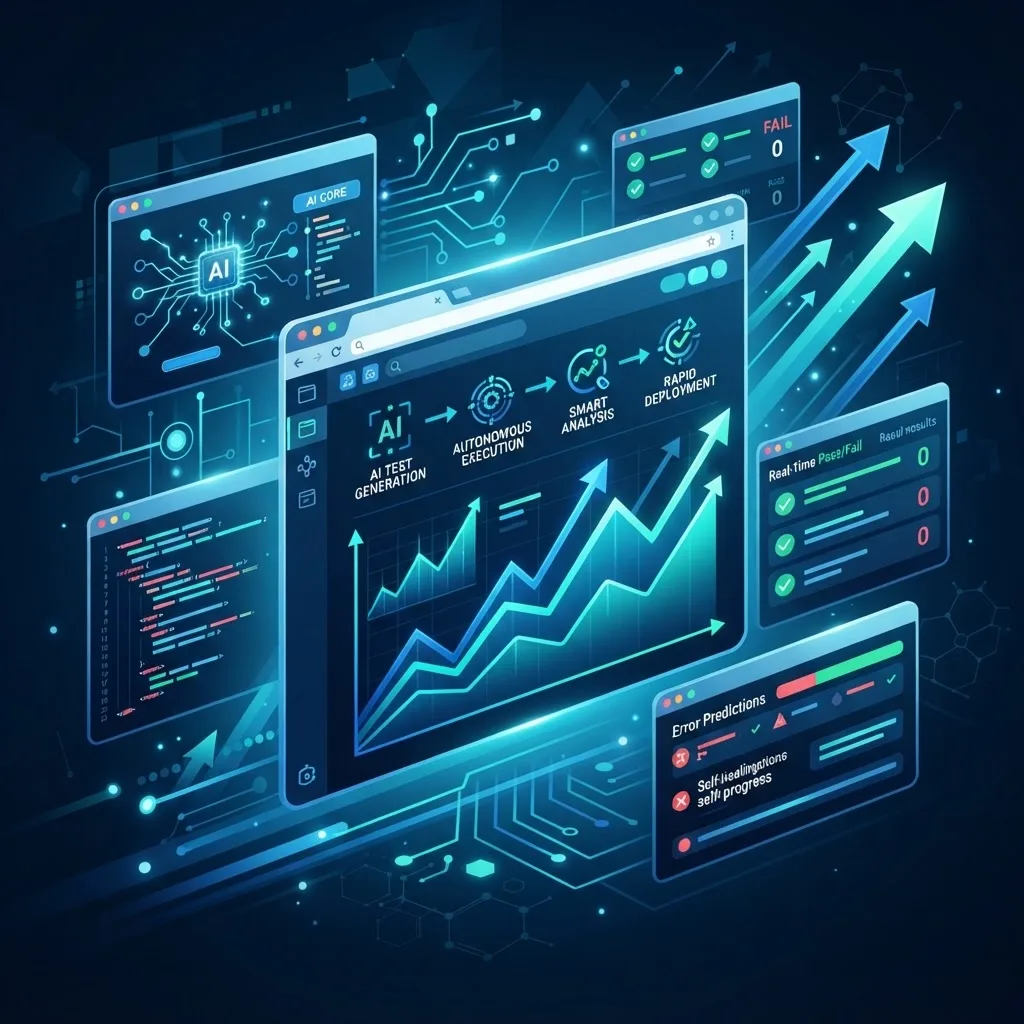
Selenium itself continues to evolve alongside these trends, and its open-source foundation means AI vendors can build on a stable, widely adopted standard. The winners will be teams that combine solid engineering fundamentals with pragmatic AI adoption. You can explore more automation and development insights at WebPeak.
Key Takeaways
- Selenium artificial intelligence combines Selenium WebDriver with machine learning to create self-healing, resilient, and smarter automated tests.
- Self-healing locators, visual AI testing, and automated test generation are the three highest-impact capabilities.
- QA teams commonly spend 30 to 40 percent of automation effort on maintenance, which AI directly reduces.
- AI enhances Selenium; it does not replace it. WebDriver still drives the browser while AI adds resilience.
- The biggest gains come from applying AI to flaky, high-maintenance suites first and keeping humans in the review loop.
Frequently Asked Questions (FAQ)
What is Selenium artificial intelligence in simple terms?
It is Selenium test automation enhanced with AI. Machine learning adds abilities like self-healing locators and visual validation, so tests adapt to UI changes automatically instead of breaking. This reduces maintenance, cuts flaky failures, and makes browser automation far more reliable and scalable for modern web applications.
Does AI replace Selenium for automated testing?
No, AI does not replace Selenium. Selenium WebDriver still controls the browser and executes commands, while AI sits alongside it to handle fragile tasks like locator recovery and visual checks. Think of AI as an intelligent assistant that makes your existing Selenium framework more resilient and efficient.
How does self-healing work in Selenium with AI?
Self-healing works by recording each element's full context during passing test runs. When a locator later fails, the AI compares the current page structure against stored fingerprints, selects the closest matching element, executes the action, and logs the change so engineers can review and confirm the fix afterward.
Is Selenium AI worth the cost for small teams?
For small teams with stable, simple applications, traditional Selenium may be enough. However, if you face frequent flaky tests or constant locator maintenance, AI tooling quickly pays for itself. Start with your most problematic suite, measure maintenance hours saved, and expand only when the value is clearly proven.
What skills do I need to use AI with Selenium?
You need solid Selenium fundamentals: WebDriver, locators, and page object patterns. From there, most AI testing tools integrate through libraries or cloud platforms, so deep machine learning knowledge is not required. Understanding your application's user flows and reading AI-suggested fixes critically matters far more than data science expertise.