
Learn how to spy on competitors Google Display Ads using free and paid tools, creative audits, and placement data to build smarter, cheaper campaigns.
How to Spy on Competitors Google Display Ads
Most advertisers obsess over competitor search ads and ignore the display side, where budgets quietly leak and creative decisions get copied blindly. Display is different: the auction is cheaper, the creative does the persuading, and placement choices matter more than bids. If you can see what a competitor runs, where it runs, and how long it has been running, you skip months of expensive testing. This guide shows how to find competitor Google Display ads using official free tools, browser-based detection, and paid intelligence platforms, then how to turn screenshots into decisions.
Quick Answer: To spy on competitors Google Display Ads, search their brand in the Google Ads Transparency Center to see live creatives by region and date, then confirm findings with tools like SEMrush, Adbeat, or SpyFu. Combine creative screenshots, placement data, and ad longevity to identify which campaigns are actually profitable.
Why Competitor Display Research Pays Off Faster Than Search Research
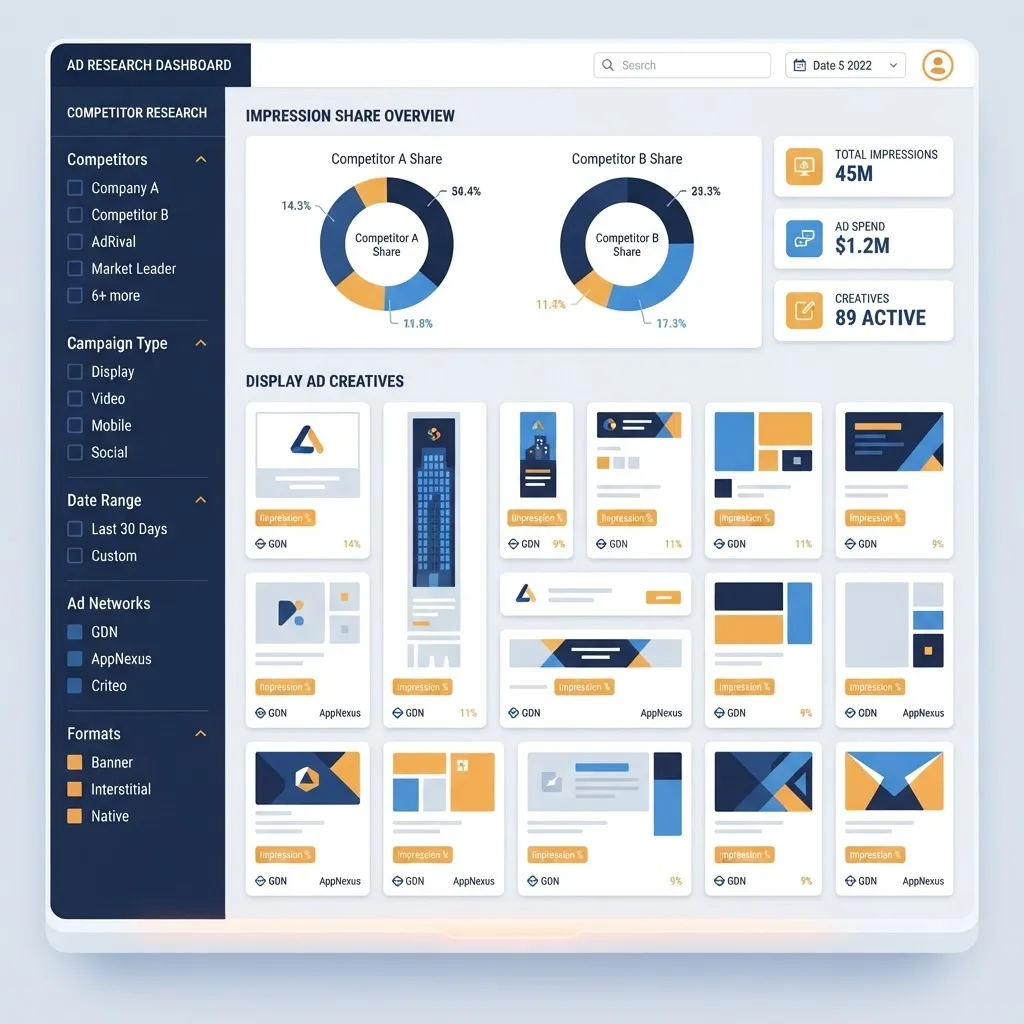
Display research compounds faster because the network is enormous and the creative signal is public. Google states that the Google Display Network reaches over 90 percent of global internet users across more than two million websites and apps, so almost every competitor with a real budget is visible somewhere. Display also behaves differently in performance terms: WordStream benchmark data places the average display click-through rate near 0.46 percent versus roughly 1.91 percent on search, which means display wins come from creative quality and audience targeting rather than intent.
That changes what you look for. On search you copy structure and keywords. On display you copy the message hierarchy, the offer, and the funnel stage. A competitor running the same 300x250 banner for eight months has almost certainly found a winner, and that single observation beats a hundred untested design ideas.
Start With the Google Ads Transparency Center
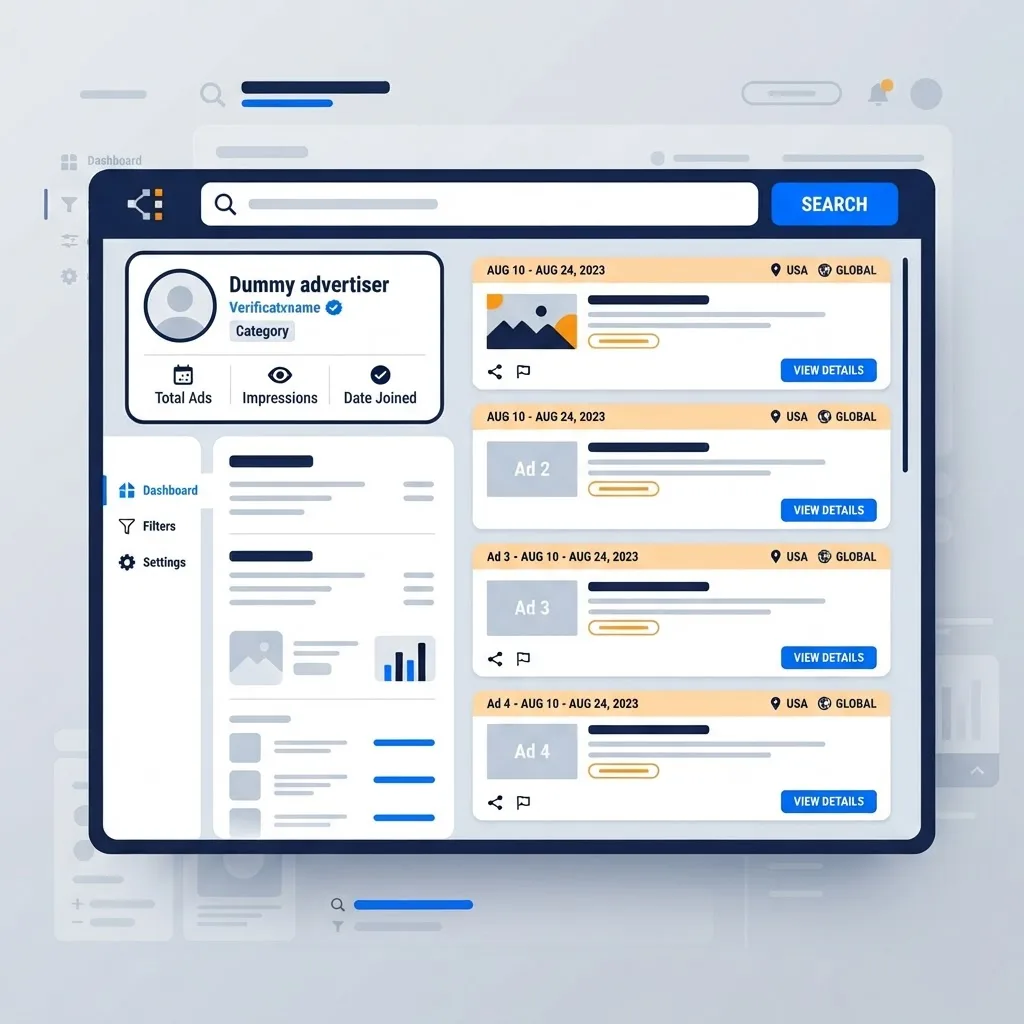
The Google Ads Transparency Center is the only first-party, free, fully legitimate way to view ads a specific advertiser is running. It exists because of advertiser verification requirements, and it lets anyone search a brand or domain and browse the ads that advertiser served, filtered by country, format, and date. For display work it is the fastest starting point because it shows image and video creatives beside the exact advertiser account name.
How to Run a Transparency Center Audit in Five Steps
- Open the Ads Transparency Center and search the competitor brand name or exact domain.
- Select the verified advertiser profile matching their legal or trading name, not a reseller or affiliate.
- Filter by format and choose image or video to isolate display inventory from text search ads.
- Change the region filter for every market you compete in, because offers are frequently localized.
- Screenshot each creative and record the first date you observed it so you can measure longevity.
The critical habit is repetition. A single audit is a snapshot; a monthly audit is intelligence. Advertisers rotate creative constantly, and the ads surviving three consecutive audits are the ones carrying real conversion volume.
Free Methods That Reveal Display Ads Without Any Tool
You can also trigger competitor ads yourself, which reveals targeting rather than just creative.
- Become the audience. Visit their product or pricing pages, then read niche blogs and news sites. Remarketing ads usually appear within hours.
- Use My Ad Center. Google shows why a specific ad was served to you, exposing the audience signal a competitor buys.
- Inspect placements. Use the browser inspector on an ad slot to see the ad server domain and creative dimensions.
- Reverse image search a banner. This surfaces every publisher currently hosting that creative.
All of this stays inside publicly available information, which is the ethical and legal line every marketer should respect.
Paid Display Ad Spy Tools Compared
Paid platforms add history, estimated spend, and publisher lists that free methods cannot provide. Choose based on the question you need answered rather than the feature list.
| Tool | Best For | Display Data Depth | Historical Archive | Typical Fit |
|---|---|---|---|---|
| Google Ads Transparency Center | Verifying live creatives by region | High creative, no spend | Recent activity | Free baseline for everyone |
| Adbeat | Publisher and placement analysis | Very high | Multi-year | Media buyers scaling display |
| SEMrush Advertising Research | Cross-channel view with SEO context | Medium to high | Multi-year | In-house marketing teams |
| SpyFu | Budget-friendly competitor history | Medium | Long-term | Small businesses and freelancers |
| Similarweb | Traffic sources and referral mix | Medium | Multi-year | Strategy and market sizing |
Treat every estimated spend number as directional. These platforms model spend from panel and crawler data, so the trend line is reliable while the absolute figure rarely is. If a tool shows a competitor tripling display investment over two quarters, act on the direction, not the dollar amount.
How to Read a Competitor Creative Like a Media Buyer
A banner is a compressed argument. Auditing one means reverse engineering the competitor's understanding of their buyer.
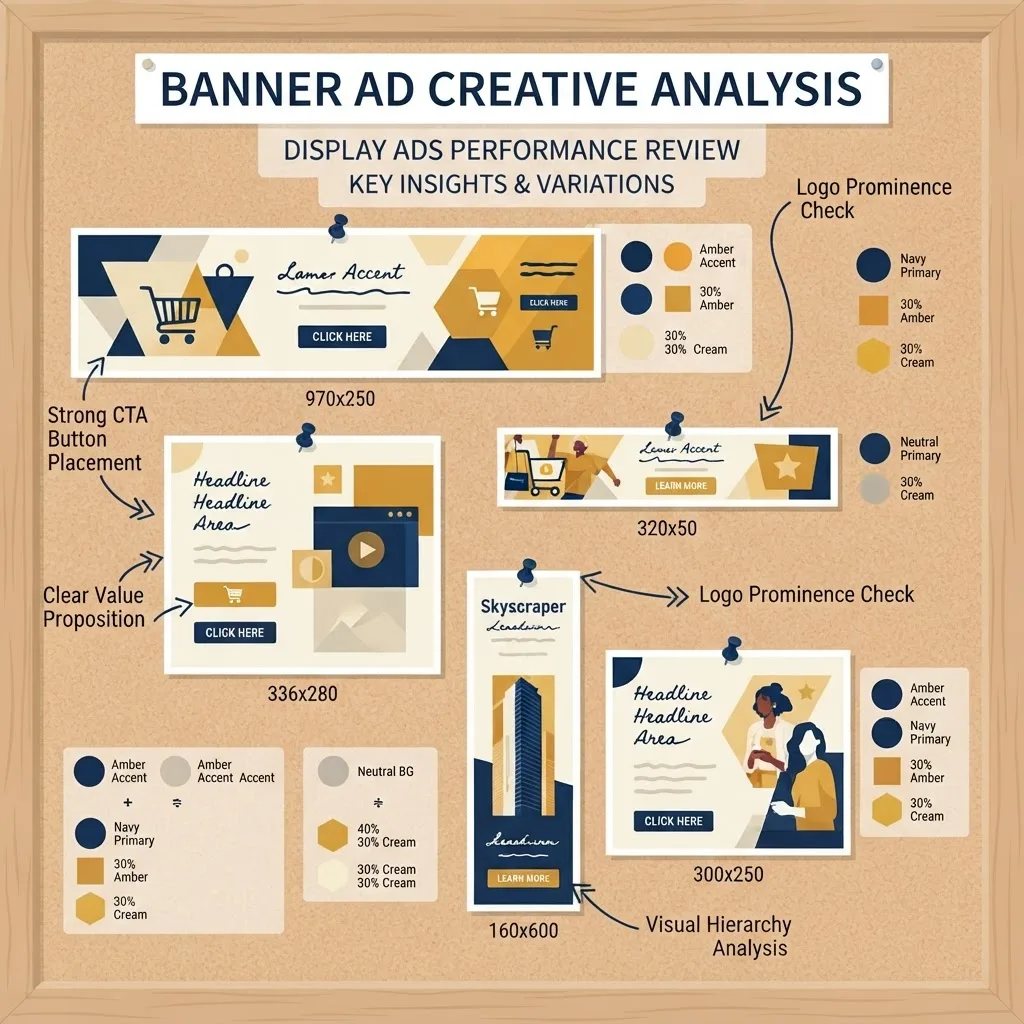
- Primary promise. The headline reveals which objection they consider most expensive to leave unanswered.
- Offer mechanism. Trial, demo, discount, or download tells you which funnel stage the campaign serves.
- Proof element. Ratings, client logos, or numbers show what their audience distrusts.
- Visual contrast. High-contrast buttons and simplified backgrounds signal creative tested on cluttered placements.
- Size coverage. Advertisers running 300x250, 728x90, 160x600, 320x50, and 300x600 together are running serious budget.
This is where analysis becomes strategy. Teams that pair creative teardowns with landing page work, like the specialists behind data-driven marketing campaigns, find that the fastest display gains come from matching a competitor's proof density rather than copying their layout.
Reverse Engineering Placements and Audiences
Creative tells you the message; placements tell you the money. Placement research answers a question most advertisers never ask: which publishers actually convert in this niche?

- Pull the competitor's top publisher list from a tool such as Adbeat or Similarweb.
- Cross-reference publishers appearing for three or more competitors, since overlap signals proven inventory.
- Note publishers showing long-running creative, because a stable creative on a stable publisher is a profitable pairing.
- Add the strongest publishers as managed placements in your own campaign at a small daily budget.
- Exclude publishers that appear briefly and vanish, since they often mark spend a competitor already cut.
Managed placements built this way usually outperform broad audience targeting early because you inherit someone else's negative testing for free. Execution still matters, and slow landing pages waste the traffic you just bought, which is why performance-focused build partners such as WebPeak Digital treat page speed as part of the media plan.
Detecting Competitor Remarketing Sequences
Remarketing is where competitor display strategy is most visible and least studied. Because you can trigger it deliberately, you can map an entire sequence in a week.
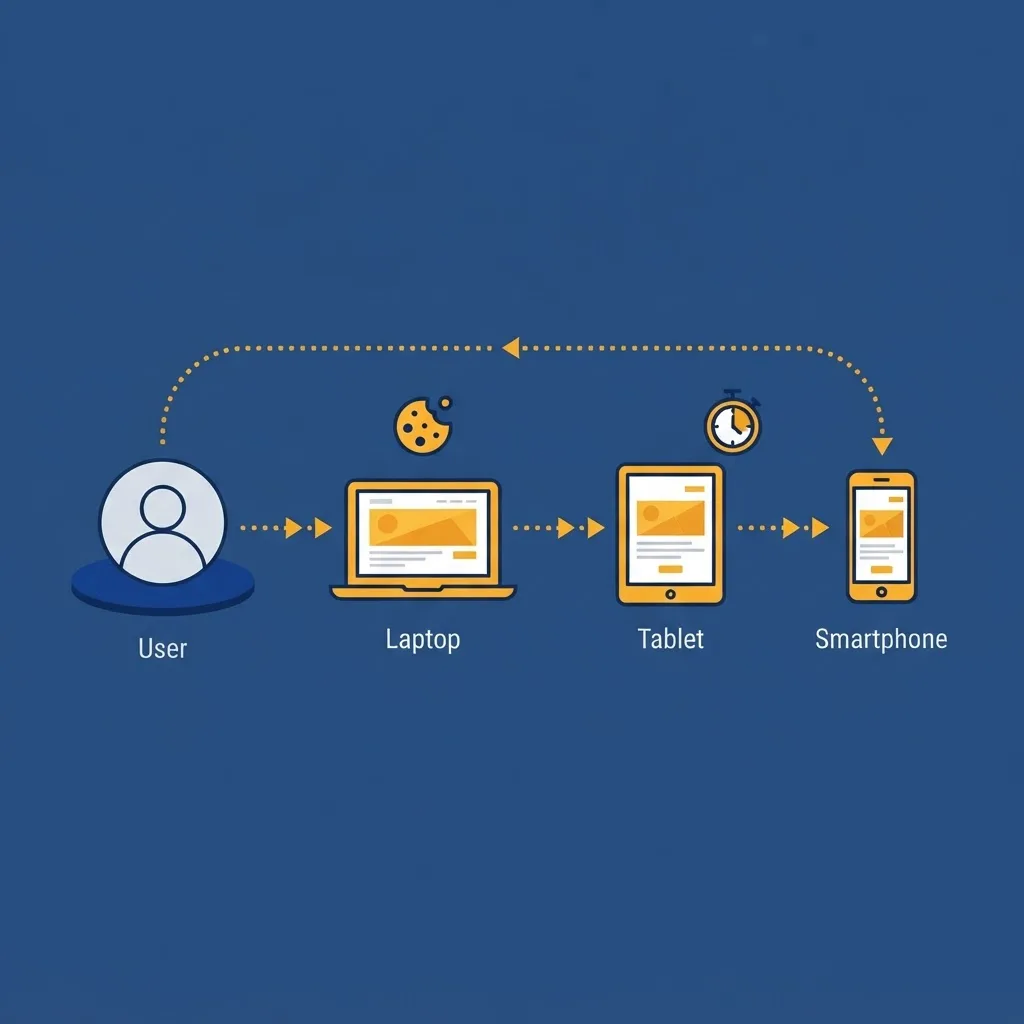
Use a clean browser profile, visit one specific page such as pricing, then do nothing else on that domain. Log every ad for seven days with date, creative, offer, and placement. Patterns appear quickly: day one ads repeat the value proposition, days three to five introduce proof or comparison messaging, and later ads add urgency or discounts. That escalation curve is their tested answer to buyer hesitation, and you can adapt the logic without copying a pixel.
Repeat the exercise starting from a blog page. If the creative changes, they segment by intent, which means the account is mature and worth studying closely.
Turning Findings Into a Competitive Intelligence Report
Research without a decision document is entertainment. Keep one living spreadsheet and one short monthly summary.
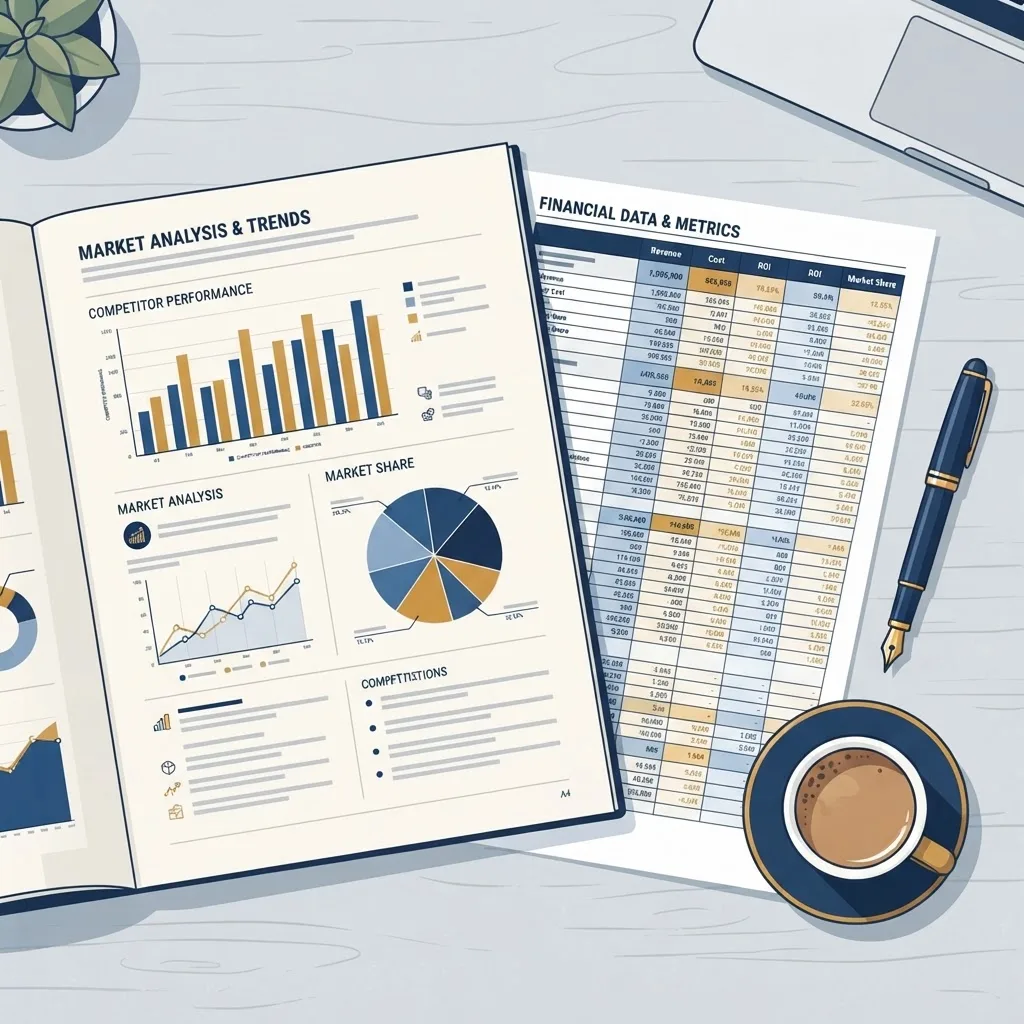
Track these columns: competitor, creative filename, first seen date, last seen date, format, offer, landing page, publisher, and region. Then write three conclusions monthly: what a competitor started, what they stopped, and what you will test next. Two disciplined tests beat twenty untested observations.
Search and display intelligence reinforce each other. Competitors who dominate organic results often reduce branded display spend, so pairing display audits with search engine optimization analysis explains gaps in their funnel. Agencies running this at scale systemize it, and the operating model is explained in this breakdown of white label SEO delivery.
Mistakes That Waste Competitor Research
- Copying creative directly instead of extracting the insight, which invites brand confusion and legal risk.
- Trusting estimated spend figures as exact numbers.
- Auditing once, which hides longevity data entirely.
- Ignoring regional filters and assuming one market represents all markets.
- Studying only the largest competitor, when smaller efficient advertisers reveal cheaper strategies.
Key Takeaways
- The Google Ads Transparency Center is the only free, first-party source for verified competitor display creatives, filterable by region, format, and date.
- The Google Display Network reaches over 90 percent of internet users across more than two million sites and apps, so most competitor activity is discoverable.
- Average display click-through rates near 0.46 percent mean creative and placement quality decide performance, not intent.
- Ad longevity is the strongest free profitability signal available to outsiders.
- Publisher overlap across three or more competitors identifies proven inventory faster than broad targeting.
- Treat all third-party spend estimates as trend data, never as verified budgets.
Frequently Asked Questions (FAQ)
Can I see my competitors Google Display ads for free?
Yes. The Google Ads Transparency Center lets you search any verified advertiser and view their recent image, video, and text ads by region and date at no cost. You can also trigger their remarketing ads by browsing their site, then check My Ad Center for the targeting reason.
Is spying on competitor ads legal?
Viewing publicly served ads is legal because the information is published to the open internet. What is not legal is copying protected creative, trademarks, or copy verbatim. Use competitor ads to understand messaging strategy, offers, and placements, then build original creative reflecting your own brand and claims.
Which tool shows the most accurate display ad spend?
No external tool reports exact spend, since only the advertiser sees real account data. Adbeat and SEMrush produce the most useful directional estimates for display, built from crawler and panel data. Use them to compare relative investment and trends between competitors rather than as precise budget figures.
How often should I audit competitor display ads?
Monthly is the practical standard, with weekly checks during a competitor launch or seasonal peak. A monthly cadence captures creative rotation and longevity without consuming excessive time, and it produces the first seen and last seen dates that make your profitability signals genuinely meaningful.
How do I know if a competitor ad is actually working?
Longevity is the clearest outside signal. If the same creative runs for several months across multiple publishers and sizes, it is almost certainly profitable, because advertisers cut losing creative quickly. Short-lived ads that disappear within weeks usually represent failed tests you can safely skip.
Final Thoughts
Competitor display research rewards patience more than tooling. Anyone can screenshot a banner, but the advertisers who win track first seen and last seen dates, map publisher overlap, and translate findings into two disciplined tests each month. Start with the Transparency Center this week, add a paid tool only when free methods stop answering your questions, and treat every long-running competitor creative as a paid experiment someone else funded for you.