Learn how to recognize, avoid, and report tech support scams in 2026 with practical red flags, prevention tips, and trusted recovery steps for staying safe online.
How to Spot and Avoid Tech Support Scams in 2026
Tech support scams have evolved into one of the most convincing forms of online fraud, and 2026 is no exception. What once looked like a clumsy pop-up riddled with spelling mistakes has matured into a polished, multi-channel operation that blends fake alerts, spoofed phone numbers, and even synthetic voices. Scammers now lean on automation and social engineering to pressure victims into handing over money or remote access to their devices. The good news is that these schemes still rely on a predictable playbook, and once you understand it, they become far easier to dodge.
This guide breaks down exactly how modern tech support scams work, the warning signs to watch for, and the concrete steps you can take to protect yourself, your family, and your business. Whether you are a casual home user or managing devices across an organization, the same core principles keep you safe.
What Is a Tech Support Scam?
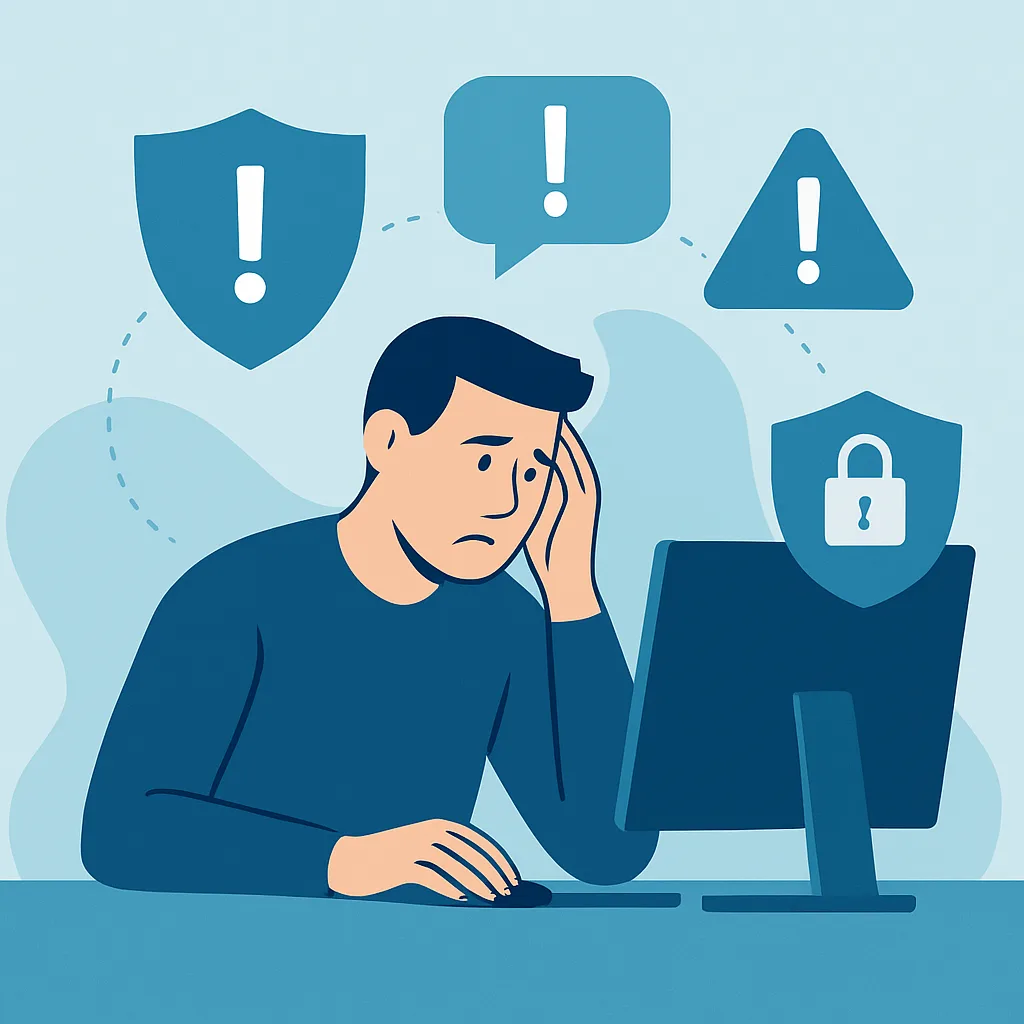
A tech support scam is a fraud in which criminals impersonate a legitimate technology company, such as a software vendor, antivirus provider, or device manufacturer, and convince you that your computer has a serious problem. The supposed problem rarely exists. The goal is to manufacture fear so you act quickly without thinking. Once you are scared, the scammer offers to fix the issue for a fee, requests remote access, or pushes you toward fake software.
These scams succeed because they exploit two things: trust in well-known brands and the natural anxiety we feel when something seems wrong with our technology. In 2026, the impersonation is more believable than ever, using accurate logos, professional scripts, and caller IDs that appear genuine.
How Tech Support Scams Work in 2026
Understanding the mechanics helps you interrupt the scam before it succeeds. Most attacks follow a recognizable sequence.
The Fake Alert or Pop-Up
Many scams begin with an alarming browser pop-up claiming your device is infected, your data is compromised, or your account has been locked. The page may freeze your browser, play a loud warning sound, or display a countdown timer. A phone number is always front and center, urging you to call immediately for help.
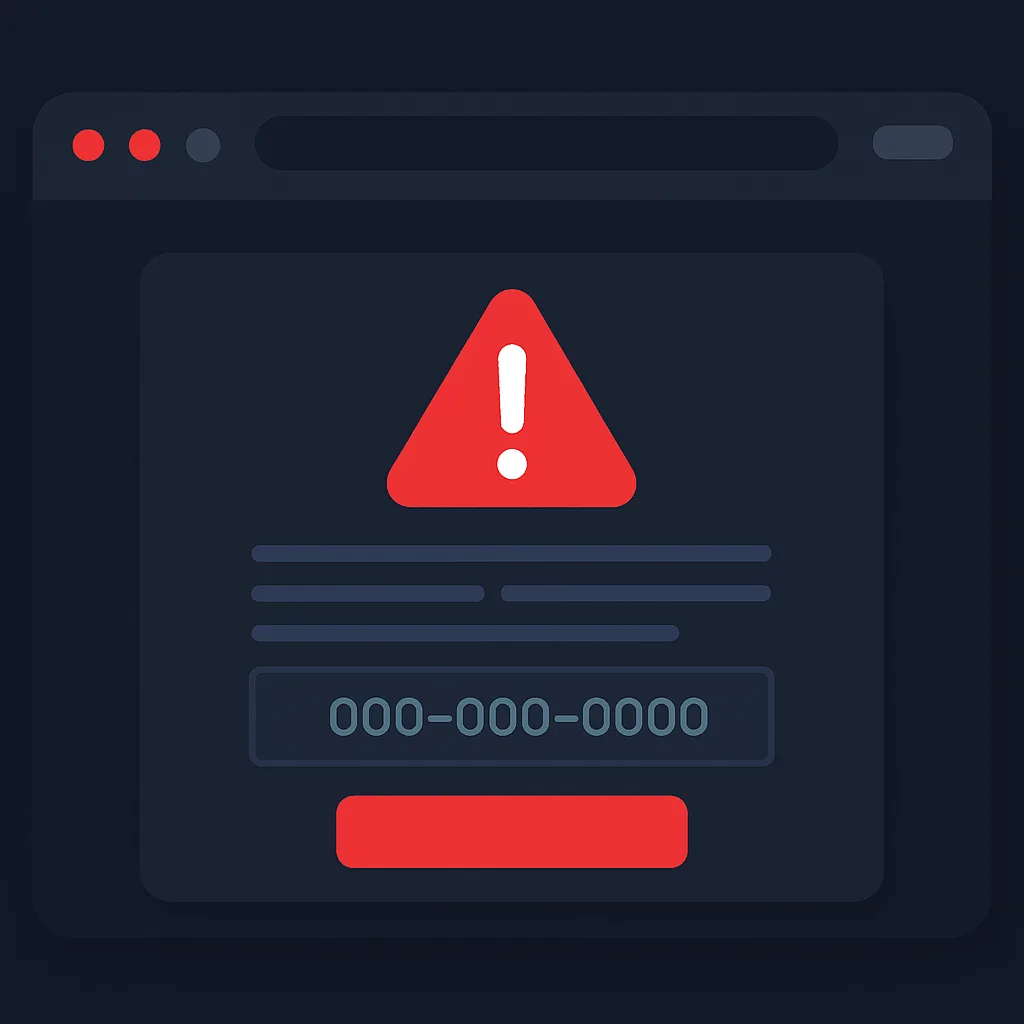
Legitimate companies do not display full-screen warnings with phone numbers telling you to call right now. Real security software handles threats quietly in the background. A pop-up demanding an urgent phone call is one of the clearest red flags you will encounter.
The Unsolicited Phone Call
In other cases, the scammer contacts you first. You receive a call from someone claiming to be from a familiar tech company, saying they have detected suspicious activity on your computer. They sound calm, professional, and helpful. In 2026, some of these calls use AI-generated voices that are nearly indistinguishable from real agents, which makes skepticism more important than ever.
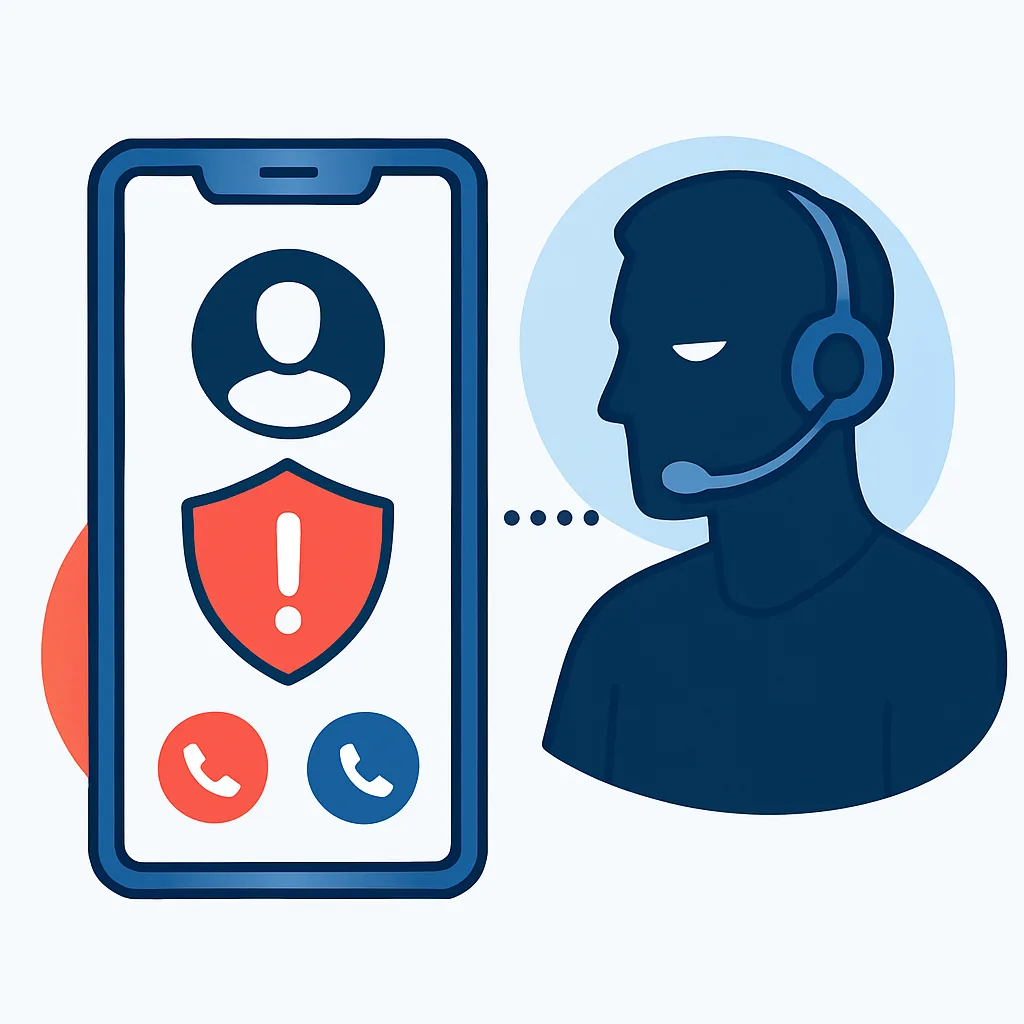
Remember this rule: real technology companies do not call you out of the blue to tell you about a virus. They have no way of monitoring your individual device and proactively dialing your number. Any unsolicited call about a computer problem should be treated as a scam.
Gaining Remote Access
Once they have your attention, scammers ask you to install remote-access software so they can fix the problem. The moment they have control, they can rifle through your files, install malware, view banking details, or lock you out entirely. They may also run harmless system tools and present normal logs as proof of a dangerous infection.
The Payment Trap
Finally, they request payment, often through hard-to-trace methods such as gift cards, wire transfers, cryptocurrency, or payment apps. The insistence on these specific channels is a major warning sign, because legitimate businesses accept standard, reversible payment methods and never demand gift cards.
Common Tactics Scammers Use
Scammers rely on psychology as much as technology. Recognizing their pressure tactics is half the battle.
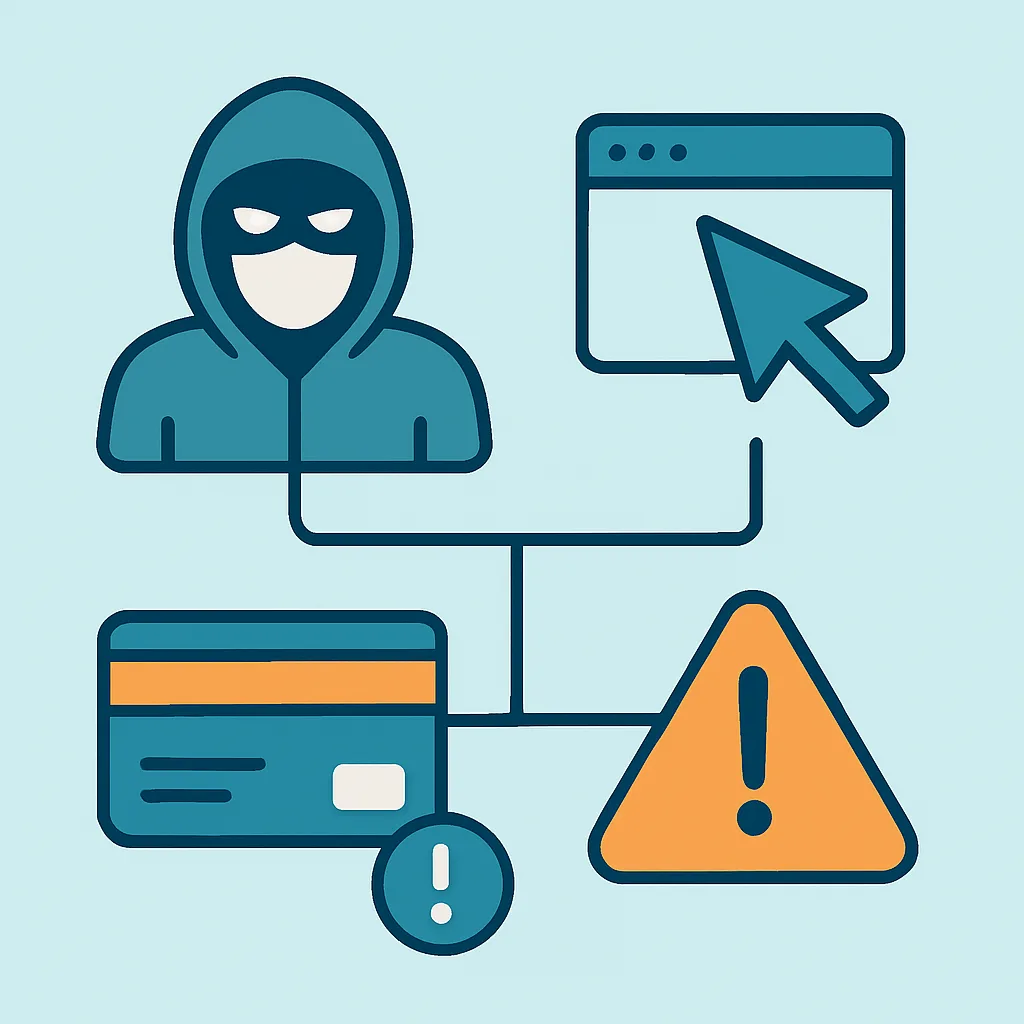
- Urgency: They insist the problem must be fixed immediately or you will lose data, money, or access.
- Fear: They exaggerate threats, claiming hackers are actively stealing your information right now.
- Authority: They impersonate trusted brands and use technical jargon to sound credible.
- Isolation: They discourage you from hanging up, asking a family member, or seeking a second opinion.
- Secrecy: They tell you not to mention the call to your bank, since the bank might block the payment.
If an interaction features several of these at once, you are almost certainly dealing with a scam.
Warning Signs You Should Never Ignore
The table below summarizes the differences between legitimate support and a scam.
| Behavior | Legitimate Support | Tech Support Scam |
|---|---|---|
| Contacts you first about a virus | No | Yes |
| Demands immediate action | No | Yes |
| Asks for gift cards or crypto | No | Yes |
| Requests remote access unprompted | No | Yes |
| Uses scare tactics and countdowns | No | Yes |
| Provides verifiable official channels | Yes | No |
Whenever you notice these patterns, stop and step back. A genuine company will never penalize you for taking time to verify a request through official channels.
How to Protect Yourself From Tech Support Scams
Prevention is far easier than recovery. Building a few habits dramatically reduces your risk.
Never call numbers from pop-ups. If a warning appears, close the browser. On most systems you can force-quit the browser or restart the device. Then run a scan with software you already trust.
Verify through official sources. If you genuinely think there may be an issue, look up the company's support contact on its official website, not from an email, pop-up, or caller. Type the address yourself rather than clicking a link.
Never grant remote access to strangers. Only allow remote control when you initiated contact with a verified provider and you are certain of their identity.
Use reputable security tools. Keep your operating system, browser, and antivirus updated. Modern protection blocks many malicious pages before they load. For businesses that want layered defenses and proactive monitoring, professional cybersecurity services can add an important safety net beyond consumer-grade tools.
Slow down. Scammers depend on panic. Taking even sixty seconds to think, or to ask someone you trust, breaks the spell almost every time.
Protect payment methods. No legitimate support team will ever ask for gift cards or cryptocurrency. Treat any such request as an instant red flag.
Protecting Vulnerable Family Members
Older adults and people less familiar with technology are common targets. Have an open conversation with relatives about these scams before they happen. Encourage a simple rule: if anyone calls or pops up claiming there is a computer emergency, hang up or close it and call you first. Setting up account alerts and limiting remote-access software on their devices adds another layer of safety. A calm, judgment-free agreement to always double-check prevents the embarrassment that often keeps victims silent.
What to Do If You Have Already Been Targeted
If you suspect you interacted with a scammer, act quickly but calmly.
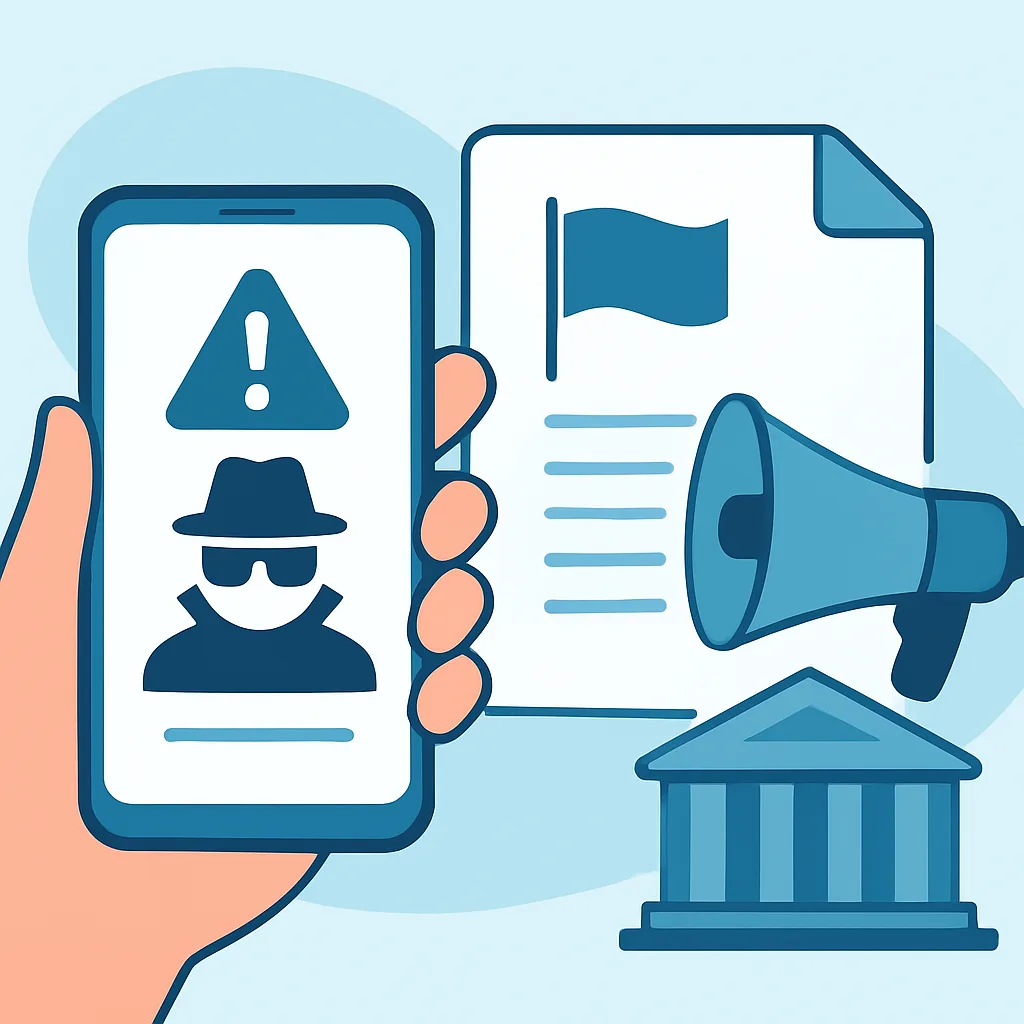
- Disconnect the device from the internet to cut off any remote access.
- Uninstall any software the scammer asked you to install, and run a full security scan.
- Change your passwords from a different, trusted device, starting with email and banking.
- Contact your bank or card provider immediately if you shared payment details, and ask about reversing charges.
- Enable two-factor authentication on important accounts to block unauthorized logins.
- Report the scam to your local consumer protection agency and the impersonated company so they can warn others.
Reporting matters even if you did not lose money. It helps authorities track these operations and protects the next potential victim.
Staying Safe in 2026 and Beyond
As scams grow more sophisticated, your best defense remains a healthy dose of skepticism combined with simple, consistent habits. Technology will keep changing, but the underlying trick, manufacturing fear to override your judgment, stays the same. Trust verified channels, refuse to be rushed, and never let anyone you did not contact take control of your device or your wallet.
Staying informed is an ongoing process, and reliable resources make it easier. You can explore more practical guides on security, technology, and digital growth at ZoneTechify and WebPeak, both of which regularly publish content to help individuals and businesses navigate the modern web safely.
Final Thoughts
Tech support scams thrive on confusion and urgency, but they crumble the moment you pause and verify. By learning the warning signs, refusing unsolicited remote access, avoiding untraceable payments, and talking openly with the people around you, you remove nearly every opportunity a scammer relies on. Keep your software updated, lean on trusted security partners when you need stronger protection, and treat any surprise tech emergency as suspicious until proven otherwise. With these habits in place, you can use your devices in 2026 with confidence rather than fear.