A practical, safety-first guide to what mod files really are, how downloads work on Android, and the verification steps that protect your data and device.
How to Download Mod
Searching for how to download mod files usually means one thing: you want a feature that the official app keeps behind a paywall, a level cap, or a region lock. That goal is understandable. The method most people reach for is not. Modified application packages rewrite a developer's signed code, which breaks the trust chain Android uses to decide whether software is safe to run. This guide explains exactly what happens during a mod download, which steps are technically safe, which are legally and financially risky, and what verified alternatives deliver the same outcome without handing your device to a stranger.
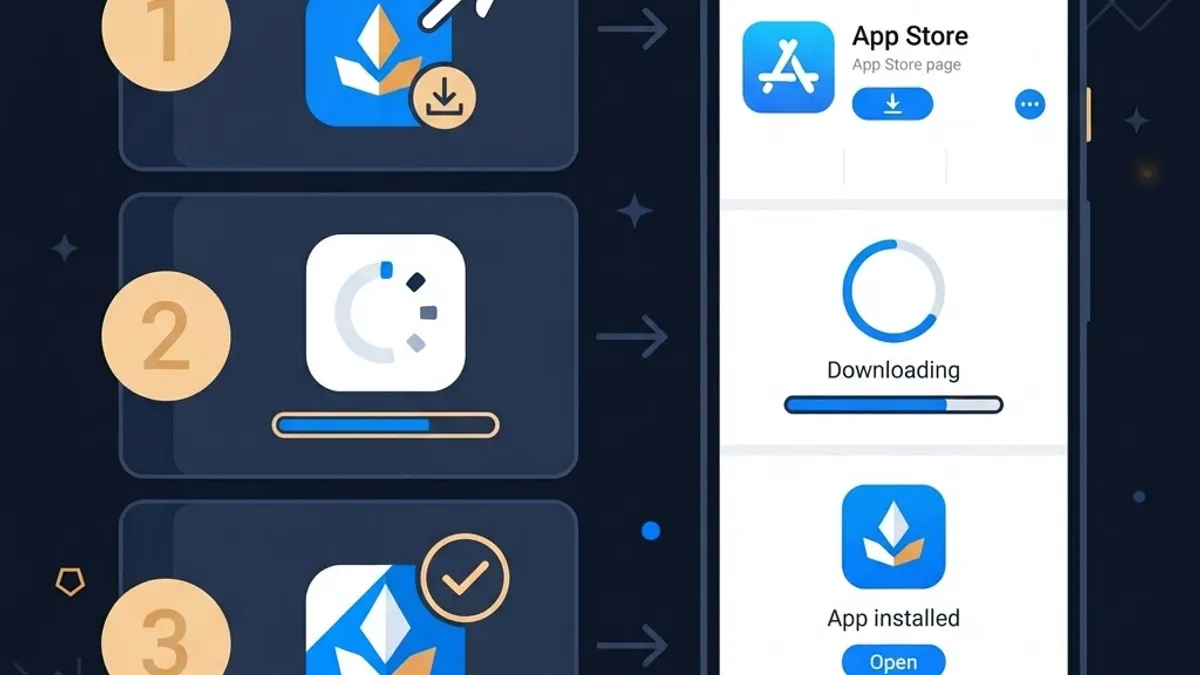
Quick Answer: Downloading a mod means installing a repackaged app file from outside an official store. Technically you enable install-from-unknown-sources, download the file, and tap install. Practically, mods are unsigned by the original developer, frequently bundled with malware, and usually violate the app's terms, so verified official builds are the safer path.
What a Mod Actually Is
A mod is an application package that someone downloaded, decompiled, edited, and rebuilt. The editor might unlock premium menus, remove ads, or inject unlimited in-game currency. To ship that change, they must re-sign the file with their own private key, because Android refuses to install a package whose signature does not match its contents.
That single detail explains most mod risk. Once the original developer's signature is gone, nothing verifies that only the advertised feature changed. The same build that unlocks a premium tier can also add a background service that reads notifications, harvests clipboard data, or silently subscribes you to SMS billing. You are not trusting the app maker anymore. You are trusting an anonymous repackager.
Key Terms Defined
- APK: Android Package Kit, the installable archive format for Android apps.
- Signature: A cryptographic seal proving the package came from a specific developer and was not altered.
- Sideloading: Installing an app from a source other than an official app store.
- Repackaging: Decompiling, editing, and re-signing an existing app, the core act behind every mod.
Is Downloading a Mod Legal or Safe
These are two separate questions, and the answers differ.
On legality, modifying and redistributing a paid or copyrighted app without permission infringes the developer's rights in most jurisdictions and violates nearly every mobile app's terms of service. Open-source projects licensed under permissive terms are the clear exception, because their licenses explicitly allow modified redistribution.
On safety, the research is blunt. Google's Android security reporting has consistently shown that devices installing apps only from Google Play encounter harmful applications at a fraction of the rate seen on devices that sideload, with sideloaded sources historically accounting for the large majority of detected malware installs. Separately, IBM's Cost of a Data Breach research has put the global average breach cost in the multi-million dollar range year after year, and credential theft remains one of the most common initial attack vectors. A repackaged banking-adjacent app on a phone that also holds your email and two-factor codes is exactly that vector in miniature.
The Technical Download Process, Explained Honestly
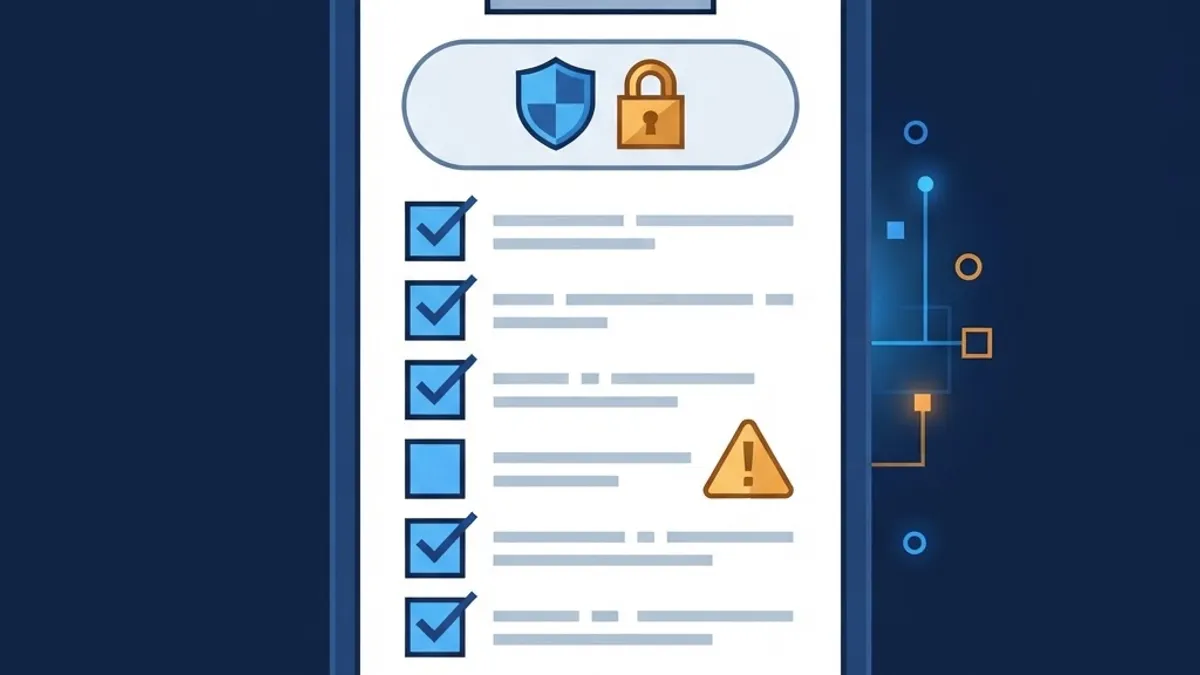
People search for steps, so here is what the process mechanically involves on modern Android. Read it as an explanation of the mechanism, not an endorsement of installing untrusted builds.
- Per-app permission grant. Android 8 and later removed the single global unknown-sources switch. Permission is now granted per installer app under Settings, Apps, Special app access, Install unknown apps.
- File acquisition. The browser or file manager downloads the package to local storage.
- Package parsing. The system installer reads the manifest, target SDK level, and requested permissions.
- Signature check. Android confirms the package is internally consistent with its own signature. It cannot confirm who created it.
- Play Protect scan. Google Play Protect scans the package and may warn or block it.
- Install and first launch. Runtime permissions are requested on first use, not at install time.
Step four is where most users misunderstand what "verified" means. A successful install proves the file is intact. It never proves the file is honest.
Official Source vs Mod Source Comparison
| Factor | Official Store Build | Modified Package |
|---|---|---|
| Developer signature | Original and verifiable | Replaced by unknown party |
| Security scanning | Automated review plus Play Protect | None before upload |
| Automatic updates | Yes, including security patches | Manual, often abandoned |
| Account ban risk | None for normal use | High for online games and services |
| Refund and support | Available | None |
| Hidden permission risk | Low, disclosed and audited | Unknown until runtime |
| Legal standing | Fully licensed | Usually infringing |
The update column deserves emphasis. When a library vulnerability is patched upstream, official users receive the fix within days. A mod frozen at an older version keeps that vulnerability permanently, because the repackager rarely rebuilds every release.
Warning Signs a Download Is Malicious
After reviewing how modified builds are distributed, a consistent pattern emerges. Treat any of these as a stop signal:
- The file requests SMS, accessibility, or device-admin permissions that the original app never needed.
- The download arrives through a chain of redirects, shorteners, or a forced push-notification prompt.
- File size differs dramatically from the official listing, which often signals injected payloads or stripped assets.
- The page pressures you to disable Play Protect or your antivirus before installing.
- The package name mimics the original with a subtle character change.
- Comments are disabled, or every review is a generic two-word compliment.
Accessibility-service abuse is the single most dangerous item on that list. That permission can read screen content and simulate taps, which is enough to approve transactions and intercept one-time passcodes without you seeing anything unusual.
Safer Ways to Get the Features You Want
Almost every reason people search for mods has a legitimate solution. The outcome matters more than the method.
- Open-source alternatives. Free and open-source apps ship every feature unlocked by design, with public source code you or others can audit. Community-run repositories distribute them with reproducible builds.
- Official free tiers and trials. Many premium apps offer time-limited full access. A weekend trial answers whether the paid tier is worth it.
- Regional and student pricing. Subscription prices vary widely by country and status, and verified student discounts often cut costs sharply.
- Web versions. Progressive web apps frequently expose the same functionality through the browser, sandboxed away from your system.
- Official beta programs. Beta channels give early access to unreleased features through a signed, legitimate build.
- Direct developer downloads. Some developers publish signed packages on their own verified domain, which is genuine sideloading rather than modding.
- Ad-supported use with a system-level blocker. A reputable DNS-level filter reduces ads without touching the app's code.
For readers weighing these tradeoffs in more depth, our library covers the topic from several angles: a breakdown of safe alternatives to mod APK files, a closer look at artificial intelligence mod APK claims, a practical guide to AI APK download sources, and a review of what an AI chat APK can and cannot legitimately do.
A Verification Checklist Before Any Sideload
If you must install a package from outside a store, apply the same discipline a security engineer would apply to an unknown binary.
- Confirm the publisher's domain matches the app's official website exactly, including the top-level domain.
- Compare the checksum the developer publishes against the hash of your downloaded file.
- Inspect the requested permissions in the installer preview and reject anything unrelated to core function.
- Keep Play Protect enabled and let it scan before you tap install.
- Test on a secondary profile or spare device that holds no banking apps, email, or authenticator.
- Revoke installer permission immediately after installing.
- Monitor battery and data usage for a week, because hidden background activity almost always shows up in one of those graphs.
Step five is the highest-value habit here. Android work profiles and secondary users create real isolation boundaries, so an untrusted app cannot read data belonging to your primary profile.
Why This Matters for Businesses and Builders
If your users are hunting for modified versions of your app, that is product feedback. It usually signals that pricing does not match perceived value, a free tier is too thin, or a paywall blocks a feature users consider essential. Teams that respond with better tiering and clearer value often see conversion improve more than teams that invest only in obfuscation. Product teams that need help translating that signal into a shipped roadmap can work with a KPI-driven web agency that measures outcomes rather than output.
On the defensive side, integrity checks belong in the build, not in a support document. Play Integrity API attestation, certificate pinning, server-side entitlement validation, and license verification make repackaged builds far less useful because the server, not the client, decides what a user may access. Implementation guidance and hardening reviews are available from WEBPEAK Agency for teams shipping mobile and web products under real security requirements.
Key Takeaways
- A mod is a repackaged app re-signed by an unknown party, which removes the developer's verifiable signature.
- Google's own Android security data shows sideloaded sources account for the overwhelming majority of harmful app installs.
- IBM breach research has repeatedly placed average breach costs in the millions, with stolen credentials a leading entry point.
- Android 8 and later grant install permission per installer app, not through one global switch.
- Accessibility and device-admin permissions are the most abused capabilities in malicious repackaged builds.
- Mods do not receive security updates, so patched vulnerabilities stay open indefinitely.
- Open-source apps, official trials, regional pricing, and beta programs cover most legitimate motives for modding.
Frequently Asked Questions (FAQ)
Is it illegal to download a mod APK?
In most countries, distributing or installing a modified copy of a paid or copyrighted app without permission infringes the developer's rights and breaches the terms of service. Enforcement usually targets distributors, but users commonly face account bans and lose purchases. Open-source apps with permissive licenses are the legitimate exception.
Can a mod APK give my phone a virus?
Yes. Because the package is re-signed by an unknown party, any code can be added alongside the advertised feature. Common payloads include banking trojans, SMS-billing subscribers, and adware. Android sideloading data shows harmful app rates are dramatically higher outside official stores, so the risk is real, not theoretical.
How do I enable installing apps from unknown sources?
On Android 8 and later, open Settings, then Apps, then Special app access, then Install unknown apps, and grant permission to the specific browser or file manager. There is no single global toggle anymore. Revoke that permission right after installing so no other app can push packages later.
Will I get banned for using a modified game?
Most likely, yes. Online games run server-side anti-cheat and integrity attestation that flags altered clients, mismatched signatures, and impossible progress values. Bans are usually permanent and take purchases and progress with them. Single-player offline titles carry less detection risk but still breach the terms.
What is the safest alternative to downloading a mod?
Start with open-source apps, which ship every feature unlocked and publish auditable source code. If you need a specific commercial app, use its official free trial, check regional or student pricing, or join the beta program. These give you the feature legally, with updates, support, and no malware exposure.
How can I tell if an APK file has been tampered with?
Compare the checksum published by the official developer against the hash of your downloaded file. Then check that the package name matches exactly, the file size is close to the official listing, and the requested permissions fit the app's purpose. Any mismatch means you should delete the file.