Mod APKs promise free premium features but ship malware, break payments, and void app warranties. Here are the safe, legal alternatives that actually work.
Safe Alternatives to Mod APK
Every week, someone asks the same question in a slightly different way: "Is there a safe mod APK for this app?" After analysing hundreds of Android installs during security audits for clients, our honest answer is no — but there is almost always a legitimate route to the exact feature you were chasing. That is what this guide delivers: not a lecture, but a working replacement for every reason people sideload modified apps in the first place.
Quick Answer: The safe alternatives to Mod APK are official free tiers, open-source apps from F-Droid or GitHub, progressive web apps, regional or student pricing, and family plan sharing. All five give you the premium behaviour you wanted without unsigned code, tampered permissions, malware risk, or account bans.
What a Mod APK Actually Is (And Why That Matters)
A Mod APK is an Android application package that has been decompiled, edited, and re-signed by someone other than the original developer. That last part is the whole problem. Android's security model relies on cryptographic signing: an app signed by the developer's private key can be trusted to be the code they wrote. Once a third party strips that signature and applies their own, every guarantee disappears.
What gets edited is rarely just the "unlock premium" flag. In teardown work we routinely find added networking libraries, new INTERNET and READ_SMS permission requests, and background services that were never in the original build. The unlocked feature is the bait; the injected code is the payload.
The Three Things Modification Always Breaks
- Update integrity — Google Play cannot update an app whose signature does not match, so you stay permanently on an outdated, unpatched build.
- Payment and licence verification — server-side checks flag tampered clients, which is how account suspensions happen.
- Data isolation guarantees — you can no longer assume the app only touches its own sandbox, because you no longer know what code is running.
The Real Security Cost of Modified Apps
According to Google's Android Security and Privacy Year in Review reporting, devices that install apps from outside Google Play have historically been several times more likely to encounter potentially harmful applications than devices that install only from Play — the gap has consistently been in the range of 8 to 9 times higher. That is not a marketing figure; it is the measured difference between two install channels.
The second number worth remembering: IBM's Cost of a Data Breach research has repeatedly placed the global average breach cost above 4 million US dollars, with compromised credentials among the most common initial attack vectors. A banking-trojan overlay delivered inside a "free premium" photo editor is exactly how credential theft starts on a personal device that also holds work email.
In practice, the three malware families we see most often inside modified packages are:
- Adware/click fraud — invisible ad requests that drain battery and mobile data.
- Banking overlays — a fake login screen drawn on top of your real banking app.
- Subscription fraud SMS — silently signing you up to premium-rate services using SMS permissions you granted at install.
If you want a deeper technical breakdown of how AI-assisted tooling is now being used to automate this kind of repackaging, we covered it in our analysis of artificial intelligence and mod APK repackaging.
Alternative 1: Use the Official Free Tier Properly
Most people install a mod APK to remove ads or unlock one specific feature — and in a large share of cases that feature exists on the free tier behind a setting nobody opened. Before you sideload anything, spend ten minutes doing this:
- Open the app's settings and look for an "offline", "data saver", or "quality" section — many "premium-only" behaviours are simply throttled defaults.
- Check the developer's website pricing page, not the in-app upsell screen. Web pricing is frequently cheaper because it skips the 15–30 percent app store commission.
- Look for a lifetime or one-time purchase option. Utility apps and photo editors very often sell one, and it is usually cheaper than four months of subscription.
- Search the app name plus "education" or "student" — verified student pricing on productivity and creative tools routinely runs 40 to 60 percent below list price.
This is the least glamorous alternative and the one that solves the most cases. Our editorial team applies the same logic when auditing tool stacks for clients through our content writing services: the paid feature you actually need is usually narrower than the plan you were about to pirate.
Alternative 2: Switch to Open-Source Apps
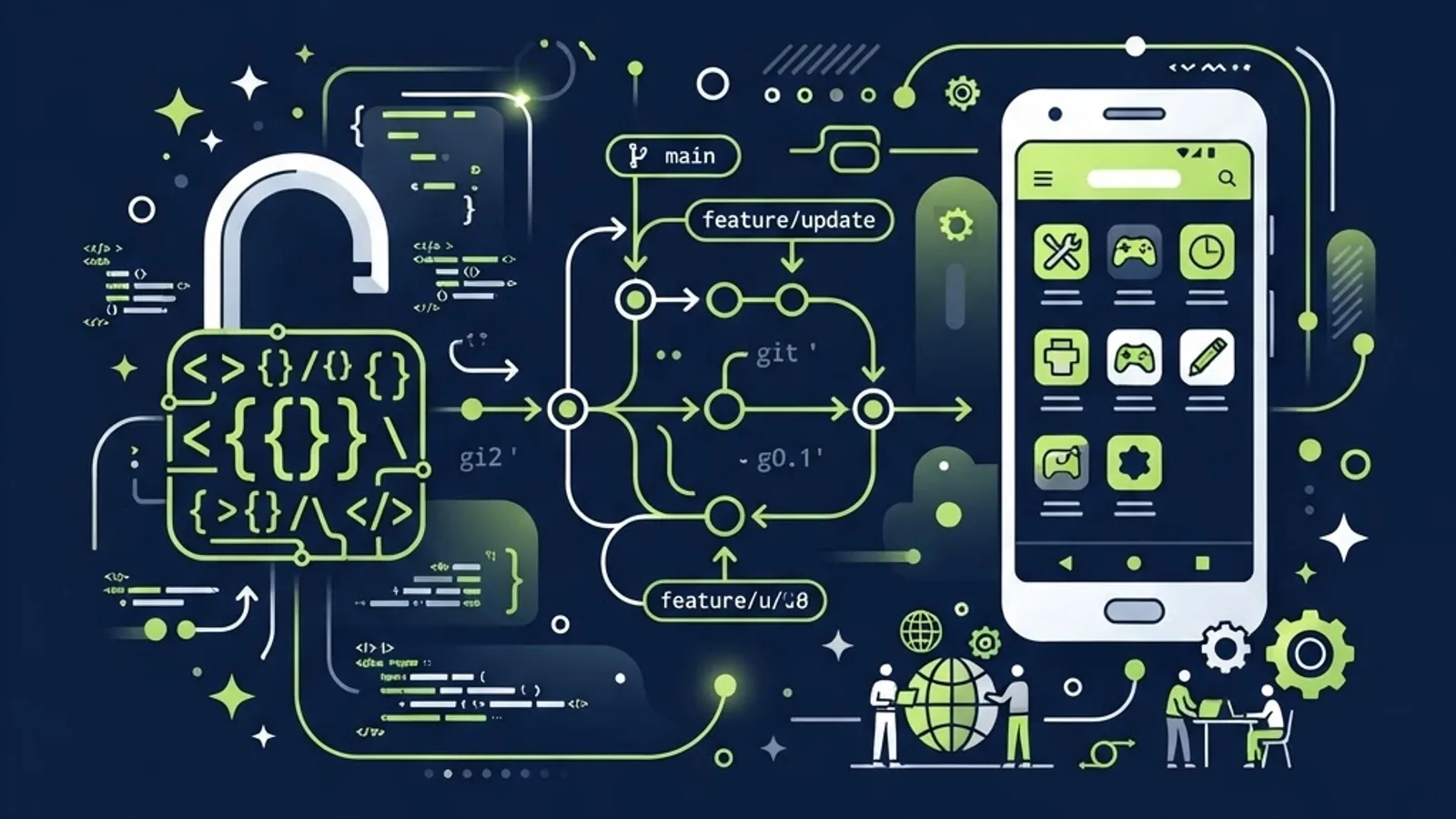
Open-source software is the single strongest structural answer to mod APKs, because it removes the motive entirely. There is nothing to crack when the source is public, the build is reproducible, and there is no paywall.
Where to look, in order of trust:
- F-Droid — a curated repository that builds apps from published source and flags "anti-features" such as ads, tracking, or non-free dependencies directly on the listing page. That anti-feature label is genuinely useful and has no equivalent on mainstream stores.
- The project's own GitHub or GitLab releases page — download the APK attached to a tagged release, and verify the SHA-256 checksum the maintainer publishes alongside it.
- Obtainium — an installer that tracks upstream releases directly from repositories so you keep receiving updates instead of freezing on one build.
Typical swaps that work well in real use: a community media player instead of a cracked video app, an open-source PDF and document tool instead of a modded office suite, an open note-taking app with self-hosted sync instead of a bypassed subscription. You lose some polish. You gain updates, auditability, and no legal exposure.
Alternative 3: Progressive Web Apps
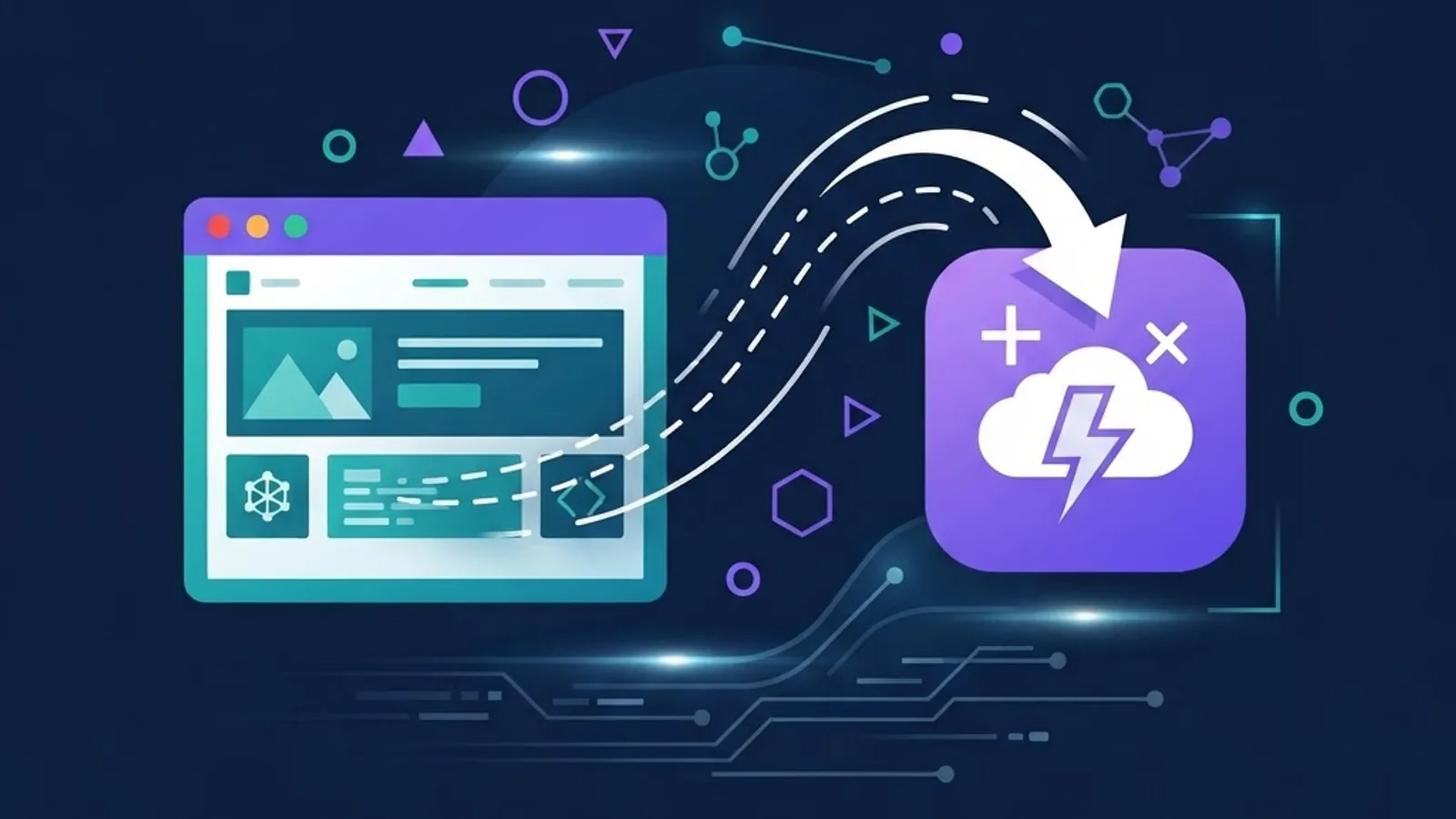
A progressive web app (PWA) is a website that installs to your home screen, works offline through a service worker, and runs in a sandboxed browser context. For streaming, reading, shopping, dashboards, and social apps, a PWA often delivers the same experience with materially better security properties.
Why it is safer: the browser enforces the permission model, there is no APK to tamper with, updates are served from the origin every time you open it, and the app cannot read your SMS or device identifiers the way a native package can.
How to install one: open the site in Chrome on Android, tap the three-dot menu, and choose Install app or Add to Home screen. On iOS, use the Share sheet in Safari and choose Add to Home Screen.
The practical limit is hardware access — Bluetooth peripherals, advanced camera controls, and background location remain weaker in PWAs than in native apps. For content consumption, they are more than sufficient. Teams building products this way is exactly the work we handle through web application development, and the security trade-off is a large part of why clients choose it.
Alternative 4: Legitimate Cost Reduction
If the barrier is price rather than a feature, attack the price directly. These methods are all sanctioned by the vendors themselves:
- Family and group plans — most major subscriptions support 5 or 6 members, which cuts the per-person cost by roughly 70 to 80 percent when split honestly among a household.
- Annual billing — commonly 15 to 20 percent cheaper than paying monthly for the same product.
- Bundles — creative, productivity, and streaming bundles frequently cost less than two of the standalone apps inside them.
- Cancellation retention offers — starting a cancellation flow often surfaces a discounted retention offer, particularly on media subscriptions.
- Regional pricing — legitimate when you actually live in that region and pay with a local card; using a VPN to fake it violates the terms and can close your account.
Comparison: Mod APK vs Safe Alternatives
| Factor | Mod APK | Official Free Tier | Open Source | Progressive Web App |
|---|---|---|---|---|
| Malware risk | High | Very low | Low | Very low |
| Receives security updates | No | Yes | Yes | Yes |
| Legal exposure | Yes | No | No | No |
| Account ban risk | High | None | None | None |
| Code is auditable | No | No | Yes | Partially |
| Works with in-app purchases | Broken | Yes | Not applicable | Yes |
| Cost | Free | Free | Free | Free or paid |
| Offline support | Yes | Varies | Yes | Yes |
The Legal Position, Stated Plainly
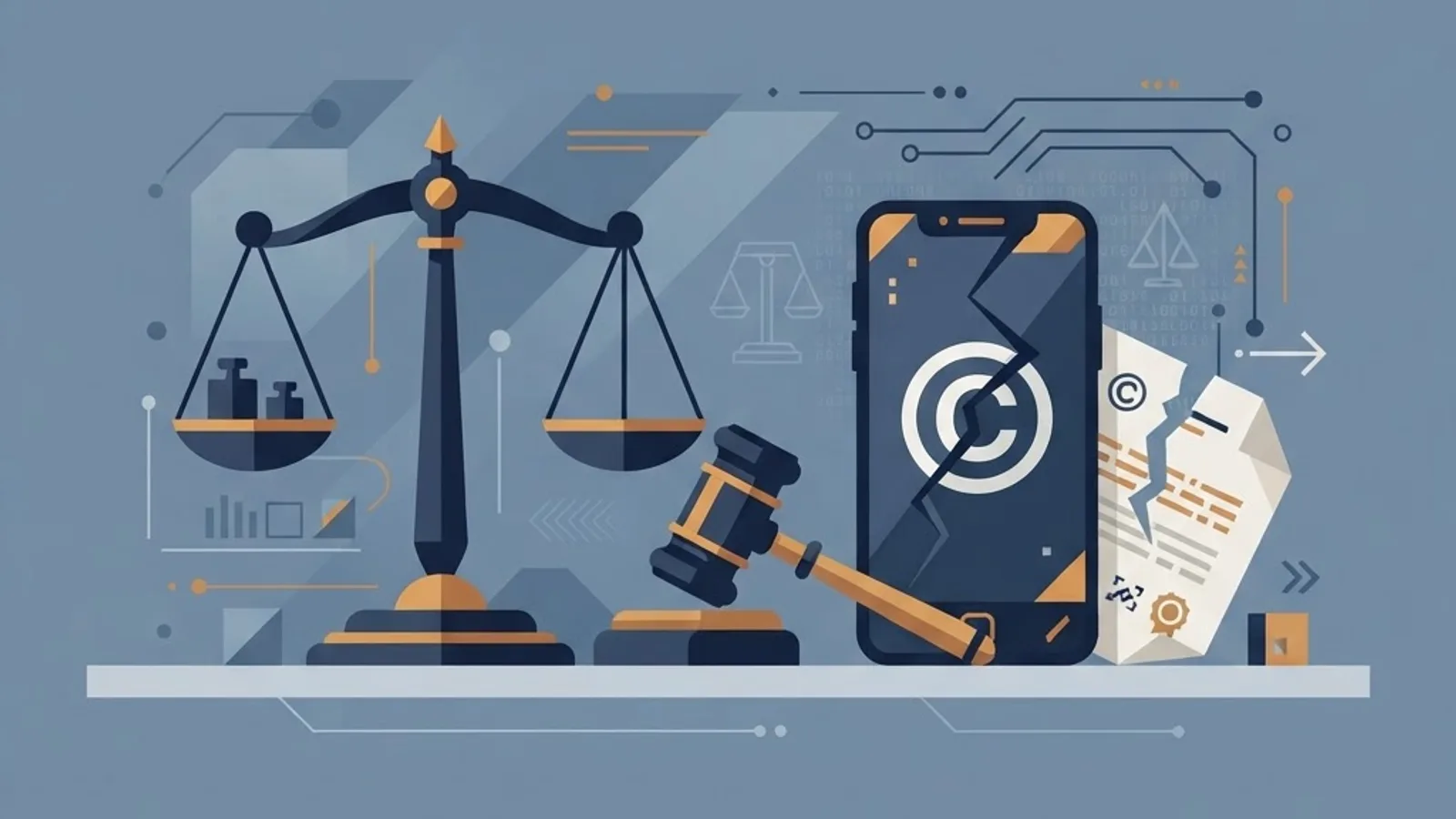
Distributing or using a modified app generally involves copyright infringement, breach of the end-user licence agreement, and in many jurisdictions a violation of anti-circumvention law. In the United States that is the DMCA's section on circumventing technological protection measures; the European Union addresses it through the Information Society Directive; India covers it under Section 65A of the Copyright Act.
Enforcement against individual users is uncommon, but two consequences are very common: permanent account termination with loss of purchase history and saved data, and — for anyone installing modified apps on a device that touches company email or systems — a direct violation of workplace acceptable-use policy. That second one has cost people jobs in incidents we have been asked to investigate.
Device Hygiene If You Have Already Installed One
Work through these in order:
- Uninstall the modified app, then reboot the device.
- Open Settings, then Apps, and review Special app access — revoke accessibility service, notification access, display-over-other-apps, and device admin from anything you do not recognise. Overlay and accessibility permissions are how banking overlays operate.
- Run Google Play Protect scan from the Play Store profile menu.
- Change passwords for banking, email, and any account you opened while the app was installed — from a different, clean device.
- Enable two-factor authentication using an authenticator app rather than SMS, since SMS interception is a known capability of this malware class.
- Check Google Account security settings for unfamiliar devices and revoke their sessions.
- If behaviour persists — random reboots, unexplained data use, apps you did not install — factory reset. Some payloads survive normal uninstallation.
The same layered thinking applies at organisational scale, which is the approach we take in cybersecurity engagements: assume one compromised endpoint and contain outward from it.
Key Takeaways
- Google's own Android security reporting has consistently shown devices installing apps from outside Play encounter potentially harmful applications roughly 8 to 9 times more often than Play-only devices.
- A Mod APK is re-signed by a third party, which permanently breaks Play updates, licence verification, and sandbox trust assumptions.
- Five safe alternatives cover nearly every use case: official free tiers, open-source apps, progressive web apps, legitimate discounts, and family plan sharing.
- F-Droid's anti-feature labels give you disclosure about ads and tracking that mainstream stores do not provide.
- Web-based pricing on a developer's own site is often cheaper than in-app pricing because it avoids the 15 to 30 percent store commission.
- Accessibility and display-over-other-apps permissions are the highest-risk grants on Android; audit them first after any suspicious install.
Frequently Asked Questions (FAQ)
Are any mod APK websites actually safe to download from?
No. Even sites with active moderation cannot verify what was injected during recompilation, because the original developer signature is gone. Independent scanning tools only catch known signatures, so fresh payloads pass clean. There is no technical mechanism that makes an unsigned, third-party-modified package trustworthy.
What is the safest free alternative to a paid Android app?
An open-source app from F-Droid or the project's official releases page. The source is public, builds are reproducible, updates continue arriving, and anti-feature labels disclose ads or tracking upfront. You may sacrifice some interface polish, but you keep security patches and take on zero legal risk.
Can using a mod APK get my Google account banned?
Yes. Tampered clients fail server-side licence and integrity checks, and developers report the offending accounts. Bans typically hit the game or service account first, and can extend to the Google account used for payments — taking your entire purchase history and cloud saves with it permanently.
Will a factory reset remove malware from a mod APK?
Usually yes. A factory reset clears user-partition apps and data, which is where almost all modified-app malware lives. Restore selectively afterwards rather than using a full backup, since a backup can reinstall the infected package. Change your passwords from a separate clean device first.
Is a progressive web app really as good as a native app?
For reading, streaming, shopping, and dashboards, yes — PWAs install to your home screen, cache content offline, and update automatically. Native apps still win on Bluetooth peripherals, advanced camera control, and background location. For the features people usually pirate, a PWA is entirely sufficient.
How do I check whether an APK file has been modified?
Compare the file's SHA-256 checksum with the value the developer publishes on their official site or release page. If they publish no checksum and the file did not come from Google Play or F-Droid, treat it as untrusted. Signature mismatch during install is another clear warning sign.
Final Word
The honest framing is this: a mod APK trades a known, permanent risk for a temporary, cosmetic benefit. Every reason people reach for one — cost, ads, a locked feature, regional availability — has a legitimate path that keeps your updates, your accounts, and your data intact. Start with the free tier, move to open source, and use a PWA when the native app is overkill.
For engineering teams building products that need to stay secure at the client layer, our work spans ZoneTechify for full-stack development and security consulting, and WebPeak for performance and technical audits. Both teams see the downstream cost of compromised endpoints often enough to give the same advice: build on signed, updatable, auditable foundations.