A practical guide to mobile development with .NET, covering .NET MAUI, Blazor Hybrid, performance tuning, code sharing, and shipping apps to the App Store and Google Play.
Mobile Development with .NET
Mobile development with .NET means building iOS and Android apps in C# from a single project, then compiling them to genuinely native binaries instead of shipping a wrapped website. After Xamarin reached end of support on May 1, 2024, .NET MAUI became the supported path, and the tooling changed enough that advice written three years ago is now actively misleading. This guide explains how the modern stack works, where it outperforms the alternatives, where it still frustrates teams, and what a realistic delivery timeline looks like for a production app. Everything below reflects patterns from shipping apps, not marketing claims.
Quick Answer: Mobile development with .NET uses .NET MAUI to build native iOS and Android apps from one C# codebase, typically sharing 70 to 90 percent of code. It suits teams that already run .NET backends, need offline data, deep device access, and long-term maintainability across mobile and desktop from a single project.
What Mobile Development with .NET Actually Means Today
.NET mobile development today has three distinct flavours, and choosing the wrong one is the most common early mistake.
- .NET MAUI (Multi-platform App UI): the successor to Xamarin.Forms. You write XAML or C# markup, and MAUI maps each control to a real platform control through a handler system. One project targets iOS, Android, macOS, and Windows.
- Blazor Hybrid: a MAUI shell that hosts Razor components in a native WebView while keeping full native API access. Ideal when a web team owns the UI.
- Native bindings (MAUI with platform code): C# calling UIKit or the Android SDK directly, used when you need a control or SDK that has no cross-platform abstraction.
Definition worth pinning down: cross-platform here refers to shared source code, not a shared runtime UI. MAUI renders native controls, so a button on iOS is a UIButton and on Android is an AppCompatButton. That is why MAUI apps pass platform design reviews more easily than WebView-only frameworks.
Why Teams Choose .NET for Mobile Apps
The strongest argument is organisational, not technical. If your API, background jobs, and internal tools already run on .NET, mobile in C# removes an entire hiring and context-switching tax.
Two concrete data points give useful context. In the Stack Overflow Developer Survey, .NET consistently ranks as the most used framework outside of web-specific libraries, with roughly one in three professional developers using it, and C# sits among the top five most used languages. Separately, Microsoft reported that Native AOT compilation for iOS in .NET 8 cut app package size by up to 50 percent and improved startup time by up to 50 percent versus the previous Mono based approach. Those two facts together explain the shift: the talent pool is large, and the historic performance objection has largely been engineered away.
Practical advantages that show up in real projects:
- Shared domain models. The same validation, DTOs, and business rules run on the server and the phone, so a currency rounding rule cannot silently diverge.
- Offline first storage. SQLite with Entity Framework Core or sqlite-net gives you a real relational cache, which matters for field service, logistics, and inspection apps.
- One test suite for logic. xUnit or NUnit tests cover shared code without a device farm.
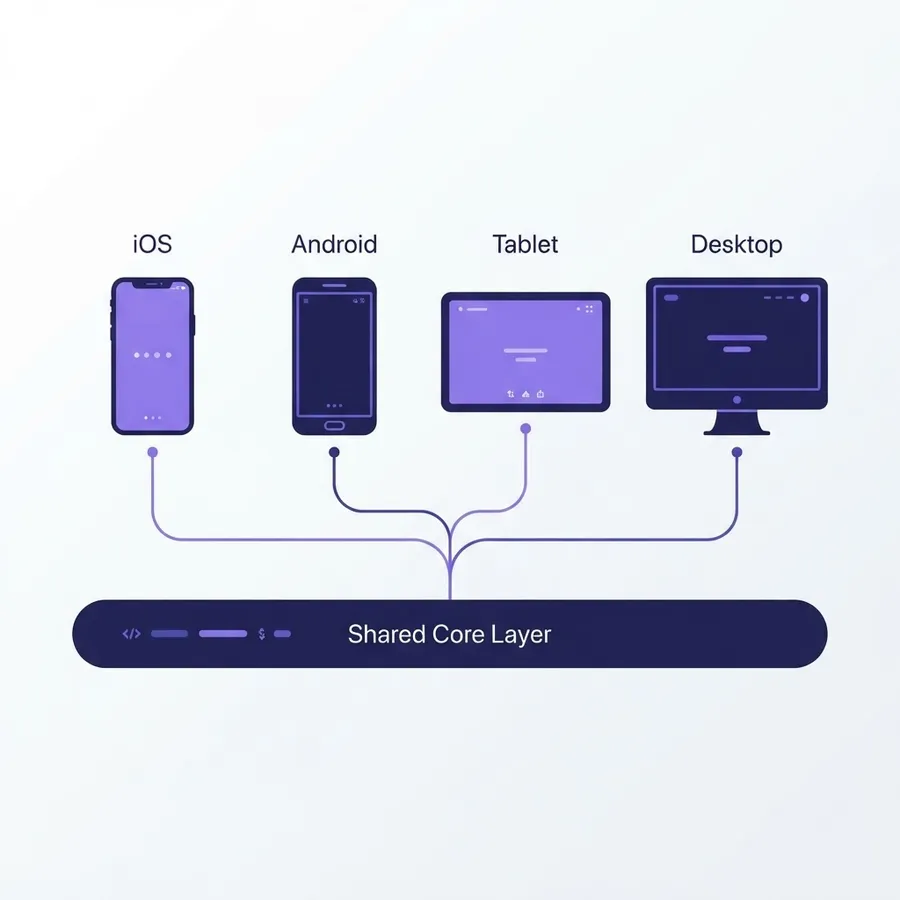
- Desktop for free. The same project produces a Windows and macOS build, which is unusually valuable for internal enterprise tools.
.NET MAUI Compared to Other Cross-Platform Options
Choose based on team skills and UI ambition, not benchmarks alone. The table below reflects the trade-offs teams actually hit in delivery.
| Factor | .NET MAUI | React Native | Flutter | Native (Swift/Kotlin) |
|---|---|---|---|---|
| Language | C# | TypeScript | Dart | Swift, Kotlin |
| UI rendering | Native controls | Native controls | Custom canvas | Native controls |
| Typical code sharing | 70 to 90 percent | 70 to 90 percent | 90 percent plus | 0 percent |
| Desktop targets | Windows, macOS included | Community supported | Windows, macOS, Linux | Separate projects |
| Best fit | .NET backend teams, enterprise apps | Web and React teams | Design heavy consumer apps | Platform specific, hardware critical |
| Main weakness | Smaller UI component ecosystem | Native module maintenance | Non native look by default | Double the work |
The honest weakness of MAUI is ecosystem depth. You will find fewer ready made UI libraries than in the React Native or Flutter worlds, so budget time for custom controls or plan on a commercial component suite.
How to Structure a Production .NET Mobile Project
A clean structure prevents the classic MAUI failure mode, where platform hacks leak into shared code and every release becomes a regression hunt.
Split the solution into three layers
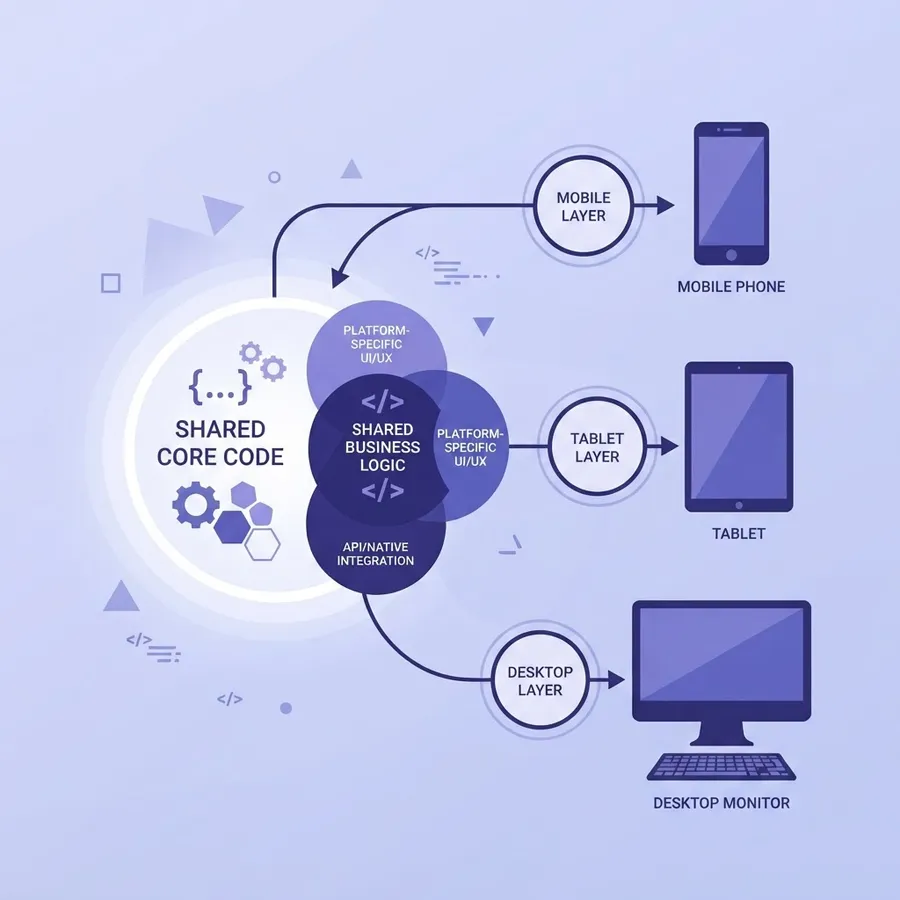
Keep a Core library for domain models and business rules with no platform references, an Infrastructure library for HTTP clients, SQLite, and caching, and the MAUI app project for UI only. This separation lets you unit test roughly 80 percent of your logic on a build agent without an emulator.
Use the Platforms folder deliberately
Every MAUI project has Platforms/Android, Platforms/iOS, and friends. Put permission prompts, push notification registration, and lifecycle hooks there, exposed to shared code through an interface plus dependency injection. If a shared file contains a compiler directive for platform checks more than twice, that logic belongs in a platform service instead.
Prefer MVVM with the community toolkit
The CommunityToolkit.Mvvm source generators remove most boilerplate for observable properties and commands. Combine that with compiled bindings, which move binding resolution from runtime reflection to compile time and measurably improve list scrolling.
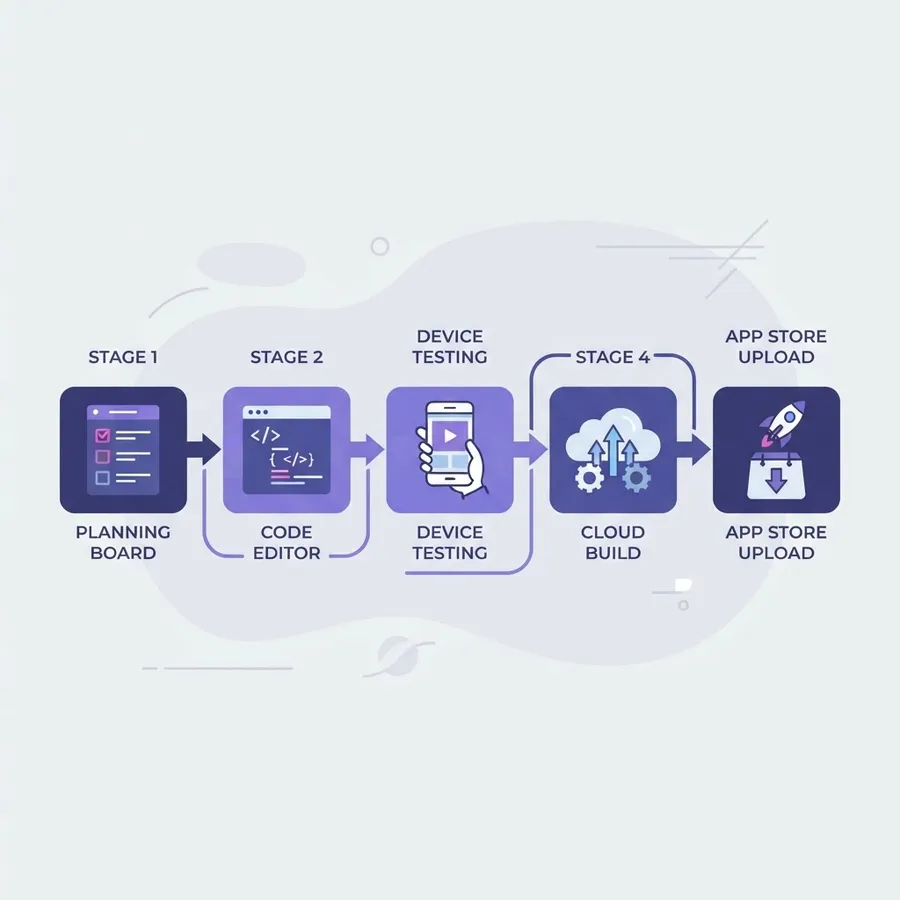
Performance: What Slows .NET Mobile Apps and How to Fix It
Most poorly performing MAUI apps are not slow because of .NET. They are slow because of three specific, fixable patterns.
- Deep visual trees. Nested layouts inside list items force repeated measure passes. Flatten each cell to a single Grid and target fewer than 20 views per cell.
- Uncompiled bindings. Add compiled bindings and set the XAML compilation attribute so binding errors surface at build time rather than as silent blank labels.
- Cold start work. Anything in the app startup path, including database migrations and configuration downloads, delays the first frame. Defer it behind a lightweight splash and load data after the shell appears.
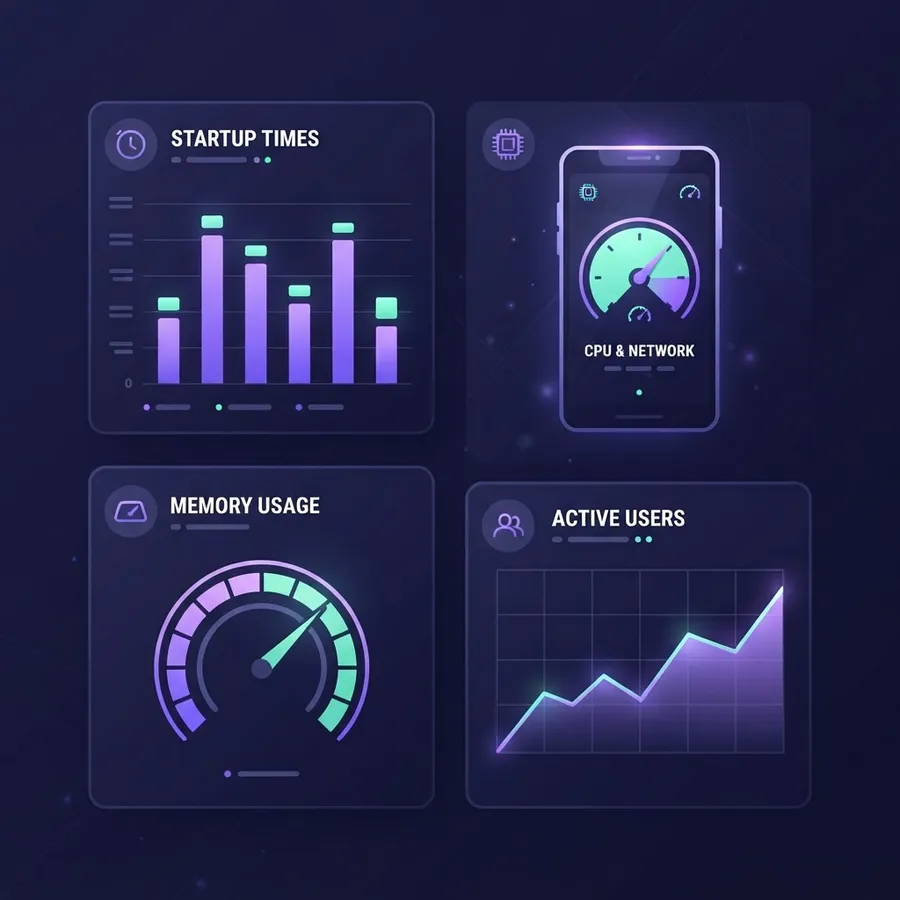
For release builds, enable Native AOT or the full trimming and Release configuration for iOS, and enable R8 with resource shrinking for Android. Measure with real numbers: capture cold start on a mid range Android device, not a flagship, and treat 2 seconds to first interactive frame as your ceiling. Track memory during list scrolling, because retained event handlers on view models are the most common leak in MAUI code reviews.
Blazor Hybrid: When Web Skills Should Drive the Mobile UI
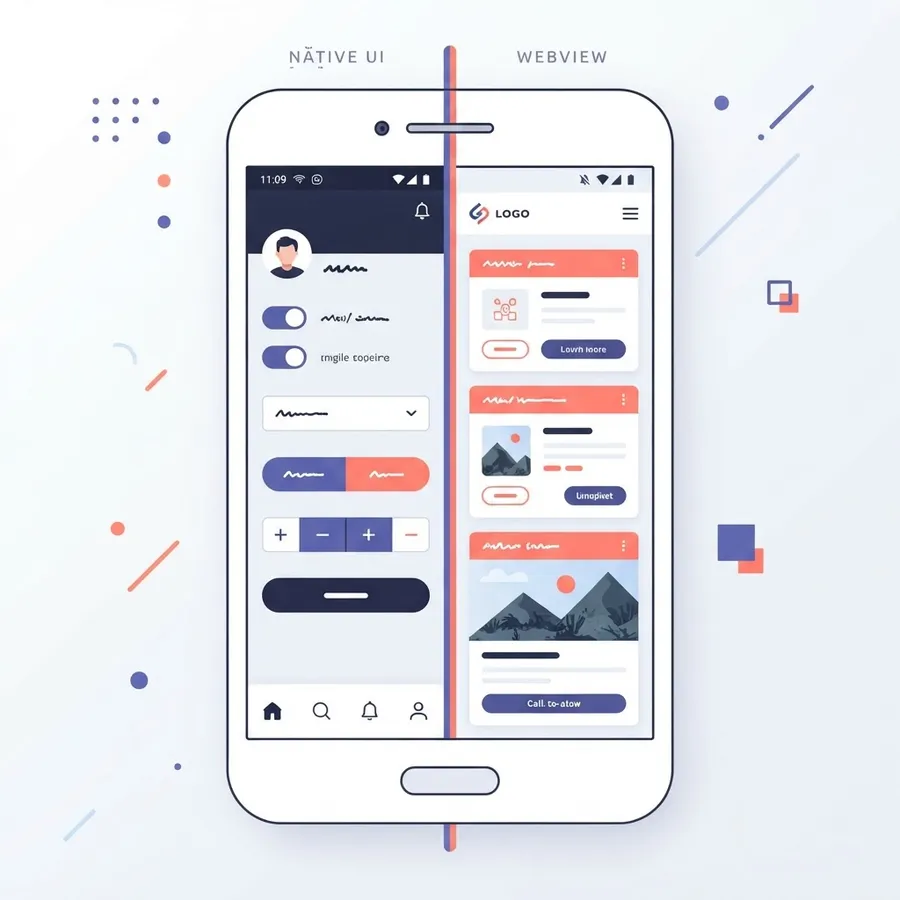
Blazor Hybrid is the right choice when your team is stronger in HTML and CSS than in XAML, or when an existing Blazor web app must ship as a mobile app quickly. Razor components render in a WebView, but unlike a plain hybrid wrapper, your C# runs natively, so file access, Bluetooth, and secure storage work through the same MAUI APIs.
Use it for internal dashboards, forms heavy line of business apps, and content driven apps where reusing web components saves months. Avoid it for apps whose value depends on gesture heavy, animation rich interaction, because a WebView adds a perceptible input latency floor that no amount of CSS tuning removes. A pragmatic pattern many teams settle on is a hybrid split: native MAUI pages for navigation and camera or map screens, Blazor components for dense data entry.
Shipping: Build Pipelines, Signing, and Store Review
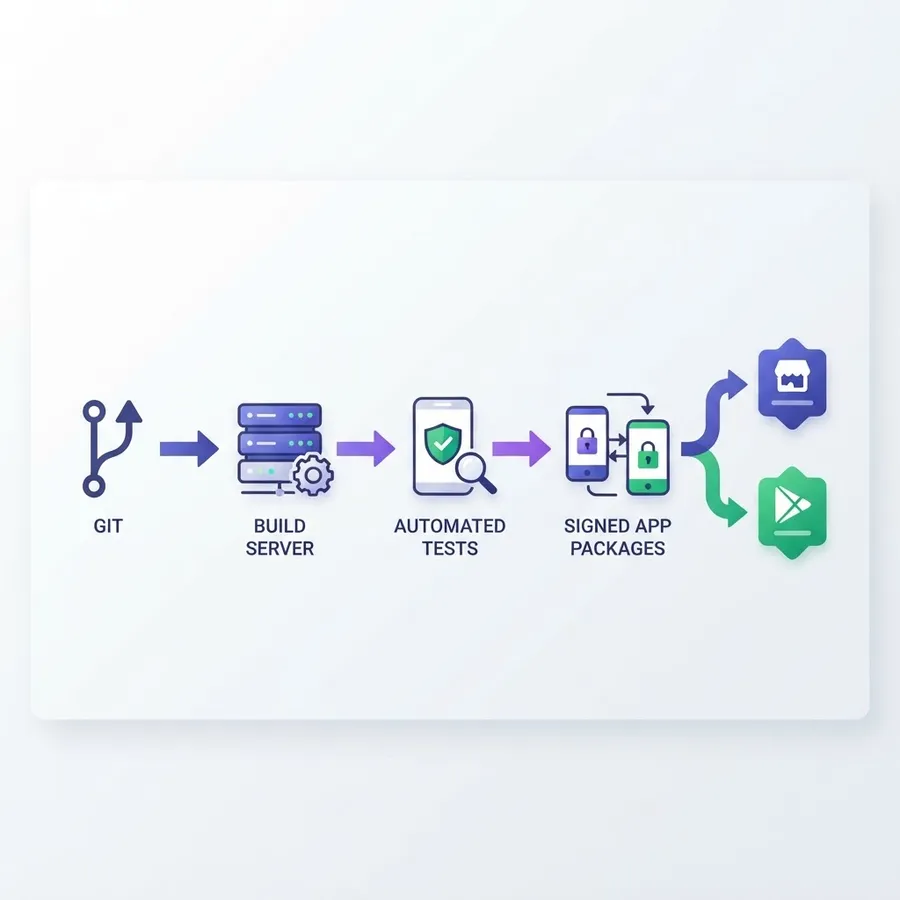
Shipping is where .NET mobile projects lose weeks if the pipeline is treated as an afterthought.
- Automate builds in GitHub Actions or Azure Pipelines using a macOS runner for iOS. Store certificates and provisioning profiles as encrypted secrets, never in the repository.
- Version every build from a single source, usually the CI run number written into the app manifest, so crash reports map to exact commits.
- Distribute internal builds through TestFlight and Google Play internal testing before any public track, and require a real device smoke test on the oldest supported OS version.
- Prepare for review questions early. Apple rejects apps for missing permission usage strings and account deletion paths far more often than for framework choice.
Teams that pair this pipeline discipline with senior engineering support ship faster. Agencies such as ZoneTechify and their full stack development practice handle this end to end, while a specialist web development company is often the better fit when the mobile app must sit alongside a marketing site and web dashboard built on the same API.
Key Takeaways
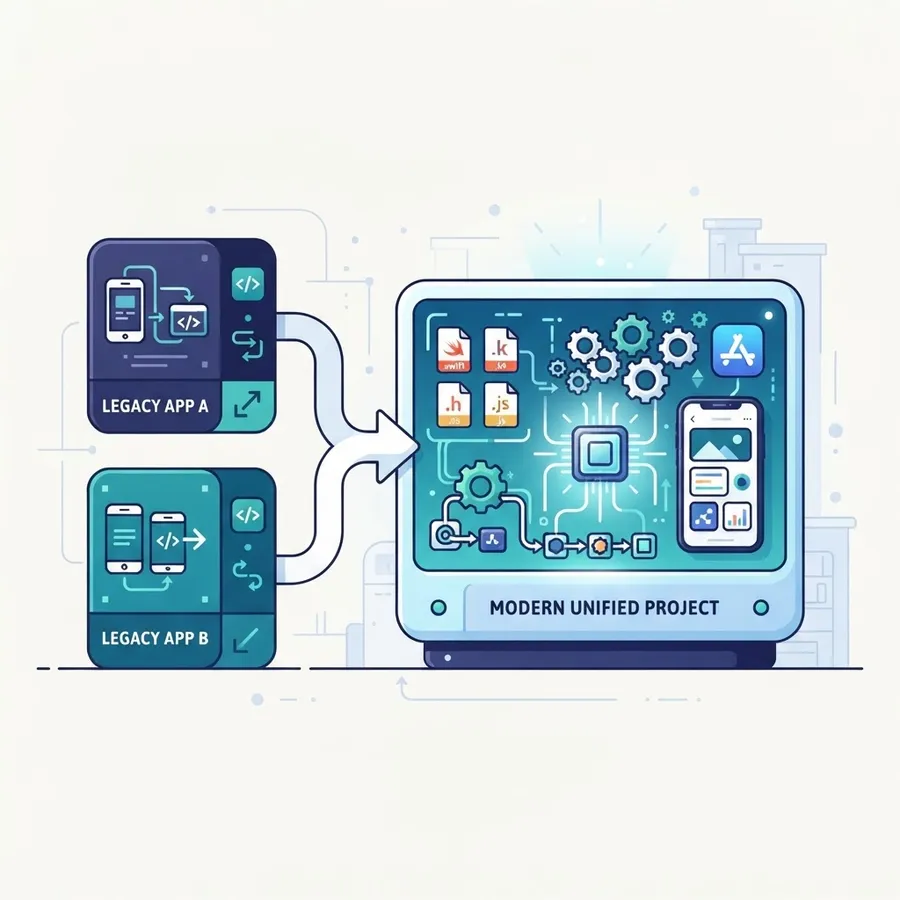
- .NET MAUI replaced Xamarin, whose support ended on May 1, 2024, so new projects should start on MAUI and existing Xamarin apps need a migration plan.
- Native AOT in .NET 8 reduced iOS app size and startup time by up to 50 percent according to Microsoft, removing the historic performance objection.
- Expect 70 to 90 percent code sharing across iOS and Android, with platform specific code isolated in the Platforms folder behind interfaces.
- Compiled bindings, flat list item layouts, and deferred startup work fix the majority of MAUI performance complaints.
- Blazor Hybrid suits forms and dashboard apps; native MAUI pages suit gesture and animation heavy screens.
- MAUI includes Windows and macOS targets, which makes it unusually cost effective for internal enterprise tools.
Frequently Asked Questions (FAQ)
Is .NET good for mobile app development in 2026?
Yes, particularly for teams already using C# on the backend. .NET MAUI compiles to native iOS and Android binaries, supports offline SQLite data, and shares domain logic with your API. It is strongest for enterprise and utility apps, and weakest where you need a large ready made UI component ecosystem.
What is the difference between Xamarin and .NET MAUI?
.NET MAUI is the evolution of Xamarin.Forms with a single project structure, one shared resources folder, a new handler based rendering system, and built in dependency injection. Xamarin support ended in May 2024, so it no longer receives updates. Migration mainly involves project file changes and replacing custom renderers with handlers.
Can I build iOS apps with .NET on Windows?
You can write and build the code on Windows, but Apple requires a Mac for compiling, signing, and submitting iOS apps. Developers usually pair Windows with a networked Mac, a cloud Mac service, or a macOS runner in their CI pipeline for release builds and App Store uploads.
How much code can I actually share between iOS and Android?
Most production MAUI apps share 70 to 90 percent of their code. Business rules, networking, storage, and view models are almost fully shared. The remaining share covers permissions, push notification setup, platform specific navigation behaviour, and any native SDK integration such as payment or hardware libraries.
Is .NET MAUI slower than Flutter or native code?
A well optimised MAUI app feels indistinguishable from native for typical business workloads. Native code still wins for sustained graphics or heavy real time processing. Most reported slowness comes from deep view hierarchies and uncompiled bindings rather than the runtime, and both are fixable in hours.
How long does it take to build a .NET mobile app?
A focused app with authentication, six to ten screens, offline caching, and push notifications typically takes eight to fourteen weeks with two engineers, including store submission. Reusing an existing .NET API shortens that considerably, while custom UI components and complex native SDK integrations extend it.
Mobile development with .NET is now a mature, boring choice in the best sense: predictable tooling, one language across your stack, and a supported path to iOS, Android, and desktop. Pick MAUI when the app is data driven and your team lives in C#, keep platform code behind interfaces, measure startup on cheap devices, and automate signing from day one.