A practical, engineering-led guide to building a fitness app that people actually keep using, covering scope, tech stack, wearable data, cost, retention and monetization.
How to Develop a Fitness App
Fitness apps are one of the few consumer categories where the product either becomes a daily habit or gets deleted within a week. That single fact should shape every technical and design decision you make. This guide walks through how to develop a fitness app from validation to launch, with the specific trade-offs that separate a downloadable demo from a retained, revenue-generating product.
Quick Answer: To develop a fitness app, validate one specific user outcome, define a narrow MVP feature set, choose a cross-platform or native stack based on sensor needs, integrate health data through Apple HealthKit and Google Health Connect, then ship, measure day-7 retention, and iterate. A production-grade MVP typically takes three to six months.
Start With One Measurable User Outcome, Not a Feature List
The most common failure in fitness app development is building a general purpose tracker. Successful apps solve one narrow outcome: run a first 5K, lift progressively heavier, hit a protein target, or recover better after training. Every screen then earns its place by moving that outcome forward.
Write your outcome as a single sentence with a measurable result. For example: "A beginner completes three strength sessions per week for eight weeks." That sentence becomes your product specification, your analytics north star, and your onboarding script.
Validate before you write code
- Interview twelve to fifteen people who already pay for coaching, gym memberships, or fitness subscriptions.
- Ask what they currently track and where the tracking breaks down. Friction points are your feature list.
- Build a clickable prototype in Figma and test whether users can log a workout in under twenty seconds.
- Only after five of five testers complete that task without help should you move into engineering.
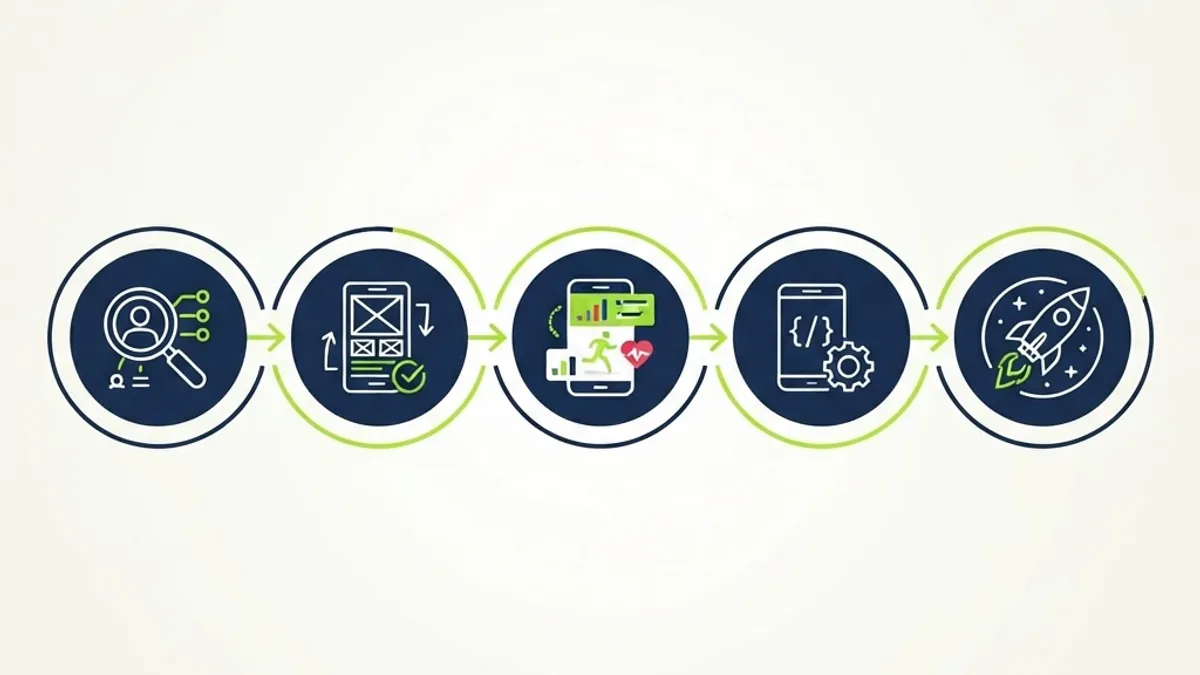
Define an MVP That Fits in Three Sprints
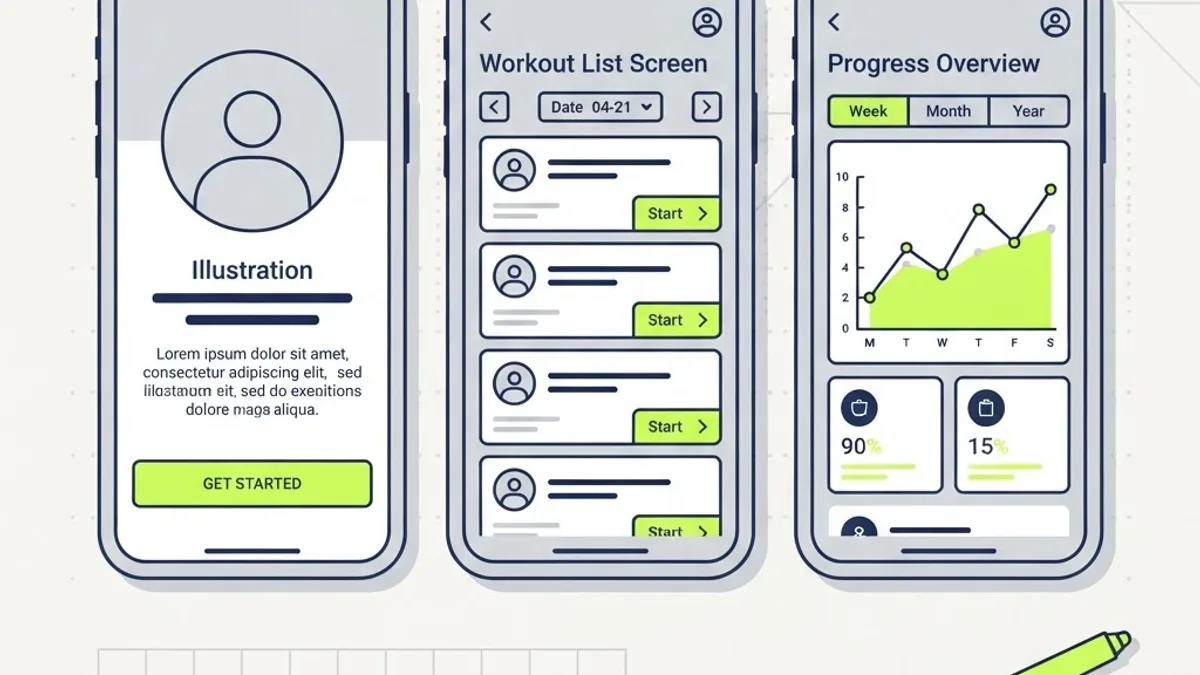
An MVP for a fitness app is smaller than most founders expect. The non-negotiable core is: account creation, a workout or activity log, a visible progress view, and a reason to return tomorrow.
Core MVP features
- Frictionless onboarding that collects goal, experience level, and schedule in under sixty seconds
- Activity or workout logging with sensible defaults and repeat-last-session shortcuts
- Progress visualization such as streaks, volume lifted, distance, or weekly consistency
- Push notifications tied to the user's own schedule rather than generic daily blasts
- Offline-first data capture, because gyms and trails frequently have no signal
Deliberately deferred to version two
- Social feeds and following
- In-app video libraries
- AI form correction from camera input
- Marketplace or trainer booking
Deferring is a technical decision, not just a scoping one. Social graphs and video streaming both change your infrastructure cost curve significantly, and neither improves week-one retention for a first release.
Choose a Tech Stack Based on Sensor Requirements
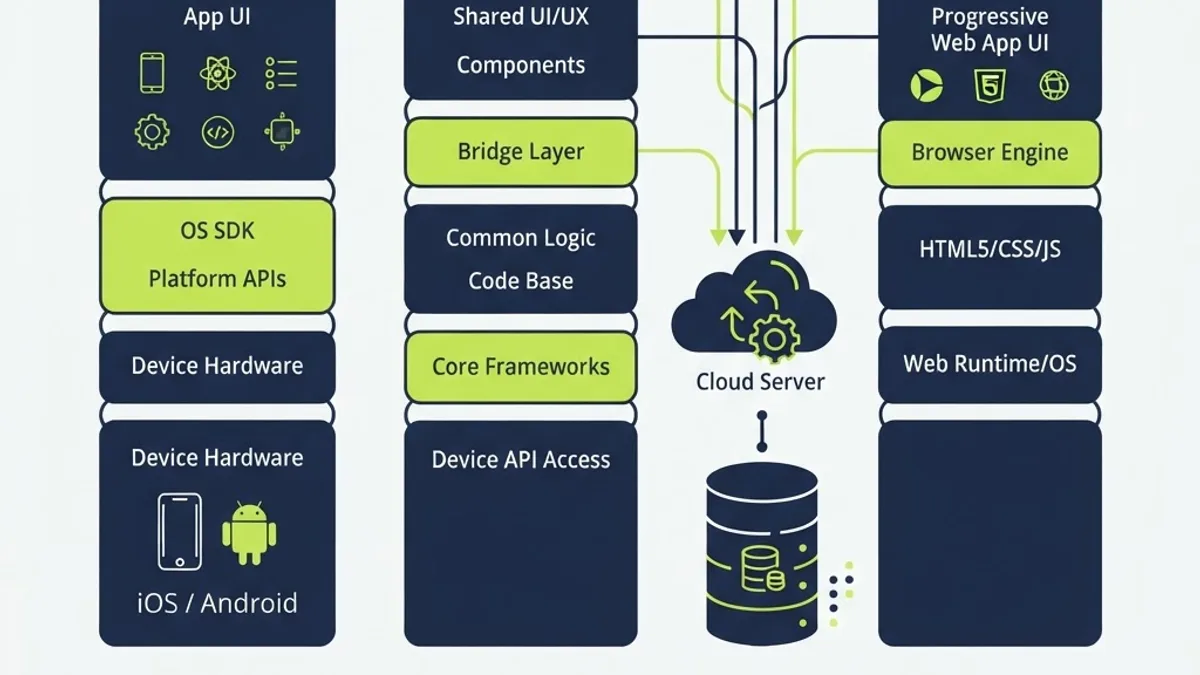
The stack question comes down to one thing: how deeply do you need continuous background sensor access. Casual logging apps thrive on cross-platform frameworks. Real-time heart rate zones, GPS-heavy run tracking, and always-on background workouts push you toward native modules or fully native builds.
| Approach | Best For | Sensor and Background Support | Relative Build Speed |
|---|---|---|---|
| React Native or Expo | Logging, habit, nutrition, coaching apps | Good via native modules and health plugins | Fastest for a single team |
| Flutter | Animation-rich tracking apps | Good, with mature health packages | Fast |
| Native Swift and Kotlin | Continuous GPS, live heart rate, watch apps | Best, full HealthKit and Health Connect depth | Slowest, two codebases |
| Progressive web app | Web dashboards, trainer admin panels | Limited background and sensor access | Very fast |
On the backend, a fitness app is a high-write, time-series workload. Users generate thousands of small records: sets, reps, heart rate samples, GPS points. Choose a relational database with strong indexing on user plus timestamp, and keep raw sensor samples in a separate table or object storage from aggregated summaries. Precompute weekly and monthly rollups instead of recalculating on every dashboard load.
If you are still weighing frameworks for the API and web layer, our breakdown of the best web application framework compares real-world performance and maintenance trade-offs, and teams that want a proven event-driven backend often start with Node.js web application development services.
Design for a Sweaty Thumb, Not a Desk
Fitness app UX has a physical constraint no other category shares: users interact mid-effort, with elevated heart rates, poor fine motor control, and sometimes gloves or wet hands. That reality dictates concrete rules.
- Minimum tap target of 48 by 48 density-independent pixels for any in-workout control
- High-contrast numbers legible at arm's length, with the primary metric at least 32pt
- One-handed reachability, keeping primary actions in the lower third of the screen
- No destructive action without an undo, since accidental taps are frequent
- Rest timers that keep running when the screen locks or the app backgrounds
Accessibility is also a growth lever here. Support dynamic type, screen readers, and reduced motion, because older adults are one of the fastest-growing segments in health tracking and are frequently underserved. Teams that need structured help with interface systems can review professional web application design services to align design tokens across mobile and web surfaces.
Integrate Health Data and Wearables Correctly
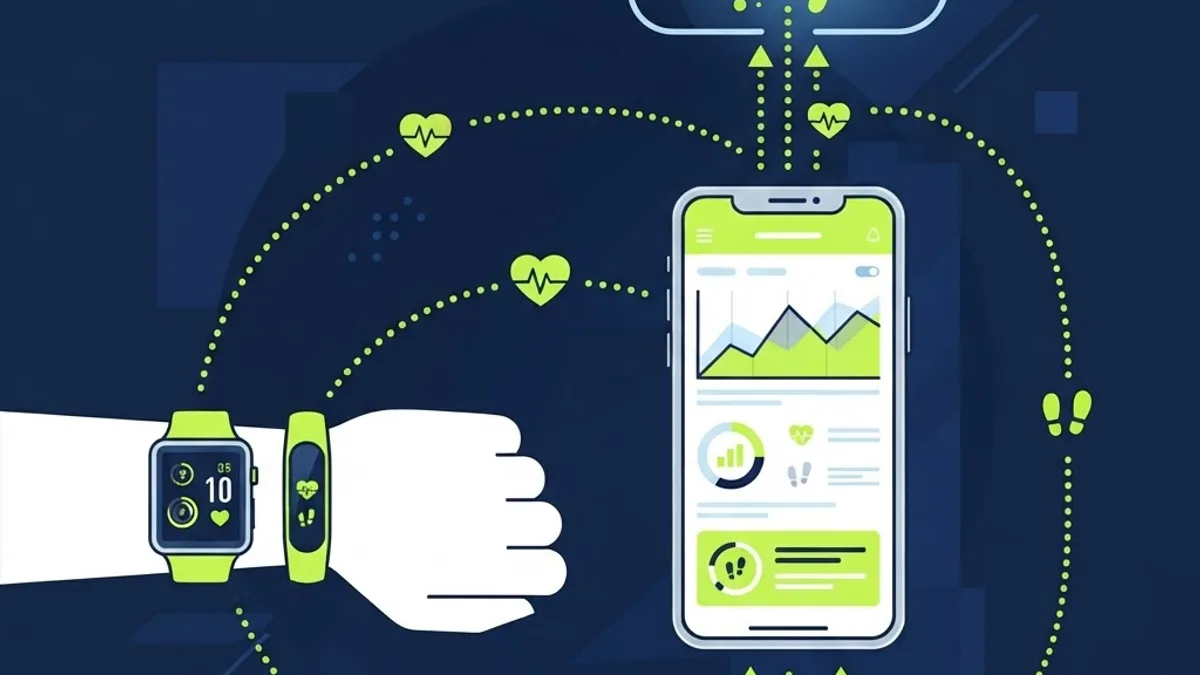
Wearable integration is where amateur fitness apps break. Two platform APIs matter most: Apple HealthKit on iOS and Google Health Connect on Android, which replaced the deprecated Google Fit APIs as the standard on-device health data layer. Both act as a permissioned local store rather than a cloud service, so you request granular read and write scopes and never receive more than the user grants.
Definition: Health Connect is an on-device Android data layer that lets apps read and write health and fitness records with per-data-type user consent, so data sharing happens locally rather than through a third-party cloud.
Practical integration rules learned the hard way:
- Request the narrowest scopes possible. Asking for every data type at first launch measurably reduces permission grants and can trigger app review rejections.
- Deduplicate at write time. If a user wears a watch and carries a phone, the same workout arrives twice. Key records by source plus start timestamp.
- Never treat platform health data as your source of truth. Users revoke access, change devices, and delete records. Persist your own copy of anything your product logic depends on.
- Handle time zones and DST explicitly. Store UTC plus the local offset, or a traveling user's weekly streak silently breaks.
- Write back to the platform. Apps that contribute data, not just consume it, become the hub of a user's health stack and are far harder to replace.
Security is not optional in this category. Health data is sensitive, and depending on your market it may fall under HIPAA, GDPR special category rules, or both. Encrypt at rest and in transit, scope every query to the authenticated user, and audit access paths before launch using established web application security best practices.
Budget Realistically and Plan the Build Team
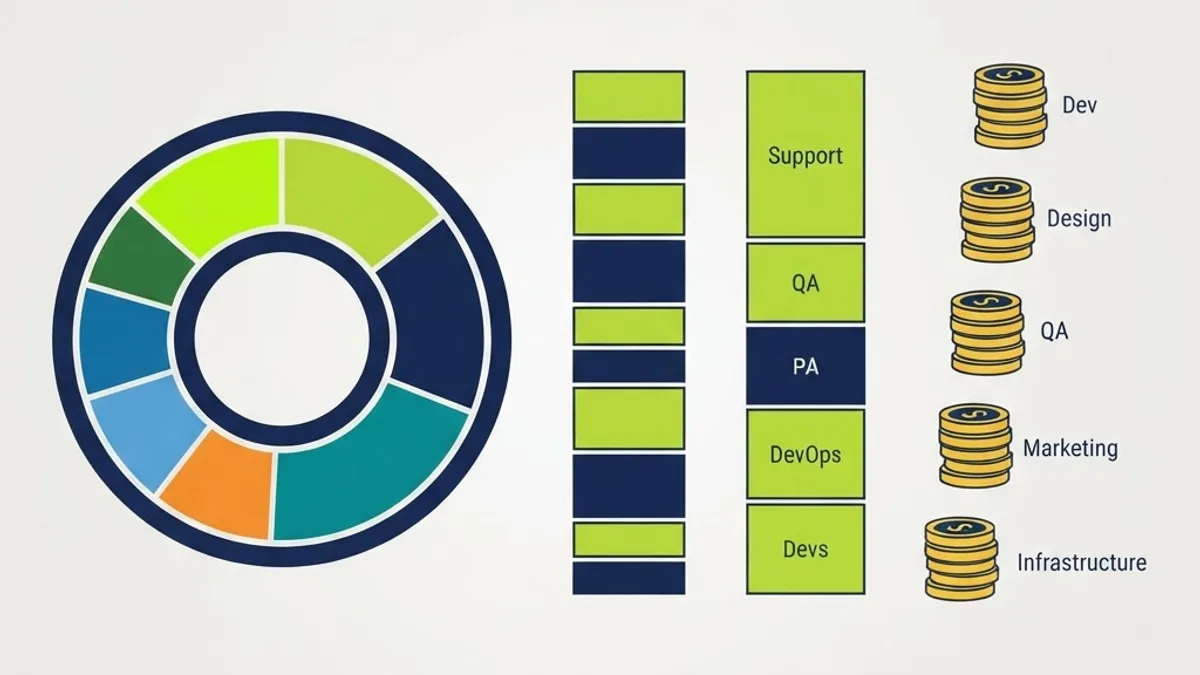
Cost tracks scope, sensor depth, and team seniority far more than it tracks feature count. A focused logging MVP with one platform, health integration, and a simple backend is a meaningfully different project from a live-tracking app with a companion watch app and AI programming.
| Scope Level | Typical Inclusions | Realistic Timeline |
|---|---|---|
| Lean MVP | One platform, logging, progress, health read access | 3 to 4 months |
| Standard product | Both platforms, wearable sync, subscriptions, admin panel | 5 to 7 months |
| Advanced platform | Live tracking, watch app, AI coaching, trainer marketplace | 8 to 12 months |
The team shape that works best is small and senior: one product-minded lead, one or two mobile engineers, one backend engineer, one designer, and shared QA. For a detailed model of what drives the numbers, see this analysis of custom web application development cost. If you lack in-house mobile capacity, a structured approach to outsource web application development is usually cheaper and faster than a rushed internal hire, provided you keep product ownership internal.
For teams that want a partner to handle architecture and delivery end to end, ZoneTechify builds scalable web solutions around health and habit products, while WebPeak Digital focuses on the growth and positioning side once the product is live.
Engineer Retention Before You Engineer Monetization
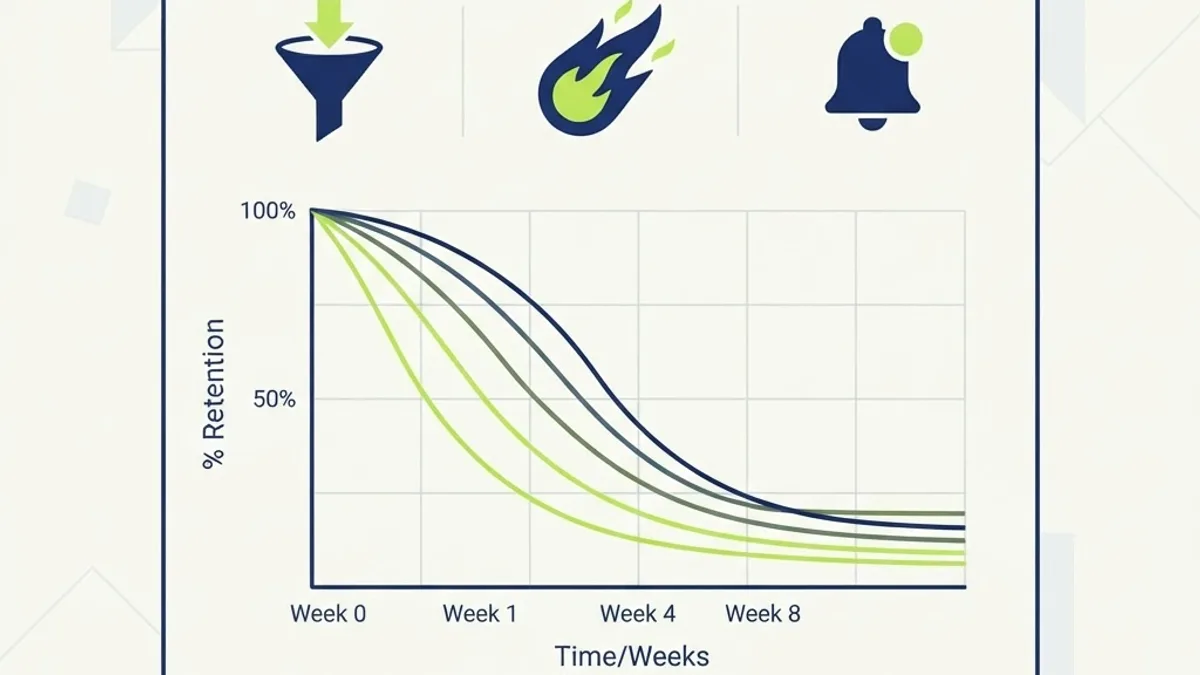
Fitness is a notoriously leaky category. Industry app engagement benchmarks consistently show that most mobile apps lose the large majority of users within the first thirty days, and health and fitness apps see a sharp additional drop after the initial motivation spike, which is why January cohorts behave very differently from October cohorts.
Retention mechanics that reliably work:
- Day-one value. The user must log something real in their first session, not just configure a profile.
- Streaks with forgiveness. Allow one missed day per week without resetting progress. Punitive streaks cause churn instead of preventing it.
- Progress made visible weekly. A short weekly recap outperforms daily nudges on long-term retention.
- Adaptive programming. When a user misses sessions, adjust the plan instead of showing a wall of red.
Measure cohort retention at day 1, day 7, and day 30, and treat day-7 retention as your release gate. Do not scale acquisition spend until it stabilizes.
Monetize Without Breaking Trust
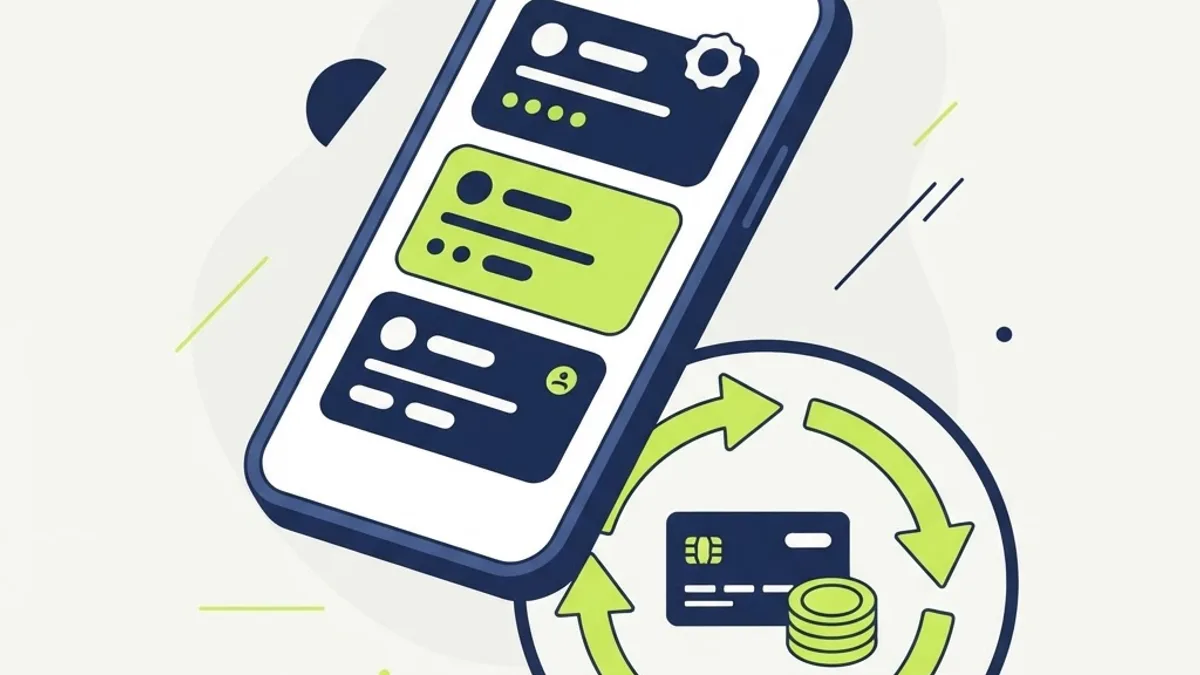
Subscriptions dominate this category because the value delivered is ongoing. The pattern that converts best is a genuinely useful free tier for logging, with paid tiers for programming, advanced analytics, and coaching.
- Freemium subscription: free logging, paid plans and insights. Highest ceiling for consumer apps.
- Hard paywall after trial: works when the value is obvious and the audience is committed.
- One-time purchase: simple, but caps revenue and discourages continued development.
- B2B2C licensing: sell to gyms, employers, or insurers. Longer cycles, far lower churn.
Use platform-native billing for consumer subscriptions, implement server-side receipt validation, and never gate a user's own historical data behind a paywall. Locking exported history is the fastest way to earn one-star reviews.
Key Takeaways
- A fitness app MVP should target one measurable user outcome and ship in three to six months.
- Apple HealthKit and Google Health Connect are the two required health data layers, and Health Connect is now the Android standard.
- Always persist your own copy of health data, because users revoke permissions and change devices.
- Cross-platform frameworks are sufficient unless you need continuous background GPS or live heart rate.
- Day-7 cohort retention is the correct gate before scaling paid acquisition.
- Freemium subscriptions with a useful free logging tier outperform hard paywalls for most consumer fitness products.
Frequently Asked Questions (FAQ)
How long does it take to develop a fitness app?
A focused MVP with logging, progress tracking, and health data access usually takes three to four months with a small senior team. Adding both platforms, wearable sync, and subscriptions extends it to five to seven months. Live GPS tracking and companion watch apps push timelines past eight months.
Do I need a wearable to build a fitness app?
No. Phone sensors provide steps, GPS, and motion data, which covers most walking, running, and workout logging use cases. Wearable integration adds continuous heart rate and sleep data through HealthKit or Health Connect, and it is best added after your core logging experience already retains users.
Should I build native or cross-platform for a fitness app?
Choose cross-platform frameworks like React Native or Flutter for logging, nutrition, and coaching apps, since one codebase halves maintenance. Choose native Swift and Kotlin when you need continuous background GPS, live heart rate zones, or a full companion watch app, where platform APIs demand deeper access.
How do fitness apps make money?
Most revenue comes from recurring subscriptions that unlock training programs, advanced analytics, and coaching while basic logging stays free. Other viable models include a hard paywall after a trial, one-time purchases, and B2B licensing to gyms, employers, or insurers, which has lower churn but longer sales cycles.
What features do users abandon fitness apps for missing?
Users most often leave over slow or clunky workout logging, streaks that reset harshly, notifications ignoring their real schedule, and missing offline support in gyms without signal. Data export and honest progress views also matter, since users distrust apps that hide their own history behind upgrades.
Is health data in a fitness app subject to privacy regulations?
Often yes. Health and biometric data is treated as sensitive under GDPR and may fall under HIPAA when you handle data on behalf of a covered entity. Encrypt data in transit and at rest, request minimal permissions, scope every query per user, and publish a clear data retention policy.