A practical, step by step guide to checking competitor Google Ads using the Ads Transparency Center, Keyword Planner, Auction Insights and third party tools. Learn what data is real, what is estimated, and how to turn it into better campaigns.
How to Check Competitors Google Ads
Every paid search account competes inside a live auction, which means your cost per click, your impression share and your conversion volume are all partly decided by what other advertisers do. Checking competitor Google Ads is not spying and it is not guesswork. Google itself publishes an official ad archive, and your own account contains a report that names the domains you bid against. The problem is that most marketers either never open these reports or misread the numbers they find inside them.
This guide walks through the exact sequence a paid media specialist uses: official Google sources first, third party estimates second, manual verification third. It also explains where competitor data is genuinely accurate and where it is a modelled estimate that should never be used to set a budget.
Quick Answer: To check competitor Google Ads, search the advertiser in Google's Ads Transparency Center to see their live and past ad creatives, open Auction Insights in your own Google Ads account to see which domains you overlap with, then use Keyword Planner or a paid tool like Semrush or SpyFu for keyword and spend estimates. Combine all three for accuracy.
What You Can Actually Learn About a Competitor's Google Ads
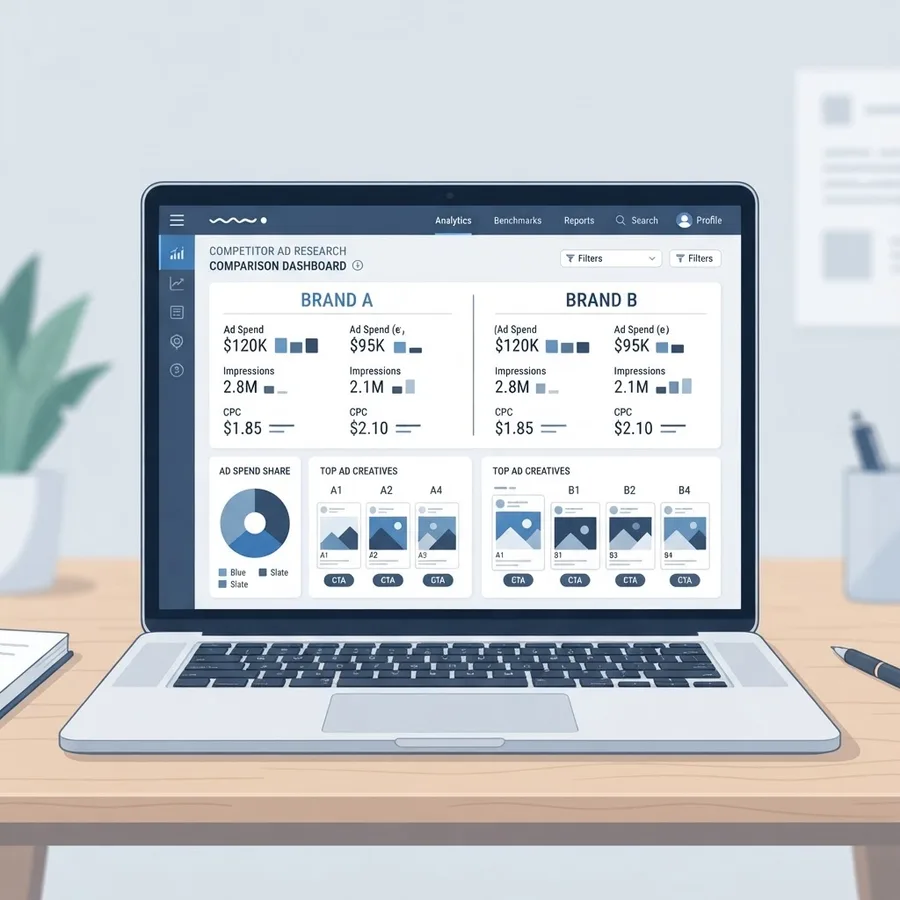
Before opening any tool, be clear about what is observable and what is not. Confusing the two is the single most common mistake in competitive PPC research.
You can reliably see:
- The ad creatives a competitor is currently running, including headlines, descriptions, images and video.
- How long a specific ad has been running and which countries it ran in.
- The landing page each ad points to, including offers, pricing and form structure.
- Which advertiser domains appear in the same auctions as you, and roughly how often.
- Which keywords a competitor's site appears for in paid results, as an estimate.
You cannot see:
- Actual budgets, bids or cost per click figures.
- Conversion rates, cost per acquisition or return on ad spend.
- Quality Score, exact match types or negative keyword lists.
- Campaign structure, audience lists or bidding strategy settings.
Anything a tool reports in the second group is a model, not a fact. Treat it as directional.
Key Definitions
Ads Transparency Center: Google's public archive of ads served by verified advertisers, launched in 2023 as part of Google's advertiser verification programme. It is first party data.
Auction Insights: A native Google Ads report that compares your performance in the same auctions as other advertisers across metrics such as impression share and overlap rate.
Impression share: The impressions you received divided by the total impressions you were eligible to receive.
Overlap rate: How often another advertiser's ad appeared in the same auction where your ad also appeared.
Step 1: Use Google's Ads Transparency Center First
Start with the source that requires no subscription and no assumptions. Google's Ads Transparency Center lets you search any verified advertiser by name or domain and view the ads they have run.
How to use it properly:
- Go to the Ads Transparency Center and search the competitor's brand name or exact domain.
- Confirm you have the right advertiser by checking the verified advertiser identity and location shown on the profile.
- Set the region filter to the country you actually target. An advertiser running fifty creatives in the United States may run three in the United Kingdom.
- Set the date range to the last thirty days to identify what is live now, then widen it to see the historical pattern.
- Filter by format. Search text ads tell you about intent and offers. Display and video creatives tell you about brand positioning and remarketing.
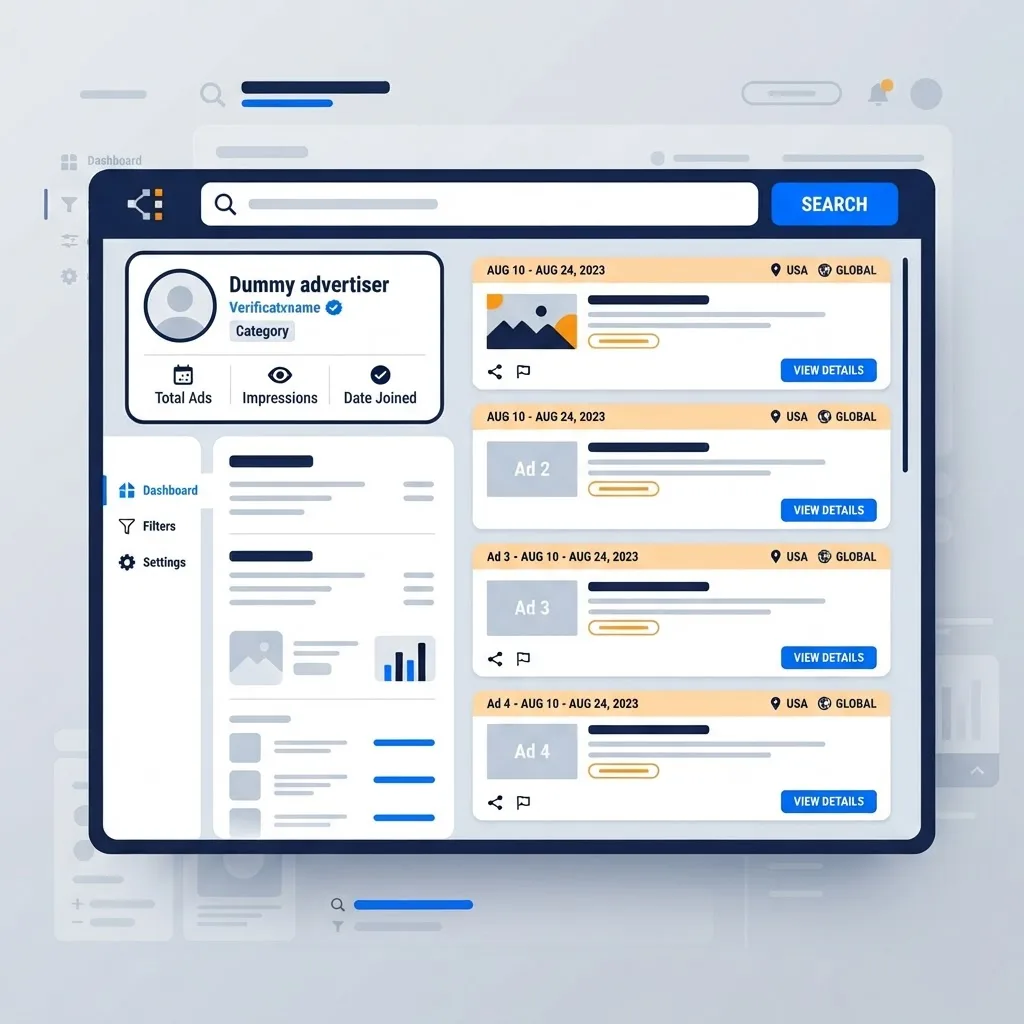
The most valuable signal here is ad longevity. If a creative has been running continuously for six months or more, it is almost certainly profitable. Competitors do not fund losing ads for half a year. Note those long running ads separately, because they represent tested messaging rather than experiments.
Google's own transparency reporting shows the scale of the system you are researching. In its 2023 Ads Safety Report, Google stated it removed or blocked over 5.5 billion ads and suspended more than 12.7 million advertiser accounts, which is why verification and the resulting public archive exist at all.
Step 2: Read Auction Insights in Your Own Account
Auction Insights is the only report that tells you, using real Google data, who you are competing against. Most advertisers overlook it because it lives inside campaign level menus rather than the main dashboard.
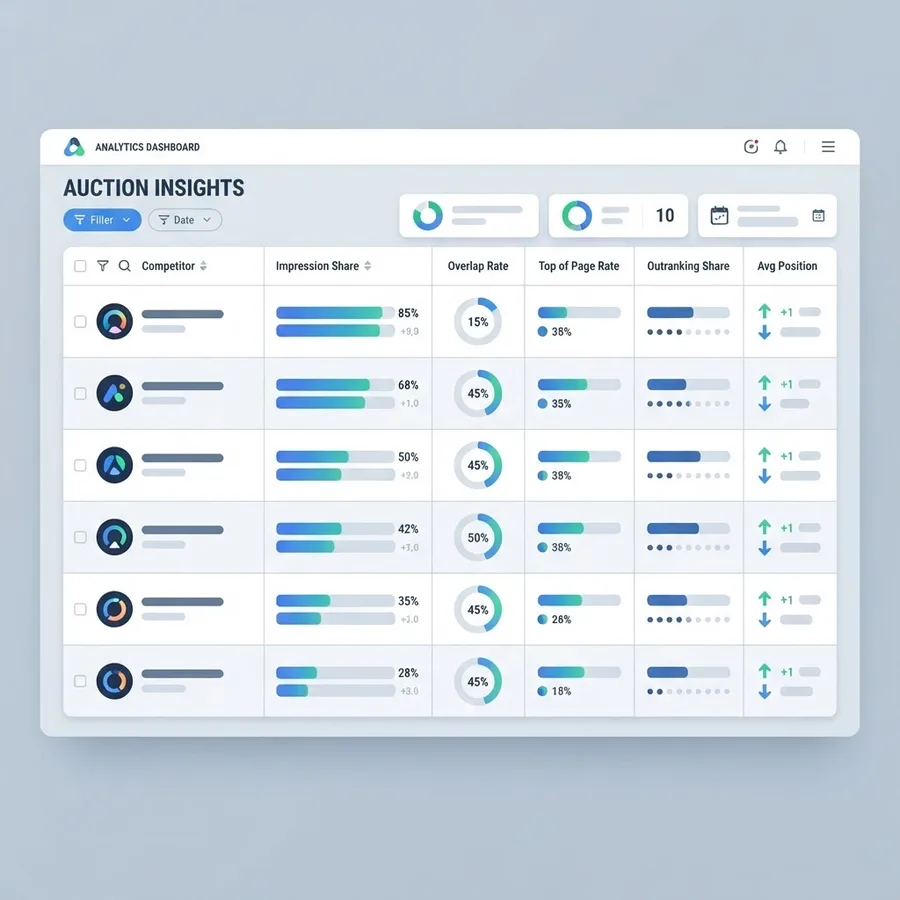
To access it, open Google Ads, select a campaign, ad group or keyword, then choose Insights and reports followed by Auction Insights. For search campaigns you will see up to ten competing domains and these metrics:
| Metric | What It Tells You | How to Act On It |
|---|---|---|
| Impression share | How much of the available auction volume you captured | Below 50 percent on a core keyword usually means budget or bid constraints |
| Overlap rate | How often a rival appeared alongside you | High overlap identifies your true head to head competitors |
| Outranking share | How often you appeared above them | Falling outranking share signals rising rival bids or better ad rank |
| Position above rate | How often they appeared above you | Consistently high values mean a Quality Score or bid gap |
| Top of page rate | How often ads showed above organic results | Low values mean you are losing premium placement |
Segment this report by device and by day of week. A common discovery is that a competitor dominates mobile impressions while you dominate desktop, or that they cut spend at weekends and leave cheaper inventory available.
Step 3: Reverse Engineer Their Keywords
Once you know who your rivals are, work out what they bid on. Two paths exist and serious accounts use both.
The Free Path: Google Keyword Planner
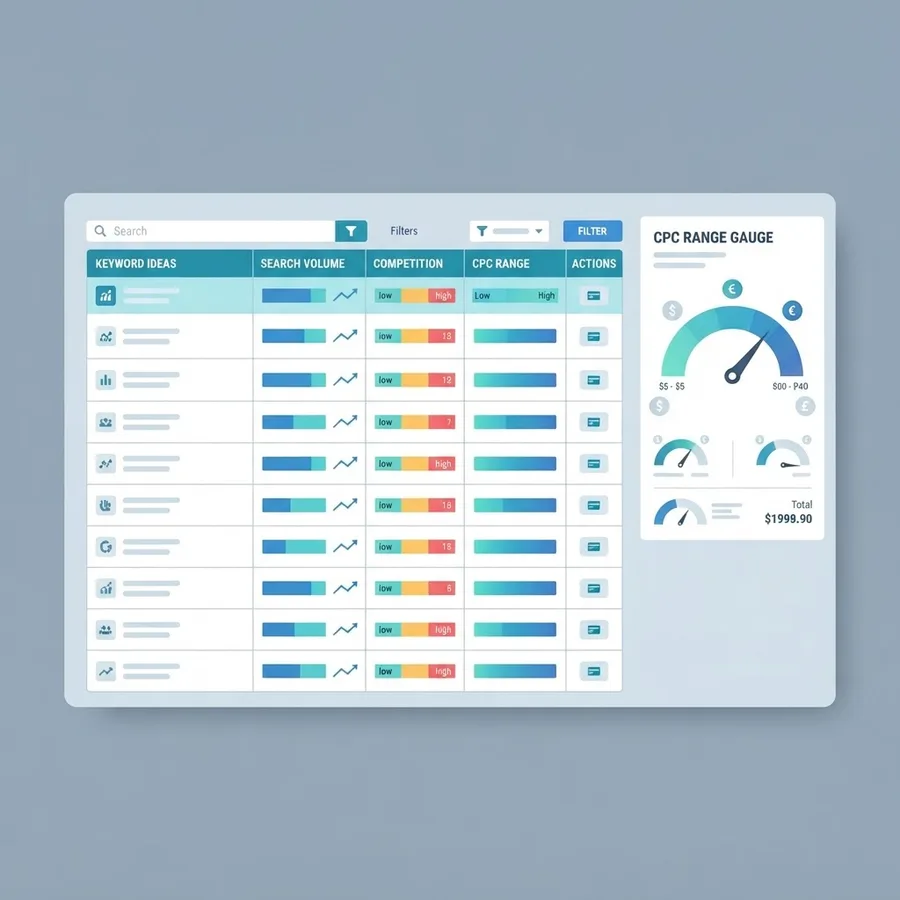
Keyword Planner accepts a URL as a seed. Enter a competitor's domain or a specific landing page, choose to use the whole site or just that page, and Google returns keywords it associates with that content along with search volume, competition level and top of page bid ranges.
The bid range is the useful part. It reflects what advertisers have historically paid for top of page placement, so it gives you a realistic entry cost for that keyword set. If the high range figure is triple your current average cost per click, that keyword group is probably not a fair fight until your conversion rate improves.
The Paid Path: Competitive Intelligence Tools
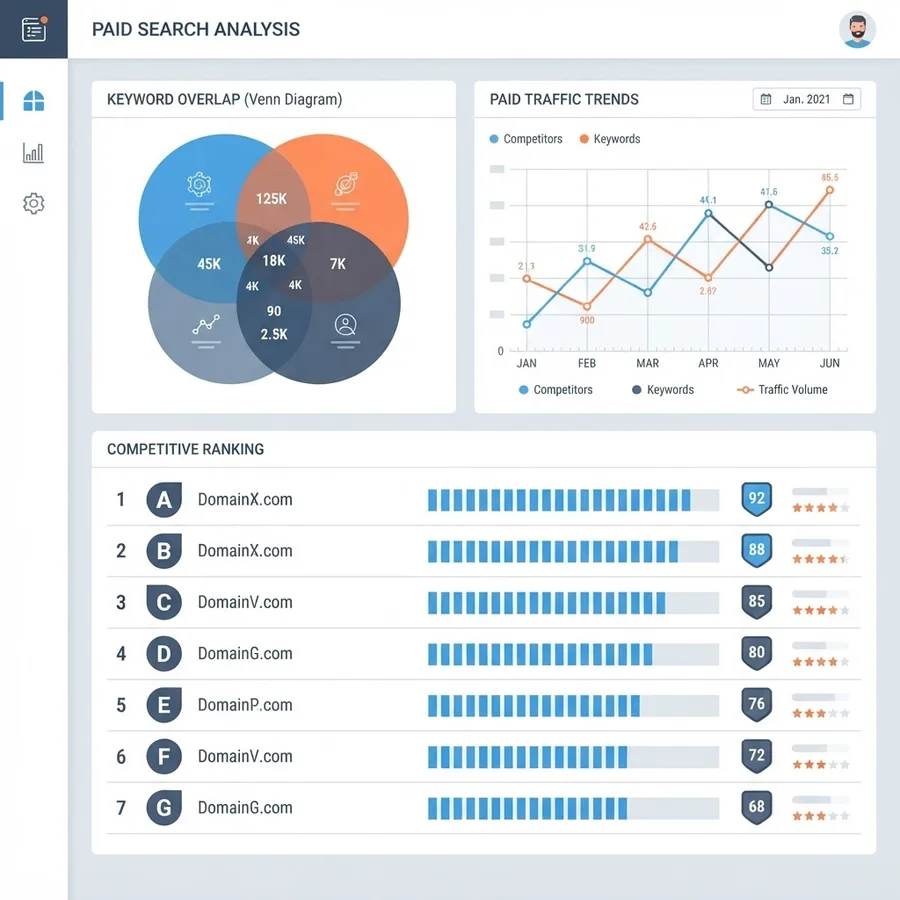
Tools such as Semrush, SpyFu, Similarweb and Ahrefs maintain crawled databases of paid search appearances. They typically show estimated paid keywords, estimated monthly paid traffic, estimated spend and historical ad copy.
Use them for three specific jobs:
- Keyword gap analysis. Find keywords two or three rivals all bid on that you do not. Repeated overlap across multiple competitors is strong evidence of commercial value.
- Trend direction. A competitor's estimated keyword count doubling over two quarters means aggressive expansion, which usually precedes rising auction prices.
- Ad copy history. Longer archives than the Transparency Center in some verticals, which helps you spot seasonal offers.
The accuracy caveat matters. These platforms sample search results rather than observe accounts, so estimated spend figures commonly deviate substantially from reality, particularly for smaller advertisers and non English markets. Use the relative ranking, not the absolute number.
Step 4: Tear Down Their Ads and Landing Pages Manually
Data tells you what competitors do. Manual review tells you why it works. Set aside thirty minutes and do this by hand for your top three rivals.
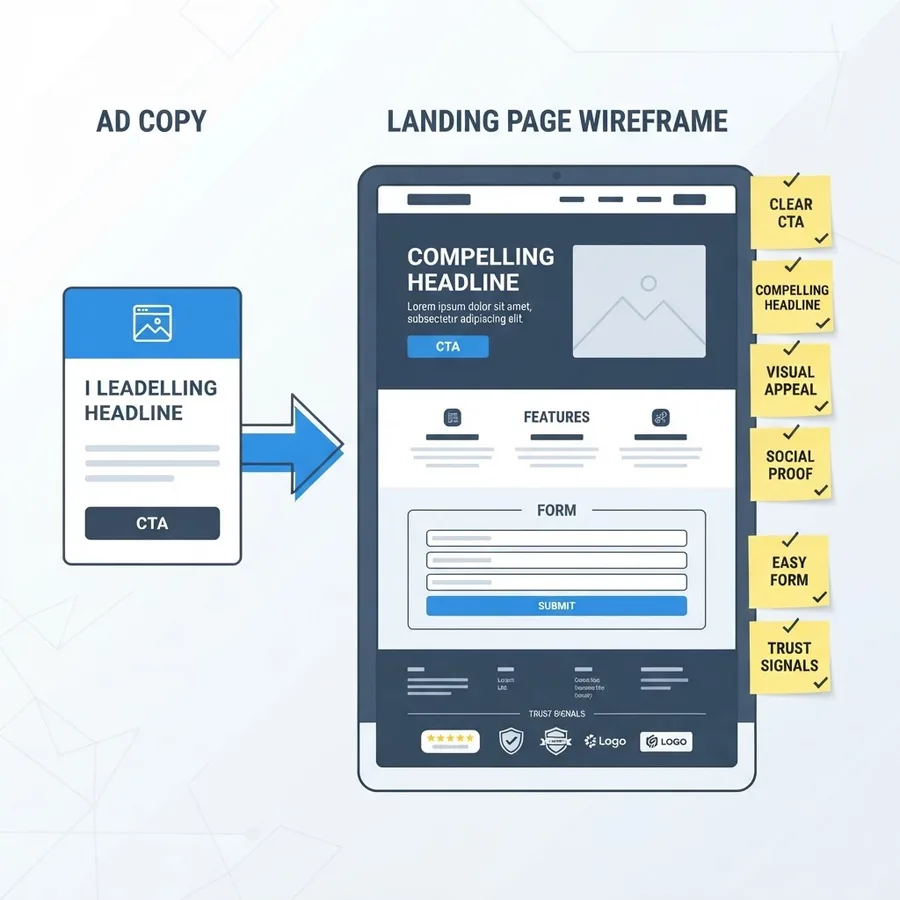
For each long running ad, record:
- The primary promise in headline one and whether it leads with price, speed, quality or risk reduction.
- Which extensions appear: sitelinks, callouts, structured snippets, price, lead form.
- The offer on the landing page and whether it matches the ad promise exactly.
- Form length and how many fields are genuinely required.
- Trust signals present above the fold, such as review counts, certifications or client logos.
- Page speed and mobile layout, tested on an actual phone.
This is where most competitive advantage is found. Landing page experience directly affects Quality Score, and Quality Score affects what you pay per click. A rival with a faster, tighter page can outrank you while bidding less. Agencies that build conversion focused pages, such as the team behind WEBPEAK Agency, routinely treat ad copy and landing page structure as one asset rather than two, because Google scores them together.
Step 5: Turn Findings Into Campaign Decisions
Research without action is a hobby. Convert each observation into one concrete change.
- Rival outranking you on core terms: Improve ad relevance and landing page speed before raising bids, since ad rank is bid multiplied by quality factors.
- Keyword they bid on that you ignore: Launch it as a tightly themed ad group with a small test budget and its own landing page.
- Offer stronger than yours: Match the mechanism, not the discount. If they offer a free audit, offer a faster or more specific one.
- They bid on your brand name: Ensure your own brand campaign runs with exact match coverage, since brand terms are usually your cheapest converting traffic.
- Their weekend spend drops: Test dayparting bid adjustments to capture cheaper impressions during those windows.
For teams that want this workflow run continuously rather than once a quarter, structured campaign management makes the difference. A useful reference point is this breakdown of performance marketing practice, which covers how ongoing auction monitoring feeds bid and budget decisions.
Step 6: Build a Repeatable Tracking System
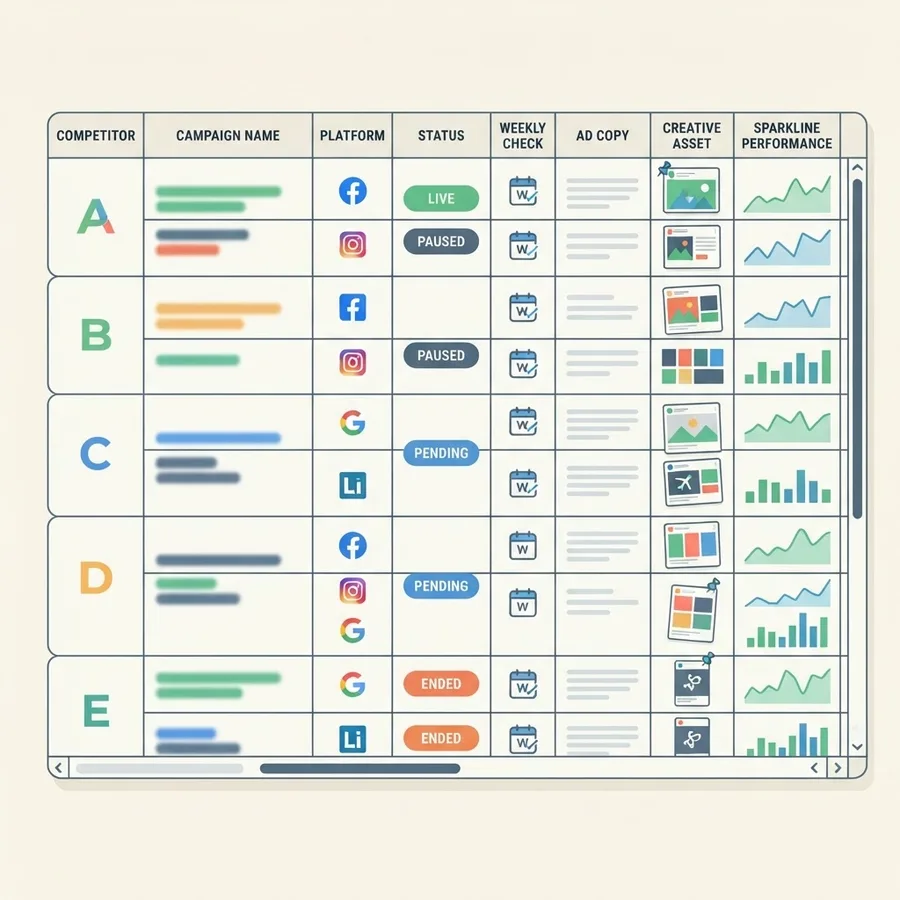
One off research decays within weeks because auctions change constantly. Build a lightweight tracker instead.
A workable monthly cadence:
- Weekly: Check Auction Insights for your top five keywords. Note any new domain that appears.
- Fortnightly: Screenshot new competitor creatives from the Transparency Center.
- Monthly: Refresh keyword gap exports and log estimated keyword count changes.
- Quarterly: Full landing page teardown of your three closest rivals.
Store it in a single spreadsheet with columns for competitor, date checked, ad angle observed, landing page offer, impression share change and the action you took. The action column is what separates a useful tracker from a folder of screenshots.
Common Mistakes to Avoid
- Treating estimated spend as fact. Third party spend figures are models built from sampled search results.
- Copying ad copy directly. Their winning message reflects their audience, pricing and brand equity, not yours.
- Checking only one country or device. Regional and device level differences are often larger than brand level differences.
- Chasing every competitor. Focus on the two or three with the highest overlap rate.
- Raising bids as the first response. Quality improvements usually deliver cheaper gains than bid increases.
Key Takeaways
- Google's Ads Transparency Center is first party data and shows real competitor creatives, regions and run dates at no cost.
- Auction Insights inside your own Google Ads account is the only report that names actual auction rivals using Google's own numbers.
- Ad longevity is the strongest free profitability signal available, because unprofitable ads are rarely funded for months.
- Third party tools are reliable for relative comparison and keyword discovery, not for absolute spend accuracy.
- Ad rank combines bid with expected click through rate, ad relevance and landing page experience, so quality work can beat a higher bid.
- Google reported removing or blocking more than 5.5 billion ads in 2023, the enforcement programme that produced the public ad archive marketers now use.
Frequently Asked Questions (FAQ)
Can I see exactly how much my competitors spend on Google Ads?
No. Google never publishes advertiser budgets or bids. Third party tools show estimated spend based on sampled search results, which can differ significantly from reality. Use Keyword Planner top of page bid ranges for realistic cost expectations, and treat all spend estimates as directional rather than exact figures.
Is checking competitor Google Ads legal and allowed by Google?
Yes. Viewing publicly served ads is entirely legal, and Google built the Ads Transparency Center specifically so anyone can review advertiser creatives. Auction Insights is a standard feature in your own account. What is not allowed is repeatedly clicking rival ads to waste their budget, which violates Google Ads policy.
What is the best free way to check competitor ads?
Combine two free sources. Use the Ads Transparency Center to view live and historical competitor creatives by region and date, then open Auction Insights in your own Google Ads account to identify which domains share your auctions. Add Keyword Planner with a competitor URL as the seed for keyword ideas.
How often should I check my competitors' Google Ads?
Check Auction Insights weekly for your highest spend keywords, since impression share shifts fast. Review new competitor creatives every two weeks, refresh keyword gap data monthly, and run a full landing page teardown quarterly. Daily checking rarely produces useful signal and consumes time better spent testing.
Should I bid on my competitor's brand name?
Sometimes, but test carefully. Competitor brand terms usually convert at lower rates and higher costs because searchers already have a preference. You cannot use their trademark in ad text in most regions. Protect your own brand terms first, since branded traffic is typically the cheapest converting inventory in any account.
Why is my competitor ranking above me even though I bid more?
Ad rank is not bid alone. Google combines your bid with expected click through rate, ad relevance, landing page experience and expected extension impact. A competitor with tighter keyword to ad matching and a faster, more relevant landing page can consistently outrank you while paying less per click.