A practical, expert explanation of how eye gaze technology turns eye movement into speech, covering the hardware, calibration, selection methods, and real-world setup decisions that determine success.
How Does Eye Gaze Technology Work for Communication
Eye gaze technology lets a person write, speak, and control a computer using nothing but the movement of their eyes. For someone living with ALS, cerebral palsy, a brainstem stroke, spinal muscular atrophy, or a late-stage neuromuscular condition, it is often the difference between silence and a full conversation. Yet most explanations stop at "a camera tracks your eyes," which tells you almost nothing about why one setup works beautifully and another gets abandoned in a closet after three weeks.
This guide explains the actual mechanics: the infrared optics, the calibration mathematics, the selection methods, and the human factors that decide whether the system becomes a voice or a frustration. It is written from the perspective of teams who build and deploy accessible interfaces, and it deliberately covers the parts vendors tend to gloss over.
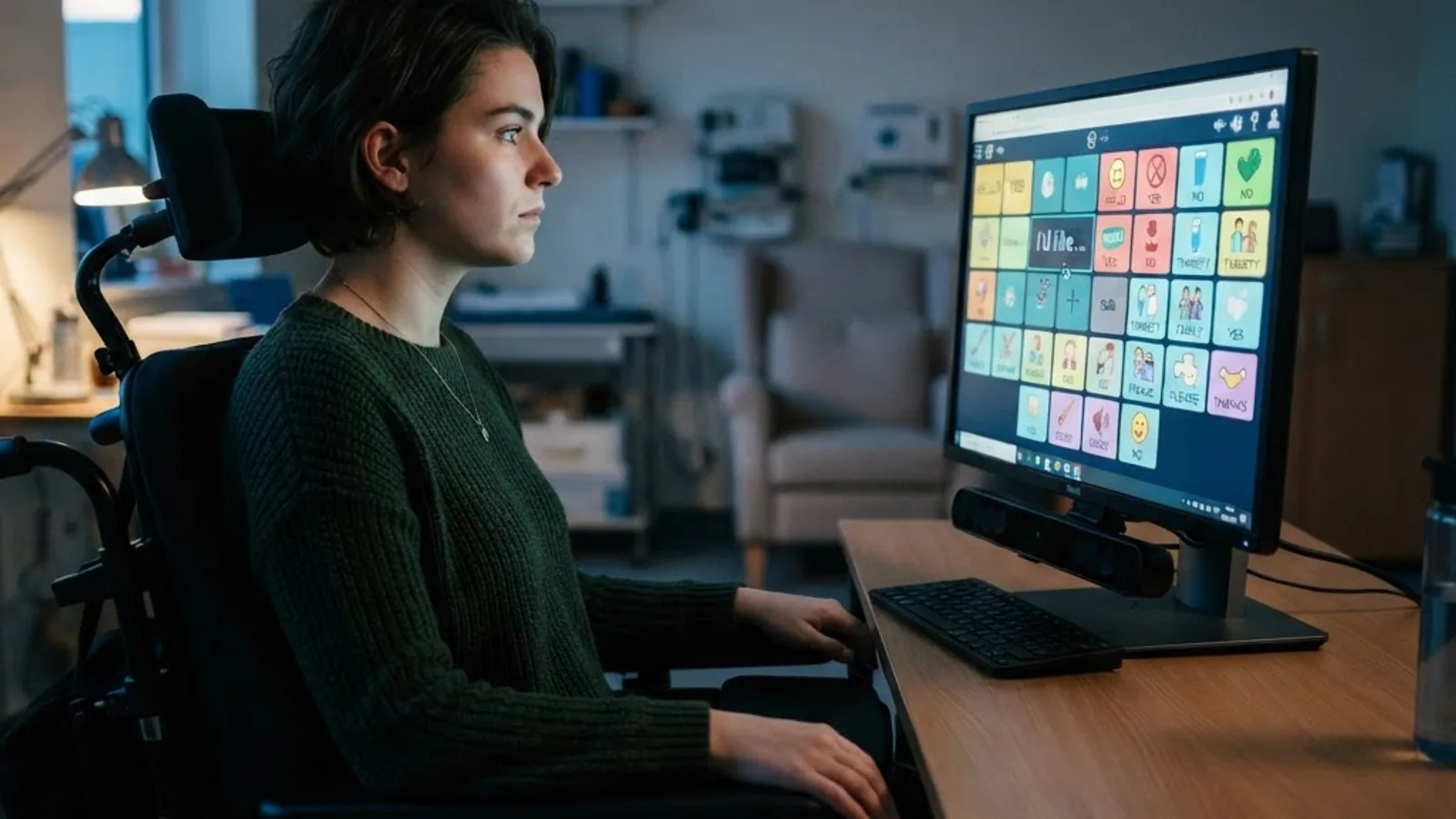
Quick Answer: Eye gaze technology works by shining invisible infrared light at the eyes, capturing the pupil position and the reflection it creates on the cornea, then calculating the angle between them. Software maps that angle to an exact screen coordinate, so looking at a letter and dwelling on it selects it and builds spoken speech.
What Is Eye Gaze Technology, Exactly
Eye gaze technology, also called eye tracking or gaze interaction, is a hardware and software system that measures where a person is looking on a screen and converts that gaze point into a computer input. In communication use, that input replaces the mouse and keyboard entirely.
Three terms are worth defining precisely, because they are constantly confused:
- Eye tracking is the measurement technology itself, used in everything from market research to gaming.
- Eye gaze access is eye tracking used as an access method to operate a device.
- AAC (Augmentative and Alternative Communication) is the broader field of tools that supplement or replace speech. Eye gaze is one access method within AAC; the communication software is a separate layer.
That separation matters when buying. A brilliant eye tracker paired with poorly designed communication software produces a slow, exhausting experience. The software vocabulary layout affects communication rate more than the tracker's raw accuracy does.
The Hardware: What Actually Sits Under the Screen
A modern eye gaze system is a sensor bar containing infrared illuminators and one or two high-frame-rate cameras, mounted directly below the display. It looks unremarkable, which is precisely the design goal.
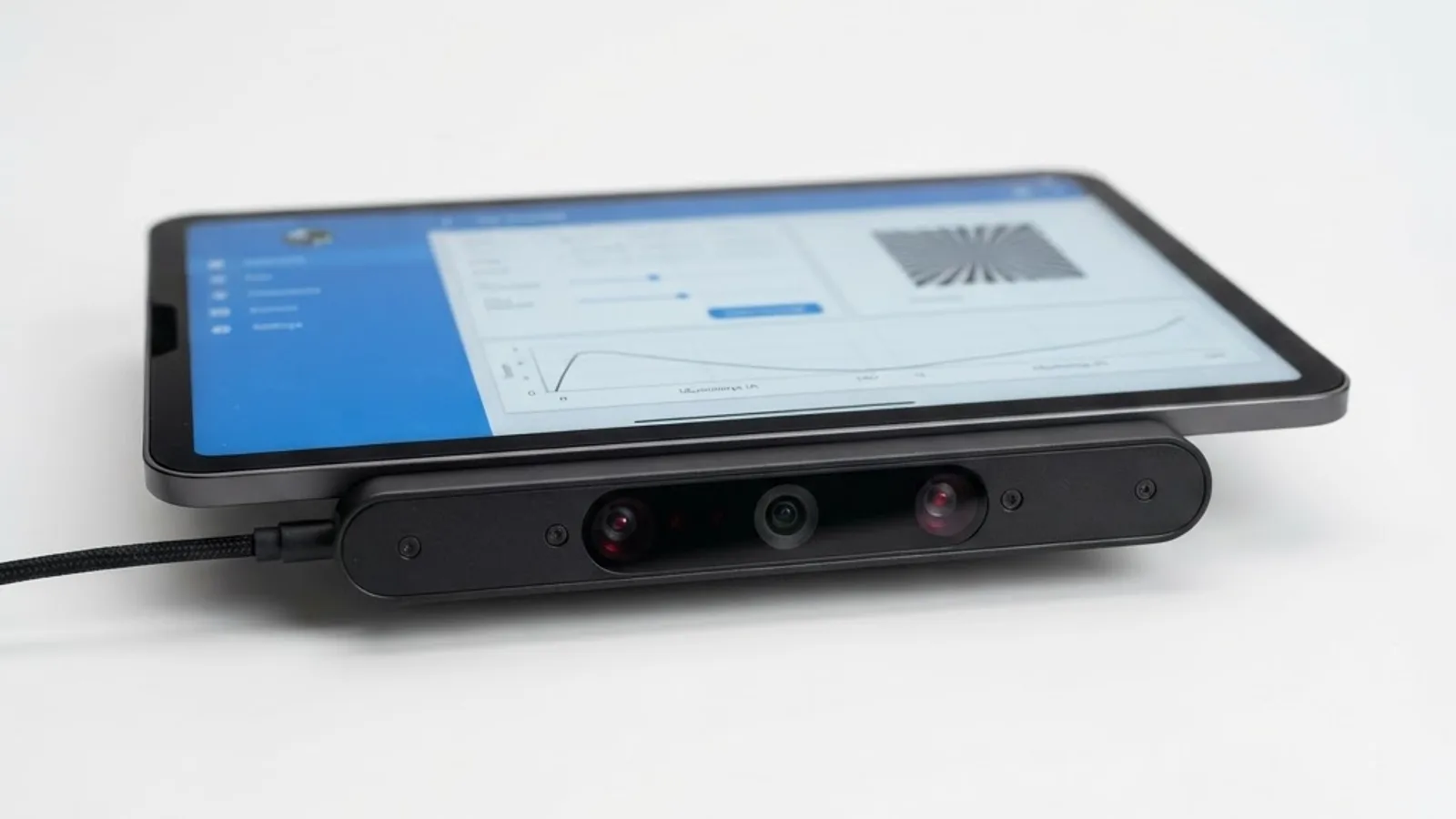
The core components:
- Infrared LEDs emitting light at roughly 850 nanometres — invisible to the human eye, safe at these intensities, and bright enough to produce a crisp reflection.
- One or more image sensors with infrared bandpass filters, capturing the eye region at 30 to 300 frames per second depending on the model.
- An onboard or host-side processor running the gaze estimation algorithms in real time.
- A mounting system — desk stand, wheelchair mount, or a bracket integrated into a dedicated speech device.
Why infrared rather than visible light? Two reasons. First, it works in darkness and in bright rooms alike, since the system supplies its own illumination and filters out ambient light. Second, infrared produces a much stronger contrast between the pupil and the iris, which makes pupil detection dramatically more reliable across different eye colours.
The Core Mechanism: Pupil Centre Corneal Reflection
The dominant method in assistive eye gaze is Pupil Centre Corneal Reflection, or PCCR, and understanding it explains almost every quirk users encounter.
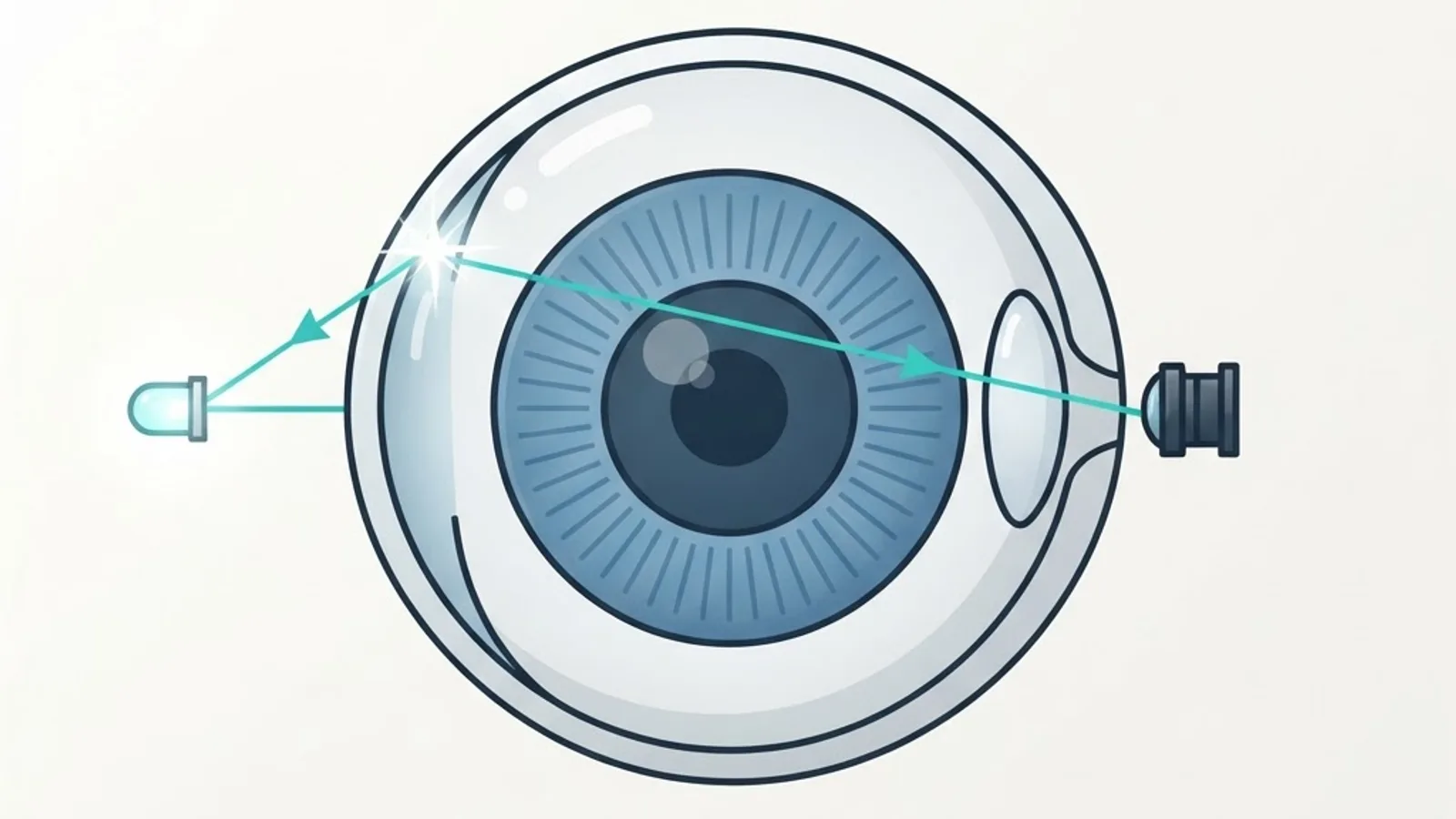
Here is the sequence, step by step:
- Illumination. The infrared LEDs light the face. The cornea, being a smooth curved surface, acts like a tiny convex mirror.
- Glint formation. Each LED creates a small bright spot on the cornea, called a glint or first Purkinje image. Crucially, the glint stays almost stationary when the eye rotates, because the cornea's curvature centre barely moves.
- Pupil detection. The camera image is processed to find the pupil — a dark or bright ellipse depending on the illumination geometry — and its geometric centre is computed to sub-pixel precision.
- Vector calculation. The system measures the vector between the fixed glint and the moving pupil centre. That vector changes predictably as the eye rotates, which is the fundamental signal.
- Mapping to screen coordinates. A calibration model converts that vector into an X and Y position on the display.
- Filtering. Raw gaze data is noisy and full of micro-movements, so smoothing filters and fixation detection algorithms stabilise the cursor before anything is shown to the user.
This is why head movement is tolerated but not unlimited. Because the glint and pupil are measured relative to each other, moderate head shifts do not break tracking. Move far enough that the eye leaves the camera's imaging volume — typically a box around 30 by 20 by 20 centimetres at a 60 centimetre distance — and tracking stops until you return.
Calibration: The Step That Decides Everything
Calibration teaches the software how one specific person's eye geometry maps to screen positions, and it is the single most common point of failure.
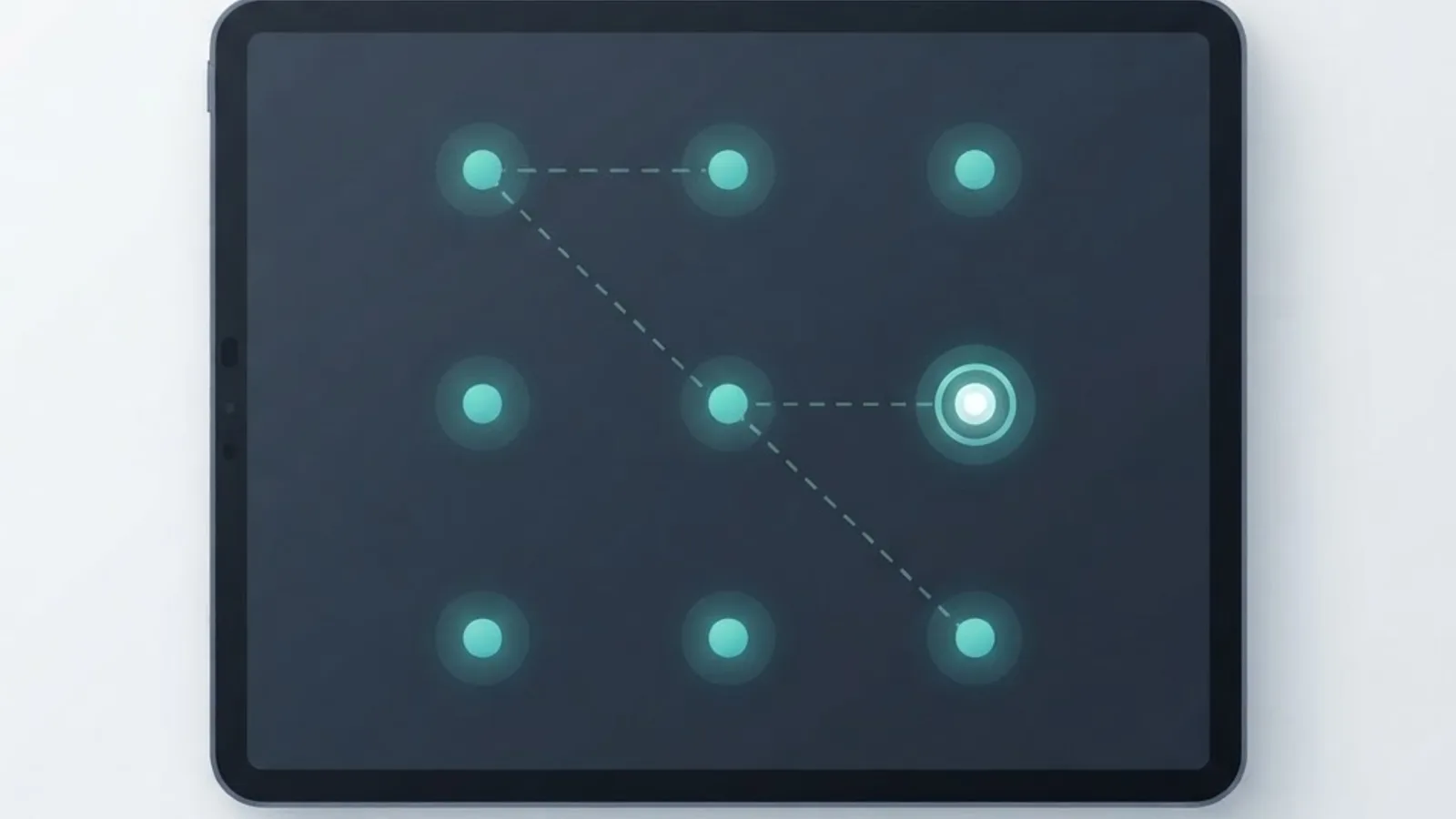
During calibration, targets appear at known screen locations — commonly 2, 5, or 9 points. The user looks at each one while the system records the corresponding pupil-glint vector. It then fits a mathematical model, usually a polynomial or a 3D eye model, that translates any future vector into a screen coordinate.
Eye anatomy varies between individuals in ways that make this necessary. Corneal curvature differs, and the foveal offset — the angular gap between where the eye is physically pointed and where the person actually perceives they are looking — is typically around 1 to 1.5 degrees and unique to each person.
Practical calibration lessons from real deployments:
- Fewer points is often better. For users with nystagmus, severe fatigue, or limited attention, a two-point calibration frequently outperforms nine, because incomplete data on a complex model produces worse results than clean data on a simple one.
- Recalibrate when conditions change. New glasses, a reclined seating position, a different room's lighting, or significant fatigue all shift the mapping.
- Calibrate one eye if needed. Users with strabismus or a ptosis-affected lid often get far better accuracy from monocular tracking.
- Watch for reflective interference. Bifocals, anti-glare coatings, and even a nearby window can generate false glints. Repositioning the screen five degrees usually solves it.
Typical accuracy for a well-calibrated assistive tracker is 0.5 to 1 degree of visual angle, which translates to roughly 0.5 to 1 centimetre of error on a screen at arm's length. That number dictates minimum button size in the communication software.
How a Gaze Becomes a Selection
Knowing where someone looks is not enough — the system must distinguish looking from choosing. This is the click problem, and there are four established solutions.
| Selection Method | How It Works | Best For | Main Drawback |
|---|---|---|---|
| Dwell | Hold gaze on a target for a set time, usually 300 to 1200 ms | Most users; default starting point | Slower; accidental selections while reading |
| Blink | A deliberate blink longer than a natural one triggers selection | Users with reliable voluntary blink control | Fatigue; false positives from natural blinks |
| Switch activation | Gaze positions the cursor, a separate physical switch confirms | Users with any reliable voluntary movement | Requires a second access point |
| Gaze gesture | Looking off-screen or making a defined eye path triggers an action | Shortcuts, calling for attention | Limited vocabulary of commands |
Dwell dominates because it needs nothing beyond the eyes. The dwell time setting is the most important tuning dial in the whole system: too short and the user selects everything they glance at, too long and communication crawls. Experienced practitioners start around 800 milliseconds and reduce it gradually as competence builds, often reaching 300 to 400 milliseconds within months.
Well-designed software also provides a pause or rest area — a screen region where gaze triggers nothing — so the user can look at the text they have written, or at the person they are talking to, without firing off unintended selections. Its absence is a frequent cause of abandonment.
From Selection to Speech: The Software Layer
Once a target is selected, the communication software takes over. Two vocabulary architectures dominate, and the choice shapes communication rate more than hardware does.
Text-based systems present an on-screen keyboard with word prediction, then send the composed sentence to a text-to-speech engine. They offer unlimited vocabulary and suit literate users. With good prediction, experienced gaze typists reach 15 to 25 words per minute — compared with roughly 40 words per minute for average touch typing, according to human-computer interaction research.
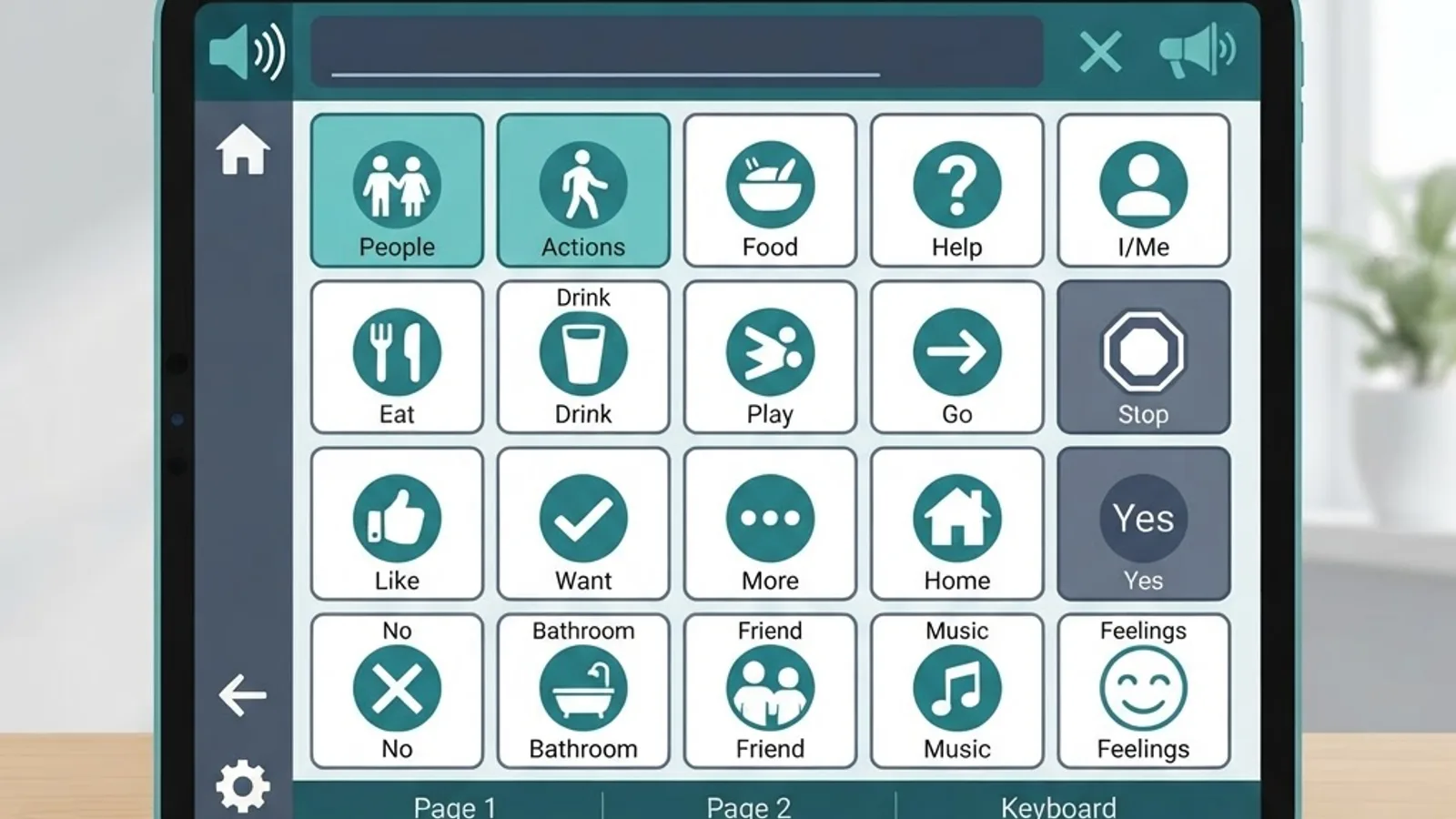
Symbol-based systems use grids of pictures and words organised by category or by motor plan. Selecting a symbol either speaks it directly or navigates to a related page. These serve pre-literate users, children, and people with cognitive or language impairments.
The strongest setups combine both, with a keyboard page inside a symbol-based system so the user can spell anything not covered by the vocabulary. Teams building accessible interfaces — the kind of work covered at ZoneTechify and WebPeak — apply the same principle to web products generally: give people more than one route to the same outcome.
Beyond Talking: What Else Gaze Control Unlocks
Communication is the entry point, not the ceiling. A mature eye gaze setup typically also provides:
- Full computer control — a gaze-driven mouse emulator for any application, including browsers, email, and spreadsheets.
- Environmental control — infrared or smart-home commands for lights, TV, bed position, and door openers.
- Phone and messaging — SMS, video calls, and social media, which research consistently links to reduced isolation.
- Recreation and work — reading, gaming, music, and in many cases continued employment.
One under-discussed feature is voice banking. Someone with a progressive diagnosis can record their own voice while speech remains intelligible, then use a synthesised version of it later. The clinical and emotional difference between a generic synthetic voice and a person's own is substantial, and the window to record it closes.
Who Eye Gaze Suits, and Who It Does Not
Eye gaze works well when the user has reliable voluntary control of eye movement, adequate vision, sufficient cognitive capacity to understand cause and effect, and stable positioning. It struggles or fails when there is severe uncontrolled nystagmus, significant cortical visual impairment, extreme photophobia, or an inability to maintain a stable head position relative to the screen.
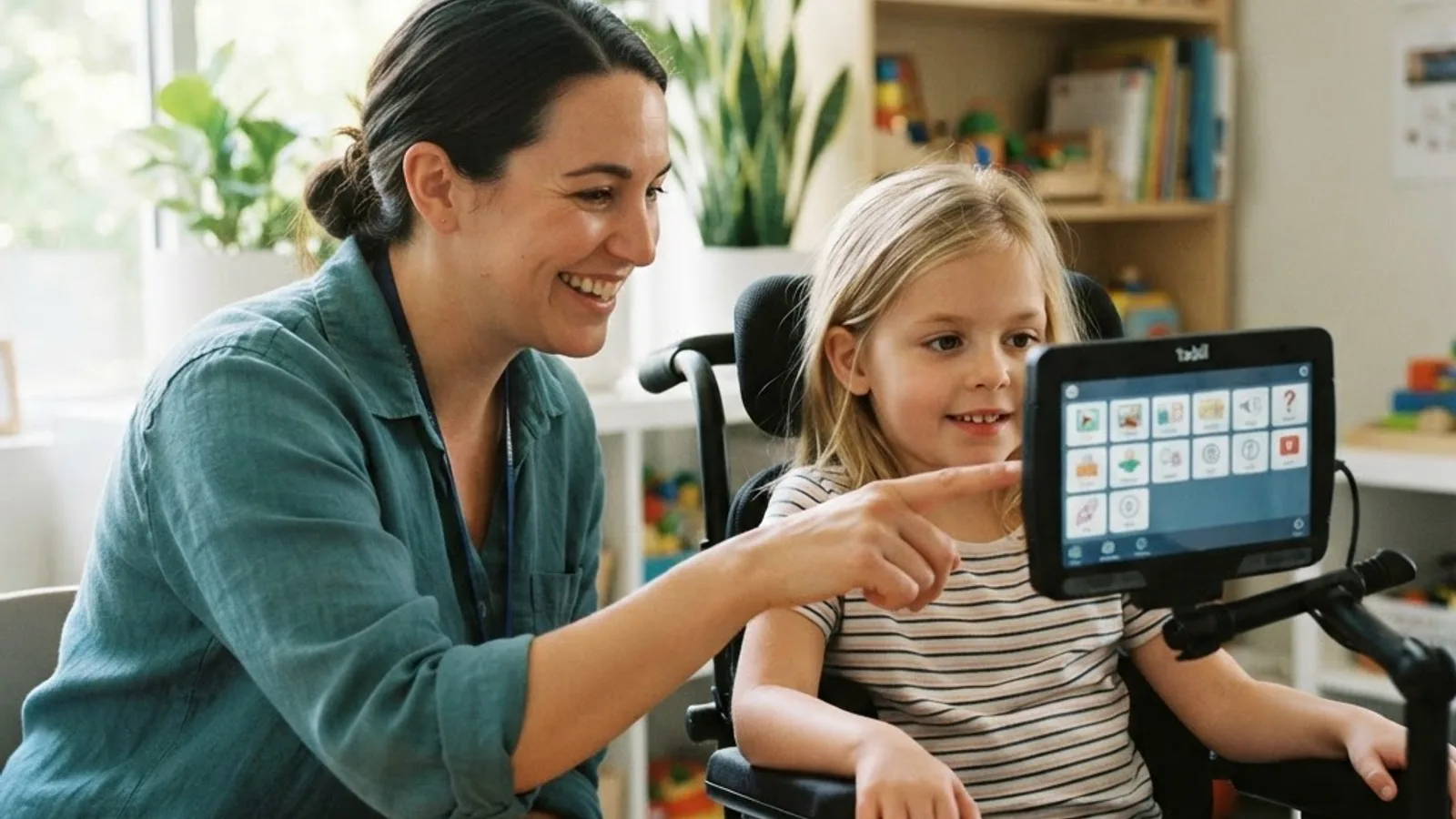
Honest assessment matters more than optimism here. A trial period with a loan device, guided by a speech and language therapist and an assistive technology professional, reveals in days what a specification sheet never will.
Practical Setup Checklist
- Position the screen 50 to 70 centimetres from the eyes, tilted to match the user's natural gaze angle.
- Mount the tracker below the screen, parallel to the display face — not angled up at the face.
- Eliminate direct sunlight and strong infrared sources such as halogen lamps from behind the user.
- Stabilise seating first. Postural support fixes more tracking problems than any software setting.
- Start with large targets and a generous dwell time, then refine both over weeks.
- Build in a rest area and an attention-getting button from day one.
- Train communication partners, not just the user. Wait time and patience double effective output.
Where the Technology Is Heading
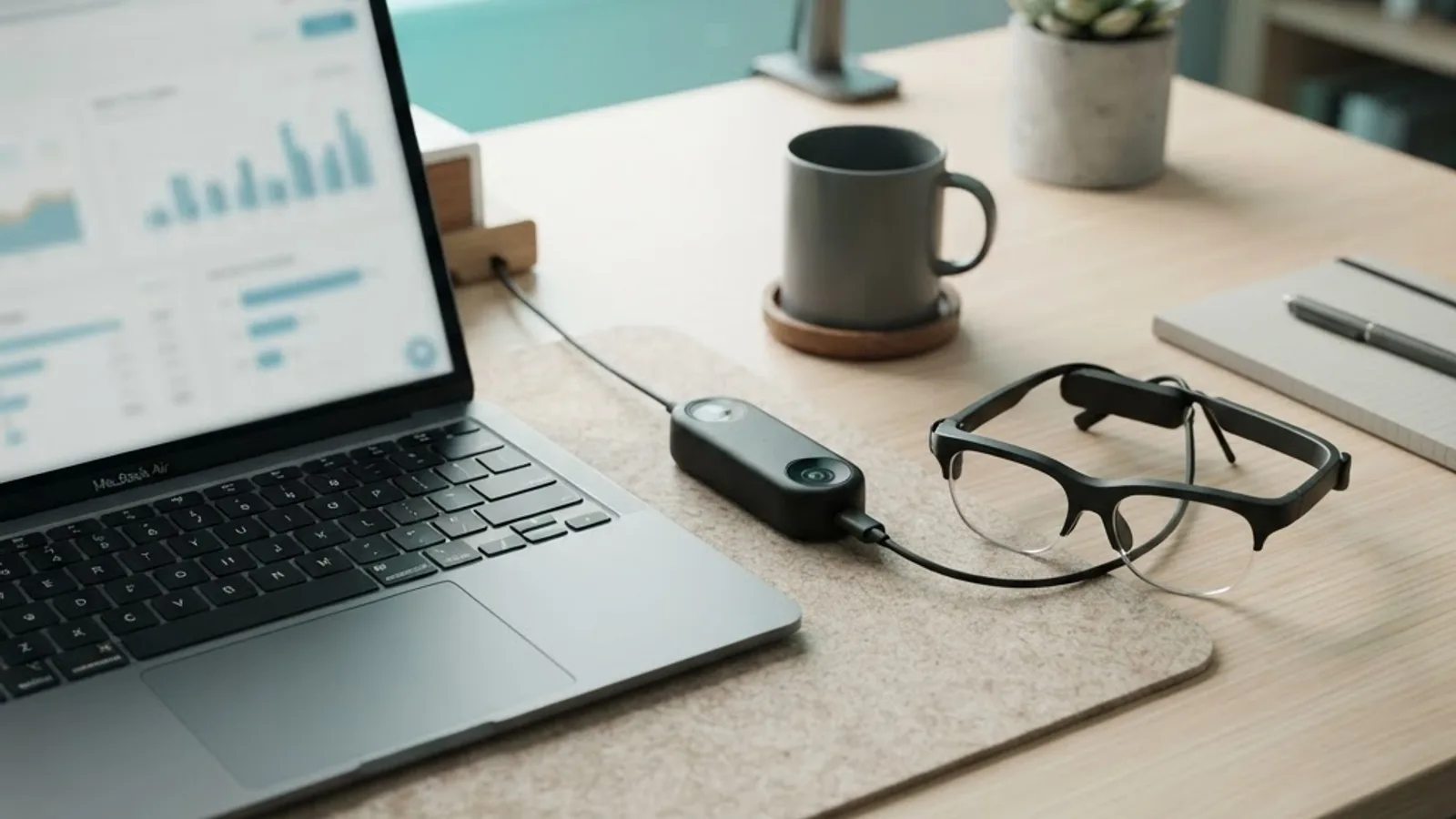
Three shifts are already visible. First, cost collapse: consumer-grade trackers built for gaming now cost a fraction of dedicated medical devices, and while they lack clinical mounting and support, they have widened access enormously. Second, calibration-free tracking using deep learning models trained on large gaze datasets, reducing or removing the setup burden. Third, AI-assisted language prediction, where large language models generate contextually appropriate full sentences from a handful of gaze selections — the highest-leverage improvement available, because it attacks communication rate rather than pointer accuracy.
The honest caveat: prediction that guesses too aggressively can put words in someone's mouth. The design challenge is speed without loss of authorship.
Key Takeaways
- Eye gaze technology uses infrared illumination and the Pupil Centre Corneal Reflection method, measuring the vector between the pupil centre and a stationary corneal glint to compute gaze direction.
- Calibration is individual and essential because corneal curvature and foveal offset — typically 1 to 1.5 degrees — vary between people.
- Typical assistive tracker accuracy is 0.5 to 1 degree of visual angle, which sets the minimum practical button size on screen.
- Dwell selection is the default click method; dwell time is the most impactful setting, often tuned from 800 milliseconds down to 300 to 400 milliseconds with practice.
- Experienced gaze typists achieve roughly 15 to 25 words per minute with word prediction, against about 40 words per minute for average touch typing.
- Software design, seating stability, and communication partner training determine long-term success more than raw hardware specifications.
Frequently Asked Questions (FAQ)
How does eye gaze technology actually detect where you are looking?
Infrared LEDs create a fixed bright reflection on the cornea while a camera locates the pupil centre. As the eye rotates, the distance between these two points changes predictably. Software measures that vector and uses a personal calibration model to convert it into an exact screen coordinate.
Is eye tracking with infrared light safe for the eyes?
Yes. Assistive eye trackers emit low-intensity near-infrared light well below international safety exposure limits, and certified devices are tested against those standards. Users report no discomfort from the light itself. Any fatigue comes from sustained visual concentration, not from infrared exposure, and is managed with breaks.
How long does it take to learn to communicate with eye gaze?
Basic cause-and-effect understanding often appears within one session. Functional sentence building typically takes several weeks to a few months of daily practice with therapist support. Rate and fluency keep improving for a year or more as dwell time shortens and vocabulary navigation becomes automatic.
Can you use eye gaze technology if you wear glasses or contact lenses?
Usually yes. Standard single-vision glasses and contact lenses work fine. Bifocals, varifocals, and strong anti-glare coatings can create false reflections that confuse the tracker. Tilting the screen slightly or switching to single-vision lenses for device use resolves most of these issues quickly.
What is the difference between dwell and blink selection?
Dwell selection triggers when gaze rests on a target for a preset duration, commonly 300 to 1200 milliseconds. Blink selection triggers on a deliberate long blink. Dwell suits most users because it requires no extra control, while blink can be faster for people with reliable voluntary blinking.
Does eye gaze technology work in bright sunlight or a dark room?
It works well in darkness because the tracker supplies its own infrared illumination. Bright direct sunlight is the harder condition, since it floods the sensor with competing infrared. Moving away from windows, closing blinds, or repositioning the screen away from the light source restores reliable tracking.