Cloud based mobile app development explained: architecture layers, real costs, security rules, and a step-by-step process to ship mobile apps that scale.
Cloud Based Mobile App Development
Most mobile apps that fail after launch do not fail because of the interface. They fail because the backend could not handle real usage patterns. Cloud based mobile app development solves that problem by moving data storage, authentication, business logic, and file handling off the device and onto managed infrastructure that scales with demand.
This guide explains how cloud based mobile apps are actually architected, what they cost, where teams get security wrong, and how to decide whether the cloud model fits your product. It is written from the perspective of teams who have shipped and maintained production apps, not from a vendor brochure.
Quick Answer: Cloud based mobile app development builds apps where core logic, data, and files live on managed cloud infrastructure instead of the device. The app becomes a thin client calling secure APIs. This delivers automatic scaling, cross-device sync, faster releases, smaller app sizes, and usage-based pricing instead of fixed server costs.
What Is Cloud Based Mobile App Development?
Definition: Cloud based mobile app development is an approach where the mobile application acts primarily as a presentation layer while data persistence, authentication, computation, media processing, and integrations run on remote cloud services accessed through APIs.
The difference from a traditional app is where state lives. A traditional app stores most data locally and syncs occasionally. A cloud based app treats the server as the source of truth and the device as a cache. That single architectural decision determines how the app scales, how users move between devices, and how quickly you can ship changes without a store review.
Three cloud service models matter here:
- IaaS (Infrastructure as a Service) — you rent virtual machines and manage the operating system, runtime, and scaling rules yourself.
- PaaS (Platform as a Service) — you deploy code and the provider manages servers, patching, and scaling.
- BaaS (Backend as a Service) — you consume prebuilt backend features such as auth, databases, push notifications, and storage through SDKs.
Most modern teams mix PaaS and BaaS, reaching for IaaS only when a workload needs unusual control.
How the Architecture Actually Works
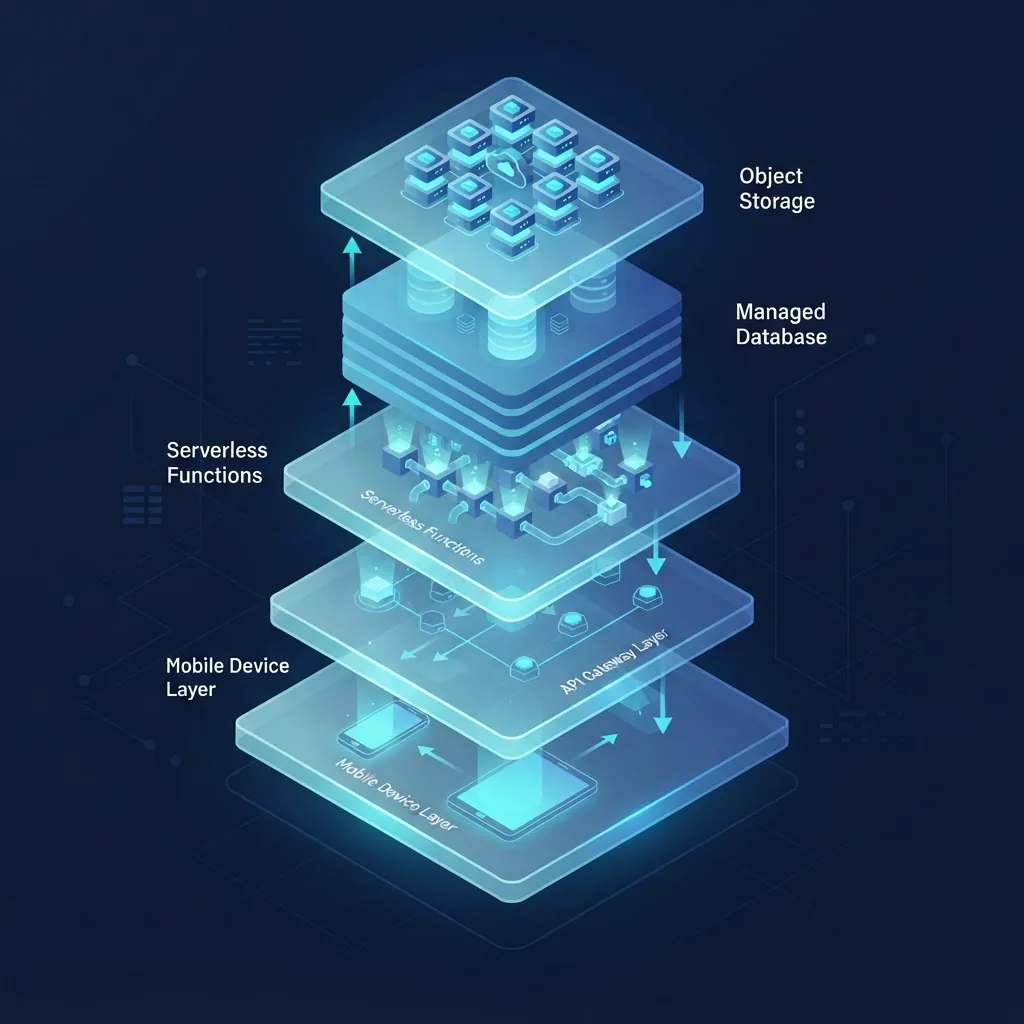
A well-built cloud based mobile app has five distinct layers, and mixing responsibilities between them is the most common cause of expensive rewrites.
1. Client Layer
The native or cross-platform app handles rendering, input, local caching, and offline queuing. It should contain zero business rules that affect money, permissions, or data integrity. Anything a user could tamper with by decompiling the app belongs on the server.
2. API Layer
An API gateway sits between the app and your services. It handles request authentication, rate limiting, versioning, and routing. Versioning matters more on mobile than on the web because you cannot force every user to update. Plan to support at least the two previous app versions for six to twelve months.
3. Compute Layer
Serverless functions or containerized services execute business logic. Serverless suits event-driven and bursty workloads such as image processing after upload or sending notifications. Containers suit long-running connections such as chat sockets or streaming.
4. Data Layer
A managed database stores structured records. Managed relational databases handle transactional integrity for payments and bookings; document stores suit flexible content. Read replicas and connection pooling become necessary earlier than most teams expect, usually around the point where concurrent sessions exceed a few thousand.
5. Storage and Delivery Layer
Object storage holds images, video, and documents. A CDN caches them close to users. Uploading directly from the device to object storage using short-lived signed URLs avoids routing large files through your API and cuts both latency and compute cost.
Cloud vs Traditional Mobile App Development

| Factor | Cloud Based Development | Traditional or On-Premise |
|---|---|---|
| Upfront infrastructure cost | Low, usage-based | High, hardware and licenses |
| Time to first working backend | Days | Weeks to months |
| Scaling during traffic spikes | Automatic or configured autoscaling | Manual capacity planning |
| Cross-device data sync | Built in by design | Custom sync layer required |
| Maintenance burden | Provider handles patching and uptime | Internal team handles everything |
| Offline capability | Requires deliberate caching strategy | Often stronger by default |
| Vendor lock-in risk | Moderate to high | Low |
| Best fit | Apps with shared or growing data | Strict data residency or isolated systems |
The honest tradeoff is lock-in. Managed services save months of work but embed provider-specific assumptions in your code. Keeping business logic in plain application code, isolating provider SDK calls behind your own interfaces, and avoiding proprietary query languages where standard ones exist all reduce that risk without giving up the benefits.
Backend as a Service: When to Use It
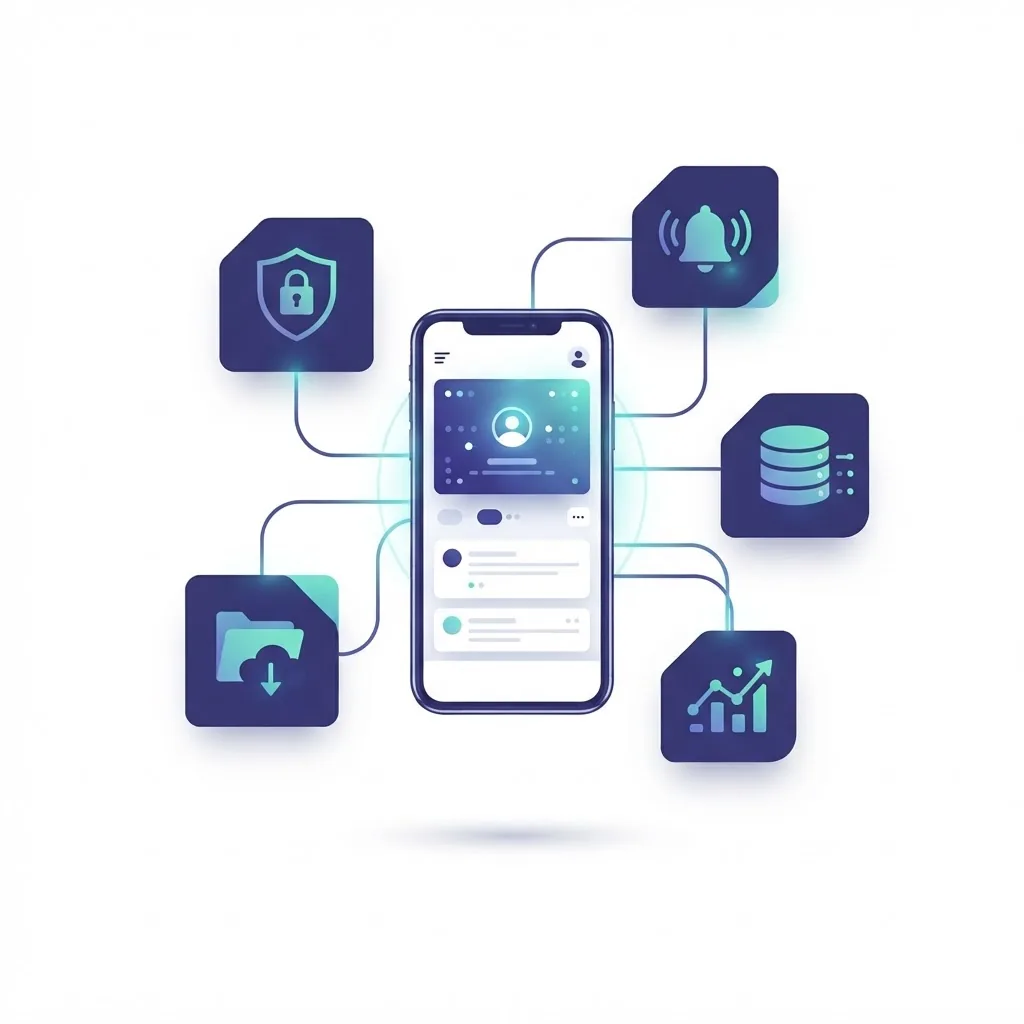
BaaS platforms give you authentication, a database, file storage, push notifications, and analytics through an SDK. For a two-person team validating an idea, this can compress six weeks of backend work into a few days.
Use BaaS when:
- Your data model is straightforward CRUD with user-scoped records.
- You need auth, storage, and realtime updates without a dedicated backend engineer.
- Speed to market outweighs long-term infrastructure flexibility.
Build custom APIs when:
- You have complex multi-step transactions or financial reconciliation.
- You integrate with legacy enterprise systems or industry-specific protocols.
- Per-request costs at your projected scale exceed the cost of managed compute.
A practical middle path used by many production teams: keep BaaS for auth and file storage, and write your own API endpoints for anything involving money, permissions, or reporting.
Cost and Scaling Realities
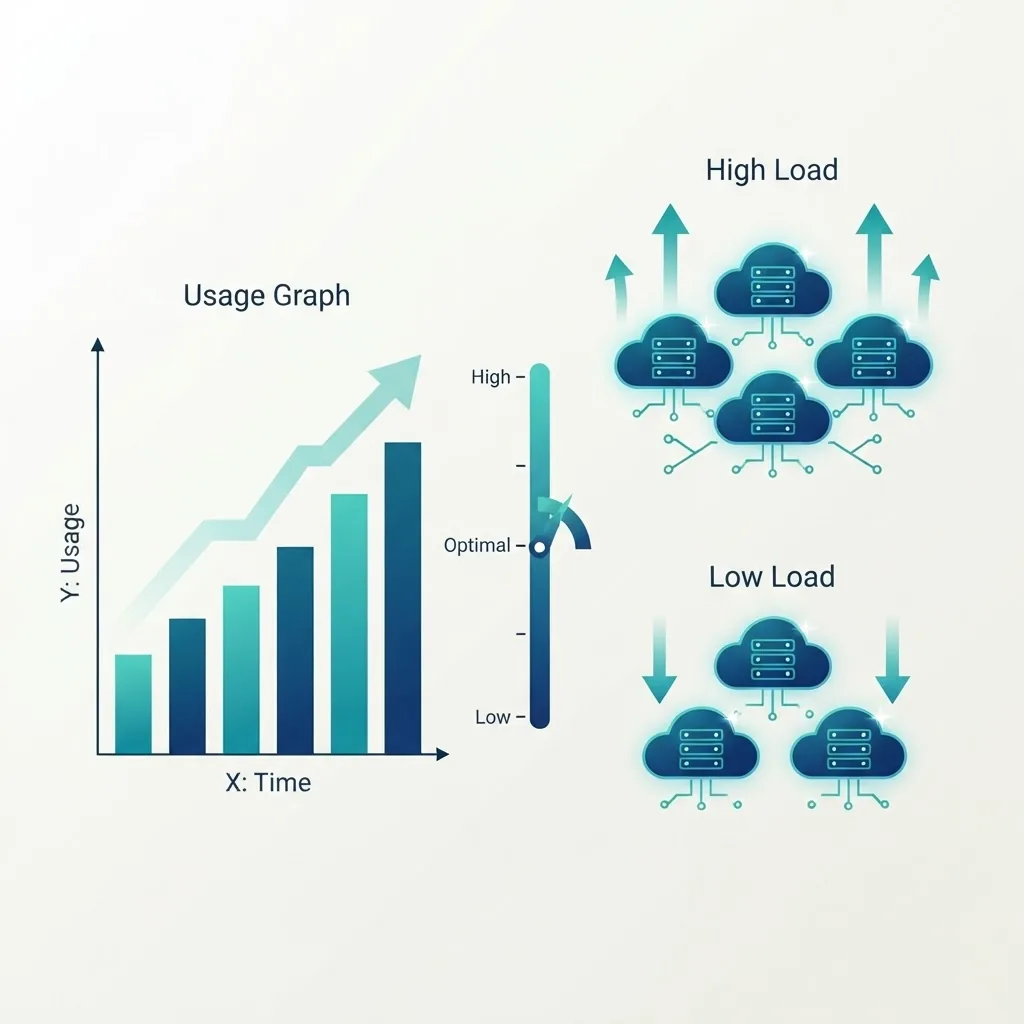
Cloud pricing is usage-based, which is a benefit early and a risk later. According to Flexera's State of the Cloud reporting, organizations estimate that roughly 27 to 30 percent of their cloud spend is wasted, and managing cloud cost has ranked as the top cloud challenge for several consecutive years. Mobile apps are especially exposed because a single inefficient screen can multiply requests across every active user.
Four cost controls that reliably work:
- Reduce request count, not just payload size. One endpoint returning a screen's full data beats six chatty calls.
- Cache aggressively at the CDN and on-device. Content that changes daily does not need a fresh request per app open.
- Move media off your compute path. Signed direct uploads and CDN delivery keep bandwidth costs predictable.
- Set billing alerts and per-service budgets before launch, not after the first surprise invoice.
On performance, the case for cloud infrastructure is also a revenue case. Google's research on mobile page speed found that 53 percent of mobile site visits are abandoned if loading takes longer than three seconds. The same impatience applies to app screens waiting on a slow API. Regional deployment and edge caching are not luxuries; they are conversion features.
Security and Compliance Requirements

Cloud providers secure the infrastructure. You remain responsible for your application, configuration, and data. This shared responsibility model is where most breaches originate.
The non-negotiable checklist for a cloud based mobile app:
- Never ship secrets in the app binary. API keys inside a mobile app are public. Use short-lived tokens issued after authentication.
- Authorize on every request server-side. Hiding a button in the UI is not access control.
- Encrypt in transit and at rest, with certificate pinning for high-risk apps such as banking and health.
- Scope every database query to the authenticated user. Row-level security or explicit user-ID filters prevent the classic "change the ID in the request" data leak.
- Log access to sensitive records so you can answer who read what, and when.
- Map compliance early. GDPR, HIPAA, and PCI DSS influence which regions you deploy to and how long you retain data. Retrofitting compliance costs several times more than designing for it.
Teams that need this level of rigor without an in-house platform team often bring in specialists; a partner such as ZoneTechify or the engineering team at WebPeak can shorten that learning curve considerably.
The Build Process, Step by Step
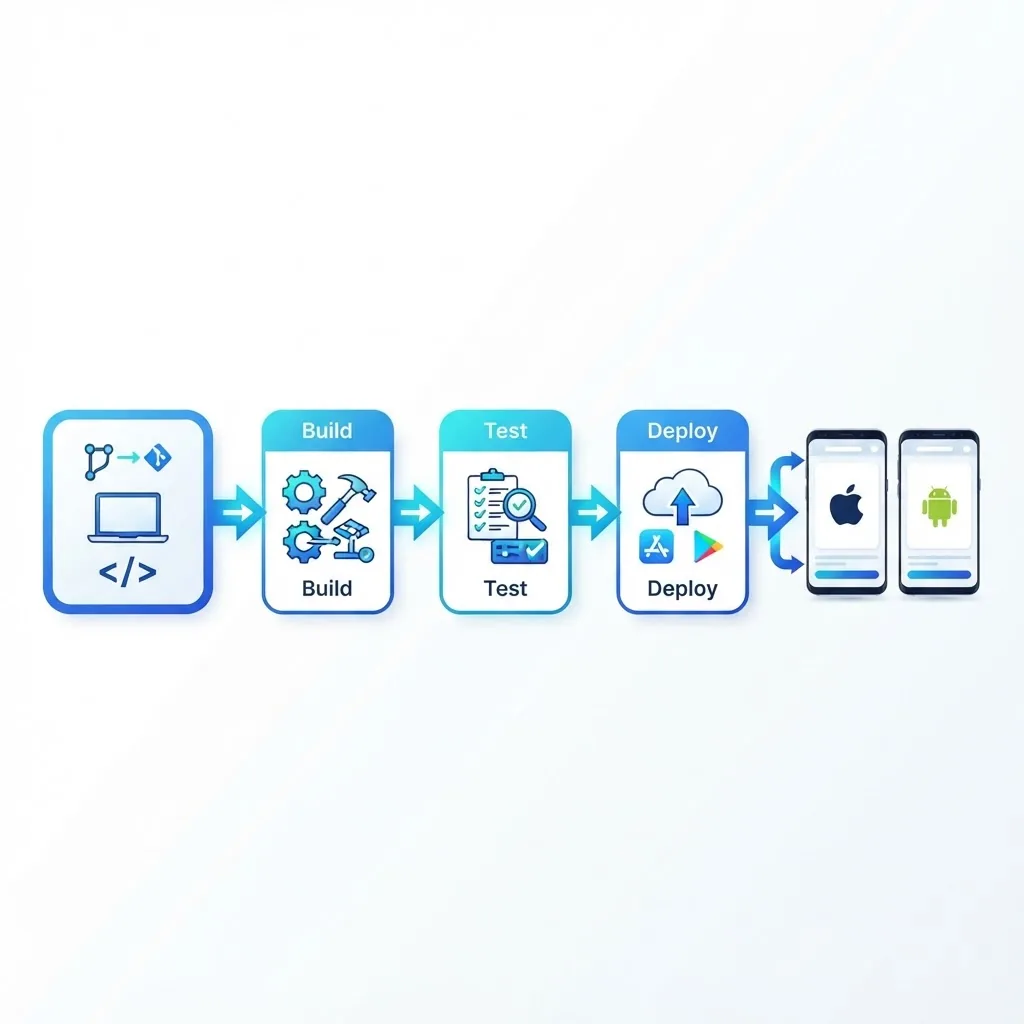
- Define the data model first. Entities, ownership, and access rules drive every later decision.
- Choose the client strategy. Cross-platform frameworks suit shared feature sets; native suits heavy device integration and demanding graphics.
- Design the API contract before building screens so client and backend work can proceed in parallel.
- Stand up staging and production environments separately with identical configuration and separate data.
- Automate builds and releases. A CI/CD pipeline that runs tests, signs builds, and ships to internal testers on every merge removes the single largest source of release delay.
- Instrument observability from day one. Crash reporting, API latency percentiles, and error rates per app version tell you what users will not report themselves.
- Load test against realistic patterns, including cold-start behavior on serverless functions.
If you are scoping this work with an external team, specialized mobile app development services typically cover the full stack from cloud architecture through store submission.
Common Mistakes We See in Production Apps

- Treating offline as a later feature. Retrofitting sync conflict resolution is one of the hardest refactors in mobile engineering. Decide the offline strategy before the first release.
- No API versioning. Old app versions keep calling your endpoints for years. Break them and you break real users.
- Trusting client timestamps. Device clocks are wrong and editable. Generate authoritative timestamps server-side.
- Ignoring cold starts. A serverless function that takes two seconds to wake up feels broken on a login screen. Use provisioned concurrency or keep-warm strategies on latency-critical paths.
- One environment for everything. Testing against production data is how customer records get corrupted.
Key Takeaways
- Cloud based mobile app development places data and logic on managed infrastructure, turning the app into a thin, secure client.
- A production architecture separates client, API, compute, data, and storage layers, and keeps business rules off the device.
- Roughly 27 to 30 percent of cloud spend is wasted industry-wide, so request reduction, caching, and billing alerts belong in the initial build.
- Google found 53 percent of mobile visits are abandoned past three seconds, which makes regional deployment and caching a revenue decision.
- Security is shared: providers secure infrastructure, you secure application logic, tokens, authorization, and query scoping.
- BaaS accelerates simple CRUD products; custom APIs are worth it for transactions, compliance, and complex integrations.
Frequently Asked Questions (FAQ)
What does cloud based mobile app development mean?
It means building a mobile app whose data, authentication, and business logic run on managed cloud services rather than on the device. The app calls secure APIs and caches results locally. This gives you automatic scaling, cross-device sync, and the ability to update logic without a new app store release.
Is cloud based app development cheaper than traditional hosting?
Usually cheaper to start and more predictable to grow, since you pay for usage instead of buying hardware. At very large, steady scale, dedicated infrastructure can cost less. The real saving is operational: no patching, no capacity planning, and far fewer hours spent on server maintenance.
Can a cloud based mobile app work offline?
Yes, but only if you design for it. The app must cache data locally, queue writes while disconnected, and resolve conflicts when connectivity returns. Decide your conflict rule early, such as last-write-wins or server-authoritative merging, because adding sync logic later is a costly rewrite.
How long does it take to build a cloud based mobile app?
A focused MVP using managed backend services typically takes eight to sixteen weeks, including design, development, and store review. Complex apps with payments, compliance requirements, or legacy integrations run four to nine months. Defining the data model and API contract early is the single biggest schedule saver.
Which cloud provider is best for mobile apps?
There is no universal best. Choose based on your team's existing expertise, the managed services you actually need, and data residency requirements. All major providers offer comparable auth, database, storage, and serverless compute. Migration cost matters more than feature checklists, so isolate provider SDKs behind your own code.
How do I keep my app's API keys secure in the cloud?
Never embed long-lived secrets in the app binary, because it can be decompiled. Authenticate users, then issue short-lived access tokens with refresh tokens stored in the platform keychain. Keep all third-party service keys on the server and proxy those calls through your own authenticated endpoints.
Final Thoughts
The cloud is not a shortcut around engineering discipline. It removes the hardware problem and hands you an architecture problem instead, which is a much better trade. Get the layer boundaries right, keep authorization on the server, plan for offline and versioning before launch, and watch cost from the first deployment. Do those four things and the cloud model will carry your app from its first hundred users to its first million without a rewrite.