A practical engineering guide to shipping your web app as a mobile app using PWAs and native wrappers, including costs, store rules, offline strategy, and a step-by-step conversion roadmap.
Web App as Mobile App
Most teams do not need two codebases. They need one web app that behaves like a mobile app: installable on the home screen, fast on a mid-range Android device, usable on a weak connection, and — when the business case demands it — listed on the App Store and Google Play. That is achievable today with two well-understood approaches, and the choice between them is an engineering decision, not a marketing one.
This guide explains exactly how to turn a web app into a mobile app, what you gain, what you genuinely lose, and how to decide in an afternoon rather than a quarter.
Quick Answer: You can ship a web app as a mobile app in two ways: as a Progressive Web App (PWA), installed directly from the browser using a manifest and service worker, or wrapped in a native shell such as Capacitor for App Store and Google Play distribution. PWAs are cheaper and faster; wrappers unlock store listings and deeper device APIs.
What Does "Web App as Mobile App" Actually Mean?
Definition: A web app delivered as a mobile app is a single browser-based application — HTML, CSS, and JavaScript — that is installed on a device and launched from its home screen icon in a standalone window with no browser address bar. The rendering engine is still the device's web engine; only the packaging and shell change.
There are exactly three delivery models worth considering:
- Progressive Web App (PWA): Installed from the browser. No store, no review, no binary.
- Native wrapper (hybrid): Your web app runs inside a WebView container packaged as a real
.ipaor.aabbinary. Tools: Capacitor, Tauri Mobile, Trusted Web Activity on Android. - Rewrite in React Native or Flutter: Not a conversion at all. This is a new product with shared design, not shared code.
The first two reuse your existing code. Only the third does not.
How a PWA Turns a Website into an Installable App
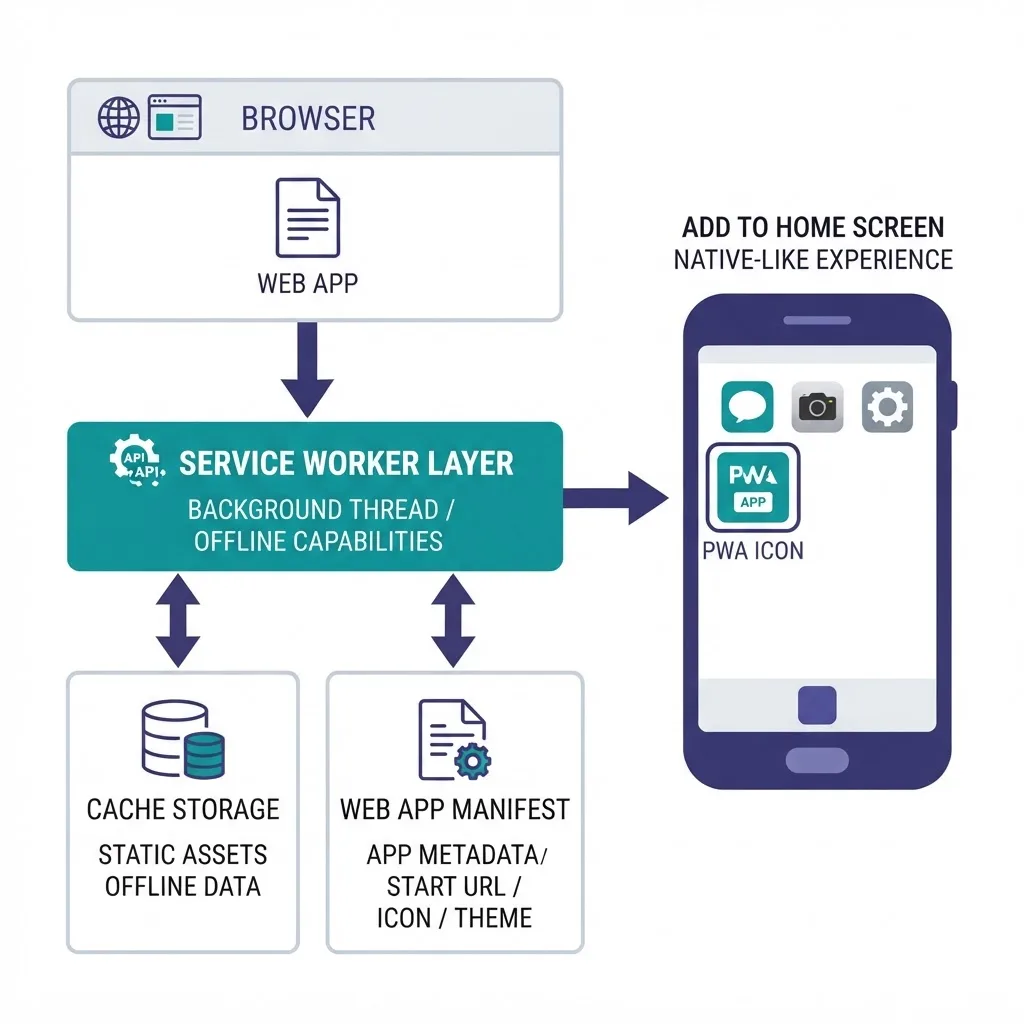
A PWA needs three things and nothing more: HTTPS, a valid web app manifest, and a registered service worker.
The Manifest Controls Identity
The manifest is a JSON file that tells the operating system your app's name, icons, theme color, and display: standalone. Without standalone, the installed app opens with browser chrome and immediately feels like a bookmark. Include at least 192px and 512px maskable icons — Android crops non-maskable icons awkwardly, which is the single most common reason installed PWAs look unprofessional on the home screen.
The Service Worker Controls Reliability
The service worker is a background script that intercepts network requests. This is what makes an installed web app feel native: the app shell loads from cache in milliseconds while data fetches in parallel. A useful production pattern is cache-first for static assets, network-first with a cache fallback for API reads, and a background sync queue for writes.
Install Prompts Differ by Platform
On Android and desktop Chrome, you can capture the beforeinstallprompt event and show your own install button. On iOS Safari, there is no programmatic prompt — users must tap Share, then "Add to Home Screen." If iOS matters to your audience, build a small in-app instruction sheet for Safari users. This single UI detail routinely doubles install rates in our experience with client rollouts.
Native Wrappers: When You Need a Store Listing
A native wrapper packages the same web app inside a thin native project. Your JavaScript calls a bridge, and the bridge calls native code for camera, push notifications, biometrics, secure storage, or in-app purchases.
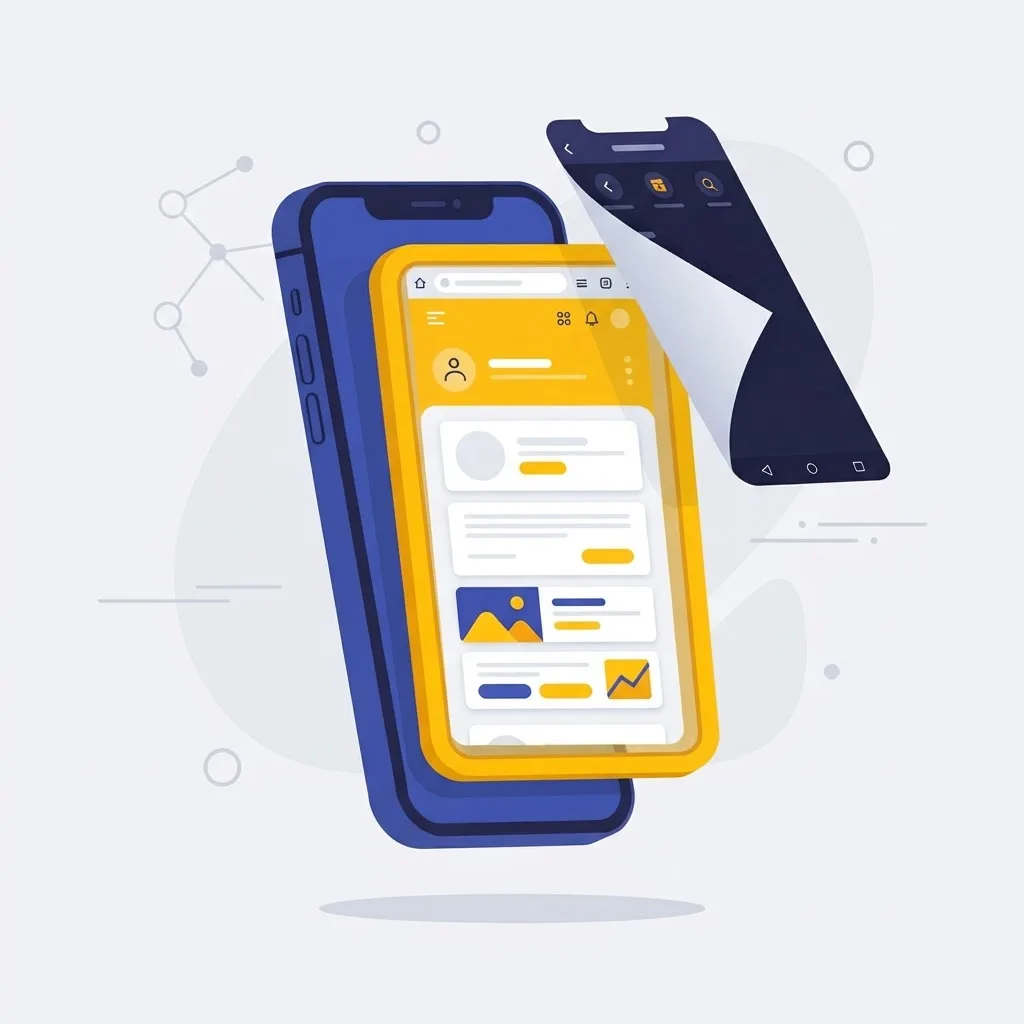
Use a wrapper when at least one of these is true:
- Your buyers or users expect to find you in an app store.
- You need reliable push notifications on iOS with tight delivery guarantees.
- You need device APIs the mobile web still does not expose consistently, such as Bluetooth on iOS, background geolocation, or NFC writes.
- You must support in-app purchases, which stores require for digital goods.
The practical cost of a wrapper is real but modest: one platform-specific build pipeline, signing certificates, store accounts (Apple charges 99 USD per year for its Developer Program; Google Play charges a one-time 25 USD registration fee), and a review cycle for every release.
PWA vs Native Wrapper vs Full Native Rewrite
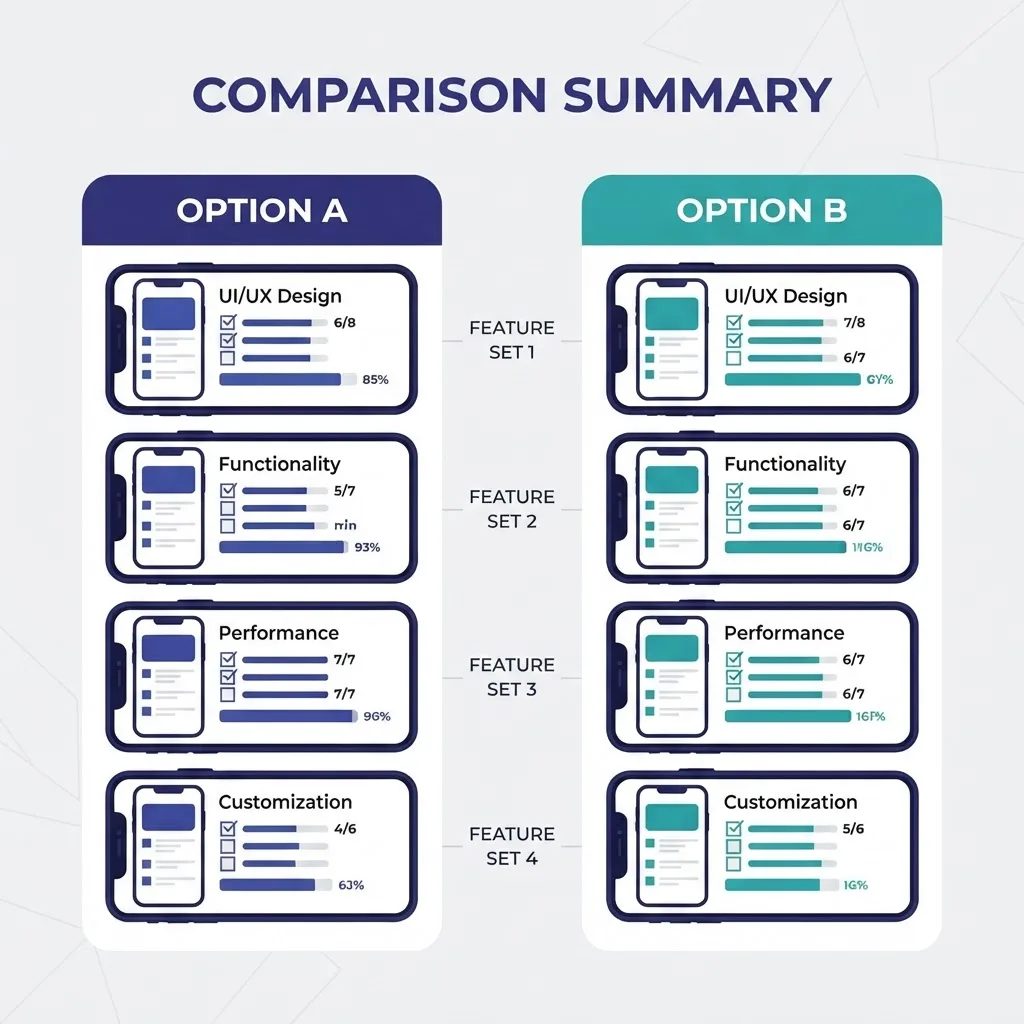
| Factor | PWA | Native Wrapper | Native Rewrite |
|---|---|---|---|
| Reuses existing web code | Yes | Yes | No |
| App Store / Play listing | No | Yes | Yes |
| Update speed | Instant, server-side | Store review per release | Store review per release |
| Offline support | Yes, service worker | Yes, service worker | Yes, native storage |
| Push on iOS | Yes, iOS 16.4+ installed only | Yes, full native | Yes, full native |
| Deep device APIs | Limited | Broad via plugins | Full |
| Typical build effort | Days | Weeks | Months |
| Ongoing maintenance | One codebase | One codebase plus builds | Two or three codebases |
The honest reading of this table: a PWA is the default, a wrapper is the upgrade path, and a rewrite is justified only when your core value depends on native performance — real-time video processing, complex gestures, heavy 3D, or background hardware access.
Offline and Flaky-Network Behaviour Is the Real Test
Users do not judge your app on architecture. They judge it on the subway.
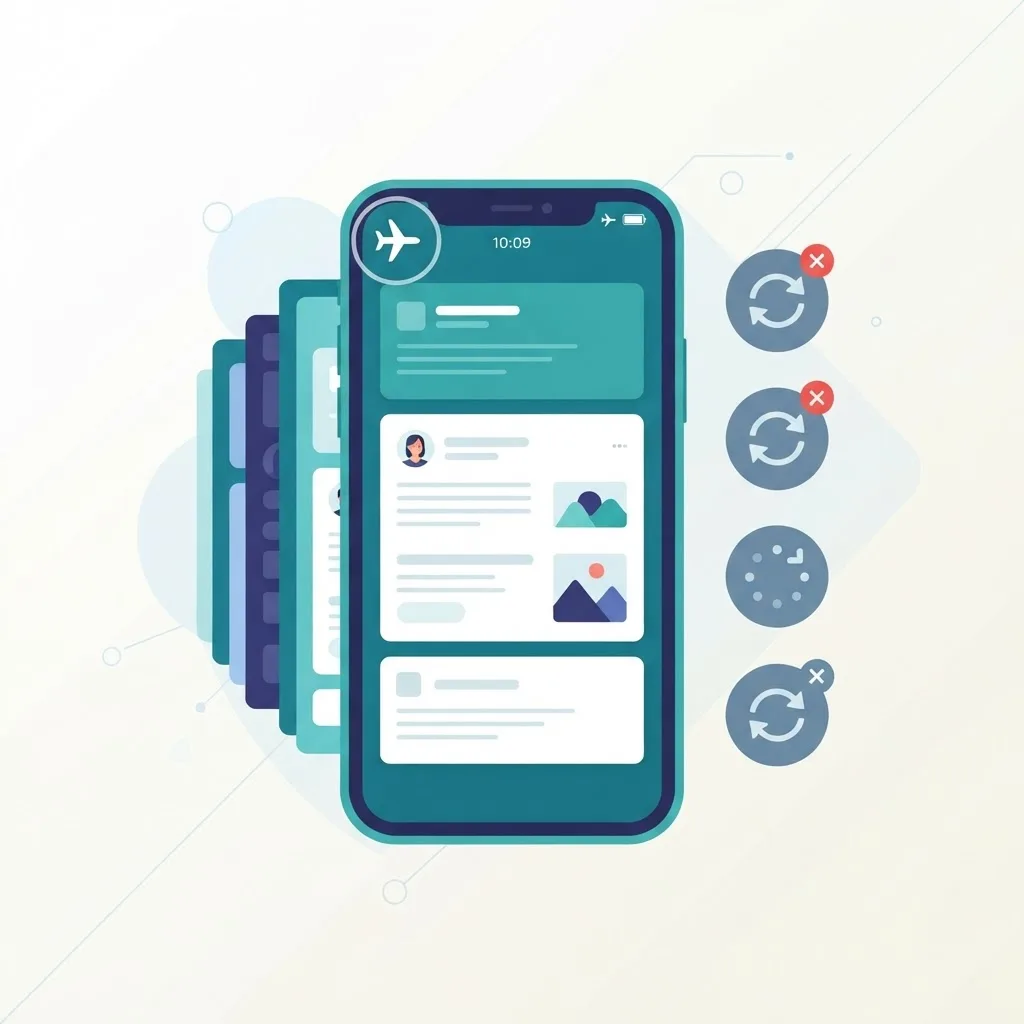
Three rules that survive production:
- Never show a blank screen. Precache the app shell so the first paint is guaranteed even at zero bandwidth.
- Queue writes, do not lose them. Store failed mutations in IndexedDB and replay them on reconnect. Show an explicit "pending sync" state so users trust the app.
- Cap your cache. Uncontrolled caches get evicted unpredictably on iOS, and eviction that removes half your assets is worse than no cache at all. Version your caches and clean old ones on activation.
Speed is not cosmetic here. According to Google research on mobile page behaviour, 53% of mobile site visits are abandoned if a page takes longer than three seconds to load — an installed shell removes most of that risk by serving the first frame from local storage.
Performance Targets That Actually Matter on Mobile
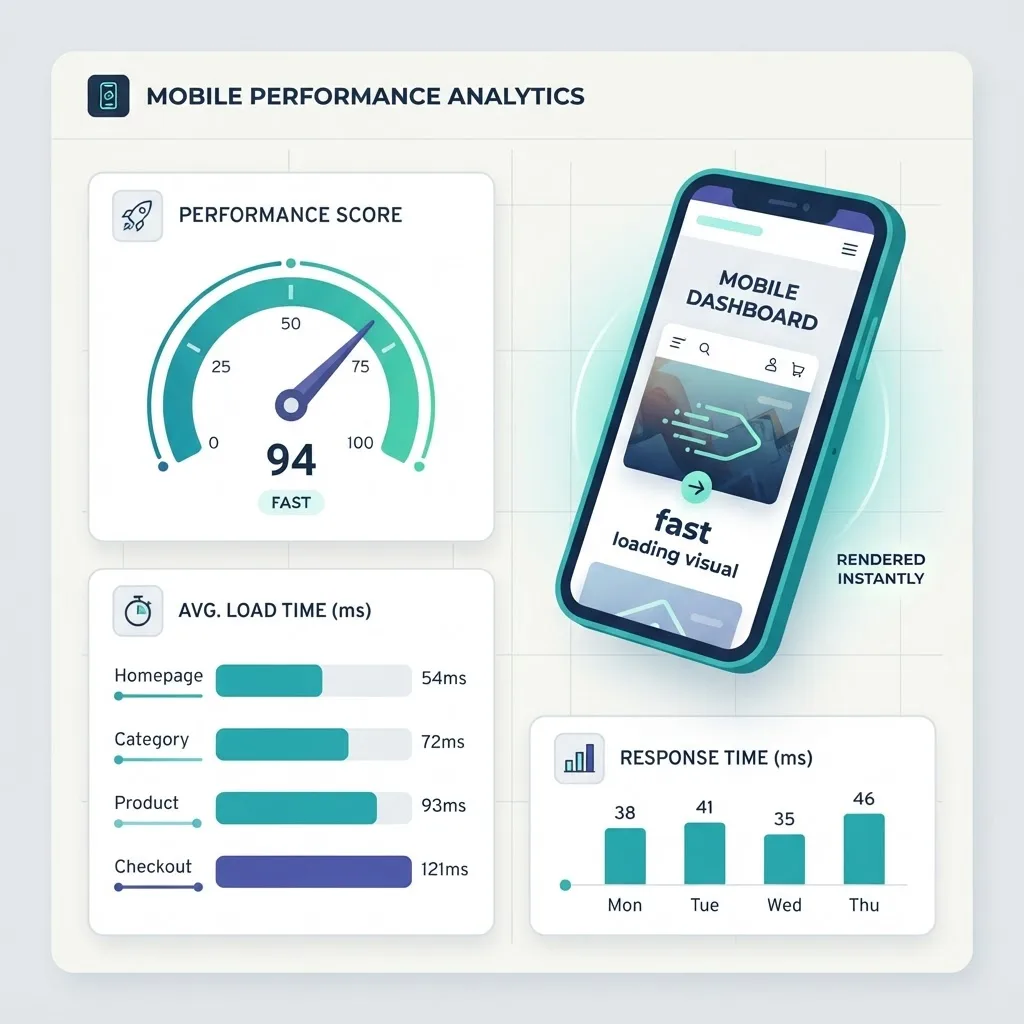
Google's Core Web Vitals give clear, measurable thresholds: Largest Contentful Paint under 2.5 seconds, Interaction to Next Paint under 200 milliseconds, and Cumulative Layout Shift under 0.1. Those same numbers are the right acceptance criteria for a web app shipped as a mobile app.
Four changes deliver most of the improvement:
- Test on a mid-tier Android device, not your laptop. JavaScript execution cost, not download size, is usually the bottleneck.
- Ship less JavaScript per route. Code-split by route and lazy-load anything below the fold.
- Reserve space for images and ads with explicit width and height to eliminate layout shift.
- Respect safe areas. Use
viewport-fit=coverwithenv(safe-area-inset-*)so content clears notches and home indicators. Nothing signals "this is a website in a box" faster than a button under the gesture bar.
Teams that need this work benchmarked and implemented properly often bring in a specialist partner; our own engineering practice at ZoneTechify treats mobile performance budgets as a build requirement rather than a post-launch fix, and you can see how the broader delivery approach is structured at WebPeak.
Getting Through App Store Review with a Web-Based App
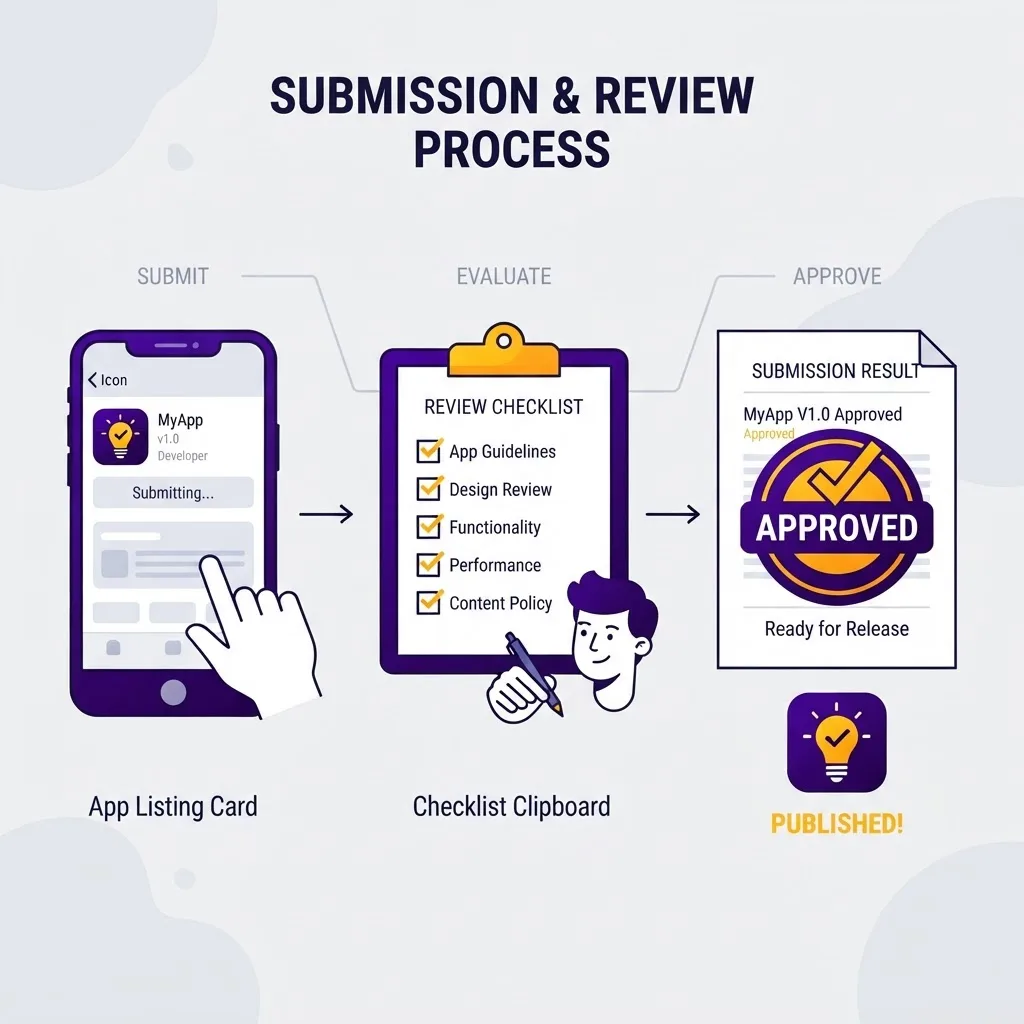
Apple's App Store Review Guidelines section 4.2 rejects apps that are "simply a repackaged website." Wrapped web apps are approved every day — but only when they behave like apps. What reviewers look for:
- Native integration. Push notifications, share sheets, camera, biometrics, or offline mode. Add at least one genuine native capability.
- No visible browser UI. No address bar, no external browser jumps for core flows, no "tap here to open in Safari."
- App-appropriate navigation. Tab bars and back gestures, not a hamburger menu copied from desktop.
- Account deletion in-app if you support account creation. This is a hard requirement, not a suggestion.
- In-app purchase for digital goods. Linking out to your own checkout for subscriptions is the fastest route to rejection.
On Android, a Trusted Web Activity lets you publish your PWA to Google Play with almost no native code, provided you verify domain ownership via Digital Asset Links.
A Practical Conversion Roadmap
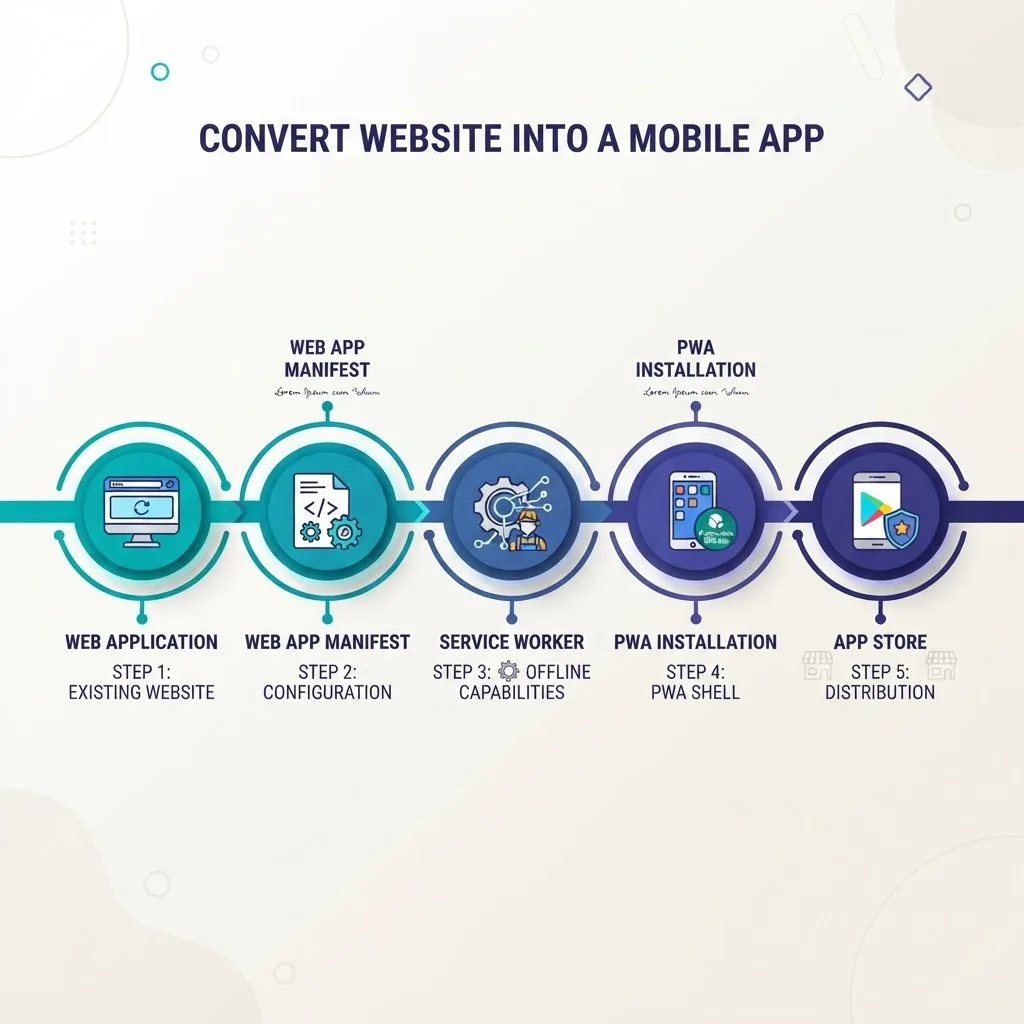
Run it in this order. Each step is shippable on its own.
- Audit responsiveness and touch targets. Minimum 44 by 44 points for anything tappable. Fix hover-only interactions.
- Add the manifest and icons. Verify install works on Android Chrome and Safari's Add to Home Screen.
- Add a service worker with an app-shell cache. Confirm the app opens in airplane mode.
- Instrument real-user metrics. Measure LCP and INP from actual devices before optimising anything.
- Ship the PWA and measure install and retention. If home-screen users retain better, you have your business case.
- Only then wrap it. Add Capacitor, integrate one or two native capabilities, and submit to the stores.
- Automate builds. Web deploys stay continuous; store builds run on tagged releases.
Most teams discover after step 5 that they never needed step 6. That is a successful outcome, not a shortcut.
Common Mistakes That Make a Web App Feel Cheap
- Desktop layouts crammed into a phone. Dense tables and multi-column forms do not survive a 390px viewport.
- Full-page reloads between screens. Client-side transitions are what make an app feel instant.
- Ignoring the keyboard. Set the correct
inputmodeandautocompleteso numeric fields open the number pad. - No loading skeletons. Spinners on every navigation read as slowness even when timings are identical.
- Treating the store build as the launch. Ship the PWA first; it gives you real usage data with no gatekeeper.
Key Takeaways
- A PWA requires only HTTPS, a web app manifest, and a service worker to become installable.
- Google reports 53% of mobile visits are abandoned past a three-second load, making cached app shells a retention feature, not a nicety.
- Core Web Vitals thresholds — LCP under 2.5s, INP under 200ms, CLS under 0.1 — are valid acceptance criteria for mobile web apps.
- iOS supports web push only for PWAs installed to the home screen (iOS 16.4 and later).
- Store accounts cost 99 USD per year for Apple and a one-time 25 USD for Google Play.
- Apple guideline 4.2 rejects repackaged websites, so every wrapped app needs at least one real native capability.
- Ship the PWA first, measure, and wrap only when store distribution or native APIs justify the overhead.
Frequently Asked Questions (FAQ)
Can I turn my existing website into a mobile app without rewriting it?
Yes. If your site is responsive and runs on HTTPS, adding a web app manifest and a service worker makes it installable as a PWA in a few days. For store distribution, wrap the same codebase with Capacitor. A full rewrite is only necessary for heavy native features.
Is a PWA as good as a native app?
For most content, commerce, booking, and dashboard products, yes — users cannot tell the difference once it is installed. Native still wins for intensive graphics, real-time media processing, background hardware access, and complex gesture systems where direct platform APIs are unavoidable.
Will Apple approve a web app wrapped as a mobile app?
Apple approves wrapped web apps regularly, but guideline 4.2 rejects anything that is just a repackaged website. Add genuine native value such as push notifications, offline mode, biometrics, or camera access, hide all browser UI, and use app-style navigation patterns.
How much does it cost to publish a web app to the app stores?
Apple's Developer Program costs 99 USD annually and Google Play charges a one-time 25 USD registration fee. Beyond that, expect engineering time for signing, build pipelines, store assets, and a review cycle on every release rather than instant web deploys.
Do web apps work offline on a phone?
Yes, with a service worker. Precache the app shell so the interface always renders, cache API responses for read access, and queue writes in IndexedDB to replay when the connection returns. Always surface a clear pending-sync indicator so users trust their data was saved.
Can a web app send push notifications on iPhone?
Yes, since iOS 16.4, but only when the user installs the PWA to their home screen and grants permission. If reliable push is a core requirement for all iOS users, a native wrapper using APNs gives you stronger delivery guarantees and richer notification features.