A practical, tested guide to free AI apps in 2026 — what the free tiers actually include, where they quietly limit you, and how to build a zero-cost AI stack safely.
Free AI Apps
Free AI apps are no longer stripped-down demos. In 2026, the free tier of a mainstream AI assistant gives you a capable reasoning model, image generation, file uploads, and voice input — features that cost forty dollars a month two years ago. But "free" now hides its cost in different places: message caps that reset on rolling windows, slower model routing at peak hours, and training-data policies that differ sharply between apps.
This guide is written from repeated hands-on testing of consumer AI apps across Android, iOS, and browser. It covers what free tiers genuinely deliver, the exact limits you will hit, how to combine several free apps into one workflow that rivals a paid subscription, and the privacy checks that matter before you upload anything real.
Quick Answer: Free AI apps are applications that give you working access to AI models at no cost, usually through daily or monthly usage caps. The strongest free options in 2026 cover chat, writing, image generation, transcription, and coding help — enough for most personal and small-business tasks without any subscription.
What Counts as a Genuinely Free AI App?
A genuinely free AI app lets you complete a real task end to end without payment, without a credit card, and without a watermark that makes the output unusable. Everything else is a trial.
Use these four tests before you trust the word free:
- No card required to start. If a card is needed, it is a trial with an auto-charge date.
- Usable output. No forced watermark, no 10-second export cap, no locked download button.
- A published limit. Real free tiers state their caps. Vague apps throttle you without telling you.
- A stated data policy. You should be able to find, in under a minute, whether your inputs train the model.
Apps that fail test four are the ones worth avoiding regardless of how good the output looks. Some "free AI" downloads circulating outside official stores are modified builds rather than legitimate apps — the risks are covered in detail in this breakdown of artificial intelligence mod APK downloads, and they are worth understanding before you sideload anything.
Why Free AI Tiers Got So Generous
Inference costs collapsed. According to Stanford's AI Index, the cost of running a GPT-3.5-level model fell more than 280-fold between late 2022 and late 2024, from roughly $20 per million tokens to about $0.07. When serving a query costs a fraction of a cent, giving it away is cheaper than most paid advertising.
Adoption followed. Pew Research Center reported that 34% of U.S. adults had used ChatGPT by mid-2025, up from 18% in 2023 — and the overwhelming majority of those users never paid. Free tiers are the acquisition channel, and competition between providers keeps pushing them upward.
The practical takeaway: you should expect a free tier to be viable for real work in 2026, and you should treat any app charging for basic chat or basic image generation with suspicion.
The Best Categories of Free AI Apps
Free AI Chat and Research Assistants
Chat assistants are where free tiers are strongest. The major apps — ChatGPT, Gemini, Claude, Copilot, Perplexity, and DeepSeek — all offer no-cost access to a competent model, and several include live web search on the free plan, which matters enormously for anything time-sensitive.
What you actually give up on free chat tiers:
- Fewer turns with the strongest model before falling back to a lighter one.
- Smaller context windows, so long documents get truncated mid-analysis.
- Slower queues during peak hours, typically 9am to 5pm US time.
- Limited memory across sessions, so the app forgets your preferences.
A practical workaround: keep a short reusable context block — your role, audience, tone, and constraints — in a notes app and paste it at the start of each session. It replicates most of what paid memory features provide.

Free AI Image Generators
Image generation on free tiers has improved faster than chat. Most mainstream assistants now generate images without payment, and dedicated tools add editing, background removal, and upscaling at no cost.
Before you use a free-generated image commercially, check three things: the resolution ceiling (many free tiers cap at 1024px, which is thin for print), whether a watermark is applied, and the licence terms for commercial use. Those terms vary between apps far more than people assume, and "free to generate" does not automatically mean "free to sell."
For brand-critical visuals, free generators work best as a concepting layer — you explore twenty directions at no cost, then commission the final asset properly. That hybrid approach is exactly how professional graphic design teams now use these tools: AI for volume and speed, human judgment for the decisions that carry your brand.

Free AI Writing and Editing Apps
Free writing tools split into two types, and confusing them wastes time. Grammar and clarity assistants fix what you already wrote. Generative writing apps draft from a brief. The first category has the more generous free tiers; the second usually caps word counts.
The highest-value free writing use cases, based on consistent results:
- Restructuring a messy draft into a clear outline.
- Tightening long paragraphs without losing meaning.
- Adapting tone for a different audience — same facts, new register.
- Generating counterarguments to test a position before you publish.
Drafting entirely from a one-line prompt remains the weakest use. The output reads generic because the model has nothing specific to work from. Feed it your own notes, data, or transcript and quality jumps immediately.
Free AI Transcription, Voice, and Video Apps
Transcription is arguably the best value in the entire free AI category. Accuracy on clear audio now regularly exceeds 95%, and free tiers commonly include speaker labels and timestamps. Note-taking apps that join calls and produce summaries also offer usable free plans, typically limited by meetings per month rather than minutes.
Free AI video tools are the weakest category. Clip lengths are short, watermarks are common, and render queues are long. Treat them as storyboarding aids, not production tools.
Free vs Paid AI Apps: An Honest Comparison
| Factor | Free AI Apps | Paid AI Apps |
|---|---|---|
| Model quality | Strong, occasionally downgraded at peak | Consistent top-tier access |
| Usage limits | Daily or rolling caps | High or effectively unlimited |
| Context window | Smaller, truncates long files | Large, handles full documents |
| Speed at peak hours | Queued and slower | Priority processing |
| Team collaboration | Rarely included | Standard |
| Commercial licence clarity | Varies by app | Usually explicit |
| Data used for training | Often yes by default | Usually no |
| Support | Community only | Direct support channels |
| Best suited to | Individuals, students, small teams | Client work, regulated industries |
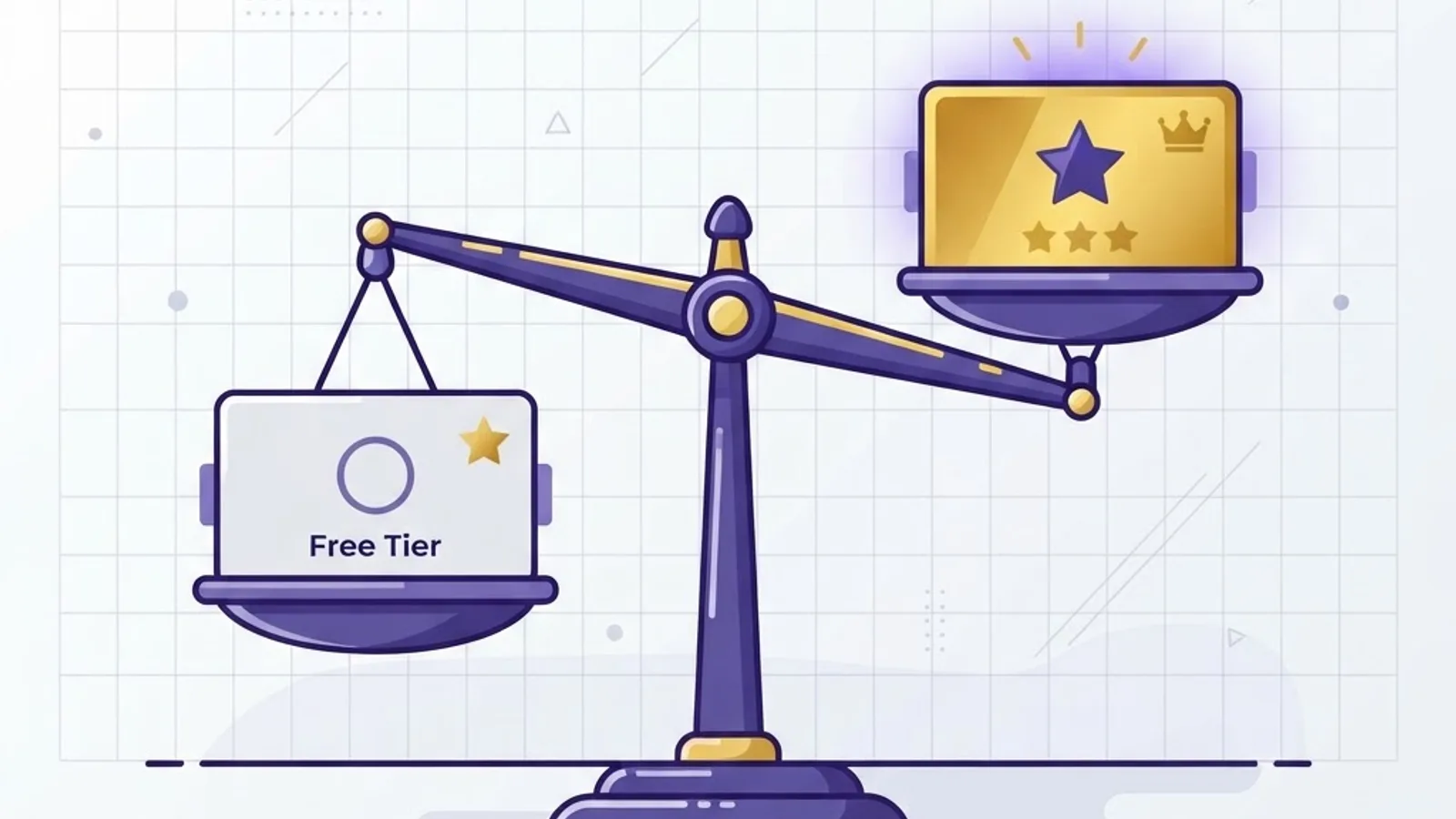
The honest conclusion: free tiers fail on consistency, not capability. If a missed deadline costs you money, pay for one tool and keep the rest free. If nothing depends on guaranteed uptime, a free stack is genuinely sufficient.
How to Build a Zero-Cost AI Stack That Actually Works
The mistake most people make is picking one free app and pushing it past its strengths. Specialisation beats consolidation when everything is free.
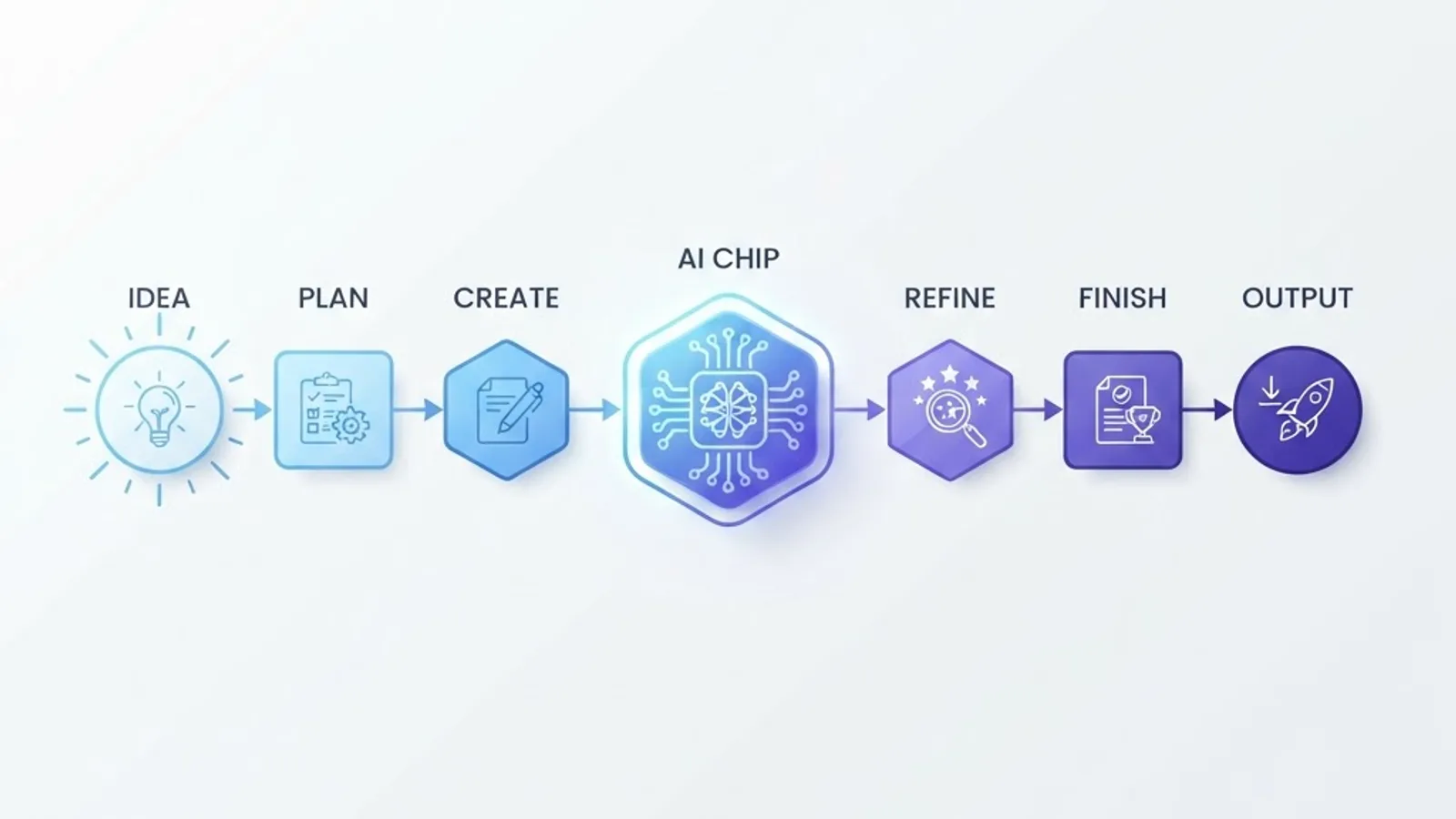
A stack that works in practice:
- One reasoning assistant for analysis, planning, and problem-solving.
- One search-grounded assistant for anything requiring current facts and citations.
- One image tool for visuals and quick edits.
- One transcription tool for calls, interviews, and voice notes.
- One coding assistant if you write or debug code.
Then add the discipline that makes it hold together: keep your prompts in a plain text file, version them, and reuse them. Prompt reuse is what turns scattered free tools into a repeatable process, and it survives any app changing its limits.
When these workflows outgrow copy-paste and need to run automatically inside a product, that is the boundary where custom artificial intelligence services replace consumer apps — API-backed pipelines, private data handling, and predictable throughput rather than daily caps.
Privacy and Safety: The Checklist Before You Upload Anything
Free AI apps are funded by attention and data. That is not automatically sinister, but it demands a habit.
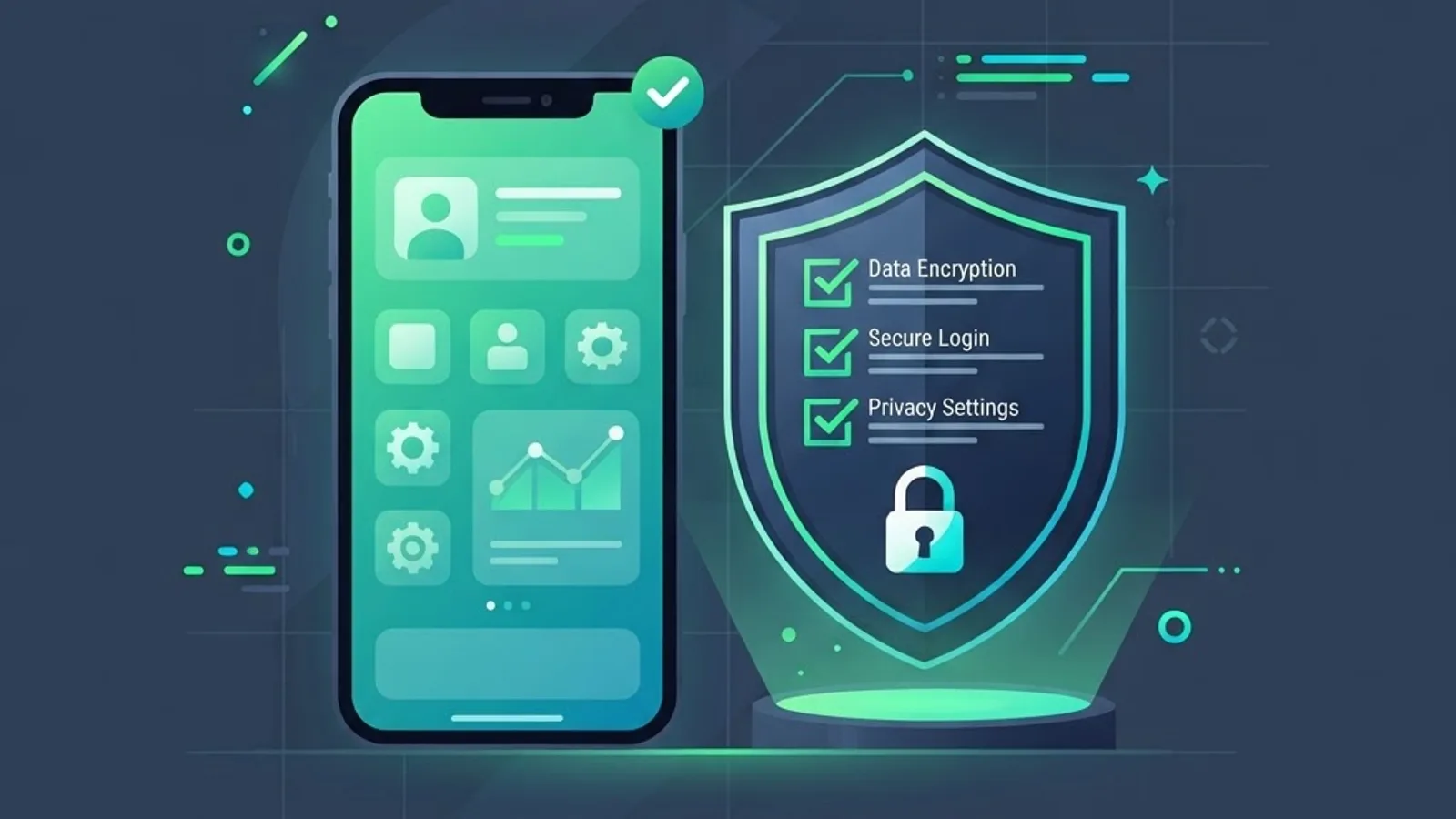
Run this check on any free AI app before real use:
- Find the training toggle. Most major apps let you opt out of training in settings. Do it on day one.
- Check the publisher. Install only from official stores and verified developer accounts.
- Read the permissions. A text-based AI app has no reason to request contacts or SMS access.
- Never paste regulated data. No customer records, health data, credentials, or unreleased financials.
- Check retention. Look for how long conversations are stored and whether deletion is real.
- Verify anything factual. Free tiers hallucinate more when routed to lighter models.
One extra rule worth stating plainly: never sideload a cracked or modified AI app to unlock premium features. These builds intercept the same input you type into them, and modern free tiers are generous enough that the trade is never worth it.
Where Free AI Apps Fail
Being specific about failure points saves more time than another list of recommendations.
- Long documents. Free context windows truncate silently. You get confident answers about half a file.
- Deadline work. Caps reset on the app's schedule, not yours.
- Regulated or confidential data. Consumer free tiers rarely carry the required agreements.
- Brand-consistent output at volume. Free tiers cannot hold a style guide reliably across dozens of assets.
- Anything needing an audit trail. Free plans typically offer no logging or admin controls.
If your work sits in any of those categories, treat free apps as a research layer and move production to a properly architected system. Teams building that layer typically pair AI with their existing site and product infrastructure — the approach used in ZoneTechify's AI and automation work and in the technical implementations documented at WebPeak.
Key Takeaways
- Free AI apps in 2026 cover chat, search, images, writing, transcription, and coding at genuinely usable quality.
- Inference costs fell over 280-fold for GPT-3.5-level performance between 2022 and 2024, which is why free tiers became viable.
- Pew Research found 34% of U.S. adults had used ChatGPT by mid-2025, the large majority on free plans.
- Free tiers limit consistency — context size, peak-hour speed, and message caps — more than raw capability.
- Specialised stacks of four to five free apps outperform one free app used for everything.
- Opt out of model training on day one and never upload regulated or confidential data to a consumer free tier.
- Avoid modified or cracked AI app builds entirely; official free tiers already cover most needs.
Frequently Asked Questions (FAQ)
What is the best free AI app right now?
There is no single winner. For general reasoning and writing, a mainstream free chat assistant works best. For current facts with citations, use a search-grounded assistant. For visuals, use a dedicated free generator. Running two or three specialised free apps beats forcing one to do everything.
Are free AI apps actually safe to use?
Official free apps from established publishers are generally safe if you opt out of training, review permissions, and avoid uploading confidential data. The real risk comes from unofficial or modified builds downloaded outside app stores, which can capture everything you type and should be avoided completely.
Can I use free AI images for my business?
Sometimes, but check the licence in each app's terms before publishing. Free tiers vary widely on commercial rights, resolution caps, and watermarks. For social posts and internal decks, free output is usually fine. For logos, packaging, or print, verify rights and commission final assets properly.
Why does my free AI app suddenly get worse?
Most free tiers route you to a lighter, cheaper model after you exhaust your allocation of the strongest one. Responses become shorter and less accurate without any warning message. Waiting for the reset window, or switching to a second free app, restores quality immediately.
Do I need to pay for AI eventually?
Only when consistency has a financial cost. If deadlines, client deliverables, long documents, or compliance requirements are involved, one paid subscription is worth it. For learning, personal projects, and low-stakes work, a well-chosen stack of free AI apps remains genuinely sufficient in 2026.
How many free AI apps should I use at once?
Four to five is the practical sweet spot: one reasoning assistant, one search-grounded assistant, one image tool, one transcription tool, and optionally one coding assistant. Beyond that, switching costs outweigh the benefit and your prompts stop being reusable across tools.