
Looking for the best mod APK store? Learn how to judge safety signals, verify APK files, compare store types, and choose safer legal app alternatives.
Best Mod APK Store
The phrase best mod APK store is typed into search engines millions of times every month, and almost every result answers the wrong question. These sites compete on catalog size, not on whether a single file they host is safe to install. After reviewing how modified app repositories actually distribute files, the pattern repeats itself: downloading takes one tap, verification is never offered, and the user absorbs every risk alone.
This guide gives you a working framework instead of a download list. You get a clear definition of what a mod APK store is, the security signals that separate a maintained repository from a malware funnel, a comparison of store types, a verification workflow you can run in five minutes, and legitimate alternatives that deliver the same features without a permanent account ban.
Quick Answer: The best mod APK store is the one you can verify, not the one with the biggest catalog. Judge any store by published file hashes, signature transparency, active moderation, no forced installer app, and a real takedown policy. When those signals are missing, official stores and open-source alternatives are the safer choice.
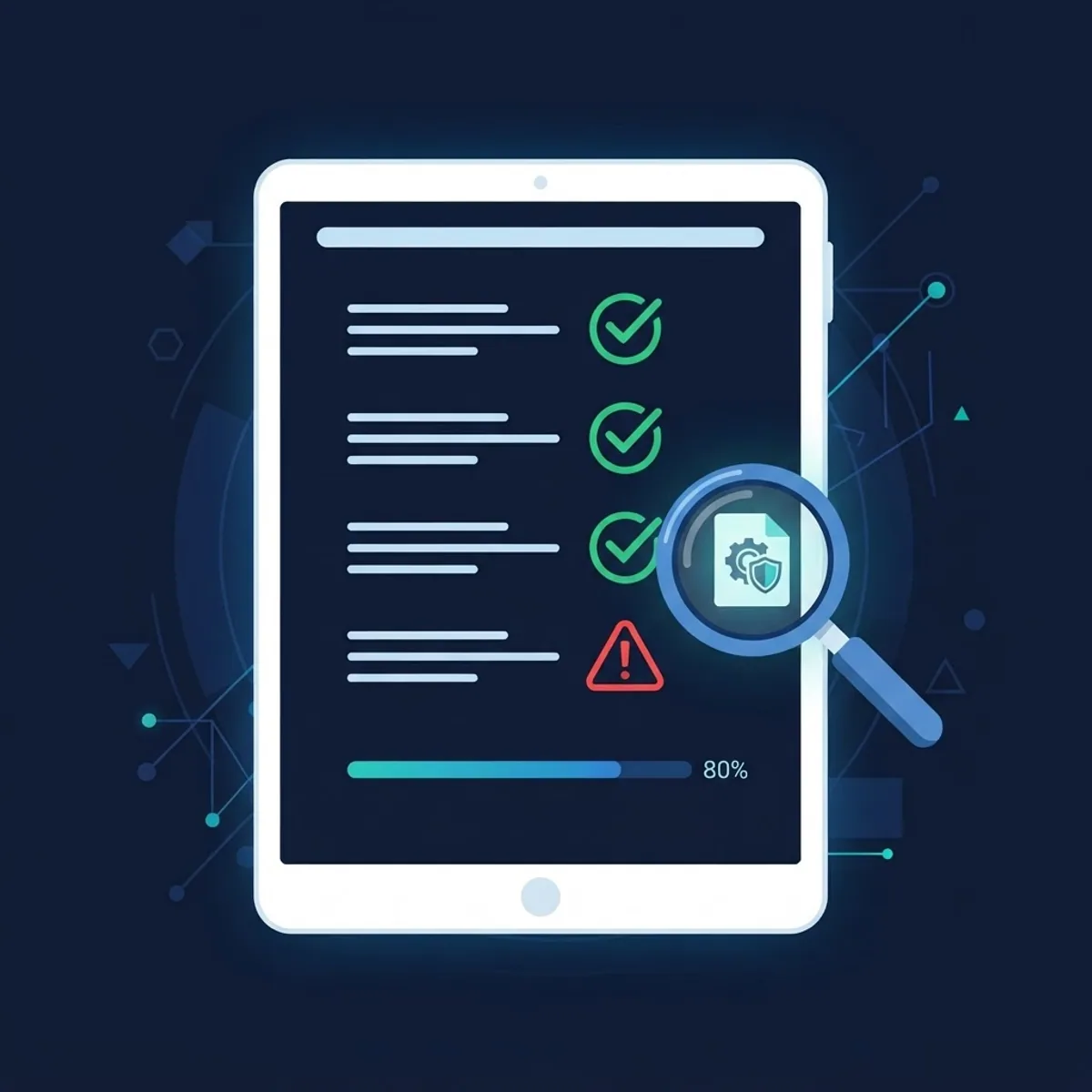
What Is a Mod APK Store?
A mod APK store is a third-party website or app repository that hosts modified Android application packages. Three terms matter here.
- APK: Android Package Kit, the installer file format Android uses to deliver applications.
- Mod APK: an application that has been decompiled, edited, and repackaged so that its code, assets, or license checks behave differently from the original release.
- Mod APK store: the distribution layer that indexes and serves those repackaged files.
The technical detail most download pages hide is this: repackaging always breaks the original developer signature. Android then treats the file as an entirely different application, which is why a mod cannot update over the official version and why Play Integrity checks fail. Every claim of safety on a mod site is therefore a claim about the uploader, not about the original developer.
Why the Best Mod APK Store Is the Safest One, Not the Biggest
Safety scales with screening, and third-party repositories rarely screen anything. Google reports that Play Protect scans more than 200 billion Android apps daily across devices, which is the single largest automated malware screen in mobile computing. A mod APK store has no equivalent pipeline, no signing infrastructure, and usually no named engineering team.
The threat volume is not theoretical either. Kaspersky reported blocking roughly 33.8 million mobile malware, adware, and unwanted software attacks in 2023, with repackaged apps distributed outside official stores among the recurring delivery methods. When you install a file that has already been opened and rebuilt by an anonymous third party, you are trusting a build process you cannot inspect.

The Three Risks That Actually Matter
- Permission escalation. Repackaged builds frequently add SMS, Accessibility, or device admin permissions that the original app never requested. Accessibility access alone allows an app to read screen content and simulate taps.
- Credential and OTP theft. Banking overlays and one-time-password interception are the highest-value payloads in modified apps, because they convert one install into direct financial loss.
- Injected ad and tracking SDKs. Many mods are monetized by swapping the developer ad SDK for an aggressive one, which drains battery, inflates data use, and quietly exports device identifiers.
The 7-Point Checklist for Judging Any Mod APK Store
Use this as a pass or fail test. A store that fails two or more points should not be used at all.
- Published SHA-256 hash for every file. Without a hash, you cannot prove the file you downloaded matches the file the store claims to host.
- Signature and package transparency. The listing should state the original package name, version code, and the signing certificate of the repackaged build.
- No proprietary downloader app. A store that forces you to install its own installer to get files is distributing an extra permission surface, not a convenience.
- No fake buttons or redirect chains. More than one redirect between the listing and the file is a monetization funnel, and it is where drive-by payloads are inserted.
- A named maintainer and real changelog. Anonymous uploads with generic descriptions have no accountability path.
- A permission difference disclosure. Honest listings show what was added or removed compared with the official release.
- A working contact and takedown page. A store that ignores copyright requests will also ignore malware reports.
Mod APK Store Types Compared
| Source Type | Signature Integrity | Malware Screening | Update Path | Account Ban Risk | Best For |
|---|---|---|---|---|---|
| Official store (Google Play) | Original developer signature | Automated, continuous | Automatic | None | Everyday apps and paid unlocks |
| Open-source repository (F-Droid style) | Reproducible builds, published keys | Source-level review | Automatic in client | None | Ad-free and privacy-focused tools |
| OEM or regional store | Original signature | Vendor screening | Automatic | None | Region-limited or device-specific apps |
| Unmodified mirror archive | Verifies original signature | Basic scanning | Manual | Low | Older versions and regional releases |
| Mod APK store | Broken, re-signed by uploader | None or self-declared | Manual reinstall | High | Nothing that touches accounts or payments |
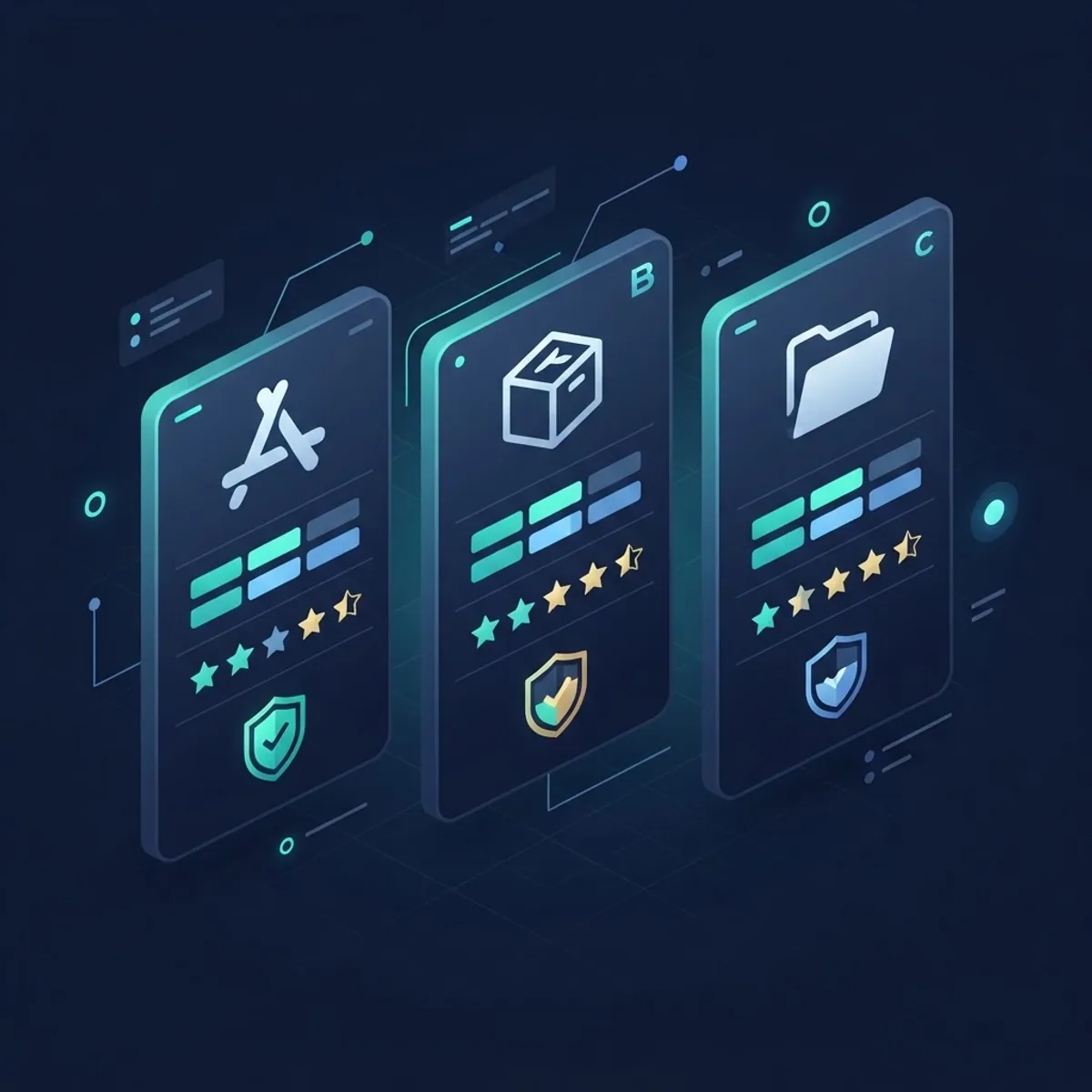
How to Verify an APK in Five Minutes
If you insist on installing a file from outside an official store, run this sequence before the install, not after.
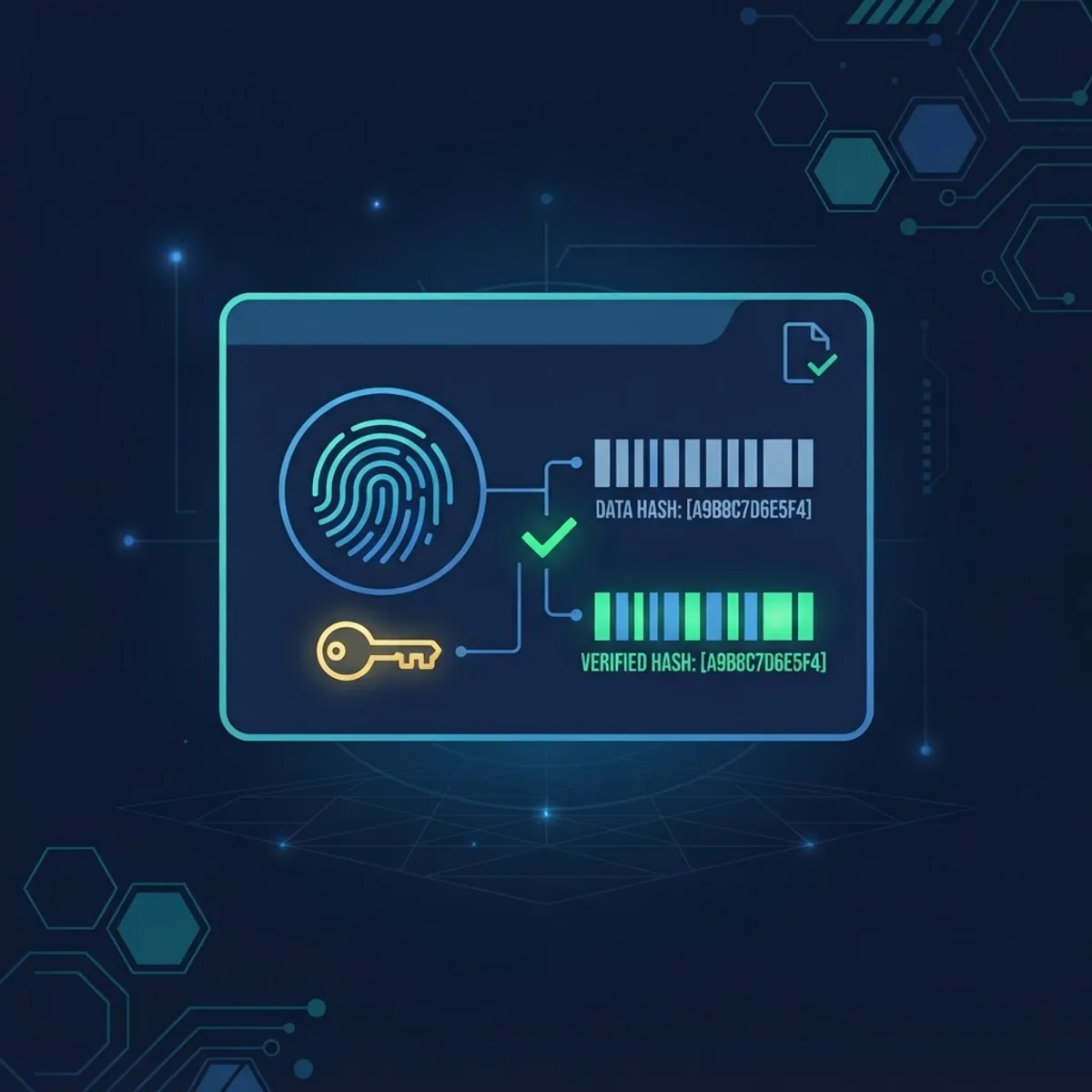
- Match the hash. Generate the SHA-256 of your downloaded file and compare it character by character with the value on the listing page.
- Inspect the signer. Use apksigner from the Android SDK build tools, or an on-device APK inspector, to read the certificate. An unknown or self-generated certificate means the original developer chain is gone.
- Scan with multiple engines. A single antivirus verdict is weak evidence. Multi-engine scanners give you detection spread, and two or more flags should end the process.
- Diff the permissions. Compare the manifest permissions against the official store listing. Any addition of SMS, Accessibility, call log, or device admin access is disqualifying.
- Isolate the install. Use a separate user profile or an emulator first, never the profile that holds your banking, email, and password manager.
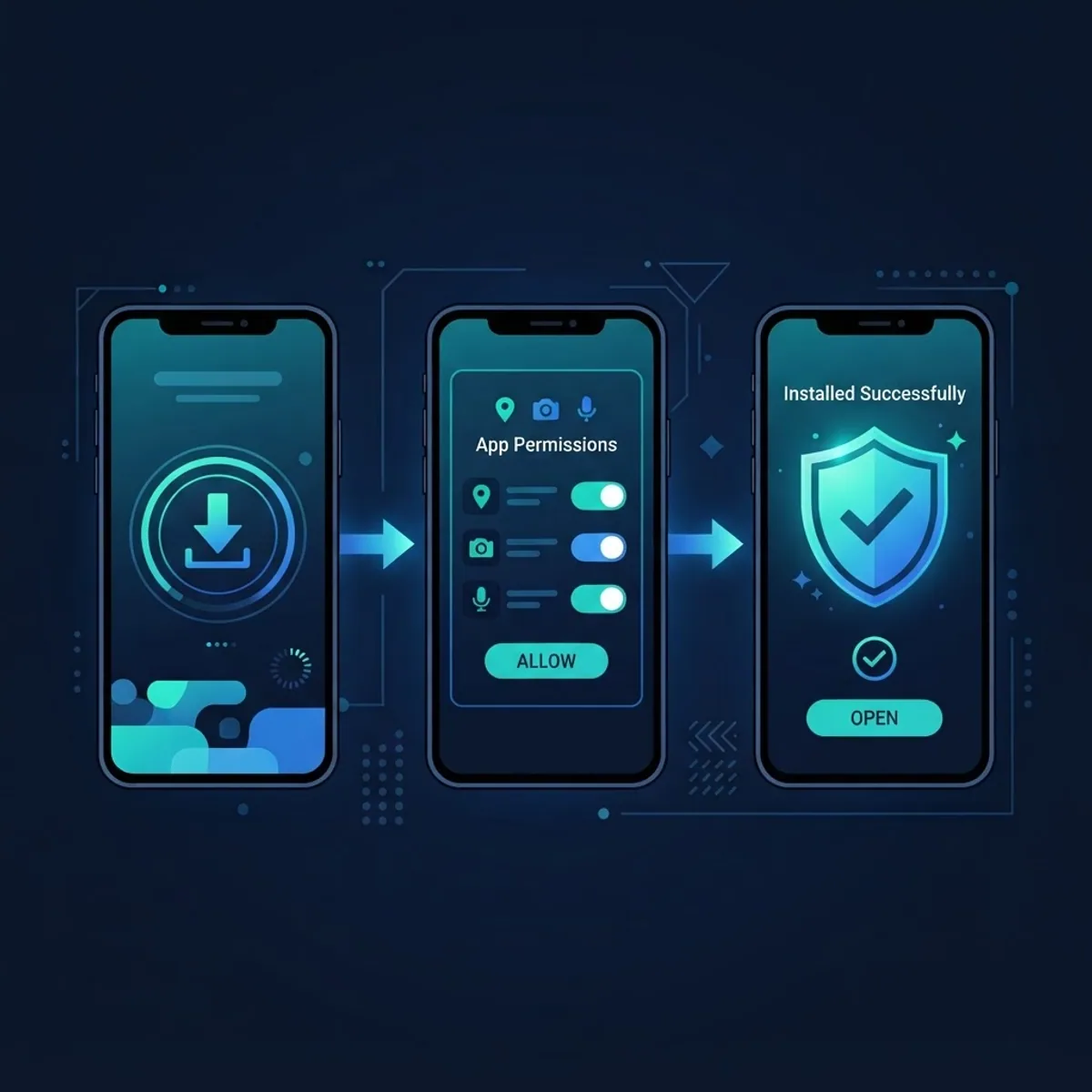
- Grant nothing at install time. Modern Android asks for sensitive permissions at runtime, so deny anything the app has no functional reason to use.
One practical note from real testing: on Android 8 and later, sideloading requires per-source approval through the install unknown apps permission. If a site instructs you to disable Play Protect entirely, treat that instruction as the strongest available signal that the file is malicious.
Safer Alternatives That Deliver the Same Benefits
Most people do not want a mod. They want one specific outcome, and each outcome has a legitimate path.
- Ad-free experience: the official paid tier, or an open-source client such as an F-Droid alternative that never shipped ads at all.
- Premium features: developer trials, regional pricing, student plans, and bundle subscriptions typically cost less than the risk of a compromised device.
- Extra functionality: open-source forks published with reproducible builds give you customization with an auditable source tree.
- AI features: official assistant apps now ship the same capabilities that modified builds advertise. If that is your use case, start with these guides on safe alternatives to mod APK downloads, the realities behind artificial intelligence mod APK claims, how to approach an AI APK download safely, and what to check before installing any AI chat APK.
Legal and Account Risks You Cannot Ignore
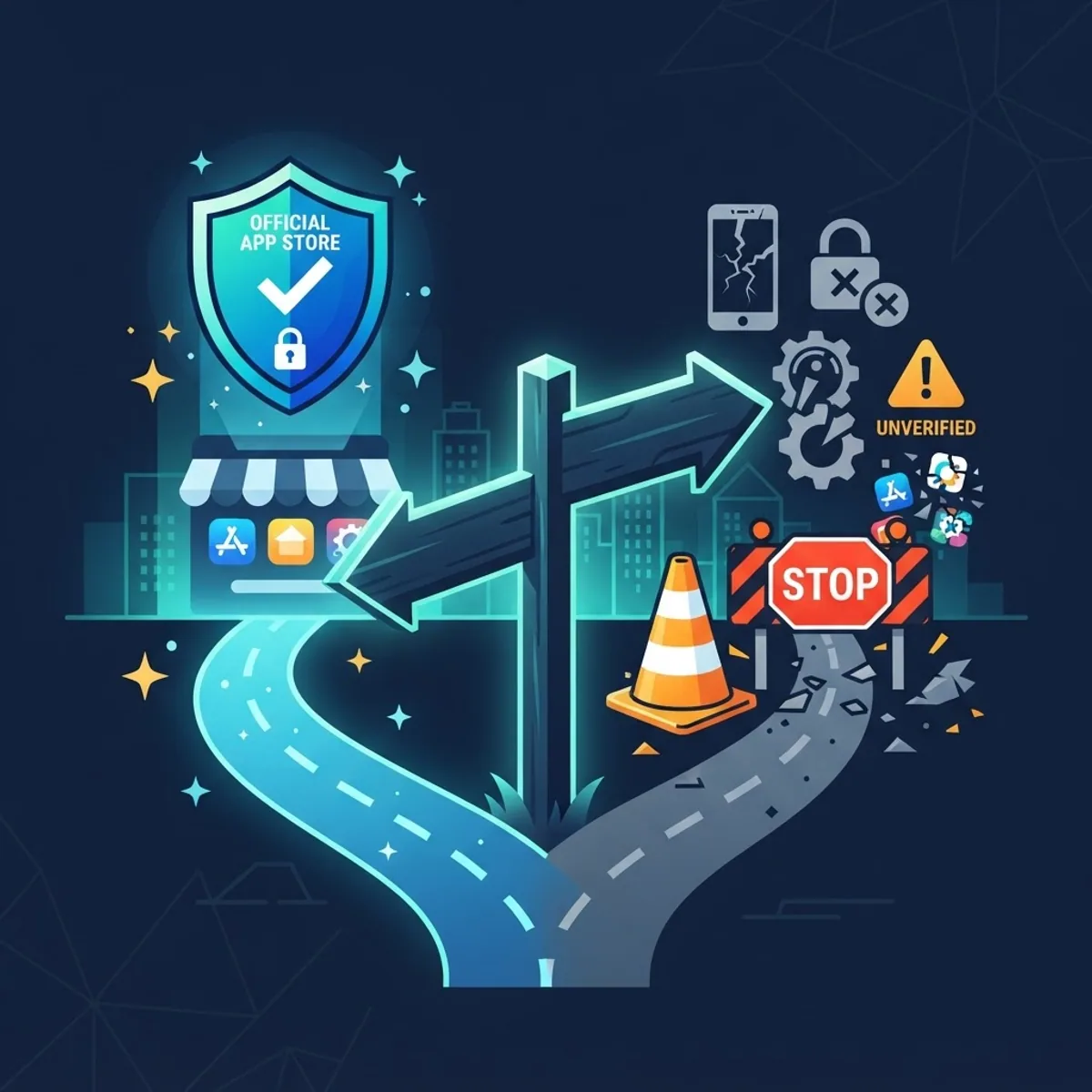
Security is only half the exposure. Modifying an application to bypass license verification can constitute circumvention under Section 1201 of the US Digital Millennium Copyright Act, and comparable provisions exist across the EU and Asia. Redistribution of a paid app is straightforward copyright infringement regardless of how the file is labeled.
Platform enforcement is faster than legal enforcement. Multiplayer titles detect modified clients through server-side integrity checks and issue device-level or hardware-identifier bans, which survive reinstalls and new accounts. Banking, payment, and enterprise apps increasingly rely on the Play Integrity API and simply refuse to launch on a device with tampered packages, so one mod install can lock you out of tools you actually depend on.
Who to Trust for Mobile Software Advice
Treat any source that ranks stores without discussing signatures, hashes, or permissions as an affiliate page rather than a technical review. Advice worth following names its verification method and shows its evidence. Editorial breakdowns from the ZoneTechify Team focus on that verification-first approach, and engineering teams that ship production grade web apps apply the same signing and integrity discipline to their own release pipelines, which is exactly the discipline mod repositories lack.
Key Takeaways
- No mod APK store preserves the original developer signature, which is why updates break and integrity checks fail.
- Google Play Protect screens over 200 billion apps daily, a screening layer third-party repositories cannot match.
- Kaspersky blocked around 33.8 million mobile malware and adware attacks in 2023, with repackaged apps a recurring vector.
- Any site telling you to disable Play Protect is distributing malware, not features.
- Added SMS, Accessibility, or device admin permissions are the clearest single indicator of a weaponized build.
- Hardware-level bans and Play Integrity failures make mods a poor trade even when the file is clean.
Frequently Asked Questions (FAQ)
What is the best mod APK store in 2026?
No mod APK store can be called safe, because none preserve developer signatures or run continuous malware screening. If you evaluate stores by verification signals rather than catalog size, official app stores and open-source repositories win every category, including update reliability and long-term device security.
Are mod APK stores safe to download from?
Generally no. Files are rebuilt and re-signed by anonymous uploaders, so the code you install is not the code the original developer shipped. Even when a specific file is clean, the store around it usually uses redirect funnels and installer apps that add unnecessary permission and tracking exposure.
Can I get banned for using a mod APK?
Yes, and often permanently. Multiplayer games and subscription apps run server-side integrity checks that detect modified clients, then apply account or hardware-identifier bans that survive reinstalls. Banking and enterprise apps use the Play Integrity API and may refuse to launch on a tampered device entirely.
How do I check if an APK file is safe before installing?
Compare the published SHA-256 hash with your downloaded file, read the signing certificate with apksigner, scan with multiple engines, and diff the requested permissions against the official listing. Install into a separate profile or emulator first and deny every sensitive permission at runtime.
Is downloading mod APK files illegal?
In many jurisdictions, yes. Bypassing license verification can violate anti-circumvention law such as Section 1201 of the DMCA, and redistributing paid apps is copyright infringement. Enforcement usually arrives first as an account termination or device ban rather than as a court proceeding.
What should I use instead of a mod APK?
Match the outcome you want to a legitimate path: a paid tier for ad removal, a developer trial or regional plan for premium features, and an open-source fork with reproducible builds for extra functionality. Official AI assistant apps now cover most features modified builds advertise.
Final Word
The useful version of this search is not which mod store has the most files, it is which distribution channel you can actually verify. Apply the seven-point checklist, run the five-minute verification workflow, and route each need to a legitimate alternative. That approach protects your accounts, your payment credentials, and the device you rely on daily.