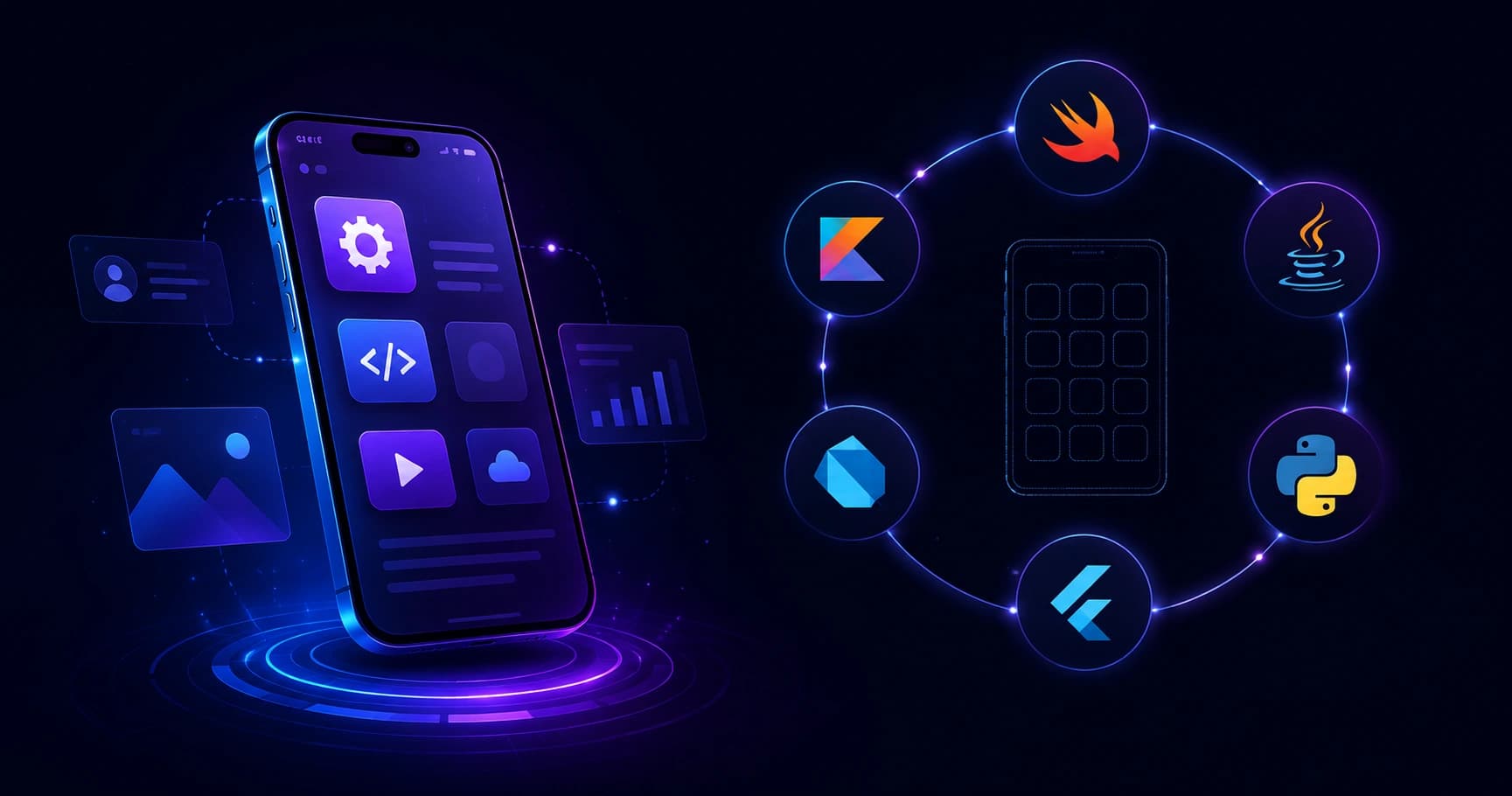
A practical, experience-based guide to choosing the best language for mobile app development, comparing Swift, Kotlin, Dart, JavaScript, and C# with real decision criteria.
Best Language for Mobile App Development
Choosing a programming language for a mobile app is the single most expensive decision you make before writing a line of code. It determines your hiring pool, your release speed, your app size, your crash rate, and how painful year three of maintenance will be. After shipping and auditing dozens of iOS and Android products, our engineering team at ZoneTechify has learned that there is no universally best language, but there is always a clearly best language for a specific product, team, and budget.
This guide gives you that decision framework, backed by real trade-offs rather than marketing claims.

Quick Answer: Swift is the best language for iOS and Kotlin for Android when you need maximum performance and platform polish. If you need one codebase for both platforms, Dart with Flutter is the strongest choice, and JavaScript or TypeScript with React Native is best when you already have a web team.
What Makes a Mobile Language the Best Choice?
The best language is the one that minimizes total cost of ownership while meeting your performance and user-experience targets. Five factors decide that:
- Platform reach - one platform, both platforms, or both plus web.
- Performance ceiling - how close to the metal you need to run.
- Talent availability - can you hire and replace developers affordably?
- Ecosystem maturity - SDKs, payment libraries, crash tooling, CI support.
- Long-term support - is the language backed by Apple, Google, or Microsoft?
Definition: A native language compiles directly to the platform's machine code and uses the platform's own UI toolkit. A cross-platform framework runs one shared codebase on multiple operating systems through its own rendering engine or a bridge to native components.
According to the Stack Overflow Developer Survey, Swift and Kotlin consistently rank among the most admired mobile languages, while JavaScript has been the most commonly used language for over a decade, which explains why so many teams reach for React Native first. Statista also reports Flutter as the most popular cross-platform mobile framework among developers worldwide, used by roughly 46 percent of cross-platform developers.
Swift: The Best Language for iOS Apps
Swift is the best language for iOS development, full stop. Apple designed it, maintains it, and ships every new platform capability in Swift first.

Where Swift Wins
- Day-one API access. New iOS features, widgets, Live Activities, and on-device machine learning APIs arrive in Swift before any wrapper exists.
- Performance. Swift compiles ahead of time to native ARM code, so heavy scrolling lists, camera pipelines, and AR features stay smooth.
- Safety by design. Optionals and strict typing eliminate an entire class of null-reference crashes we routinely see in older Objective-C codebases.
- SwiftUI productivity. Declarative UI cuts screen-building time significantly compared with UIKit and storyboards.
Where Swift Costs You
You build the Android app separately. For a product with 20 screens, that realistically means two teams, two release pipelines, and two sets of bugs. Choose Swift-only when your audience is iOS-heavy, such as premium consumer apps in North America or internal tools on company-issued iPhones.
Kotlin: The Best Language for Android Apps
Kotlin is Google's official recommended language for Android, and since 2019 the Android documentation, samples, and Jetpack libraries have been Kotlin-first.
Why Kotlin Replaced Java
- Less code, fewer defects. Kotlin removes boilerplate such as getters, setters, and findViewById calls. Google has reported that Kotlin code is typically around 20 percent shorter than the equivalent Java.
- Null safety. The compiler forces you to handle nullable types, directly reducing NullPointerException crashes, historically the top Android crash cause.
- Coroutines. Structured concurrency makes background work, network calls, and cancellation readable instead of callback spaghetti.
- Full Java interoperability. You can migrate a legacy Java app file by file without a rewrite.
Practical tip from our audits: if you inherit a Java Android app, do not rewrite it. Add Kotlin to the same module, convert the files you actively change, and let the migration happen as a by-product of normal feature work.
Kotlin Multiplatform
Kotlin Multiplatform lets you share business logic, networking, and data models with iOS while keeping native UI on both sides. It is the strongest option when your app is logic-heavy but you refuse to compromise on native UI feel, such as banking and fintech apps.
Dart and Flutter: The Best Cross-Platform Language
Dart, used through Flutter, is the best language when one team must ship iOS and Android simultaneously with a consistent design.
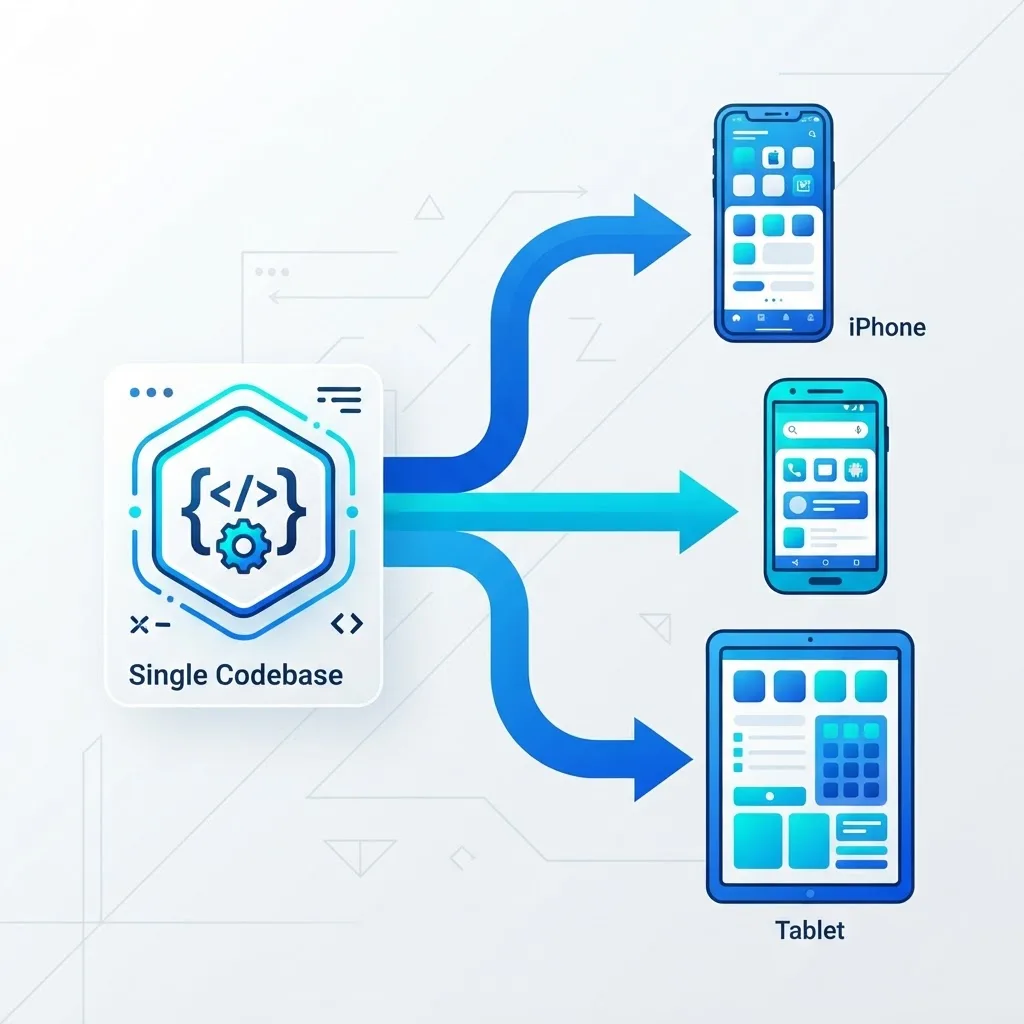
Flutter does not use platform widgets. It draws every pixel with its own rendering engine, which produces identical UI on both platforms and makes custom, brand-heavy design far cheaper than building it twice.
Real Advantages We Have Measured
- One codebase, roughly 60 to 70 percent less UI work on design-heavy apps compared with two native builds.
- Stateful hot reload that renders code changes in under a second, which shortens design review cycles dramatically.
- Ahead-of-time compilation to native ARM, so animations hold 60 frames per second in production builds.
- Predictable rendering across devices, which removes the classic "it looks wrong on Android" bug category.
Honest Limitations
App bundles start larger than native equivalents, and any brand-new OS feature needs a plugin or a platform channel written in Swift or Kotlin. Flutter is also a poor fit when your app must feel indistinguishable from stock system UI on both platforms.
JavaScript and TypeScript: Best If You Already Have a Web Team
React Native uses JavaScript, and in practice TypeScript, to drive real native components. Its decisive advantage is organizational, not technical: your existing React developers become mobile developers in weeks.

Use React Native with TypeScript when:
- Your web product is already React-based and you want to share types, validation, and API clients.
- You need over-the-air updates to ship bug fixes without waiting for app store review.
- Your app is content, commerce, or CRUD driven rather than graphics or compute intensive.
Avoid it for real-time video processing, heavy 3D, or apps that hammer background sensors, where the JavaScript layer becomes a bottleneck. TypeScript is not optional here. Every large untyped React Native codebase we have reviewed had runtime crashes that a type checker would have caught at build time. Teams that pair the mobile app with a well-structured backend usually get better results, which is why we plan mobile and API work together in our mobile app development engagements.
C# and .NET MAUI: Best for Microsoft-Centric Enterprises
C# with .NET MAUI is the pragmatic answer when your company already runs on .NET, Azure, and SQL Server. You reuse existing domain libraries, your developers keep their language, and Visual Studio tooling stays familiar. The trade-off is a smaller community and fewer third-party mobile packages than Flutter or React Native.
Mobile App Development Language Comparison
| Language | Best For | Platforms | Performance | Learning Curve | Hiring Pool |
|---|---|---|---|---|---|
| Swift | Premium native iOS apps | iOS only | Excellent | Moderate | Medium |
| Kotlin | Native Android apps | Android, plus KMP sharing | Excellent | Moderate | Large |
| Dart (Flutter) | One codebase, custom design | iOS, Android, web, desktop | Very good | Moderate | Growing fast |
| TypeScript (React Native) | Web teams going mobile | iOS, Android, web | Good | Low for React devs | Very large |
| C# (.NET MAUI) | Microsoft enterprise apps | iOS, Android, desktop | Good | Low for .NET devs | Medium |
| Java | Maintaining legacy Android | Android | Very good | Moderate | Large |
How to Choose: A Decision Framework

Work through these questions in order and stop at the first clear answer:
- Does the app need deep hardware access, AR, or sustained heavy computation? Choose Swift and Kotlin natively.
- Is more than 85 percent of your audience on one platform? Build that platform natively first.
- Do you already employ React developers? Choose React Native with TypeScript.
- Are you a .NET shop with existing C# domain logic? Choose .NET MAUI.
- Do you need both platforms, a distinctive custom design, and a small team? Choose Flutter.
- Is your app logic-heavy but must feel fully native? Choose Kotlin Multiplatform with native UI.
Whichever path you pick, budget for the parts that are language-independent: analytics, crash reporting, accessibility, app store optimization, and a release checklist. Technical SEO and discoverability strategies from teams like WebPeak matter for the marketing site and app store listing that drive installs.
Mistakes That Cost Real Money
- Choosing by hype instead of team skill. A framework your team cannot debug at 2 a.m. is the wrong framework.
- Starting cross-platform, then needing native anyway. If your roadmap includes Bluetooth hardware or advanced camera work, verify plugin support before you commit.
- Skipping TypeScript in React Native. It is the cheapest crash prevention available.
- Rewriting instead of migrating. Incremental migration to Kotlin or Swift ships value while it modernizes.
Key Takeaways
- Swift is the best language for iOS; Kotlin is the official, recommended language for Android.
- Google reports Kotlin code is typically about 20 percent shorter than equivalent Java code.
- Flutter is the most widely used cross-platform framework, adopted by roughly 46 percent of cross-platform developers according to Statista.
- Dart with Flutter is best for one codebase with custom branded design; TypeScript with React Native is best for existing web teams.
- Kotlin Multiplatform shares logic while keeping native UI, ideal for fintech and regulated apps.
- Match the language to your team, audience platform split, and performance needs, not to trends.
Frequently Asked Questions (FAQ)
What is the best language for mobile app development in general?
There is no single best language. Swift is best for iOS, Kotlin for Android, and Dart with Flutter for one shared codebase. If your team already writes React, TypeScript with React Native is usually the fastest and cheapest route to a production mobile app.
Should I learn Swift or Kotlin first?
Learn the one matching the platform you want to build for. Kotlin gives you the larger global Android market and a bigger job pool, while Swift targets a higher-spending iOS audience. Both are modern, null-safe, and statically typed, so skills transfer quickly between them.
Is Flutter better than React Native?
Flutter delivers more consistent UI and smoother animations because it renders every pixel itself. React Native integrates better with existing React web teams and supports over-the-air updates. Choose Flutter for custom design-heavy apps and React Native when reusing web talent and code matters most.
Can I build a mobile app with only JavaScript?
Yes. React Native lets you build production iOS and Android apps in JavaScript or TypeScript, and many large apps ship this way. You will still occasionally write small Swift or Kotlin modules for native features, so basic familiarity with both platforms remains valuable.
Is Java still worth using for Android apps?
Java still runs reliably in millions of Android apps and remains essential for maintaining legacy code. For new projects, Kotlin is the better choice because Google documents Android in Kotlin first and Kotlin removes boilerplate while adding null safety and coroutines.
Which language gives the best app performance?
Swift and Kotlin give the best performance because they compile to native machine code and use platform UI directly. Flutter comes very close through ahead-of-time compilation. React Native is adequate for most business apps but slower for graphics-intensive or compute-heavy workloads.