
A hands-on breakdown of the seven best AI response generators for 2026, with a feature comparison table, real setup guidance, and the metrics that prove ROI.
Top 7 AI Response Generators You Should Try in 2026
Every business now answers messages across at least four channels: email, live chat, social comments, and review platforms. The bottleneck is no longer finding customers, it is replying to them fast enough without sounding robotic. AI response generators solve that specific problem, and in 2026 the good ones do far more than autocomplete a sentence.
This guide is based on evaluating response tools across support inboxes, sales pipelines, and social channels. Instead of listing features from marketing pages, it explains where each tool actually earns its subscription, where it fails, and how to measure whether it is working.
Quick Answer: The top AI response generators for 2026 are ChatGPT, Claude, Intercom Fin, Gemini in Workspace, Tidio Lyro, Hootsuite OwlyWriter, and Jasper. Choose based on channel: Fin and Lyro for support tickets, ChatGPT and Claude for flexible drafting, Gemini for email, and OwlyWriter for social replies.
What Is an AI Response Generator?
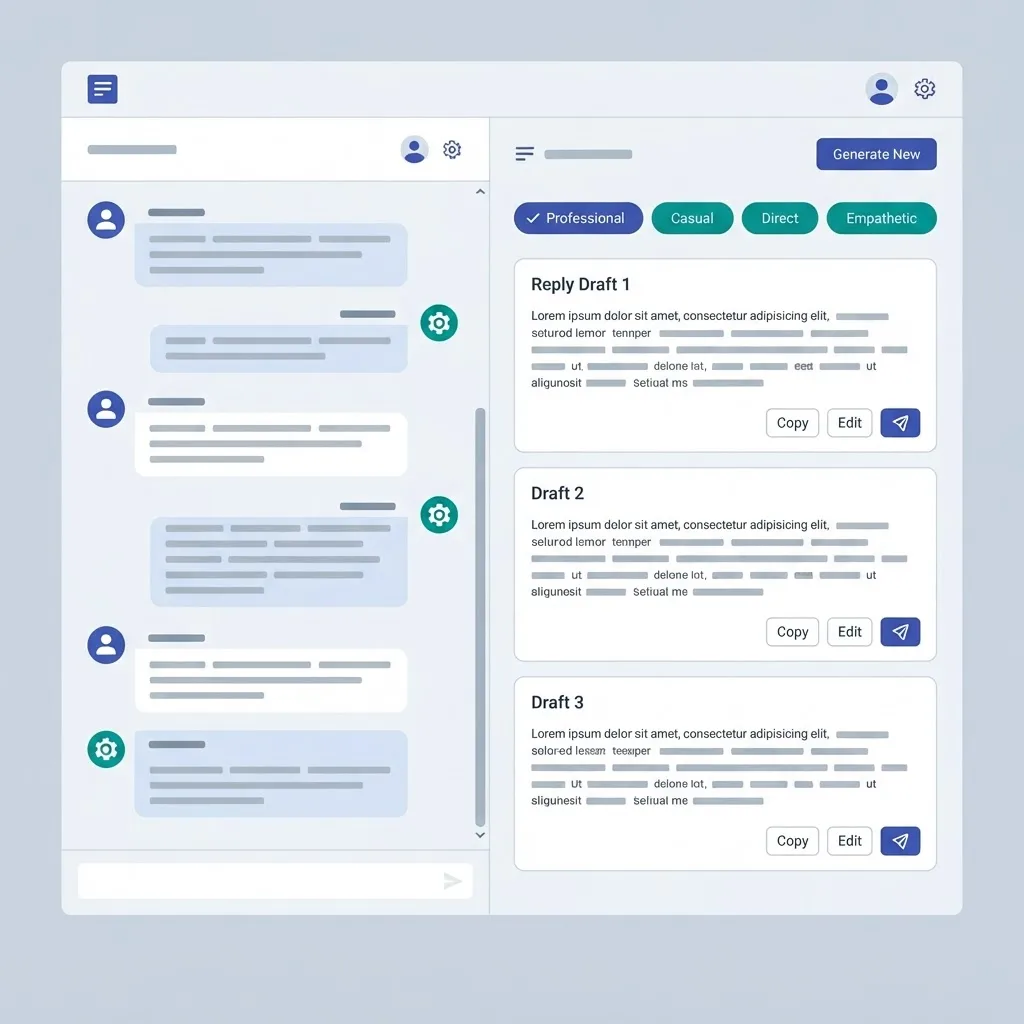
An AI response generator is a tool that reads an incoming message and drafts a contextual reply using a large language model. The definition matters because three very different products share the label.
- General assistants such as ChatGPT and Claude. You paste context, they draft. Maximum flexibility, zero automation.
- Channel-native responders such as Intercom Fin and Tidio Lyro. They sit inside a helpdesk, read your knowledge base, and can send replies without a human.
- Composer add-ons such as Gemini smart reply and Hootsuite OwlyWriter. They live in the tool you already write in and suggest drafts inline.
Mixing these categories is the most common buying mistake. A general assistant will never resolve a ticket at 3 a.m., and a helpdesk bot will never help you write a nuanced investor update.
Why Response Speed Became a 2026 Priority
Two data points frame the shift. Zendesk reported in its 2024 CX Trends research that 70 percent of consumers expect anyone they interact with to have full context of their previous conversations, which makes generic canned replies actively damaging. Separately, Harvard Business Review's long-running lead response study found that companies replying to a web lead within one hour were nearly seven times more likely to qualify that lead than those replying an hour later.
Put together, the requirement is contextual replies at machine speed. That combination is exactly what a modern response generator delivers, and it is why teams that ignored these tools in 2023 are adopting them now.
The Top 7 AI Response Generators for 2026
1. ChatGPT (OpenAI)
Best for teams that need one tool to draft everything. Custom GPTs let you upload your tone guide, product documentation, and refund policy once, then generate on-brand replies indefinitely. Projects keep separate context for support, sales, and PR so drafts stop bleeding across use cases.
Where it wins: complex, non-repeating messages such as escalations, partnership emails, and press inquiries. Where it fails: it does not sit inside your inbox by default, so someone still copies and pastes.
2. Claude (Anthropic)
Claude produces the most restrained, least salesy prose of the major assistants, which matters when replying to an angry customer. Its long context window lets you paste an entire ticket history plus your policy document and get a reply that references both accurately.
Use it specifically for de-escalation replies, legal-adjacent wording, and any response where overclaiming creates risk.
3. Intercom Fin
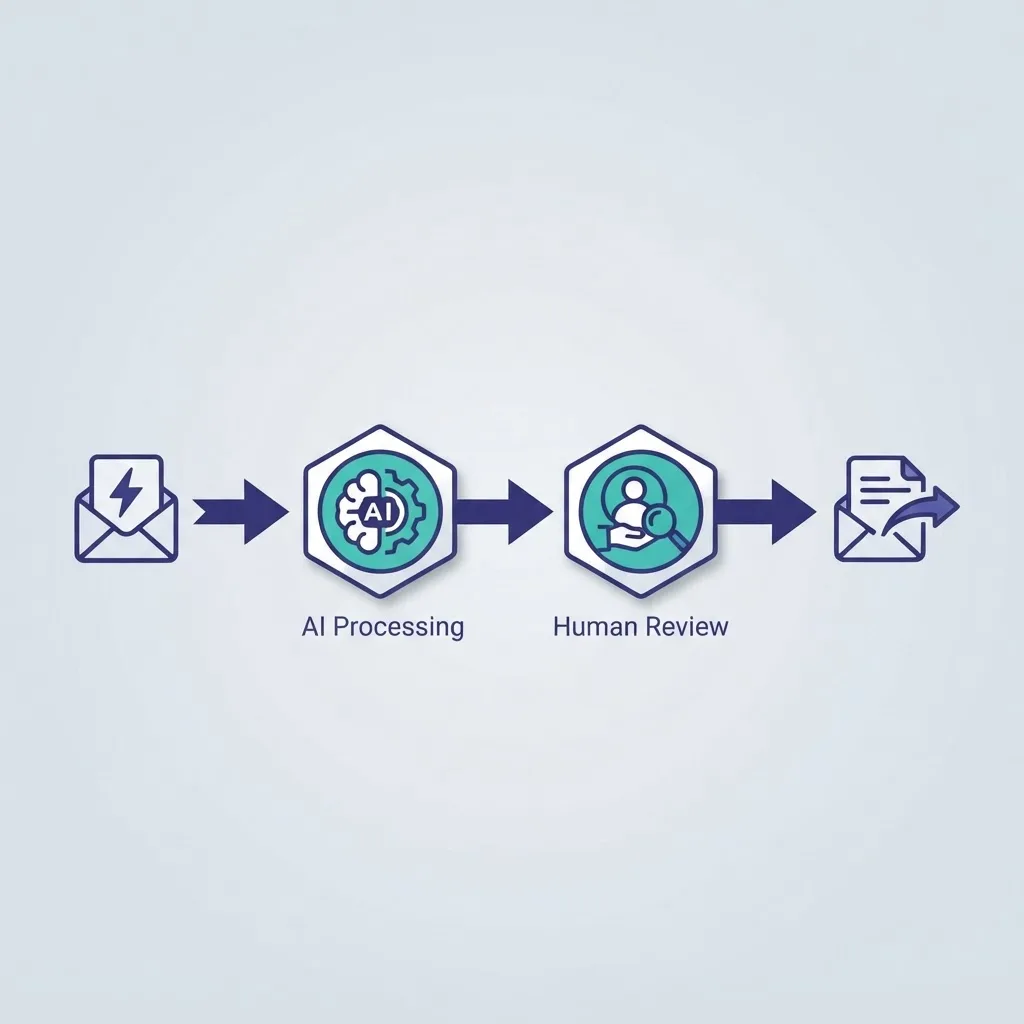
Fin is an autonomous resolution agent rather than a drafting tool. It answers from your help center and past conversations, and Intercom prices it per resolution rather than per seat, which aligns cost with value. Set a strict confidence threshold and route anything below it to a human.
Best for SaaS companies with a documented knowledge base and high repeat ticket volume.
4. Google Gemini in Workspace
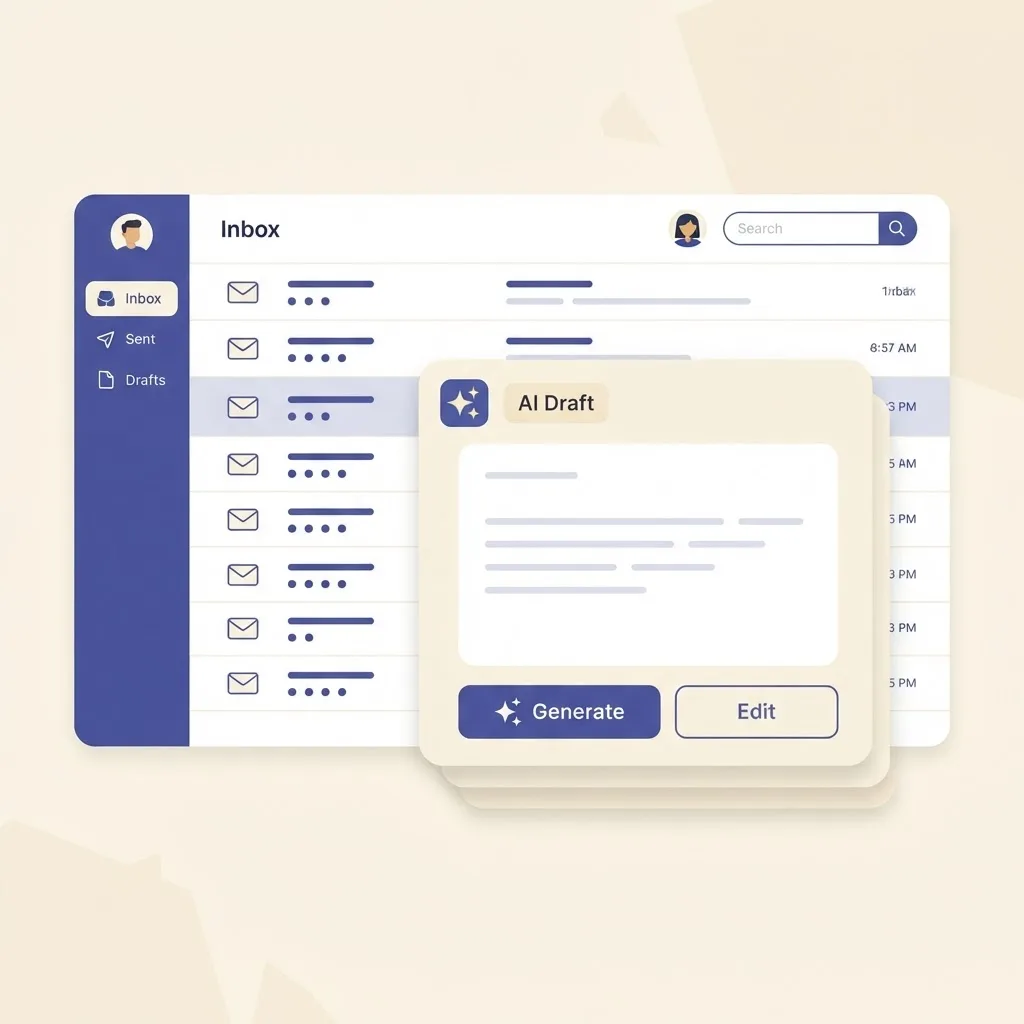
If your team lives in Gmail, this is the lowest-friction option available. Help me reply reads the thread and drafts a response in the compose window, and Gemini can pull context from linked Docs and Sheets. No integration project, no new login.
The honest limitation: tone control is shallow compared with a configured custom GPT, so heavily branded voices still need editing.
5. Tidio Lyro
Lyro targets small ecommerce and service businesses. It trains on your FAQ and product pages, handles order status and shipping questions on live chat, and hands off to a human when a customer asks something outside its training. Setup realistically takes an afternoon, not a quarter.
Choose Lyro when your ticket mix is dominated by ten predictable questions.
6. Hootsuite OwlyWriter AI
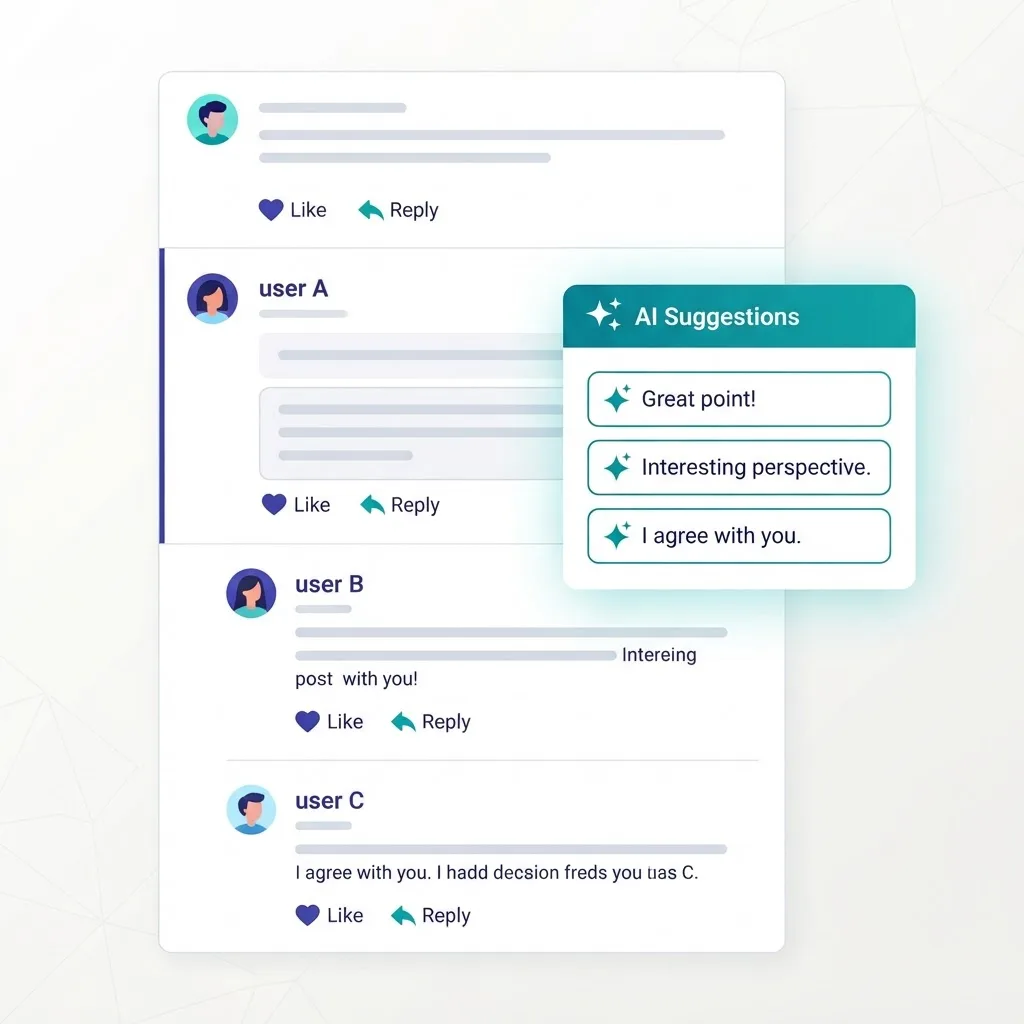
Social replies have their own rules: shorter, public, and permanently searchable. OwlyWriter drafts comment and DM responses inside the Hootsuite inbox, keeps a consistent brand voice across accounts, and lets a human approve before anything goes live. That approval gate is not optional on public channels.
7. Jasper
Jasper's advantage is Brand Voice. You feed it existing approved copy, it extracts your tone, and every generated response inherits it. For agencies and multi-brand teams juggling several distinct voices, this is the difference between usable drafts and a rewriting job.
It is the most expensive option on this list, so it only pays off at volume.
Feature Comparison Table
| Tool | Primary Channel | Automation Level | Brand Voice Control | Best Fit |
|---|---|---|---|---|
| ChatGPT | Any (manual) | Assisted drafting | High via custom GPTs | Mixed, complex replies |
| Claude | Any (manual) | Assisted drafting | High via prompts | Sensitive or long threads |
| Intercom Fin | Helpdesk, chat | Fully autonomous | Medium | SaaS support at scale |
| Gemini in Workspace | Gmail | Inline suggestions | Low to medium | Email-first teams |
| Tidio Lyro | Live chat | Autonomous with handoff | Medium | Small ecommerce |
| OwlyWriter AI | Social inbox | Draft plus approval | Medium | Social media teams |
| Jasper | Any (manual) | Assisted drafting | Very high | Agencies, multi-brand |
How to Choose the Right One in Four Steps
- Audit one week of real messages. Tag each as repetitive, semi-custom, or unique. If more than half are repetitive, buy automation. If most are unique, buy a drafting assistant.
- Check where your knowledge lives. Autonomous tools are only as accurate as your documentation. No help center means no Fin or Lyro until you write one.
- Run a two-week parallel trial. Have agents generate a draft, then log whether they sent it as-is, edited it, or discarded it. An edit-free send rate above 60 percent justifies the spend.
- Set the escalation rule before launch. Decide in writing which topics never get an AI-only reply: billing disputes, security incidents, cancellations, and anything legal.
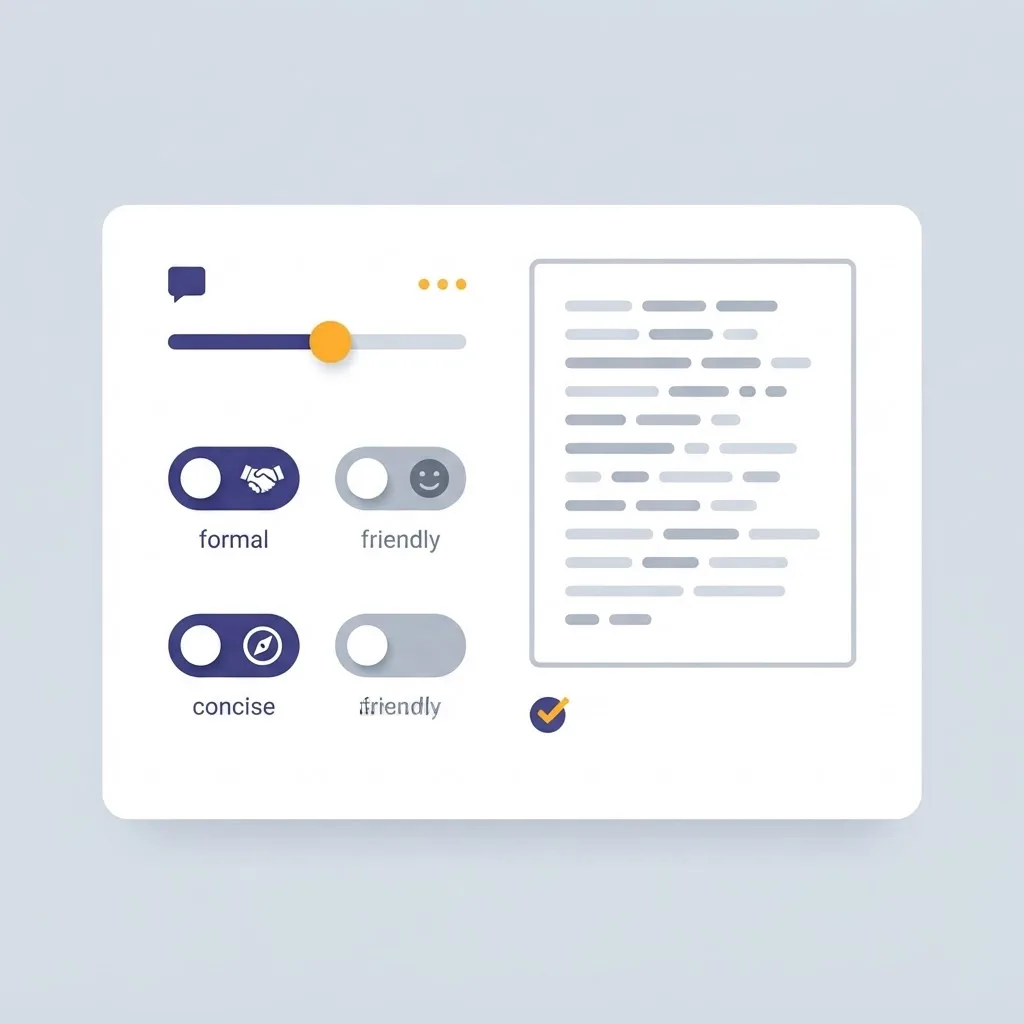
Getting Real Output Quality: What Actually Moves the Needle
The biggest quality gains do not come from switching models. They come from the context you supply.
Give the tool three things in every prompt or configuration: the customer's actual history, your policy on the issue, and one example of a reply you were proud of. That third element is the one most teams skip, and it is the single fastest way to eliminate generic AI phrasing.
Also ban specific words. Instruct the model never to open with I hope this message finds you well or I understand your frustration. Readers recognize those openers as machine-written, and removing them raises perceived authenticity more than any model upgrade will.
Teams that want these workflows wired into an existing product, CRM, or support stack usually need engineering support, and that is where AI automation services from the ZoneTechify team make the difference between a browser tab and a system that runs itself.
The Risks Nobody Puts on a Pricing Page
Three failure modes appear repeatedly.
- Confident wrong answers. An autonomous responder citing an outdated refund window creates a support ticket and a trust problem. Version your knowledge base and review it monthly.
- Tone flattening. When every reply sounds the same, customers stop reading them. Rotate two or three approved response structures instead of one.
- Privacy exposure. Never paste full payment data or identity documents into a general assistant. Use a tool with a data processing agreement for anything regulated.

Measuring Whether It Worked
Track four numbers before and after adoption:
- First response time. The metric these tools most reliably improve.
- Edit rate. The percentage of drafts changed before sending. Falling edit rate means your configuration is improving.
- Resolution rate without human touch. Only relevant for autonomous tools.
- Customer satisfaction on AI-assisted threads versus human-only threads. If satisfaction drops, your escalation rules are too loose.
If first response time falls but satisfaction falls with it, you have automated speed without automating accuracy. Fix the knowledge base, not the model.
Key Takeaways
- AI response generators split into three categories: general assistants, autonomous channel agents, and inline composer add-ons. Buying the wrong category is the top adoption failure.
- Harvard Business Review research found replying to a lead within one hour makes qualification nearly seven times more likely.
- Zendesk's 2024 CX Trends research found 70 percent of consumers expect full conversational context, so generic canned replies now hurt more than they help.
- Autonomous tools such as Intercom Fin and Tidio Lyro require a maintained knowledge base to be accurate.
- An edit-free send rate above 60 percent in a two-week trial is a reasonable threshold for justifying spend.
- Always exclude billing disputes, cancellations, and security issues from AI-only replies.
Frequently Asked Questions (FAQ)
What is the best AI response generator in 2026?
There is no single best option because the right tool depends on channel. ChatGPT and Claude lead for flexible manual drafting, Intercom Fin leads for autonomous support resolution, and Gemini in Workspace leads for Gmail-based teams. Match the tool to where your messages actually arrive.
Are AI generated replies bad for customer trust?
Only when they are obviously generic or factually wrong. Customers respond well to fast, accurate, specific replies regardless of how they were drafted. Trust breaks when the reply ignores their actual question or cites outdated policy, which is a configuration failure rather than an AI problem.
Can an AI response generator fully replace support agents?
No, and treating it that way causes churn. Autonomous tools reliably handle repetitive questions such as order status and password resets. Escalations, billing disputes, and emotionally charged conversations still need humans. The realistic goal is deflecting routine volume so agents handle harder cases better.
How much do AI response generators cost?
Pricing splits into three models. General assistants cost roughly 20 to 30 dollars per user monthly. Social and content tools charge per seat, typically higher. Autonomous support agents such as Intercom Fin charge per resolved conversation, so cost scales directly with ticket volume rather than headcount.
Do AI response generators work in languages other than English?
Yes, the major models handle dozens of languages well, though quality varies by language. Always have a native speaker review the first fifty generated replies per language. Tone conventions differ significantly, and a reply that reads as friendly in English can read as unprofessional elsewhere.
How do I stop AI replies from sounding robotic?
Supply an example of a reply you liked, explicitly ban filler openers such as I hope this message finds you well, and set a maximum length. Length limits force specificity. These three instructions improve perceived authenticity more than upgrading to a larger model does.