
A practical guide to what RPA (Robotic Process Automation) is and how to build a clear, executive-ready RPA PPT that explains it slide by slide.
What Is RPA Robotic Process Automation PPT
Most people searching for an "RPA PPT" are doing one of two things: preparing to explain Robotic Process Automation to a room that has never heard of it, or trying to understand RPA themselves using a deck as the fastest learning shortcut. This guide serves both. You will get a precise definition of RPA, the mechanics of how it actually works, real deployment numbers, and a complete slide-by-slide presentation structure you can rebuild in PowerPoint or Google Slides in under an hour.
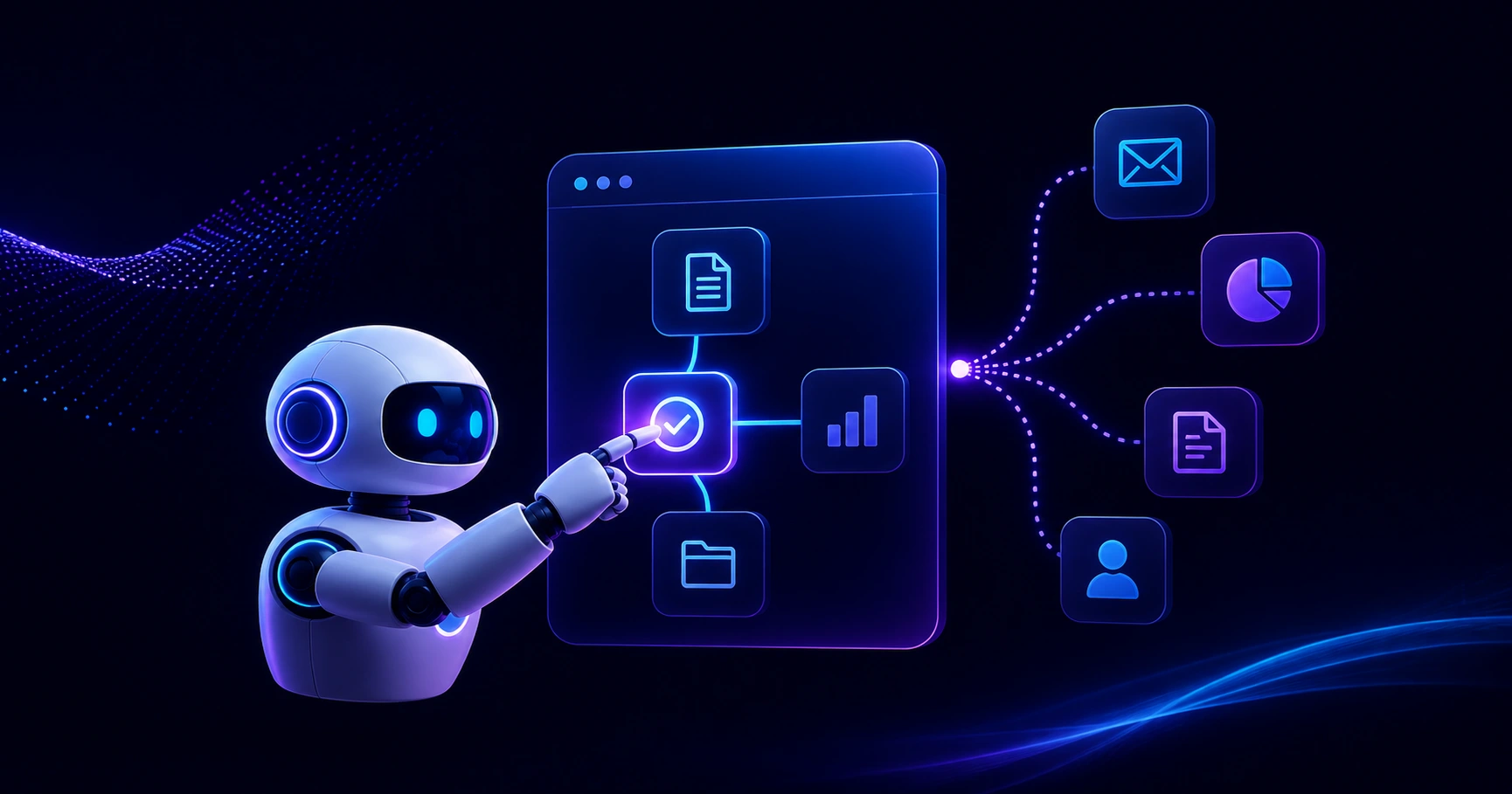
Quick Answer: RPA (Robotic Process Automation) is software that mimics human actions in digital systems to complete rule-based tasks like data entry, invoice processing, and report generation. An RPA PPT is a presentation that explains this concept, its business benefits, use cases, and implementation roadmap to stakeholders in a simple visual format.
What Is RPA (Robotic Process Automation)?
Definition: Robotic Process Automation is a software technology that uses configurable bots to replicate the keystrokes, clicks, and decision rules a human performs inside applications, so repetitive digital work runs without manual effort.
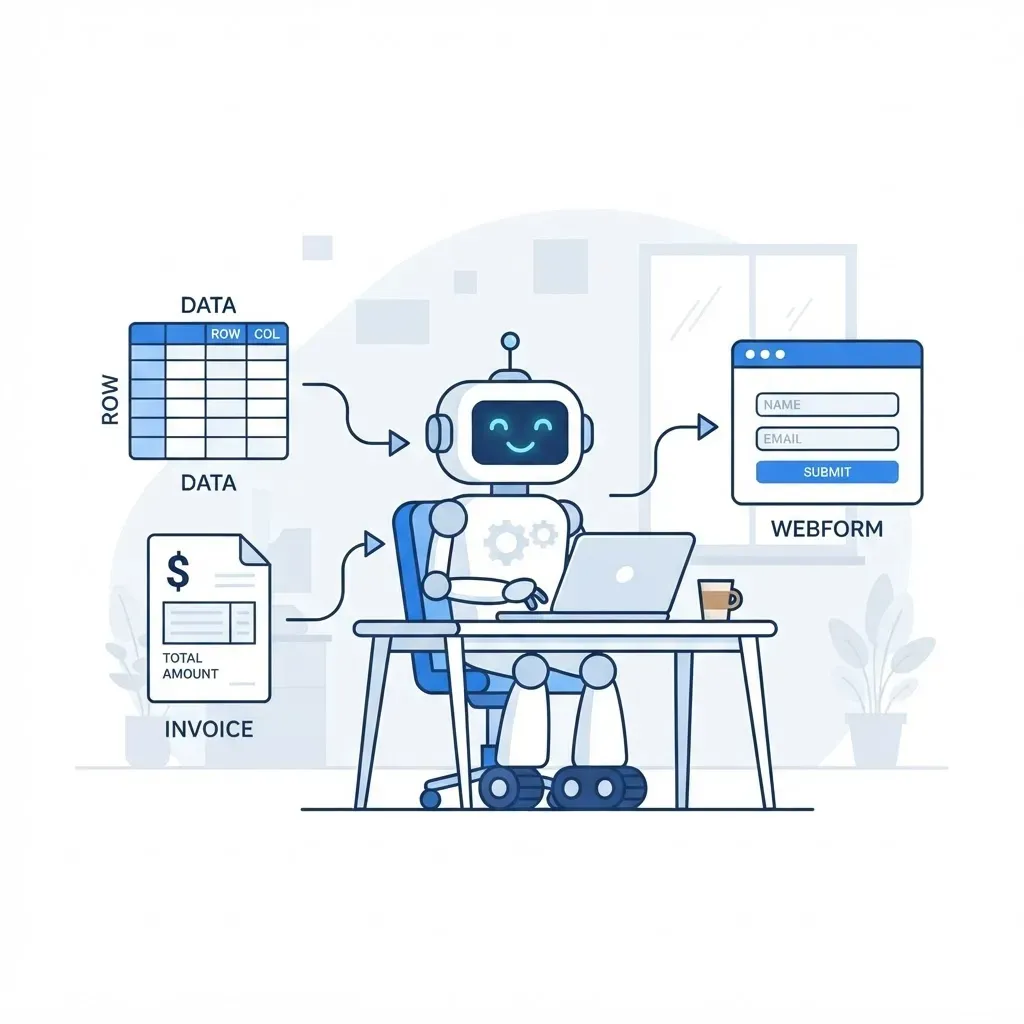
The word "robotic" confuses first-time audiences, so address it on your very first content slide. There is no physical machine involved. An RPA bot is a script running on a virtual machine or a user desktop that logs into your ERP, opens Outlook, reads a spreadsheet, copies a value, and pastes it into a web form exactly as a human would, but at machine speed and without typos.
The critical distinction to make early: RPA works on the presentation layer of applications, not the database layer. That is why it can automate legacy systems with no API. A bot sees the screen and the UI elements the same way an employee does. This makes RPA fast to deploy but also brittle. If the screen changes, the bot breaks. Presenting this honestly builds trust with technical stakeholders who will otherwise poke holes in your deck.
How RPA Actually Works: The Four-Stage Model
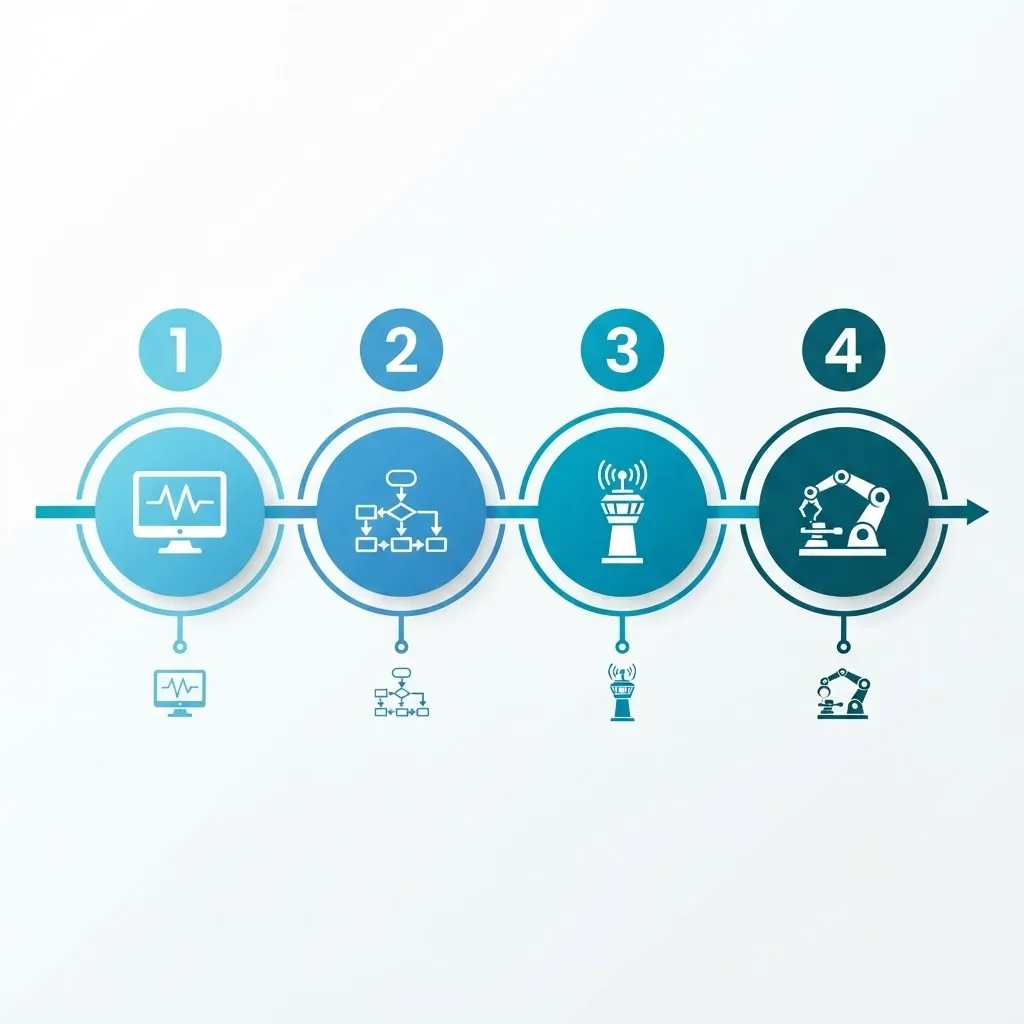
Use this four-stage model as one clean slide instead of a wall of architecture boxes. It survives questions from both business and IT audiences.
- Capture - A process analyst records or documents the exact click path, inputs, exception conditions, and business rules of an existing manual task.
- Design - A developer builds the automation in a low-code studio (UiPath Studio, Power Automate Desktop, Automation Anywhere) using drag-and-drop activities plus scripted logic for edge cases.
- Orchestrate - A central controller schedules bots, distributes work queues, stores credentials in a vault, and logs every action for audit purposes.
- Execute and monitor - Attended bots run alongside a human on demand, while unattended bots run on servers 24/7. Dashboards track success rate, handling time, and exceptions.
The operational detail most decks omit: exception handling is where 60 to 80 percent of build effort goes. The happy path is easy. Deciding what the bot does when a PDF is unreadable, a login fails, or an invoice total does not match a purchase order is the real work. Include one slide on this and your presentation immediately looks like it was written by a practitioner rather than assembled from vendor marketing.
Attended vs Unattended vs Hybrid Bots
Audiences constantly conflate these three deployment modes, and the difference directly affects licensing cost. One comparison slide resolves it.
| Bot Type | Where It Runs | Trigger | Best For | Human Needed |
|---|---|---|---|---|
| Attended | Employee desktop | User clicks or hotkey | Call center lookups, quote generation | Yes |
| Unattended | Server or virtual machine | Schedule, queue, or event | Overnight reconciliation, payroll runs | No |
| Hybrid | Both | Mixed | End-to-end processes with an approval step | Partially |
A practical rule from real deployments: start with attended bots to win employee buy-in, then convert the highest-volume attended automation into unattended once the logic is proven stable for 30 days. Presenting attended-first sequencing prevents the classic failure where a company buys expensive unattended licenses that sit idle while processes are still being documented.
Why Businesses Adopt RPA: The Numbers That Belong in Your Deck
Executives do not fund concepts, they fund outcomes. Use verifiable figures with context rather than inflated vendor claims.
- According to Deloitte's Global Intelligent Automation survey, organizations reported average payback periods of under 12 months on RPA investments, with respondents citing improved compliance and accuracy as benefits equal to cost savings.
- Gartner has estimated that finance departments can save roughly 25,000 hours of avoidable rework annually caused by human error in financial data entry, which is the exact category of work RPA removes.
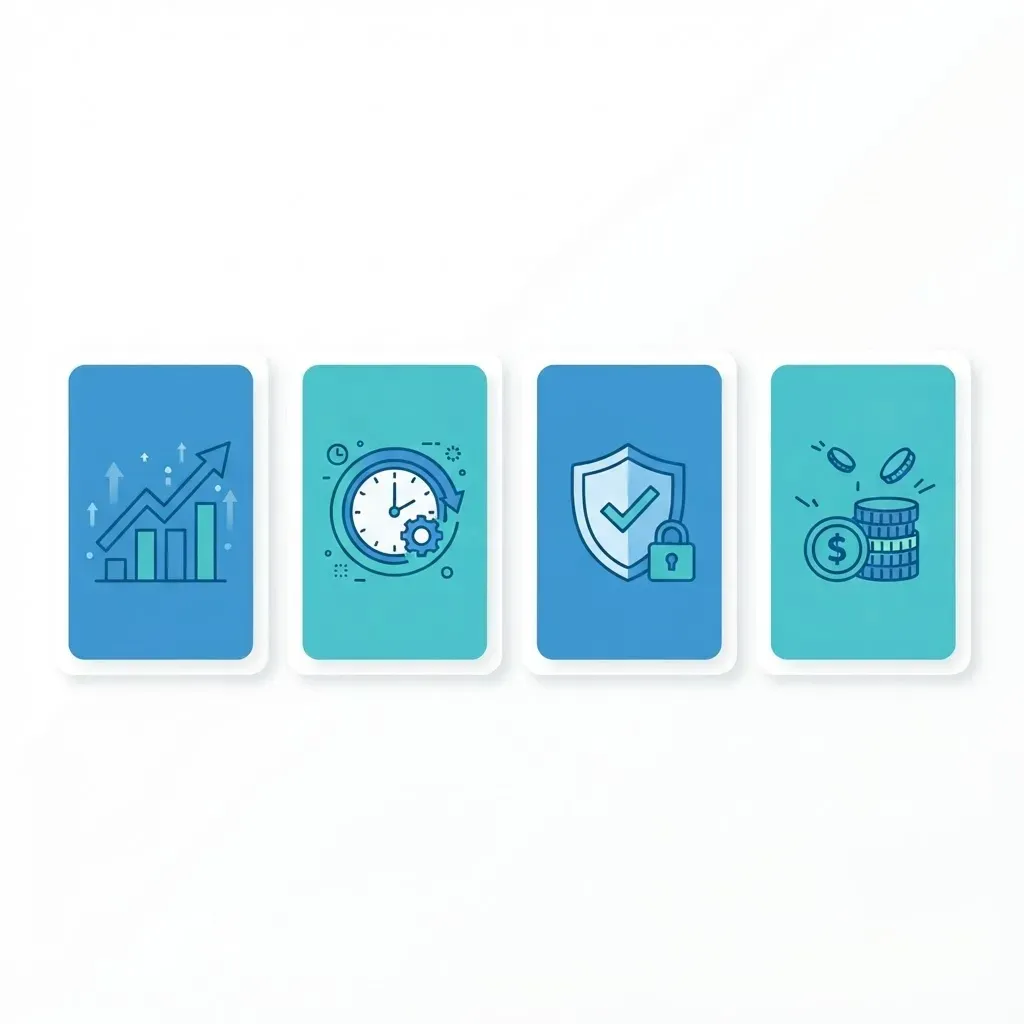
Frame your business-case slide around four measurable levers instead of the vague word efficiency:
- Cycle-time reduction - hours to minutes on tasks like customer onboarding checks.
- Error elimination - bots do not mistype an account number at 4:50 PM on a Friday.
- Audit readiness - every bot action is timestamped and logged, which shortens audit cycles.
- Capacity redeployment - staff time shifts to exception handling and customer conversations.
One caution worth stating out loud in your presentation: RPA savings are only real if you actually redeploy the freed hours. Automating a task while leaving the same headcount doing nothing produces a spreadsheet win and zero business win. Teams that plan the redeployment before go-live consistently report better results. If you are building the business case for a client or an internal board, structured guidance from an experienced partner such as ZoneTechify or WebPeak keeps the estimate defensible.
High-Value RPA Use Cases by Function
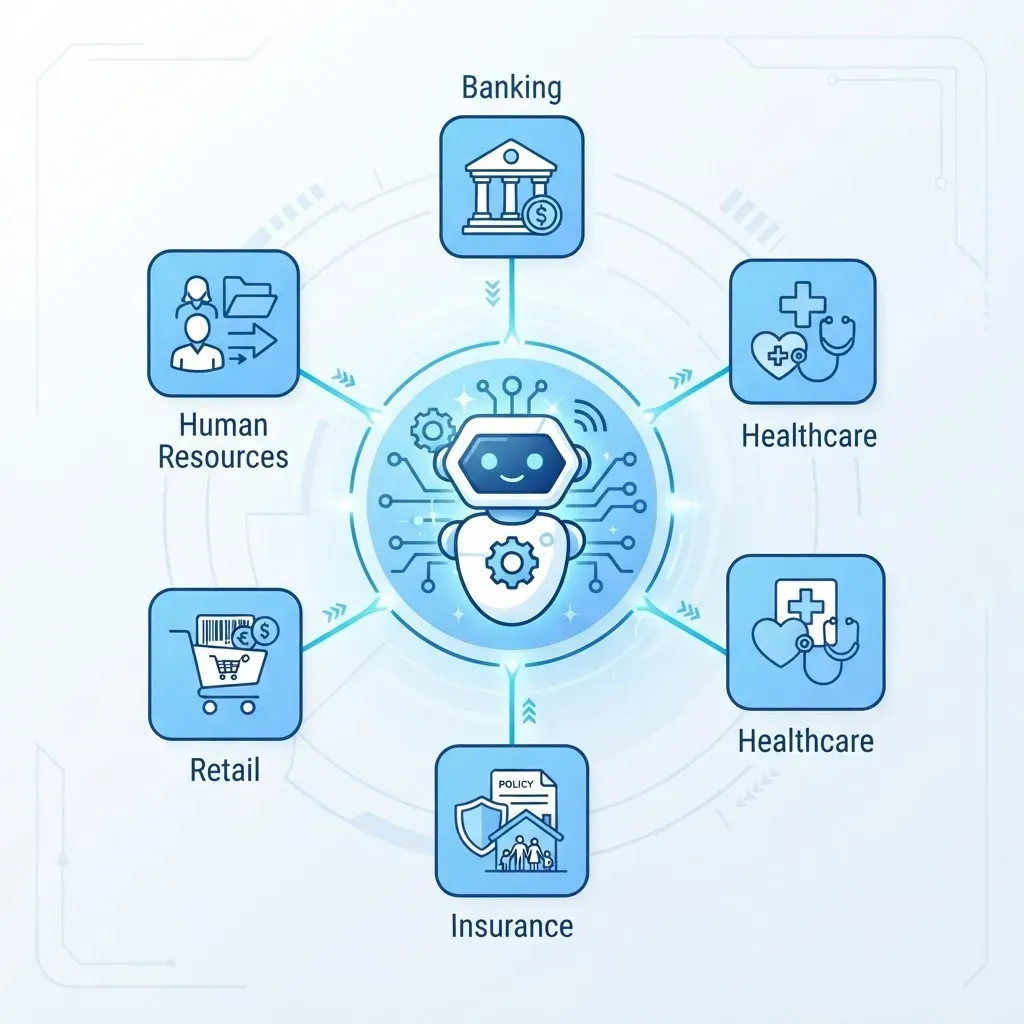
Generic use-case lists kill decks. Name the process, the trigger, and the systems involved. That specificity is what makes an audience recognize their own daily work.
Finance and Accounting
- Invoice processing: the bot reads an inbound invoice email, extracts vendor and amount, matches it against the purchase order, posts to the ERP, and flags mismatches for review.
- Bank reconciliation: the bot downloads statements, matches transactions to ledger entries, and produces an exceptions report before the accountant logs in.
Human Resources
- Employee onboarding: the bot creates accounts across email, HRIS, payroll, and access systems from a single approved requisition, cutting a multi-day chain into minutes.
- Timesheet compliance: the bot checks submissions, emails reminders, and escalates after a defined threshold.
Customer Operations
- Order status responses: the bot pulls tracking data from the logistics portal and drafts a reply for the agent to send.
- KYC document checks: the bot validates document completeness before a human reviewer assesses risk.
IT Operations
- Password resets and access provisioning driven directly from ticket queues.
- Routine server health checks with automatic ticket creation on failure.
RPA vs AI vs Intelligent Automation
This is the single most-asked question in every RPA presentation, so it deserves its own slide with a clear boundary.
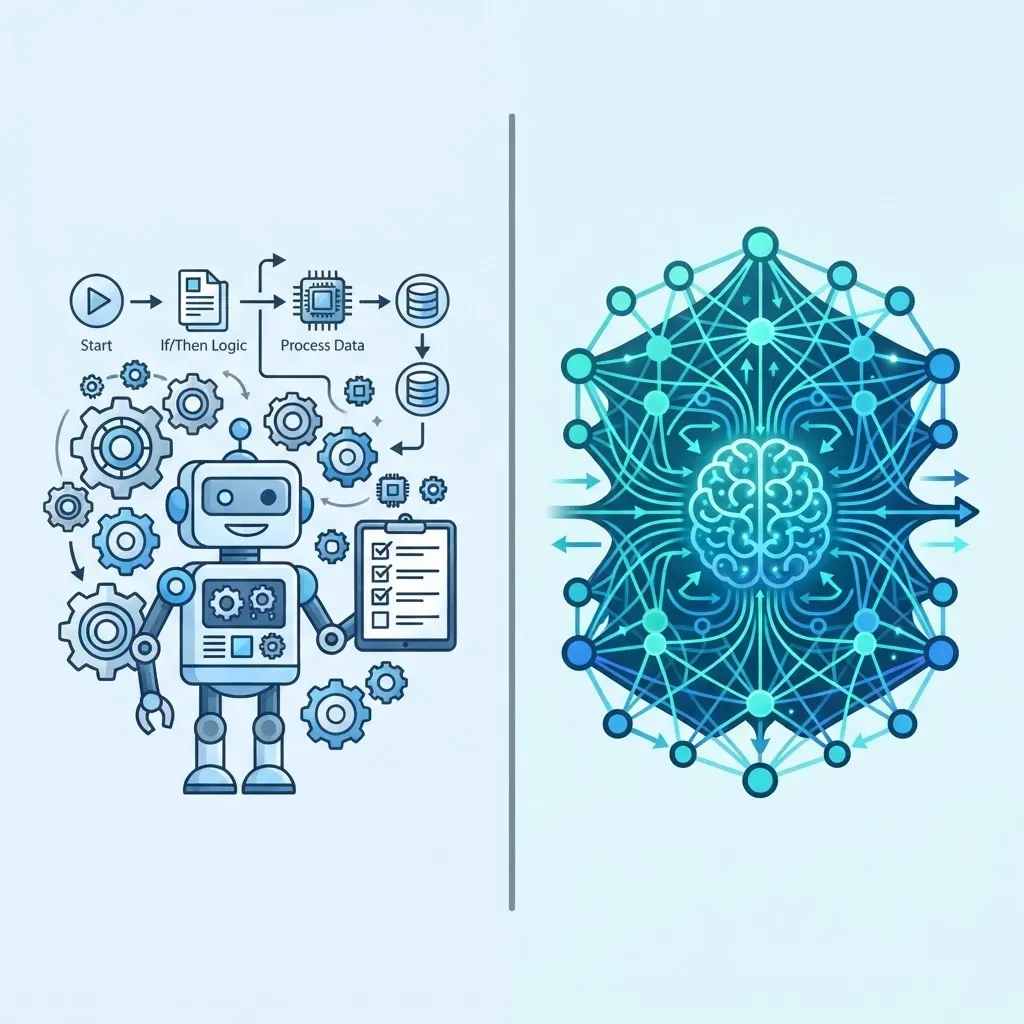
RPA is deterministic. It follows explicit rules and produces the same output for the same input every time. AI is probabilistic. It infers patterns from data and produces confidence-scored predictions. Intelligent Automation is the combination: AI reads the messy unstructured input, and RPA executes the structured downstream steps.
| Capability | RPA Alone | RPA + AI |
|---|---|---|
| Structured data entry | Yes | Yes |
| Reading a scanned handwritten form | No | Yes |
| Judgment on ambiguous cases | No | Partially |
| Predictable, auditable output | Yes | Requires review layer |
| Setup complexity | Low | High |
The practical implication: do not attach AI to a process you have not first stabilized with rules. Teams that add document AI before mapping the underlying workflow end up debugging two systems at once. For organizations ready for that combined layer, specialist artificial intelligence services can pair document understanding models with existing bots without destabilizing what already works.
The Complete RPA PPT Structure (12 Slides)
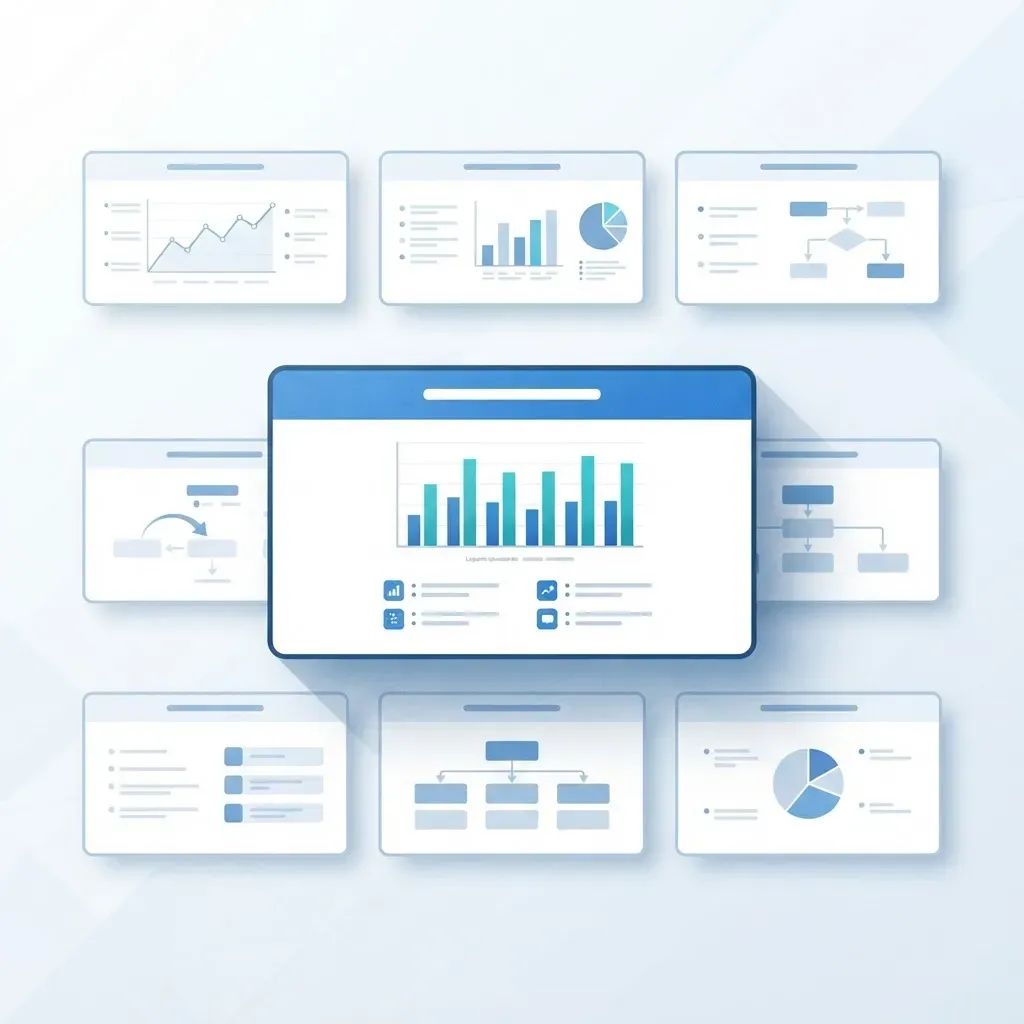
Here is a deck outline built for a 20-minute stakeholder session. Each slide has one job.
- Title slide - topic, presenter, date.
- Agenda - five bullets maximum.
- The problem - one real manual process in your organization with its current hours and error rate.
- What RPA is - the definition plus the clarification that no physical robot exists.
- How it works - the four-stage Capture, Design, Orchestrate, Execute diagram.
- Bot types - the attended vs unattended vs hybrid table.
- Use cases - three examples relevant to your audience department only.
- Benefits - the four measurable levers with your own baseline numbers.
- RPA vs AI - the boundary table.
- Limitations and risks - screen changes, governance, credential security.
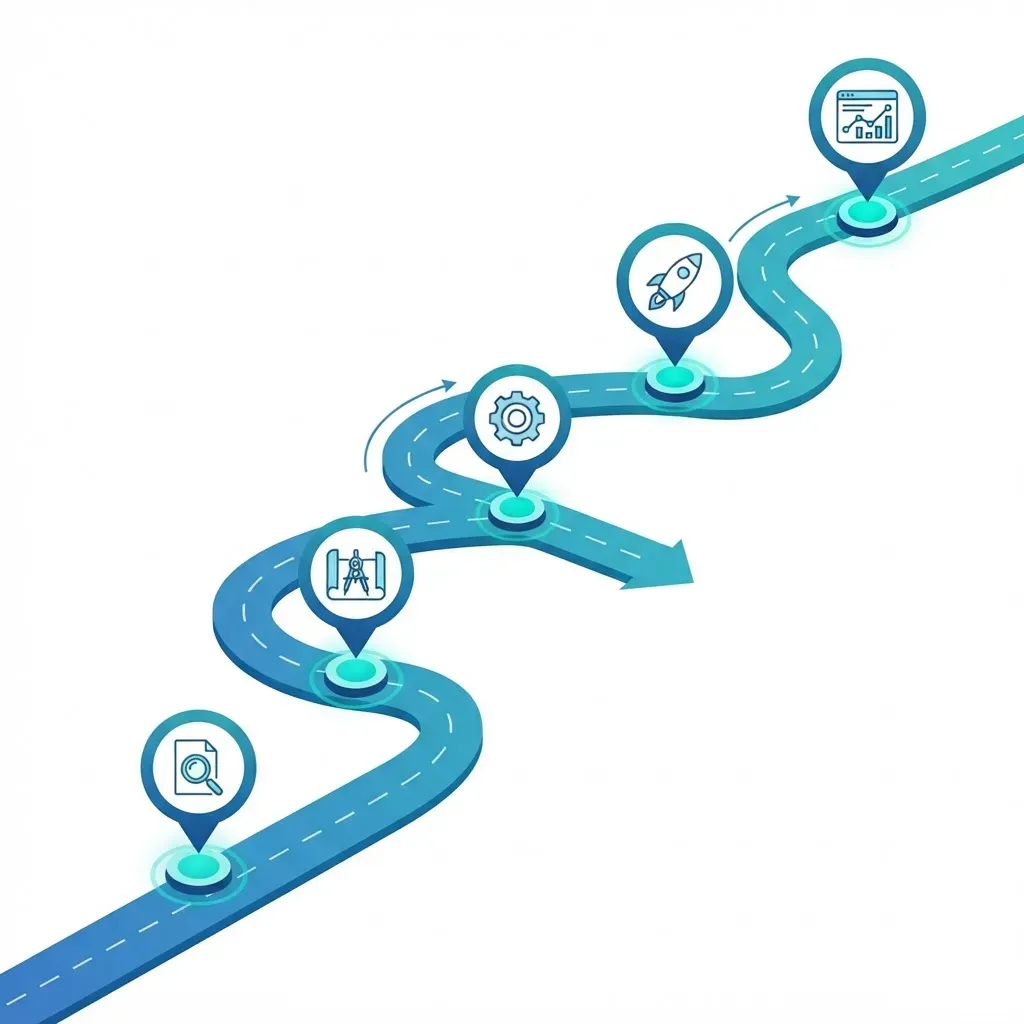
- Implementation roadmap - pilot, scale, centre of excellence.
- Ask and next step - the specific decision you need from the room.
Design Rules That Make the Deck Land
- Keep a maximum of six lines of text per slide, because the presenter carries the detail.
- Use one idea per slide, stated as the slide headline rather than a topic label.
- Choose process diagrams over stock robot photos so the visuals carry information.
- Show a live 60-second bot recording if possible, because it converts skeptics faster than any slide.
How to Choose the Right First Process
Pilot selection determines whether RPA succeeds or quietly dies. Score candidate processes against five criteria and only automate those that pass at least four.
- High volume - it runs at least dozens of times per week.
- Rule-based - no subjective judgment is required.
- Stable systems - the applications involved are not being replaced within a year.
- Digital inputs - data arrives in structured or semi-structured form.
- Measurable baseline - you already know the current handling time and error rate.
The most common mistake is choosing the most painful process rather than the most automatable one. Painful processes are usually painful because they are complex and exception-heavy, which makes them the worst possible first build. Win small, publish the measured result, then take on the hard one with credibility already earned.
Limitations You Should Present Honestly
- Maintenance is permanent. Application updates break selectors, so budget ongoing support and not just build cost.
- RPA does not fix broken processes. Automating a bad workflow only makes bad output arrive faster. Simplify first.
- Credential governance matters. Bots need system access, so store credentials in a vault and never inside the script.
- Unstructured input remains hard. Free-text emails and handwriting need AI extraction plus a human review step.
Key Takeaways
- RPA is software that imitates human interactions with applications to complete rule-based digital tasks, and no physical robot is involved.
- It operates on the UI layer, which is why it automates legacy systems without APIs but breaks when screens change.
- The four operating stages are Capture, Design, Orchestrate, and Execute, and exception handling consumes most of the build effort.
- Deloitte survey respondents reported RPA payback in under 12 months, and Gartner has estimated finance teams lose around 25,000 hours a year to avoidable manual-entry rework.
- Attended bots build adoption while unattended bots deliver scale, so start attended and then convert proven automations.
- A strong RPA PPT runs about 12 slides, uses one idea per slide, and ends with a specific decision request.
Frequently Asked Questions (FAQ)
What does RPA stand for in simple words?
RPA stands for Robotic Process Automation. It means using software bots to do repetitive computer tasks that people normally do manually, such as copying data between systems, processing invoices, or generating reports. The bots follow fixed rules and work inside existing applications without changing them.
Is RPA the same as artificial intelligence?
No. RPA follows predefined rules and always produces the same result for the same input, which makes it predictable and auditable. AI learns patterns from data and makes probabilistic predictions. They are often combined, where AI reads unstructured documents and RPA executes the structured steps that follow.
Do I need coding skills to build RPA bots?
Basic automations can be built in low-code studios using drag-and-drop activities with no traditional programming. However, production-grade bots that handle errors, retries, and logging usually require scripting knowledge and an understanding of application behavior, so most teams pair business analysts with technical developers.
What should an RPA PPT include for beginners?
Include a plain-language definition, a clarification that no physical robot exists, a simple four-stage diagram of how bots work, two or three relevant use cases, measurable benefits with your own baseline numbers, honest limitations, and a short implementation roadmap ending in one clear decision request.
Which processes should never be automated with RPA?
Avoid processes that change frequently, require human judgment or empathy, run only a few times per year, or depend on systems being replaced soon. Also avoid automating a broken workflow. Redesign it first, because automation only makes flawed output appear faster and at larger scale.
How long does an RPA pilot usually take?
A well-scoped first automation on a stable, rule-based process typically takes a few weeks from documentation to production, with most time spent on exception handling and testing rather than the happy path. Broader scaling then depends on governance, credential management, and documentation quality.