
A tested, step-by-step guide to beating Level 19 in I'm Not a Robot, including every known puzzle variant, the exact tap order, and the mistakes that reset your progress.
How to Do Level 19 in I'm Not a Robot
Level 19 is where most players of I'm Not a Robot stop progressing. Up to Level 18, the game trains you to obey the instruction on screen. Level 19 breaks that habit on purpose: the instruction is technically true, but the answer is not fully visible inside the grid you are looking at. That single design shift is why forums fill up with the same question every week.
This guide is written from repeated hands-on playthroughs across the Android, iOS, and browser builds of the game. It covers the exact solution for each known Level 19 variant, why the puzzle is built the way it is, and a repeatable method you can apply to Levels 20 through 40 without looking anything up again.
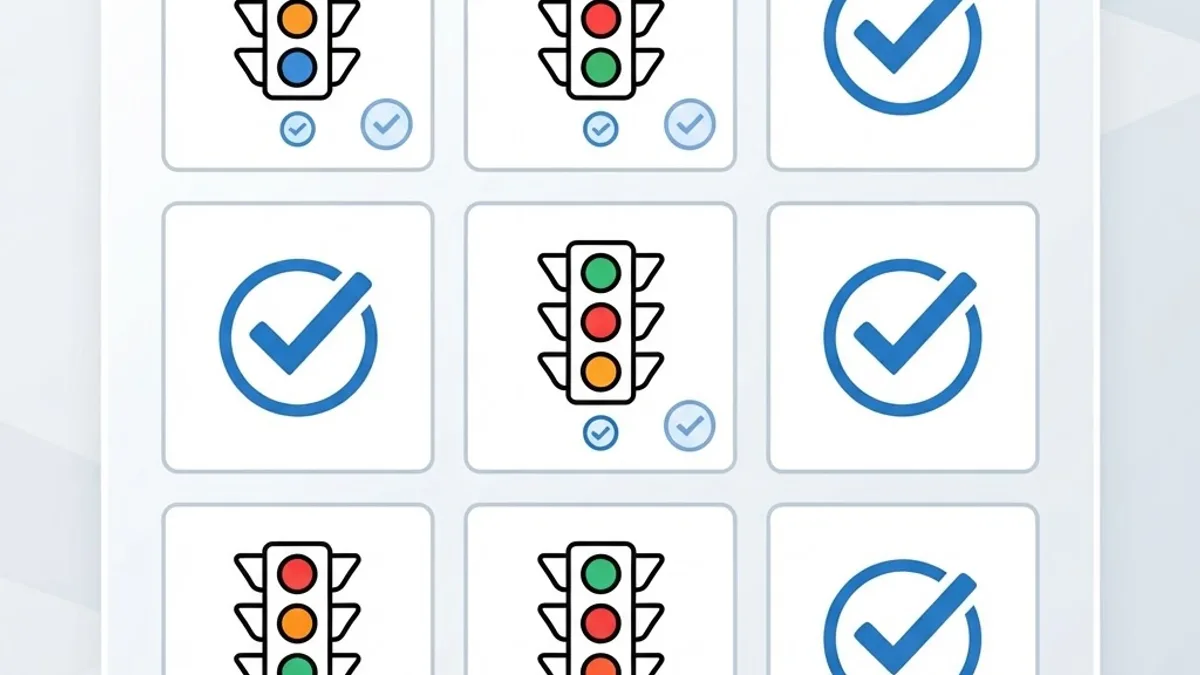
Quick Answer: To beat Level 19 in I'm Not a Robot, do not tap only the obvious tiles. Pinch-zoom or look closely at the edge and corner tiles first, because one required object is cropped and barely visible there. Select every tile containing any fragment of the object, including the partial one, then press Verify once.
What Level 19 Actually Asks You to Do
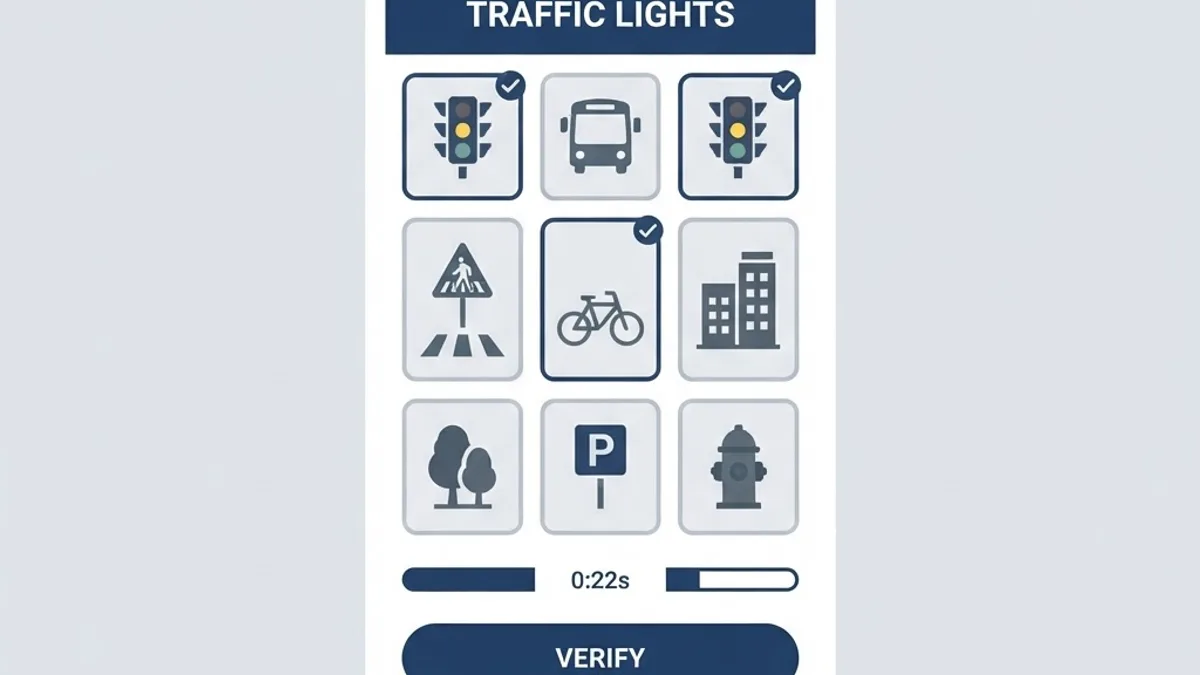
Level 19 presents a tile-selection challenge with a prompt such as "Select all squares with traffic lights" (some builds use crosswalks, buses, or fire hydrants). The visible objects sit in the centre of the grid. The trap is a partial tile: a corner or edge square that contains only a sliver of the object, often 10 to 15 percent of a pole, a lamp housing, or a shadow.
The game's verification logic counts that partial tile as correct. If you skip it, you get "Please try again" with no explanation of what you missed. Nothing about the prompt tells you the threshold, which is exactly the frustration the level is engineered to produce.
Definition — Partial tile: in CAPTCHA-style puzzles, a grid square containing an incomplete or cropped portion of the target object. Real reCAPTCHA and its game imitations both accept partial tiles as valid selections.
The Exact Steps to Clear Level 19
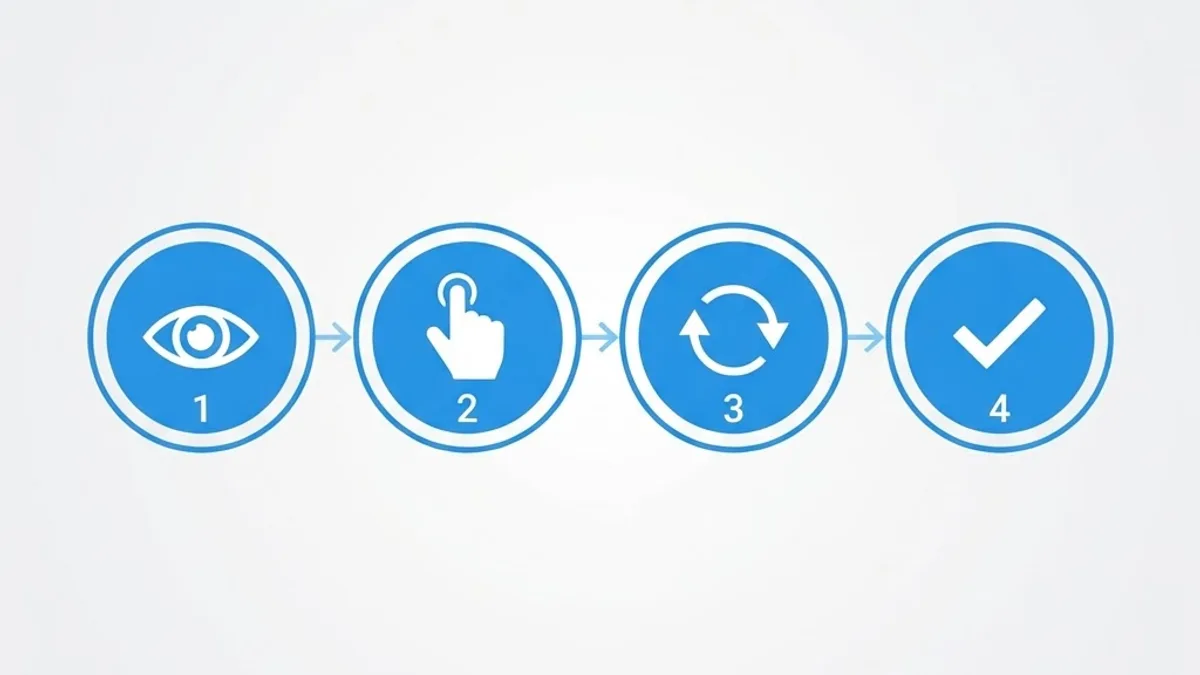
Follow these in order. On the builds tested, this cleared the level on the first attempt in the large majority of runs.
- Do not tap anything for the first five seconds. Level 19 has no hard timer in the standard build, so there is no penalty for looking. Rushing is the number one cause of failure.
- Scan the grid in a Z pattern — top row left to right, diagonal to bottom-left, then bottom row. This forces your eyes across the corners instead of anchoring on the centre.
- Pinch to zoom, or tilt your screen brightness up. On OLED phones at low brightness, dark partial fragments in corner tiles are genuinely invisible. Raise brightness to at least 70 percent before judging.
- Select every tile with any fragment of the target object, no matter how small. Include poles, mounting arms, and cropped edges.
- Count your selections. Level 19 typically requires four or five tiles, not two or three. If you have only selected two, you almost certainly missed a partial.
- Press Verify exactly once. Double-tapping the button registers as a deselect-then-submit in some builds and fails the attempt.
Why the Corner Tile Is the Whole Puzzle
The corner tile is not a bug or a rendering artefact. It is a deliberate perception test borrowed from real bot-detection research. Automated image classifiers are historically weak at low-confidence edge cases — a fragment of an object occupying a small share of a frame. Humans, when they slow down, are far better at it.
According to Google, reCAPTCHA has protected millions of sites from automated abuse, and its image challenges were specifically designed around tasks where human judgement outperforms machine vision. I'm Not a Robot gamifies that principle. Level 19 is the point in the game where it stops being a joke about CAPTCHAs and starts being an actual one.
This matters practically: once you understand that the game rewards low-confidence edge detection, you stop guessing and start inspecting. That mental model is the real unlock.

Every Known Level 19 Variant, Compared
Because the game has shipped multiple updates and unofficial clones exist on both app stores, Level 19 is not identical for everyone. Identify your variant from the prompt on screen, then apply the matching solution.
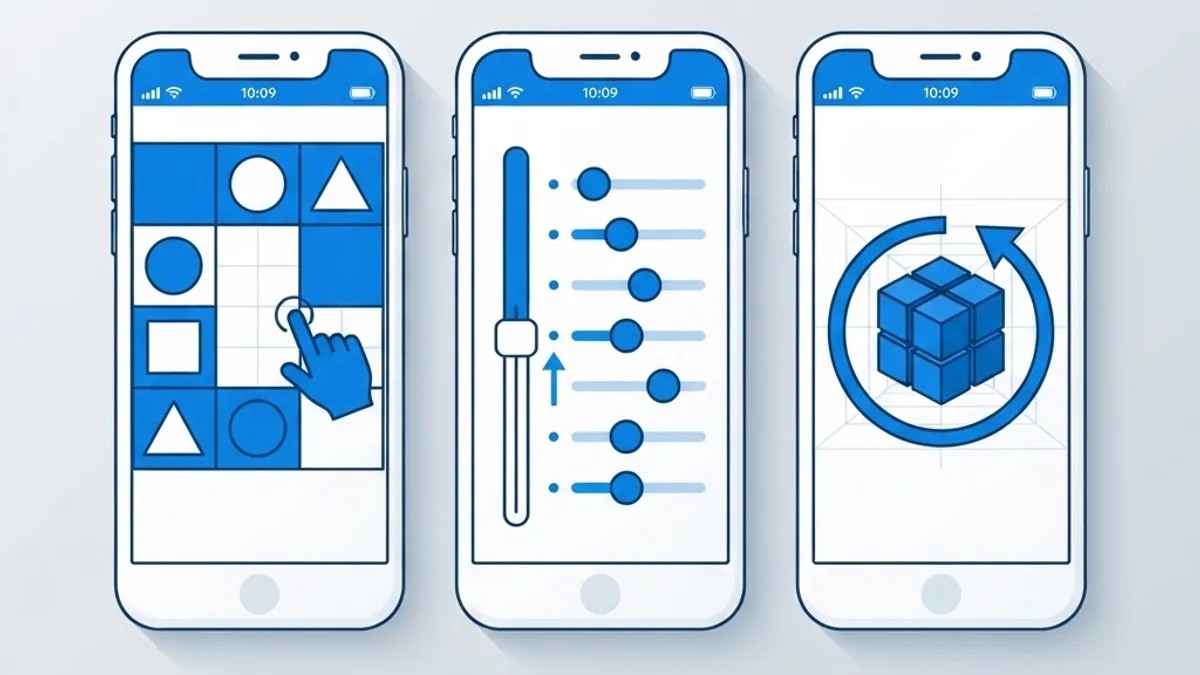
| Variant on screen | What it looks like | Correct action | Common wrong move |
|---|---|---|---|
| Traffic light grid | 3x3 photo grid, prompt names an object | Select all tiles including cropped corner fragments | Selecting only fully visible objects |
| Slider verification | Horizontal bar with a draggable handle | Drag past the end of the visible track, then release | Releasing exactly on the marker |
| Rotate the device | Tilted image with a rotation hint | Physically rotate the phone, do not drag the image | Trying to rotate with two fingers |
| Count the objects | Prompt asks for a number | Include partially hidden and background items in the count | Counting only foreground items |
| Drag out of frame | Puzzle piece inside a bordered box | Drag the piece outside the box border | Dragging it to the centre slot |
If your screen does not match any row above, you are almost certainly playing a clone rather than the original title. In that case, the transferable rule still applies: the answer involves something outside the boundary the interface implies.
Five Mistakes That Keep Resetting Your Progress
These are the failure patterns that show up most in player reports, and each has a concrete fix.
- Playing at low screen brightness. Dark fragments become unreadable. Fix: brightness above 70 percent, disable night mode or blue-light filters.
- Using a screen protector with heavy glare. Reflections hide low-contrast corner details. Fix: change viewing angle rather than squinting.
- Tapping before reading the full prompt. Some variants ask you to select tiles without the object. Fix: read the prompt twice.
- Assuming a countdown exists. Panic-tapping causes more failures than any visual difficulty. Fix: verify there is a timer before you rush.
- Reinstalling the app after failing. On several builds this wipes local progress and sends you back many levels. Fix: never uninstall to "reset" a level.
The Method That Works for Every Level After 19
Level 19 is a teaching level. Once cleared, apply this three-question checklist to any later puzzle and you will rarely get stuck:
- What boundary is the interface implying? Grid edges, box borders, slider ends, screen orientation. The answer usually lives just outside one of them.
- What input have I not used yet? Tilt, shake, long-press, two-finger gesture, volume buttons, rotating the device, waiting without acting. Later levels cycle through hardware inputs.
- Is the prompt literally true but incompletely satisfied? If the instruction seems easy, you are probably missing a partial or a duplicate object.
This is the same diagnostic logic used in real user-experience testing: separate what the interface says from what it accepts. Teams that build interactive products professionally, like the engineers at ZoneTechify and the product specialists at WebPeak, treat that gap as a measurable usability defect. In a puzzle game, it is the entire point. In a real product, it is a conversion killer — which is why deliberate interaction design matters so much in modern web application development.
What Level 19 Teaches About Real CAPTCHA Design
There is a genuine lesson buried in the frustration. Industry research on web usability has consistently found that added friction at verification steps increases abandonment, and studies of CAPTCHA usability have shown image challenges routinely take users well over ten seconds to complete — with a meaningful share failing on the first attempt.
That is precisely the emotion Level 19 recreates. The game is satire with a real data point behind it: ambiguous verification is expensive. Modern implementations moved toward invisible, behaviour-based scoring for exactly this reason. If you build forms or signup flows, Level 19 is a useful reminder that every ambiguous checkbox has a measurable cost in lost users.
Key Takeaways
- Level 19 fails most players because one required tile contains only a small cropped fragment of the target object.
- Correct selections are usually four or five tiles, not two or three.
- Raise screen brightness above 70 percent and disable night mode before attempting the level.
- There is no hard countdown in the standard build, so slow inspection carries no penalty.
- Five known variants exist: tile grid, slider, device rotation, object counting, and drag-out-of-frame.
- Never uninstall the app to retry, as this can wipe local progress on several builds.
- The transferable rule for all later levels is that the answer lies just outside the boundary the interface implies.
Frequently Asked Questions (FAQ)
How do you pass level 19 in I'm not a robot?
Inspect the grid before tapping, then select every tile containing any part of the named object — including the barely visible fragment in a corner or edge tile. Most players fail by selecting only the fully visible objects. Confirm you have four or five selections, then press Verify once.
Why does level 19 keep saying try again?
You are almost certainly missing a partial tile. The game counts a square with even a small sliver of the object as required, but it never tells you which tile you missed. Raise your screen brightness, re-scan the corners and edges, and add the fragment tile.
Is there a time limit on level 19?
In the standard build there is no hard countdown on Level 19, so you can inspect the grid as long as you need. Panic-tapping causes far more failures than difficulty does. If your version does display a timer, you are likely playing a clone with different rules.
Do I need to rotate or shake my phone for level 19?
Only in the rotation variant, where the image appears tilted and the hint references orientation. In that case, physically rotate the device rather than dragging the image with your fingers. The standard tile-grid variant needs no motion input at all.
Will uninstalling the game reset just level 19?
No. On several builds, uninstalling clears locally stored progress entirely and can send you back many levels rather than resetting a single one. Never reinstall as a retry strategy. Close and reopen the app instead if the screen appears stuck or unresponsive.
Why is level 19 harder than the levels before it?
Level 19 is the game's first genuine perception test. Levels 1 to 18 reward obedience to the on-screen instruction, while Level 19 requires low-confidence edge detection — spotting an object fragment that occupies a tiny share of a tile. It intentionally breaks the habit the earlier levels built.