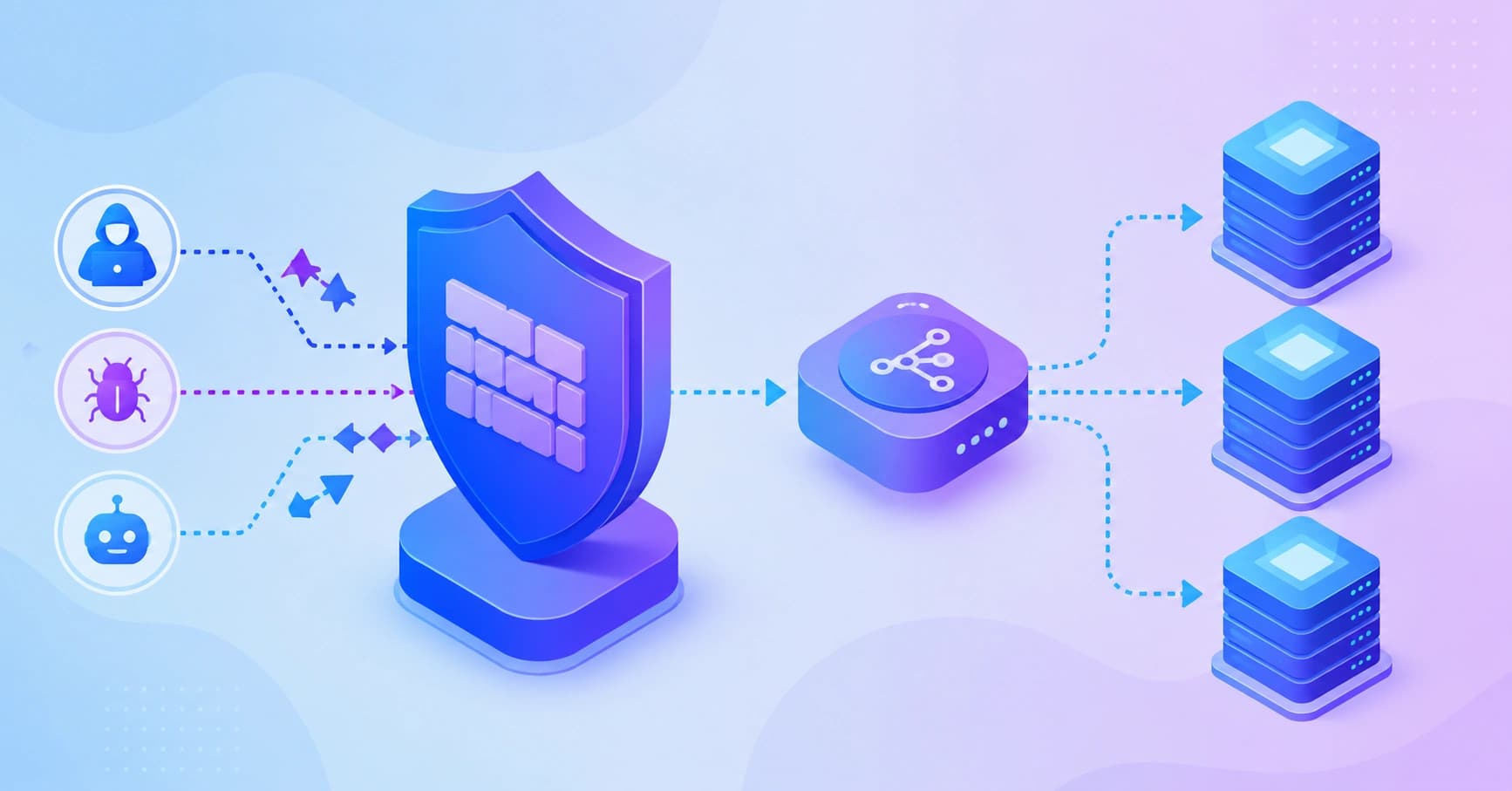
A practical engineering guide to combining a web application firewall with a load balancer, including deployment order, algorithms, tuning, and real cost trade-offs.
Web Application Firewall Load Balancer
Most teams discover the relationship between a web application firewall and a load balancer the hard way: during an incident. Either a traffic spike takes the application down because one server absorbed everything, or a scripted attack slips past the edge because the firewall was inspecting the wrong traffic. These two components sit inches apart in your request path, and how you order, configure, and monitor them decides whether your application stays fast, available, and uncompromised.
This guide explains how a web application firewall (WAF) and a load balancer actually work together, what order they belong in, which algorithms and rule sets matter, and how to avoid the misconfigurations that quietly break logging, session handling, and rate limiting.
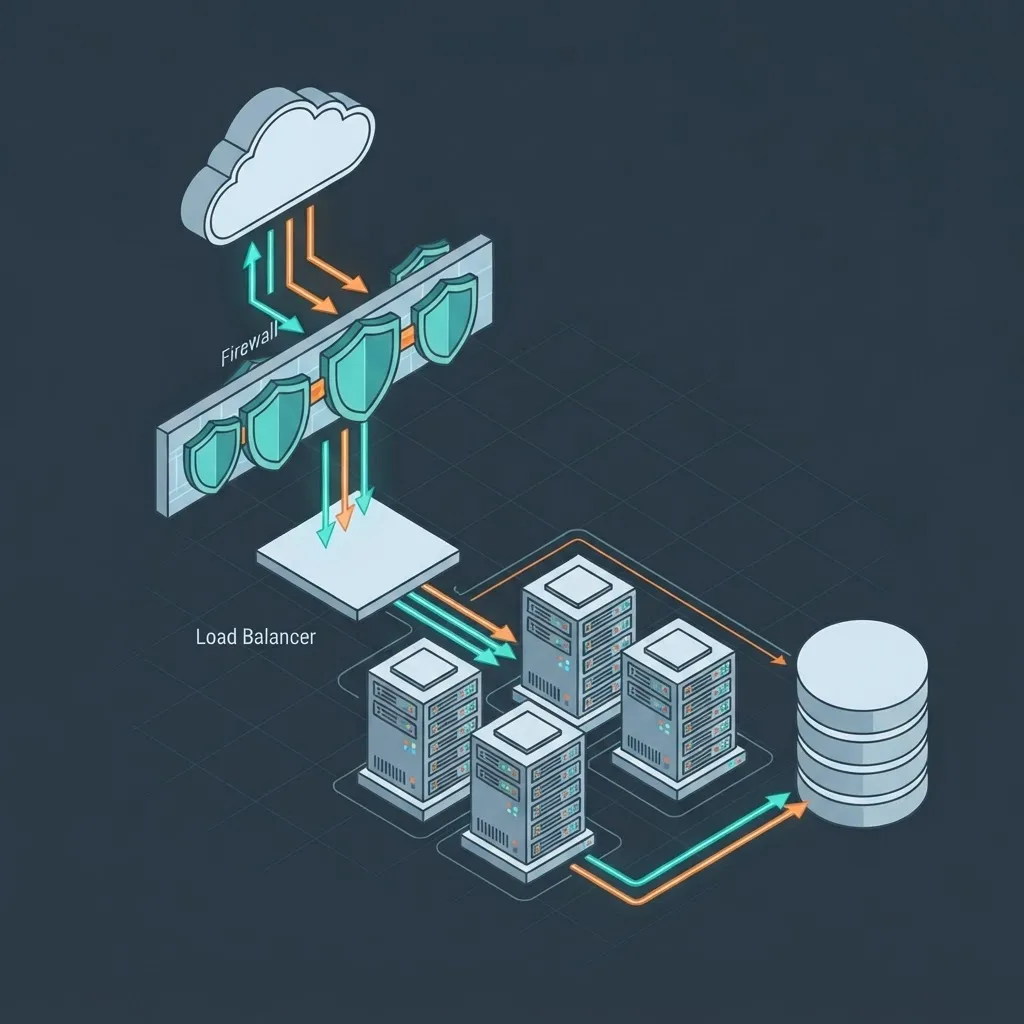
Quick Answer: A web application firewall inspects HTTP request content and blocks malicious traffic, while a load balancer distributes legitimate traffic across healthy servers. In production, the WAF sits in front of or is integrated into the load balancer, so requests are filtered first and only clean traffic gets distributed to your backend pool.
What a Web Application Firewall Actually Does
A web application firewall is a reverse proxy that inspects HTTP and HTTPS requests at Layer 7 and applies rules to allow, block, challenge, or log them. Unlike a network firewall, which decides based on IP addresses and ports, a WAF reads request method, path, headers, cookies, query strings, and body payloads.
That distinction matters because modern attacks are valid network traffic. A SQL injection attempt arrives as a perfectly formed HTTPS POST on port 443. Only content inspection catches it.
A production WAF typically enforces four rule categories:
- Signature rules that match known attack patterns such as SQL injection, cross-site scripting, path traversal, and command injection.
- Protocol enforcement that rejects malformed requests, oversized headers, and illegal encodings.
- Rate and behavior rules that throttle credential stuffing, scraping, and brute-force attempts per IP, per session, or per endpoint.
- Custom application rules written specifically for your routes, for example blocking all non-POST methods on a payments callback.
The OWASP Top 10, updated in 2021 and widely used as the industry baseline, places broken access control first and injection third, which is a useful reminder: a WAF meaningfully reduces injection and automated abuse, but it cannot fix authorization logic you wrote incorrectly.

Key Terms Defined
- WAF: A Layer 7 security proxy that filters HTTP traffic based on request content.
- Load balancer: A component that distributes incoming requests across multiple backend servers based on a selection algorithm and health checks.
- Negative security model: Block what matches known-bad patterns; everything else passes.
- Positive security model: Allow only what matches a defined schema; block everything else.
- Origin: The backend server or service that ultimately handles the request.
What a Load Balancer Actually Does
A load balancer solves availability and capacity, not security. It accepts a connection, picks a healthy backend, and forwards the request. Its two non-negotiable jobs are distribution and health checking. If a backend fails a health check, the load balancer removes it from rotation, which is the mechanism that converts a single-server outage into a non-event.
Load balancers operate at two layers. Layer 4 balancers route by IP and port and are extremely fast but content-blind. Layer 7 balancers terminate TLS, read the request, and can route by hostname, path, header, or cookie. Layer 7 is what enables path-based routing to microservices, and it is also the layer where WAF logic can live inside the same appliance.
Choosing a Distribution Algorithm
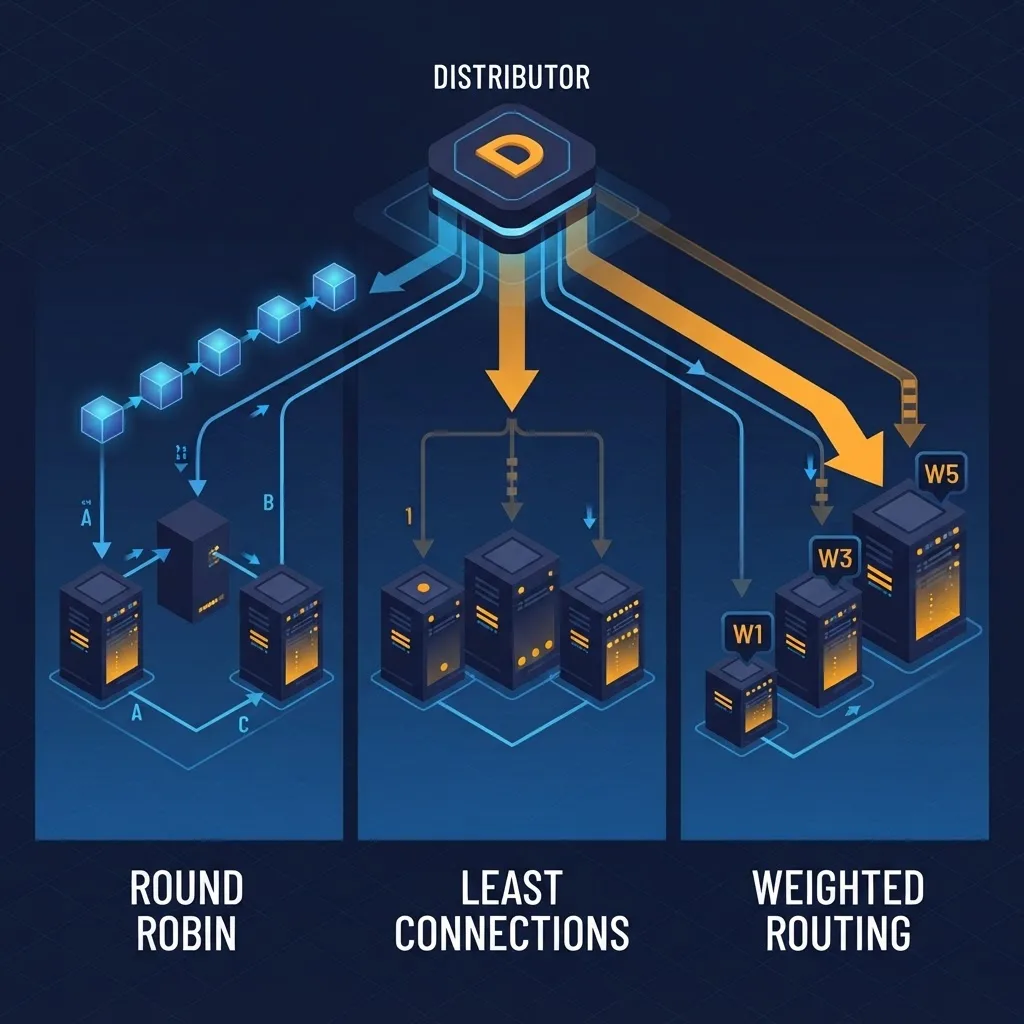
- Round robin: Sends each request to the next server in order. Fine when all servers are identical and requests are uniform.
- Least connections: Sends to the server with fewest active connections. Better for long-lived requests, WebSockets, or slow database-bound endpoints.
- Weighted: Assigns proportional traffic to servers of unequal size. Useful during instance-type migrations.
- IP hash or sticky sessions: Pins a client to one server. Use only when session state is local, and treat it as technical debt to remove.
- Least response time: Combines latency and connection count. Best default for mixed API workloads.
A practical rule from production experience: if your p99 latency is more than five times your p50, round robin is the wrong choice. Uneven request cost is exactly the condition least connections and least response time were designed for.
WAF vs Load Balancer: The Comparison That Clears Up Confusion
| Aspect | Web Application Firewall | Load Balancer |
|---|---|---|
| Primary goal | Block malicious requests | Distribute traffic and keep the app available |
| OSI layer | Layer 7 only | Layer 4 or Layer 7 |
| Decision input | Request body, headers, cookies, path | Server health, connections, weights |
| Failure symptom | Attack reaches origin | Overloaded or unreachable servers |
| Handles DDoS | Application-layer floods | Volume spreading, not filtering |
| Adds latency | Typically 1 to 5 ms per request | Typically under 1 ms at Layer 4 |
| Replaces the other | No | No |
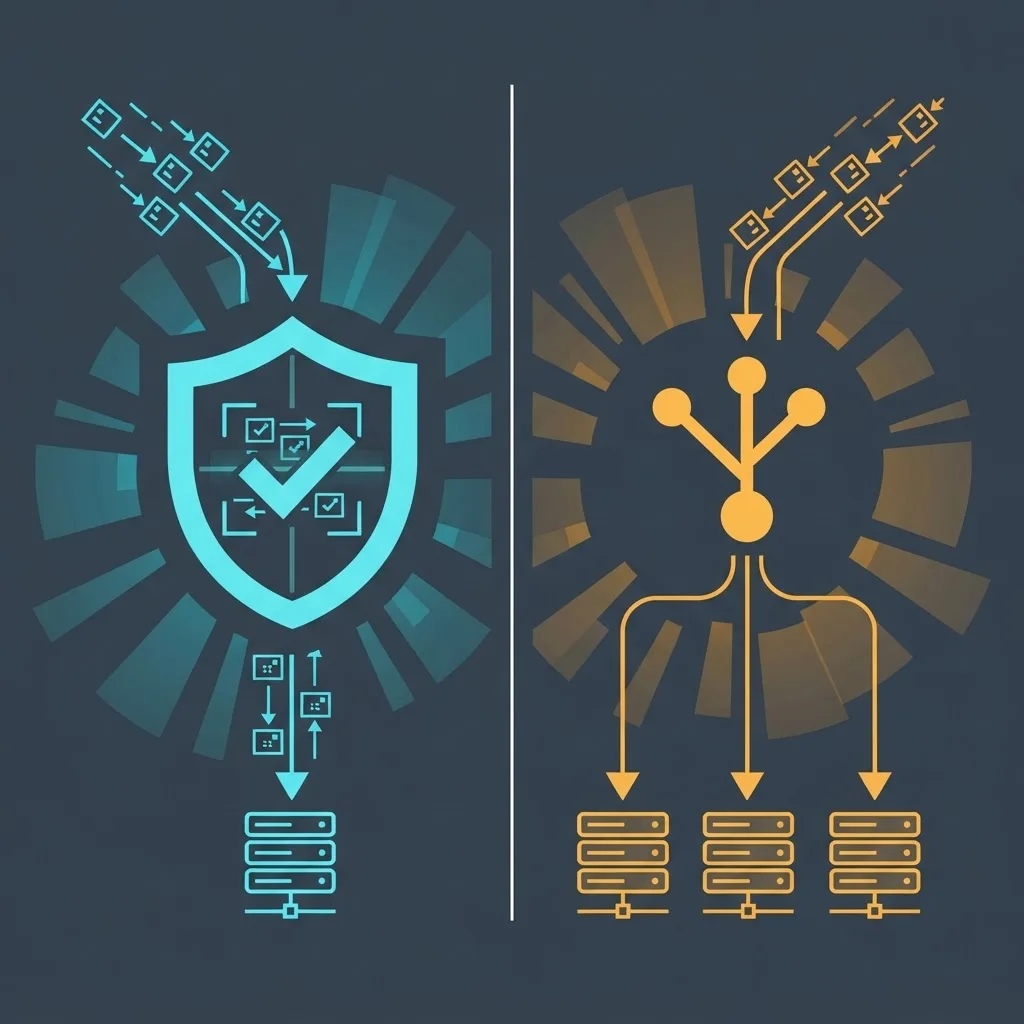
The cleanest mental model: the WAF decides whether a request should be served, and the load balancer decides who serves it.
Deployment Order and Topology
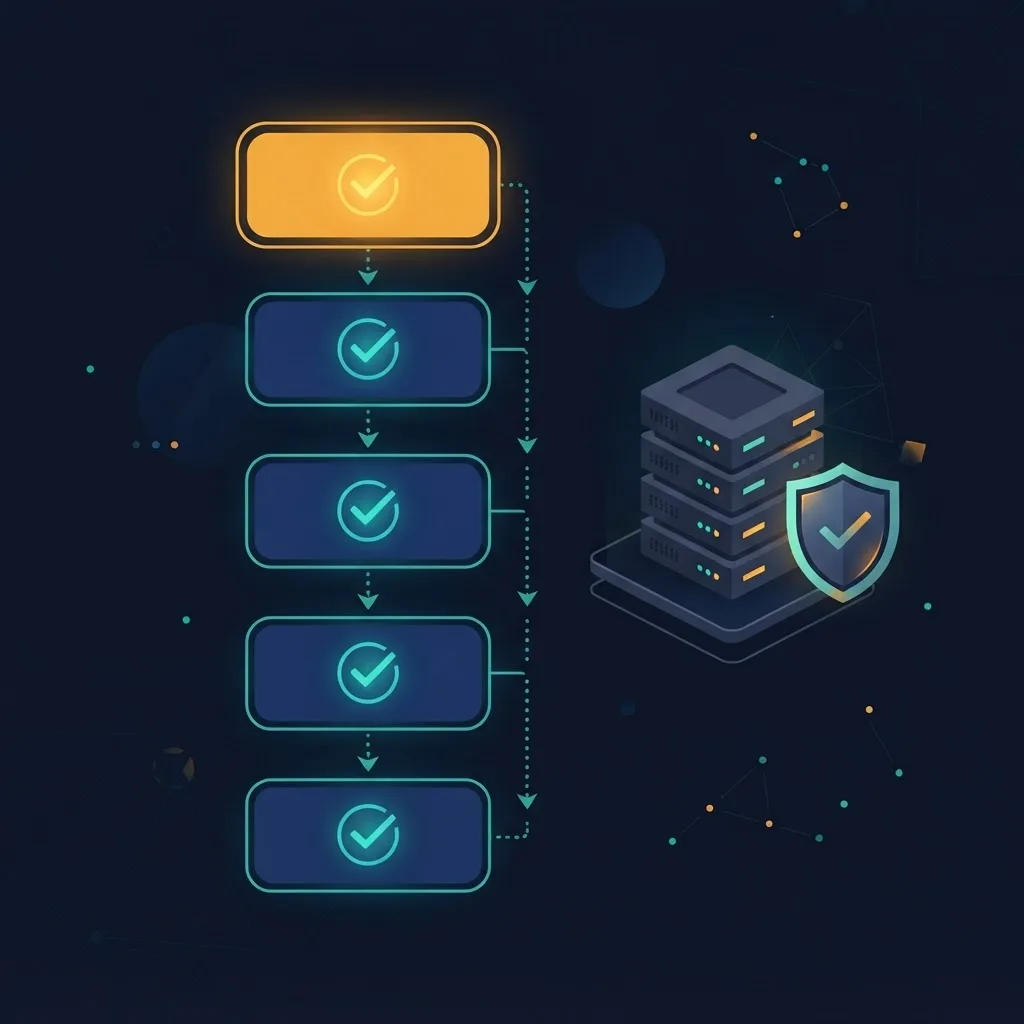
The correct order in almost every architecture is client, then DNS or CDN, then WAF, then load balancer, then application servers. Filtering before distribution means blocked traffic never consumes backend capacity, and it keeps your health-check metrics honest because attack volume does not register as legitimate load.
There are three common topologies:
- Integrated edge: A cloud provider offers WAF rules attached directly to the load balancer or CDN. Lowest operational overhead, single place to manage TLS, and the most common choice for teams under twenty engineers.
- Separate WAF proxy: A dedicated WAF layer, often ModSecurity or Coraza with the OWASP Core Rule Set, in front of an internal load balancer. More control, more maintenance, better for strict compliance environments.
- Sidecar or service mesh: WAF policy enforced per service inside the cluster, with the load balancer at the ingress. Strong east-west protection, highest complexity.
Deployment Checklist
- Terminate TLS where the WAF can read plaintext, otherwise inspection is useless.
- Forward the real client IP using X-Forwarded-For and configure the load balancer to trust only your WAF as a proxy source.
- Run the WAF in detection-only mode for at least two full traffic weeks and review every would-be block before enforcing.
- Lock your backend security groups so origins accept traffic only from the load balancer, preventing direct-to-origin bypass.
- Set health-check paths that verify dependencies, not just process liveness, and exempt those paths from WAF rate limits.
- Enable structured logging on both layers with a shared request ID so a blocked request can be traced end to end.
- Load test with the WAF enabled, since rule evaluation cost is real and only appears under concurrency.
Step two is the most commonly skipped step, and it causes the most damage. If the real client IP is lost, every rate limit sees your load balancer as the single source of all traffic, and either nothing gets throttled or everything does.
Tuning to Reduce False Positives
False positives are the reason WAFs get disabled, and disabled WAFs protect nothing. The OWASP Core Rule Set ships with a paranoia level system precisely because higher sensitivity buys detection at the cost of legitimate traffic being blocked.
A tuning approach that works:
- Start at the lowest paranoia level in detection mode and record an anomaly score for every request.
- Group blocked requests by rule ID, then by endpoint. In most applications, three to five rules generate the majority of noise, usually on rich-text fields, file uploads, and base64 payloads.
- Write scoped exclusions per rule and per parameter, never global rule disables. Excluding one rule on one form field is safe; turning off an entire injection category is not.
- Re-evaluate after every major release, because new endpoints introduce new payload shapes.
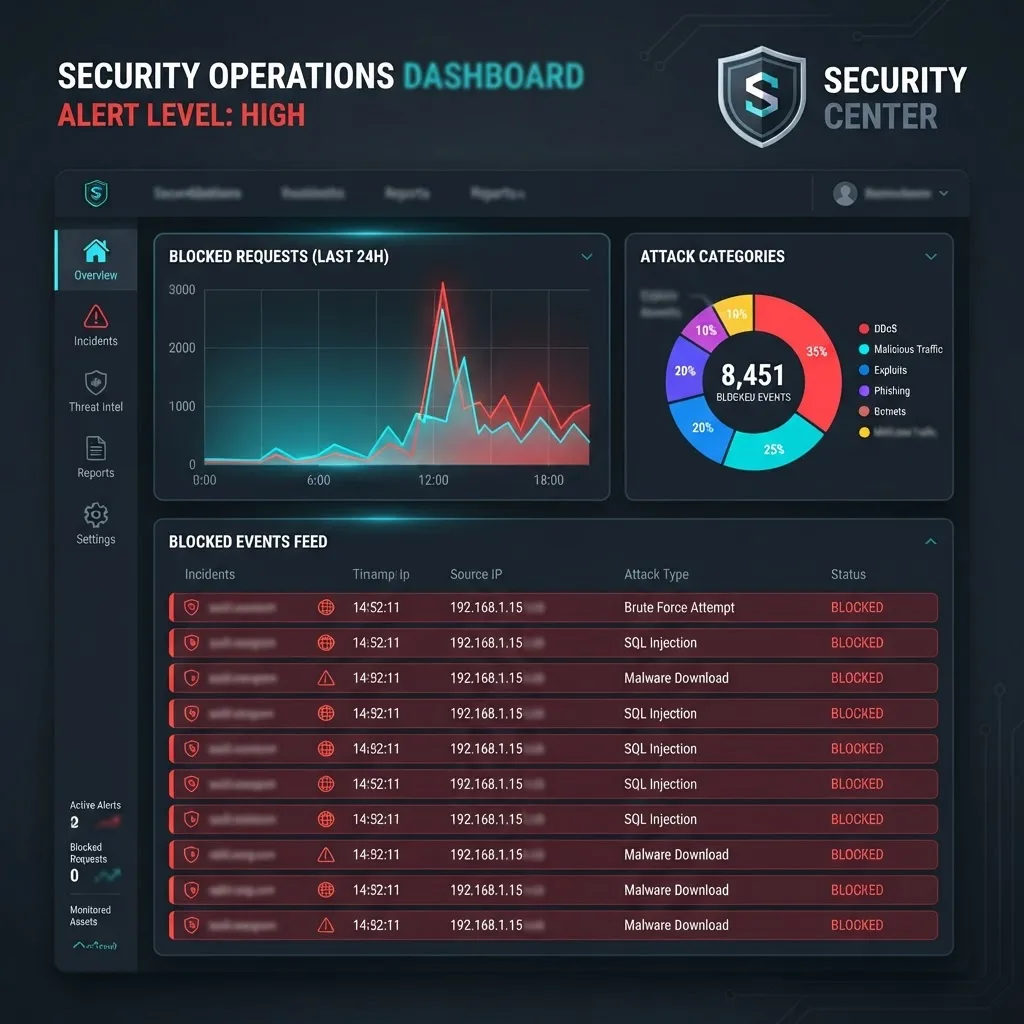
Teams that treat WAF tuning as a recurring operational task rather than a one-time setup consistently keep enforcement enabled. Teams that treat it as a checkbox end up with a permanently permissive configuration. Engineering partners such as ZoneTechify Team and specialists in scalable web solutions generally build this review cycle into release checklists, alongside dependency scanning and performance budgets.
Scaling, Cost, and Performance Trade-Offs
Every inspected request costs CPU time. Layer 4 balancing adds well under a millisecond, while Layer 7 inspection with a full rule set typically adds a few milliseconds. That is acceptable for nearly all applications, but it becomes visible in two situations: very high request rates with tiny payloads, and large request bodies where inspection limits are set generously.
Two practical controls:
- Cap the inspected body size. Inspecting the first 8 KB of a request catches the overwhelming majority of injection payloads without scanning multi-megabyte uploads.
- Exclude static asset paths from inspection entirely and serve them from a CDN, which often removes half your request volume from the WAF path.
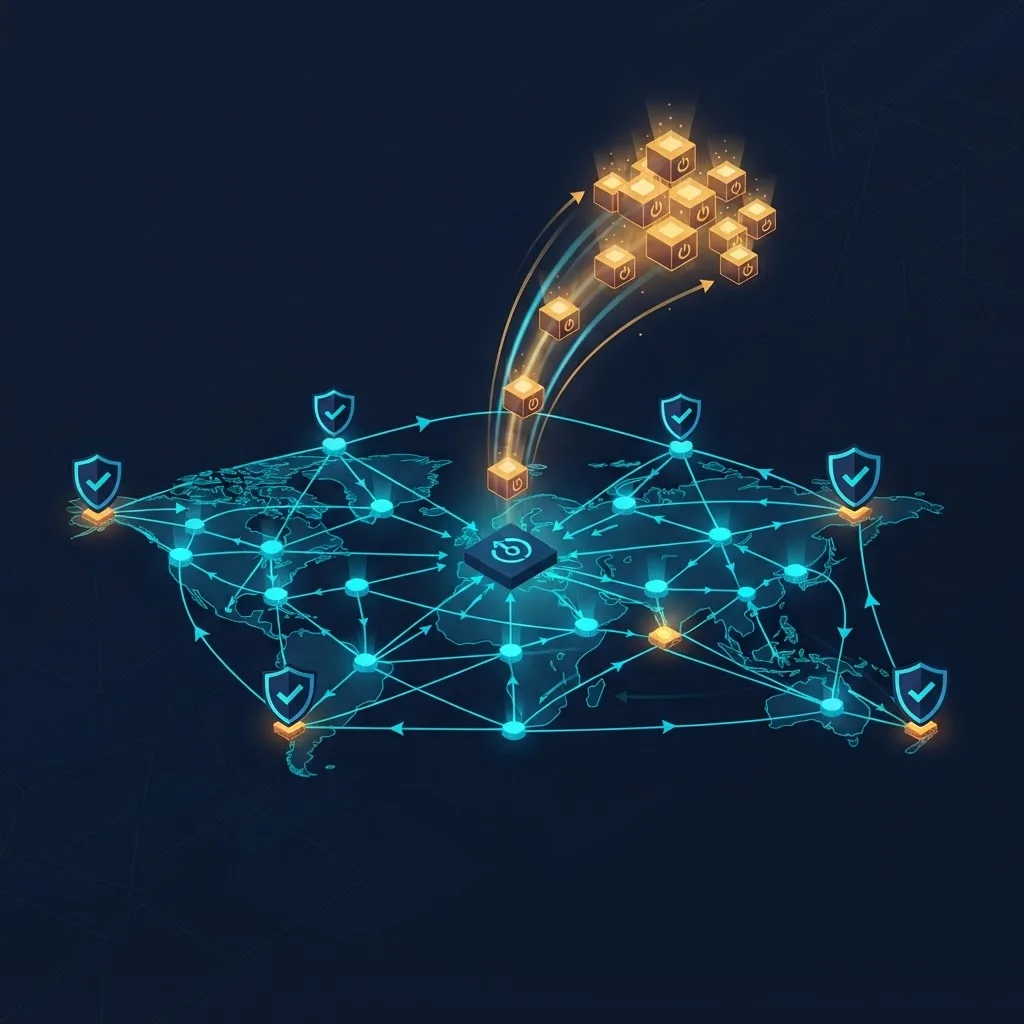
On scaling, remember that autoscaling and load balancing are coupled. The load balancer's connection and latency metrics are usually the healthiest autoscaling signal, because they reflect real user experience rather than instance-level CPU. Configure scale-out thresholds against those metrics and set connection draining so instances finish in-flight requests before termination.
Key Takeaways
- A WAF filters at Layer 7 by inspecting request content; a load balancer distributes traffic based on health and algorithm. They are complementary, never interchangeable.
- The correct request order is DNS or CDN, then WAF, then load balancer, then origin servers, so malicious traffic never consumes backend capacity.
- The OWASP Top 10 ranks broken access control first and injection third, confirming a WAF reduces but does not eliminate application-layer risk.
- Least connections or least response time outperforms round robin whenever request cost varies widely, such as a p99 more than five times the p50.
- Always forward the real client IP and trust only the WAF as a proxy, or rate limiting silently breaks.
- Run detection-only mode for at least two weeks, then enforce with scoped per-parameter exclusions rather than global rule disables.
- Lock origin firewalls to accept only load balancer traffic to prevent direct-to-origin bypass.
Frequently Asked Questions (FAQ)
Do I need both a WAF and a load balancer?
Yes, if you run more than one server or handle untrusted user input. The load balancer keeps your application available during traffic spikes and server failures, while the WAF blocks injection, scraping, and credential-stuffing attempts. Each solves a different failure mode and neither substitutes for the other.
Should the WAF go before or after the load balancer?
Put the WAF before the load balancer, or use a load balancer with integrated WAF rules. Filtering first means blocked traffic never reaches your backend pool or distorts health metrics. Placing a WAF behind the balancer means every server needs its own policy, which multiplies maintenance and drift.
Does a web application firewall slow down my website?
A properly configured WAF typically adds one to five milliseconds per request, which most users never perceive. You can reduce that further by capping inspected body size to around 8 KB and excluding static assets from inspection so images, scripts, and stylesheets bypass rule evaluation entirely.
Can a load balancer stop a DDoS attack?
Only partially. A load balancer spreads volume across servers and can absorb moderate spikes, but it cannot distinguish attack traffic from real users. Application-layer floods require WAF rate limiting, bot detection, and upstream network scrubbing. Treat load balancing as capacity, not as a defense mechanism.
Is a cloud WAF better than a self-hosted one?
Cloud WAFs win on setup speed, managed rule updates, and global edge coverage, which suits most teams. Self-hosted options like ModSecurity or Coraza with the OWASP Core Rule Set win on control, data residency, and cost predictability at very high volume. Choose based on compliance needs and available operations staff.
Why is my WAF blocking legitimate users?
Usually one or two rules misread valid input, most often on rich-text editors, file uploads, or base64-encoded fields. Group blocked events by rule ID and endpoint, then add narrowly scoped exclusions for that specific rule and parameter. Avoid disabling entire rule categories, which removes protection across your whole application.