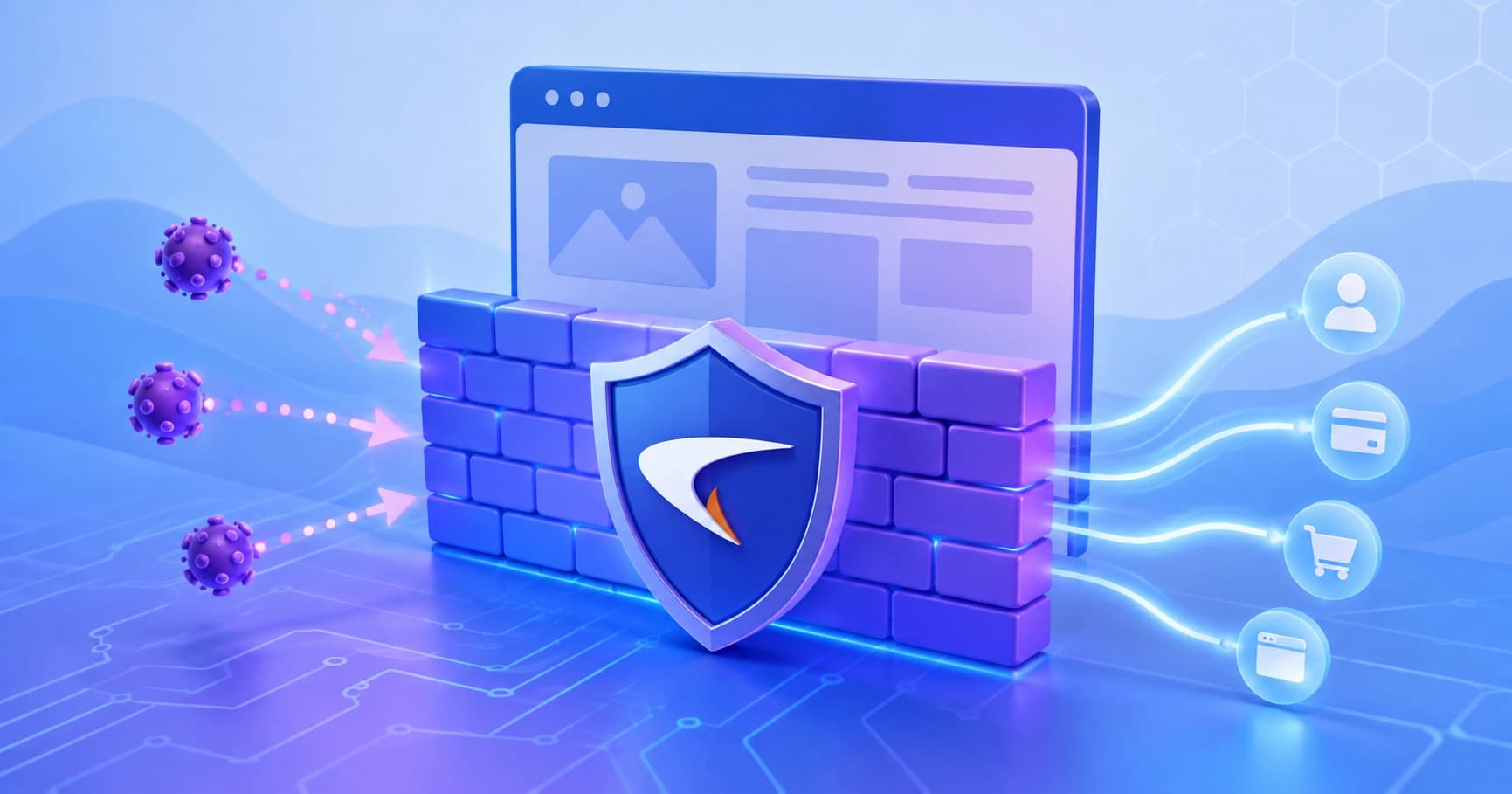
A practical, engineer-focused guide to the SonicWall Web Application Firewall: how it works, deployment options, OWASP coverage, tuning workflow, and when a cloud WAF fits better.
SonicWall Web Application Firewall
A network firewall inspects packets. A web application firewall inspects intent. That single distinction explains why teams running SonicWall appliances still get breached through their own login forms, search boxes, and file upload endpoints. The SonicWall Web Application Firewall (WAF) service exists to close exactly that gap, and understanding what it does well, where it needs tuning, and what it will never do is the difference between a control that protects revenue and a licence that sits idle in a config panel.
This guide is written from the perspective of someone who has to defend a live application, not pass a compliance checkbox. It covers architecture, deployment modes, rule tuning, realistic performance expectations, and honest comparisons.
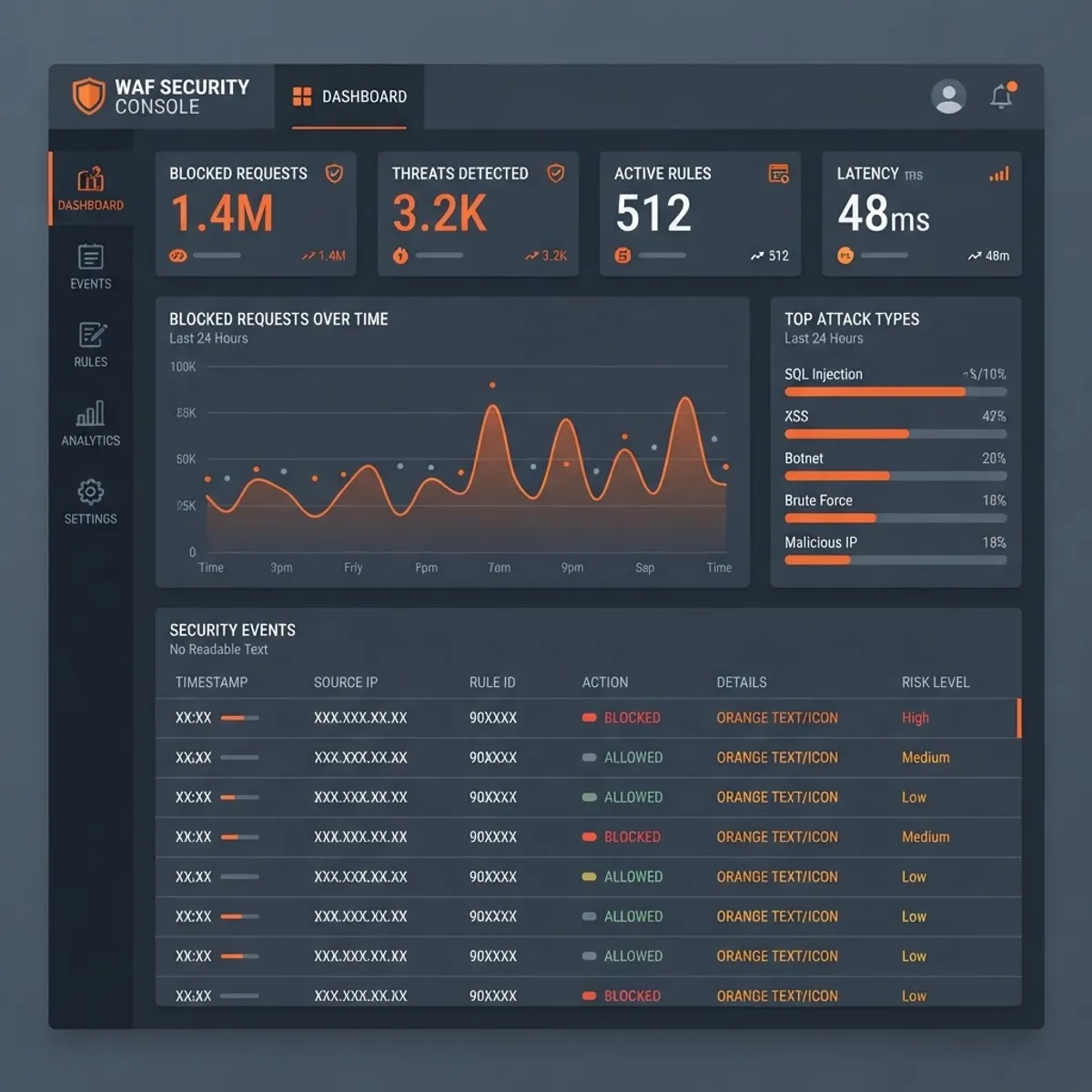
Quick Answer: SonicWall Web Application Firewall is a reverse-proxy security service, available on SMA appliances and NGFW platforms, that inspects HTTP and HTTPS traffic for application-layer attacks such as SQL injection, cross-site scripting, and session hijacking. It uses signature rules plus custom policies to block malicious requests before they reach your web servers.
What a Web Application Firewall Actually Does
A web application firewall is a security layer that parses HTTP and HTTPS requests and responses, then decides whether each one represents legitimate application usage. Instead of asking "is this port allowed," it asks "does this parameter contain an attack payload."
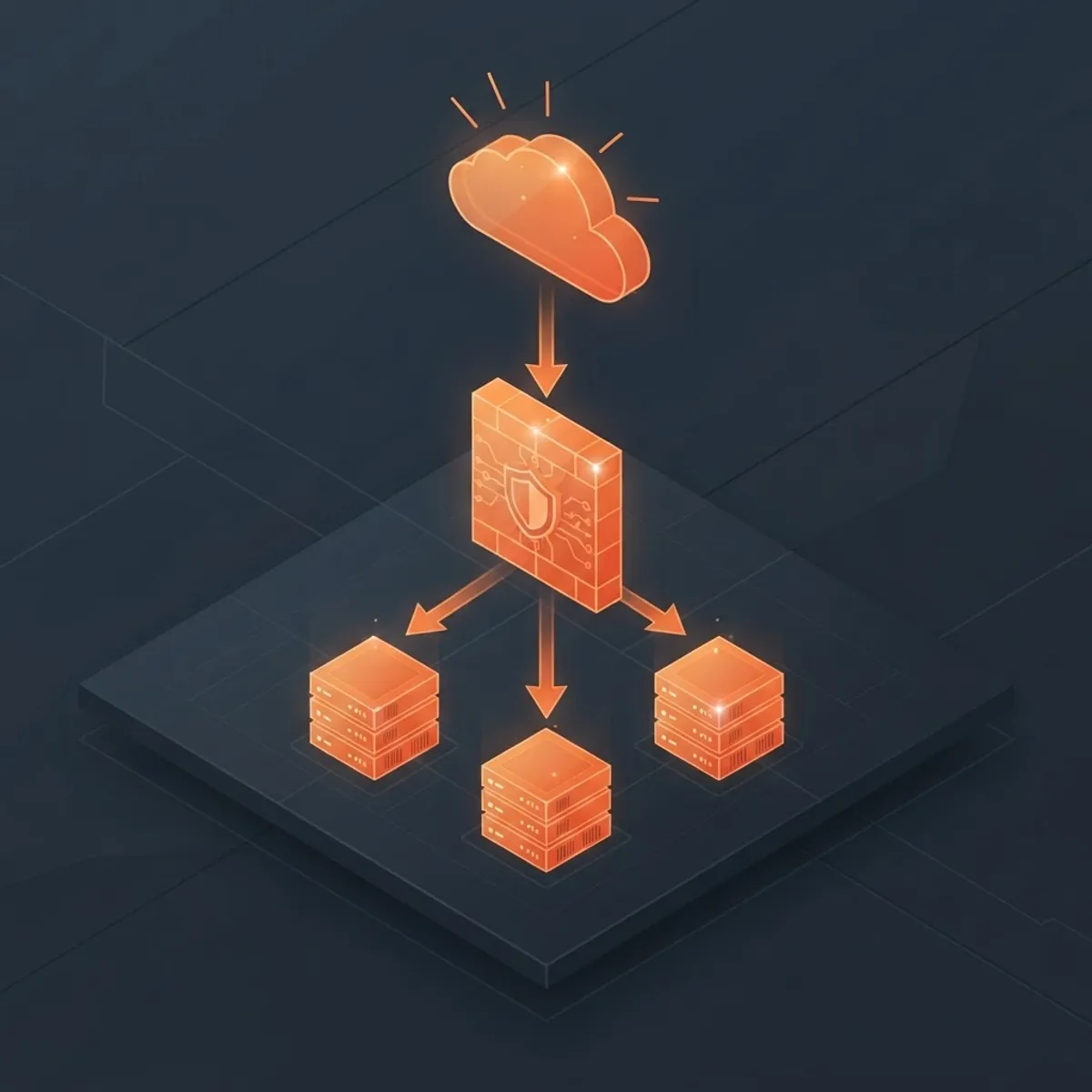
SonicWall implements this as a reverse proxy. Client traffic terminates on the appliance, TLS is decrypted, the request is normalised and inspected, and only then is it forwarded to the backend origin. The response path is inspected too, which is how data leakage rules and information-disclosure signatures work.
Key terms worth defining precisely:
- Signature-based detection: matching request content against known attack patterns maintained by SonicWall Capture Labs.
- Reverse proxy mode: the WAF owns the public hostname and certificate; the origin server never talks to clients directly.
- Positive security model: allow only known-good input shapes. Negative model: block known-bad patterns. SonicWall leans negative by default, with positive controls available through custom rules.
Where SonicWall WAF Fits in the Product Line
This is the single most common source of confusion, so be precise about it before you buy anything.
The classic SonicWall WAF is a licensed service on Secure Mobile Access (SMA) appliances, most commonly the SMA 100 and SMA 500v series, where it protects applications published through the portal. Separately, SonicWall's next-generation firewalls running SonicOS provide deep packet inspection, intrusion prevention, and TLS decryption, which overlaps with WAF behaviour but is not a full application-layer proxy with per-parameter rules.
Practical rule of thumb:
- Publishing internal web apps to remote users? SMA plus the WAF service is the natural fit.
- Protecting a public e-commerce or SaaS front end at high volume? Evaluate a dedicated or edge WAF alongside the SonicWall estate.
- Already running SonicOS with IPS? You have partial coverage, not application-layer coverage.
The OWASP Coverage Question
SonicWall documents its WAF signature set against the OWASP Top 10, and this is the coverage most auditors ask about. The OWASP Top 10 remains the industry reference list of critical web application risks, and injection plus broken access control have appeared in every edition since 2010. Verizon's Data Breach Investigations Report has repeatedly identified basic web application attacks as one of the top breach patterns year after year, which is why application-layer inspection stopped being optional.
What SonicWall WAF reliably addresses:
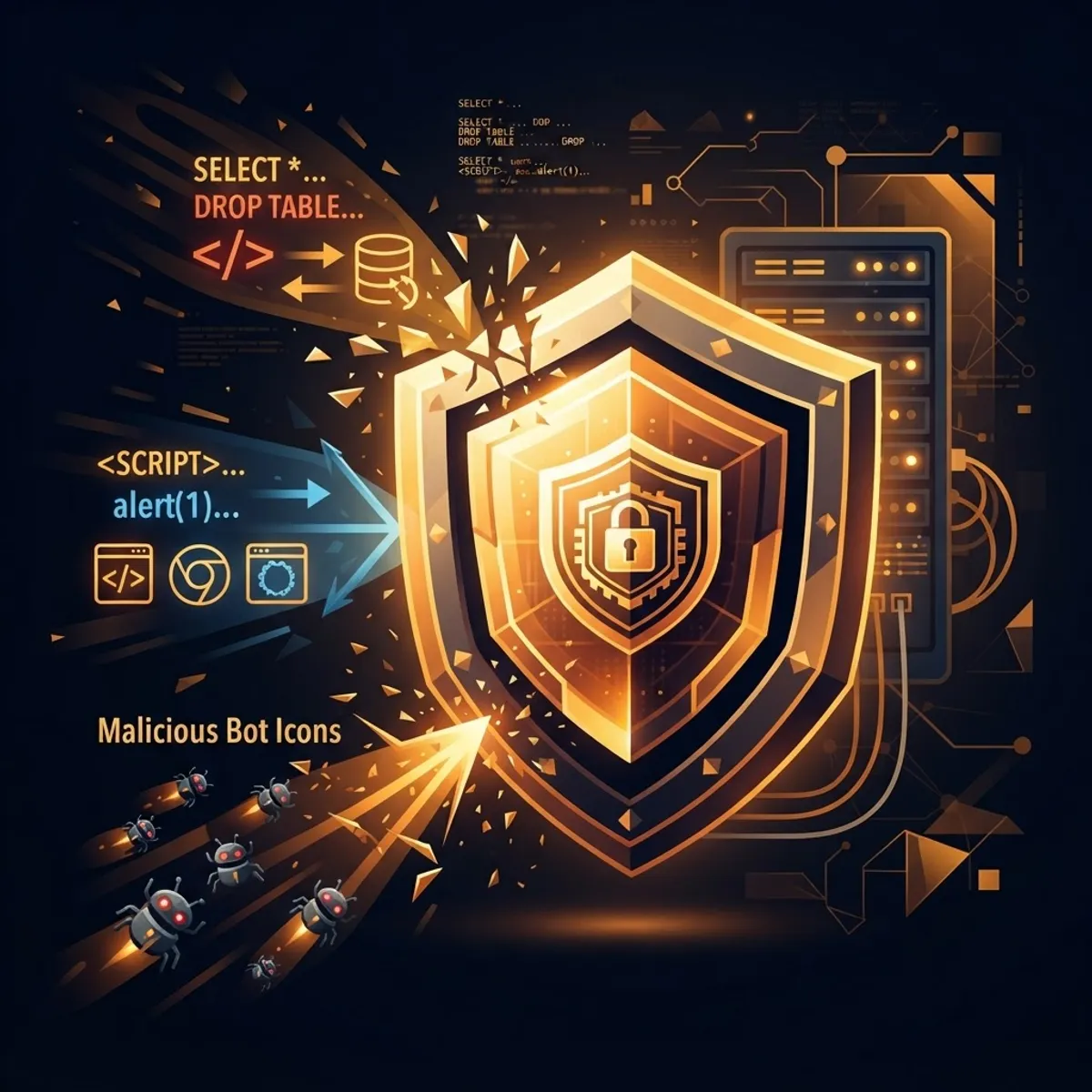
- SQL injection and command injection payloads in query strings, POST bodies, and headers
- Reflected and stored cross-site scripting attempts
- Cross-site request forgery through token enforcement
- Session hijacking and cookie tampering via session protection
- Directory traversal and information disclosure in responses
- Slowloris-style connection exhaustion and basic request flooding
What no signature engine solves for you:
- Broken access control. If your app lets user A load user B's invoice by changing an ID, that request looks perfectly legitimate. Fix it in code.
- Business logic abuse. Coupon stacking, refund loops, and inventory hoarding are valid HTTP.
- Weak authentication design. A WAF can rate-limit brute force; it cannot make your password policy sane.
Treating a WAF as a substitute for secure development is the most expensive mistake in this category. It is a compensating control that buys you time to patch, not a replacement for patching.
Deployment Modes and How to Choose
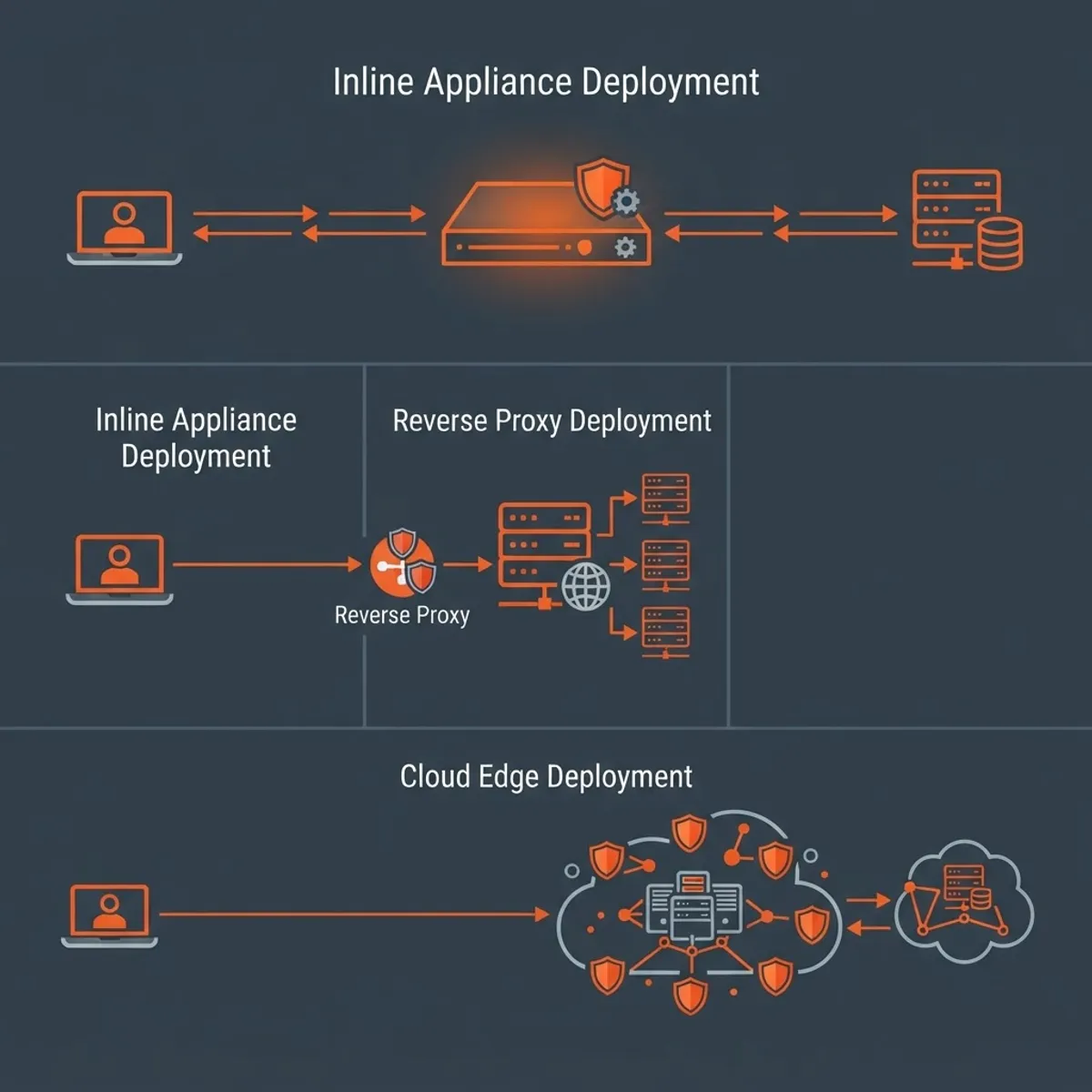
Deployment determines both your protection quality and your outage risk. There are three practical patterns.
Reverse proxy publishing. The SMA appliance holds the public DNS record and certificate, and forwards to the origin over an internal address. This gives full inspection, TLS termination, and header rewriting. It also means the appliance is now a single point of failure, so plan high availability before go-live.
Detection-only rollout. Enable the WAF with all rules set to detect rather than prevent, run it for one to two weeks against real traffic, then promote clean rules to prevent. This is the only sane way to introduce a WAF onto a production application.
Layered edge plus appliance. A CDN or edge WAF absorbs volumetric noise and bot traffic, and the SonicWall service handles the authenticated, application-specific inspection closer to the origin. Costly, but appropriate for regulated workloads.
A Realistic Tuning Workflow
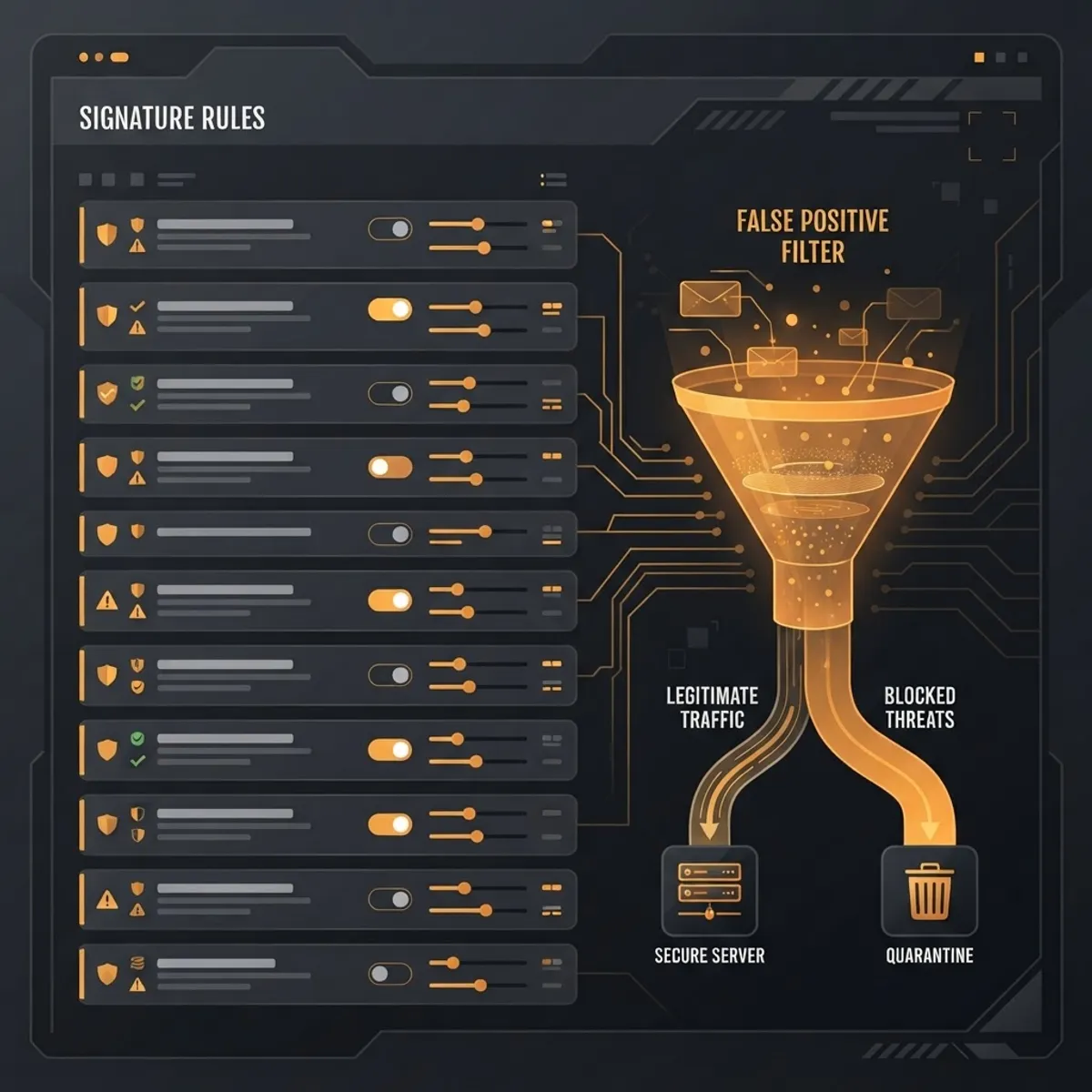
Most WAF projects fail during tuning, not installation. False positives break checkouts, someone disables the policy at 2am, and the licence quietly becomes shelfware. Use a disciplined sequence.
- Baseline in detect mode. Capture at least one full business cycle, including month-end batch jobs and marketing campaign spikes.
- Classify every alert. Sort into true positive, false positive, and noise. If you cannot explain an alert, it stays in detect.
- Exclude narrowly. Exempt a specific rule on a specific URL and parameter. Never disable an entire signature category because one page misbehaves.
- Fix the app where possible. A rich-text editor triggering XSS rules usually means the field needs proper output encoding, not a permanent exclusion.
- Promote to prevent in stages. Injection and traversal rules first, since those have the lowest false positive rate. Anomaly and generic rules last.
- Re-baseline after every release. New endpoints arrive with new parameter shapes.
- Alert on rule changes, not just blocks. Silent exclusions added under pressure are how coverage erodes.
Document every exclusion with a ticket reference and an expiry date. An exclusion without an owner becomes permanent within one quarter. Teams that build this discipline into their release process, often with help from a partner offering technical SEO services alongside infrastructure hardening, keep both performance and protection intact.
Performance Expectations and Capacity Planning
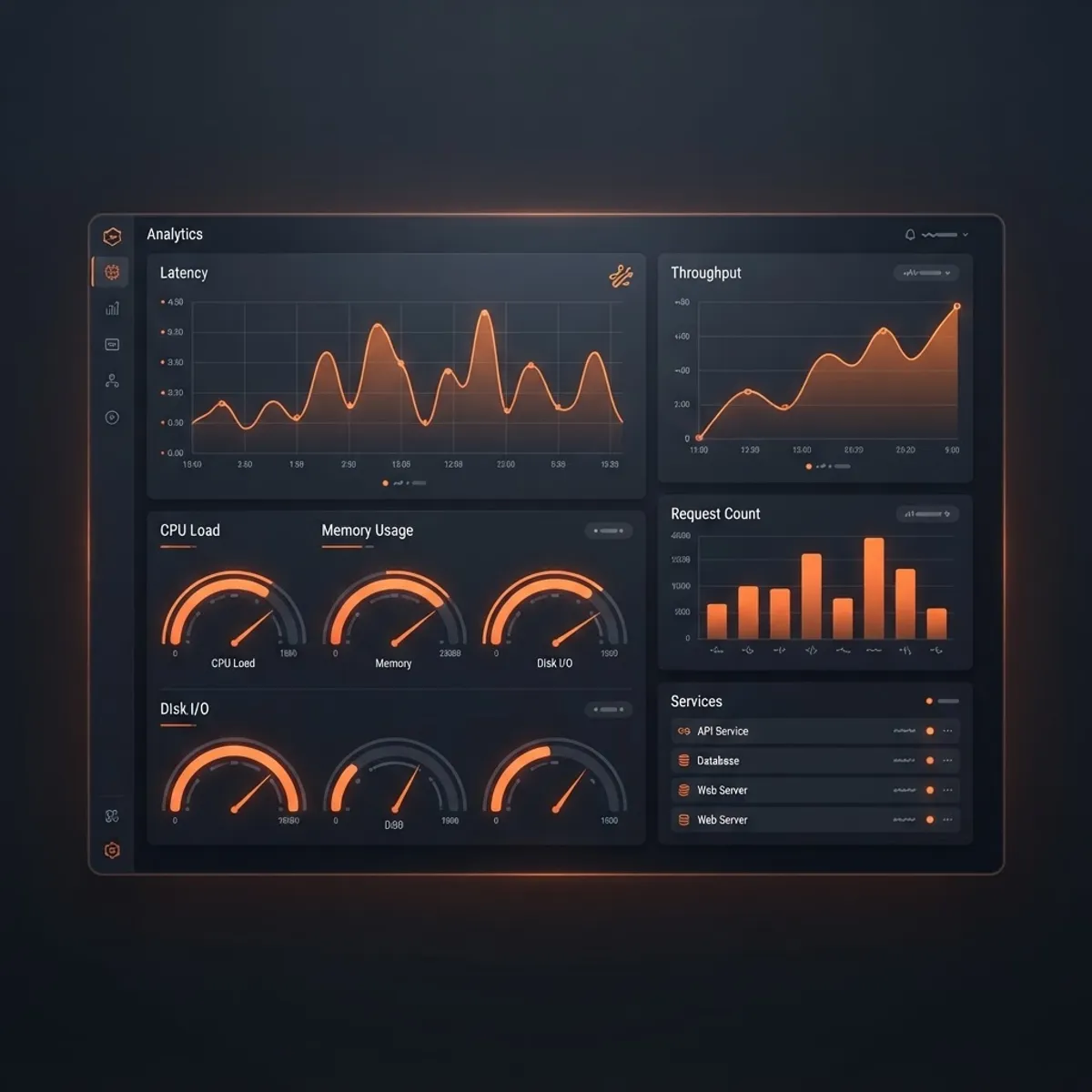
Every reverse-proxy WAF adds latency, and the honest number depends far more on TLS handshake cost and inspection depth than on marketing datasheets. Plan around three variables.
TLS termination cost. Decryption is the heaviest operation. Modern ciphers and session resumption help substantially; long certificate chains and clients that never reuse sessions hurt.
Body inspection size limits. Large file uploads and JSON payloads consume buffer memory. Set a maximum inspected body size deliberately rather than letting the default decide, and route large-upload endpoints separately if throughput matters more than inspection depth on that path.
Concurrency, not bandwidth. Appliance sizing usually breaks on concurrent connections and new-connections-per-second, not raw megabits. Load test with realistic connection churn.
Measure p95 and p99 latency at the client, not average latency on the appliance. Averages hide exactly the tail behaviour users complain about.
SonicWall WAF Compared to Alternatives
| Criteria | SonicWall WAF (SMA) | Cloud or Edge WAF | Open Source ModSecurity |
|---|---|---|---|
| Deployment | On-premise or virtual appliance | Provider managed, DNS change | Self hosted on web server |
| Best for | Published internal apps, remote access | High traffic public sites | Full control, tight budgets |
| Volumetric DDoS absorption | Limited by uplink | Strong, distributed | None without upstream help |
| Rule maintenance | Vendor signature updates | Vendor managed | Your team maintains rules |
| Data residency control | Full, traffic stays on site | Depends on provider regions | Full |
| Latency profile | Predictable, near origin | Varies by edge location | Lowest hop count |
| Operational skill required | Moderate | Low to moderate | High |
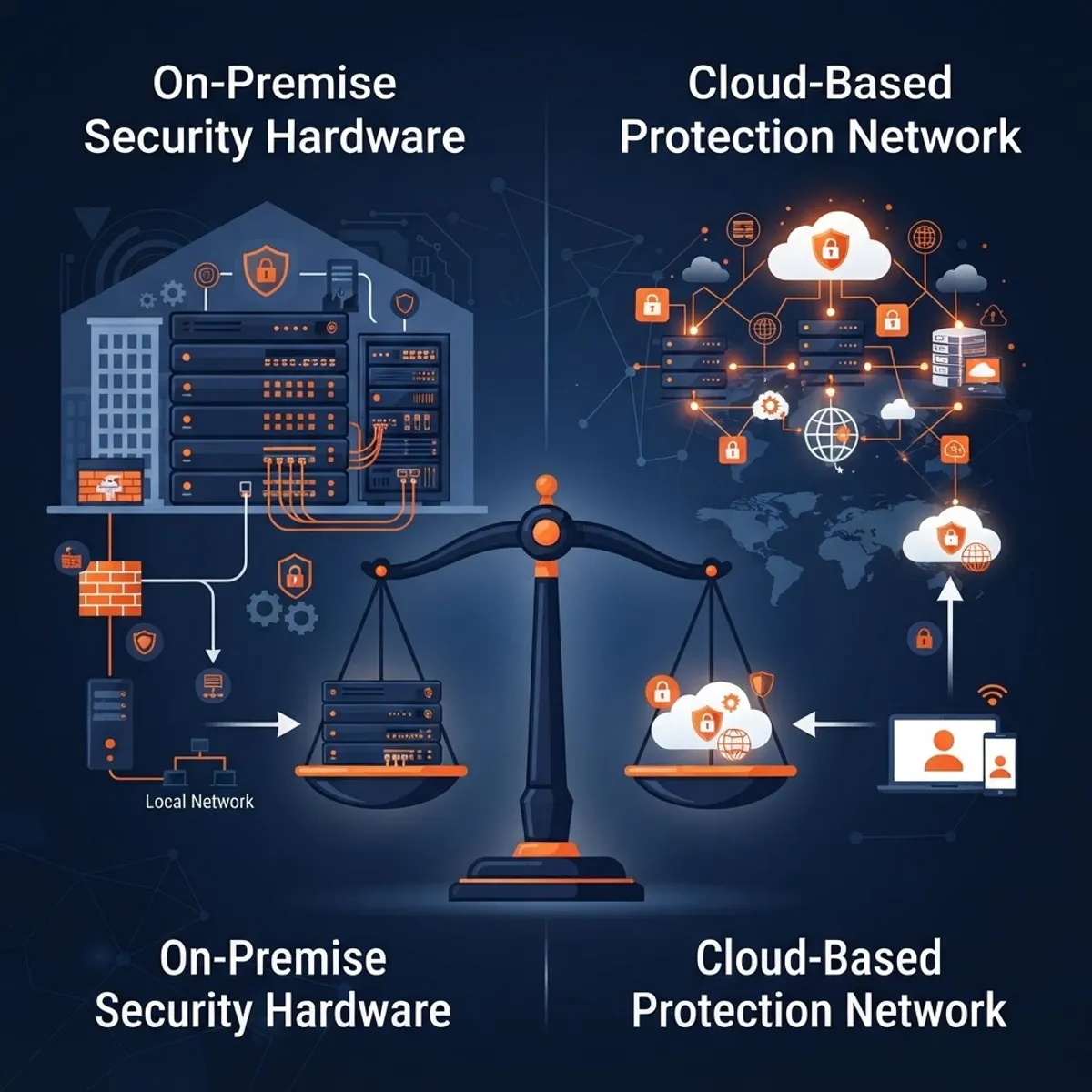
The decision usually comes down to two questions: does your traffic need to stay inside your own perimeter, and do you have the operational capacity to tune rules yourself? If the answer to the first is yes, an appliance-based WAF is compelling. If the answer to the second is no, managed services win on outcomes.
Common Configuration Mistakes That Undo the Whole Investment
- Leaving the WAF in detect mode indefinitely. Detection with no response is logging, not defence.
- Forwarding to origin without restricting direct access. If attackers can reach the origin IP directly, they bypass the WAF entirely. Lock the origin to appliance addresses only.
- Losing the real client IP. Without correct forwarded-header handling, every log entry and rate limit points at the proxy. Application logs become useless for investigation.
- Ignoring API endpoints. JSON and GraphQL traffic needs body parsing and content-type awareness, not HTML-form assumptions.
- No certificate lifecycle process. The most common WAF-related outage is an expired certificate on the proxy, not an attack.
Teams building or replatforming applications should design for the proxy from the start rather than retrofitting it. Working with a web app development partner that treats the WAF as part of the delivery architecture, not a bolt-on, avoids most of the list above.
Key Takeaways
- SonicWall Web Application Firewall is a reverse-proxy service on SMA appliances that inspects HTTP and HTTPS traffic for application-layer attacks and is licensed separately from SonicOS firewall features.
- Its signature set is documented against the OWASP Top 10, the industry standard reference for critical web application risks.
- Basic web application attacks are consistently ranked among the leading breach patterns in the Verizon Data Breach Investigations Report, which is why application-layer inspection is now baseline.
- Always roll out in detect mode for a full business cycle before enabling prevention.
- Exclusions must be scoped to a specific rule, URL, and parameter, with an owner and an expiry date.
- Restrict origin servers to accept traffic only from the WAF, or the control is trivially bypassed.
- A WAF cannot fix broken access control or business logic abuse. Those require code changes.
Frequently Asked Questions (FAQ)
Is the SonicWall web application firewall included with my firewall licence?
No. The WAF service is a separate subscription associated with Secure Mobile Access appliances, while SonicOS next-generation firewalls provide deep packet inspection and intrusion prevention. They complement each other but are licensed and configured independently, so confirm exactly which platform your subscription applies to.
Does a SonicWall WAF slow down my website?
It adds measurable latency, mostly from TLS termination and request body inspection. Well-sized deployments typically add single-digit to low double-digit milliseconds. Measure p95 and p99 latency from the client side before and after rollout, and tune inspected body size limits on upload-heavy endpoints.
Can a WAF replace fixing vulnerabilities in my application code?
No. A WAF is a compensating control that blocks known attack patterns and buys time before patching. It cannot detect broken access control, insecure direct object references, or business logic abuse, because those requests look completely legitimate at the HTTP layer. Fix the code.
How long should I run the WAF in detection mode first?
Run detection-only for at least one full business cycle, typically one to two weeks, so you capture month-end jobs, batch processes, and campaign traffic spikes. Classify every alert as true positive, false positive, or noise, then promote injection and traversal rules to prevention first.
What is the difference between a WAF and an intrusion prevention system?
An intrusion prevention system inspects network traffic broadly for exploit signatures across many protocols. A WAF terminates and parses HTTP specifically, understanding parameters, cookies, sessions, and response bodies. That parsing depth lets it enforce per-parameter rules that a generic IPS cannot express.
Should I use SonicWall WAF or a cloud WAF for a public website?
For high-traffic public sites needing volumetric DDoS absorption and global edge presence, a cloud WAF usually wins. For published internal applications, regulated workloads, or cases where traffic must stay inside your own perimeter, the appliance-based SonicWall service is the stronger architectural fit.
Final Word
The value of a web application firewall is proportional to the discipline behind it. An appliance in detect mode with fifty undocumented exclusions protects nothing. The same appliance, tuned against real traffic, with origin access locked down and rule changes tracked in version control, stops the majority of automated attacks against your application before they touch a database.
Start with detection, tune narrowly, fix the application where the WAF is telling you something real, and treat every exclusion as technical debt with an expiry date.