A practical breakdown of the PythonQA web application features that matter most to QA teams, from low-code test authoring and parallel execution to CI/CD gates, analytics, and access control.
PythonQA Web Application Features
Quality assurance stopped being a final checkpoint years ago. It is now a continuous activity that runs alongside every commit, and the tooling has had to change with it. PythonQA-style web applications, browser-based platforms built on the Python testing ecosystem, exist to replace the scattered mix of local scripts, spreadsheets, and screenshots that most teams still rely on. This guide walks through the features that actually change outcomes, based on what QA teams struggle with in real projects rather than what looks impressive on a feature matrix.
Quick Answer: A PythonQA web application centralises test authoring, execution, and reporting in the browser. Core features include low-code and code-based test creation, parallel cross-browser execution, API and database testing, CI/CD pipeline gates, flaky test detection, historical analytics dashboards, and role-based access control with full audit logging.
What Is a PythonQA Web Application?
A PythonQA web application is a browser-accessible quality assurance platform whose test execution layer is built on Python testing libraries such as pytest, Playwright for Python, Selenium bindings, and requests. Instead of every engineer running tests on their own machine, tests live in a shared server-side environment with a web interface for authoring, scheduling, reviewing, and reporting.
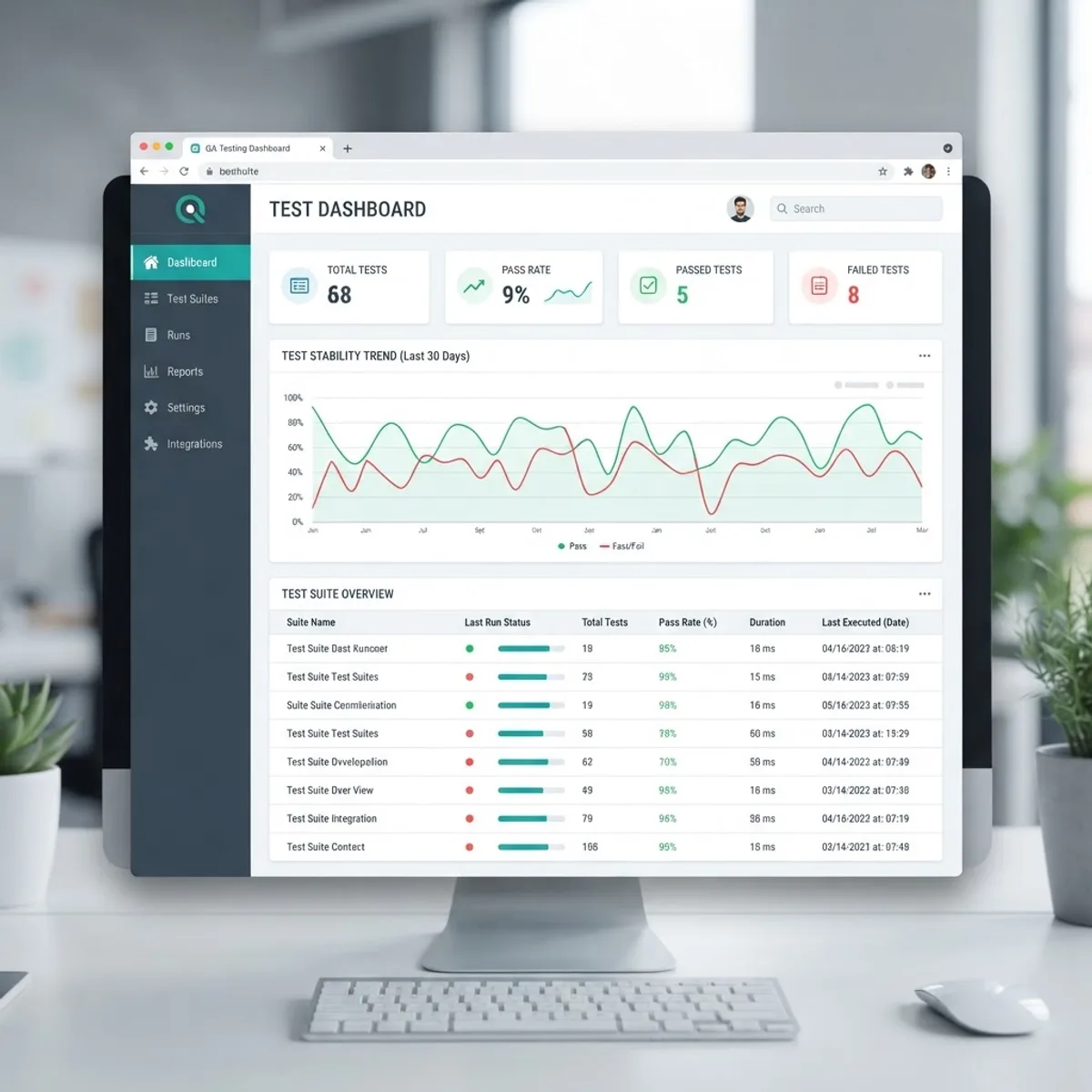
The distinction matters. A Python test framework is a library you import. A PythonQA web application is a product wrapped around that library, adding persistence, permissions, scheduling, and dashboards. The framework tells you whether a test passed. The application tells you whether your product is getting more reliable over the last ninety days, and who changed the test that started failing.
Why Python Underneath the Web Layer
Python remains one of the most widely used languages in the JetBrains annual developer survey, and its testing ecosystem is unusually mature: pytest fixtures, parameterisation, and a plugin ecosystem numbering in the hundreds. Choosing Python for the execution engine means the same platform can drive a browser, hit a REST endpoint, query a warehouse, and run a data-validation assertion without bolting on a second language runtime.
Feature 1: Dual-Mode Test Authoring
The most consequential feature in any QA platform is how tests get written, because that determines who can contribute. Strong PythonQA applications offer two modes over the same underlying test object.
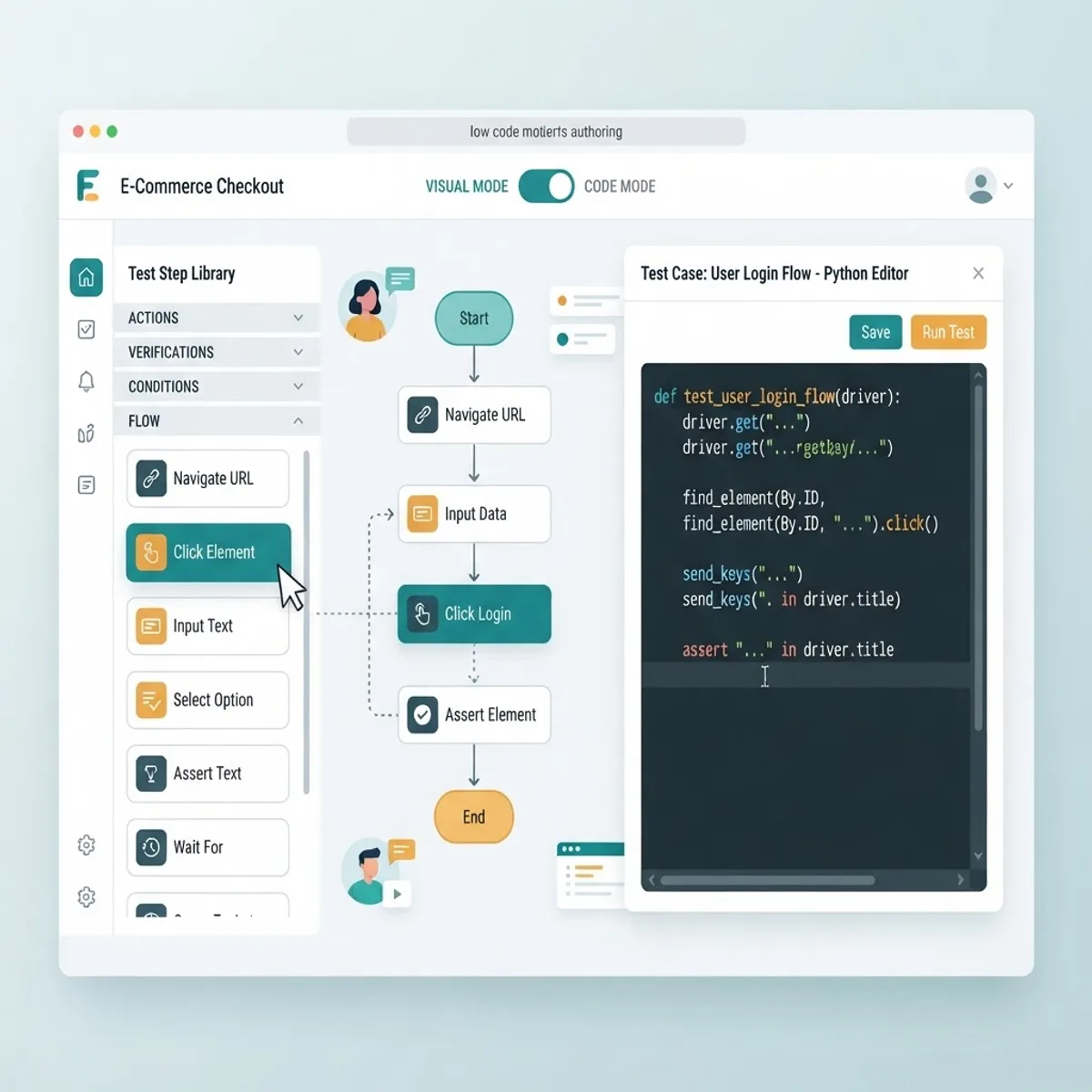
- Low-code step builder. Manual testers and product owners assemble steps from a palette: navigate, click, assert text, upload file, wait for element. No Python knowledge required.
- Native Python editor. Automation engineers open the same test as a pytest function with syntax highlighting, autocomplete against the platform SDK, and version history.
The critical detail is bidirectional sync. If the low-code steps compile into readable Python that an engineer can then extend, a manual tester's rough draft becomes an engineer's production test in minutes. If the two modes are separate systems, you have built two products and maintained neither. When we evaluate platforms for clients at ZoneTechify, this single question, does the visual editor produce editable code, predicts long-term adoption better than any other.
Reusable Components and Fixtures
Look for named page objects, shared login fixtures, and data factories stored centrally. A login flow written once and referenced by two hundred tests means a redesigned login page costs one edit instead of two hundred. Teams that skip this discipline typically see maintenance consume more than half their automation hours.
Feature 2: Parallel and Cross-Browser Execution
Execution speed determines whether tests run on every commit or once a night. A serial suite of four hundred UI tests at eight seconds each takes roughly fifty-three minutes, which is far too slow to gate a pull request. Split across sixteen workers, the same suite finishes in under four minutes.
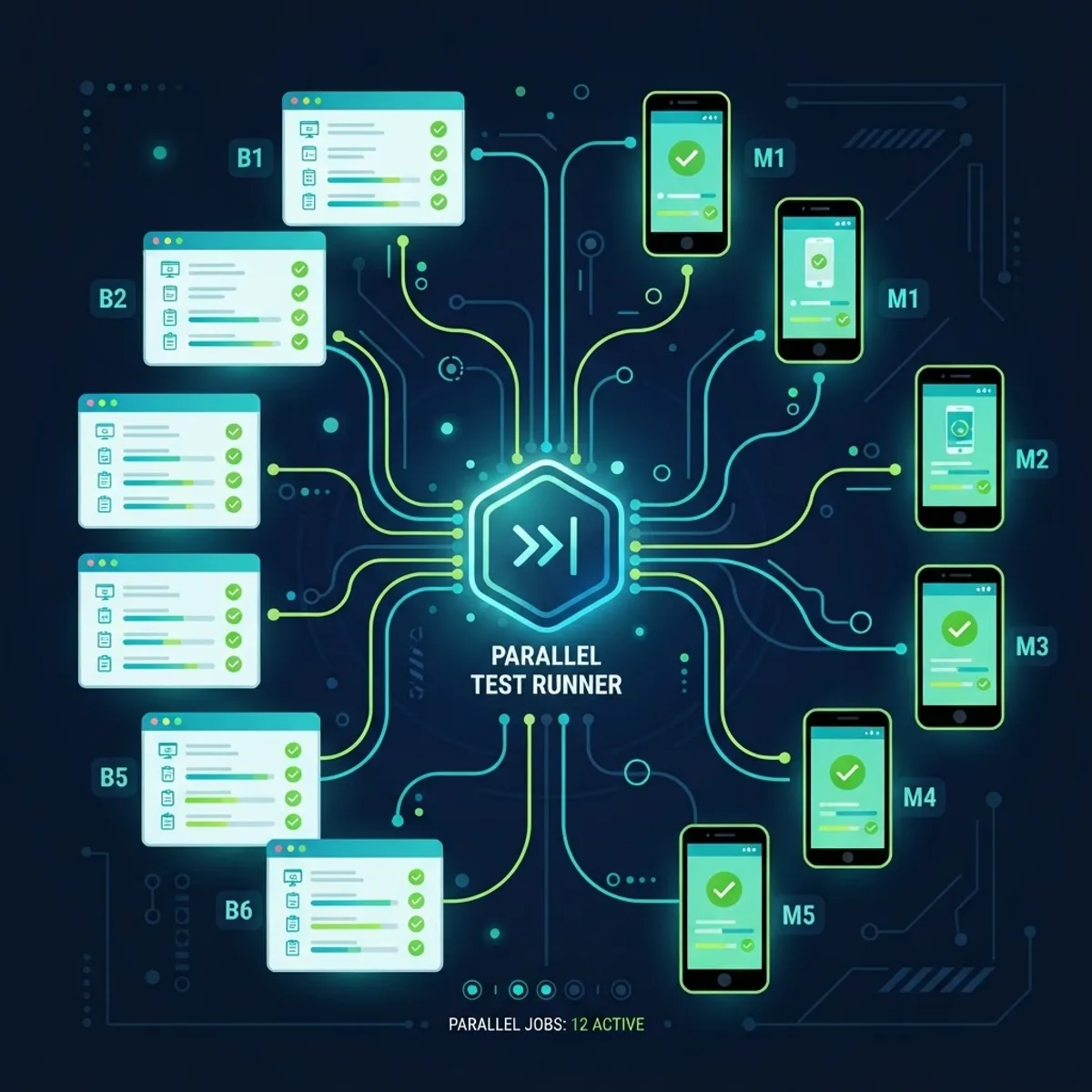
The features that make this real:
- Worker pools with automatic sharding that balance by historical test duration, not alphabetical order.
- Isolated browser contexts per worker so cookies and local storage never leak between tests.
- Cross-browser matrices covering Chromium, Firefox, and WebKit, plus emulated mobile viewports.
- Selective reruns that retry only failed tests, with the retry recorded separately so a pass-on-retry is never reported as a clean pass.
That last point is where many platforms quietly mislead teams. A retry that silently overwrites a failure hides the exact instability you need to find.
Feature 3: API, Contract, and Database Testing
UI tests are the slowest and most brittle layer. A capable PythonQA application lets you push the majority of coverage down to faster layers inside the same tool.
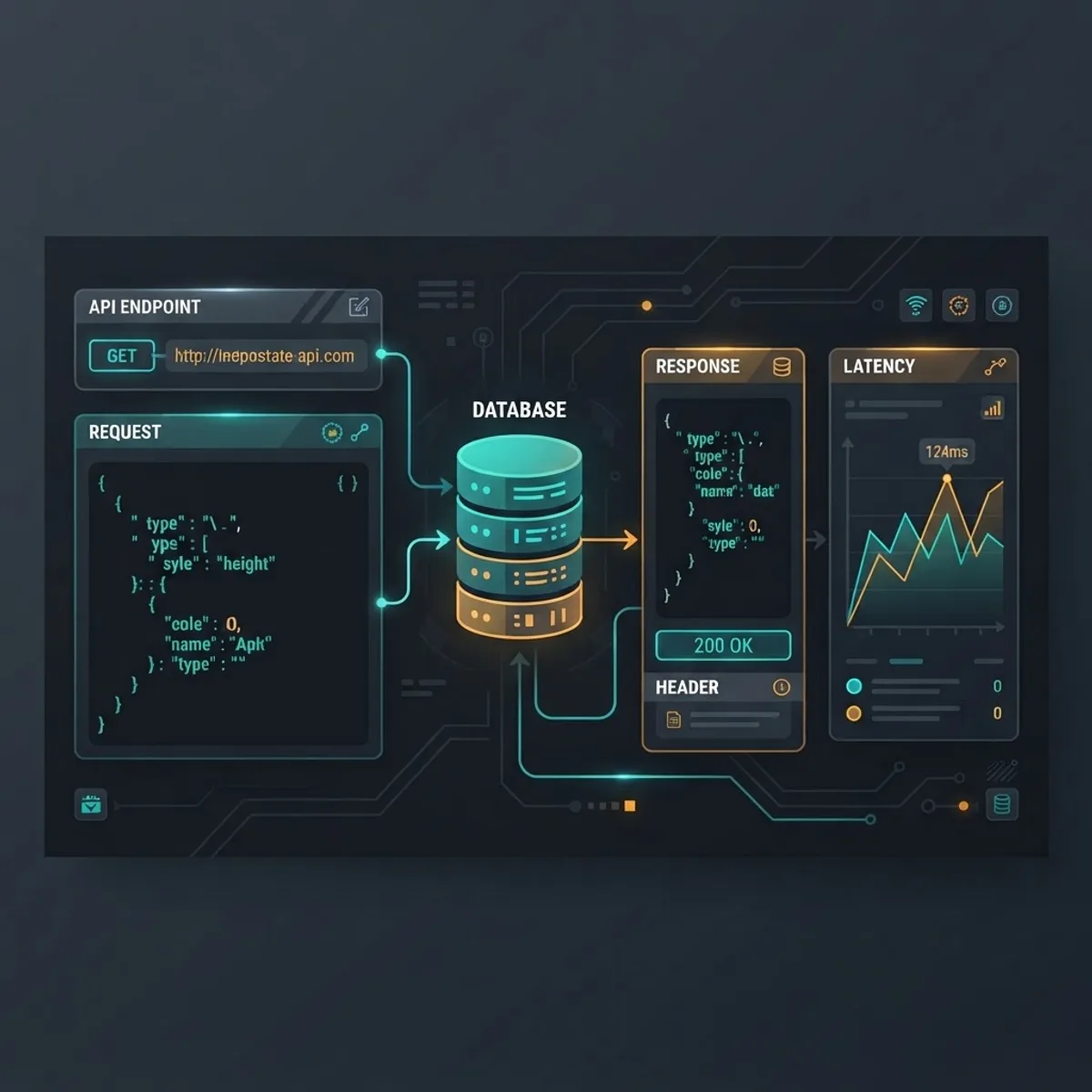
Expect request builders with environment variables, JSON schema validation, response-time assertions, OpenAPI or GraphQL schema import for contract testing, and read-only database connections for verifying that a UI action actually wrote the right row. Google's own engineering guidance has long recommended weighting suites toward small, fast tests, with a commonly cited split of roughly 70 percent unit, 20 percent integration, and 10 percent end-to-end. A platform that only does browser testing structurally prevents you from reaching that ratio.
Feature 4: CI/CD Integration and Quality Gates
Tests that a human has to remember to run are not a safety net. Pipeline integration is the feature that converts a test suite into an actual gate.

Look for a CLI that runs identically on a laptop and in a runner, native plugins or webhooks for GitHub Actions, GitLab CI, Jenkins, and Azure DevOps, machine-readable JUnit XML output, pull-request status checks with inline failure annotations, and configurable gates such as blocking merges when a smoke tag fails or coverage drops.
The economic argument is well documented: research summarised in the Systems Sciences Institute studies has repeatedly found that defects caught in production cost many multiples of what the same defect costs when caught during development. Every gate you configure moves detection earlier on that curve. For teams building complex platforms, this is exactly why we treat automated gates as part of delivery rather than an optional add-on in our web application development engagements.
Feature 5: Reporting, Analytics, and Flaky Test Detection
A pass or fail count is the least useful output of a test run. What teams need is trend data.
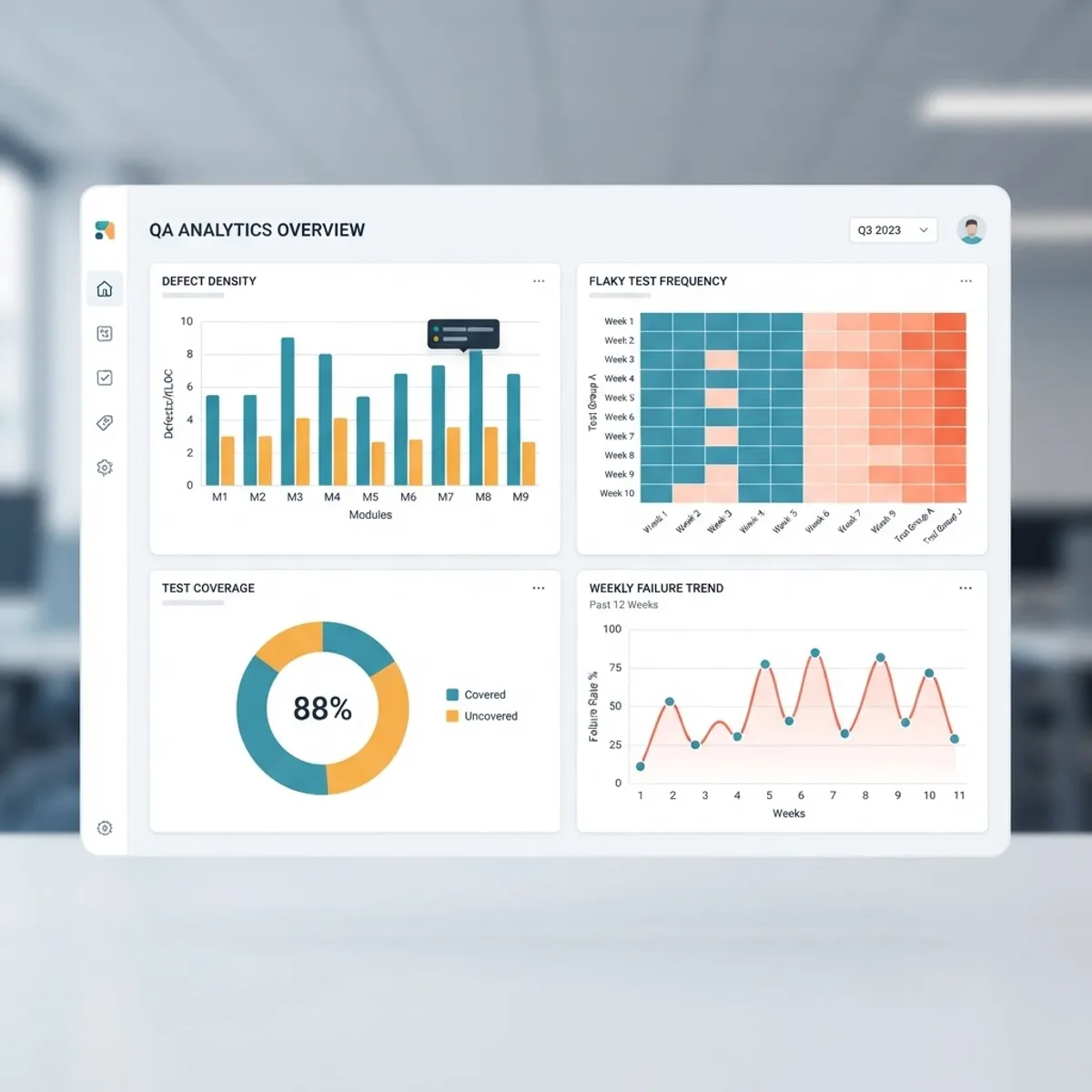
Strong reporting includes:
- Failure artefacts captured automatically: screenshot at point of failure, DOM snapshot, console logs, network HAR, and a video or trace of the session.
- Flakiness scoring that flags tests with inconsistent results across identical commits, so you can quarantine them instead of training the team to ignore red builds.
- Historical trend charts for pass rate, suite duration, and defect density per module.
- Requirement traceability, linking each test to a user story or ticket so release sign-off is evidence-based.
Flaky test quarantine deserves emphasis. Once a team learns that red sometimes means nothing, the suite loses all authority. Automatic detection plus a quarantine list preserves trust in the signal.
Feature 6: Collaboration, Roles, and Audit Trails
QA is cross-functional, which makes permissions a genuine feature rather than enterprise checkbox filler.

Useful capabilities include per-project workspaces, threaded comments on individual test failures, one-click defect creation into Jira or Linear with artefacts attached, assignment and triage queues, and shareable read-only report links for stakeholders who should never see the test editor.
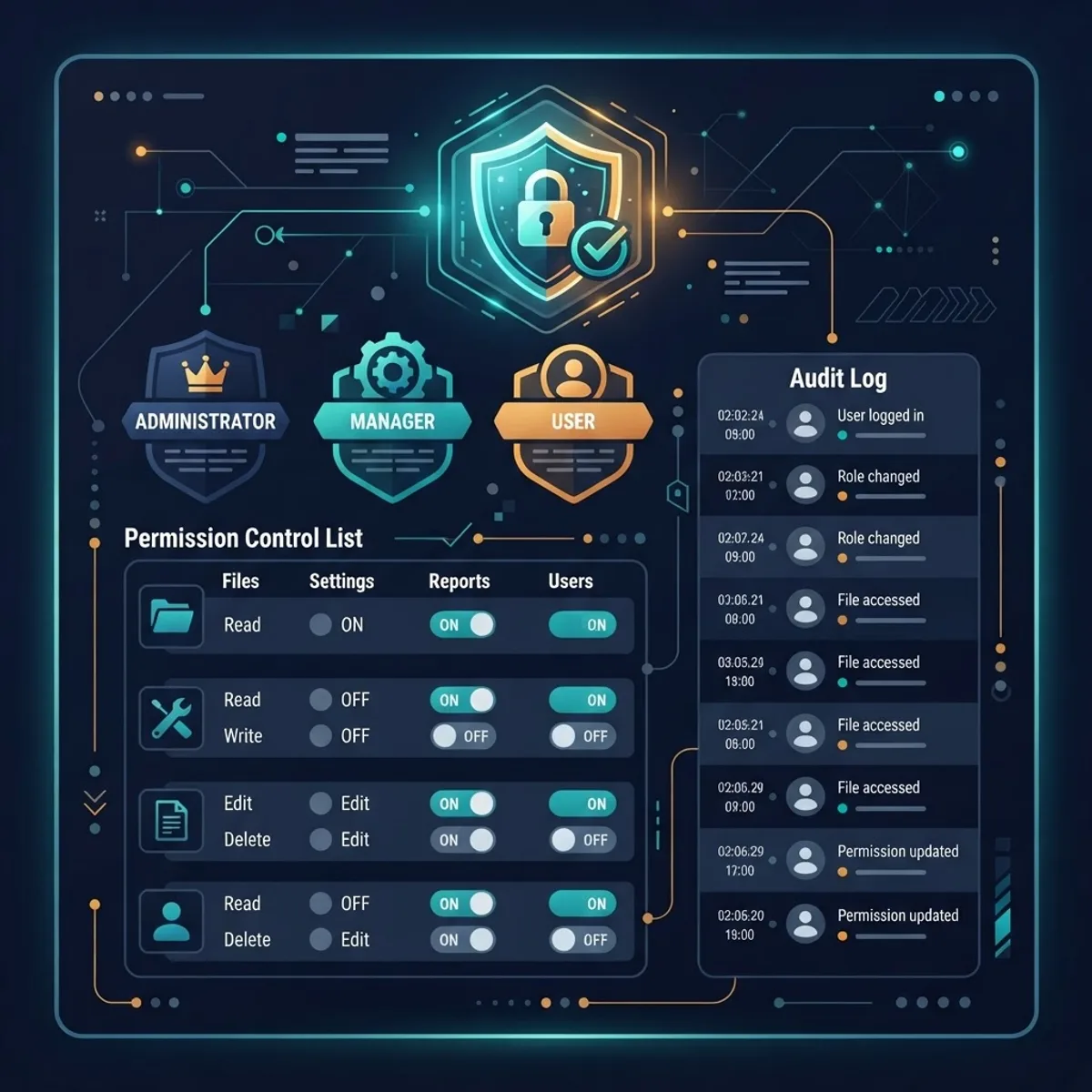
On the security side, insist on role-based access control with at least viewer, author, and administrator tiers, encrypted secret storage so credentials never sit in plain-text test files, SSO via SAML or OIDC, and an immutable audit log of who edited or deleted which test and when. Teams working under SOC 2 or ISO 27001 will need that audit trail during assessment, and retrofitting it later is painful. Detailed technical evaluation criteria for this category are covered further at WebPeak.
Feature Comparison: Local Scripts vs PythonQA Web Application
| Capability | Local Python Scripts | PythonQA Web Application |
|---|---|---|
| Non-coder can author tests | No | Yes |
| Shared execution history | No | Yes |
| Parallel cross-browser runs | Manual setup | Built in |
| Flaky test detection | No | Yes |
| Failure video and trace capture | Manual | Automatic |
| CI/CD quality gates | Scripted per repo | Native plugins |
| Role-based access control | No | Yes |
| Audit log for compliance | No | Yes |
| Stakeholder-ready reports | No | Yes |
How to Evaluate These Features in a Trial
Run a two-week pilot with a real suite, not a demo app. Then check four things:
- Time to first green test for a non-engineer. If it exceeds one hour, adoption will stall.
- Suite wall-clock time at your target parallelism against your slowest realistic environment.
- Export path. Can you extract your tests as plain pytest files if you leave? If not, you are locked in.
- Signal quality. Deliberately break one component and confirm the failure report tells you what broke without opening the application under test.
Key Takeaways
- A PythonQA web application adds persistence, permissions, scheduling, and analytics on top of Python testing libraries such as pytest and Playwright.
- Dual-mode authoring only works when the visual editor produces editable Python; otherwise you maintain two disconnected systems.
- Parallel sharding is what makes per-commit gating viable, turning a fifty-plus minute serial suite into a sub-four-minute run.
- Google's widely cited testing ratio of roughly 70 percent unit, 20 percent integration, and 10 percent end-to-end is unreachable on a UI-only platform.
- Defects caught in development cost a fraction of those caught in production, which is the core financial case for CI/CD quality gates.
- Flaky test detection and quarantine protect the credibility of the entire suite.
- Audit logs, RBAC, and encrypted secrets are prerequisites for SOC 2 or ISO 27001 readiness, not optional extras.
Frequently Asked Questions (FAQ)
What does a PythonQA web application actually do?
It provides a browser-based interface for writing, running, scheduling, and analysing automated tests powered by Python libraries. Rather than running scripts locally, teams store tests centrally, execute them in parallel on shared infrastructure, and review results, screenshots, and trend analytics from one dashboard with controlled access.
Do I need to know Python to use one?
No, not for basic use. Low-code step builders let manual testers create working tests by assembling actions like click, type, and assert. Python knowledge becomes valuable for complex logic, custom fixtures, and data-driven scenarios, but the visual editor covers most standard user-journey tests effectively.
Which PythonQA feature has the biggest impact first?
CI/CD integration with quality gates. Until tests run automatically on every pull request and block merges on failure, the suite is optional documentation. Automated gating is what converts test coverage into prevented production defects, and it usually takes less than a day to configure.
How does it handle flaky tests that pass sometimes?
Good platforms track results per test across identical commits and calculate a flakiness score. Tests exceeding a threshold get flagged and can be quarantined so they report separately without blocking builds. Retries are logged distinctly, so a pass-on-retry never appears as a genuinely clean pass.
Can it test APIs and databases, not just the browser?
Yes. Mature PythonQA applications include request builders with environment variables, JSON schema validation, OpenAPI contract testing, and read-only database connections. This lets you verify that a UI action wrote the correct database row, and shift most coverage to faster, more stable layers below the interface.
Is my test data secure in a hosted QA platform?
It depends on the vendor, so verify specifics. Require encrypted secret storage so credentials never live in test files, SSO through SAML or OIDC, role-based access control, immutable audit logging, and documented data residency. For regulated environments, confirm whether self-hosted or private-cloud deployment is available.