A practical breakdown of the Jagcoddevops web application features that matter most, from CI/CD automation and observability to scaling, security, and integrations.
Jagcoddevops Web Application Features
DevOps-oriented web application platforms have quietly become the operating layer of modern software teams. When people search for Jagcoddevops web application features, they are rarely looking for a marketing list. They want to know which capabilities actually reduce deployment risk, shorten release cycles, and keep an application stable when traffic spikes at 2 a.m. This guide breaks down the feature categories that define a DevOps-style web application platform, explains how to evaluate each one, and shows what we have learned from shipping and maintaining production systems for clients.
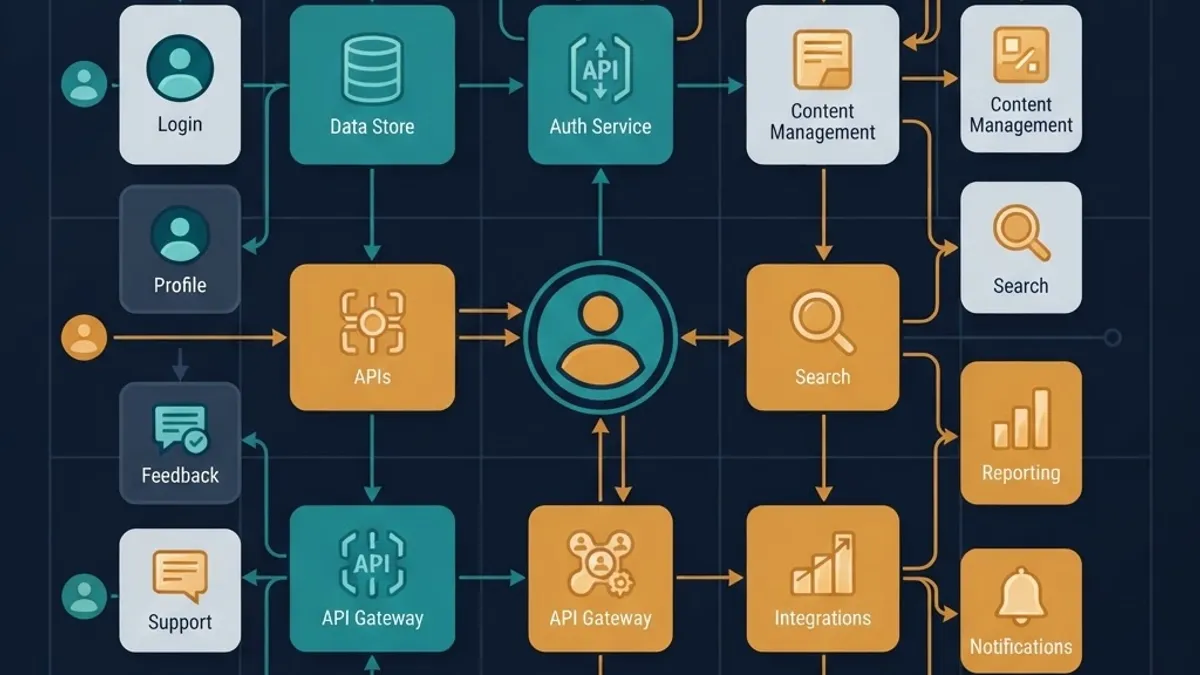
Quick Answer: Jagcoddevops web application features center on DevOps-driven delivery: automated CI/CD pipelines, containerized environments, real-time monitoring and observability, auto-scaling cloud infrastructure, role-based security with audit logs, collaborative workflow boards, and API-first integrations. Together these features shorten release cycles, cut downtime, and make deployments repeatable and reversible.
What a DevOps Web Application Platform Actually Is
Definition: A DevOps web application platform is a single environment where code, build automation, infrastructure configuration, deployment, monitoring, and team collaboration live together instead of being scattered across disconnected tools.
The practical difference is control. In a fragmented setup, a developer pushes code, a separate service builds it, someone manually promotes it, and an unrelated dashboard reports the failure hours later. In a consolidated DevOps platform, that entire chain is one traceable path from commit to customer. Every feature described below exists to make that path shorter, more visible, and safer to reverse.
1. Automated CI/CD Pipelines
Continuous integration and continuous delivery are the foundation. Without them, every other feature is decoration.
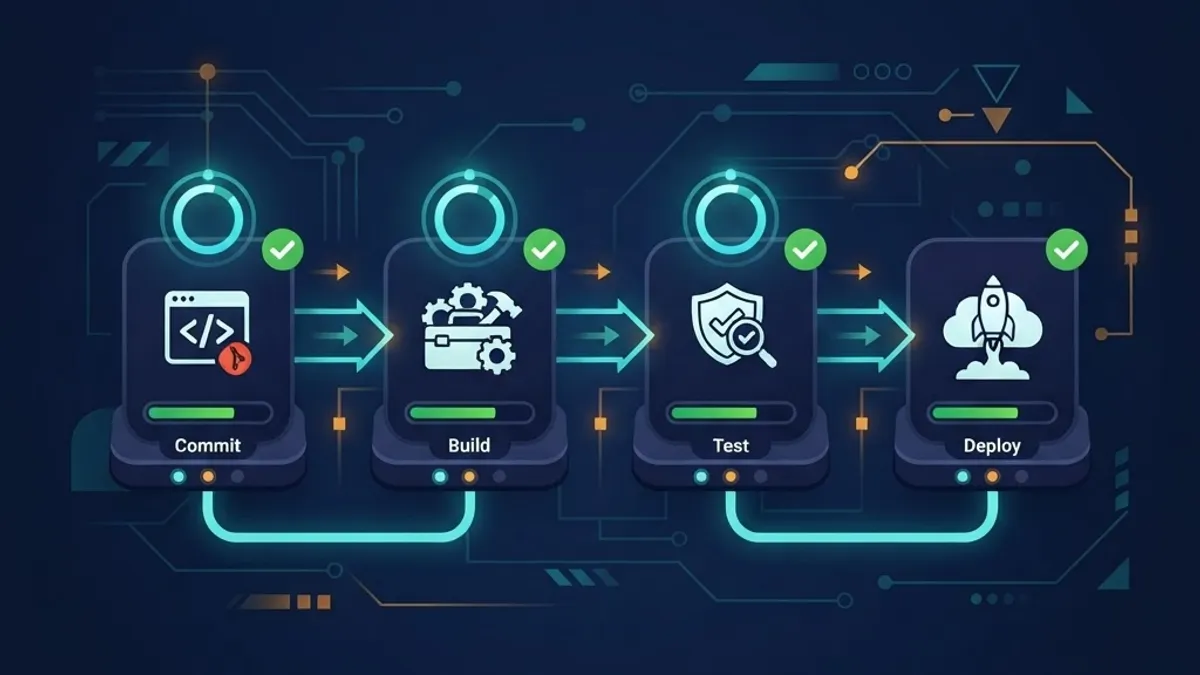
A production-grade pipeline should offer:
- Trigger flexibility — builds on push, pull request, tag, schedule, or manual approval.
- Parallel job execution — unit tests, linting, and security scans running simultaneously rather than in sequence.
- Build caching — dependency layers reused between runs, which in our experience cuts build times by 40 to 70 percent on Node and Python projects.
- Environment promotion — the exact same artifact moving from staging to production, never a fresh rebuild.
- One-click rollback — the previous known-good release restored without touching a terminal.
That last point is the one teams underestimate. According to the DORA State of DevOps research program, elite performing teams restore service in under one hour, while low performers can take more than a week. The difference is almost never talent. It is whether rollback is a button or a firefight.
How to Test a Pipeline Before You Commit to It
Run a deliberately broken commit through it. A trustworthy pipeline fails fast, tells you exactly which stage failed, links to the log line, and never leaves a half-deployed environment behind. If a failed build produces an ambiguous red dot and no actionable output, that pipeline will cost you hours every week.
2. Containerized, Reproducible Environments
Containerization removes the single most wasteful category of bug: the environment mismatch. When development, staging, and production run from the same image definition, "it works locally" stops being an excuse.
Key capabilities to look for:
- Declarative environment definitions stored in version control
- Isolated preview environments generated per branch or pull request
- Consistent secret injection at runtime rather than baked into images
- Fast cold-start times, since preview environments are only useful if reviewers do not wait
Ephemeral preview environments deserve special attention. Giving a designer, product manager, or client a live URL for an unmerged branch changes review quality dramatically. Feedback arrives before merge instead of after release, which is the cheapest possible moment to change direction. Teams building complex platforms often pair this with dedicated web application development support to get the environment architecture right the first time.
3. Monitoring, Logging, and Observability
Deployment is the beginning of an application's life, not the end of it. Observability features tell you what your application is actually doing in production.
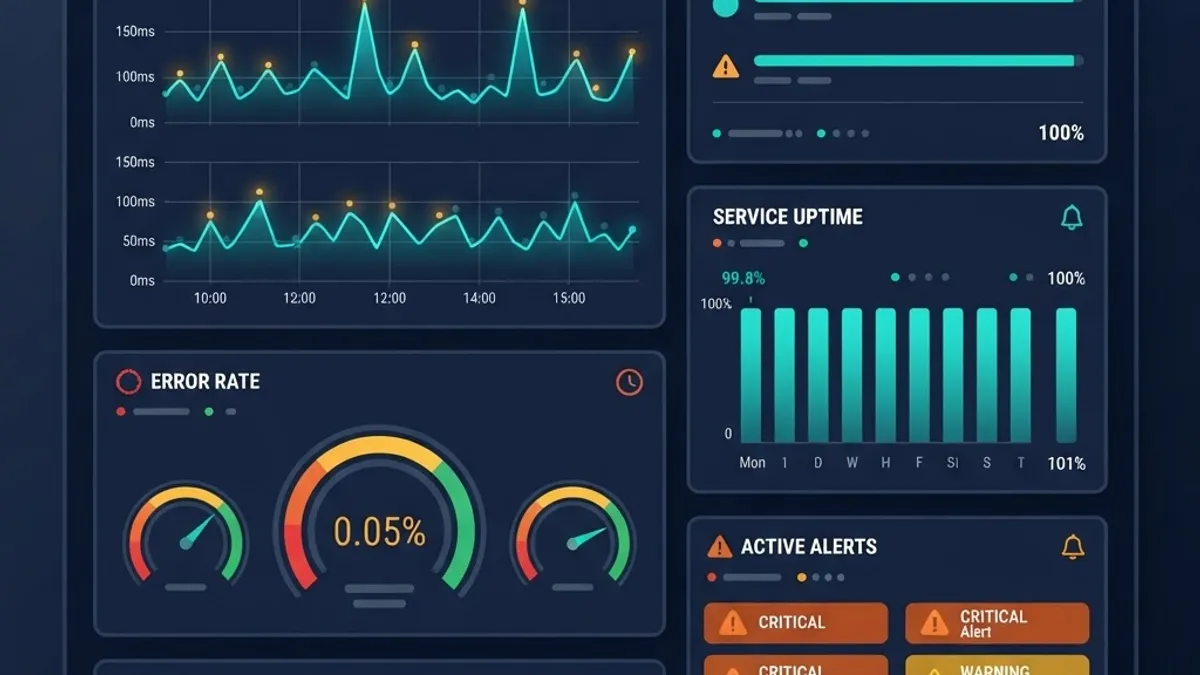
A complete observability layer covers three signals:
| Signal | What It Answers | Typical Feature |
|---|---|---|
| Metrics | Is the system healthy right now? | Latency, error rate, throughput, CPU and memory graphs |
| Logs | What exactly happened in this request? | Structured, searchable, retained logs with request IDs |
| Traces | Where is the time being spent? | Distributed traces across services and database calls |
Alerting quality matters more than alert quantity. Configure alerts on user-facing symptoms such as error rate and p95 latency rather than on raw infrastructure noise. A CPU spike that no user notices is information. A checkout endpoint returning 500 errors is an incident. Teams that alert on everything eventually alert on nothing, because engineers learn to ignore the channel.
Performance visibility also has direct revenue consequences. Google research found that as page load time increases from one second to three seconds, the probability of a mobile visitor bouncing rises by 32 percent. Monitoring is not an engineering luxury; it is a conversion metric.
4. Cloud Infrastructure and Auto-Scaling
Traffic is never flat. Product launches, email campaigns, and seasonal peaks all arrive at once, usually without warning.
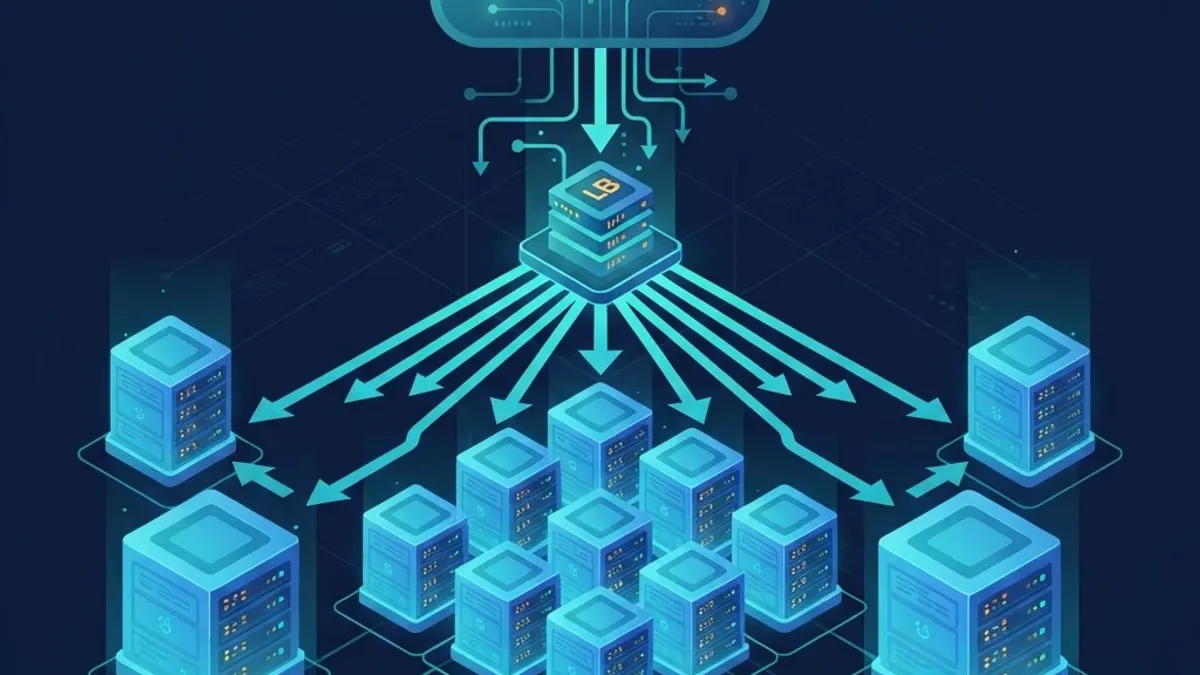
The scaling features that genuinely matter:
- Horizontal auto-scaling based on request volume or queue depth, not just CPU
- Load balancing with health checks that remove failing instances automatically
- Managed database connection pooling, since serverless workloads exhaust connection limits long before they exhaust compute
- CDN and edge caching for static assets and cacheable API responses
- Scale-to-zero for non-production environments to control spend
One under-discussed detail: scaling down is harder than scaling up. Aggressive scale-in policies terminate instances mid-request. Look for configurable connection draining and graceful shutdown periods, and verify them with a load test that ramps down as sharply as it ramps up.
5. Security, Access Control, and Compliance
Security features in a DevOps platform are not only about firewalls. They are about who can change what, and whether you can prove it afterward.
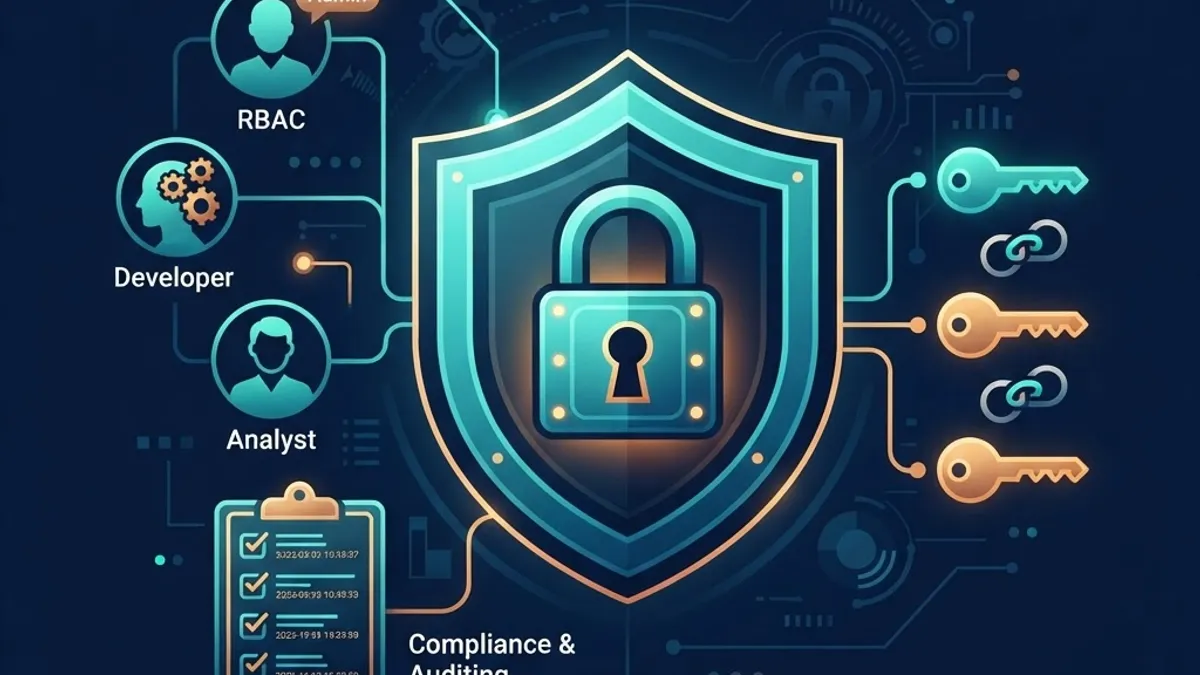
Essential controls include:
- Role-based access control (RBAC) so a junior developer cannot deploy to production unreviewed.
- Encrypted secret management with per-environment scoping and rotation support.
- Immutable audit logs recording who deployed, who changed a variable, and when.
- Automated dependency and vulnerability scanning inside the pipeline, blocking known-critical CVEs.
- Enforced HTTPS, security headers, and least-privilege service accounts by default.
A practical rule from real incident reviews: most production security failures we have investigated were not exotic exploits. They were an over-permissioned token, a secret committed to a repository, or an unpatched dependency that had a fix available for months. Features that automate those three areas prevent more damage than any single advanced tool.
6. Collaboration and Workflow Features
DevOps is a working agreement between people, and the software should reflect that.
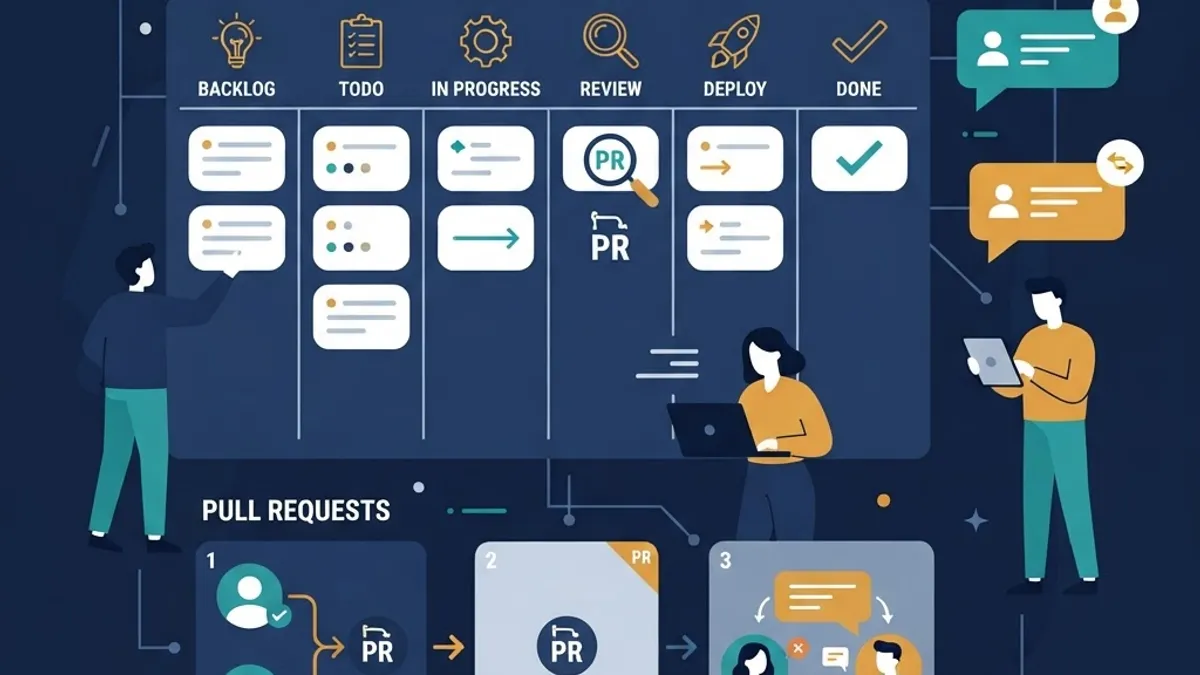
Look for issue tracking linked directly to commits and deployments, pull request review with required approvals, deployment notifications routed to chat, and a shared changelog that non-engineers can actually read. The measurable benefit is traceability: when a bug appears, you can move from the symptom to the ticket to the commit to the deploy in under a minute.
This is also where documentation belongs. Runbooks stored beside the pipeline, not in a forgotten wiki, are the difference between a five-minute incident and a two-hour one. Content and documentation quality is a legitimate engineering feature, which is why teams often bring in structured content and documentation support alongside development work.
7. API-First Design and Integrations
No platform is the last tool you will ever adopt, so extensibility is a feature.
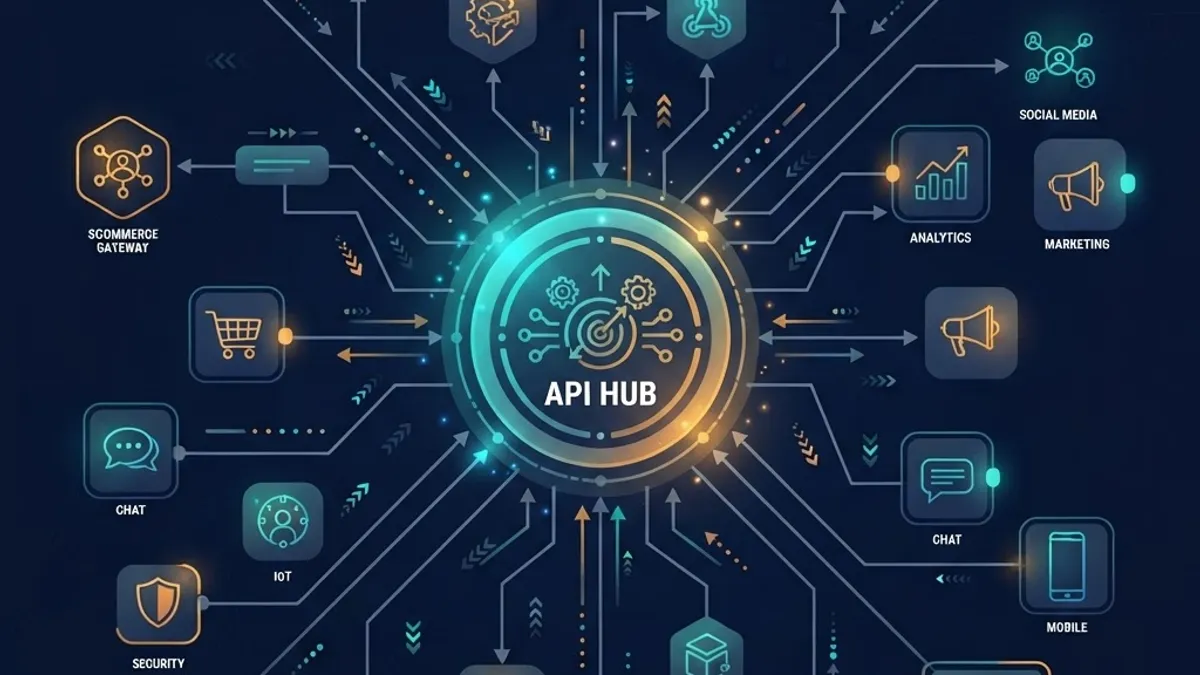
Evaluate integration depth on four criteria:
- Public REST or GraphQL API covering everything the dashboard can do
- Outbound webhooks for build, deploy, and incident events
- CLI parity so automation scripts are first-class, not second-class
- Infrastructure-as-code support so environments can be recreated from a repository
If a capability exists only in the web UI, it cannot be automated, reviewed, or reproduced. That is a long-term maintenance liability, and it is the single best predictor of whether a platform will still fit your team in three years.
Feature Comparison: DevOps Platform vs Traditional Hosting
| Capability | DevOps Web Application Platform | Traditional Hosting Setup |
|---|---|---|
| Deployment method | Automated pipeline on commit | Manual upload or SSH script |
| Rollback | One-click to previous release | Restore from backup |
| Preview environments | Automatic per branch | Rarely available |
| Scaling | Auto-scaling with load balancing | Manual server resizing |
| Monitoring | Built-in metrics, logs, traces | External tools bolted on |
| Access control | Role-based with audit logs | Shared credentials common |
| Recovery time | Minutes | Hours to days |
How to Prioritize These Features for Your Team
Not every team needs every feature on day one. Prioritize in this order:
- Reliable CI/CD with rollback — this removes the highest-risk manual step.
- Monitoring and alerting on user-facing symptoms — you cannot fix what you cannot see.
- Access control and secret management — cheap to add early, painful to retrofit.
- Preview environments — the fastest quality improvement per hour invested.
- Auto-scaling — necessary once traffic is genuinely variable, not before.
- Deep integrations and IaC — valuable as team size and environment count grow.
Teams that invert this order commonly end up with elaborate scaling configuration protecting an application nobody can safely deploy. Start with the delivery path, then harden it. For architecture reviews and platform selection, engineering teams at ZoneTechify and WebPeak typically begin with a delivery audit rather than a tooling recommendation, because the bottleneck is almost always process, not product.
Key Takeaways
- Jagcoddevops web application features cluster into seven areas: CI/CD, containerized environments, observability, scaling, security, collaboration, and integrations.
- Elite DevOps teams restore service in under one hour, while low performers may take more than a week, according to DORA research.
- Google found mobile bounce probability rises 32 percent when load time grows from one to three seconds, making performance monitoring a revenue feature.
- Build caching commonly reduces pipeline duration by 40 to 70 percent on typical Node and Python projects.
- Any capability available only in a web UI cannot be automated or reproduced, which is a long-term maintenance risk.
- Prioritize deployment reliability and observability before advanced scaling features.
Frequently Asked Questions (FAQ)
What are the most important features in a DevOps web application?
The most important features are automated CI/CD pipelines with one-click rollback, built-in monitoring and alerting, reproducible containerized environments, role-based access control with audit logs, and auto-scaling infrastructure. These five directly reduce downtime, deployment risk, and the time it takes to recover from a failed release.
Do small teams really need CI/CD pipelines?
Yes, and small teams benefit most. With fewer engineers, manual deployment steps consume a larger share of available time and depend on one person's knowledge. A basic pipeline that tests, builds, and deploys automatically pays back within weeks and removes the single-point-of-failure risk that small teams cannot absorb.
What is the difference between monitoring and observability?
Monitoring tells you that something is wrong by tracking known metrics like error rate and latency. Observability lets you investigate why it is wrong using logs, traces, and high-cardinality data you did not predict in advance. Monitoring answers prepared questions; observability answers new ones during an incident.
How do preview environments improve web application quality?
Preview environments give every branch a live, shareable URL before merge. Designers, product managers, and clients test real behavior instead of reading descriptions, so feedback arrives while changes are still cheap to make. In practice this catches layout, copy, and interaction problems that code review consistently misses.
How long does it take to adopt these DevOps features?
A working CI/CD pipeline with staging and production environments typically takes one to three weeks for an existing application. Monitoring, access control, and preview environments add another two to four weeks. Full infrastructure-as-code and mature auto-scaling usually follow over a quarter, adopted incrementally rather than all at once.
Can these features be added to an existing legacy application?
Yes, and incrementally is the correct approach. Start by containerizing the application so builds become reproducible, then add a pipeline that deploys the existing artifact. Monitoring and access control follow. Attempting a full rewrite alongside a DevOps migration doubles the risk and rarely delivers faster results.
Final Thoughts
The value of Jagcoddevops web application features is not in the length of the feature list. It is in how tightly those features close the loop between writing code and knowing it works for real users. Automate the delivery path, make production visible, control who can change what, and keep everything reproducible from a repository. Teams that get those four things right ship more often, break less, and spend their engineering hours on product rather than process.