A practical guide to custom web application development: what it is, when to build one, tech stack choices, real costs, security, and how to scale after launch.
Custom Web Application
Most businesses do not outgrow their software all at once. It happens quietly: a spreadsheet becomes the real source of truth, three subscription tools get stitched together with manual CSV exports, and someone on the team loses six hours a week copying data between systems. That is the point where a custom web application stops being a luxury purchase and becomes the cheaper option.
This guide explains what a custom web application actually is, how to tell whether you need one, what the build process looks like week by week, what it realistically costs, and how to keep it secure and scalable after launch. Everything below reflects patterns that repeat across real delivery work rather than generic advice.
Quick Answer: A custom web application is browser-based software built specifically for one organization's workflows, data, and users instead of sold as a generic product. It is worth building when off-the-shelf tools force manual workarounds, block integrations, or cannot scale with your process, and it typically returns its cost within 12 to 24 months.
What Is a Custom Web Application?
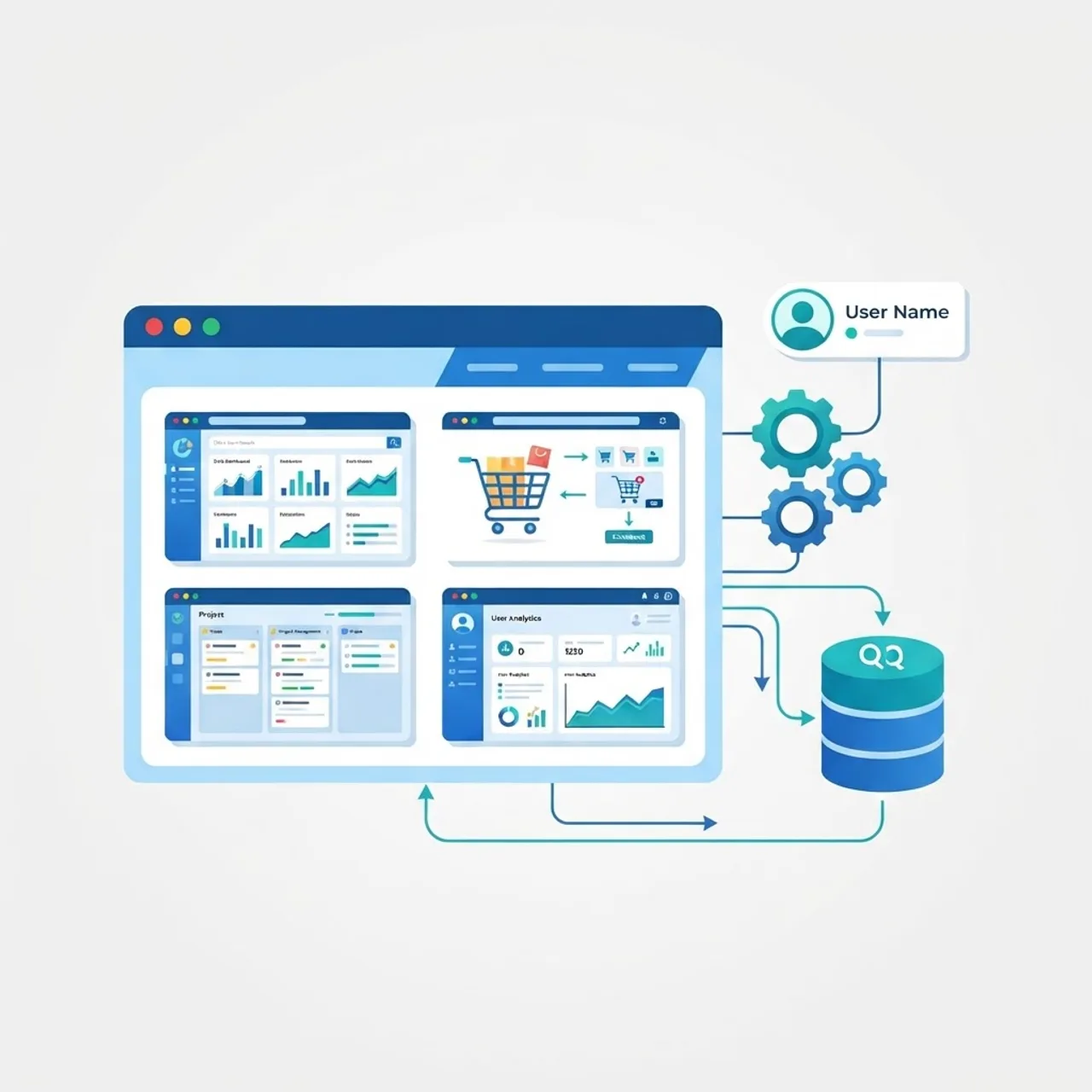
A custom web application is software that runs in a browser and is designed, built, and owned around one organization's specific processes. A website mainly presents information. A web application processes input, stores state, enforces business rules, and produces an outcome: a quote, an invoice, a dispatch route, a patient record, an approved purchase order.
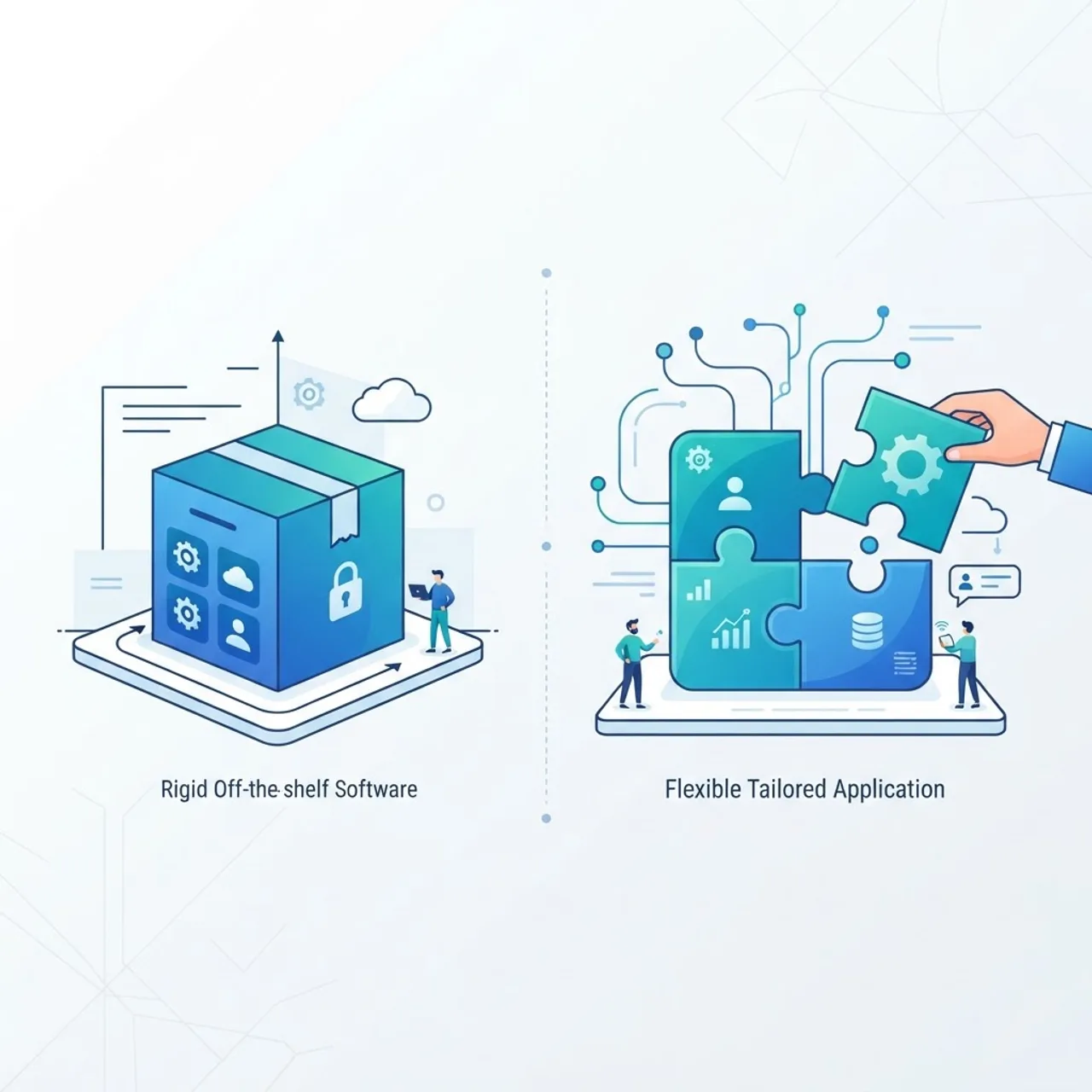
The distinction matters because it changes what you are buying. With generic software you buy access to someone else's assumptions about how your work should happen. With a custom build you buy an asset that encodes how your work actually happens.
Key characteristics of a true custom application
- Process-shaped, not feature-shaped: screens map to the steps your team already performs, so training time drops sharply.
- Single source of truth: one database replaces the spreadsheet-plus-inbox-plus-SaaS patchwork.
- Role-aware access: a warehouse supervisor, an accountant, and a client each see only what they need.
- Integration-first: it talks to your accounting system, CRM, payment provider, and shipping APIs directly.
- Owned roadmap: you decide what ships next, not a vendor's product committee.
Custom Web Application vs Off-the-Shelf Software
The honest answer is that off-the-shelf software wins more often than agencies admit. Standard needs deserve standard tools. Custom development wins when your process is a competitive advantage or a compliance requirement.
| Factor | Custom Web Application | Off-the-Shelf SaaS |
|---|---|---|
| Upfront cost | High | Low |
| Cost at 100+ users | Fixed hosting only | Rises with every seat |
| Fit to your process | Exact | Partial, needs workarounds |
| Time to first use | Weeks to months | Same day |
| Data ownership | Full | Vendor-controlled |
| Integration depth | Unlimited | Limited to available APIs |
| Feature roadmap control | Yours | Vendor's |
| Vendor lock-in risk | Low | High |
| Ongoing maintenance duty | Yours | Vendor's |
The seat-cost row is the one finance teams underestimate. A tool at 40 dollars per user per month costs 48,000 dollars a year at 100 users, every year, forever. That figure is what makes a one-time build economical for growing teams.
When You Actually Need a Custom Web Application
Use these five signals as a checklist. Two or more usually justify a serious business case.
- You pay people to move data. Any recurring manual export, re-entry, or reconciliation task is a process that software should own.
- Your workflow is genuinely unusual. Specialised approval chains, pricing logic, or regulated audit trails rarely exist in generic products.
- You are paying for features you never open. Broad platforms charge for breadth you do not use while missing the one thing you need.
- Two systems disagree about the same number. Duplicate data always drifts, and drift eventually reaches a customer.
- Your process is the product. If how you operate is why clients choose you, that logic belongs in software you own.
If none of these apply, configure a standard tool well and revisit in a year. That advice costs us work and saves clients money, which is exactly why it is worth stating.
The Technology Stack Behind a Modern Custom Web Application
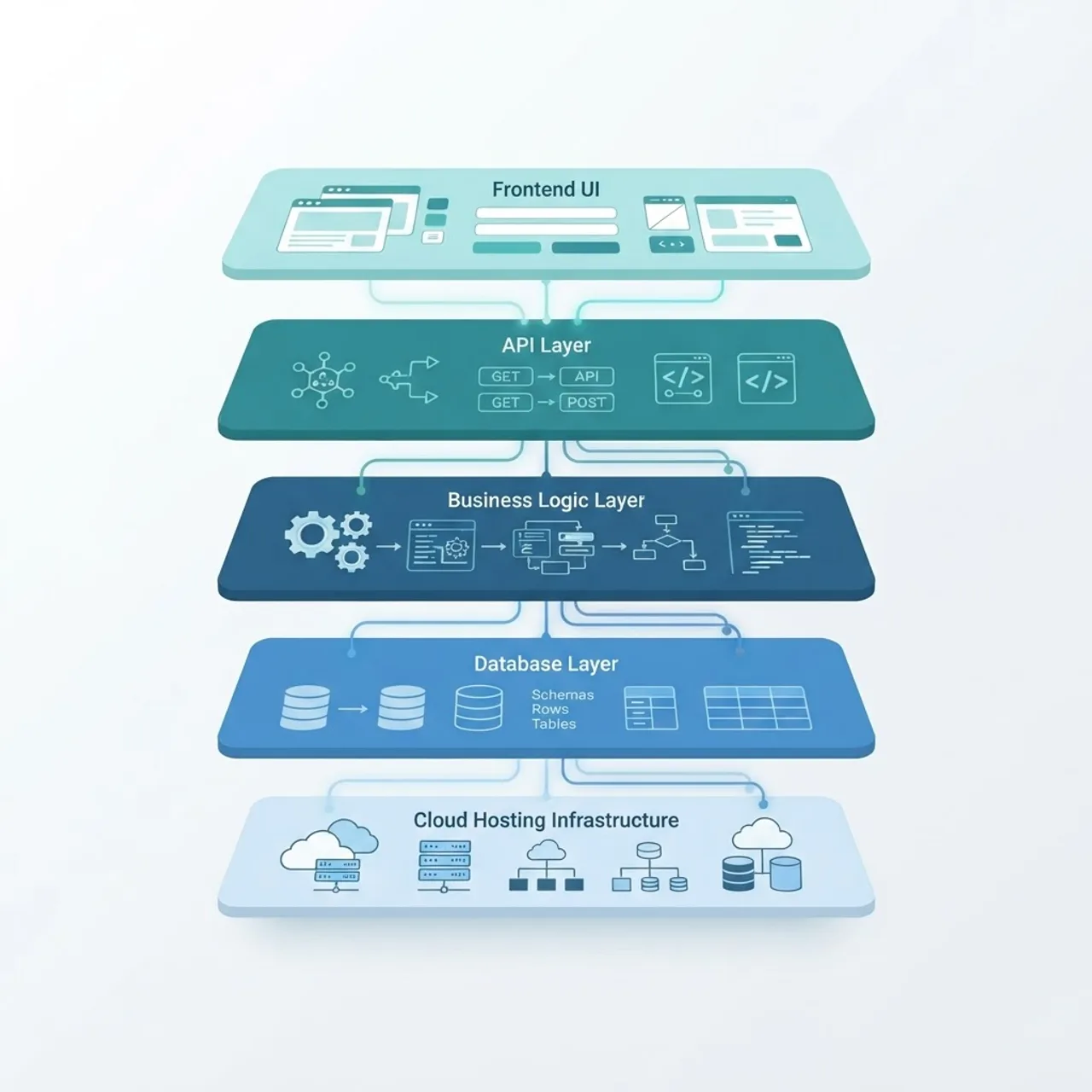
Stack choices should be boring and defensible. A typical production architecture in 2026 has five layers.
- Frontend: React with Next.js or Vue with Nuxt, using server-side rendering for pages that need speed and search visibility.
- API layer: REST for predictable resources, GraphQL when clients need flexible queries, typed end to end with TypeScript.
- Business logic: server-side services where rules live once, never duplicated in the browser.
- Data: PostgreSQL for relational integrity, Redis for caching and sessions, object storage for files.
- Infrastructure: managed cloud hosting with automated CI/CD, staging environments, and rollback in one command.
Performance is not cosmetic here. According to Google research, 53 percent of mobile site visits are abandoned when a page takes longer than three seconds to load, which is why rendering strategy and caching are architecture decisions rather than afterthoughts. Teams that need help selecting and implementing a stack can review the custom web application development services offered by ZoneTechify.
How the Custom Web Application Development Process Works
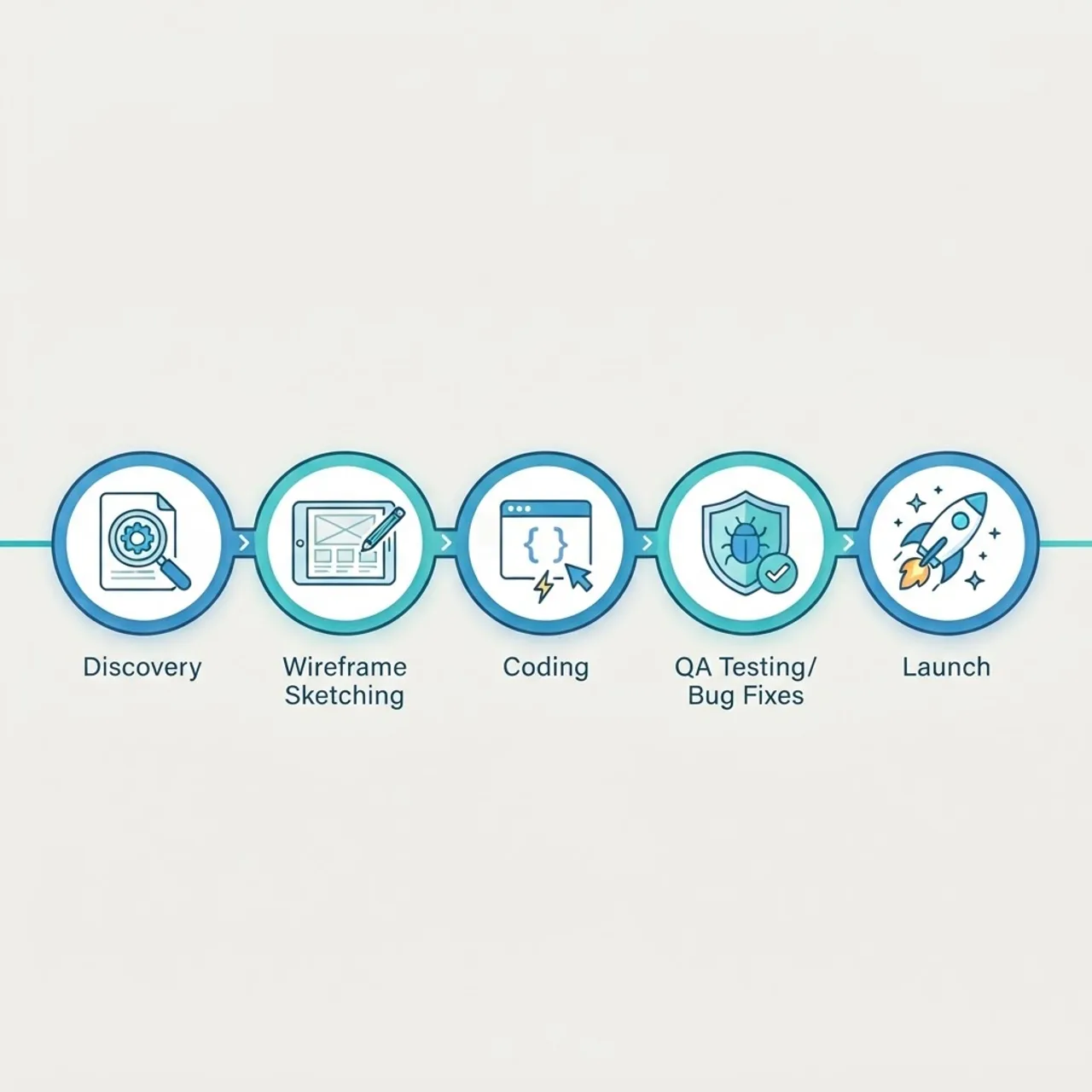
A disciplined build runs in six phases. Skipping the first one is the most expensive mistake available.
- Discovery and process mapping. Sit with the people doing the work, document every step, and identify the three tasks costing the most hours. Output: a prioritised scope and a measurable success metric.
- Architecture and data modelling. Design the database schema and permission model before any interface. Schema mistakes are the hardest defects to unwind later.
- UX design and prototyping. Clickable prototypes let stakeholders reject a layout in minutes instead of after it is coded.
- Iterative development. Two-week sprints, each ending in something a real user can open. No six-month silence followed by a reveal.
- Testing and hardening. Automated tests on critical paths, plus manual testing of permissions, edge cases, and failure states.
- Deployment and handover. Monitoring, backups, documentation, and admin training on day one, not month three.
Early rigour pays measurably. Research from the IBM Systems Sciences Institute, still widely cited in software engineering literature, found that fixing a defect after release can cost up to 100 times more than fixing the same defect during design. Discovery and prototyping are not overhead, they are the cheapest insurance in the project.
What a Custom Web Application Really Costs
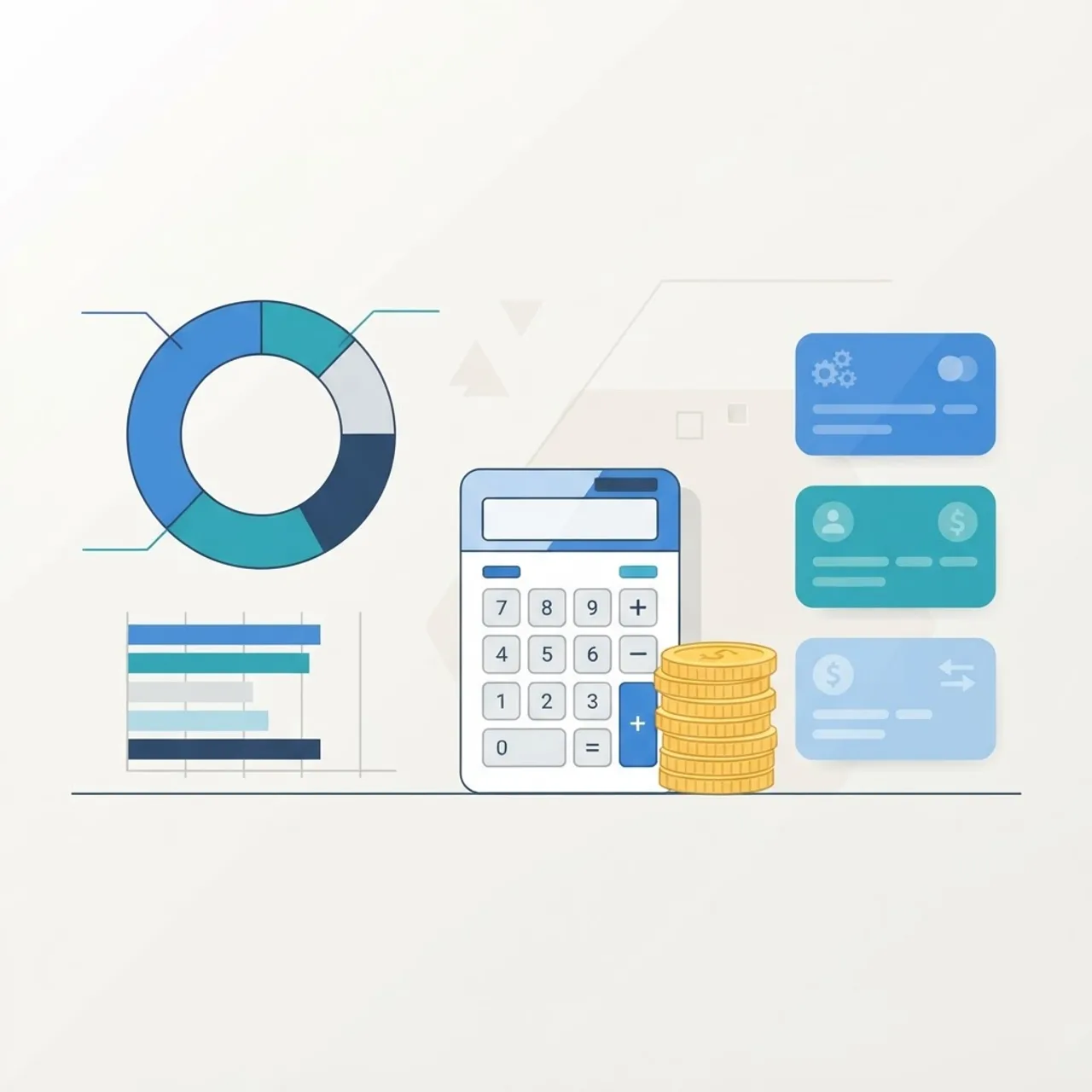
Pricing varies by region and complexity, but the tiers below reflect typical market ranges and help you sanity-check any proposal.
| Project Tier | Typical Scope | Indicative Range | Typical Timeline |
|---|---|---|---|
| Internal tool | One workflow, few roles, basic reporting | 8k to 25k USD | 4 to 8 weeks |
| Client portal | Auth, billing, documents, notifications | 25k to 70k USD | 2 to 4 months |
| Operations platform | Multiple modules, integrations, analytics | 70k to 180k USD | 4 to 9 months |
| Multi-tenant SaaS | Subscriptions, tenancy, admin, scale design | 150k USD and up | 6 to 12 months |
Budget 15 to 20 percent of the build cost annually for hosting, dependency updates, security patches, and small improvements. A proposal with no maintenance line is incomplete, not cheap. Ask any vendor for a fixed-price discovery phase first: a small paid scope exercise produces a defensible estimate and gives you a low-risk way to judge how they work.
Security and Compliance You Cannot Skip
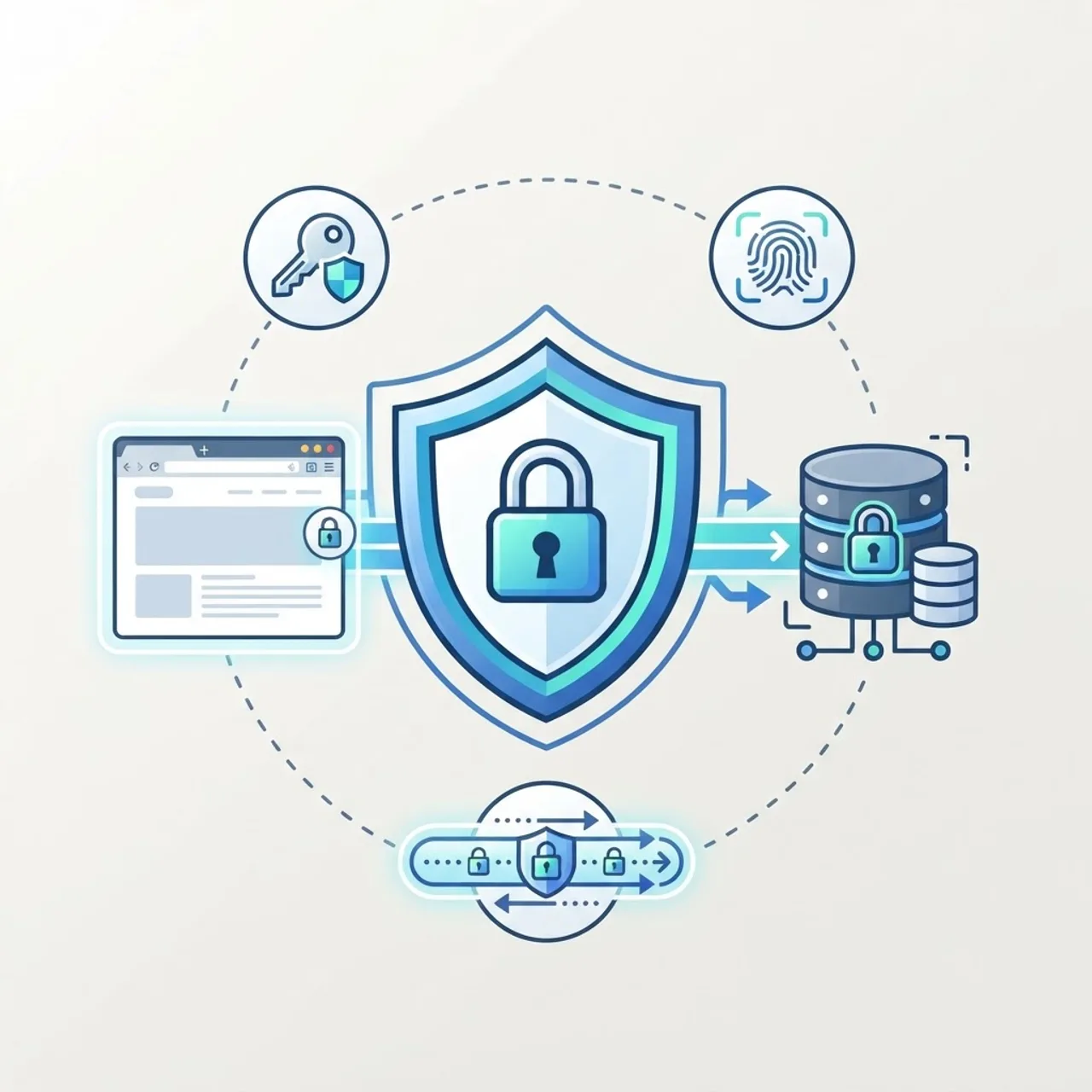
Custom software removes the vendor's security team from the equation, so these controls become your responsibility. Insist on all seven.
- Parameterised database queries on every single query, closing SQL injection.
- Server-side authorisation checks on every endpoint, because hidden buttons are not security.
- Passwords stored with a modern hashing algorithm such as bcrypt or Argon2, never encrypted or plain.
- HTTPS enforced with HSTS, plus baseline response headers including nosniff and a referrer policy.
- Rate limiting on authentication and any endpoint that sends email or costs money.
- Automated encrypted backups with a documented restore test, not just a backup schedule.
- An audit log of who changed what and when, which regulators and insurers increasingly expect.
The OWASP Top 10 remains the practical benchmark, and broken access control has ranked as its number one application security risk in the most recent editions. Ask your development partner to walk you through how they address each category.
Scaling and Maintaining It After Launch

Launch day is the midpoint, not the finish line. Applications degrade through neglect far more often than through traffic.
Instrument the application before you optimise it. Add error tracking, database query timing, and Core Web Vitals monitoring, then fix what the data ranks highest. In practice, the first performance bottleneck is almost always a missing database index or an N+1 query, not insufficient server capacity. Scale vertically until it hurts, add caching next, and only then move to horizontal scaling and background job queues.
Operationally, keep a fortnightly cadence for dependency updates and a quarterly review of unused features. Teams looking to layer intelligent automation on top of an existing platform can explore the AI engineering work documented at WebPeak.
Mistakes That Derail Custom Builds
- Scoping every feature at once. Ship the one workflow that saves the most hours, then expand with real usage data.
- Excluding the daily users. Software designed only with managers gets quietly abandoned by the people meant to use it.
- No named product owner. Without one decision-maker, sprints stall on unanswered questions.
- Choosing a vendor with no exit plan. Insist on owning the repository, the cloud account, and the documentation from day one.
Key Takeaways
- A custom web application is browser-based software built around one organization's specific workflows rather than a generic market.
- Custom development is justified when manual data movement, unusual workflows, or per-seat licensing costs outweigh the build cost, often within 12 to 24 months.
- Google research shows 53 percent of mobile visits are abandoned above a three-second load time, making performance an architecture decision.
- IBM Systems Sciences Institute research indicates post-release defect fixes can cost up to 100 times more than design-stage fixes.
- Broken access control is the top-ranked risk in the most recent OWASP Top 10, so server-side authorisation is non-negotiable.
- Budget 15 to 20 percent of build cost per year for maintenance, and always start with a paid discovery phase.
Frequently Asked Questions (FAQ)
What is a custom web application in simple terms?
It is software that runs in a web browser and is built specifically for your business instead of sold to everyone. It handles your exact workflows, stores your data in one place, and connects to your other systems, so your team stops working around limitations of generic tools.
How long does it take to build a custom web application?
A focused internal tool typically takes four to eight weeks. A client portal takes two to four months, and a larger operations platform or multi-tenant product runs four to twelve months. Timelines depend mostly on integration count and how quickly your team can make decisions during discovery.
Is a custom web application cheaper than SaaS long term?
Often yes, once headcount grows. Per-seat subscriptions scale with your team while a custom build has a fixed cost plus modest hosting and maintenance. At around 50 to 100 users on a mid-priced tool, a custom application usually becomes the cheaper option within two years.
Do I own the code of a custom web application?
You should. Confirm in writing that your contract transfers full intellectual property, repository access, and cloud account ownership on final payment. Any vendor that keeps the source code or hosting credentials creates lock-in that is functionally worse than the SaaS dependency you were trying to escape.
Can a custom web application integrate with my existing tools?
Yes, and that is usually its biggest advantage. If your accounting software, CRM, payment gateway, or shipping provider exposes an API, a custom application can sync with it directly. Where no API exists, scheduled file imports or webhook bridges provide a reliable fallback path.
What should I ask a development partner before signing?
Ask who owns the code, how they handle the OWASP Top 10, what the maintenance cost is annually, how often you will see working software, and who your named point of contact is. Also request two references from projects of similar scope and complexity.
Final Thoughts
A custom web application is a capital asset, not a subscription. Treat it that way: start with the single workflow that costs the most hours, validate with a paid discovery phase, ship something usable within eight weeks, and measure the hours it saves. Built with that discipline, it becomes the system your business runs on rather than another tool your team routes around.