A practical engineering guide to the MongoDB SERVER-118849 issue affecting the 7.0 and 8.0 release branches, including how to verify exposure, patch safely, and harden your clusters.
MongoDB SERVER-118849 7.0 8.0 Vulnerability
When a MongoDB ticket ID like SERVER-118849 starts circulating alongside the version strings 7.0 and 8.0, most teams react in one of two unhelpful ways: they panic and schedule an emergency maintenance window before confirming anything, or they ignore it because the cluster sits behind a VPC and "nothing is exposed." Both reactions skip the only step that matters, which is establishing whether your specific build number is affected and whether your deployment topology makes the issue reachable.
This guide walks through that verification process the way a database reliability engineer actually does it: identify the exact build, map the advisory to a patched release, assess reachability, patch in the correct order, and then close the structural gaps that made the issue worth worrying about in the first place.
Quick Answer: SERVER-118849 is a MongoDB Jira ticket identifier tied to the 7.0 and 8.0 release branches. Treat it as unpatched until you confirm your exact build with db.version(), match it against MongoDB Alerts and the official release notes, then upgrade to the latest patch release in your branch and verify authentication, network exposure, and audit logging.
What SERVER-118849 Actually Refers To
SERVER-118849 is a ticket number in MongoDB's public Jira project, not a CVE. This distinction matters because the two identifiers serve different purposes and appear at different times.
- SERVER-XXXXXX is MongoDB's internal engineering ticket. It tracks the code change, the affected branches, and the fix version. Security-sensitive tickets are often restricted until a patch ships.
- CVE-YYYY-NNNNN is the public vulnerability identifier assigned by a CVE Numbering Authority. MongoDB publishes CVEs through its Alerts page, and each one typically references the underlying SERVER ticket.
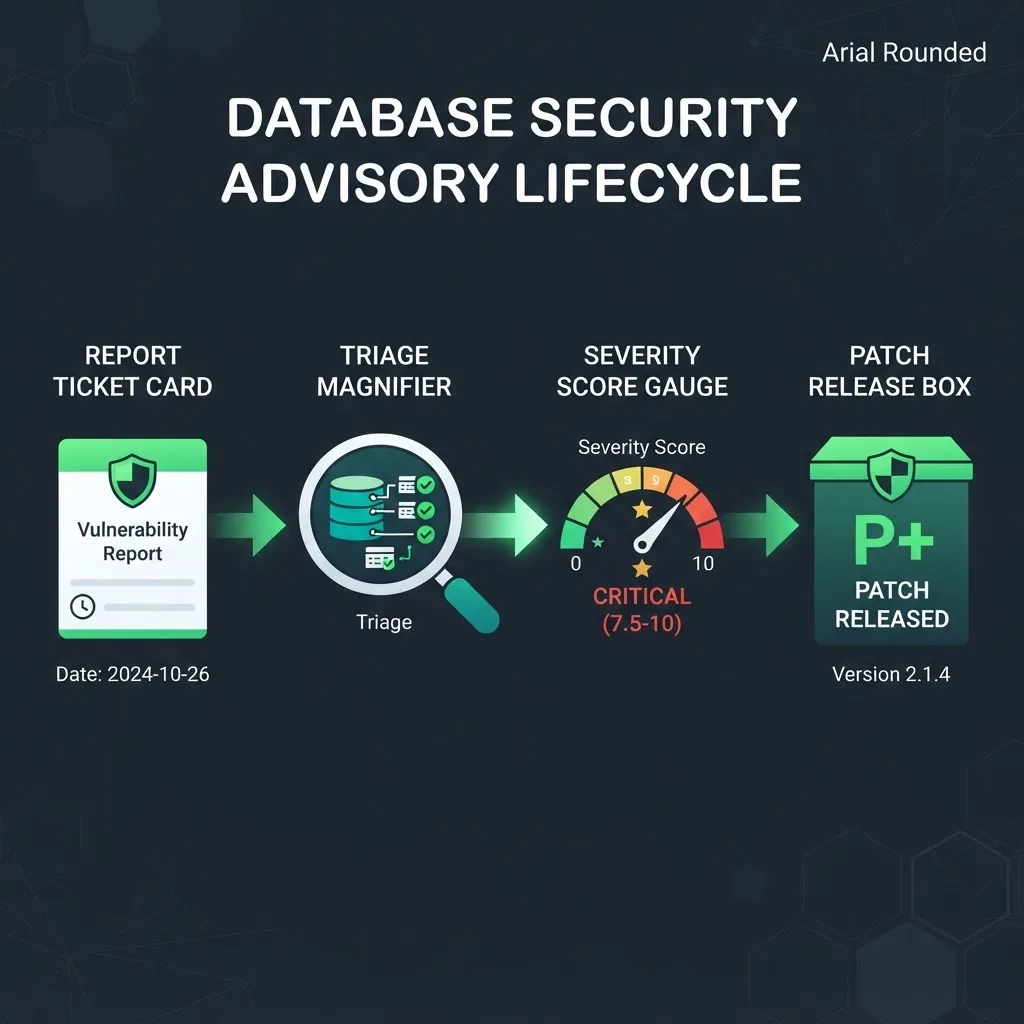
The practical implication: if you can open the ticket and see a Fix Version field listing something like 7.0.x and 8.0.x, that field is your source of truth for the minimum safe patch release. If the ticket is restricted, the MongoDB Alerts page and the release notes for each branch are where the affected and fixed version ranges get documented.
Why the 7.0 and 8.0 Pairing Is Common
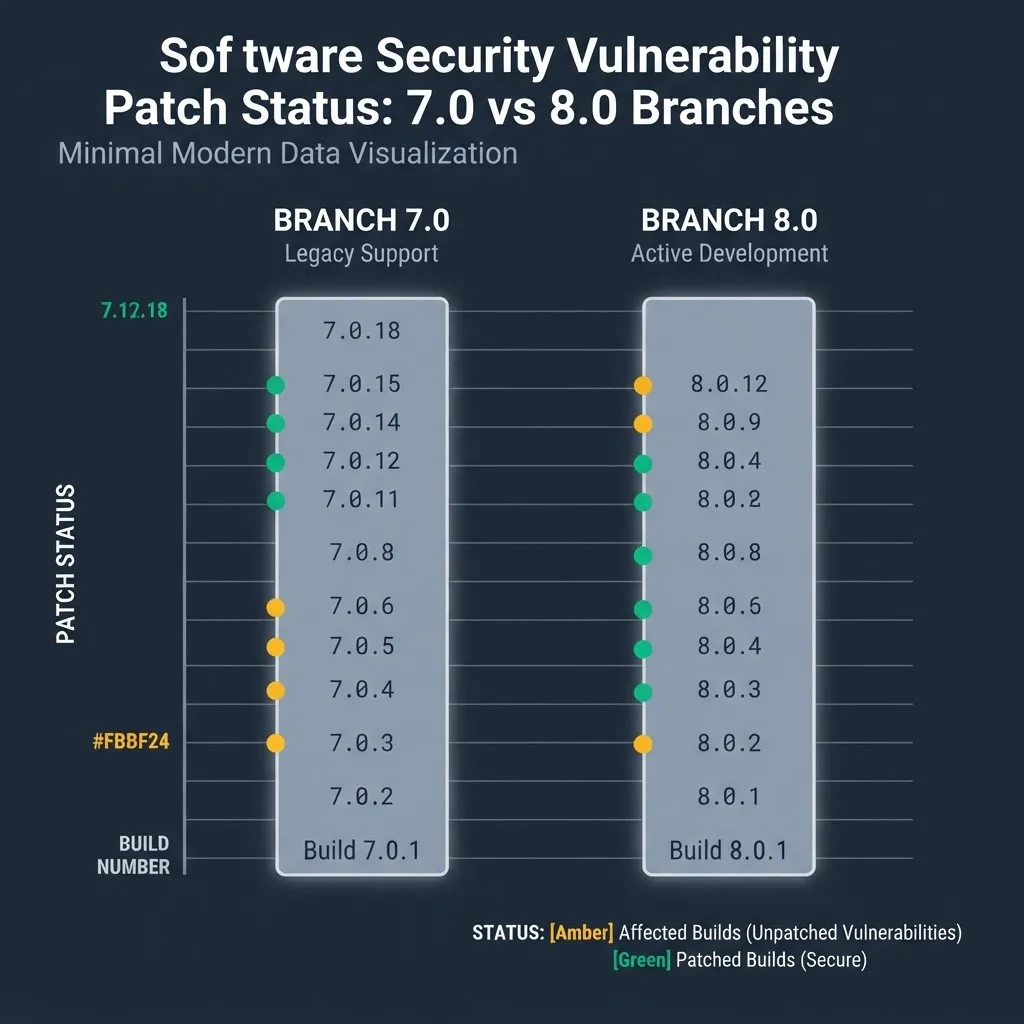
MongoDB maintains multiple release branches simultaneously. A defect introduced in shared server code frequently lands in every actively maintained branch, which is why advisories so often list two or three version families at once. MongoDB backports the fix to each supported branch rather than forcing everyone onto the newest major version, so a 7.0 user upgrades within 7.0 and an 8.0 user upgrades within 8.0.
How to Check Whether Your Cluster Is Affected
Run these five checks in order. They take under ten minutes on a typical replica set and give you a defensible answer instead of a guess.
- Get the exact build. Connect with mongosh and run db.version(). Then run db.serverBuildInfo() to capture the git version and modules. A major.minor number alone is not enough; patch level decides everything.
- Compare against the fixed release. Open the release notes for your branch and find the first patch release listing the ticket. Any build below that number is affected.
- Confirm your deployment type. MongoDB Atlas patches the underlying server for you on the standard maintenance schedule. Self-managed Community and Enterprise deployments, containers, and Kubernetes operators are your responsibility.
- Check reachability. Is the mongod or mongos port reachable from anything other than your application subnet? Run a port scan from outside the VPC rather than trusting the security group description.
- Check authentication and authorization. Verify that authorization is enabled, that no account still uses a default or shared credential, and that application users hold scoped roles rather than root.
Version Exposure Comparison
| Deployment | Who applies the patch | Typical exposure window | Immediate action |
|---|---|---|---|
| MongoDB Atlas | MongoDB, on maintenance schedule | Hours to days | Confirm the maintenance window and review it |
| Self-managed 7.0.x | Your team | Until you upgrade | Upgrade to the latest 7.0 patch release |
| Self-managed 8.0.x | Your team | Until you upgrade | Upgrade to the latest 8.0 patch release |
| Container image pinned by tag | Your team | Until the image is rebuilt | Repin the tag, rebuild, redeploy |
| End-of-life branch such as 5.0 | Nobody | Permanent | Plan a major version upgrade now |
That last row deserves emphasis. Once a branch reaches end of life, MongoDB stops backporting fixes to it entirely. Teams still running an EOL branch do not need to read the advisory to know they have a problem.
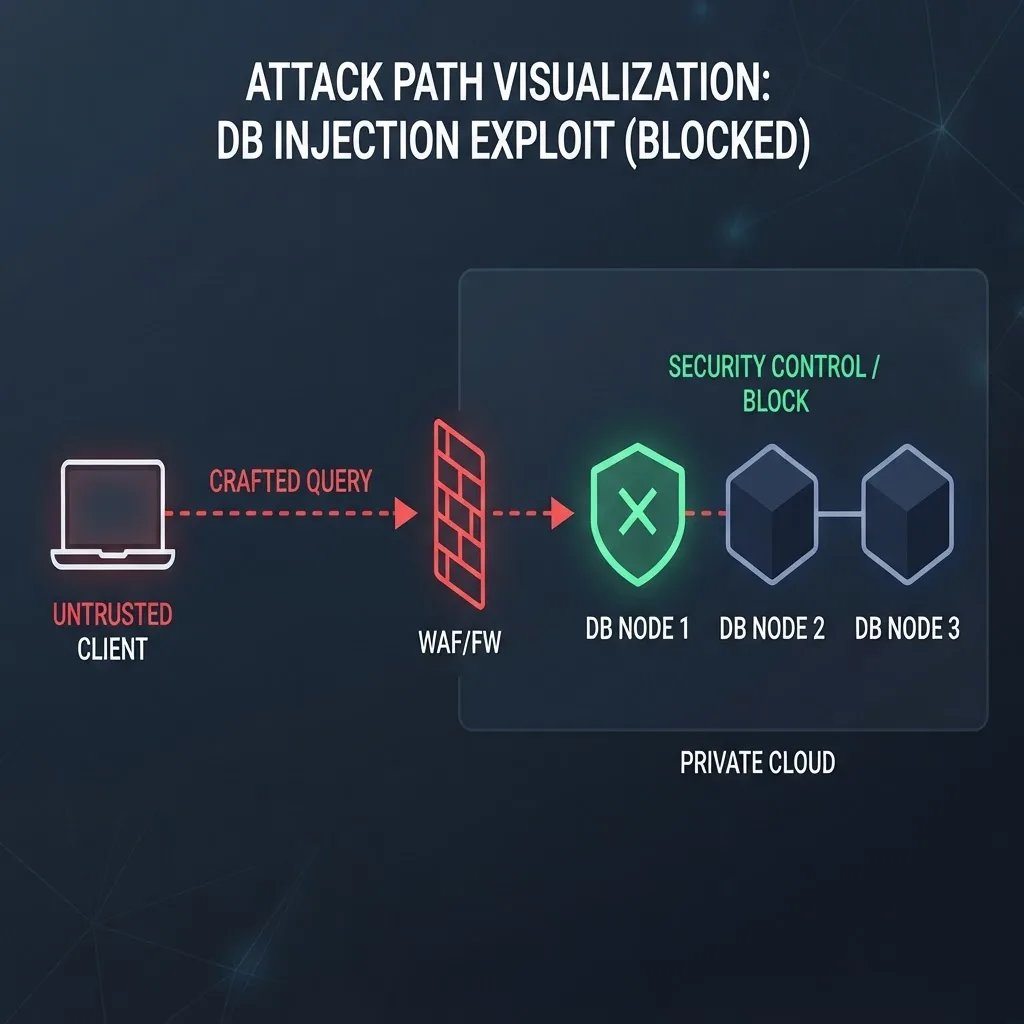
How Database Vulnerabilities Get Exploited in Practice
Understanding the exploitation path helps you prioritize correctly. Database vulnerabilities generally fall into four buckets, and the bucket determines urgency far more than a raw severity score does.
- Pre-authentication remote code execution. The most serious class. An attacker who can reach the port needs no credentials. Patch immediately, out of cycle.
- Post-authentication privilege escalation. Requires valid credentials but lets a low-privilege user reach data or commands they should not. Urgent in any multi-tenant environment.
- Denial of service. A crafted query or aggregation pipeline crashes the node or exhausts memory. Serious for availability, less so for confidentiality.
- Information disclosure. Data leaks through error messages, logs, or diagnostic commands. Severity depends entirely on the sensitivity of the data involved.
Context from the wider threat landscape: the Verizon Data Breach Investigations Report found that exploitation of vulnerabilities as an initial access vector grew roughly 180 percent year over year, and CISA's Known Exploited Vulnerabilities catalog consistently shows that internet-reachable infrastructure is targeted within days of a public advisory. Database ports are a favored target because a single successful exploit yields the data itself rather than a foothold that still needs lateral movement.
Patching Safely Without Downtime
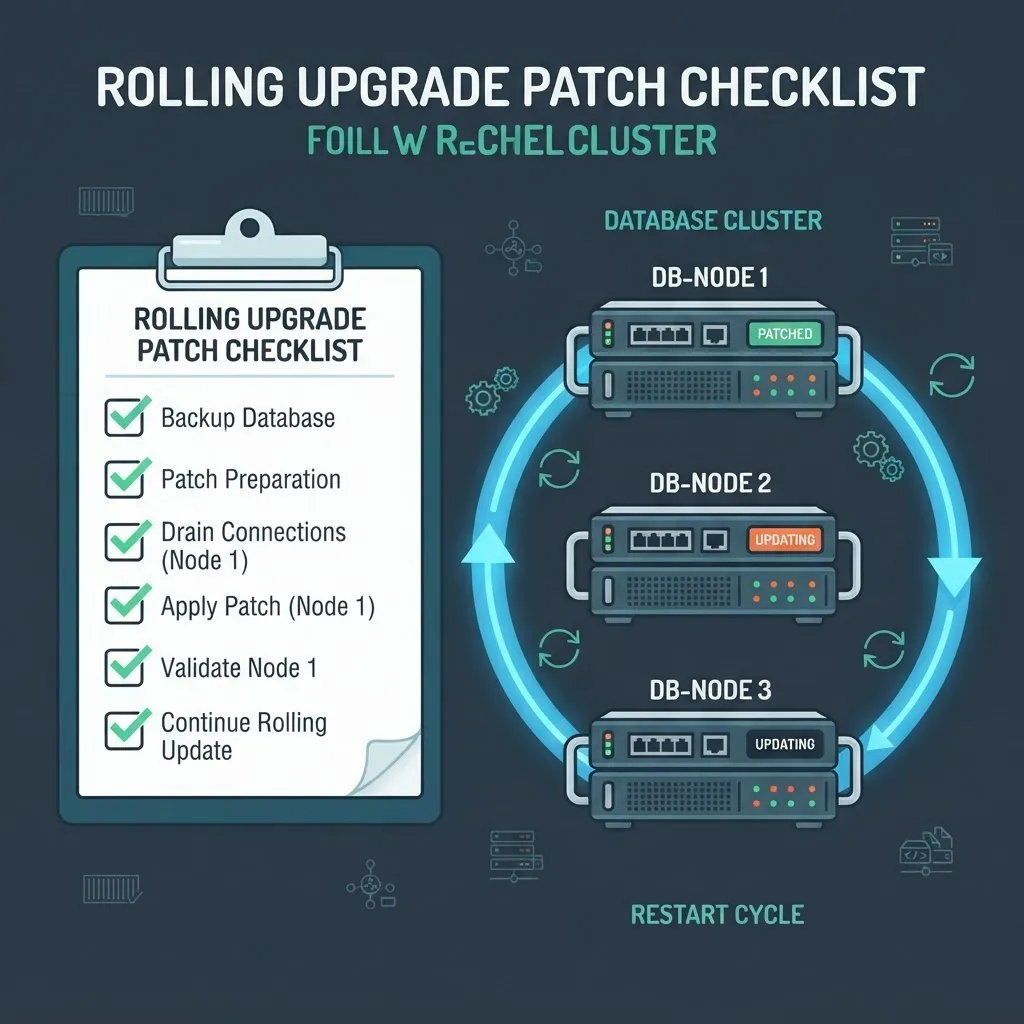
A replica set can be patched with zero application downtime if you follow the correct order. Skipping steps here is how a security fix turns into an outage postmortem.
- Back up first. Take a full backup and confirm it restores in a staging environment. An untested backup is a hope, not a plan.
- Read the release notes for every version you skip. If you are jumping from 7.0.2 to 7.0.14, you inherit twelve releases of behavior changes.
- Patch secondaries one at a time. Stop the node, upgrade the binary, restart it, and wait until it fully catches up and reports SECONDARY before touching the next one.
- Step down the primary. Use rs.stepDown() so the election is controlled rather than triggered by a crash, then upgrade the former primary.
- For sharded clusters, follow MongoDB's documented order. Config servers, then shards, then mongos routers. Reversing this creates version mismatches between routers and shards.
- Verify with db.version() on every node. Then confirm replication lag has returned to baseline and error rates in your application logs are flat.
- Only then adjust the feature compatibility version. Changing featureCompatibilityVersion is a separate decision from patching and is much harder to roll back.
One underappreciated detail: your driver version matters too. Older drivers occasionally rely on behavior that newer server patches tighten. Test the application against the target server version in staging rather than discovering an incompatibility during the production window.
Hardening That Makes the Next Advisory Less Urgent
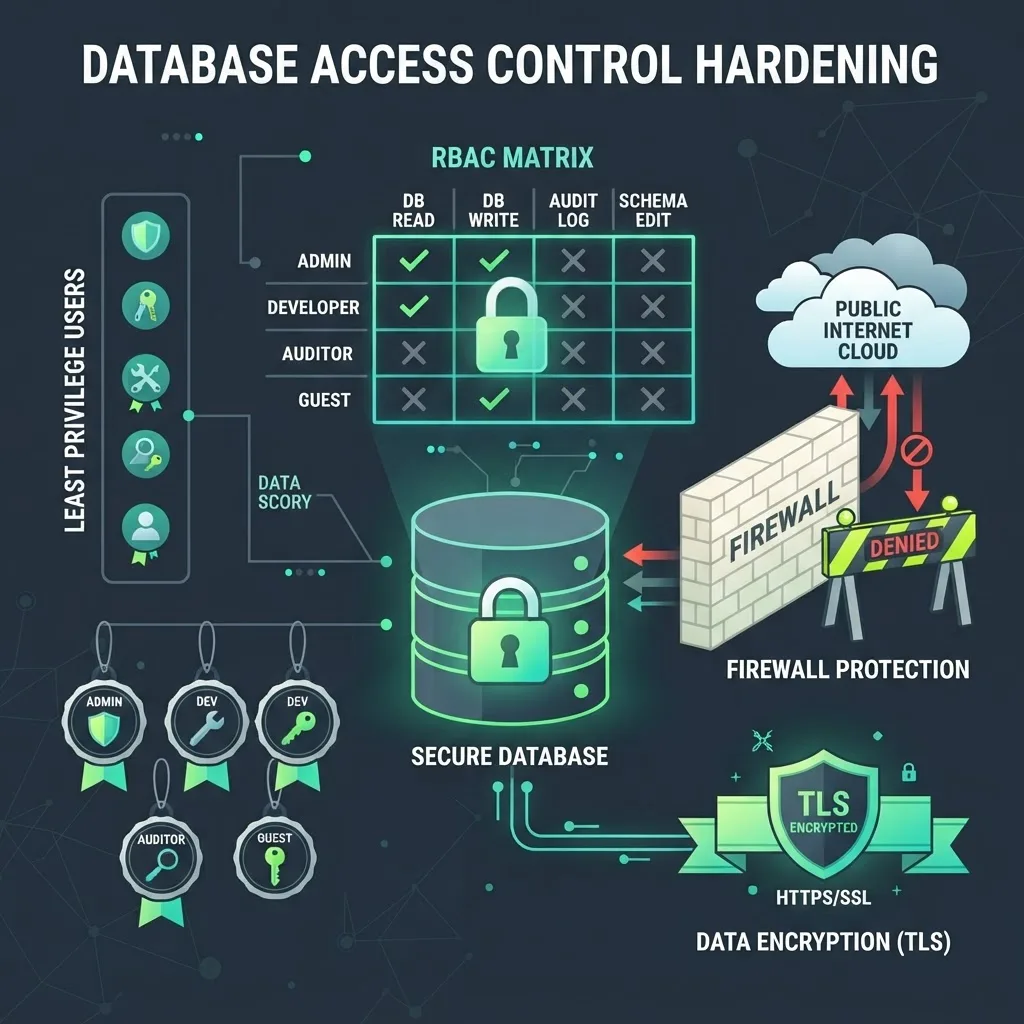
Patching resolves one issue. Architecture decides how much any future issue can cost you. These controls consistently reduce blast radius across the deployments we review.
- Never bind to 0.0.0.0 in production. Bind to private interfaces only and enforce it at the security group or firewall layer as well as in the config file.
- Enable authorization and TLS. Unauthenticated MongoDB instances remain one of the most common sources of exposed database records in public breach datasets.
- Apply least privilege per service. Each application gets its own user, scoped to its own database, with only the actions it needs. No shared root credentials.
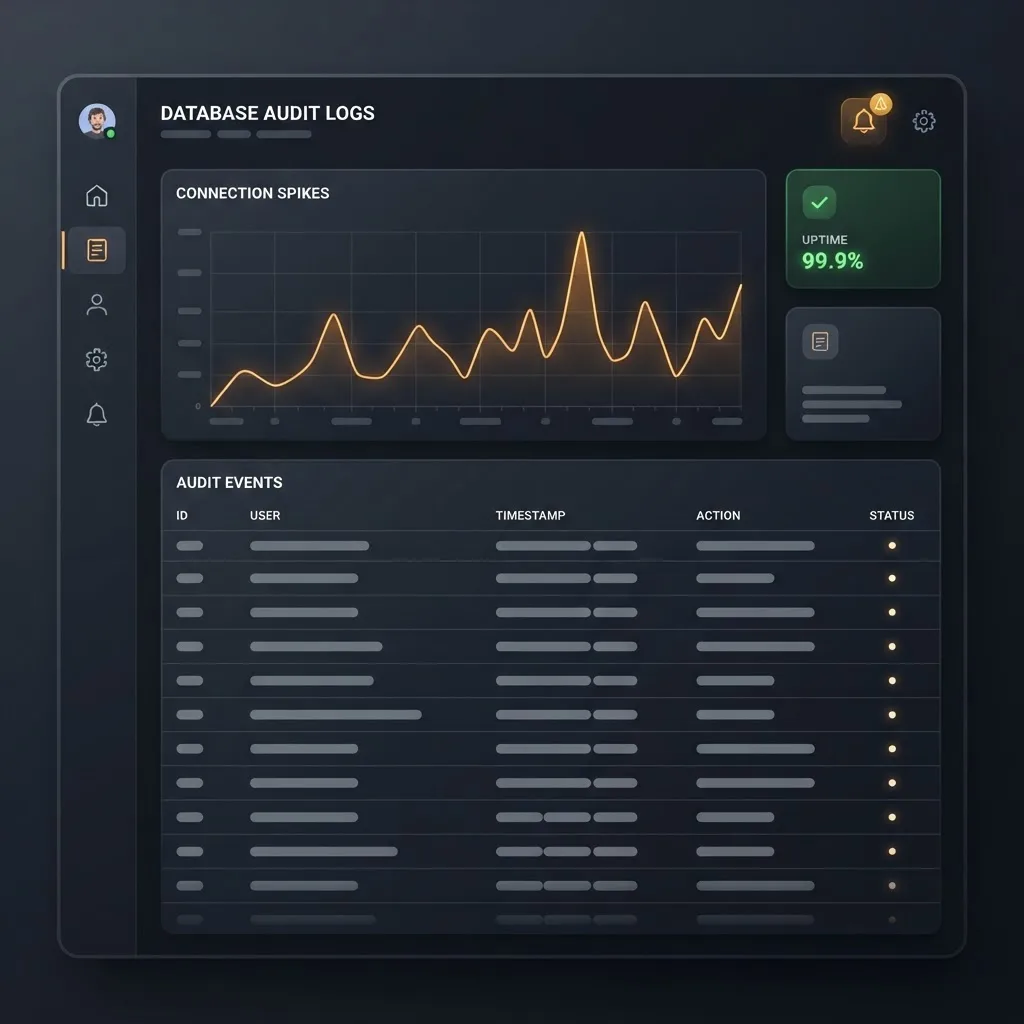
- Turn on audit logging. Enterprise and Atlas support auditing. Without it, you cannot answer the question every incident review asks: what did the attacker actually touch?
- Alert on the signals that precede abuse. Sudden connection spikes from unexpected sources, authentication failure bursts, unusually long-running aggregations, and unexplained memory growth.
- Rotate credentials after patching. If a vulnerability could have exposed credentials or session state, patching alone does not evict an attacker who already has keys.
- Track your inventory. You cannot patch a database you forgot existed. Every advisory response starts with a complete list of running instances and their versions.
Teams that treat database patching as a scheduled engineering activity rather than an interrupt handle these advisories in hours. The teams that struggle are almost always the ones without an inventory. When we help clients at ZoneTechify restructure their data layer, the first deliverable is rarely code. It is an accurate map of what is running, on which version, reachable from where.
Key Terms Defined
- SERVER ticket: An issue in MongoDB's public Jira project. Its Fix Version field names the release containing the fix.
- Fix Version: The first release that includes the patch. Your minimum safe upgrade target.
- CVSS: A 0 to 10 severity scale. Useful for triage, but reachability in your environment matters more than the number.
- featureCompatibilityVersion (FCV): A setting controlling which version-specific features are enabled. Independent of patching and difficult to reverse.
- Rolling upgrade: Upgrading nodes one at a time so the cluster stays available throughout.
Key Takeaways
- SERVER-118849 is a MongoDB Jira ticket identifier, not a CVE. The ticket's Fix Version field and the branch release notes define your minimum safe version.
- MongoDB backports fixes across actively maintained branches, which is why 7.0 and 8.0 appear together. Upgrade within your branch.
- db.version() and db.serverBuildInfo() are the only reliable way to confirm your exact build. Patch level, not major.minor, determines exposure.
- Atlas patches the server for you on a maintenance schedule. Self-managed, containerized, and operator-managed deployments are entirely your responsibility.
- Exploitation of vulnerabilities as an initial access vector grew roughly 180 percent year over year per the Verizon DBIR, and internet-reachable services are targeted within days of disclosure.
- Rolling upgrade order is secondaries, then a controlled rs.stepDown(), then the former primary. Sharded clusters go config servers, shards, routers.
- End-of-life branches receive no backported fixes. Running one is a permanent, unpatchable exposure.
Frequently Asked Questions (FAQ)
Is SERVER-118849 a real CVE I should look up?
SERVER-118849 is a MongoDB Jira ticket number, not a CVE. Search MongoDB's Alerts page and the release notes for your branch to find the associated CVE, if one was assigned, along with the affected version range and the patch release that contains the fix.
How do I check which MongoDB version I am running?
Connect with mongosh and run db.version() for the version string, then db.serverBuildInfo() for the git revision and enabled modules. Run this on every node, not just the primary, because mixed-version clusters during an incomplete upgrade are more common than most teams expect.
Does this affect MongoDB Atlas users?
Atlas users are generally covered because MongoDB applies server patches during scheduled maintenance windows. Check your project's maintenance settings and version in the Atlas console to confirm the patch has landed. Self-managed clusters, containers, and Kubernetes operator deployments require you to upgrade manually.
Can I skip straight from MongoDB 7.0 to 8.0 to fix this?
You can, but that is a major version upgrade with its own compatibility testing, driver requirements, and featureCompatibilityVersion decisions. To close the security gap quickly, apply the latest patch release inside your current branch first. Plan the major upgrade separately once the immediate exposure is resolved.
What should I do if I cannot patch immediately?
Reduce reachability. Restrict the port to your application subnet only, confirm authorization and TLS are enabled, remove unused database users, tighten role scopes to least privilege, and raise alerting on authentication failures and connection spikes. These mitigations shrink the blast radius but never replace the patch.
How often should we review MongoDB security advisories?
Subscribe to MongoDB Alerts and review new entries at least monthly, with same-day triage for anything marked critical. Pair that with a quarterly patch cycle and an always-current inventory of running instances and versions so you can answer the exposure question in minutes.
Final Word
The fastest responders to advisories like this one are never the teams with the most tooling. They are the teams that already know what is running where. Build the inventory, keep a rehearsed rolling-upgrade runbook, and treat least privilege as a default rather than a hardening project, and any given ticket number becomes a routine Tuesday instead of an incident. If you need a senior team to review your data layer and delivery pipeline, WEBPEAK Agency works on exactly this kind of production infrastructure.