Learn how to recover from a Google algorithm update with a proven, step-by-step SEO recovery plan covering diagnosis, content, technical fixes, and E-E-A-T.
How to Recover From Google Algorithm Update
A Google algorithm update can wipe out months of organic growth overnight. One day your rankings are stable, the next your traffic drops 40% and your inbox fills with panic. The good news: recovery is possible, predictable, and repeatable when you follow a disciplined process instead of chasing rumors. This guide walks you through exactly how to diagnose the damage, fix the root cause, and rebuild rankings the right way.
Quick Answer: To recover from a Google algorithm update, confirm the update date, audit affected pages, and fix the root cause: thin or unhelpful content, technical SEO issues, toxic backlinks, or weak E-E-A-T. Improve quality, request reindexing, and monitor results over four to eight weeks.
What Is a Google Algorithm Update?
A Google algorithm update is a change to the systems Google uses to rank web pages in search results. Google confirms thousands of changes each year, but only a handful are "core updates" or major spam and helpful-content updates that cause visible ranking shifts. According to Google, it makes thousands of changes annually, with several broad core updates rolled out each year that can take two weeks or longer to fully deploy.
Updates are not penalties in the traditional sense. A core update re-evaluates the entire web, so a drop often means competitors now satisfy intent better than you do. Understanding this distinction is the first step toward a calm, data-driven recovery rather than a frantic guessing game. If SEO strategy is not your strength, a dedicated digital marketing team can shorten the recovery curve significantly.
Step 1: Confirm It Was Actually an Algorithm Update
Before you change anything, verify the cause. Not every traffic drop is algorithmic. Seasonal demand, tracking errors, manual actions, or site migrations can all mimic an update.
Use this checklist to confirm an algorithm update is responsible:
- Match the date. Compare your traffic-drop date in Google Analytics 4 against known update timelines from Google Search Status and reputable SEO trackers.
- Check Search Console. Look at the Performance report for clicks and impressions, filtered to the exact drop window.
- Rule out manual actions. Open the Manual Actions report in Search Console. A manual action requires a different, formal reconsideration process.
- Confirm tracking is intact. Make sure your analytics tag did not break during the same period.
- Segment the loss. Identify whether the drop hit the whole site or specific page types, topics, or templates.
If the dates align and there is no manual action, you are dealing with an algorithmic re-evaluation.
Step 2: Diagnose Which Pages and Patterns Were Hit
Recovery depends on precision. Export the queries and pages that lost the most clicks, then look for patterns. Did your blog content drop while product pages held steady? Did informational queries collapse while branded terms stayed flat? These patterns reveal what Google reassessed.
Create a simple spreadsheet ranking every affected URL by lost clicks. Group them by intent, content type, and topic cluster. This turns a vague "we lost traffic" into a targeted list of pages that need attention, which is the difference between a focused fix and months of wasted effort.
Step 3: Audit and Improve Content Quality
Most core and helpful-content updates reward genuinely useful, people-first content. If your affected pages are thin, outdated, or written primarily to rank, content is your likely root cause.
Apply these content fixes to each affected page:
- Satisfy intent fully. Make sure the page answers the question completely so readers do not return to search.
- Remove or merge thin pages. Consolidate low-value posts into stronger, comprehensive guides.
- Refresh outdated facts. Update statistics, screenshots, prices, and examples to the current year.
- Add first-hand experience. Include original insights, tests, data, or examples only you can provide.
- Cut filler. Delete repetitive paragraphs and keyword-stuffed sentences that add no value.
Google's own guidance asks creators to write content that provides a satisfying experience and demonstrates real expertise. Strong content writing is the single biggest lever in most recoveries, and brands like those covered at ZoneTechify consistently rebuild rankings by prioritizing depth over volume.
Step 4: Fix Technical SEO Issues
Technical problems amplify content weaknesses. Even excellent content struggles to recover if Google cannot crawl, render, or trust your pages.
Work through this technical checklist:
- Core Web Vitals. Improve loading, interactivity, and visual stability. According to Google, 53% of mobile visits are abandoned if a page takes longer than three seconds to load.
- Mobile usability. Confirm the site is fully responsive and passes mobile-friendly testing.
- Indexation. Check the Pages report for crawled-not-indexed or discovered-not-indexed errors.
- Internal linking. Strengthen links from high-authority pages to recovering content.
- Structured data. Add valid schema so Google understands your content and entities.
A clean technical foundation lets your content improvements take full effect. The platform expertise documented at WebPeak reinforces that speed and crawlability are non-negotiable for sustained rankings.
Step 5: Review Your Backlink Profile
If you were affected by a spam-related update, your backlink profile may be the issue. Low-quality, paid, or manipulative links can drag down trust.
Follow this link cleanup process:
- Audit your links. Use a backlink tool to export every referring domain.
- Flag toxic links. Identify spammy directories, link farms, and irrelevant paid placements.
- Remove what you can. Contact webmasters to take down clearly manipulative links.
- Disavow as a last resort. Use Google's disavow tool only for clear link spam you cannot remove.
- Earn quality links. Replace lost trust with editorial links from relevant, authoritative sites.
Focus on earning links naturally. A handful of trusted, topical links outperform hundreds of low-quality ones.
Step 6: Strengthen E-E-A-T Signals
Experience, Expertise, Authoritativeness, and Trustworthiness (E-E-A-T) is how Google's quality raters evaluate whether content deserves to rank, especially for topics that affect health, finance, or safety.

Strengthen E-E-A-T with these proven moves:
- Add real author bios with credentials, photos, and links to professional profiles.
- Show first-hand experience through case studies, original research, and screenshots.
- Cite authoritative sources and link to reputable references.
- Build trust signals such as clear contact details, policies, and reviews.
- Keep content accurate and update it on a regular schedule.
E-E-A-T is not a single score you can toggle. It is the cumulative impression your site gives that real experts produced trustworthy content.
Algorithm Recovery Methods Compared
The table below compares the main recovery levers so you can prioritize effort where it matters most.
| Recovery Method | Best For | Effort | Typical Time to Impact |
|---|---|---|---|
| Content quality overhaul | Core and helpful-content updates | High | 4 to 8 weeks |
| Technical SEO fixes | Crawl, speed, indexation issues | Medium | 2 to 6 weeks |
| Backlink cleanup | Spam and link-based updates | Medium | 4 to 12 weeks |
| E-E-A-T improvements | YMYL and trust-sensitive niches | High | 8 to 16 weeks |
| Page consolidation | Thin or duplicate content | Low | 3 to 6 weeks |
Step 7: Monitor, Measure, and Be Patient
Recovery rarely happens overnight. After you implement fixes, request indexing for updated URLs and track progress weekly.
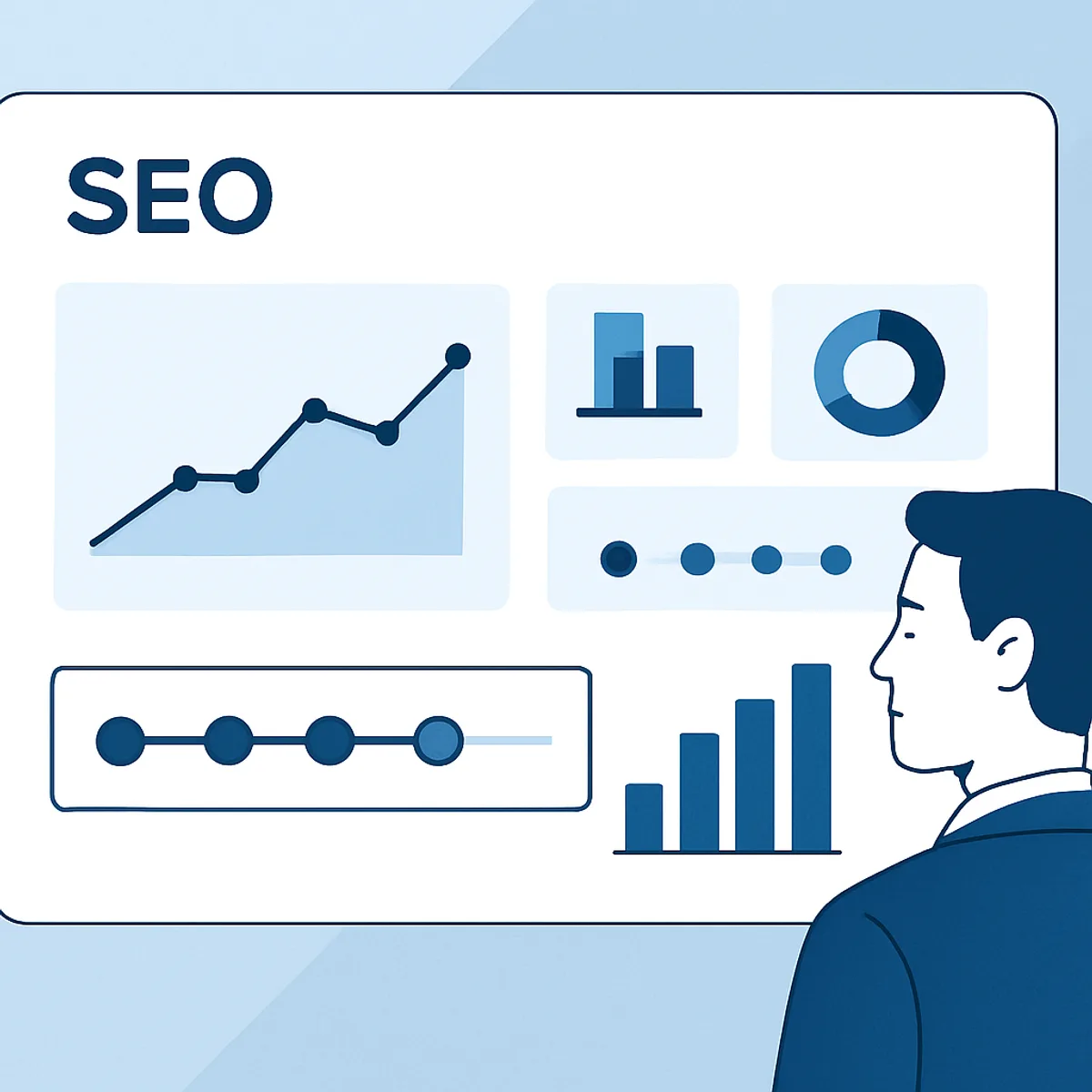
Monitor these recovery metrics:
- Impressions and clicks in Search Console, segmented to affected pages.
- Average position for your priority keywords.
- Indexation status for newly updated content.
- Engagement signals such as time on page and return-to-search behavior.
Full recovery from a core update often arrives only with the next core update, when Google re-evaluates the web again. Stay consistent. Sites that keep improving quality tend to recover; sites that make one fix and stop usually do not.
Key Takeaways
- A Google algorithm update re-ranks the web, so a traffic drop usually signals a quality or relevance gap, not a manual penalty.
- Always confirm the update by matching dates in Search Console and ruling out manual actions before making changes.
- Content quality is the biggest recovery lever; satisfy intent fully and demonstrate real first-hand experience.
- Technical SEO matters: Google reports 53% of mobile visits are abandoned after a three-second load delay.
- Recovery typically takes four to eight weeks for content fixes and may require the next core update for full restoration.
Frequently Asked Questions (FAQ)
How long does it take to recover from a Google algorithm update?
Most sites see partial recovery within four to eight weeks of implementing genuine quality improvements. Full recovery from a core update often requires the next core update, which Google rolls out several times a year. Consistent, ongoing improvement matters far more than a single quick fix.
Can I recover from a Google core update without disavowing links?
Yes. Core updates are usually about content relevance and quality, not links. Most sites recover by improving content, satisfying search intent, and strengthening E-E-A-T. Only use the disavow tool when you have clear, manipulative link spam that you genuinely cannot get removed manually.
How do I know if a traffic drop was an algorithm update?
Match your traffic-drop date against confirmed update timelines, check the Manual Actions report in Search Console, and confirm your analytics tracking did not break. If the dates align, there is no manual action, and tracking is intact, an algorithmic re-evaluation is the most likely cause.
Will deleting low-quality content help me recover?
Often, yes. Removing or consolidating thin, outdated, or duplicate pages can lift overall site quality and help stronger pages rank. Before deleting, check whether a page can be improved or merged into a comprehensive guide, since redirecting valuable URLs preserves any existing equity.
Should I hire an SEO agency to recover from an update?
If you lack time or technical SEO expertise, an experienced agency can speed recovery by diagnosing the root cause and prioritizing high-impact fixes. The right partner brings proven processes, audit tools, and content expertise that turn a stressful drop into a structured, measurable comeback plan.