
A practical, hands-on guide to evaluating World Labs, the geospatial AI company, on a VPS, covering spatial intelligence, deployment, performance, and costs.
Evaluate the Geospatial Artificial Intelligence Company World Labs on VPS
Geospatial artificial intelligence is moving from research labs into the hands of everyday developers, and few names generate as much curiosity as World Labs. Founded by some of the most respected researchers in computer vision, the company is building what it calls spatial intelligence: AI systems that understand, reconstruct, and generate three-dimensional worlds from ordinary images. For developers and businesses, one practical question keeps coming up. Can you realistically evaluate, test, and deploy this kind of geospatial AI on a virtual private server, or VPS?
In this guide, we break down what World Labs actually does, how its spatial models work, and whether a VPS is a sensible environment for experimentation. We will look at hardware requirements, deployment steps, performance expectations, and honest trade-offs so you can decide if this approach fits your project and your budget. If you want to explore more practical AI walkthroughs, the team at ZoneTechify and WebPeak regularly publish hands-on technology breakdowns like this one.

What Is World Labs and Why Geospatial AI Matters
World Labs is a geospatial and spatial intelligence company focused on teaching machines to perceive the world the way humans do, in three dimensions rather than flat pixels. Traditional computer vision treats an image as a grid of colors. Spatial intelligence goes further by inferring depth, geometry, occlusion, and the relationships between objects in a scene. The result is software that can transform a single photograph or a short video into a navigable 3D environment.
This matters because so much of the value in modern technology depends on understanding physical space. Robotics, autonomous navigation, urban planning, augmented reality, gaming, digital twins, and geospatial mapping all rely on accurate 3D reconstruction. Geospatial AI specifically pairs this spatial understanding with location data, satellite imagery, and terrain modeling, opening doors for industries from agriculture to logistics. The companies that master this layer will shape the next decade of mapping and simulation.
The Rise of Spatial Intelligence
For years, generative AI focused on text and 2D images. The next frontier is spatial: models that generate consistent, explorable worlds with coherent geometry. World Labs sits at the center of this shift, and evaluating its capabilities helps you understand where the broader industry is heading and what your own infrastructure will need to support.

Understanding the Technology Behind World Labs
At a high level, World Labs models combine several established techniques with novel research. Depth estimation predicts how far each pixel is from the camera. Neural scene representations, including approaches related to neural radiance fields and Gaussian splatting, store a scene as a continuous function that can be rendered from new viewpoints. Generative priors fill in the parts of a scene the camera never saw, so a single image can become a full, walkable space.
Geospatial extensions add coordinate systems, georeferencing, and scale awareness so generated environments align with real-world measurements. This is computationally demanding. Training these models requires large clusters of high-end GPUs, but inference, the act of running a finished model, can sometimes be done on more modest hardware depending on resolution and the output quality you accept.
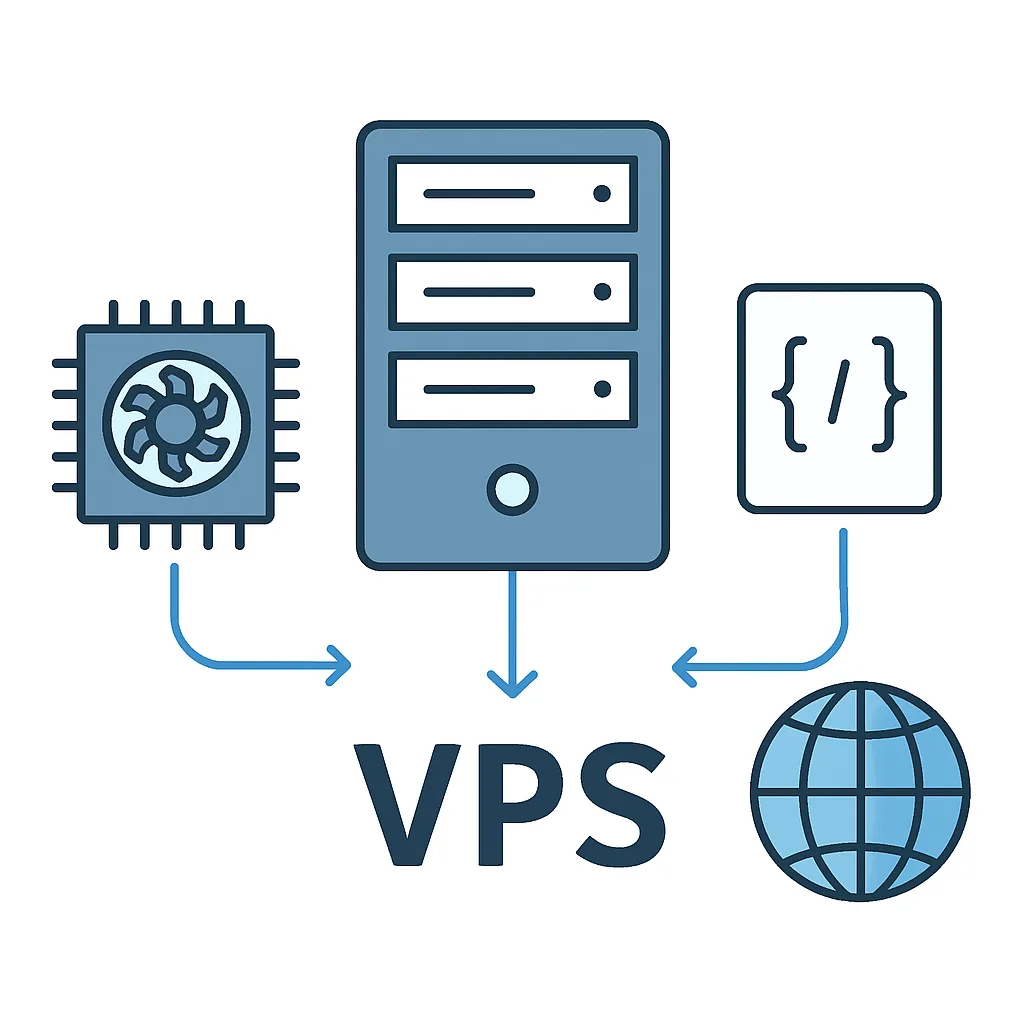
Understanding this distinction between training and inference is the key to the entire VPS question. You will almost never train a foundation model on a VPS, but you may be able to run inference, fine-tune lightweight adapters, or build an application layer that calls the model. Framing your evaluation around inference rather than training keeps expectations and costs realistic from the start.
Can You Run Geospatial AI Models on a VPS?
The short answer is: partially, and it depends heavily on your goals. A standard CPU-only VPS is excellent for hosting the application, API gateway, database, and orchestration logic around a geospatial AI service. It struggles, however, with the heavy lifting of 3D reconstruction, which benefits enormously from GPU acceleration.
Hardware and Resource Considerations
If your VPS provider offers GPU instances, evaluation becomes much more realistic. Look for at least a modern NVIDIA GPU with 16GB or more of VRAM for meaningful 3D inference. CPU cores, fast NVMe storage, and generous RAM also matter because 3D assets and point clouds are large. For pure orchestration where the model runs on an external API, a small CPU VPS with 2 to 4 vCPUs and 8GB of RAM is often enough.
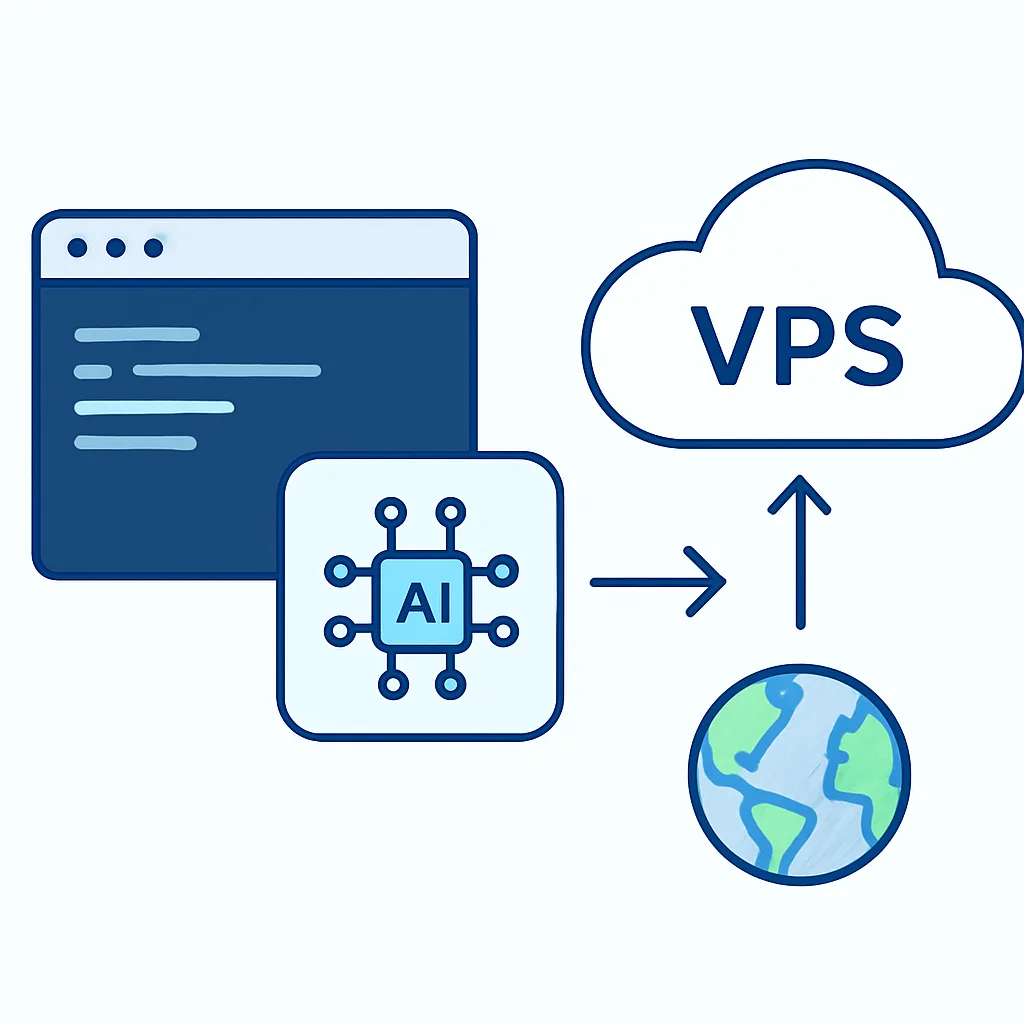
The realistic pattern most teams adopt is hybrid. The VPS hosts the web app, queues, and storage, while GPU-heavy generation runs either on a dedicated GPU node or through a managed inference endpoint. This keeps costs predictable while still giving you a production-style architecture you fully control, and it lets you swap the inference backend later without rewriting your application.
Step-by-Step: Evaluating World Labs on a VPS
Here is a practical evaluation workflow you can follow without overcommitting resources.
1. Define your use case. Decide whether you want to generate 3D worlds, reconstruct scenes from photos, or simply integrate geospatial outputs into an existing app. Your answer determines how much compute you truly need.
2. Provision the right VPS. Start with a mid-tier instance. If GPU options are available from your provider, choose the smallest GPU plan that meets the VRAM threshold. Otherwise, provision a CPU instance for orchestration and plan to call an external inference endpoint.
3. Set up the environment. Install your runtime, containerize with Docker for reproducibility, and configure GPU drivers if applicable. Containers make it easy to tear down and rebuild as you test different configurations.

4. Connect to the model. Whether you self-host an open spatial model or call World Labs through an API, build a thin service layer on the VPS that handles authentication, request validation, and result caching.
5. Run controlled tests. Feed the model a fixed set of input images and measure latency, output quality, memory usage, and failure rates. Keep a consistent test set so comparisons stay fair across runs.
6. Monitor and log everything. Track GPU utilization, response times, and cost per generation. These metrics tell you whether scaling up is justified or whether a managed endpoint would serve you better.
Performance Benchmarks and Real-World Results
Performance varies with input resolution, scene complexity, and the exact model variant. The table below shows representative expectations for different VPS configurations when running geospatial 3D inference or orchestrating it.
| VPS Configuration | 3D Inference Capable | Typical Latency | Best Use |
|---|---|---|---|
| 2 vCPU, 8GB RAM, no GPU | No | High / offloaded | Orchestration and API layer |
| 8 vCPU, 32GB RAM, no GPU | Limited | Very high | Light reconstruction, testing |
| GPU 16GB VRAM | Yes | Moderate | Single-scene generation |
| GPU 24GB+ VRAM | Yes | Low | Production inference |
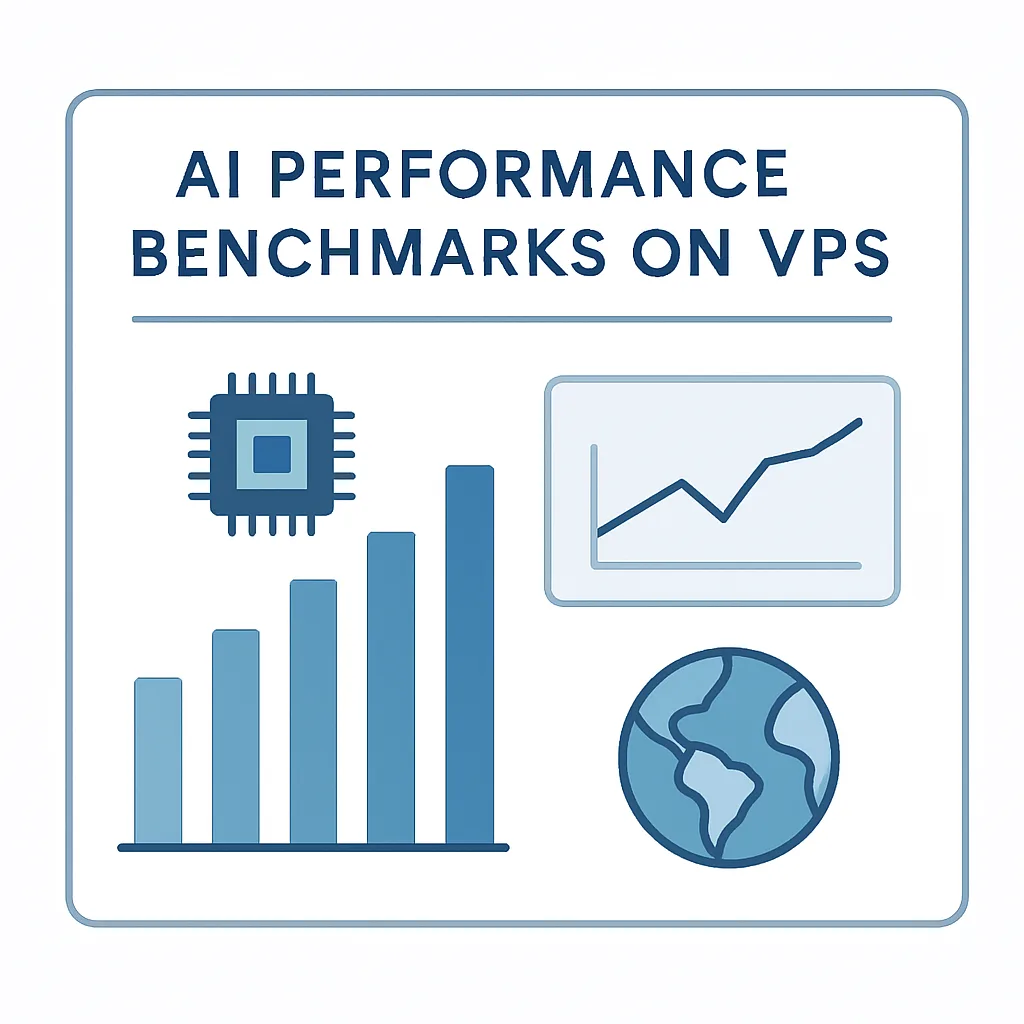
The pattern is clear. CPU-only servers are great companions to geospatial AI but poor primary engines for it. Once a capable GPU enters the picture, latency drops sharply and the experience becomes genuinely interactive. For most evaluation projects, a single GPU instance is enough to judge quality and feasibility before committing to a larger deployment.
Pros, Cons, and Cost Breakdown
Running geospatial AI evaluation on a VPS has clear advantages. You get full control over the environment, predictable monthly pricing, the ability to keep data in a specific region for compliance, and a setup that mirrors production. It is also an excellent learning sandbox where mistakes are cheap and reversible.
The drawbacks are equally real. GPU VPS plans are more expensive than basic hosting, cold starts can be slow, and you are responsible for maintenance, security patches, and scaling. For sporadic workloads, on-demand cloud GPUs or managed endpoints may be cheaper than an always-on GPU VPS.
A reasonable budget for serious evaluation ranges from a low monthly cost for a CPU orchestration server to a higher figure for a dedicated GPU instance. Always compare the cost of an idle GPU VPS against pay-per-use inference before deciding, especially if your traffic is unpredictable.
Security, Compliance, and Best Practices
Geospatial data can be sensitive, particularly when it involves private property, infrastructure, or location histories. Lock down your VPS with firewalls, key-based access, and least-privilege service accounts. Keep input images and generated assets encrypted at rest, and document where data is processed so you can satisfy regional compliance requirements.
To get reliable results, isolate variables. Change one thing at a time, whether that is resolution, model version, or instance size. Use containers so your environment is reproducible and disposable. Cache results aggressively, because regenerating the same 3D scene wastes money and time. Finally, build observability in from day one so you are never guessing about performance.

If you would rather not manage all of this yourself, partnering with specialists can save weeks of trial and error. ZoneTechify offers dedicated artificial intelligence services that cover model integration, deployment architecture, and performance tuning for exactly these kinds of geospatial and spatial intelligence projects.
Final Verdict
So, is a VPS a good place to evaluate the geospatial AI company World Labs and its spatial intelligence technology? For application development, orchestration, and integration work, absolutely. A modest VPS gives you a controlled, affordable, production-like environment. For the heavy 3D generation itself, you will want a GPU-equipped instance or a hybrid setup that offloads inference to dedicated hardware.
World Labs represents a genuine leap in how machines understand space, and the ability to test that technology on infrastructure you control is empowering. Start small, measure honestly, and scale only when your benchmarks justify it. With the right architecture, even a single VPS can become your gateway into the fast-growing world of geospatial artificial intelligence. For more practical guides and expert help, keep an eye on ZoneTechify and WebPeak.