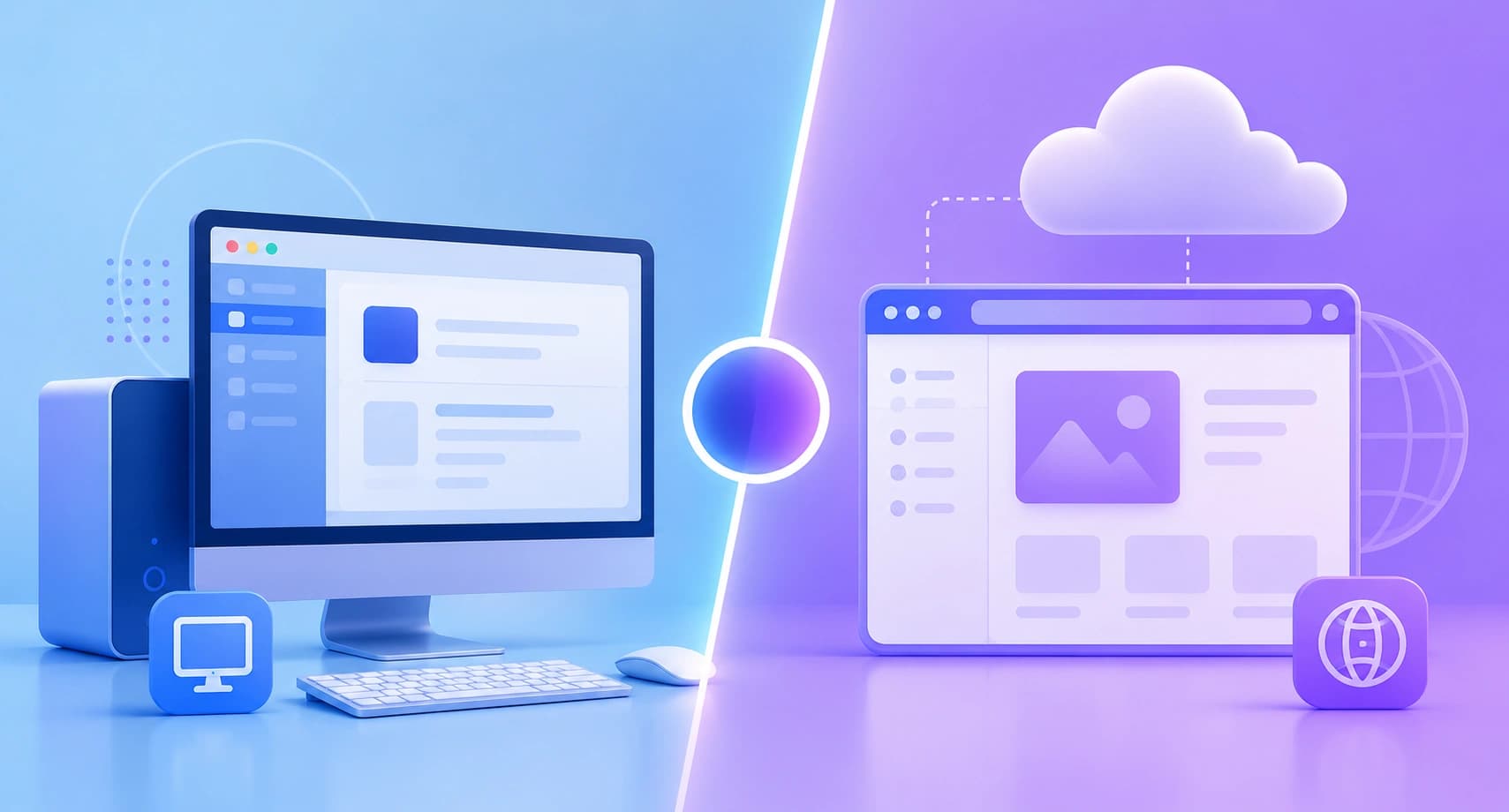
A practical, engineering-led comparison of desktop applications and web applications, covering architecture, performance, cost, security, offline access, and distribution. Learn which model fits your product and how to decide with a repeatable framework.
Desktop Application vs Web Application
Choosing between a desktop application and a web application is one of the earliest architectural decisions a product team makes, and it is also one of the most expensive to reverse. The decision shapes your hiring plan, your release cadence, your support costs, and even how customers perceive your product. Most teams get stuck because they compare the two models on features alone, when the real difference lies in where the code executes, who controls the update cycle, and how close the software needs to sit to the hardware.
This guide compares both models the way a senior engineering team would in a real technical discovery session: by workload, by constraint, and by total cost of ownership over three years rather than by launch-day convenience.
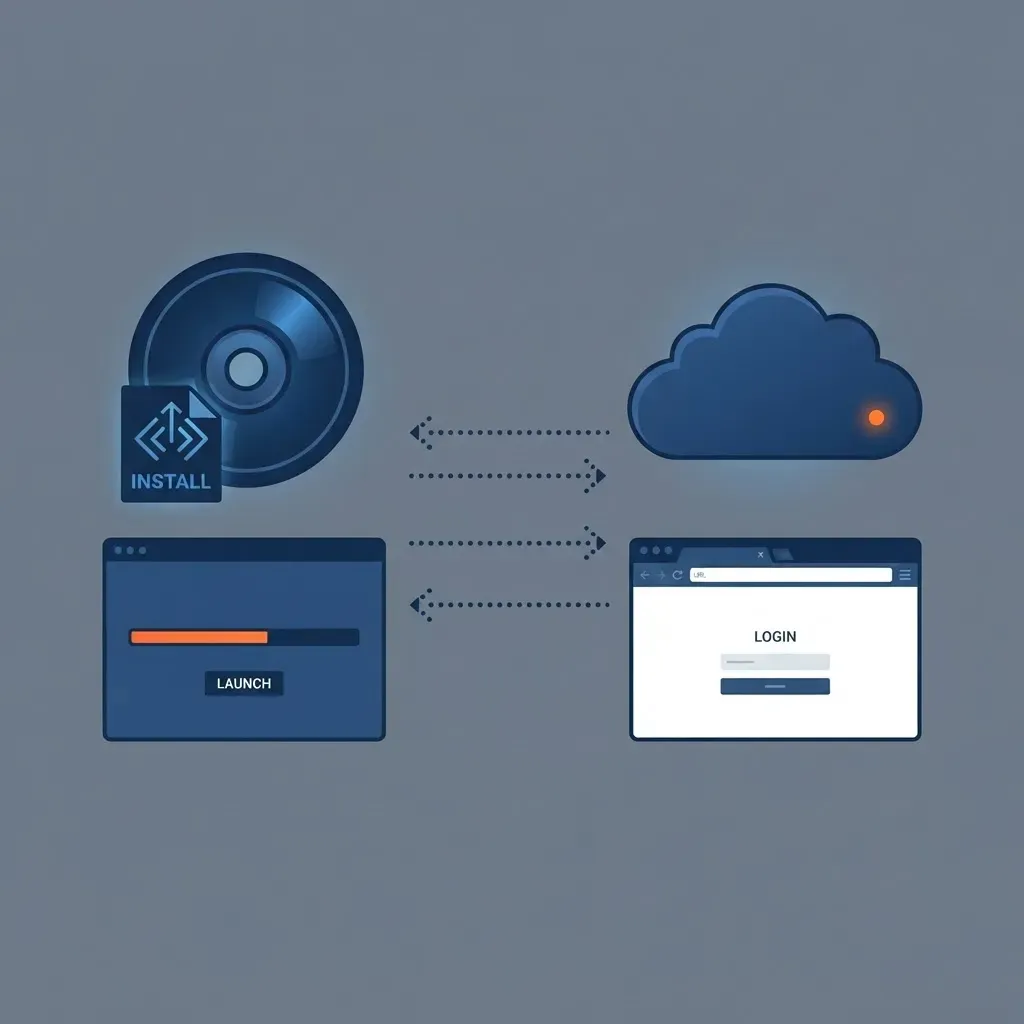
Quick Answer: A desktop application installs and runs locally on a specific operating system, giving it direct hardware access and offline capability. A web application runs on a server and is delivered through a browser, giving it instant updates and cross-platform reach. Choose desktop for heavy local processing; choose web for accessibility, faster iteration, and lower distribution cost.
What Is a Desktop Application?
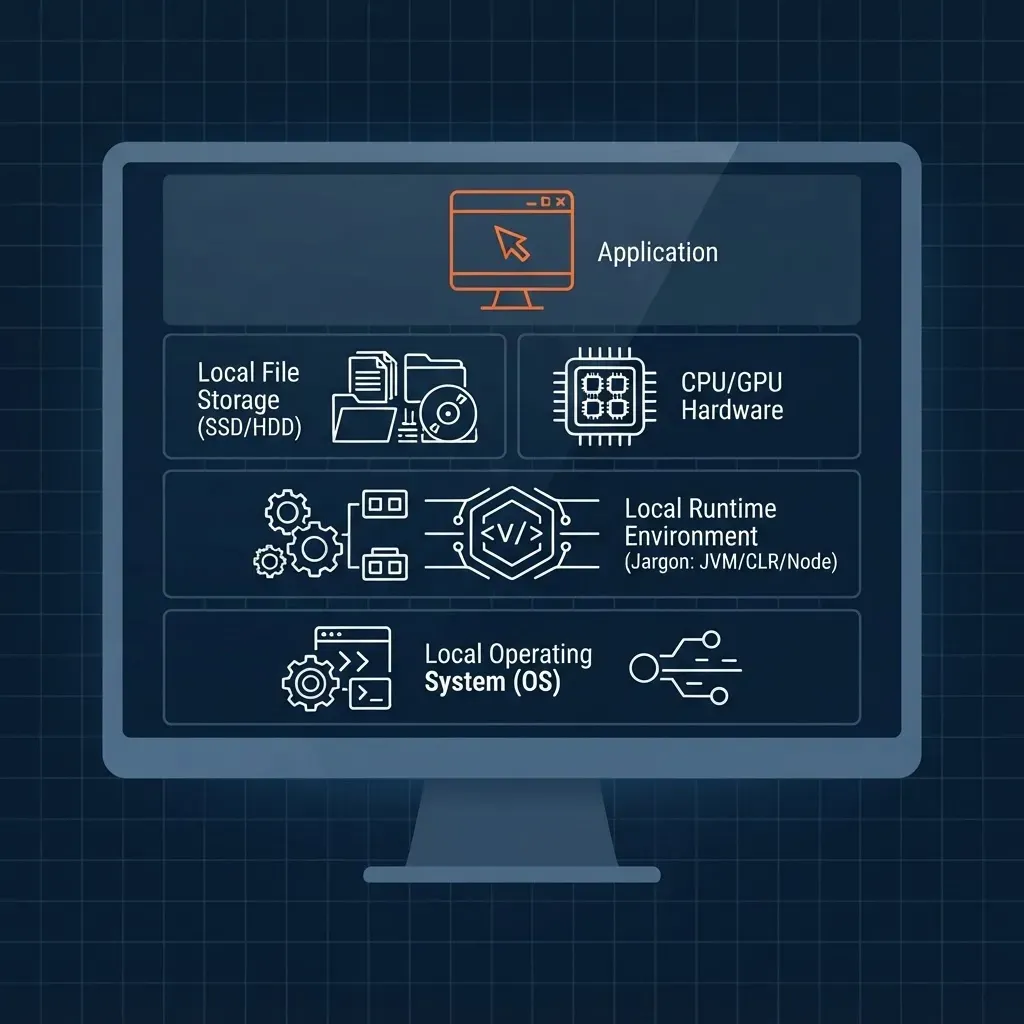
A desktop application is software installed directly onto an operating system, where it executes using local CPU, GPU, memory, and disk resources. Examples include Adobe Photoshop, Microsoft Excel, AutoCAD, DaVinci Resolve, and Visual Studio. The application binary is compiled or packaged for a specific platform, such as Windows, macOS, or a Linux distribution, and it communicates with the OS through native APIs.
The defining characteristic is proximity to hardware. A desktop application can address a discrete GPU, read a 40 GB local file without uploading it, drive a connected scanner or CNC machine, and keep working when the network fails. That proximity is exactly why entire industries, including video editing, engineering simulation, medical imaging, and audio production, remain desktop-first.
Modern desktop development rarely means writing raw C++ for each OS. Frameworks such as Electron, Tauri, .NET MAUI, Qt, and Flutter Desktop allow one codebase to ship to multiple platforms. Electron alone powers Slack, Visual Studio Code, and Figma Desktop, which is why many teams now build a web core and wrap it for the desktop rather than maintaining two products.
What Is a Web Application?
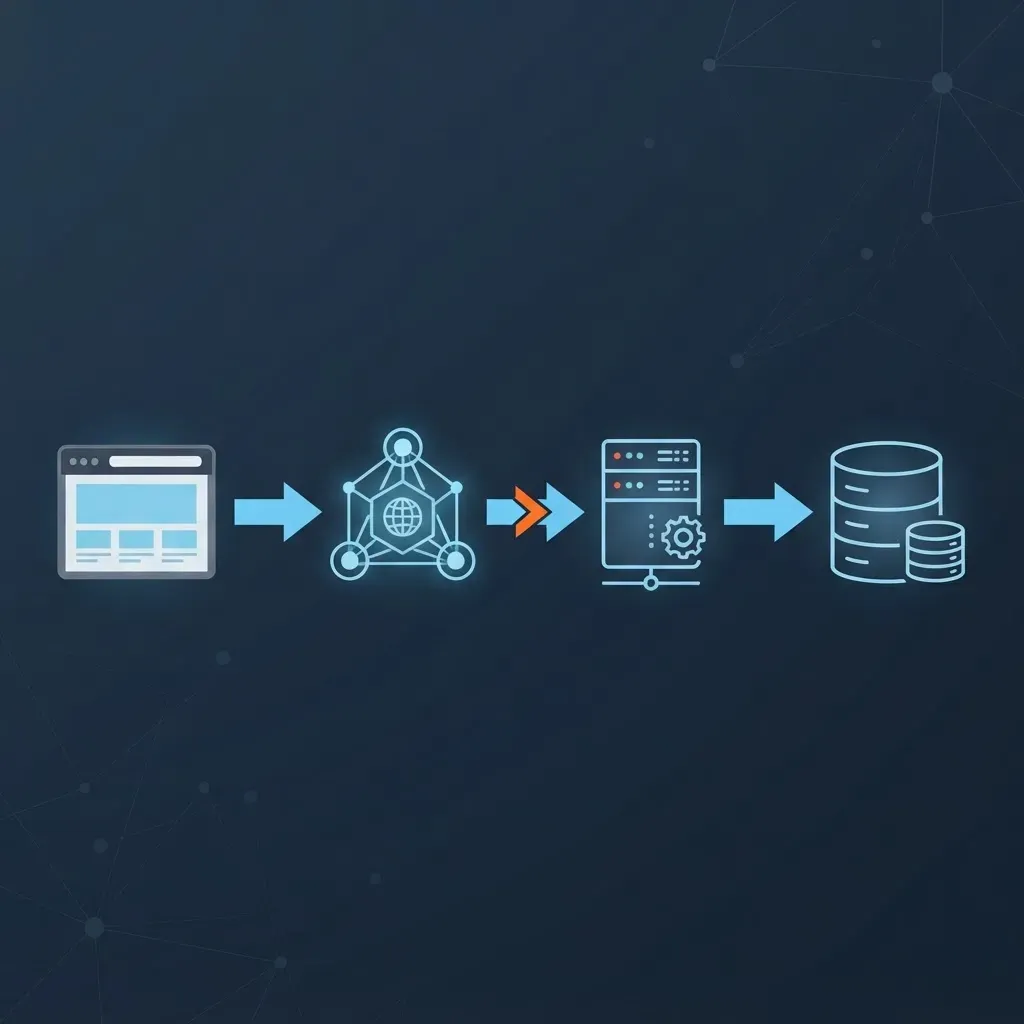
A web application is software that runs on a remote server or edge network and is delivered to the user through a browser, requiring no installation. Gmail, Notion, Canva, Google Docs, Shopify admin, and Linear are all web applications. The browser handles rendering and interaction while the server handles business logic, storage, and authentication.
The defining characteristic is centralized control. You deploy once and every user is instantly on the newest version, which removes the version fragmentation that plagues installed software. There is no installer to sign, no app store review to wait on, and no user stuck on a three-year-old build.
Capability gaps that once separated web from native have narrowed significantly. WebAssembly runs near-native compiled code in the browser, and WebGPU exposes modern graphics and compute pipelines. Progressive Web Apps add installability, push notifications, and offline caching through service workers. Figma is the clearest proof point: a browser-based design tool that displaced established desktop incumbents by pairing WebAssembly with a WebGL rendering pipeline.
Head-to-Head Comparison
The table below compares both models across the criteria that actually change project budgets and timelines.
| Criteria | Desktop Application | Web Application |
|---|---|---|
| Installation | Requires download and install per device | Opens instantly via URL |
| Platform reach | Built or packaged per OS | Any device with a modern browser |
| Update model | User or IT must apply updates | Deploy once, live for everyone |
| Offline use | Full offline capability by default | Limited, needs service workers or sync layer |
| Hardware access | Direct GPU, USB, file system, peripherals | Sandboxed and permission gated |
| Performance ceiling | Highest for compute heavy workloads | Strong, but bounded by browser sandbox |
| Data location | Often local, easier for strict compliance | Server side, needs encryption and access control |
| Distribution cost | Code signing, installers, app store fees | Hosting and bandwidth only |
| Typical build time | Longer, platform specific testing | Shorter, single deployment target |
| Best fit | Editing suites, CAD, trading terminals, POS | SaaS, dashboards, marketplaces, collaboration tools |
Performance: Where the Real Difference Shows Up
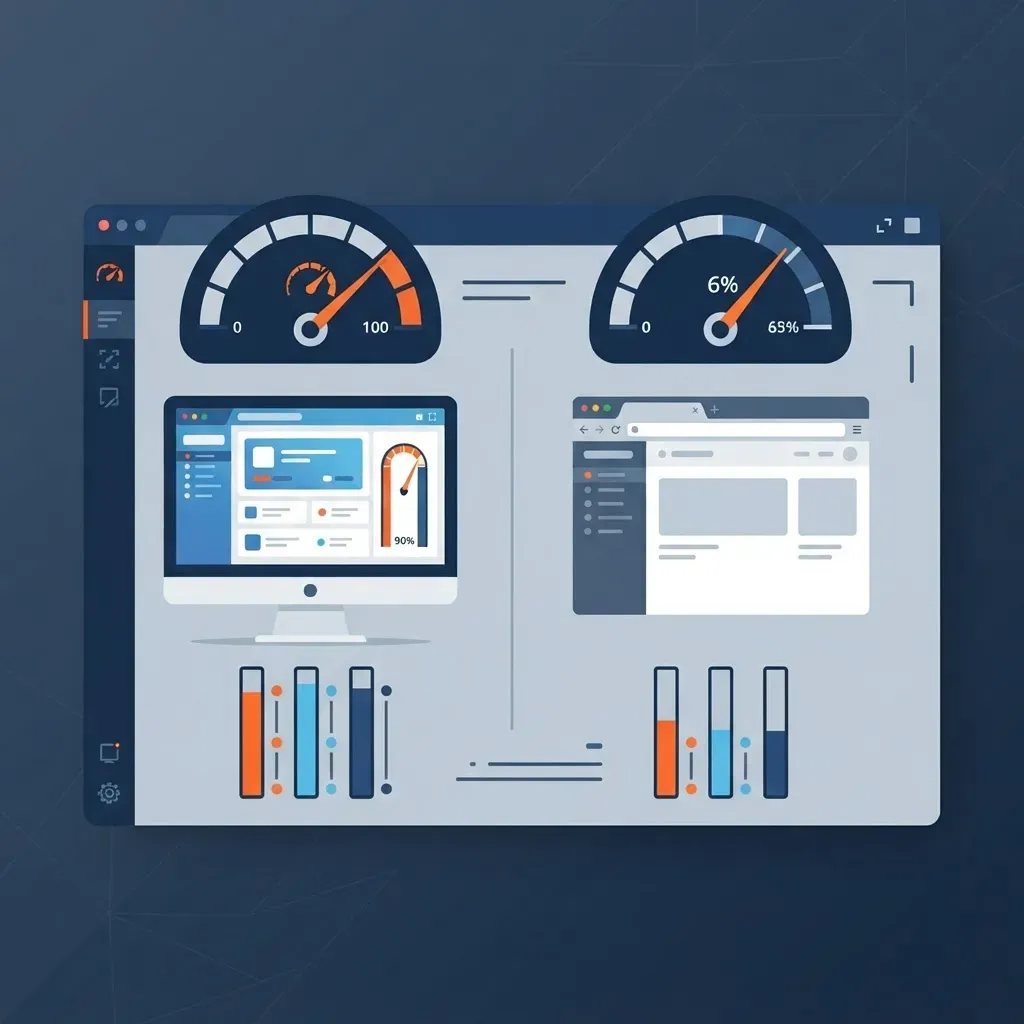
Desktop applications win on sustained local compute, while web applications win on time to first useful interaction. This distinction matters more than raw benchmark numbers.
A desktop video editor can hold a multi gigabyte timeline in RAM and hand frames straight to a discrete GPU. A browser tab operates inside a sandbox with memory limits and no direct driver access, so the same workload requires chunking, streaming, or server side rendering. For 4K video rendering, large CAD assemblies, or scientific simulation, desktop remains the correct answer.
For everything else, network latency, not compute, is the bottleneck, and that is a solvable engineering problem. Google research has repeatedly shown that as page load time grows from one second to three seconds, the probability of bounce increases sharply, which is why edge delivery and code splitting matter more than framework choice. Web vitals guidance sets a Largest Contentful Paint target of 2.5 seconds or less for a good experience, a threshold reachable for most business applications with server rendering and a CDN.
A useful rule from real project work: if a single user action needs more than roughly two seconds of continuous local computation on the client, evaluate desktop or a server side worker. Below that threshold, the web is almost always the cheaper path.
Accessibility, Reach, and Distribution
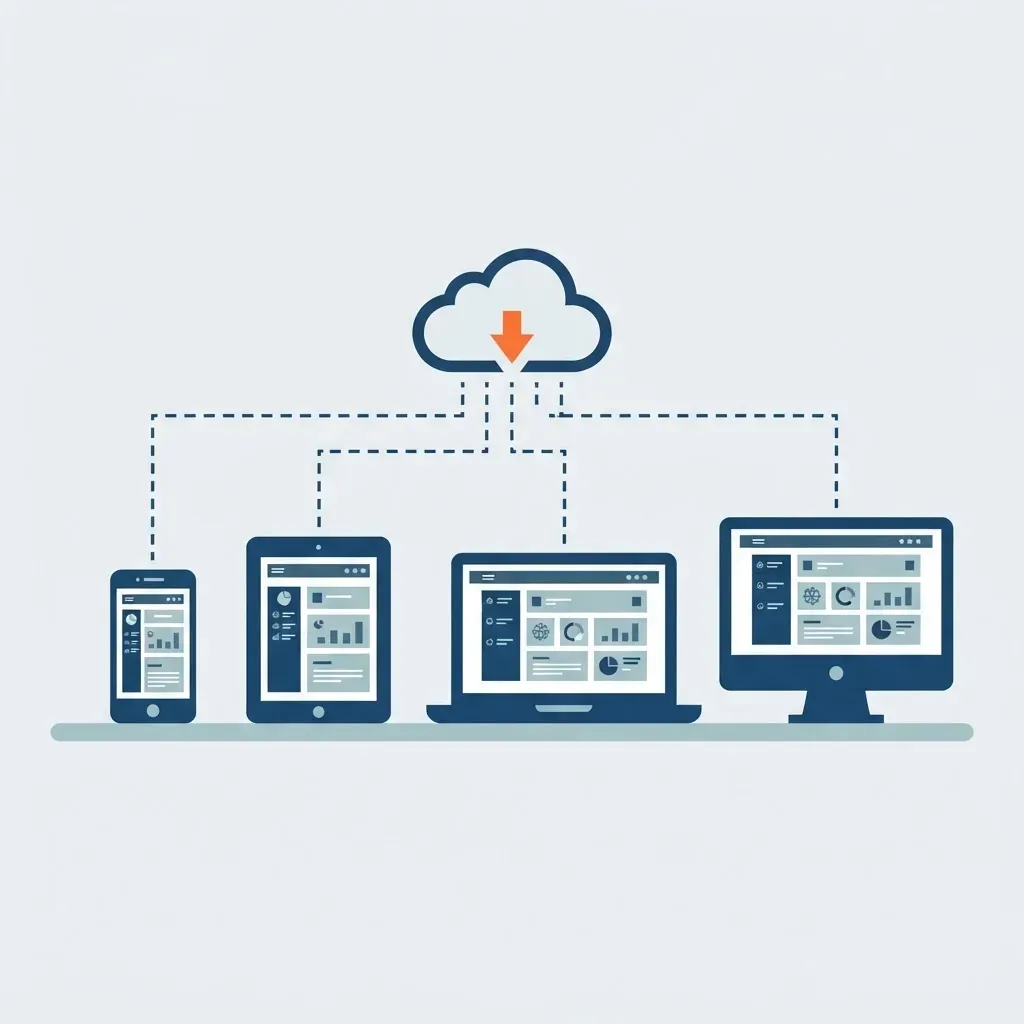
Web applications reach more users with less engineering effort because the browser is already installed everywhere. StatCounter data has consistently shown that mobile devices account for well over half of global web traffic, which means any product with a consumer or field-worker audience needs a browser-accessible surface even if a desktop client also exists.
Distribution economics reinforce this. A web application ships through a deployment pipeline, while a desktop application needs signed installers, notarization on macOS, auto update infrastructure, and platform specific crash reporting. Each of those is real recurring engineering work rather than a one time task.
The practical middle ground many teams now choose is a web core with an optional desktop shell. You build the product once as a web application, then wrap it with Tauri or Electron for customers who need offline access, deep file system integration, or an icon in the dock. This is the approach our engineering team recommends for most B2B tools, and it is a pattern we implement regularly through our web app development practice because it protects the roadmap without doubling the codebase.
Security and Compliance Considerations
Neither model is inherently more secure, but they fail in different ways, and your threat model decides which risk you would rather manage.
Desktop applications keep data on the user machine, which suits organizations with strict data residency rules or air gapped environments. The tradeoff is that patching depends on the user. An unpatched desktop client can remain vulnerable for months, and you cannot force a fix remotely without update infrastructure you built yourself.
Web applications centralize the attack surface. A single vulnerability can expose every tenant, so authentication, authorization, and tenant isolation must be enforced server side on every request. The upside is decisive: you patch once and every user is protected within minutes. For teams that lack a dedicated security operations function, that speed of remediation is often worth more than local data storage.
Baseline requirements for a production web application include HTTPS everywhere, HTTP-only session cookies, parameterized database queries, row level or per query user scoping, rate limiting on authentication routes, and security response headers. A specialist partner such as WebPeak Digital is worth involving when compliance frameworks like SOC 2 or HIPAA enter the conversation, because retrofitting audit trails and access controls late is far more expensive than designing for them.

Cost of Ownership Over Three Years
Desktop applications usually cost more to maintain than to build, and web applications usually cost more to scale than to launch. Budget for the phase that follows launch, not launch itself.
Ongoing desktop costs include per platform QA, OS version regressions each year, code signing certificate renewals, and support tickets tied to specific machine configurations. Ongoing web costs include hosting, bandwidth, database scaling, uptime monitoring, and on call response.
A reasonable planning heuristic from delivery experience: a multi platform desktop product typically needs 30 to 50 percent more engineering hours than a functionally equivalent web application, mostly consumed by packaging, update mechanics, and per OS bug reproduction.
How to Choose: A Decision Framework
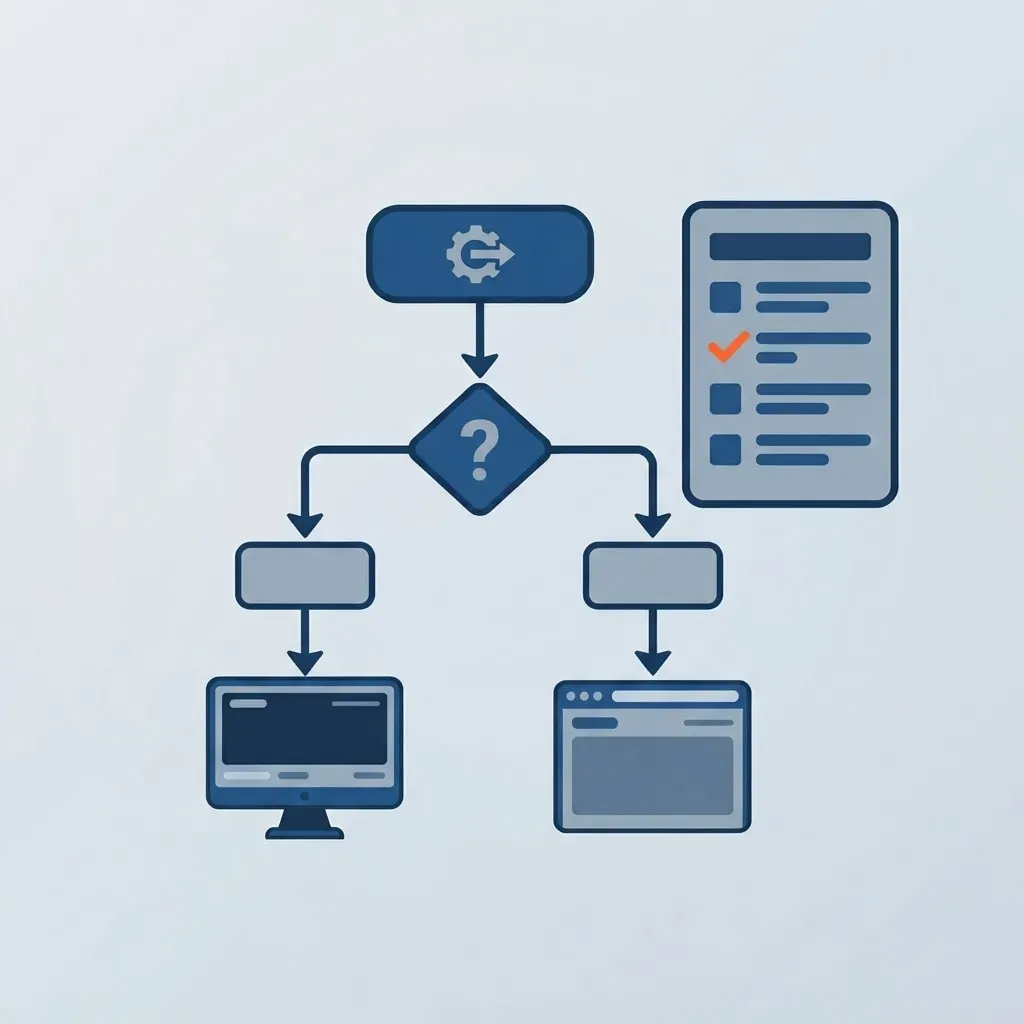
Work through these questions in order and stop at the first clear answer.
- Does the product require direct hardware access such as GPU compute, USB peripherals, or bulk local file processing? If yes, build desktop.
- Must the software work reliably with no network connection for extended periods? If yes, build desktop or a PWA with a robust sync layer.
- Do regulations require that data never leave the user device? If yes, build desktop.
- Is collaboration, sharing, or real time multi user editing central to the value? If yes, build web.
- Do you need to iterate weekly and measure feature adoption quickly? If yes, build web.
- Is your audience spread across Windows, macOS, iOS, and Android? If yes, build web first, then add a desktop shell if demand appears.
One more test that resolves most debates: ask whether a user would accept a link instead of an installer. If the answer is yes, the web version will reach the market faster and cost less to maintain.
Key Takeaways
- A desktop application runs locally on a specific operating system with direct hardware access, while a web application runs on a server and is delivered through a browser.
- Desktop wins on sustained compute, offline reliability, peripheral integration, and local-only data storage.
- Web wins on cross platform reach, instant updates, lower distribution cost, and faster iteration cycles.
- WebAssembly, WebGPU, and Progressive Web Apps have closed much of the historical capability gap, as demonstrated by browser based design and editing tools.
- Multi platform desktop products commonly require 30 to 50 percent more engineering effort than equivalent web applications because of packaging, updates, and per OS testing.
- The hybrid pattern of a web core wrapped in Tauri or Electron delivers both models from one codebase and is the pragmatic default for most business software.
Frequently Asked Questions (FAQ)
What is the main difference between a desktop application and a web application?
The main difference is where the code runs. A desktop application installs on your operating system and executes with local hardware resources, so it works offline. A web application runs on a server and loads through a browser, so it updates instantly and works on any device without installation.
Are web applications slower than desktop applications?
Not for typical business tasks. Web applications feel slower only when network latency or heavy client computation is involved. For dashboards, forms, and collaboration tools, a well optimized web app matches desktop responsiveness. Desktop still leads clearly for video rendering, CAD, simulation, and other sustained compute heavy workloads.
Can a web application work offline?
Yes, within limits. A Progressive Web App uses service workers to cache assets and queue actions while offline, then syncs when connectivity returns. This handles reading and light editing well. Long offline sessions with large local datasets still favor a desktop application with a real local database.
Which is cheaper to build and maintain, desktop or web?
Web is usually cheaper across the full lifecycle. You deploy to one target instead of packaging, signing, and testing per operating system. Desktop adds recurring costs for installers, auto updates, certificate renewals, and configuration specific support tickets, which often exceed the original build cost over time.
Should I build a desktop app or a web app first for a new product?
Build web first unless hardware access, offline operation, or data residency rules make it impossible. Web gets you to real users faster, lets you ship fixes the same day, and produces usage data. If customers then request native integration, wrap the same codebase in a desktop shell.
Can one codebase serve both desktop and web?
Yes. Frameworks like Electron and Tauri wrap a web application into a native desktop package with file system and OS level access. Slack, Visual Studio Code, and Figma Desktop use this approach. You maintain one product while offering both a browser experience and an installable client.