
MongoDB listens on TCP port 27017 by default. Learn what that port does, the other MongoDB port numbers, how to change it safely, and how to fix connection errors.
Default Port for MongoDB
Every developer who installs MongoDB for the first time eventually types a connection string and wonders what the number at the end actually means. That number is the network port, and it is the single most common source of connection failures in local development, Docker setups, and self-hosted production clusters. This guide explains the default port for MongoDB, why it was chosen, the full family of related MongoDB ports, and exactly how to change, secure, and troubleshoot it.

Quick Answer: The default port for MongoDB is TCP 27017. The mongod server process listens on 27017 unless configured otherwise, which is why standard connection strings look like mongodb://localhost:27017. Sharded clusters use 27017 for mongos routers, while config servers default to 27019 and shard members to 27018.
What Is the Default MongoDB Port Number?
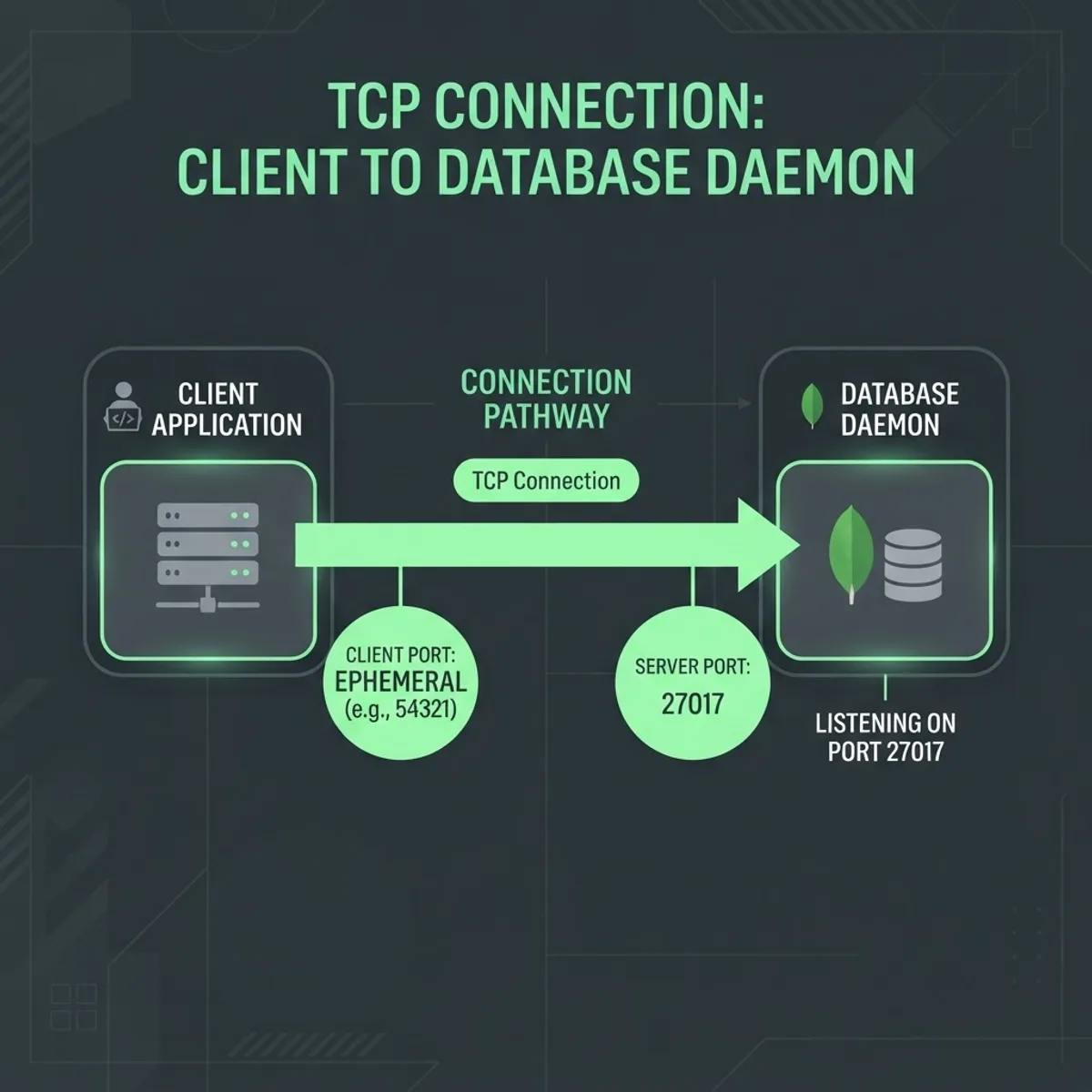
MongoDB's default port is 27017, used by the mongod database process for all client traffic over TCP. When you install MongoDB Community Server, MongoDB Enterprise, or pull the official Docker image, the daemon binds to 27017 without you configuring anything.
A network port is a numbered endpoint on a host that lets the operating system route incoming traffic to the correct process. Ports 0 through 1023 are reserved system ports; 1024 through 49151 are registered ports. MongoDB's 27017 sits in the registered range and is officially assigned to MongoDB with IANA, which is why no other mainstream service competes for it.
The number itself is not arbitrary. MongoDB was created at 10gen, and 27017 is a nod to the company name: 10gen maps to the numeric pattern 1017 with 27 prefixed, a piece of engineering trivia the MongoDB team has confirmed publicly. It also sits far away from crowded ports like 3306 for MySQL or 5432 for PostgreSQL, reducing accidental collisions on multi-database servers.
Where the Port Appears in a Connection String
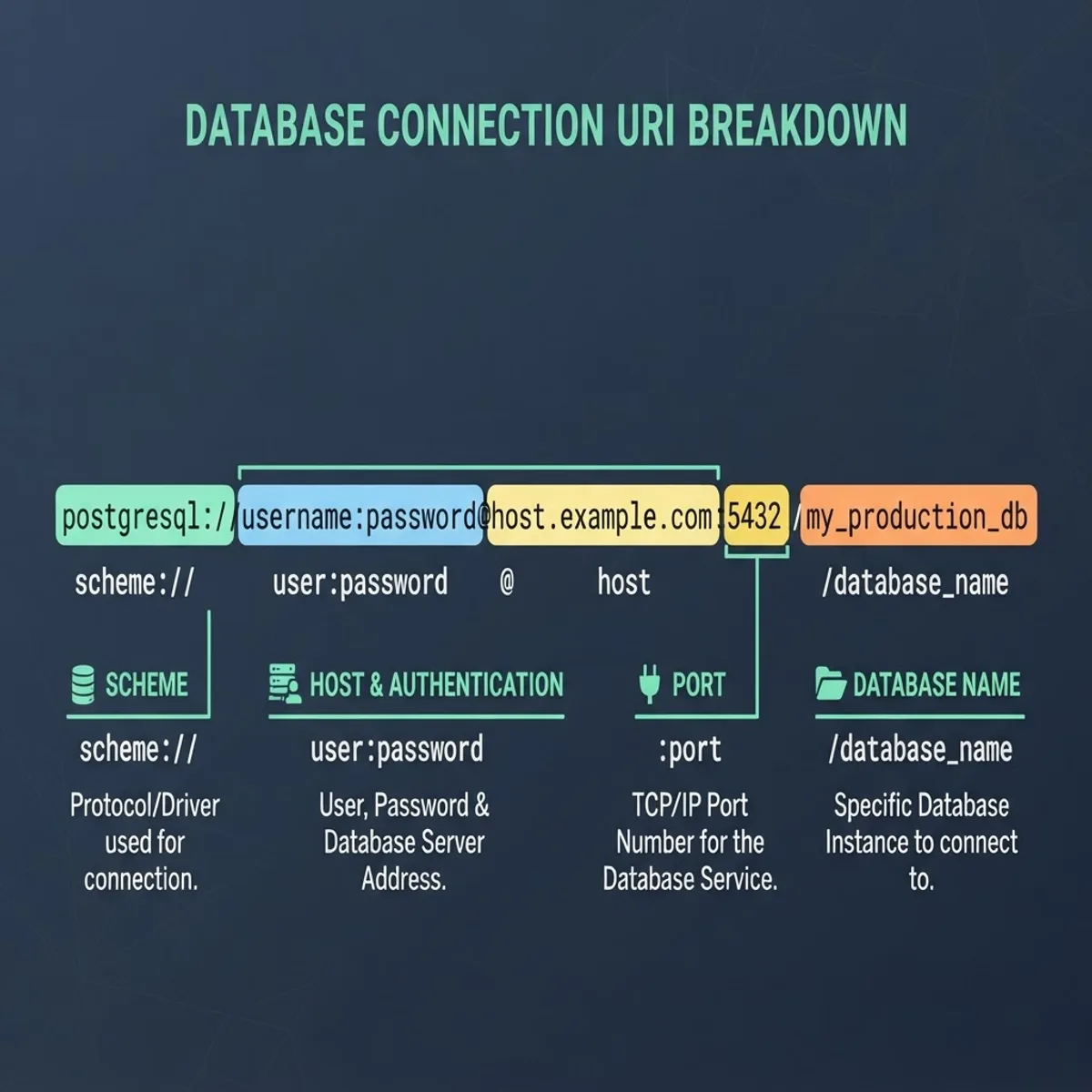
The port is the segment after the host and before the database name. In mongodb://localhost:27017/inventory, localhost is the host, 27017 is the port, and inventory is the database. If you omit the port entirely, official MongoDB drivers assume 27017 automatically, so mongodb://localhost and mongodb://localhost:27017 resolve identically.
The one exception is the SRV connection format used by MongoDB Atlas. A string starting with mongodb+srv:// must not include a port. The driver performs a DNS SRV lookup to discover hosts and ports for you, and adding an explicit port will throw a parse error before any network call happens.
All Default MongoDB Ports Compared
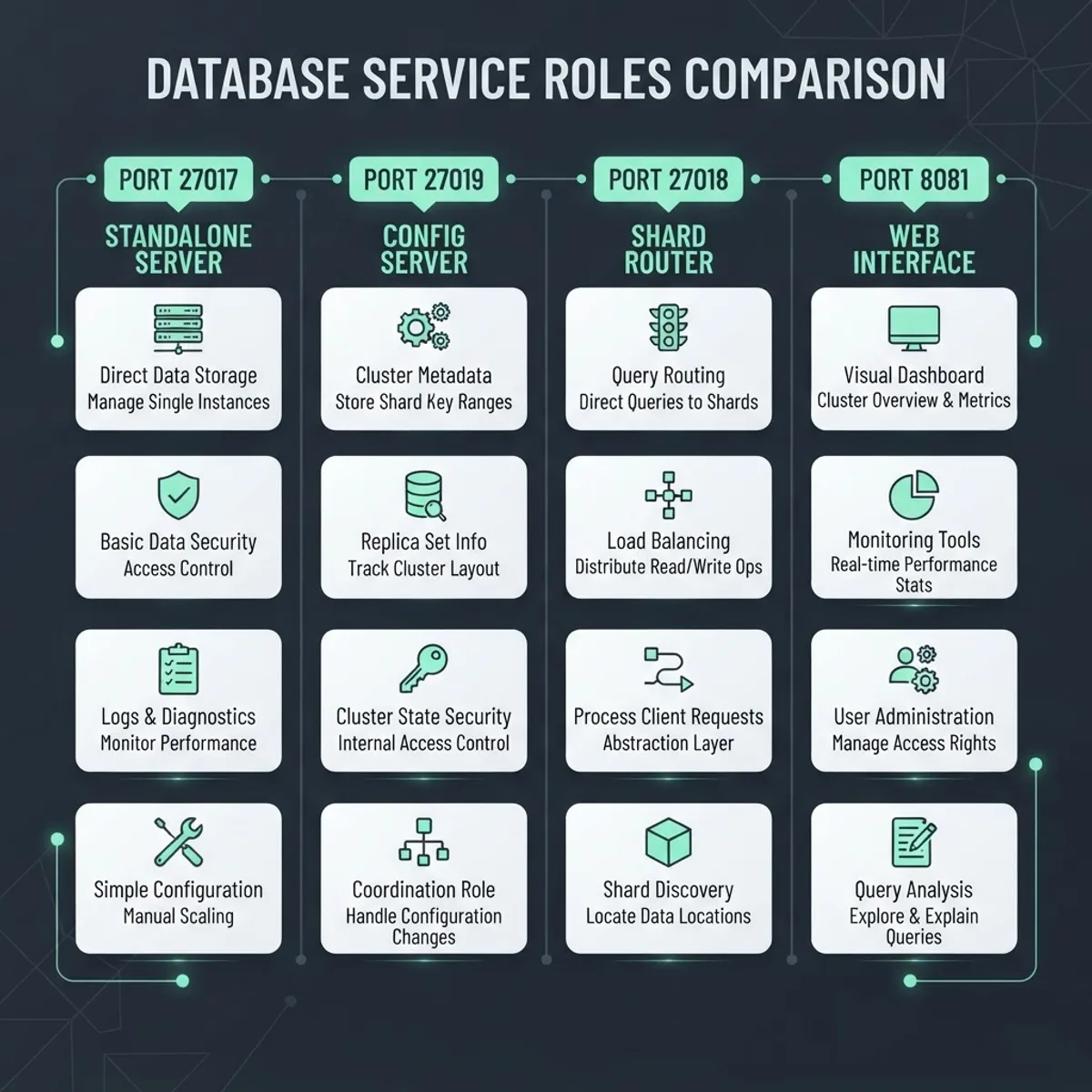
MongoDB reserves a small block of sequential ports so that a sharded cluster can run multiple roles on one machine without conflict. Knowing the whole block prevents confusing failures when you scale from a single instance to a replica set or shard.
| Port | Process or Role | When It Is Used |
|---|---|---|
| 27017 | mongod standalone, replica set member, or mongos router | Default for all standard client connections |
| 27018 | mongod running as a shard member | Automatic default when started with the shardsvr role |
| 27019 | mongod running as a config server | Automatic default when started with the configsvr role |
| 27020 | mongocryptd | Local process for client-side field level encryption |
| 27017 plus 1000 | Legacy HTTP status interface | Removed in MongoDB 3.6 and later, no longer applicable |
One practical takeaway: in a sharded deployment, your application should always talk to 27017 on the mongos router, never directly to 27018 or 27019. Connecting straight to a shard member bypasses the router's chunk metadata and can return incomplete query results.
How to Change the Default MongoDB Port
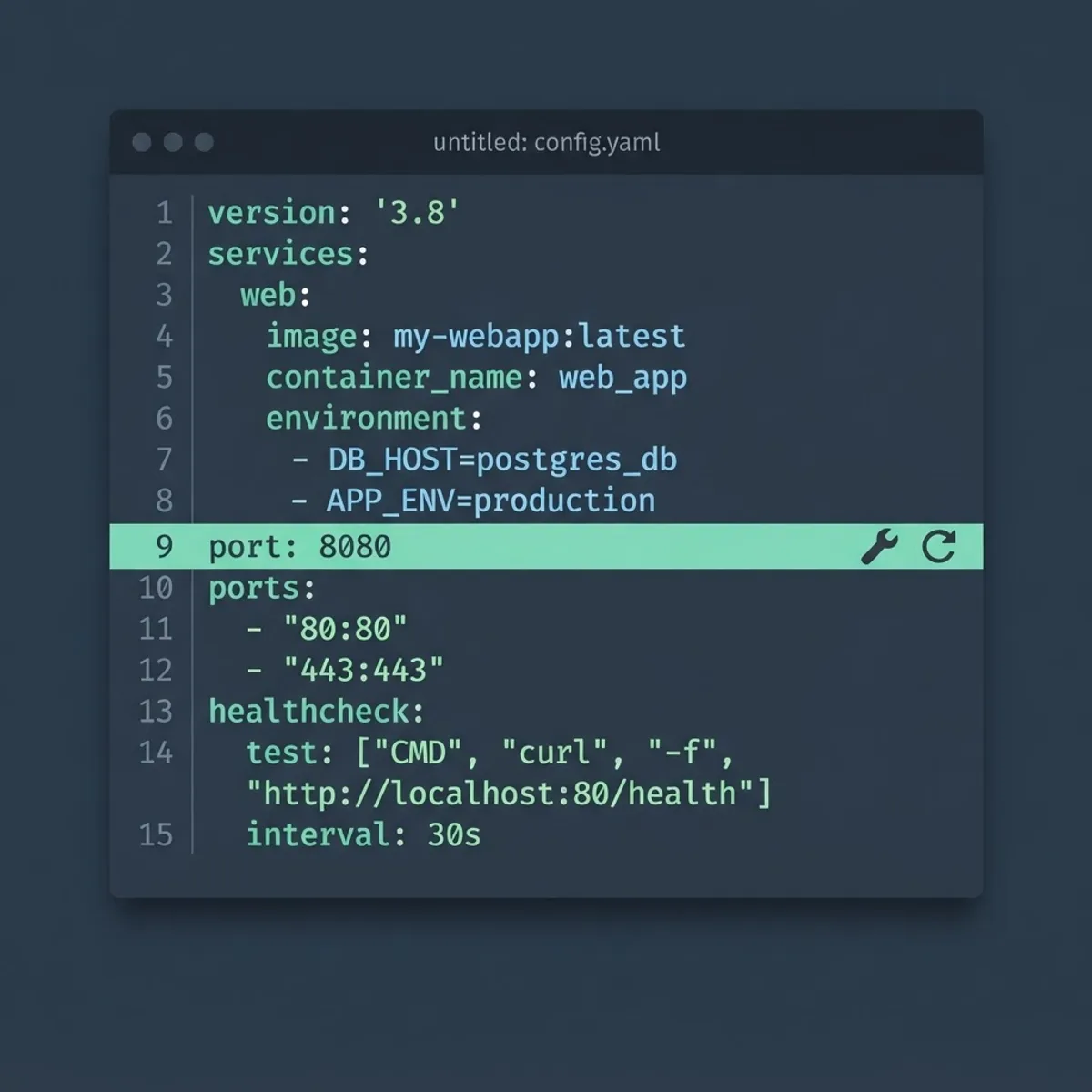
You change the port in the mongod configuration file, on the command line, or through container port mapping. Pick one method and stay consistent, because mixing them across environments is a frequent cause of staging bugs that never reproduce locally.
- Edit the configuration file. On Linux the file is usually at /etc/mongod.conf, on macOS Homebrew installs it sits in /opt/homebrew/etc/mongod.conf, and on Windows it is in the bin directory of your install path. Under the net section, set the port value to your chosen number and save.
- Restart the service. Use sudo systemctl restart mongod on systemd Linux, or brew services restart mongodb-community on macOS. The port change only takes effect after a full restart, not a reload.
- Or override at launch. Start the daemon with the port flag followed by your number. Command line flags always win over the config file, which makes this useful for temporary testing.
- For Docker, map instead of reconfigure. Publishing host port 27018 to container port 27017 changes the port your application uses without touching MongoDB's own config, which keeps the image portable.
- Update every client. Connection strings, ORM configs, environment variables, monitoring agents, and backup scripts all need the new number. Missing one is the usual reason a migration appears to half work.
Choose replacement ports above 1024 and outside the 27017 to 27020 block so you never collide with a future shard or config server. Ports in the ephemeral range, typically 32768 and above on Linux, should also be avoided because the kernel may assign them to outbound connections.
Does Changing the Port Improve Security?
Moving MongoDB off 27017 is security through obscurity, and it stops only untargeted scanners. It does reduce noise from automated bots that probe 27017 blindly, but a determined attacker running a full port scan finds the new port in seconds.
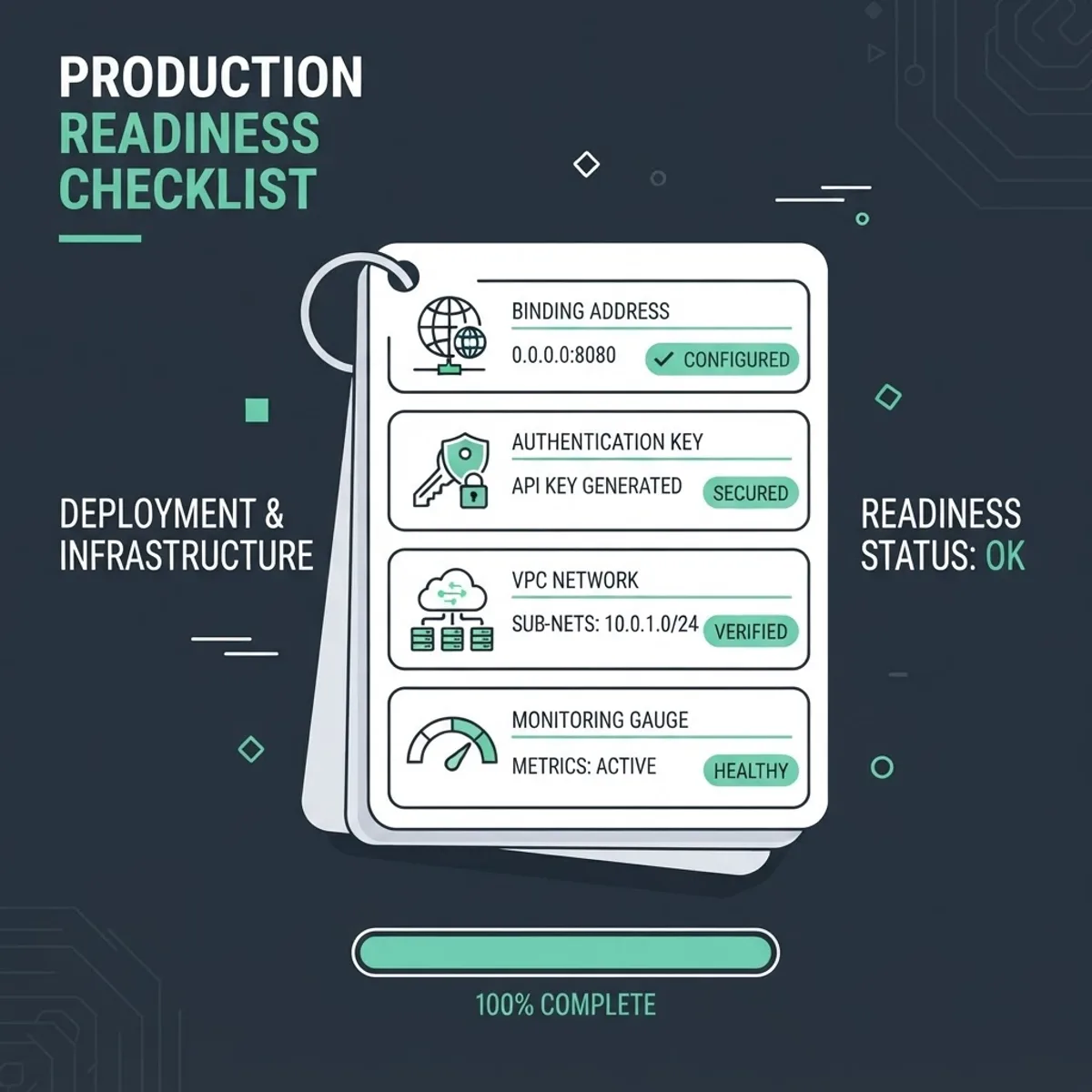
The changes that genuinely matter are binding the server to a private interface, requiring authentication, and enforcing TLS. MongoDB has bound to 127.0.0.1 by default since version 3.6 precisely because thousands of unsecured instances were exposed publicly in earlier years, an incident class that produced widely reported ransom attacks on open databases. If you open the bind address to 0.0.0.0, you must add authentication and a firewall rule in the same change window.
Securing the MongoDB Port in Production
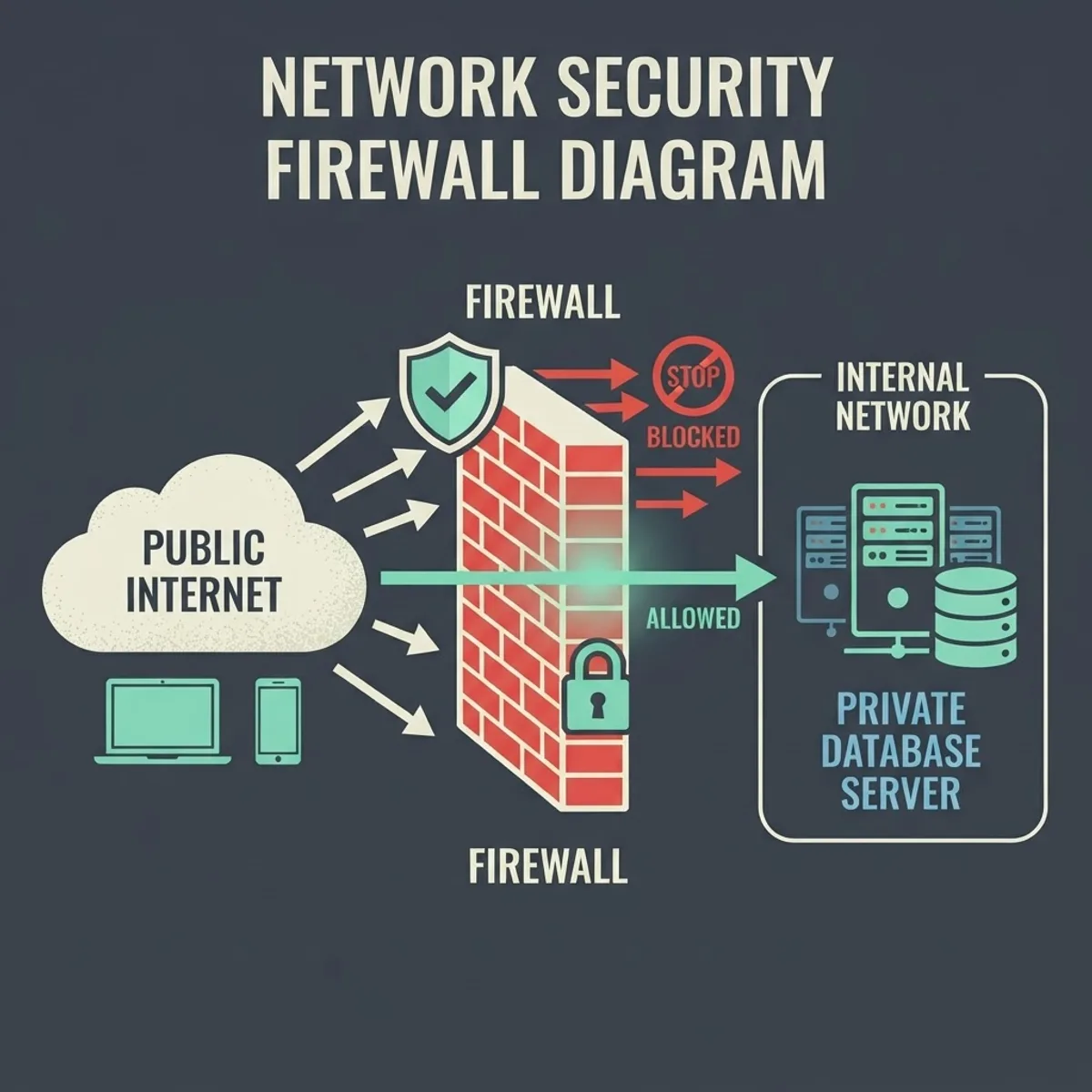
Treat the port as one layer in a defence chain, not the boundary itself. A production-grade setup restricts who can even attempt a TCP handshake on 27017 before authentication is ever considered.
- Restrict the bind address to the private IP your application servers use, never the wildcard address on a public interface.
- Allow inbound traffic on the MongoDB port only from specific security groups, VPC CIDR ranges, or IP allow lists, and deny everything else by default.
- Enable authorization so authentication is mandatory, then create least-privilege roles per service instead of sharing a root user.
- Require TLS on the port so credentials and query payloads are never transmitted in plaintext across your network.
- Log and alert on connection spikes, since a sudden rise in failed handshakes on 27017 is an early breach indicator.
Teams that build data-heavy products often get this wrong under deadline pressure, which is why an experienced partner is worth involving early. The engineers at ZoneTechify Team handle database hardening as part of web app development, and design reviews from a remote digital agency can catch an exposed port before it reaches production rather than after.
Troubleshooting MongoDB Port Connection Errors
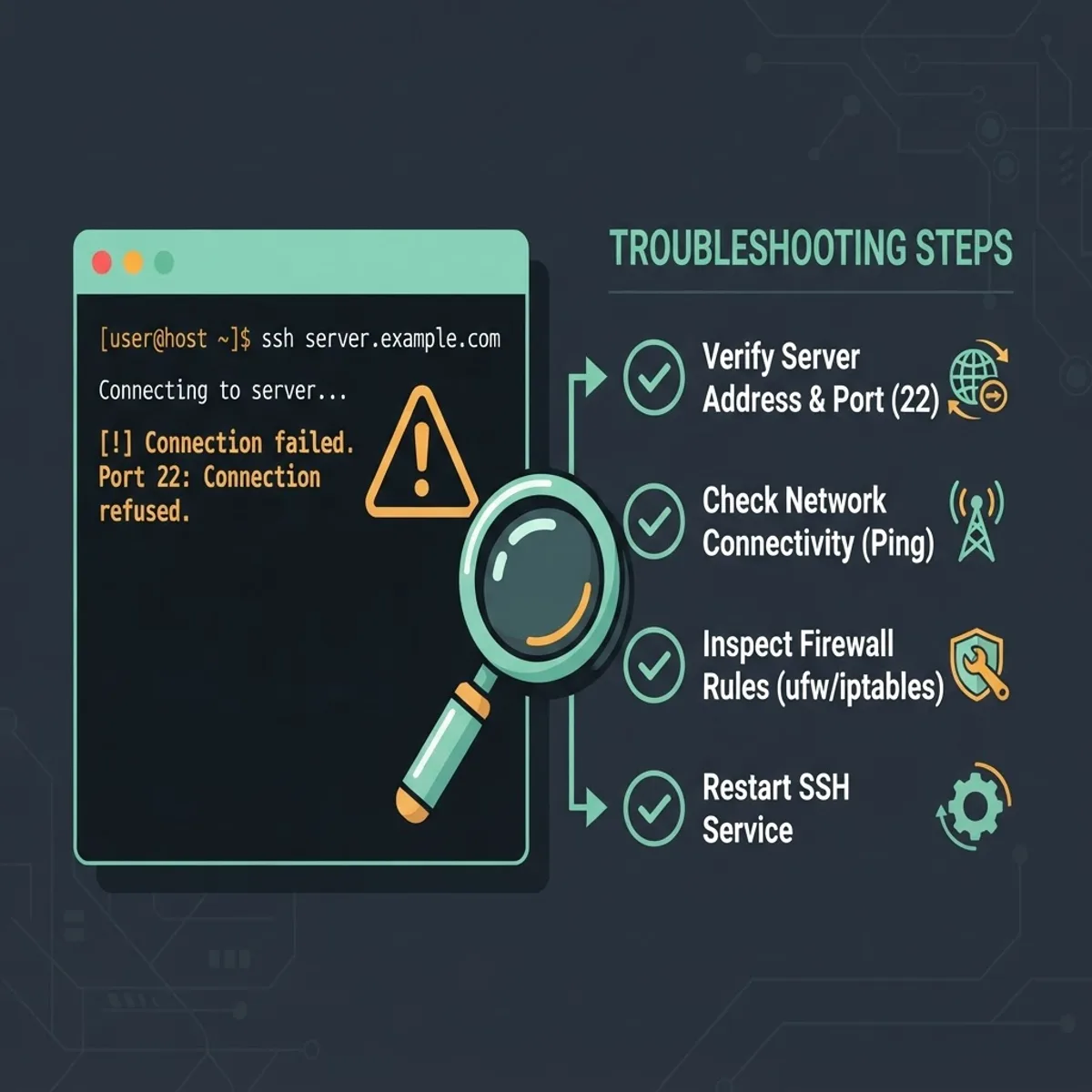
Most MongoDB connection failures come down to four causes: the service is not running, it is listening on a different port, a firewall is dropping the packet, or the bind address excludes your client. Work through them in that order.
- Confirm the process is alive. Check the service status first. A connection refused error almost always means nothing is listening, not that credentials are wrong.
- Verify what is actually listening. Use ss with the listening and numeric flags, or lsof filtered by port, to see the real bound address and port. If it shows 127.0.0.1 only, remote clients cannot connect no matter what the firewall allows.
- Test raw reachability. Run a telnet or netcat probe against the host and port from the client machine. Success proves the network path is open and moves the problem into authentication territory.
- Check for a port conflict. If mongod fails to start with an address already in use message, another process holds the port. Identify the owner before killing anything, since a second stale mongod instance may still hold the data directory lock.
- Read the log. The mongod log, typically at /var/log/mongodb/mongod.log, records the exact bound port at startup and is the fastest way to end a disagreement about configuration.
A timeout and a refusal mean different things. Connection refused indicates the packet reached the host and was actively rejected, usually because no process is listening. A timeout suggests the packet was silently dropped, which points at a firewall, security group, or wrong host address rather than MongoDB itself.
Local MongoDB Versus MongoDB Atlas Ports
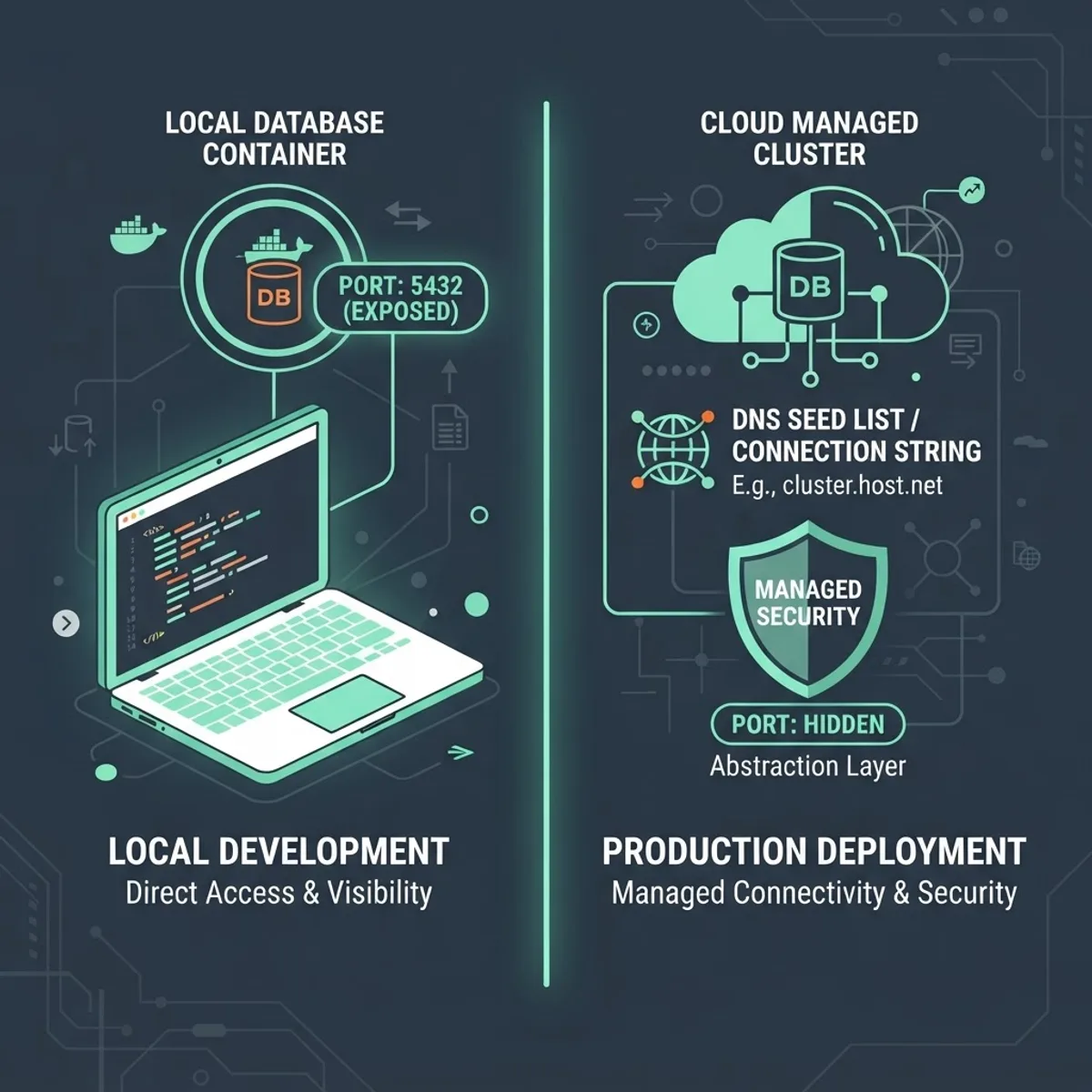
Self-hosted MongoDB exposes the port explicitly, while MongoDB Atlas abstracts it behind DNS. This difference trips up developers moving a working local app to a managed cluster.
On a local or self-managed instance you control the port and reference it directly. On Atlas you receive an SRV hostname, and the driver resolves the underlying hosts and ports itself. Atlas clusters still communicate on 27017 under the hood, but the port is not part of your connection string and outbound access on 27017 must be permitted from your application environment. If your app runs behind a corporate firewall that blocks outbound 27017, Atlas connections fail even though the credentials and cluster are perfectly configured.
Key Takeaways
- The default port for MongoDB is TCP 27017, officially registered with IANA and used by the mongod process.
- Shard members default to 27018 and config servers to 27019, while applications should connect only to the mongos router on 27017.
- Omitting the port from a standard mongodb:// string is safe, but mongodb+srv:// strings must never include one.
- Since MongoDB 3.6 the server binds to localhost by default, a change made after widespread attacks on publicly exposed instances.
- Changing the port reduces automated scanner noise but is not a substitute for authentication, TLS, and firewall rules.
- Connection refused means nothing is listening; a timeout means packets are being dropped by a network control.
Frequently Asked Questions (FAQ)
What is the default port for MongoDB?
The default port for MongoDB is TCP 27017. The mongod server process binds to it automatically after installation, so connection strings normally read mongodb://localhost:27017. The port is officially registered to MongoDB, which prevents conflicts with other common database services on the same host.
Can I run MongoDB on a different port?
Yes. Set the port value under the net section of mongod.conf, or pass a port flag when starting the daemon, then restart the service. Choose a number above 1024 and outside the 27017 to 27020 range, and update every client connection string, monitoring agent, and backup script.
Why is MongoDB using port 27018 instead of 27017?
Port 27018 is the default for a mongod instance started with the shard server role, which happens automatically in sharded cluster configurations. Your application should still connect through the mongos router on 27017, because querying a shard member directly can return incomplete results across chunks.
How do I check if MongoDB is running on port 27017?
Run a listening socket check such as ss with the listening and numeric flags, then filter for 27017. You can also probe the port with netcat or telnet from the client machine. The mongod log file records the exact bound port at every startup.
Do I need to specify the port for MongoDB Atlas?
No. Atlas uses an SRV connection string beginning with mongodb+srv://, and the driver resolves hosts and ports through DNS. Adding an explicit port causes a parse error. Just make sure your environment permits outbound traffic on 27017, since Atlas clusters still communicate on that port.
Is it safe to expose port 27017 to the internet?
No. Exposing 27017 publicly is one of the most exploited database misconfigurations and has led to mass ransom attacks on unsecured instances. Bind MongoDB to a private interface, require authentication and TLS, and allow inbound access only from specific IP ranges or security groups.