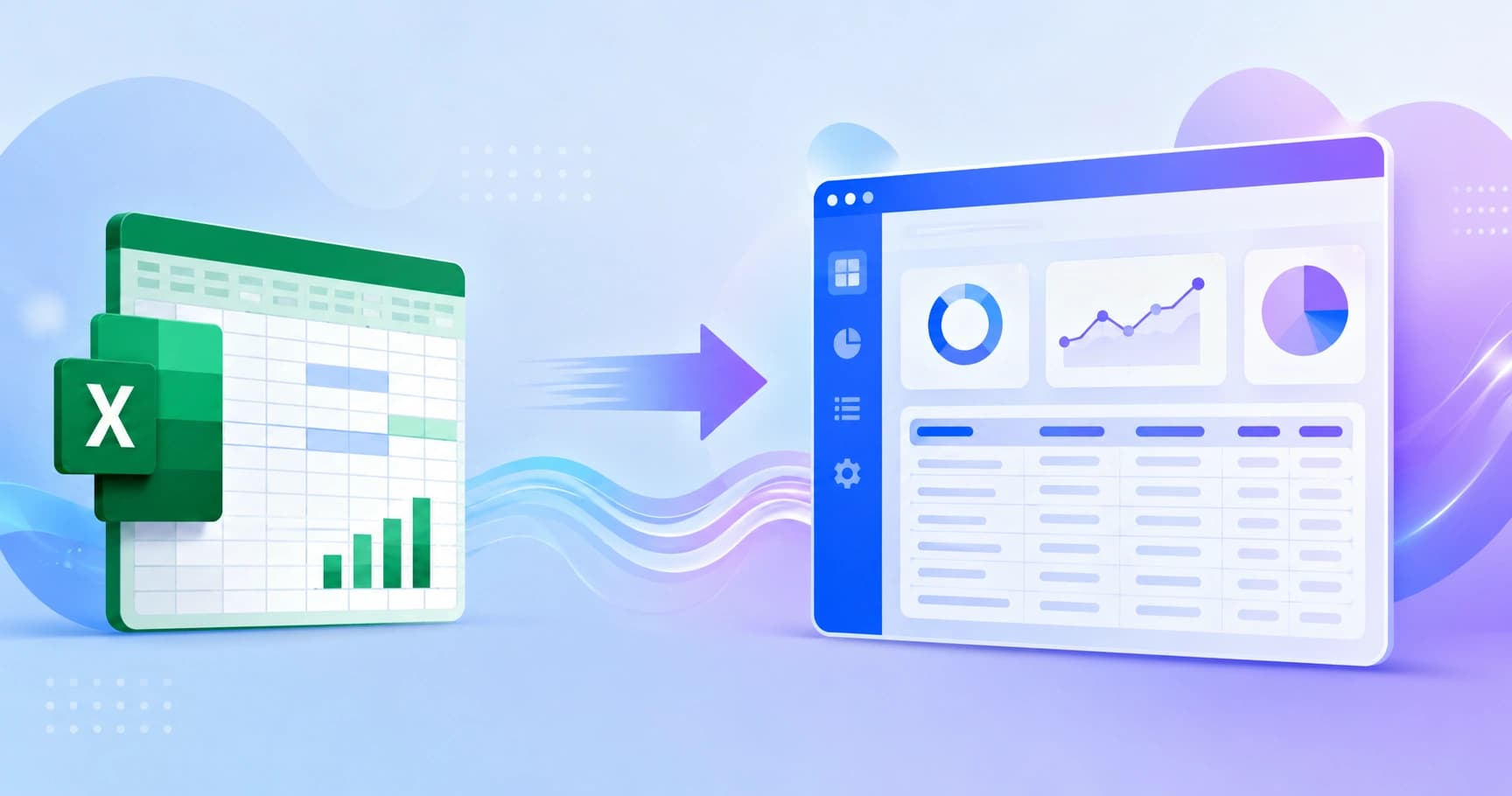
A practical, engineering-led guide to converting an Excel spreadsheet into a secure multi-user web application, covering data modeling, formula migration, cost, and timeline.
Convert Excel to Web Application
Every growing company hits the same wall: the spreadsheet that once ran a department starts running the department into the ground. Files get emailed, versions diverge, formulas break silently, and one person becomes the only human who understands the workbook. Converting Excel to a web application is how you keep the logic your business already trusts while removing the fragility that comes with files.
This guide is written from the perspective of teams who have actually migrated production spreadsheets, not from a feature list. It covers what to audit before you write code, how to translate formulas into real business logic, what the work realistically costs, and the failure patterns that sink these projects.

Quick Answer: Converting Excel to a web application means rebuilding the workbook as a database-backed app with a browser interface. You audit the sheet, model the data into relational tables, rewrite formulas as server-side logic, add authentication and roles, then migrate historical data. Most single-workbook projects ship in four to twelve weeks.
Why Companies Outgrow Spreadsheets
Spreadsheets fail at scale for structural reasons, not user error. Excel stores data and logic in the same cell grid, so there is no separation between what happened and how it was calculated. That single design choice creates every downstream problem.
Research on spreadsheet quality is consistently unflattering. Studies compiled by the European Spreadsheet Risks Interest Group have repeatedly found error rates above 80 percent in audited operational workbooks, and a widely cited Ventana Research survey found that more than half of organizations still rely on spreadsheets for core reporting despite acknowledging accuracy concerns. The gap between reliance and reliability is exactly where risk lives.
The practical symptoms are easy to recognize:
- Multiple file versions with names like final, final_v2, and final_use_this
- Formulas referencing cells that no longer contain what they used to
- No audit trail showing who changed a number, or when
- Concurrency limits, since two people editing the same logic reliably breaks something
- Manual copy and paste between sheets as the integration layer

Key Terms Defined
Web application: software accessed through a browser, where data lives in a central database and logic runs on a server rather than on each user's machine.
Data model: the structured definition of entities, fields, and relationships that replaces a flat sheet of rows.
Business logic: the calculation and validation rules that were previously hidden in formulas, now written as testable server code.
When You Should Convert, and When You Should Not
Not every spreadsheet deserves an application. The honest test is whether the workbook is a document or a system.
Convert when three or more of these are true:
- More than three people need to read or edit the same data regularly
- The sheet drives a repeatable process, such as quoting, inventory, or approvals
- Errors in the sheet carry financial, legal, or compliance consequences
- You need permissions, so some users see only part of the data
- The data must connect to another system through an API
- The file has grown past roughly 20,000 rows and performance is degrading
Keep it in Excel when the workbook is a one-off analysis, a personal model, or genuinely exploratory work where the structure changes weekly. Analysts should model in spreadsheets. Businesses should operate in applications.
The Conversion Process, Step by Step
A disciplined conversion follows six phases. Skipping the first two is the single most common reason these projects overrun.

1. Audit the Workbook
Inventory every sheet, named range, formula, macro, and external link. Document who uses each tab and for what decision. Most workbooks contain 20 to 40 percent dead logic, columns nobody reads and calculations that stopped mattering two years ago. Deleting that before development starts is free scope reduction.
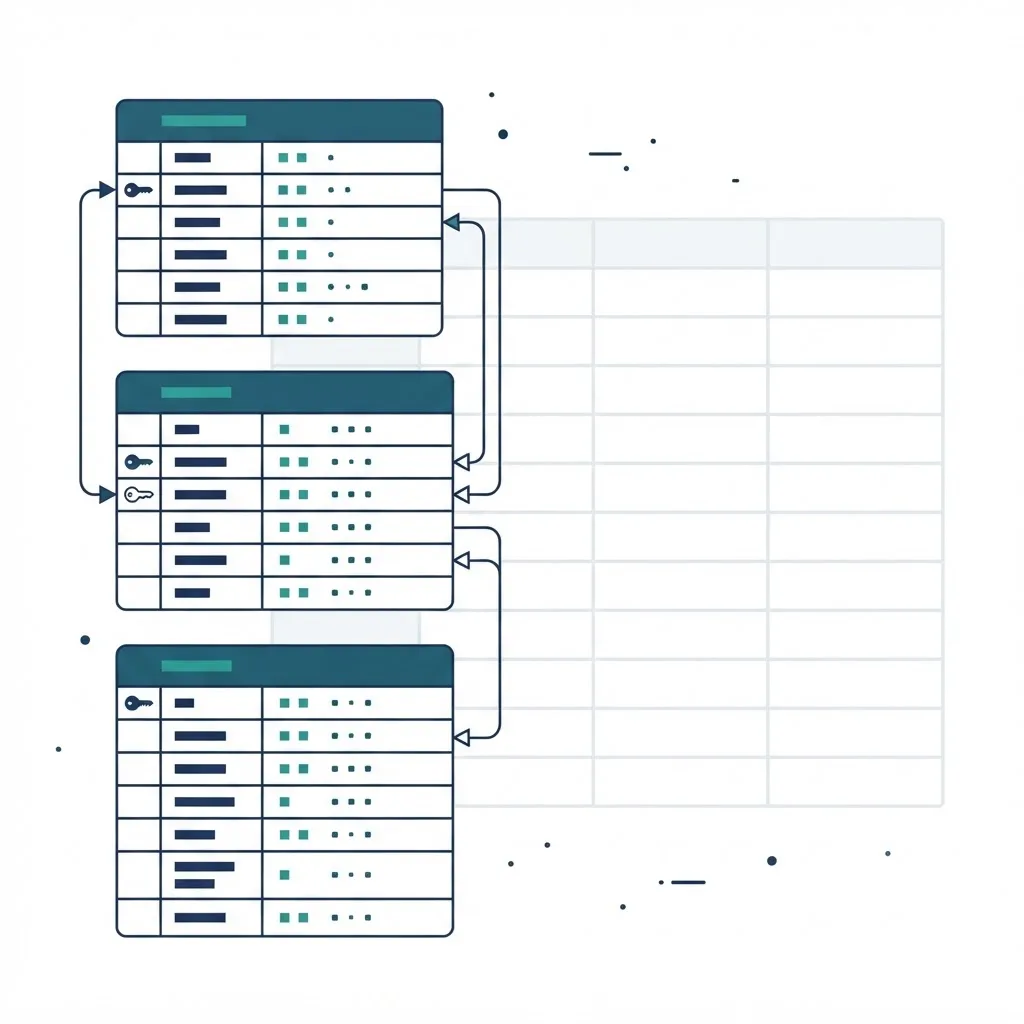
2. Design the Data Model
This is the part that determines whether the app ages well. Flat rows become normalized tables with primary keys and explicit relationships. A quoting sheet typically decomposes into customers, quotes, line items, products, and pricing rules. Each becomes a table, not a column block.
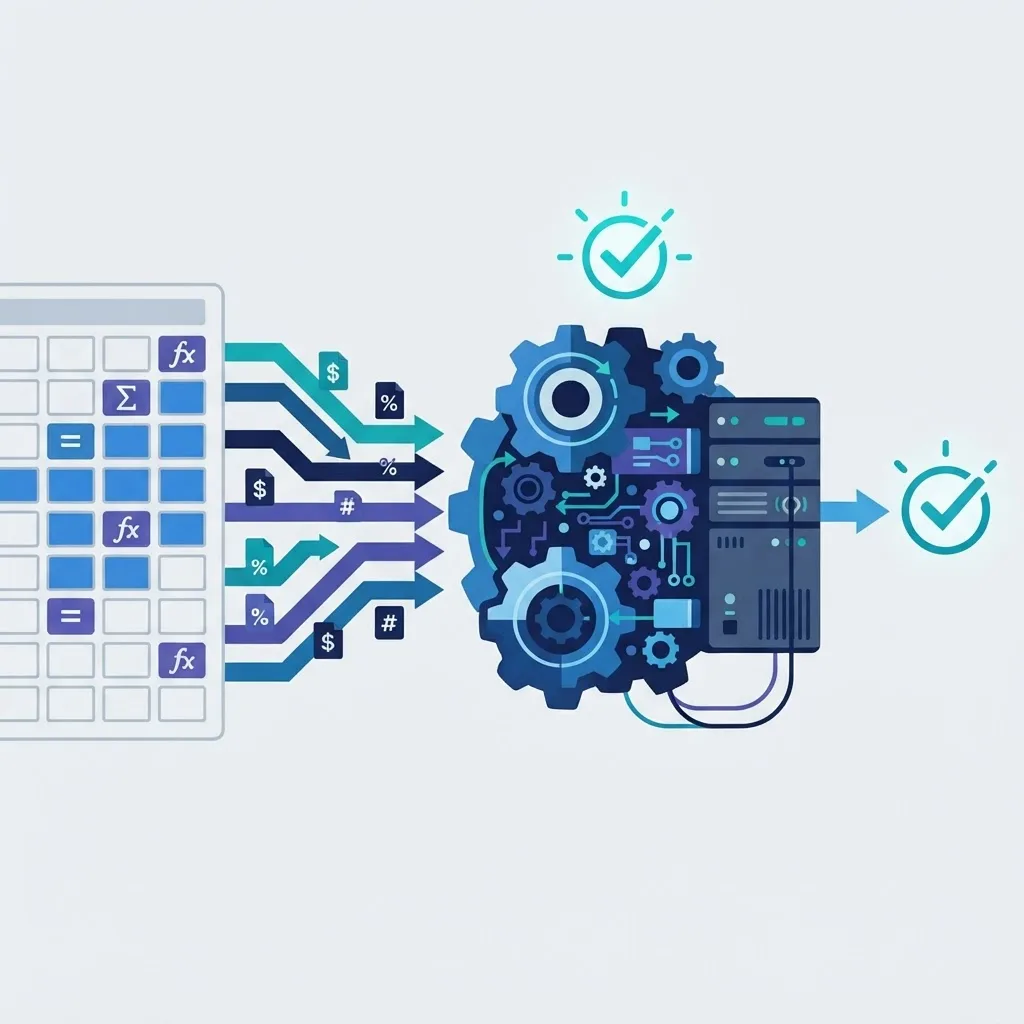
3. Translate Formulas Into Server Logic
Every meaningful formula becomes a named function with inputs, outputs, and unit tests. A nested IF chain buried in column AG becomes an explicit rules function that a new developer can read in thirty seconds. This step is where hidden business knowledge finally becomes documented and version controlled.
4. Build the Interface Around Real Tasks
Do not rebuild the grid. Users did not want a grid, they wanted to complete a task. Replace tabs with purpose-built screens: a submission form, a review queue, a dashboard. Keep one spreadsheet-style table view for bulk editing, because power users legitimately need it, and support CSV import and export so nobody feels trapped.
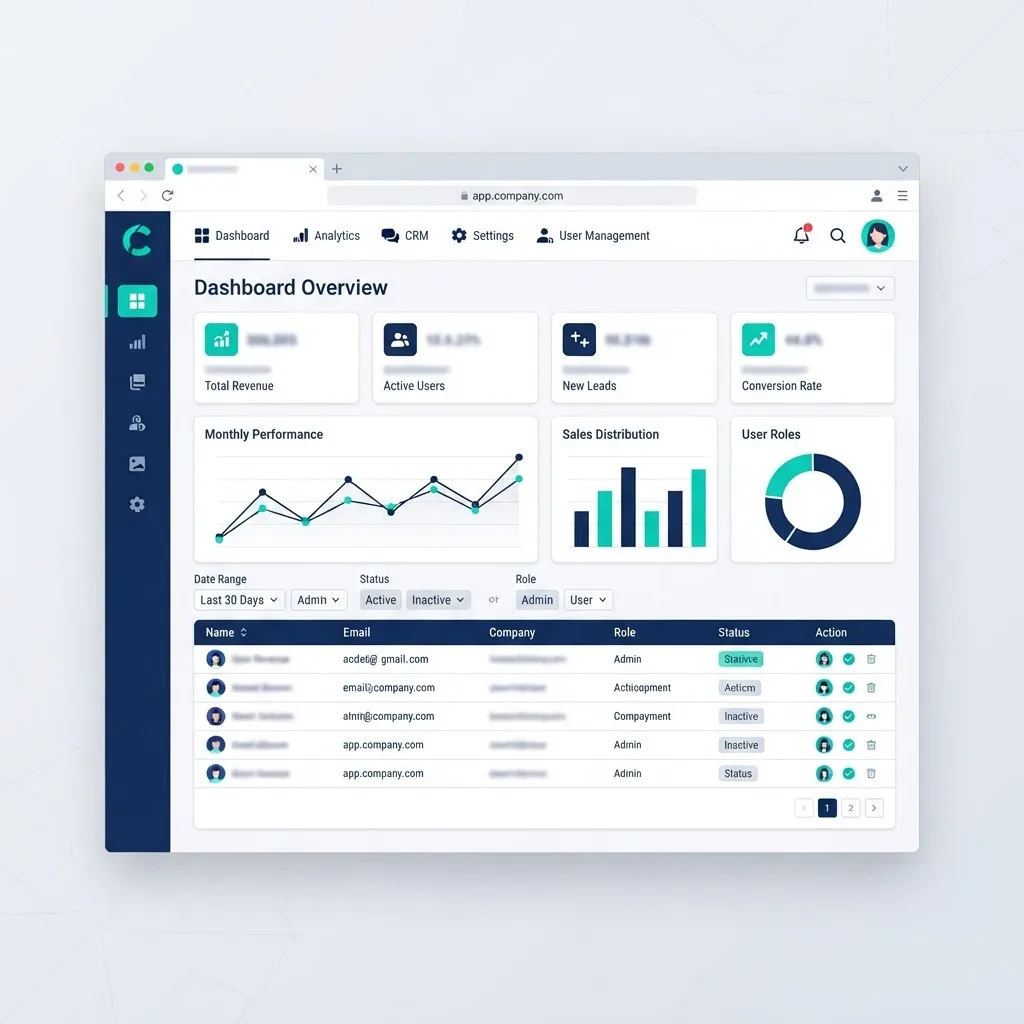
5. Add Authentication, Roles, and Audit Logging
This is the capability that justifies the whole project. Real accounts, role-based permissions, and an immutable change log turn an untrusted file into a system of record. Enforce permissions on the server, never only in the UI, and log the actor, timestamp, old value, and new value on every write to sensitive fields.
6. Migrate Data and Run in Parallel
Write a repeatable import script rather than pasting data once. Run the app and the spreadsheet side by side for one full business cycle and reconcile totals. Discrepancies almost always reveal an undocumented manual adjustment somebody was making in the sheet, which is valuable to discover before cutover, not after.
Choosing Your Build Approach
Three paths exist, and the right one depends on how much the logic will change over time.
| Approach | Best For | Typical Timeline | Ownership of Code | Main Limitation |
|---|---|---|---|---|
| Spreadsheet-to-app tool | Simple forms and lists, under 10 users | Days to 2 weeks | None, vendor hosted | Breaks down on complex logic and integrations |
| Low-code platform | Internal tools, moderate workflows | 2 to 6 weeks | Partial, platform locked | Per-seat pricing grows, hard to extend |
| Custom web application | Core business processes, external users, integrations | 4 to 12 weeks | Full, you own the repository | Higher upfront investment |
A useful rule: if the spreadsheet represents a competitive advantage or touches revenue directly, build it custom. If it is internal convenience work, a platform is usually the better economic choice. Teams that need production grade output with senior engineering ownership often bring in a specialist partner such as a web application agency rather than stretching an internal team across an unfamiliar migration.
What It Actually Costs
Cost tracks complexity, not page count. The variables that move the number are the count of distinct entities in the data model, the number of user roles, integration requirements, and how much undocumented logic must be reverse engineered.

Budget realistically across three tiers:
- Single-workbook internal tool: one to three entities, two roles, no integrations. Lowest tier, fastest delivery.
- Departmental system: five to ten entities, role-based access, reporting, one integration. Mid tier, the most common project shape.
- Business-critical platform: many entities, external users, audit requirements, multiple integrations. Highest tier, phased delivery.
Also budget for what the spreadsheet was costing you. If four people each spend three hours a week on manual consolidation, that is roughly 620 hours annually of pure overhead. Quantifying that number is usually how these projects get approved. Agencies focused on measurable outcomes, including scalable web solutions teams, typically start engagements with exactly this calculation rather than a feature discussion.
Five Mistakes That Derail Conversions
- Cloning the spreadsheet layout. Recreating tabs one to one imports every structural flaw you were trying to escape.
- Ignoring the shadow logic. The rules living in one person's head are the real requirements. Interview them before development, not during testing.
- Launching without export. Users who cannot get their data out will keep a private copy of the sheet, and your app becomes a second source of truth instead of the only one.
- Skipping validation rules. Excel accepted anything in any cell. A database will not, and dirty legacy data surfaces at import time unless you plan for cleanup.
- No parallel run. Cutting over cold means the first month of discrepancies looks like an app failure rather than a data discovery.
Key Takeaways
- Converting Excel to a web application means separating data, logic, and interface, which spreadsheets deliberately merge.
- Audited operational spreadsheets have been found to contain errors at rates above 80 percent in ESPRIG-compiled research, which is the core risk argument for migration.
- Data modeling and formula translation, not UI work, determine long-term maintainability.
- Most single-workbook projects ship in four to twelve weeks depending on entity count, roles, and integrations.
- Server-side permission enforcement plus audit logging is what converts a file into a trustworthy system of record.
- Always run the app and spreadsheet in parallel for one full business cycle before cutover.
Frequently Asked Questions (FAQ)
How long does it take to convert an Excel file to a web app?
A simple single-purpose workbook with a few tables and two user roles typically takes two to four weeks. Departmental systems with reporting and one integration run four to eight weeks. Business-critical platforms with external users and audit requirements usually need eight to twelve weeks, often delivered in phases.
Can I keep using Excel after the conversion?
Yes, and you should support it. Good conversions include CSV and Excel export so analysts can still model offline, plus import for bulk updates. The difference is that the application becomes the single source of truth, while spreadsheets become a reporting and analysis output rather than the system itself.
Will my existing formulas still work in the web application?
The formulas are not copied, they are rewritten as server-side functions that produce identical results. This is an advantage: each rule becomes named, testable, and documented instead of hidden in a cell. Reconcile outputs against the original workbook during the parallel run to confirm exact numeric parity.
Is a custom web app better than a low-code platform for spreadsheets?
It depends on the role of the logic. Low-code wins for internal convenience tools with simple workflows and few users. Custom development wins when the process drives revenue, needs external user access, requires real integrations, or when per-seat platform pricing becomes more expensive than owning the code.
How do I protect my data during the migration?
Work from a copy of the workbook, never the live file. Use a repeatable import script so migration can be rerun safely, encrypt data in transit and at rest, enforce role permissions on the server, and enable audit logging before go-live. Keep the original spreadsheet archived read-only after cutover.
What happens to Excel macros and VBA?
Macros are reimplemented as application features rather than ported. A VBA routine that formats and emails a report becomes a scheduled server job. Interactive macros become buttons and background tasks. Audit macros first, since many automate steps the new data model eliminates entirely.