
Wondering if an AI video generator mod APK is safe? Learn the real risks, why unlocked features rarely work, and safer free ways to make AI videos on mobile.
AI Video Generator Mod APK
Every time a text to video app goes viral, searches for "AI video generator mod APK" spike within days. The pitch is always the same: skip the subscription, unlock unlimited renders, strip the watermark, generate 4K clips for free. The technical reality is very different, and understanding it takes about five minutes once you know how AI video tools are actually built.
This guide explains what a modded AI video APK really contains, why the unlocked premium buttons almost always fail on the first render, what mobile security researchers have documented about third party APK sources, and which legitimate free or low cost tools genuinely produce usable video on a phone. Everything below is written from a builder perspective, based on how these apps are architected rather than on what download pages claim.
Quick Answer: An AI video generator mod APK is a repackaged app file that claims to unlock paid features for free. It rarely works, because AI video is rendered on the developer's cloud GPUs and validated server side. Modded files mainly deliver malware risk, account bans, and broken renders instead of premium access.
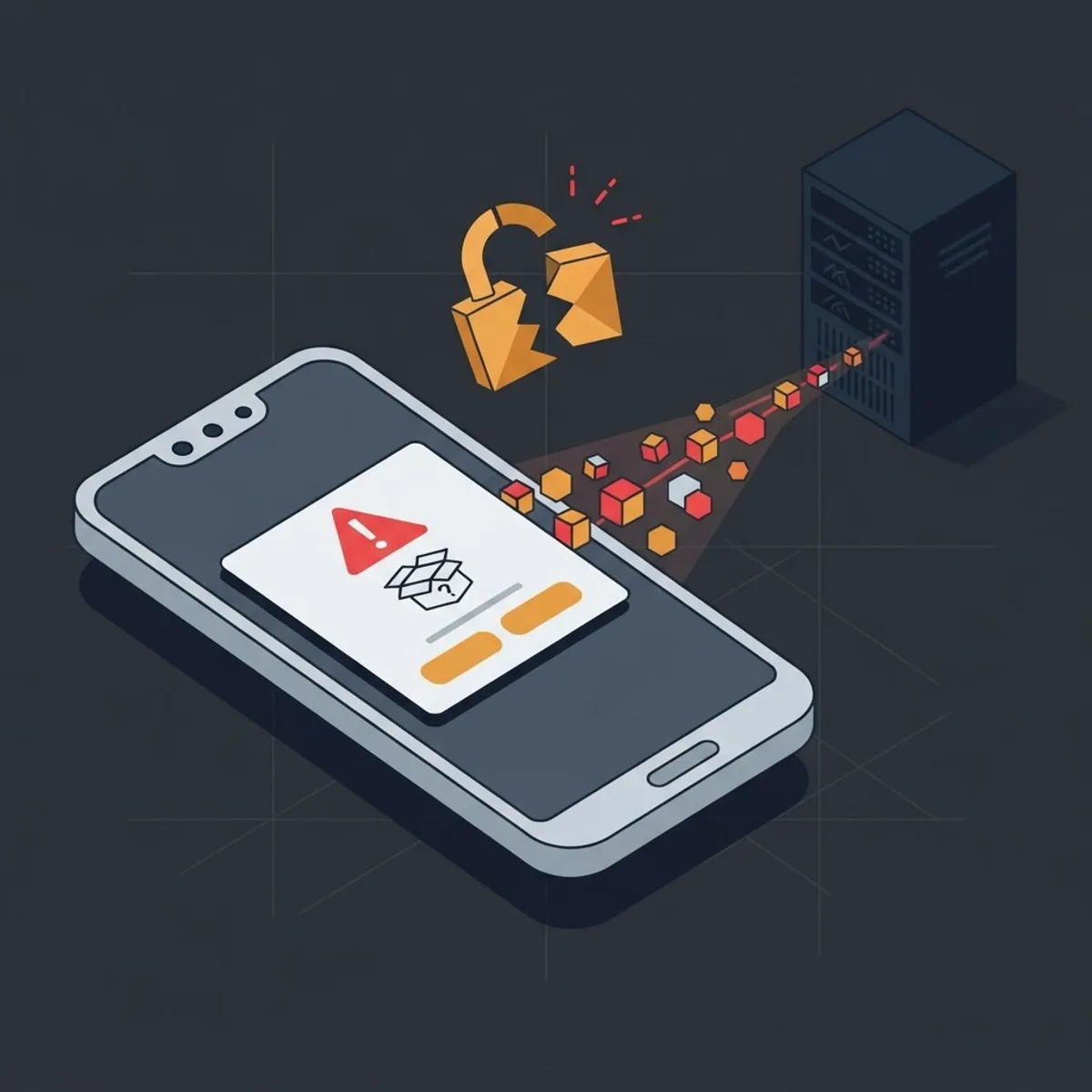
What an AI Video Generator Mod APK Actually Is
A mod APK is an Android application package that someone has decompiled, edited, and resigned with their own key. The editor typically patches the code that checks subscription status, removes ad libraries or swaps them for their own ad IDs, and sometimes injects extra code before rebuilding the file.
Three consequences follow directly from that process:
- The original developer signature is gone, so the app can no longer receive official updates from Google Play.
- Any code the repackager added runs with every permission the app requests, including storage, camera, and notification access.
- The app can no longer be verified against the published version, so you cannot know what changed between the original and the copy.
Key term: client side check means the app decides on your device whether you are a paying user. Server side validation means the company's backend decides, and the device only receives the result. Mods can defeat the first type. They cannot defeat the second.
Why Unlocked Premium Features Fail on AI Video Apps
This is the part most download pages never explain. Traditional mods worked on offline apps, such as photo filters or single player games, where the premium logic lived entirely inside the installed file. AI video generation does not work that way.
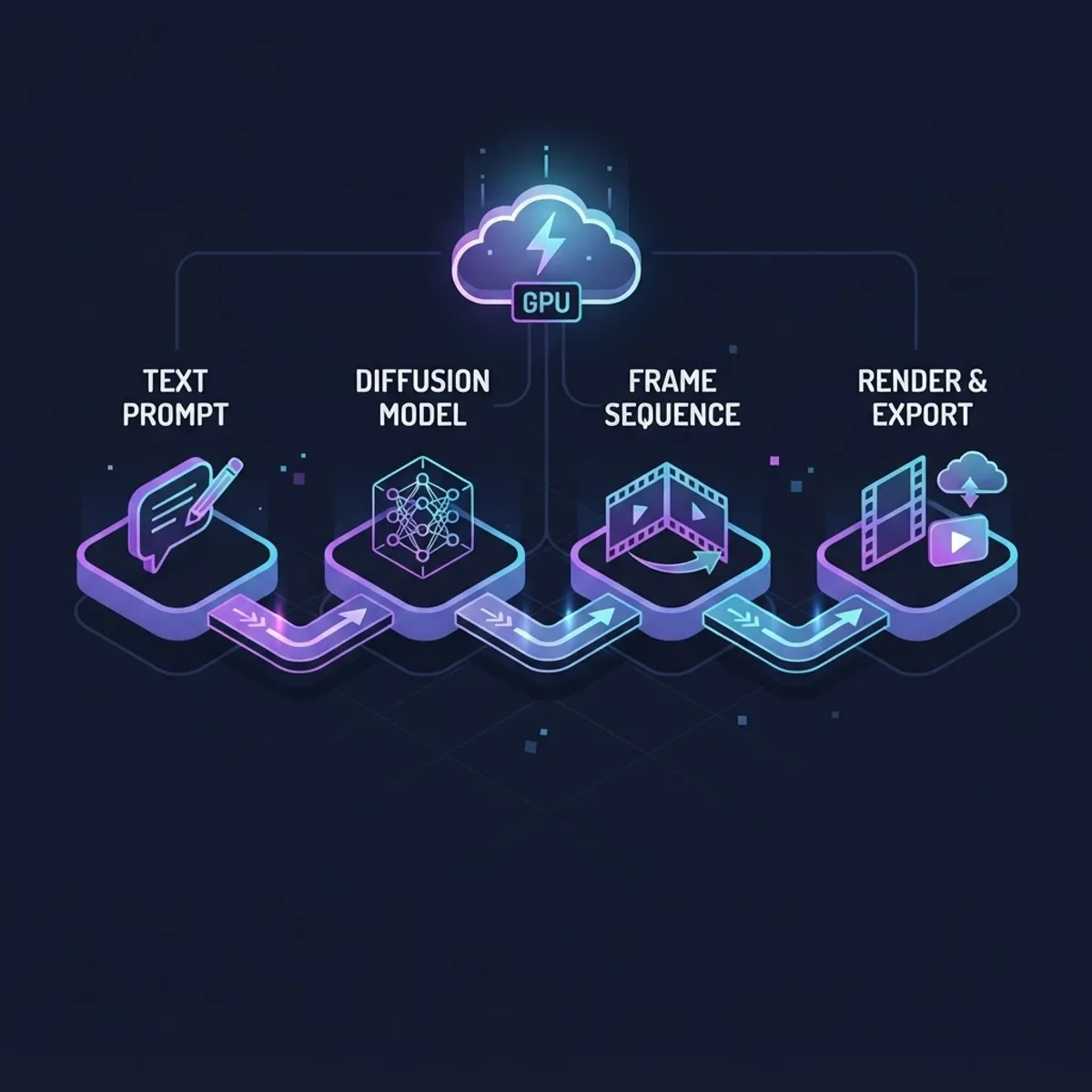
When you type a prompt into a text to video app, your phone sends a few hundred bytes of text to a server. A diffusion or transformer based video model then runs on data center GPUs, generating frames, interpolating motion, and encoding the output. A few seconds of generated video can consume more compute than a full day of ordinary phone usage. The finished MP4 is streamed back to your device.
That architecture means:
- Your render request carries an authentication token. If the token has no active credits attached, the server refuses the job no matter what the patched interface shows.
- Watermarks are usually burned into the video during server side encoding, not drawn by the app.
- Resolution tiers are enforced by the render pipeline, so a modded 4K toggle simply produces a rejected request or a 720p file.
The practical outcome reported over and over by users is a patched app with every premium button visible and an endless loading spinner behind each one.
The Security Data You Should Weigh Before Installing
Two figures put the risk in context. Google reported that it prevented roughly 2.36 million policy violating apps from being published on Google Play in 2024, largely through automated review and machine learning checks. Files distributed through mod sites bypass that entire filtering layer by design. Separately, Kaspersky reported blocking about 33.3 million attacks involving mobile malware, adware, and unwanted software in 2024, with fake and repackaged popular apps among the most common delivery methods.
Media apps are an unusually attractive wrapper for malicious code for one reason: users expect them to request broad permissions. Nobody questions a video app asking for storage, gallery, camera, microphone, and background activity. Those same permissions are what infostealer families need to read files, capture screen content, or intercept notification text that contains one time passcodes.
What this looks like in practice:
- Silent subscriptions. Notification access is used to read and dismiss billing confirmations.
- Gallery scraping. Storage access allows bulk upload of personal photos and videos to a remote endpoint.
- Ad fraud. Replaced ad IDs run hidden ad views, which is why modded apps often drain battery while idle.
- Credential theft. Overlay attacks mimic login screens for banking or social apps.
Mod APK Versus Official App Versus Free Tier: An Honest Comparison
| Factor | Mod APK | Official App Free Tier | Official Paid Plan |
|---|---|---|---|
| Actually renders video | Rarely, server rejects most jobs | Yes, with daily or credit limits | Yes, full queue priority |
| Watermark removed | No, watermark is server encoded | Usually present | Removed |
| Security review | None | Play Store and provider review | Play Store and provider review |
| Receives updates | No | Automatic | Automatic |
| Account ban risk | High, terms violation | None | None |
| Commercial usage rights | None | Limited, check terms | Usually included |
| Real cost | Data, privacy, device integrity | Free | Predictable monthly fee |
The column that matters most for creators is the last row. A modded file gives you no license to the output, which makes any resulting video unusable for client work, monetized channels, or paid ads.
What Actually Happens to Your Account
AI video platforms fingerprint devices and inspect API traffic because GPU time is expensive. A patched client is easy to spot: signature mismatch, unusual request headers, impossible tier claims, or credit requests that do not match any purchase record. Enforcement is typically automated and permanent, and it usually targets the account rather than the device.
If you signed up with your main email or a social login, that ban can also affect the free tier you would otherwise still have. Losing a legitimate free allowance to chase a mod that never renders is the worst possible trade.
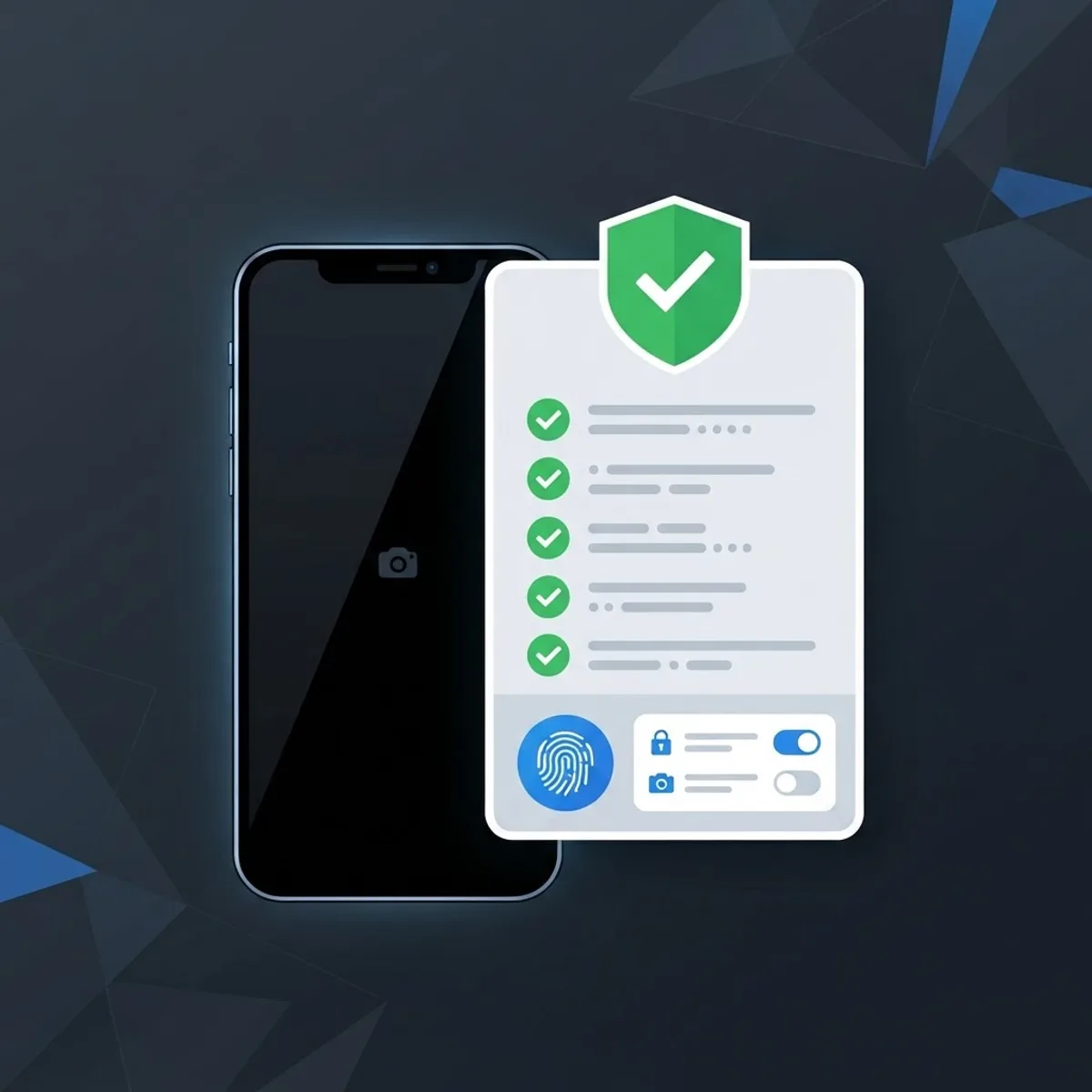
How to Verify Any APK Before You Install It
Sometimes sideloading is legitimate, for example a regional release or a beta build. Use this checklist every time.
- Confirm the package name matches the official listing exactly, including the reversed domain prefix. Lookalike suffixes are the most common tell.
- Compare the signing certificate with the Play Store version using an APK inspector before installing.
- Read the permission list against the app's function. A text to video tool does not need contacts, SMS, or accessibility service access.
- Check the file size against the official listing. A large unexplained difference means code was added.
- Scan the file with a multi engine scanner and treat any detection as a stop signal.
- Install nothing that asks you to disable Play Protect. That request exists only to hide something.
- Never grant accessibility permissions to a media app. That single permission enables most overlay and automation attacks.
If a download page hides the version number, uses forced redirects, or requires a "downloader" app first, close it. Legitimate distribution never needs those steps.
The Free Stack That Actually Produces Usable AI Video
Here is a workflow that costs nothing and stays inside legitimate terms of service:
- Generate short clips on official free tiers, which typically allow a handful of renders per day. Batch your prompts and use those credits on the two or three shots that carry the story.
- Fill the timeline with stock and stills. Use motion presets, slow zooms, and parallax on static images so generated clips remain the accent rather than the whole video.
- Script and storyboard before rendering. Free credits are scarce, so a prompt written after the script is finalized wastes far fewer attempts.
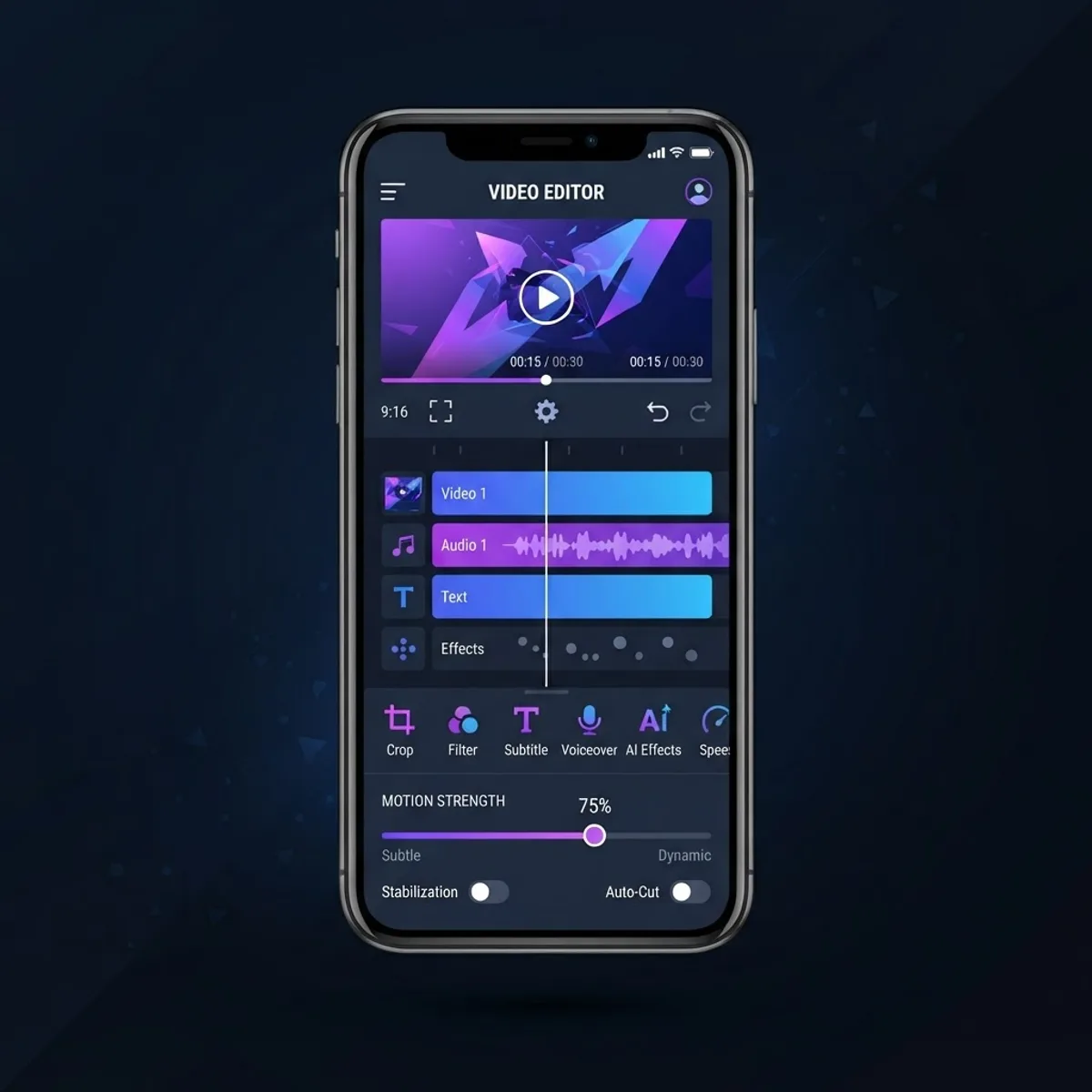
- Edit on device in a free mobile editor that supports keyframes, then export once at final resolution.
- Handle voice separately. Free text to speech tools plus a clean edit often lift perceived quality more than a higher resolution render.
One prompt discipline tip that saves more credits than anything else: describe the camera, the subject, the lighting, and the motion in that order, and keep each clip to a single action. Multi action prompts are the leading cause of unusable generations.
Running the Real Numbers
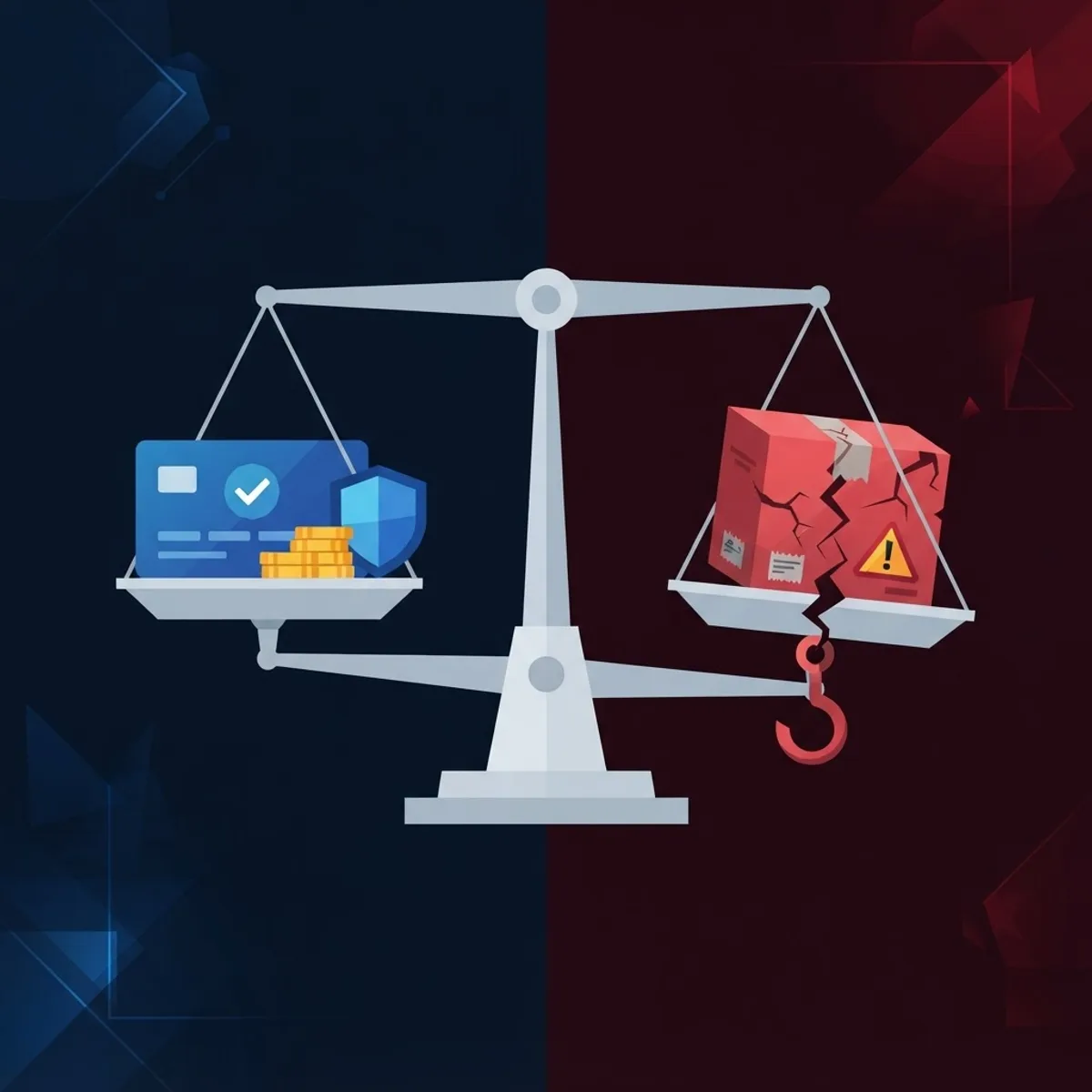
Most AI video subscriptions sit in a low monthly band, and many offer a credit pack instead of a recurring plan. Set that against the realistic cost of a compromised device: reinstalling the operating system, rotating every password, disputing unauthorized charges, and losing the account you built your audience on. Even a single fraudulent charge usually exceeds a year of the paid tier.
For teams, the calculation is simpler still. Output from a modded app has no usage license, so it cannot legally appear in client deliverables. Studios that build AI assisted production pipelines pay for API access precisely because provenance and licensing are auditable. When a business needs that level of reliability, working with a partner that designs proper generation pipelines, such as ZoneTechify, is far cheaper than reworking unusable assets, and purpose built AI workflow solutions remove the licensing ambiguity entirely.
Key Takeaways
- AI video is rendered on cloud GPUs and validated server side, so client side patches cannot unlock real premium output.
- Google blocked around 2.36 million policy violating apps from Play in 2024, and mod sites bypass that review layer completely.
- Kaspersky blocked roughly 33.3 million mobile malware and unwanted software attacks in 2024, with repackaged popular apps a common vector.
- Watermarks and resolution tiers are usually applied during server side encoding, not by the installed app.
- Modded clients are detectable through signature and traffic checks, and enforcement is typically a permanent account ban.
- Output from a modded app carries no usage license, making it unsuitable for commercial or monetized work.
- A disciplined free tier workflow plus solid editing produces better results than any mod file.
Frequently Asked Questions (FAQ)
Does an AI video generator mod APK actually work?
Almost never for the features people want. Rendering happens on the developer's servers, which check your account credits before starting a job. A patched app can display unlocked buttons, but the server still refuses the render, so users typically see infinite loading or failed exports.
Is it safe to install a mod APK for video apps?
No. Modded files are resigned by unknown parties and skip store review, so injected code runs with full app permissions. Because media apps normally request storage, camera, and notification access, malicious versions gain exactly the permissions needed for data theft and hidden billing.
Can I get banned for using a modded AI video app?
Yes, and bans are usually permanent. Platforms detect signature mismatches and abnormal API requests because GPU time is costly to them. Enforcement targets the account, which means you can lose the legitimate free allowance tied to the email or social login you used.
How do I remove the watermark without a mod?
Use a paid tier, a promotional credit pack, or a tool whose free plan exports without branding. Watermarks are burned in during server side encoding, so cropping or patching the app will not remove them cleanly and always damages framing or resolution.
What is the best free way to make AI videos on a phone?
Combine official free tier renders for two or three hero shots with stock footage, still images, and motion presets in a free mobile editor. Write the script first, keep each generated clip to one action, then export once at final resolution.
How can I tell if an APK file is dangerous?
Check that the package name and signing certificate match the official listing, compare file size, and review permissions against the app's purpose. Any request to disable Play Protect, grant accessibility access, or install a helper downloader first should end the installation immediately.
Final Word
The search for an AI video generator mod APK is really a search for affordable creative tools. That need is legitimate, but the mod route fails on its own terms: the compute lives on servers you cannot patch, so you trade real device security for buttons that do nothing. Spend the same hour learning prompt structure and editing instead, and a free tier will outperform any modded file you could install.