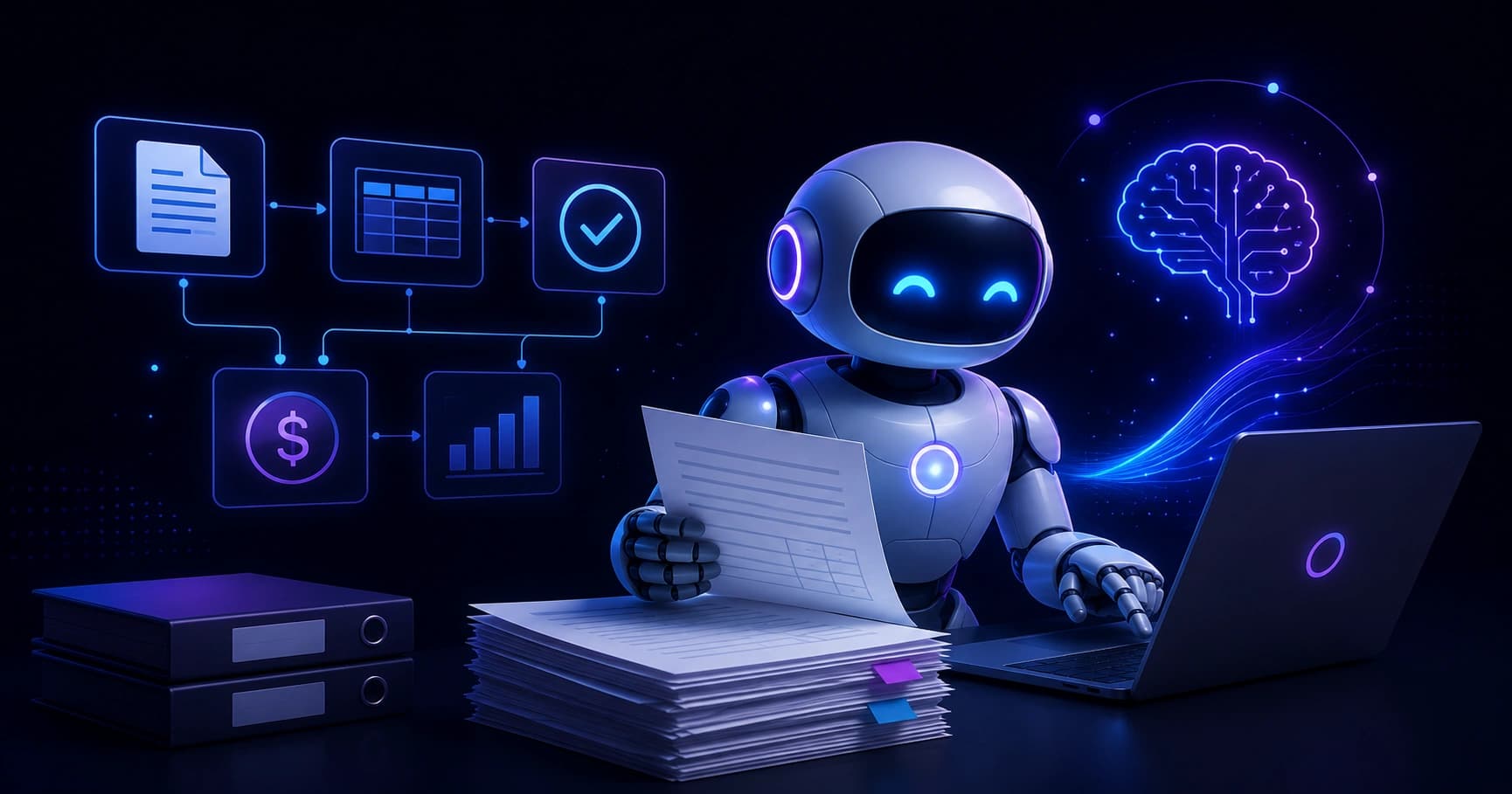
Discover how an accounts payable artificial intelligence co-worker automates invoices, reduces errors, and frees finance teams to focus on higher-value work.
Accounts Payable Artificial Intelligence Co-Worker
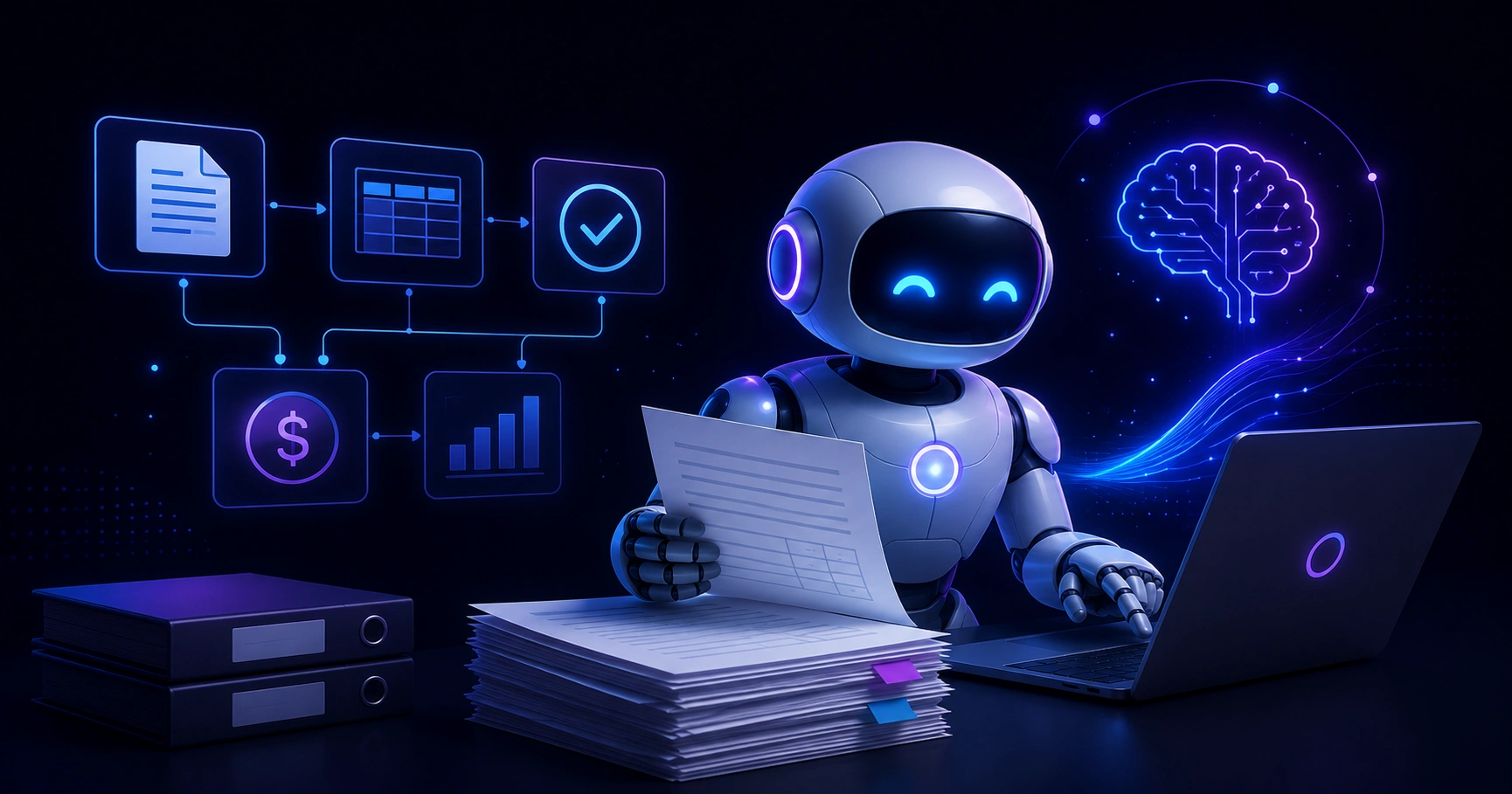
Finance teams spend a staggering amount of time on repetitive invoice work. Receiving documents, keying in data, chasing approvals, and matching purchase orders consume hours that could be spent on analysis and strategy. An accounts payable artificial intelligence co-worker changes this equation. Instead of replacing your team, it works beside them, taking over the manual grind while humans handle judgment, exceptions, and relationships.
This guide explains exactly what an AP AI co-worker is, how it works, what measurable results it delivers, and how to adopt one without disrupting your existing finance stack. Whether you process 200 invoices a month or 200,000, the principles below apply.
Quick Answer: An accounts payable artificial intelligence co-worker is software that uses AI to capture, read, validate, match, and route invoices automatically. It works alongside finance staff, handling repetitive tasks while humans manage exceptions and approvals, cutting processing time and errors significantly.
What Is an Accounts Payable AI Co-Worker?
An accounts payable AI co-worker is an autonomous software agent that performs end-to-end invoice processing using artificial intelligence, machine learning, and natural language understanding. Unlike traditional automation that follows rigid rules, it learns from your historical data, adapts to new vendor formats, and makes context-aware decisions.
Key definition: A co-worker model means the AI does not operate in isolation. It collaborates with your team, flags uncertain items for human review, and improves continuously based on the corrections people make.
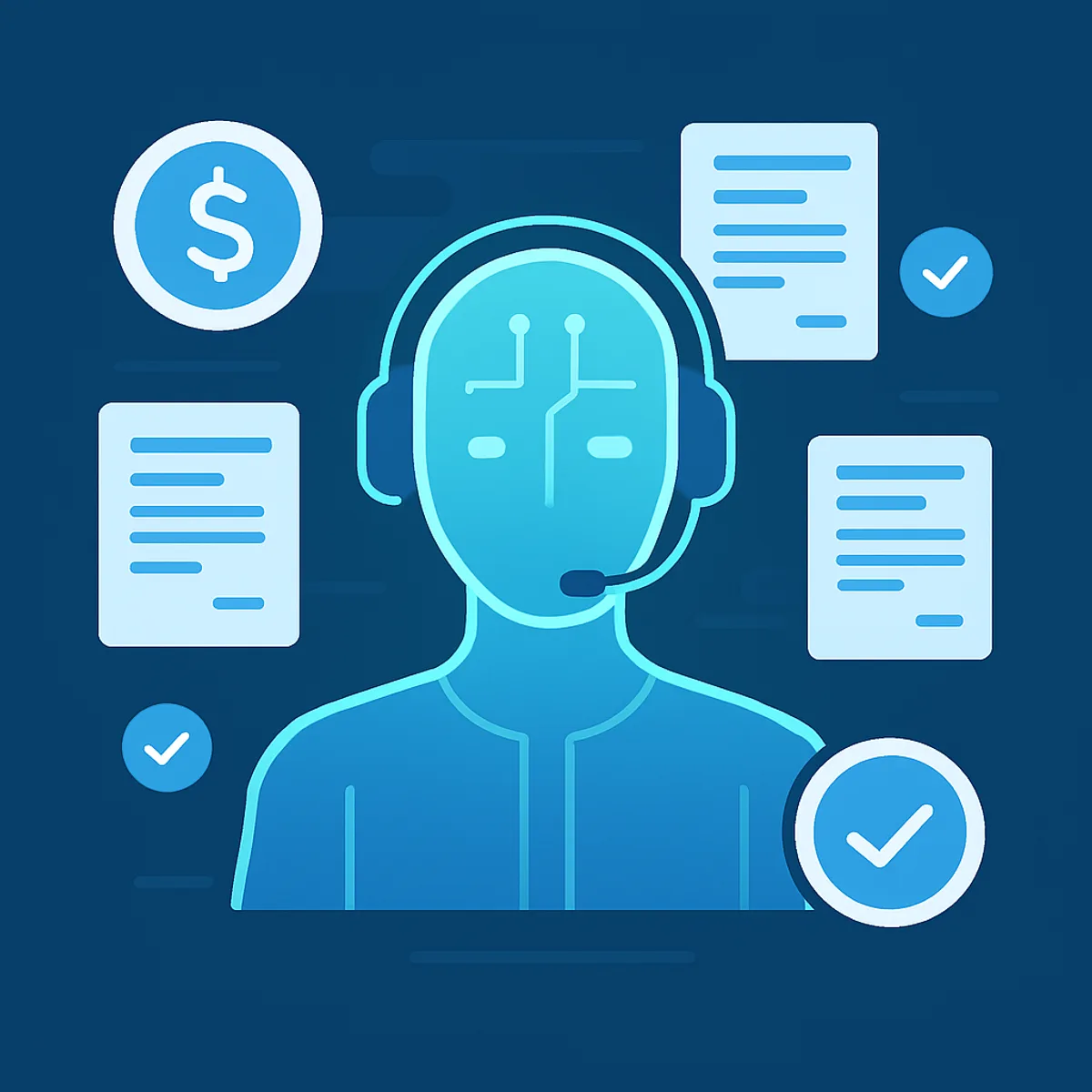
The difference matters. Older Optical Character Recognition (OCR) tools could read a clean invoice but failed when a vendor changed their layout. A modern AI co-worker recognizes the meaning of fields, so it knows a number labeled "Amount Due," "Total Payable," or "Balance" all refer to the same concept. This semantic understanding is what makes it feel like a teammate rather than a brittle macro.
Why Accounts Payable Needs AI Now
Manual AP is expensive and error-prone. According to research from the Institute of Finance and Management (IOFM), processing a single invoice manually can cost between $10 and $15 when you factor in labor, corrections, and late-payment penalties. Automated processing can reduce that cost to under $3 per invoice.
The time savings are equally compelling. According to Ardent Partners' Accounts Payable benchmark research, best-in-class organizations process invoices roughly five times faster and at a fraction of the cost of typical teams, largely because they have removed manual data entry from the workflow.
Three pressures make AI adoption urgent:
- Rising invoice volumes without proportional headcount increases.
- Remote and hybrid finance teams that need digital, paperless workflows.
- Fraud and compliance risk that grows with manual handling and weak audit trails.
If your team is firefighting month-end instead of analyzing spend, these are the symptoms an AI co-worker is built to solve. Companies like ZoneTechify and WebPeak build and integrate these intelligent systems so finance leaders can modernize without rebuilding everything from scratch.
How an AP AI Co-Worker Actually Works
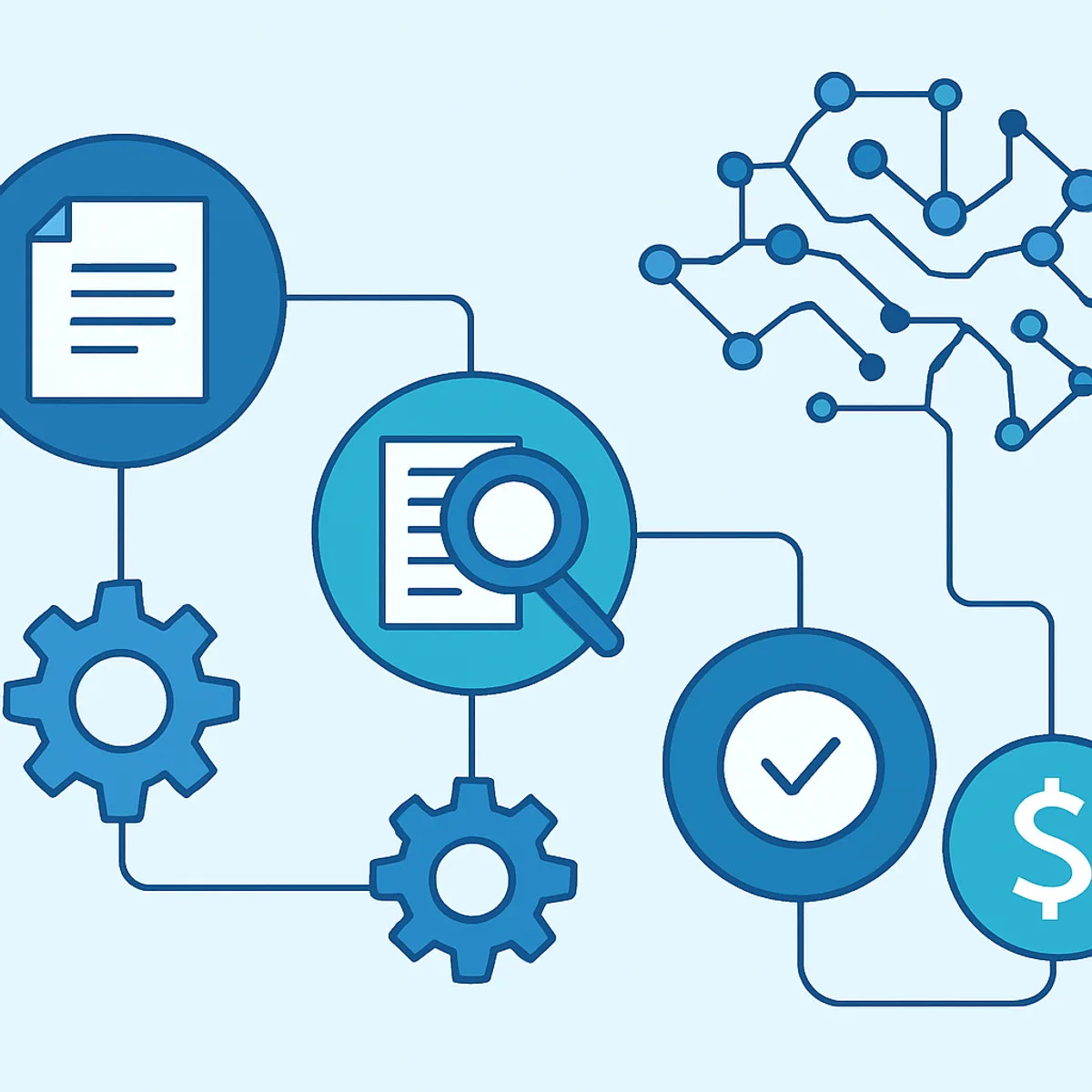
The workflow follows a clear sequence, with the AI handling each step and escalating only when confidence is low.
Step 1: Capture
Invoices arrive by email, PDF, scanned paper, EDI, or supplier portal. The AI co-worker ingests them all from a single inbox or integration, removing the need to manually download and sort documents.
Step 2: Extract
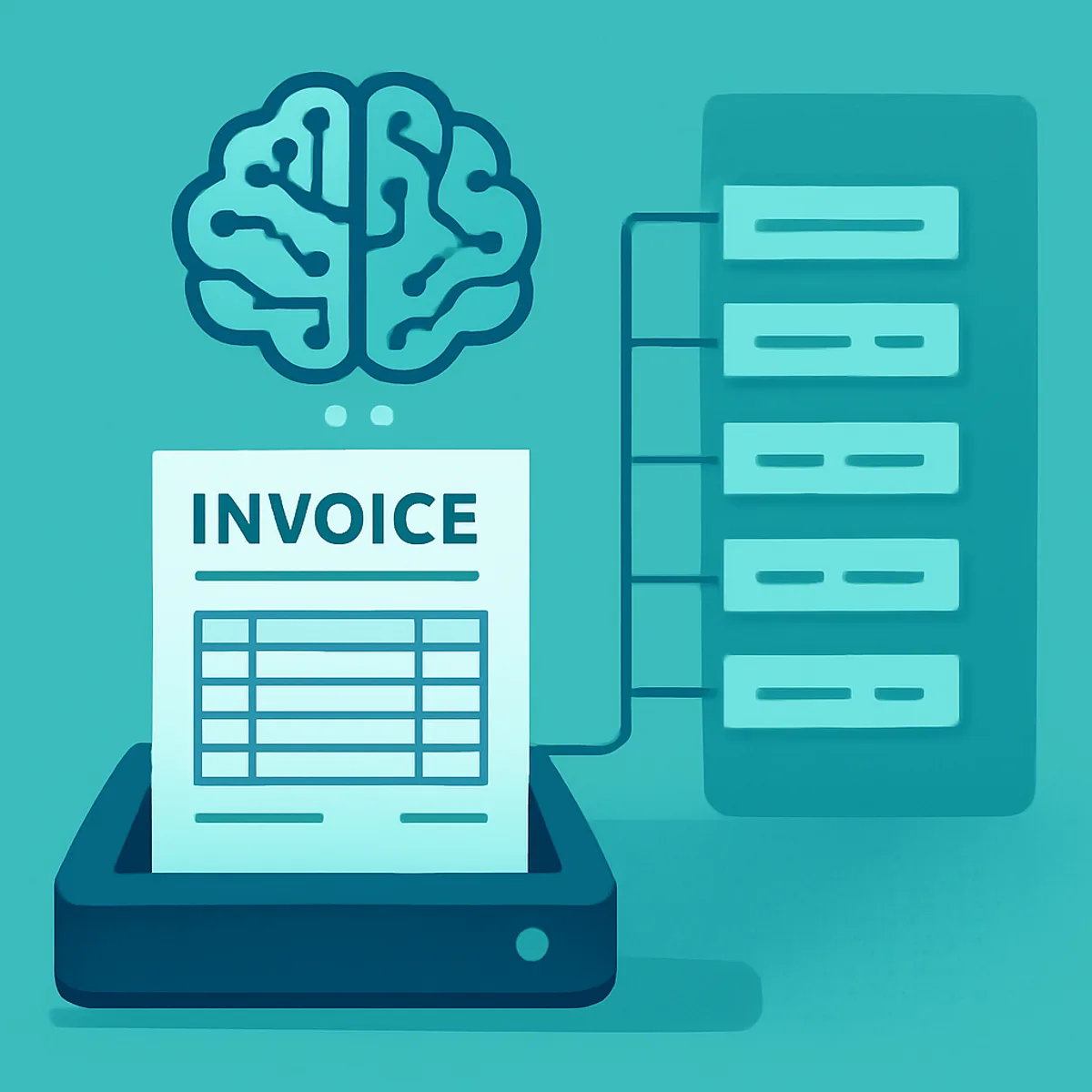
Using machine learning and intelligent document processing, the system reads every field: vendor name, invoice number, line items, tax, and totals. Because it understands context, it handles unfamiliar formats without a pre-built template.
Step 3: Validate and Match
The AI performs two-way or three-way matching, comparing the invoice against purchase orders and goods-received notes. It checks for duplicates, math errors, and price discrepancies automatically.
Step 4: Route and Approve
Clean invoices flow to the right approver based on your rules. Exceptions, such as a missing PO or a price mismatch, are flagged with a clear explanation so a human can resolve them quickly.
Step 5: Sync and Pay
Approved invoices post directly to your ERP or accounting platform, scheduling payment and capturing early-payment discounts where available.
Measurable Benefits of an AI Co-Worker in AP
The value of an accounts payable AI co-worker is concrete and trackable, not theoretical.

- Speed: Invoices that took days to process clear in minutes.
- Accuracy: Eliminating manual keying removes the most common source of payment errors.
- Cost reduction: Lower processing cost per invoice and fewer late fees.
- Visibility: Real-time dashboards show liabilities, bottlenecks, and cash-flow forecasts.
- Scalability: Volume spikes no longer require temporary staff or overtime.
- Fraud control: Consistent duplicate detection and a complete audit trail on every transaction.
In my experience working with finance operations, the most underrated benefit is morale. When skilled accountants stop spending 70% of their day on data entry, they shift to vendor negotiation, spend analysis, and forecasting, work that is both more valuable to the business and more satisfying to do.
Human vs. AI Co-Worker: A Practical Comparison
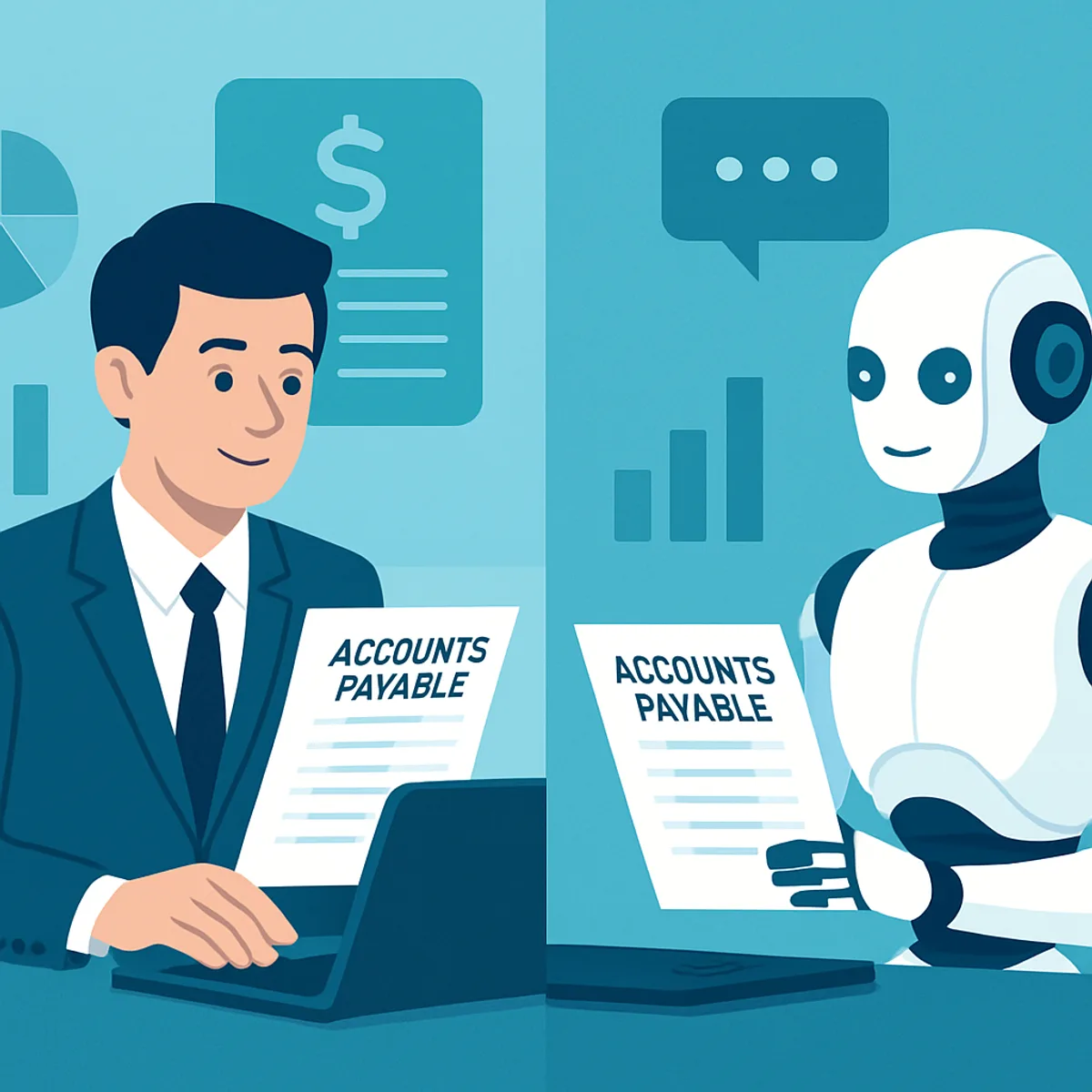
The goal is not to remove people but to redistribute work to whoever does it best. The table below shows how responsibilities split in a healthy AP setup.
| Task | Human Staff | AI Co-Worker |
|---|---|---|
| Data entry from invoices | Slow and error-prone | Fast and accurate |
| PO and receipt matching | Manual and tedious | Automatic |
| Exception judgment | Excellent | Flags for review |
| Vendor relationship management | Excellent | Limited |
| Duplicate and fraud detection | Inconsistent | Consistent |
| Working 24/7 | No | Yes |
| Strategic spend analysis | Excellent | Supports with data |
The pattern is clear: AI excels at high-volume, rule-bound, repeatable tasks, while humans excel at nuance, relationships, and decisions that require accountability. A co-worker model captures the best of both.
How to Implement an AP AI Co-Worker
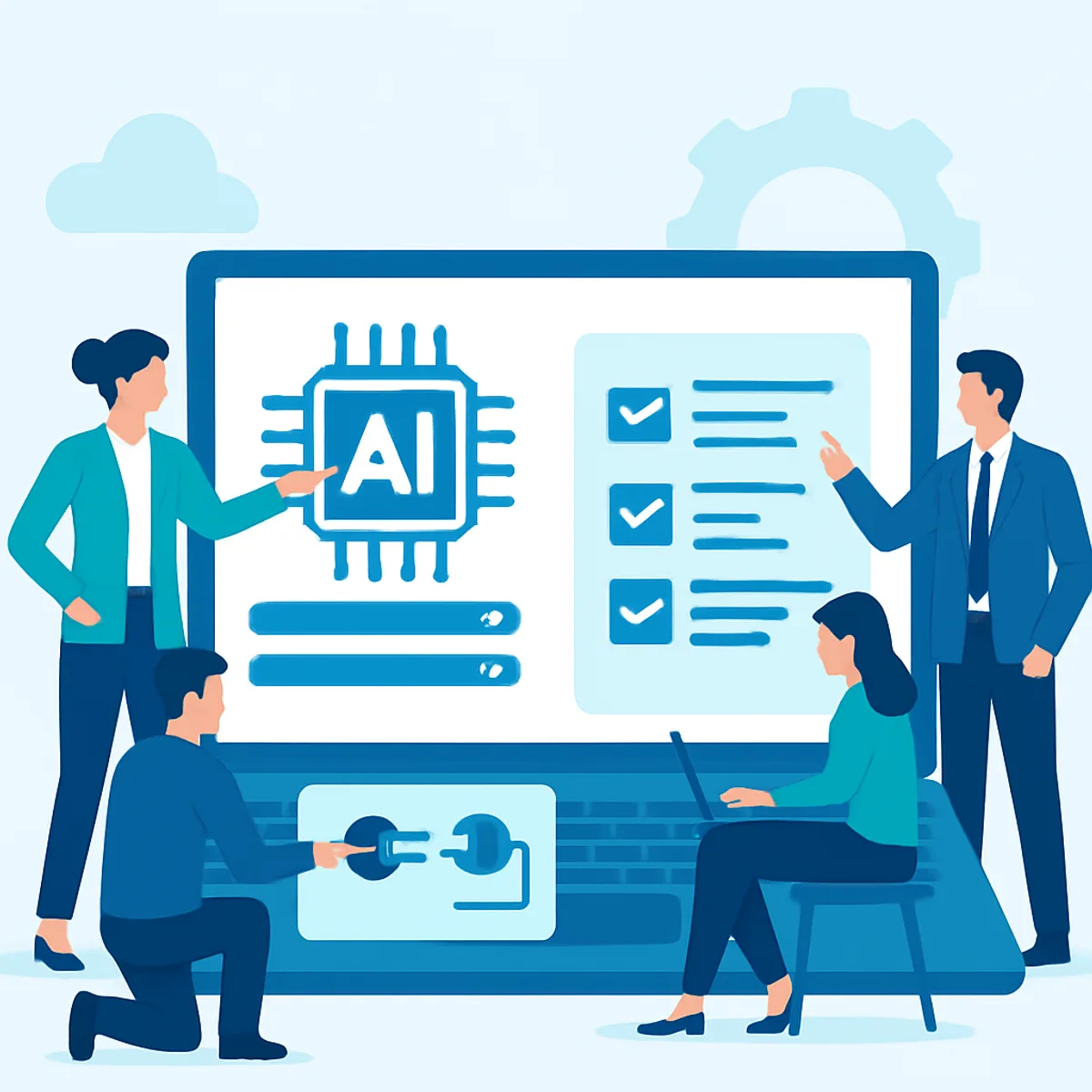
Adoption succeeds when it is phased and measured rather than rushed. Follow these steps for a smooth rollout.
- Audit your current process. Document volume, average processing time, error rate, and cost per invoice so you have a baseline to measure against.
- Define your exception rules. Decide which scenarios the AI handles automatically and which require human sign-off.
- Integrate with your ERP. Confirm the solution connects to your accounting system, whether that is QuickBooks, NetSuite, SAP, or Xero.
- Start with one vendor segment. Pilot with a manageable group of suppliers, then expand once accuracy is proven.
- Train the model with corrections. Every human correction teaches the AI, so accuracy climbs week over week.
- Monitor and report. Track time saved, cost per invoice, and exception rates to demonstrate ROI to leadership.
If your team lacks in-house AI expertise, partnering with specialists accelerates results. Professional artificial intelligence services from ZoneTechify and WebPeak's AI services help you scope, integrate, and govern an AP co-worker responsibly.
The Future of Accounts Payable Automation
Accounts payable is moving toward fully autonomous, exception-only finance operations. In the near future, the AI co-worker will not just process invoices but predict cash-flow needs, recommend which invoices to pay early for the best discount, and negotiate routine payment terms within guardrails you define.
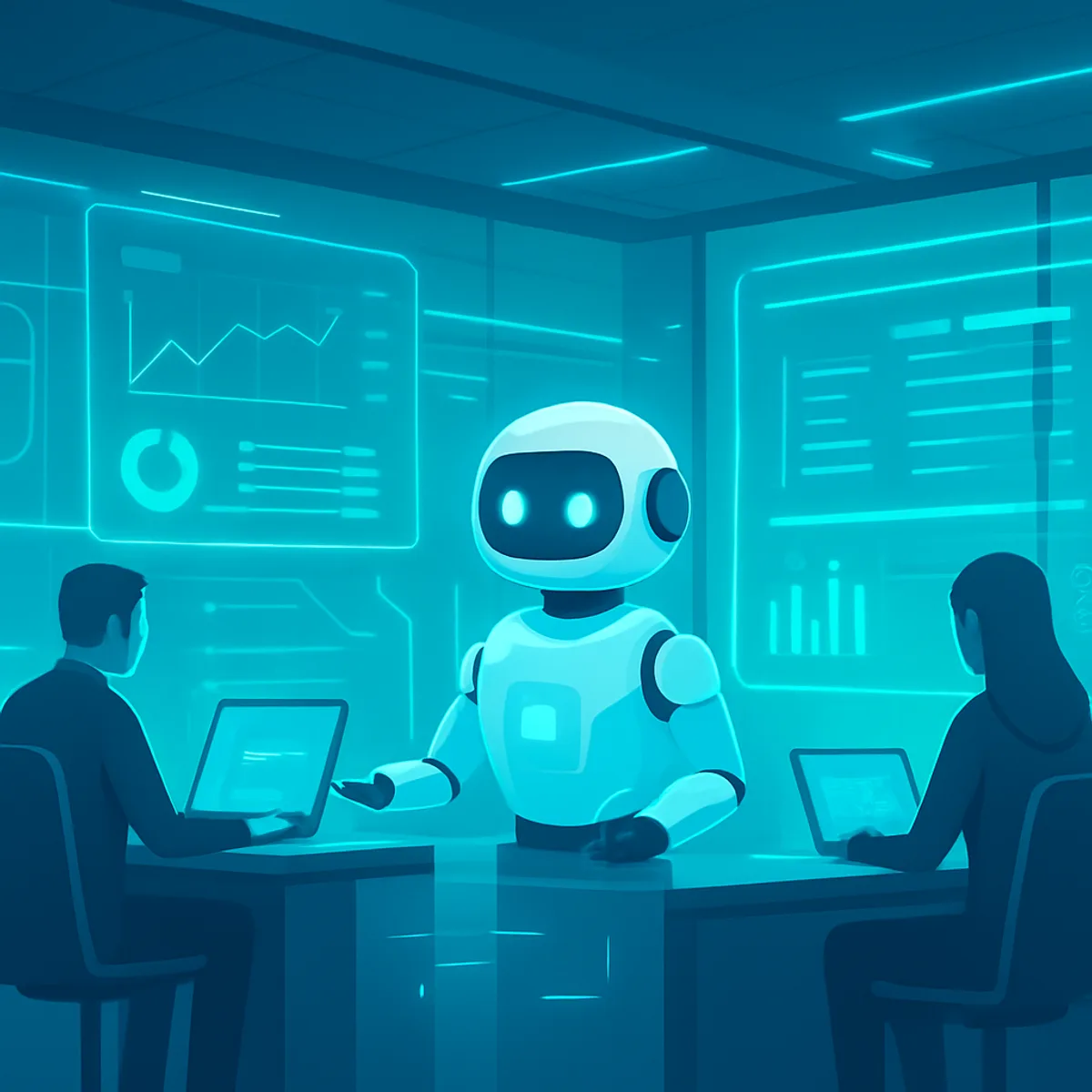
Agentic AI, software that can plan and act across multiple steps, will let finance teams supervise outcomes rather than manage tasks. The role of the AP professional evolves into a controller and strategist who sets policy, reviews exceptions, and interprets insights. Organizations that adopt this model early will hold a durable advantage in cost, speed, and accuracy.
Key Takeaways
- An accounts payable AI co-worker automates invoice capture, extraction, matching, routing, and payment while keeping humans in control of exceptions.
- Manual invoice processing can cost $10 to $15 each; automation can cut that to under $3, per IOFM research.
- Best-in-class AP teams process invoices roughly five times faster by removing manual data entry, according to Ardent Partners.
- The co-worker model boosts accuracy, scalability, fraud control, and team morale simultaneously.
- Successful adoption is phased: audit, define rules, integrate, pilot, train, and measure.
Frequently Asked Questions (FAQ)
What is an accounts payable artificial intelligence co-worker?
It is AI software that automatically captures, reads, validates, matches, and routes invoices while working alongside your finance team. It handles repetitive tasks and flags uncertain items for human review, so people focus on approvals, exceptions, and strategy instead of manual data entry.
Will an AI co-worker replace my accounts payable staff?
No. The co-worker model is designed to assist, not replace. AI handles high-volume, repetitive tasks while your team manages judgment calls, vendor relationships, and exceptions. Most companies redeploy staff to higher-value analysis rather than reducing headcount after adoption.
How much can an AP AI co-worker save my business?
Savings vary by volume, but manual invoice processing often costs $10 to $15 each, while automation can drop it below $3. Add fewer late fees, captured early-payment discounts, and reduced error correction, and most teams see clear ROI within months.
Does an AI co-worker integrate with my existing accounting software?
Yes. Quality solutions connect directly to popular ERP and accounting platforms such as QuickBooks, NetSuite, SAP, and Xero. Approved invoices post automatically, keeping your books in sync without manual re-entry or duplicate data between systems.
How accurate is AI at reading invoices?
Modern AP AI uses machine learning and semantic understanding, so it reads fields by meaning rather than fixed templates. Accuracy improves continuously as humans correct edge cases. Most invoices process automatically, with only low-confidence or unusual documents escalated for quick human review.
How long does it take to set up an AP AI co-worker?
A focused pilot can launch in a few weeks. Start with one vendor segment, validate accuracy, then expand. Full rollout depends on invoice volume and ERP integration complexity, but phased adoption lets you see measurable results early without disrupting daily operations.