A practical, expert guide to designing artificial intelligence customer workflows that cut response times, personalize service, and scale support without adding headcount.
Artificial Intelligence Customer Workflows
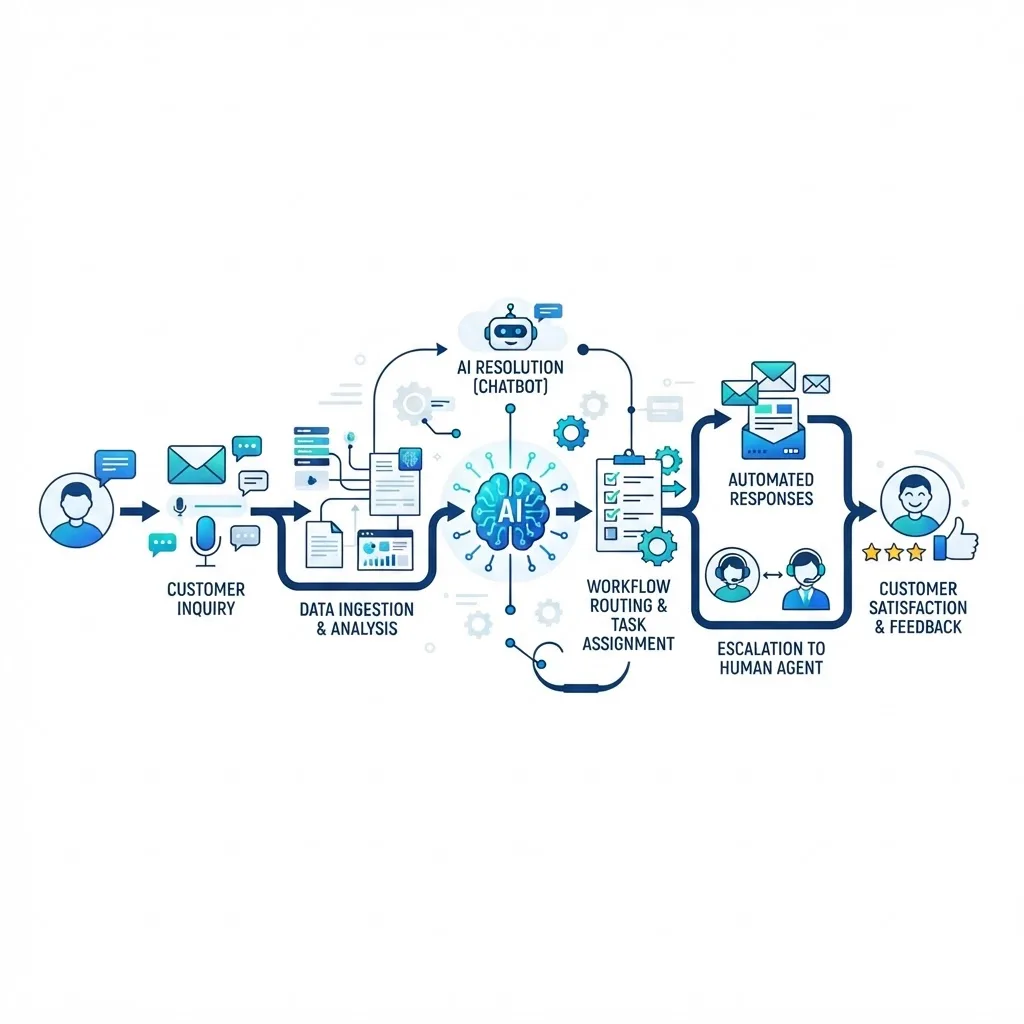
Customer expectations have outgrown manual processes. People want instant answers, personalized help, and resolution on the first contact, yet most support teams still route tickets by hand and copy data between disconnected tools. Artificial intelligence customer workflows close that gap by automating the repetitive, data-heavy steps of a customer interaction while keeping humans focused on judgment, empathy, and complex problem-solving. After building these systems for service teams across SaaS, e-commerce, and fintech, I have seen the same pattern repeat: the companies that win are not the ones with the flashiest chatbot, but the ones that redesign the entire journey around intelligent automation.
This guide breaks down what these workflows actually are, how to build them step by step, and how to measure whether they are working. Teams at ZoneTechify and WebPeak apply these exact principles when modernizing customer operations.
Quick Answer: Artificial intelligence customer workflows are automated sequences that use AI to capture, understand, route, and resolve customer requests across channels. They combine natural language processing, machine learning, and system integrations to speed up responses, personalize service, and reduce manual work while escalating complex cases to humans.
What Are Artificial Intelligence Customer Workflows?
An artificial intelligence customer workflow is a defined, automated process where AI handles one or more steps of a customer interaction, from the first message to final resolution. Instead of a support agent manually reading an email, tagging it, finding an answer, and replying, the workflow uses AI to interpret intent, pull relevant account data, draft or deliver a response, and hand off to a person only when needed.
Key term definitions:
- Intent recognition: The AI capability that identifies what a customer actually wants (a refund, a password reset, a shipping update) from natural language.
- Workflow orchestration: The logic that decides the next action based on intent, customer data, and business rules.
- Human-in-the-loop: A design where AI handles routine work but routes ambiguous or high-stakes cases to a human for approval or resolution.
These workflows differ from a standalone chatbot. A chatbot answers questions; a workflow moves a request through your entire operation, touching your CRM, help desk, billing system, and knowledge base.
Why AI Customer Workflows Matter Now
The business case is measurable, not theoretical. According to McKinsey, organizations that adopt AI in customer operations report cost reductions of up to 40% in service functions while improving resolution speed. Zendesk research has found that a large majority of customers will switch to a competitor after multiple poor service experiences, which means slow or inconsistent support directly leaks revenue.
The practical impact shows up in three places. First, response times drop from hours to seconds for common requests. Second, agents stop wasting time on repetitive tickets and focus on the 20% of cases that need real expertise. Third, service quality becomes consistent because the workflow applies the same logic every time, regardless of volume, time zone, or which agent is online.
The Core Stages of an AI Customer Workflow
Every effective workflow moves through five stages. Understanding them helps you find where automation delivers the most value.
1. Capture
The workflow ingests a request from any channel, email, chat, phone transcript, web form, or social message, and normalizes it into a structured record. This is where consistency begins: a request is never lost in an inbox.
2. Understand
AI classifies the intent, detects sentiment, and extracts key entities such as order numbers or account IDs. A frustrated customer asking about a delayed order is tagged differently from a routine question, allowing prioritization.
3. Enrich
The workflow pulls context automatically: purchase history, subscription tier, past tickets, and current account status. This eliminates the back-and-forth of asking customers to repeat information they have already provided.
4. Act or Route
Based on intent and rules, the workflow either resolves the request directly (issuing a refund, sending a tracking link, resetting access) or routes it to the right agent with a suggested response and full context attached.
5. Learn
Every resolved case feeds back into the system. The AI improves its intent accuracy, and analytics reveal which request types could be further automated.
How to Build an AI Customer Workflow Step by Step
The most common mistake is buying AI tools before mapping the process. Follow this sequence instead.
- Map your current journey. Document every step a request takes today, including handoffs and delays. You cannot automate what you have not defined.
- Identify high-volume, low-complexity tasks. Password resets, order status, and billing questions are ideal first candidates because they are frequent and rule-based.
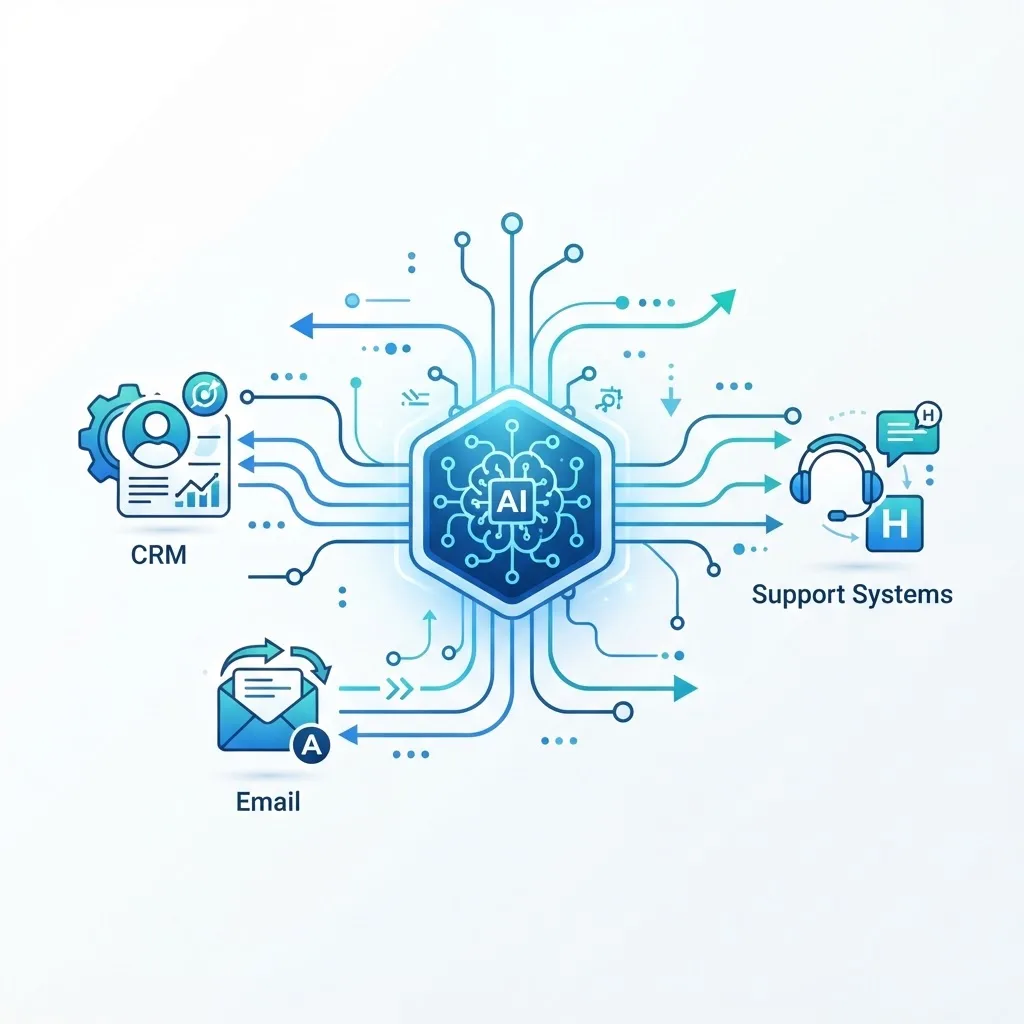
- Connect your systems. Integrate your help desk, CRM, and databases so the AI can read and write real data. Isolated tools produce isolated results.
- Design the intent model. Train or configure AI to recognize your most common request types using real historical tickets, not invented examples.
- Set escalation rules. Define exactly when a case leaves automation and reaches a human, based on sentiment, value, or confidence score.
- Pilot with a narrow scope. Launch on one channel and a handful of intents. Measure, refine, then expand.
- Review and retrain regularly. Treat the workflow as a living system that improves with feedback.
For teams that lack in-house machine learning capacity, specialized artificial intelligence services can accelerate model training and system integration while your team focuses on process design.
Personalization: The Real Competitive Edge
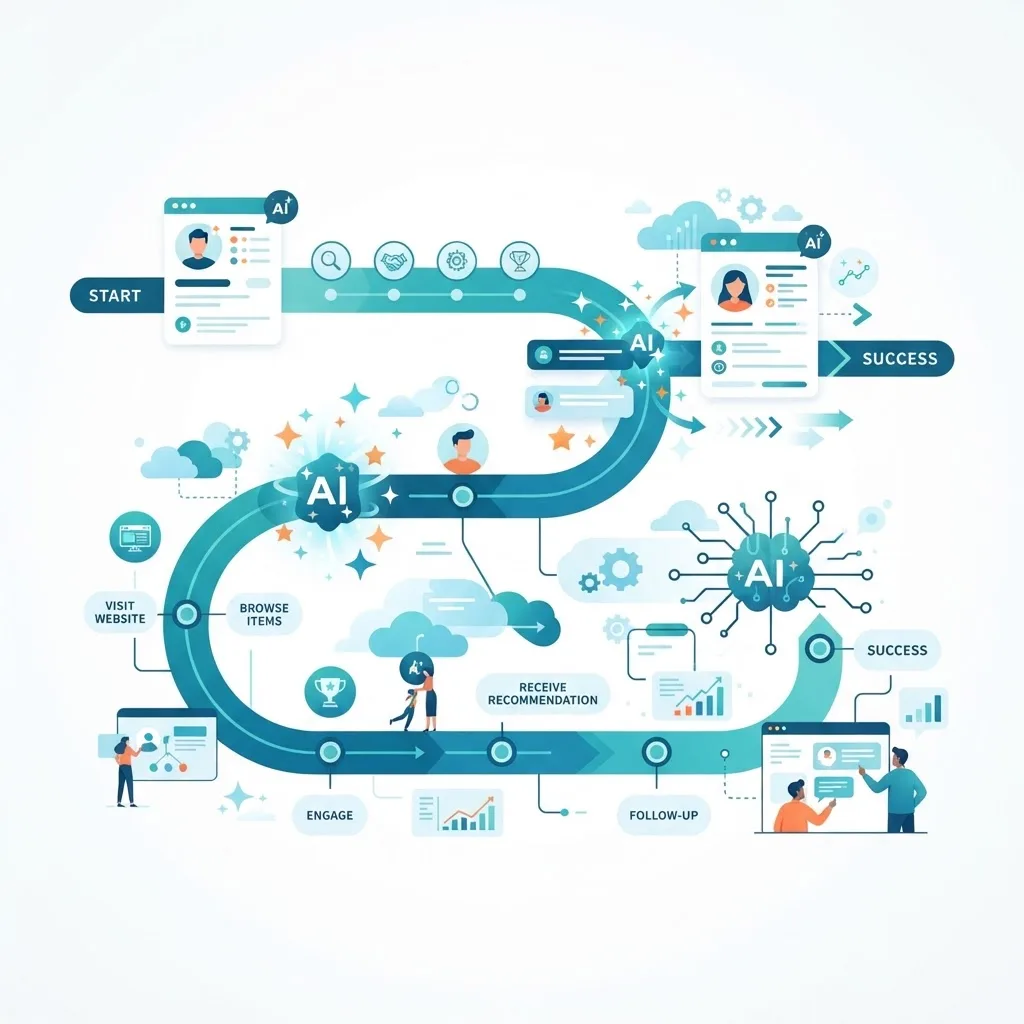
Speed alone is no longer enough. The differentiator is relevance. AI customer workflows personalize by using real-time context to tailor tone, offers, and next steps to each individual. A returning premium customer with a billing issue can be routed to a priority queue with a proactive credit offer, while a new user gets an onboarding nudge instead.
This matters because generic automation feels robotic and pushes customers away. Personalized automation feels like attentive service. The workflow references who the customer is, what they have bought, and what they last contacted you about, so the interaction picks up where it left off rather than starting from zero.
AI Workflows vs. Traditional Manual Workflows
The difference becomes obvious when you compare them directly across the metrics that matter to service leaders.
| Factor | Traditional Manual Workflow | AI Customer Workflow |
|---|---|---|
| Response time | Hours to days | Seconds to minutes |
| Consistency | Varies by agent | Uniform across all cases |
| Scalability | Limited by headcount | Scales with volume |
| Data entry | Manual, error-prone | Automatic and accurate |
| 24/7 availability | No, unless staffed | Yes |
| Cost per ticket | High and fixed | Low and declining |
| Personalization | Depends on agent memory | Data-driven and instant |
The table is not an argument for removing humans. It is an argument for removing the low-value tasks that prevent humans from doing meaningful work.
Common Pitfalls and How to Avoid Them
From real deployments, three mistakes cause most failures. First, automating a broken process only makes the mess faster; fix the workflow logic before adding AI. Second, hiding the escalation path frustrates customers, so always make it easy to reach a person. Third, launching without measurement leaves you blind, so instrument every stage from day one.
Another subtle trap is over-automation. Not every interaction should be automated. Emotionally charged, high-value, or legally sensitive cases benefit from human handling. The goal is a balanced system, not a fully autonomous one.
Measuring Success
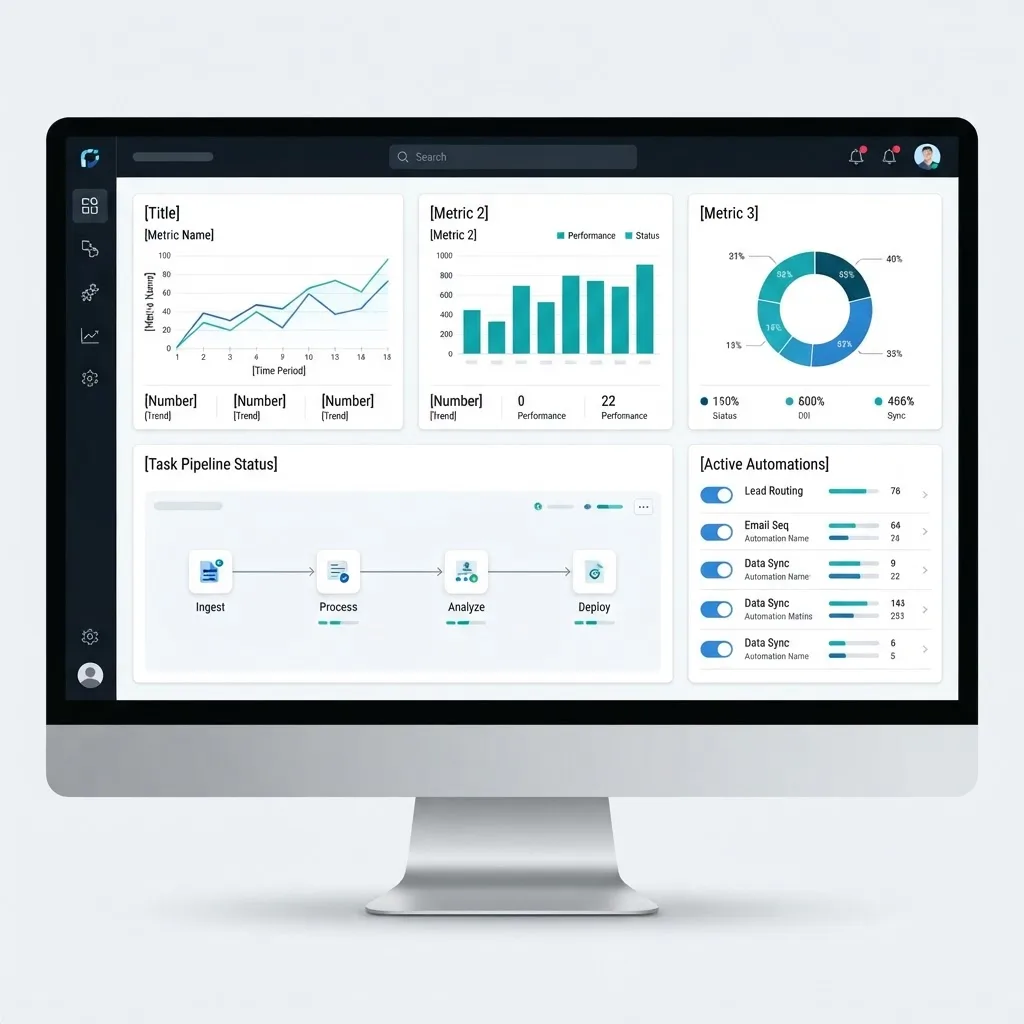
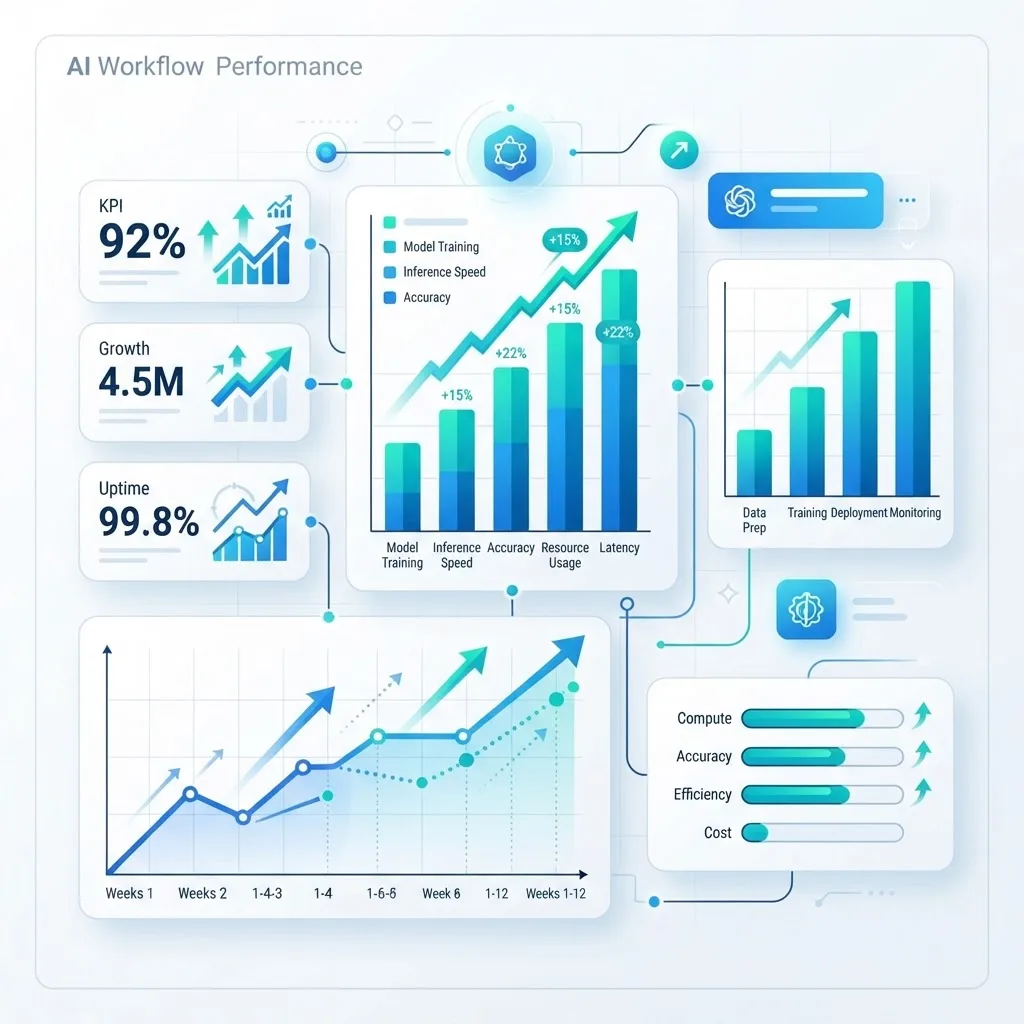
Track these metrics to know whether your workflow is delivering value:
- First response time: How quickly a customer gets an initial reply.
- Automation rate: The percentage of requests resolved without human intervention.
- Escalation accuracy: Whether cases reach the right person the first time.
- Customer satisfaction (CSAT): Direct feedback on the experience.
- Cost per resolution: The trend that proves financial impact.
If automation rate climbs while CSAT holds or improves, your workflow is healthy. If CSAT drops as automation rises, your escalation rules need tuning.

Key Takeaways
- Artificial intelligence customer workflows automate capture, understanding, routing, and resolution across every channel.
- McKinsey reports AI in customer operations can reduce service costs by up to 40% while improving speed.
- The five core stages are capture, understand, enrich, act or route, and learn.
- Start with high-volume, low-complexity tasks and always keep a clear human escalation path.
- Personalization driven by real-time customer data is the true competitive advantage over generic automation.
- Measure automation rate alongside CSAT to ensure efficiency does not sacrifice experience.
Frequently Asked Questions (FAQ)
What is an AI customer workflow in simple terms?
It is an automated process where artificial intelligence handles steps of a customer request, such as reading the message, finding the account details, and either resolving it or sending it to the right agent. It speeds up service while keeping humans available for complex or sensitive situations.
Will AI customer workflows replace human support agents?
No. These workflows remove repetitive tasks so agents can focus on complex, emotional, or high-value cases. The most effective setups use a human-in-the-loop design where AI handles routine work and escalates anything ambiguous or important to a trained person for resolution.
How long does it take to implement an AI customer workflow?
A focused pilot on one channel and a few common request types can launch in a few weeks. Full deployment across channels takes longer because it depends on system integrations, data quality, and how many intents you automate. Starting small and expanding is the fastest reliable path.
What tasks should I automate first?
Begin with high-volume, rule-based requests like order status, password resets, and billing questions. These are frequent, predictable, and easy for AI to resolve accurately. Automating them frees agents quickly and builds confidence before you tackle more complex or nuanced customer scenarios.
How do I keep AI workflows from frustrating customers?
Always offer an easy path to a human, personalize responses using real account data, and monitor customer satisfaction closely. Avoid over-automating emotional or high-stakes cases. When automation feels helpful and escalation is effortless, customers experience faster service without feeling trapped in a loop.
Do small businesses benefit from AI customer workflows?
Yes. Small teams often gain the most because automation lets a few people deliver enterprise-level responsiveness. Even automating a handful of common requests can dramatically reduce workload, extend service hours, and improve consistency without the cost of hiring additional support staff.