A practical breakdown of the Xeon 8 Coral Rapids release, what changes for data center buyers, and whether the same architecture will reach desktop and laptop client CPUs.
Xeon 8 Coral Rapids Release — Will Client CPUs Get It Too
Every time a new Xeon generation lands, the same question floods forums, procurement calls, and IT budget meetings: does any of this trickle down to the machines on our desks? The Xeon 8 "Coral Rapids" release is no different. It arrives as a server-first platform aimed at dense virtualization, AI inference hosts, and memory-hungry databases — and yet the architectural building blocks inside it are the same ones Intel reuses across its client roadmap. Understanding which parts travel downstream, and which stay locked to the socket, is the difference between a smart refresh plan and a wasted hardware cycle.
This guide is written from the perspective of infrastructure teams who actually plan CPU refreshes: what to test, what to ignore, and how to time client purchases against a server launch.
Quick Answer: Xeon 8 Coral Rapids is a data center platform, so the exact SKUs will never appear in desktops or laptops. However, its core microarchitecture, cache design, and AI acceleration instructions are shared IP that Intel typically ports to client CPUs within one to two generations, minus the server-only memory, PCIe lane, and multi-socket features.
What Coral Rapids Actually Is
Coral Rapids is the codename for the Xeon 8 server platform generation — a socketed, multi-chiplet processor family built for rack-mounted systems, not consumer motherboards. A codename like this describes a platform: the CPU tiles, the socket, the memory subsystem, the PCIe root complex, and the firmware validation program that ships alongside them.
That distinction matters because platform and microarchitecture are two different things, and confusing them is where most upgrade misjudgments start.
- Microarchitecture is the core design — how instructions are decoded, how deep the reorder buffer is, how branch prediction works. This is portable IP.
- Platform is everything around the core — socket pinout, memory channel count, PCIe lanes, RAS features, multi-socket coherency. This is segment-locked.
Coral Rapids reuses portable core IP inside a server-only platform shell. Client CPUs get the former, never the latter.
The Chiplet Reality
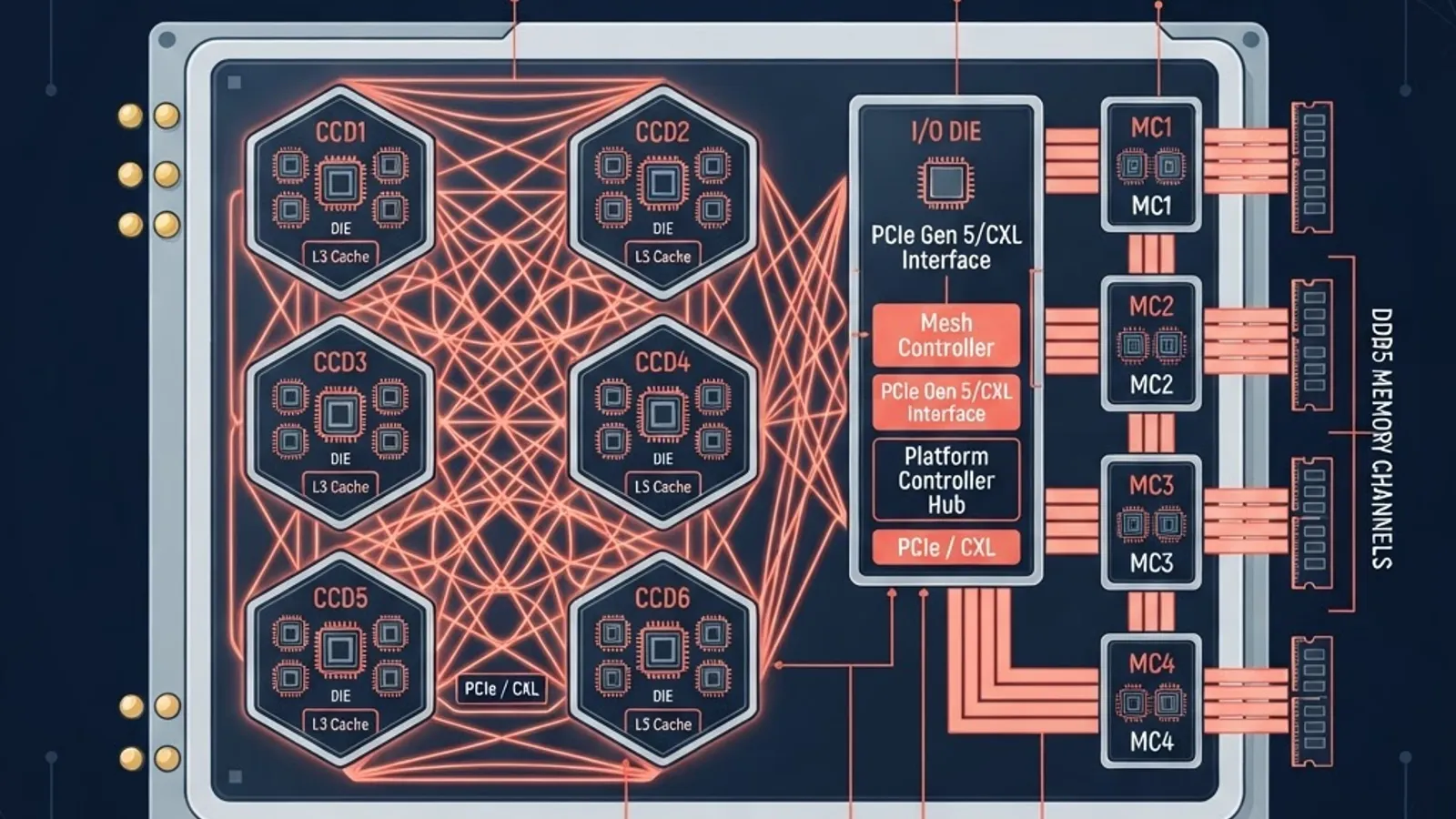
Modern Xeon parts are assembled from multiple silicon tiles rather than one monolithic die. This is why server core counts have scaled so aggressively while client core counts have grown modestly. According to Intel's own disaggregated design disclosures, splitting compute, I/O, and memory functions onto separate tiles lets each be built on the process node that suits it best — dense logic on the newest node, I/O on a cheaper mature node.
For buyers, the practical consequence is simple: core count scaling in servers is a packaging achievement, not a per-core performance achievement. A 100-plus-core Xeon does not make a single-threaded workload faster than a high-clock desktop chip. It makes a hundred of them run at once.
Why Xeon 8 SKUs Will Never Ship as Client CPUs
There are four hard blockers, and none of them are marketing decisions.
- Socket and package size. Server sockets carry thousands of pins to feed eight or more memory channels and 100-plus PCIe lanes. That package physically will not fit a consumer motherboard footprint or its VRM budget.
- Memory topology. Server platforms use registered, ECC-buffered DIMMs across many channels. Consumer boards use two unbuffered channels. The memory controller silicon is different, not just the firmware.
- Power and thermals. Data center CPUs routinely target 250W to 500W-plus sustained package power with chassis-level airflow. Desktop towers and especially laptops cannot dissipate that continuously.
- Clock strategy. Server parts optimize for all-core sustained frequency under load. Client parts optimize for short bursts at high frequency. These are opposing silicon tuning targets.
What Client CPUs Genuinely Inherit
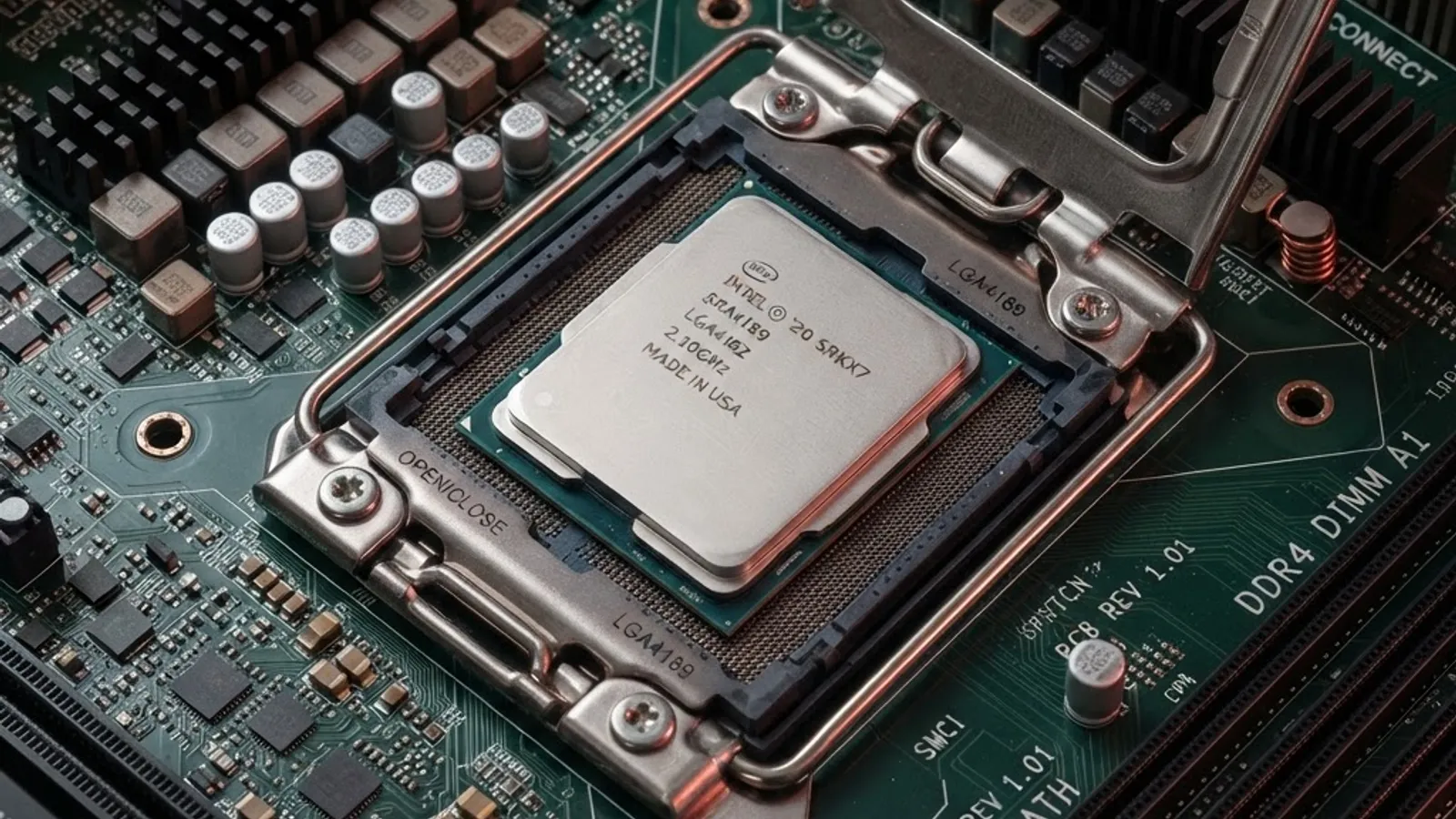
Here is the part most coverage gets wrong. Client CPUs do not get Coral Rapids — they get its ideas, usually one to two generations later.
Core Microarchitecture Improvements
Instructions-per-clock gains from a wider decoder, larger out-of-order window, or improved prefetchers are architecture-level wins. Once validated at scale in a server generation, that same core design lands in desktop and mobile parts. This is why client IPC improvements often feel like they arrive "late" — they were proven in the data center first.
AI and Matrix Instruction Sets
Server-first AI instruction extensions for matrix and low-precision math are the clearest example of downstream travel. Once developer toolchains and compilers support an instruction set, there is strong commercial pressure to expose it on client silicon so laptops can run local inference. Teams building AI-heavy products should track instruction-set availability, not just core counts — a point we cover with clients when scoping artificial intelligence services for on-device workloads.
Cache Hierarchy Lessons
Large shared last-level caches were a server luxury before becoming a gaming and creative-workload advantage on client parts. Cache-heavy design is portable because it is a layout decision, not a socket decision.
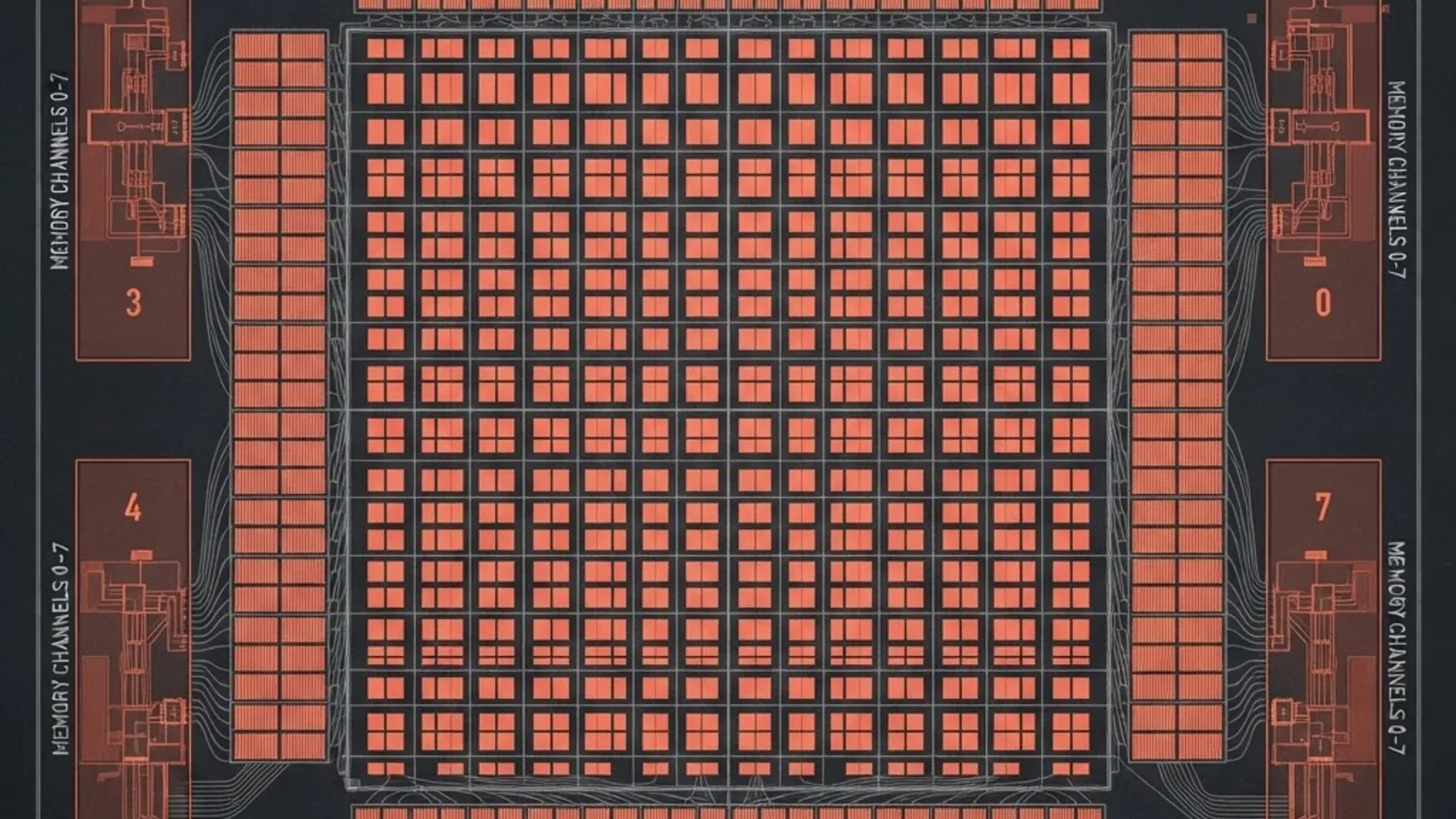
Server vs Client: The Honest Comparison
| Feature | Xeon 8 Coral Rapids (Server) | Client Desktop / Laptop CPU |
|---|---|---|
| Core count range | Very high, tens to over one hundred | Typically 6 to 24 |
| Peak single-core clock | Moderate, tuned for sustained load | High, tuned for burst |
| Memory channels | 8 or more, ECC registered | 2, unbuffered |
| PCIe lanes from CPU | 100-plus | Roughly 16 to 28 |
| Multi-socket support | Yes | No |
| Integrated graphics | Usually absent or minimal | Almost always present |
| Typical package power | 250W to 500W-plus | 15W to 250W |
| Gets Coral Rapids SKUs | Yes | No |
| Gets Coral Rapids core IP later | N/A | Yes, in a future generation |
Read the table this way: if your workload needs the rows in the left column, no client CPU will substitute at any price. If it does not, a client CPU is often the faster and cheaper answer.
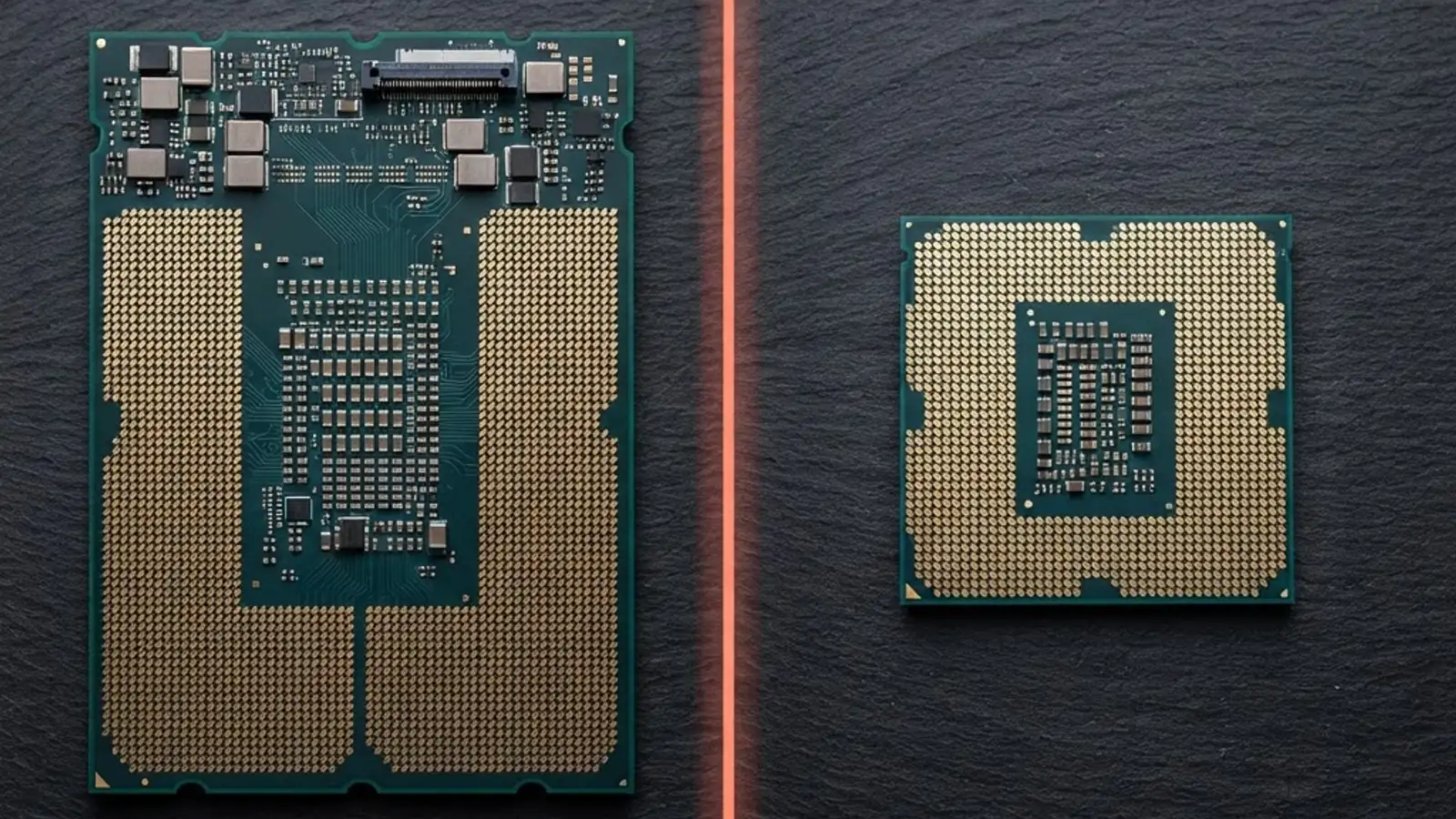
How to Decide Which Side You Belong On
Use workload shape, not brand tier. In practice, three questions settle most cases.
- Is the workload parallel or serial? If your build, render, or simulation genuinely scales past 16 threads with near-linear returns, server-class core counts pay off. If your bottleneck is one thread waiting on another, high clocks win and extra cores sit idle.
- Is your working set larger than typical consumer RAM ceilings? In-memory databases, large vector indexes, and heavy virtualization hosts need capacity and bandwidth that only multi-channel registered memory delivers.
- Does downtime cost real money? ECC memory, advanced RAS, and validated firmware lifecycles exist because silent data corruption in production is far more expensive than the hardware premium.
Google's long-running research on data center reliability found that a meaningful share of DIMMs experience correctable errors each year — the exact reason ECC is standard in servers and absent from most consumer platforms. If you are running anything customer-facing on hardware without it, that is a risk decision you should be making consciously.
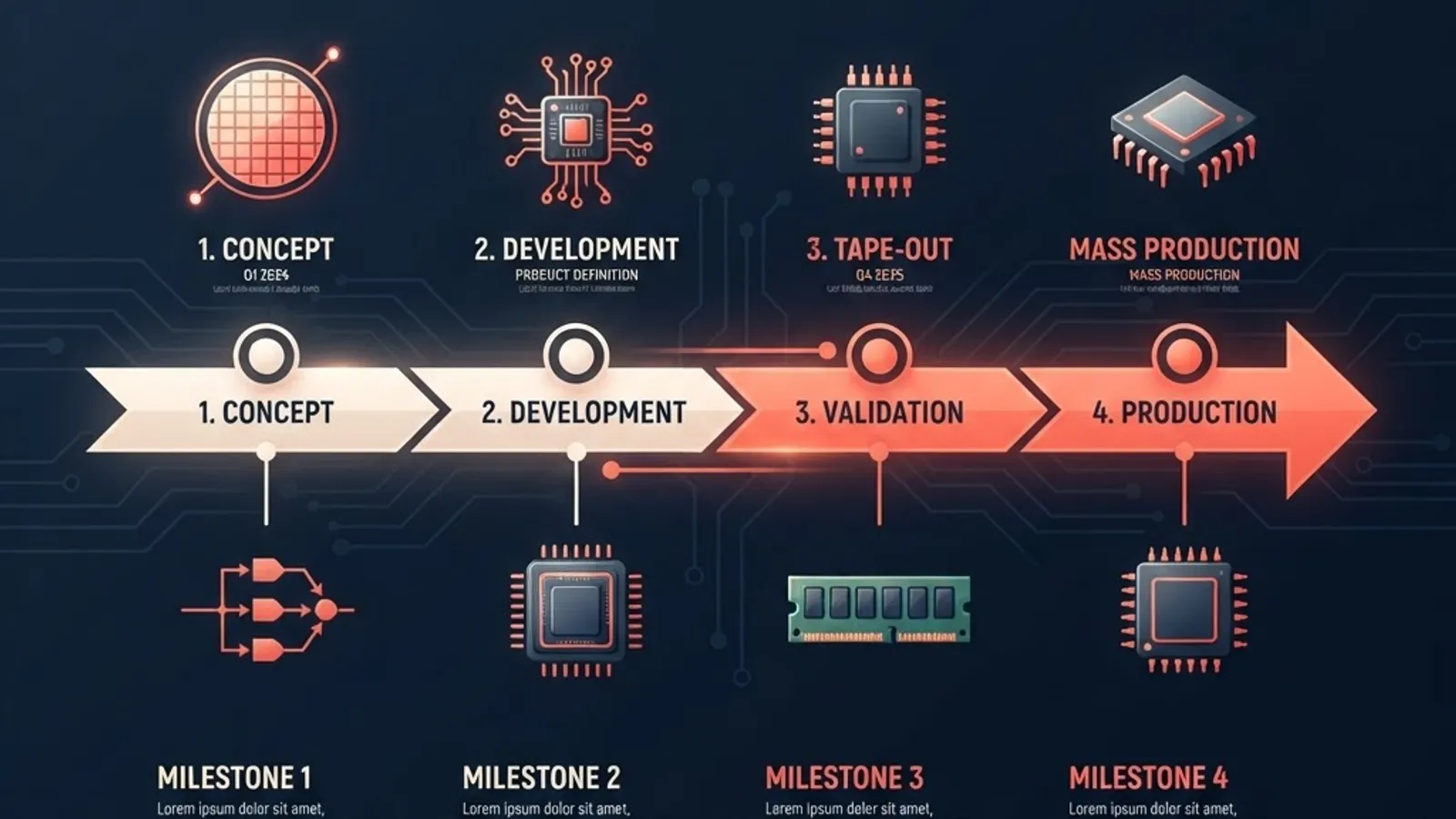
Timing Your Refresh Around a Server Launch
A server generation launch changes client-side pricing and planning even when no client product ships.
- Expect a lag, not a leak. Plan for shared core IP to appear in client parts a generation later. Do not delay a needed laptop refresh waiting for a server-derived feature.
- Watch the previous generation's price. Server launches push prior-generation server and workstation inventory down. That is often the best value window for teams that need many cores on a budget.
- Validate before you standardize. Benchmark your own build, encode, or query workload on one unit before committing to a fleet. Vendor benchmark suites rarely resemble your actual bottleneck.
- Separate compute from hosting decisions. Many teams discover their real constraint is architecture, not silicon. Migrating to managed infrastructure through proper cloud solutions frequently beats buying bigger on-premise CPUs outright.
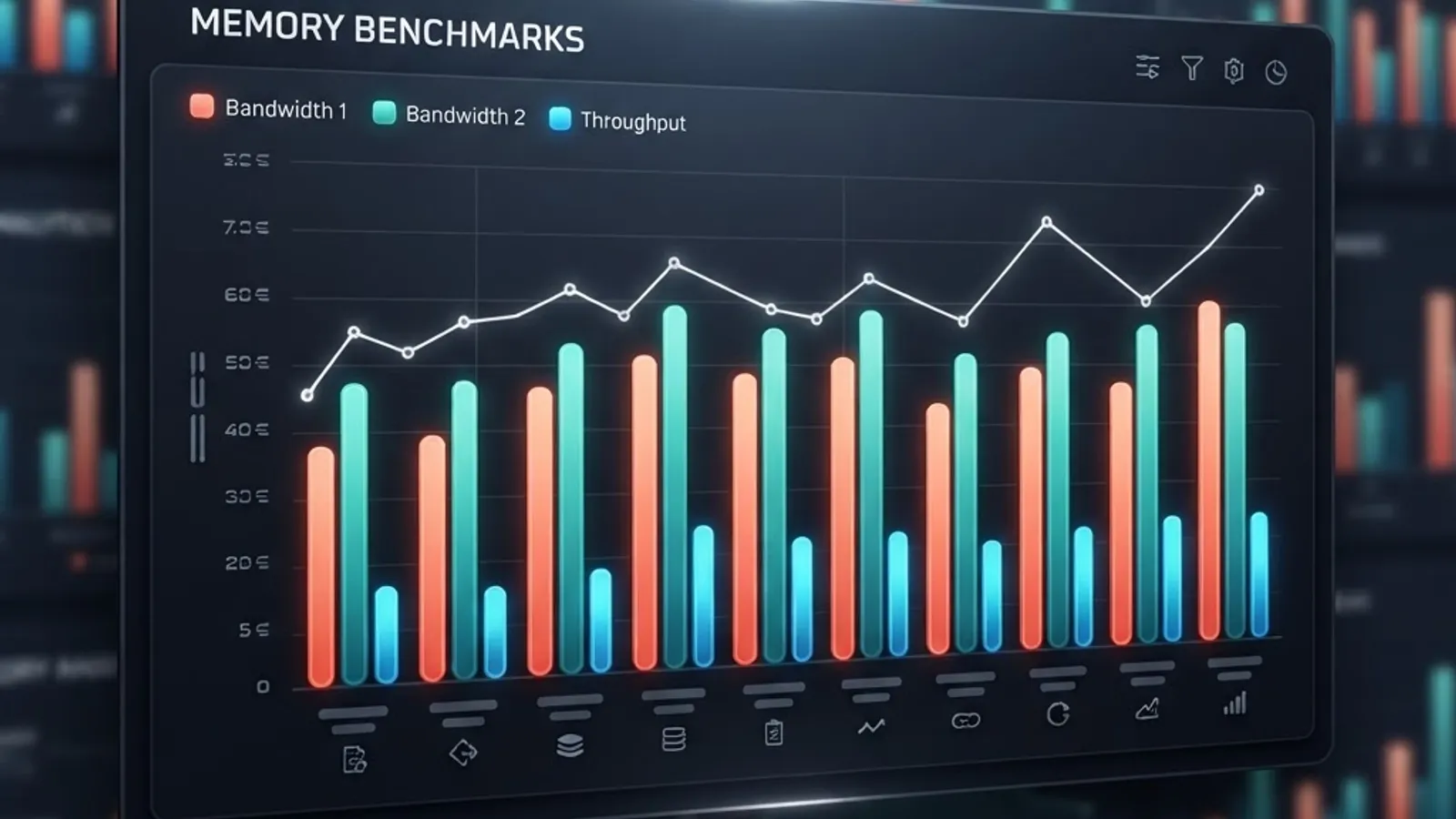
A Practical Benchmarking Checklist
From hardware evaluations we have run for client platforms, these five steps catch nearly every bad purchase before the invoice:
- Record a baseline on current hardware using your real workload, timed three times, with results averaged.
- Test sustained load, not bursts. Run for at least 20 minutes to expose thermal throttling that short benchmarks hide.
- Measure memory bandwidth separately from compute. Many "CPU-bound" workloads are actually memory-bound.
- Log power draw at the wall. Multiply by your electricity rate and expected annual hours to get real total cost.
- Check software licensing per core. Some enterprise software licenses scale with core count, and a high-core server CPU can cost more in licenses than in silicon.
Teams that skip step five are the ones who end up with a very fast machine and a very unhappy finance department.
Key Takeaways
- Xeon 8 Coral Rapids is a server platform, defined by socket, memory topology, and PCIe capability — none of which transfer to client motherboards.
- Client CPUs inherit architecture, not SKUs. Core IPC gains, cache designs, and AI instruction sets typically reach desktops and laptops one to two generations later.
- Chiplet packaging drives server core counts, which is why high core counts do not imply faster single-threaded performance.
- ECC memory and RAS features remain the clearest server-only advantage, and Google's field research on DIMM error rates explains exactly why they are non-negotiable in production.
- The best value window after a server launch is usually discounted previous-generation server and workstation inventory, not the new flagship.
- Benchmark your own workload for at least 20 minutes under sustained load before standardizing a fleet purchase.
Frequently Asked Questions (FAQ)
Will Coral Rapids CPUs work in a normal desktop motherboard?
No. Coral Rapids uses a server socket with thousands of pins, eight or more memory channels, and over 100 PCIe lanes. No consumer motherboard supports that pinout, power delivery, or memory topology. You would need a server or workstation board built specifically for the platform.
When will client CPUs get the Coral Rapids architecture?
Historically, Intel validates core designs in a server generation and brings the same microarchitecture to client parts within one to two generations. Expect the shared core IP and instruction sets to appear on desktops and laptops later, without the server-only memory and PCIe features.
Is a Xeon better than a high-end desktop CPU for gaming?
Usually not. Games depend heavily on high single-thread clocks and low-latency memory, which client CPUs optimize for. Server chips trade peak frequency for sustained all-core throughput and often lack integrated graphics, making them a poor fit for gaming builds despite higher core counts.
Do I need ECC memory if I am not running a server?
Probably not for general desktop use, but yes for anything where silent data corruption is costly, such as financial calculations, long renders, scientific computing, or production databases. ECC detects and corrects single-bit memory errors that would otherwise corrupt results invisibly over time.
Should I wait for Coral Rapids before buying new hardware?
Only if you are buying server hardware and can absorb the delay. If you need client machines now, buy now. Waiting for server-derived features to reach desktops means waiting a full generation, and previous-generation server inventory usually gets cheaper right after a launch anyway.
How do I know if my workload needs server-class CPUs?
Check three things: whether your workload scales near-linearly past 16 threads, whether your working set exceeds consumer memory limits, and whether downtime costs real money. If you answer yes to two or more, server-class hardware is justified. Otherwise, client CPUs are faster per dollar.
Final Word
Coral Rapids will not land in your desktop, but its DNA will. The smart move is to buy for the workload you have today, track architecture inheritance rather than codenames, and validate every purchase against your own benchmarks instead of a vendor slide. For teams weighing hardware against architecture changes, our engineering write-ups at ZoneTechify and WebPeak walk through the trade-offs in more depth — because the cheapest performance upgrade is often the one that does not require new silicon at all.