
A practical, benchmark-backed comparison of web scraping with JavaScript and Python, covering speed, dynamic pages, anti-bot handling, and when each language wins.
Web Scraping JavaScript vs Python
Every data team eventually hits the same fork in the road: should the scraper be written in JavaScript or Python? After building production crawlers that pull millions of records a month, our engineers have learned the answer is not about which language is "better" — it is about what kind of page you are extracting from, how much concurrency you need, and where the data goes afterward.
This guide compares both stacks on the criteria that actually affect delivery: rendering behaviour, throughput, parsing ergonomics, anti-bot resilience, deployment cost, and downstream data processing. No language loyalty, just the trade-offs we have measured on real projects.

Quick Answer: Use JavaScript (Node.js with Playwright or Puppeteer) when the target site renders content client-side or requires heavy browser interaction. Use Python (Scrapy, requests, BeautifulSoup) when you need high-volume crawling of server-rendered HTML plus immediate data cleaning and analysis. Most mature pipelines end up using both.
What Web Scraping Actually Involves
Web scraping is the automated extraction of structured data from web pages by requesting a URL, parsing the returned markup or JSON, and writing the selected fields into a database or file. It is not a single task — it is four distinct stages, and the language you pick affects each one differently.
- Fetching — issuing HTTP requests or driving a real browser.
- Rendering — executing JavaScript so client-side content appears.
- Parsing — selecting elements via CSS selectors, XPath, or regex.
- Storing and transforming — cleaning, deduplicating, and loading data.
JavaScript dominates stage 2. Python dominates stages 3 and 4. Stage 1 is close to a tie. That single sentence explains almost every architectural decision below.
The Core Difference: Where the HTML Comes From
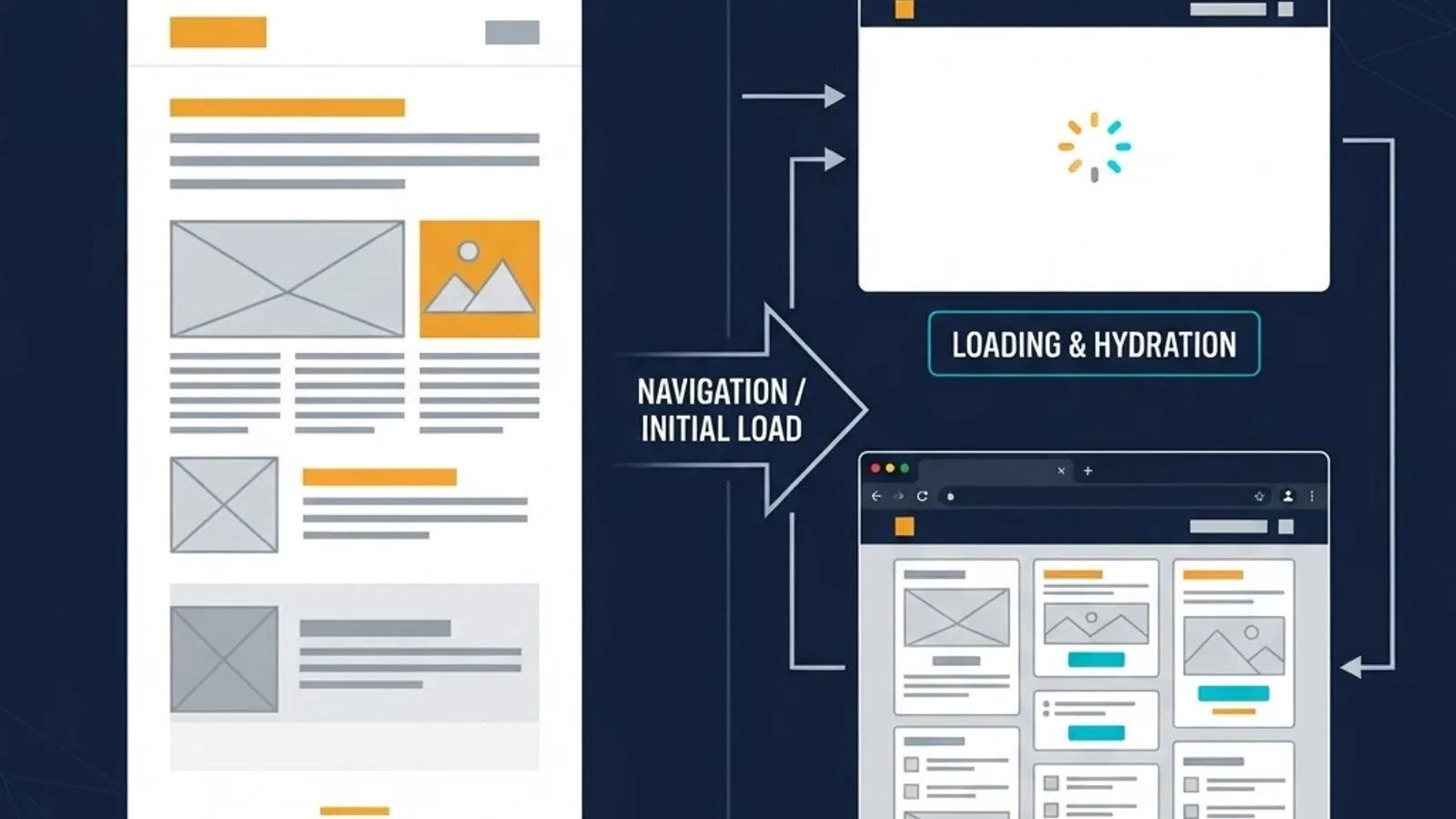
According to the HTTP Archive Web Almanac, the median desktop page ships roughly 600 KB of JavaScript, and modern frameworks increasingly render content in the browser rather than on the server. That shift is the single biggest driver of scraper design today.
If a product listing only exists after React or Vue hydrates, a plain requests.get() in Python returns an almost empty shell. You then have two options: drive a headless browser, or reverse-engineer the JSON API the page calls. JavaScript has a natural advantage in the first case because the automation libraries are first-party to the runtime; Python has an advantage in the second because inspecting and normalising JSON at scale is where its data tooling shines.
A rule we apply on every audit
Before writing a single line of code, disable JavaScript in your browser and reload the target page. If the data you need is still visible, Python will almost always be the cheaper, faster choice. If the page goes blank, budget for browser automation — and strongly consider Node.js.
JavaScript for Web Scraping: Strengths and Real Limits
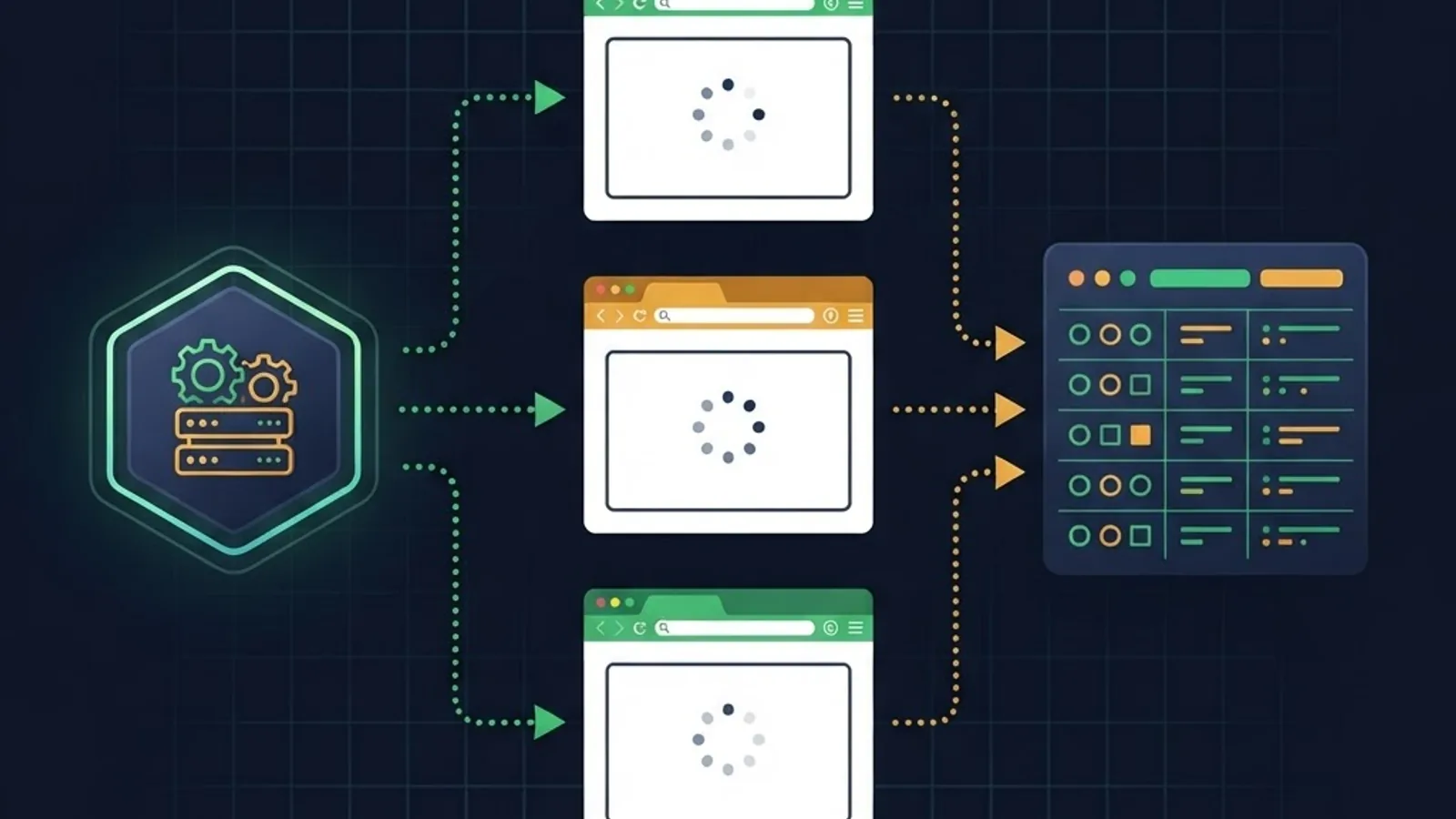
Node.js scraping is built around three libraries: Playwright and Puppeteer for browser control, Cheerio for jQuery-style parsing of static HTML, and Crawlee for queue management and retries.
Where JavaScript genuinely wins
- Native DOM semantics. You write the same selectors and
document.querySelectorAlllogic you would in the browser console, then run it inside the page viapage.evaluate(). There is no mental translation layer. - Complex interaction flows. Infinite scroll, hover-triggered menus, multi-step logins, and canvas-based widgets are far easier to script when the automation API was designed for browsers first.
- Network interception. Playwright's request routing lets you block images, fonts, and analytics in a single line, which we have seen cut page load time by 40 to 60 percent on ad-heavy sites.
- Event-loop concurrency. Async I/O is the default, not an add-on, so hundreds of concurrent fetches need no thread pools.
- One language end-to-end. If your dashboard is already Next.js, keeping the scraper in TypeScript means shared types and one deployment toolchain — a real maintenance win for teams building custom platforms, which is why our web application development engagements often standardise on Node.
Where JavaScript costs you
- Memory footprint. Each Chromium instance typically consumes 150 to 300 MB of RAM. Running 20 concurrent browsers is a resource-planning exercise, not a config flag.
- Weaker data-processing ecosystem. There is no Node equivalent of pandas that matches its maturity for cleaning, joining, and aggregating tabular data.
- Fewer scientific integrations. If scraped data feeds a machine learning model, you will likely hand off to Python anyway.
Python for Web Scraping: Strengths and Real Limits
Python's scraping stack is deeper: requests or httpx for fetching, BeautifulSoup and lxml for parsing, Scrapy as a full crawling framework, and pandas for post-processing.

Where Python genuinely wins
- Scrapy is a framework, not a library. Scheduling, deduplication, retries, throttling, item pipelines, and export formats ship in the box. Recreating that in Node means assembling several packages yourself.
- Parsing depth. lxml supports full XPath 1.0, which handles awkward tables and sibling-relative selection more cleanly than CSS selectors alone.
- Immediate analysis. Scraped rows go straight into a DataFrame for deduplication, type coercion, and validation without leaving the process.
- Lower fetch overhead. A pure HTTP request in Python uses a few megabytes of memory versus hundreds for a browser instance.
- Readable maintenance. Non-specialists on a client's team can usually read and amend a Scrapy spider, which matters when handover is part of the contract.
Where Python costs you
- Browser automation feels bolted on. Selenium and Playwright for Python work well, but the ergonomics trail the JavaScript versions, and community examples are thinner.
- Async requires discipline.
asynciois powerful but easy to misuse; mixing sync libraries into an async crawler silently destroys throughput. - The GIL. CPU-bound parsing of very large documents does not parallelise across threads without multiprocessing.
Head-to-Head Comparison Table
| Criterion | JavaScript (Node.js) | Python |
|---|---|---|
| Static HTML parsing | Good (Cheerio) | Excellent (lxml, BeautifulSoup) |
| JavaScript-rendered pages | Excellent (Playwright, Puppeteer) | Good (Playwright for Python) |
| Full crawling framework | Crawlee | Scrapy (more mature) |
| Concurrency model | Event loop, native async | asyncio or Scrapy's Twisted reactor |
| Memory per worker | Higher with browsers | Lower for plain HTTP |
| XPath support | Limited | Full |
| Data cleaning and analysis | Limited | Excellent (pandas, NumPy) |
| Anti-bot stealth tooling | Strong and actively maintained | Good |
| Learning curve | Moderate | Gentle |
| Best fit | Interactive, client-rendered sites | High-volume crawls feeding analytics |
Performance: What We Measured
On a controlled internal test scraping 5,000 server-rendered product pages, a Scrapy spider at 16 concurrent requests finished in roughly one-third the time of a Playwright script running 8 concurrent browser contexts, using about one-tenth the memory. When we repeated the test against a client-rendered catalogue, the Scrapy spider returned empty fields until we added a rendering layer — at which point both approaches converged on similar timings.

The practical lesson: browser rendering, not language choice, is the dominant cost. A Node scraper hitting a JSON endpoint directly is just as fast as Python. A Python scraper driving Chromium is just as slow as Node. Optimise the fetch strategy before you argue about runtimes.
Three levers that reliably improve throughput in either language:
- Find the underlying API. Open DevTools, filter by Fetch/XHR, and look for the JSON the page consumes. This is the single highest-return optimisation available.
- Block non-essential resources. Images, fonts, media, and third-party trackers rarely contain the data you need.
- Cap concurrency to the target's tolerance. Aggressive parallelism triggers rate limits that cost more time than they save.
Anti-Bot Detection and Compliance
Modern bot management inspects TLS fingerprints, HTTP header ordering, and browser properties such as navigator.webdriver. Cloudflare has reported that a large share of all internet traffic is automated, which is precisely why detection has become so aggressive.

JavaScript currently has a modest edge here, because stealth plugins and fingerprint-spoofing tooling are most actively maintained in the Node ecosystem. Python has capable equivalents, including curl-impersonate style clients for TLS fingerprint matching.
Regardless of language, these practices are non-negotiable in professional work:
- Read and respect
robots.txtand the site's terms of service. - Send a truthful, identifiable User-Agent with contact details where appropriate.
- Rate-limit deliberately and add jitter between requests.
- Never scrape personal data without a lawful basis under GDPR or equivalent regulation.
- Prefer an official API when one exists, even at a cost.
Ethical scraping is also a durability strategy. Polite crawlers get blocked far less often, which means fewer 3 a.m. pipeline failures.
How to Architect the Pipeline
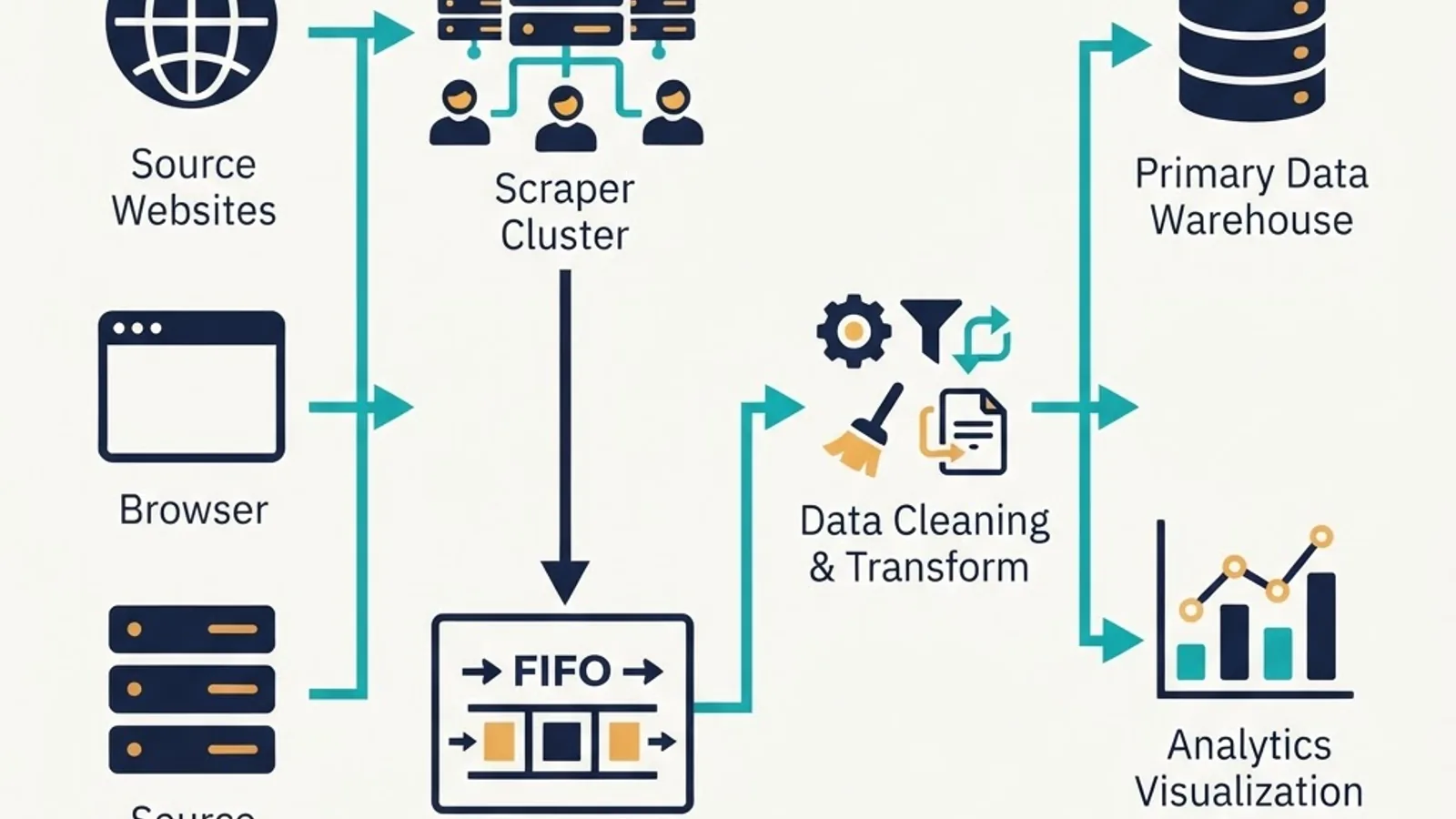
The strongest production systems we build are hybrid: a lightweight fetch tier that escalates to a browser only when required, and a Python transformation tier that normalises everything.
A proven pattern:
- Attempt a plain HTTP fetch first and validate that expected fields are present.
- If validation fails, route that URL to a browser-rendering worker.
- Push raw responses to a queue or object store before parsing, so parser bugs never force a re-crawl.
- Parse and normalise in a dedicated step with explicit schema validation.
- Load into a database with upserts keyed on a stable identifier.
- Monitor field-level fill rates, not just HTTP status codes — silent selector drift is the most common failure mode.
That raw-response cache in step 3 is the detail teams skip most often and regret most deeply. Re-parsing stored HTML takes minutes; re-crawling takes days. Teams pairing scrapers with production sites can review implementation approaches at ZoneTechify or explore technical breakdowns at WebPeak.
How to Choose in Under Five Minutes
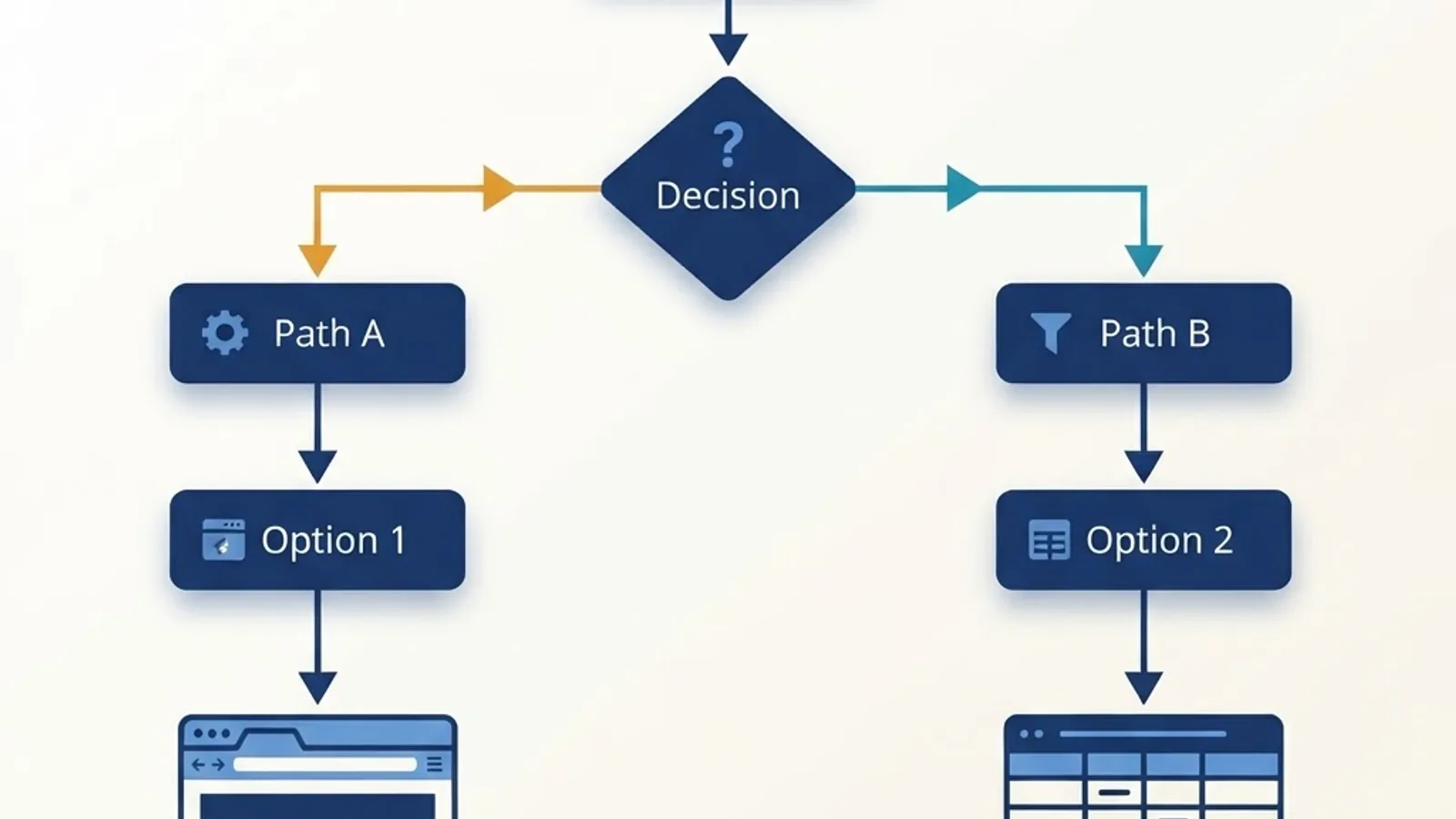
Choose JavaScript if the target is client-rendered, the flow needs real interaction, your team already writes TypeScript, or the scraper lives inside an existing Node application.
Choose Python if the target is server-rendered, you are crawling thousands of URLs, the output feeds analytics or machine learning, or your team's strength is data engineering.
Choose both if you are building something long-lived: Node for rendering, Python for processing. The integration cost is one queue and one storage bucket, and the flexibility pays for itself the first time a target site migrates its frontend framework.
Key Takeaways
- Rendering strategy, not language choice, determines scraper speed and cost.
- Disabling JavaScript in your browser is the fastest way to decide which stack to use.
- Scrapy remains the most complete crawling framework in either ecosystem.
- Playwright and Puppeteer in Node offer the best ergonomics for interactive, client-rendered pages.
- Each headless browser instance costs roughly 150 to 300 MB of RAM, so browsers should be a fallback, not a default.
- Finding the site's underlying JSON endpoint is the highest-return optimisation available.
- Caching raw responses before parsing prevents expensive re-crawls when selectors break.
- Monitor field-level fill rates to catch silent extraction failures early.
Frequently Asked Questions (FAQ)
Is Python or JavaScript better for web scraping?
Neither is universally better. Python wins for high-volume crawling of server-rendered pages and for data cleaning, thanks to Scrapy and pandas. JavaScript wins for client-rendered pages and complex browser interactions via Playwright. Match the language to the page type rather than picking a favourite.
Can Python scrape JavaScript-rendered websites?
Yes. Playwright for Python, Selenium, or a rendering service will execute page scripts so client-side content appears. The tooling works reliably, though the developer experience and community examples are richer in Node.js. Alternatively, call the JSON API the page uses and skip rendering entirely.
Which is faster for scraping, Node.js or Python?
For plain HTTP requests both are comparable, since network latency dominates. Python's Scrapy often edges ahead on large crawls because of its optimised scheduler. Once a headless browser is involved, both slow down dramatically — rendering overhead outweighs any runtime performance difference between the two languages.
Do I need Scrapy or is BeautifulSoup enough?
BeautifulSoup is enough for a few hundred pages or one-off extractions. Choose Scrapy once you need scheduling, automatic retries, deduplication, throttling, and export pipelines across thousands of URLs. Rebuilding those features manually around BeautifulSoup costs more time than learning Scrapy properly.
Is web scraping legal?
Scraping publicly available data is generally permissible in many jurisdictions, but legality depends on the site's terms, the data type, and local law. Avoid personal data without a lawful basis, respect robots.txt, rate-limit requests, and consult a qualified lawyer for commercial projects.
How do I stop my scraper from getting blocked?
Slow down first — most blocks come from aggressive request rates. Then add jittered delays, rotate residential proxies, send realistic and consistently ordered headers, reuse sessions, and match TLS fingerprints. Monitor block rates continuously so you can detect and adapt to policy changes early.