Mobile application and web application compared: architecture, cost, performance, offline access, and how to choose the right build for your own product.
Mobile Application and Web Application
Every product team eventually hits the same fork in the road: build a mobile application, build a web application, or build both. The decision is usually made emotionally, based on what a competitor shipped or what a stakeholder saw on a phone last week. That is expensive, because the two categories differ in how they are installed, how they are updated, how they access device hardware, and how much they cost to maintain over three years.
This guide breaks down both, based on patterns we see repeatedly when scoping real projects at ZoneTechify and WebPeak. No hype, just the trade-offs that actually change outcomes.
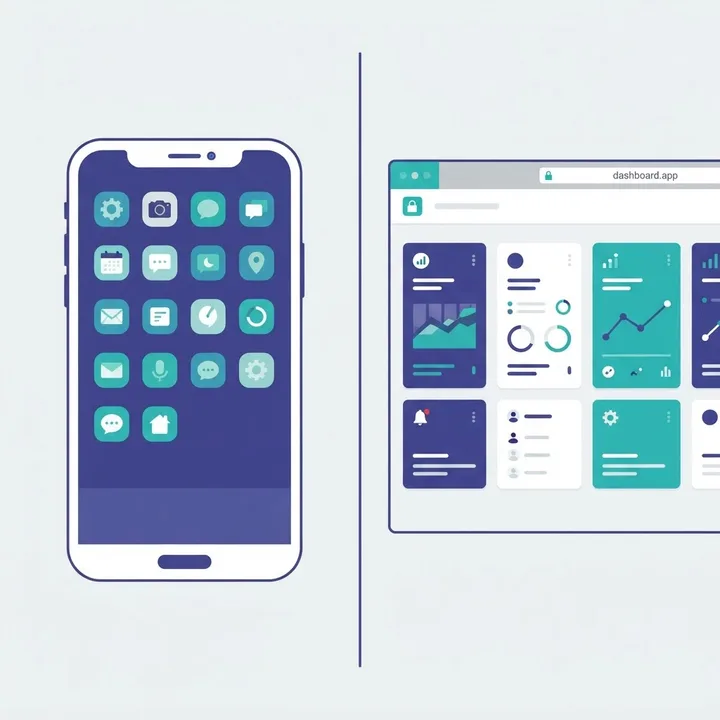
Quick Answer: A mobile application is installed on a phone or tablet and runs through the device operating system, giving it deep hardware access and offline capability. A web application runs in a browser, needs no install, and updates instantly for everyone. Choose mobile for engagement and hardware features, web for reach and speed of iteration.
What Is a Mobile Application?
A mobile application is software distributed through an app store or enterprise channel and installed directly onto a device, where it executes against the operating system APIs of iOS or Android. Because the code lives on the device, it can access the camera, GPS, Bluetooth, biometric sensors, secure keychain storage, background processing, and the push notification system without asking a browser for permission first.
That local install is the entire source of its advantages and its costs. A mobile application can open in under a second with no network, keep working on a subway, and read a fingerprint. But every change you make must be compiled, submitted, reviewed, approved, and then downloaded by users who may ignore updates for months. You end up supporting several versions of your own product simultaneously.
Native, Hybrid, and Cross-Platform
- Native uses Swift or SwiftUI for iOS and Kotlin for Android. Best performance and earliest access to new OS features, but two codebases.
- Cross-platform uses React Native or Flutter to share most logic across both platforms while still shipping a real installed binary.
- Hybrid wraps a web build inside a native shell. Cheapest, but the compromise shows in scroll behaviour, animation smoothness, and gesture feel.
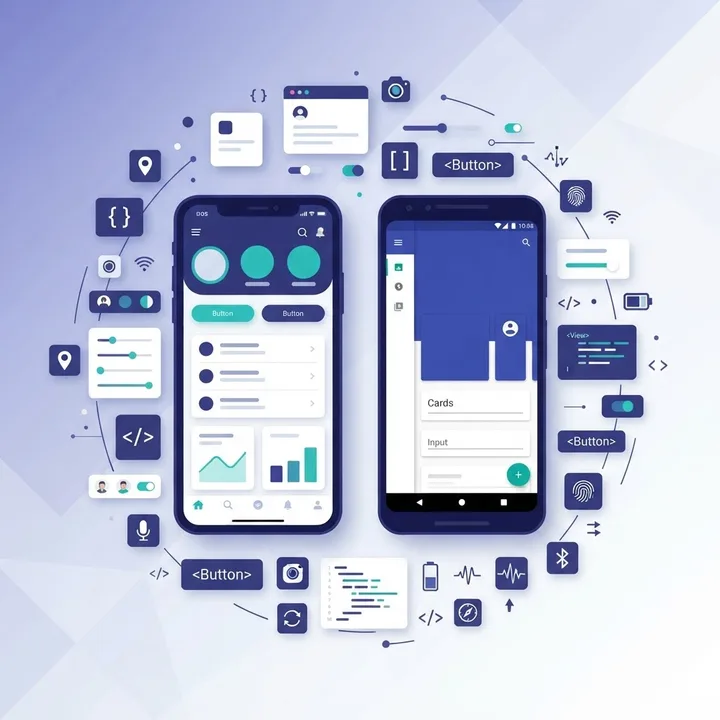
What Is a Web Application?
A web application is software delivered over HTTP and executed inside a browser engine, with no installation step and no app store gatekeeper. Modern examples such as dashboards, admin panels, booking systems, and internal tools are functionally as rich as installed software because browsers now handle local storage, background sync, notifications, file access, and even camera input.
The operational advantage is enormous and often underrated: there is exactly one version of a web application in production at any moment. Fix a bug at 10am and every user has the fix at 10:01. No review queue, no fragmentation, no forcing users to upgrade. For products still discovering what their users need, that iteration speed compounds faster than any performance gain a native build offers.
Web applications also inherit the discoverability of the open web. They are indexable, linkable, and shareable, which means a search result or a link in a message can put someone inside your product in one tap. An installed app requires a store visit, a download, and an account creation before delivering a single unit of value.
Mobile Application vs Web Application: Direct Comparison
| Factor | Mobile Application | Web Application |
|---|---|---|
| Installation | Required via app store | None, opens by URL |
| Distribution control | Apple and Google review | Fully yours |
| Update delivery | Store review, user must update | Instant for all users |
| Offline use | Full, by design | Partial with caching |
| Hardware access | Complete (sensors, Bluetooth, biometrics) | Limited to browser APIs |
| Push notifications | Reliable on both platforms | Supported, weaker on iOS |
| Search discoverability | App store keywords only | Full SEO and shareable links |
| Typical initial cost | Higher | Lower |
| Codebases to maintain | One to two | One |
| Revenue cut on in-app purchases | Up to 30 percent store fee | None |
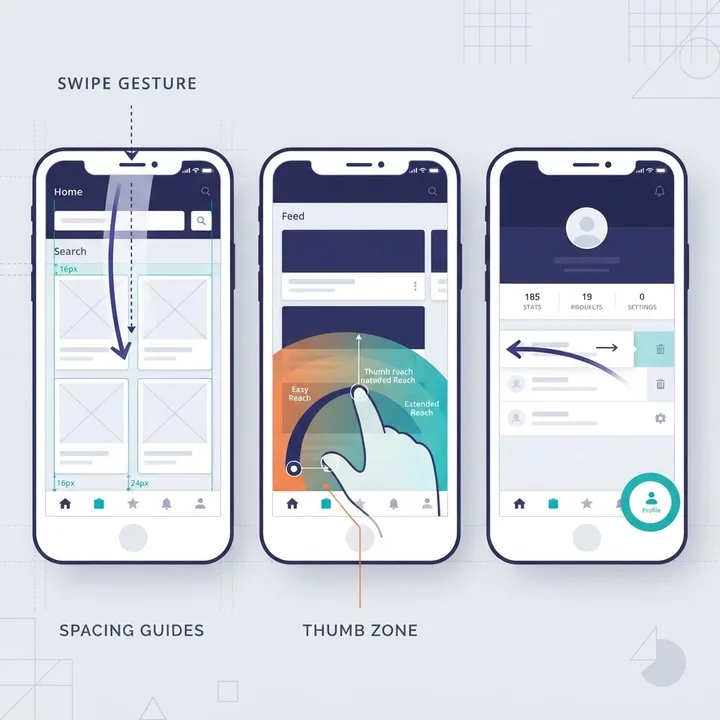
Where Mobile Applications Genuinely Win
Mobile applications win when the product depends on frequency, hardware, or presence on the home screen. According to Statista, mobile devices generate roughly 62 percent of global website traffic, and installed apps capture a disproportionate share of the time spent on those devices because the icon itself is a recurring prompt to return.
Specific cases where an installed app is the correct answer:
- Daily or hourly usage. Fitness tracking, messaging, delivery, and habit products live on repetition. An icon beats a bookmark every time.
- Hardware dependence. Continuous GPS in the background, Bluetooth pairing with physical devices, camera-based scanning, or biometric authentication tied to the secure enclave.
- True offline operation. Field inspection, logistics, warehouse, and aviation tools where connectivity is unreliable and data must queue locally then sync.
- Latency-critical interfaces. Games, editors, and camera tools where a 100ms delay is immediately perceptible.
- Reliable notifications. Time-sensitive alerts where delivery cannot be probabilistic.
If your product does not clearly hit one of those five, an installed application is likely an expensive way to solve a problem the browser already handles. Teams building genuinely hardware-dependent products usually start with mobile app development as the primary platform and treat web as the companion surface.
Where Web Applications Genuinely Win
Web applications win on reach, iteration speed, and the absence of a gatekeeper. Any product where the buyer and the user sit at a desk, or where the workflow involves multiple windows, large tables, keyboard shortcuts, or copy-paste between systems, belongs in a browser.
They also win on the economics of validation. You can ship a working web application, put it in front of a hundred users, rewrite half of it based on what you learn, and never once wait for a review queue. Store fees are another factor teams discover late: platform commissions of up to 30 percent on in-app purchases can quietly reshape unit economics for subscription products.
Performance still matters on the web, and this is where many teams lose. Google research found that 53 percent of mobile site visits are abandoned if pages take longer than three seconds to load. A web application that ignores bundle size, image weight, and server response time will lose users before they see the interface, regardless of how good the features are. Serious web application development treats Core Web Vitals as a product requirement, not a post-launch cleanup task.
Progressive Web Applications: The Middle Path
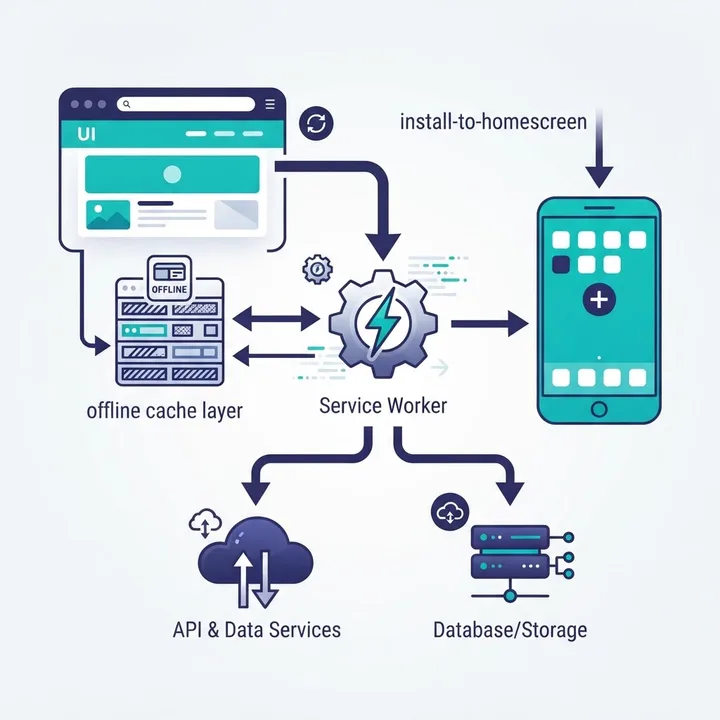
A progressive web application is a web application that uses a service worker and a manifest file to become installable, work offline, and appear on the home screen without an app store. It is the highest-leverage option for teams that need app-like behaviour but cannot justify two native codebases.
What a PWA delivers well: home screen installation, offline caching of assets and data, background sync, near-instant repeat loads, and one codebase across every device. What it still does not deliver: parity with native access to Bluetooth and advanced sensors on iOS, notification reliability equal to native on Apple devices, and the credibility signal that some buyers attach to an app store listing.
A practical rule from real projects: if you cannot name the specific native API you require, a PWA will serve you for at least the first eighteen months.
Cost, Timeline, and Maintenance Reality
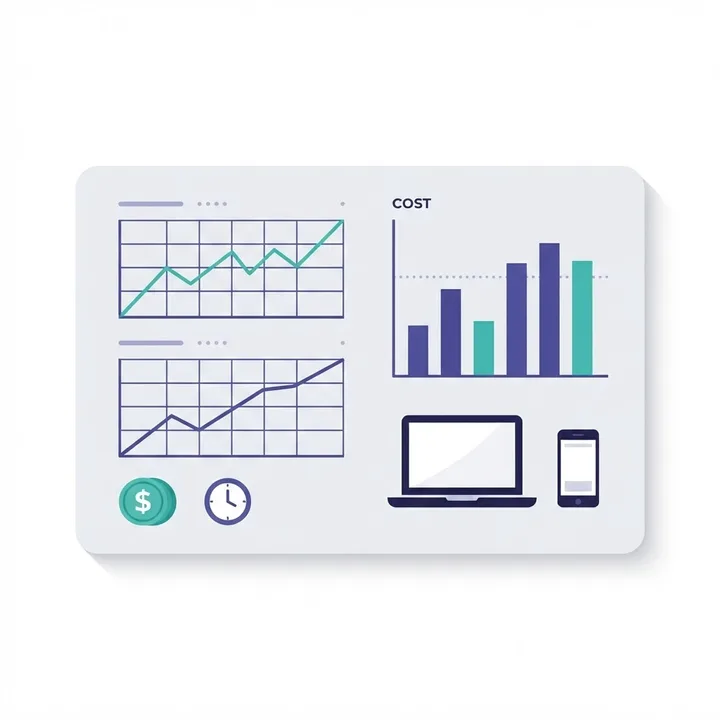
The initial build cost is the smallest number in the conversation. Maintenance is what determines total spend, and mobile carries structural overhead that web does not: two annual OS releases to test against, device fragmentation, SDK deprecations, certificate and provisioning renewals, and store policy changes that can force a release you did not plan.
Budget in these terms instead of a single figure:
- Build the first working version.
- Release overhead for store assets, review cycles, and rejection fixes on mobile.
- Annual platform upkeep, typically 15 to 25 percent of the build cost for mobile and lower for web.
- Support surface, meaning how many versions of your product exist in the wild at once.
Apple states that it reviews the majority of App Store submissions within 24 hours, but a single rejection over a policy detail can add days to a launch. Plan releases with that buffer rather than treating approval as instant.
How to Choose: A Five-Question Framework
Answer these honestly and the platform decision usually makes itself.
- Does the core value require device hardware the browser cannot reach? If yes, mobile.
- Must it work with no connection for extended periods? If yes, mobile or a well-built PWA.
- How often will one user open it? Daily favours mobile, weekly or occasional favours web.
- Do you still need to validate the product? If yes, web first, without exception.
- Is discovery going to come from search and links, or from an app store? Search means web.
Architecture: Share the Backend, Split the Frontend
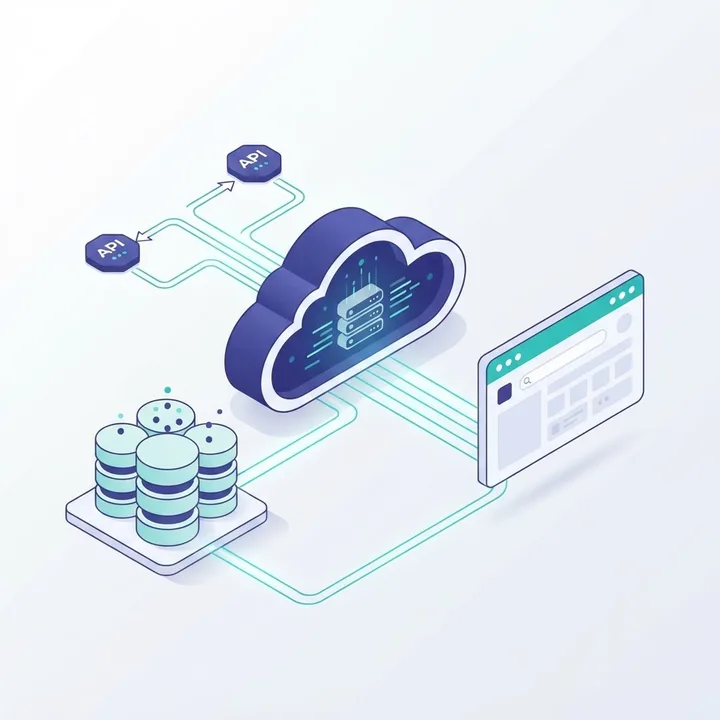
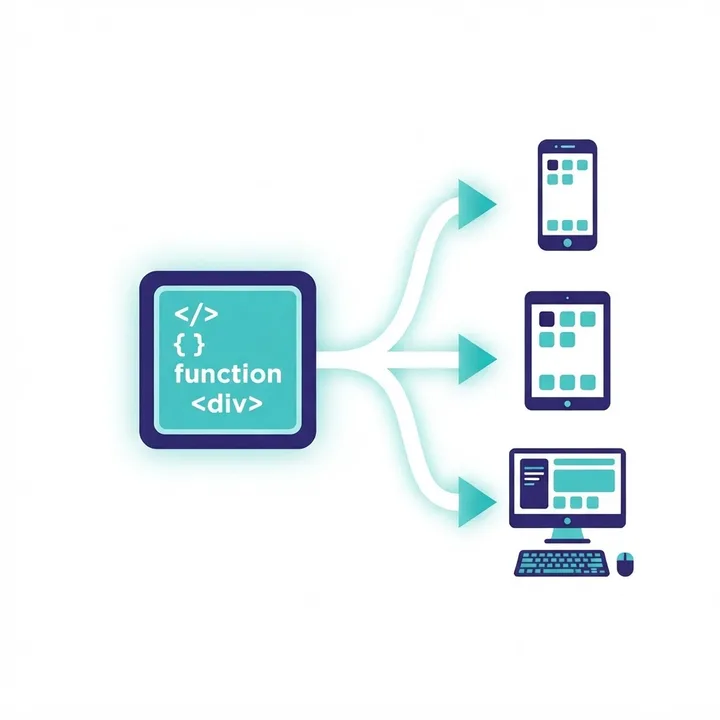
The teams that ship both platforms successfully almost always do the same thing: they build one API-first backend and treat mobile and web as two clients of it. Authentication, business rules, validation, and permissions live server-side once. Each client owns only presentation and interaction.
This matters because the alternative, duplicating logic per platform, guarantees drift. A discount rule updated on web but missed on mobile becomes a support ticket, then a refund, then a trust problem. One backend, versioned endpoints, and shared design tokens keep both surfaces honest.
Mistakes We See Most Often
- Shipping mobile first to validate an idea. You add a review queue and an install barrier to the stage where speed matters most.
- Treating a web app as a shrunken desktop app. Small targets and hover-only interactions fail on touch.
- Ignoring web performance because the app feels fast on a developer laptop. Test on a mid-range Android device on a throttled connection.
- Assuming an app store listing creates demand. Discovery still comes from marketing, search, and word of mouth.
- Duplicating business logic per client. Guaranteed inconsistency within two release cycles.
Key Takeaways
- A mobile application is installed and OS-native; a web application runs in the browser with no install step.
- Mobile devices produce roughly 62 percent of global web traffic, which makes mobile-quality experience mandatory on both platforms.
- 53 percent of mobile visits are abandoned past a three-second load, so web performance is a product feature.
- App store commissions reach up to 30 percent on in-app purchases and should be modelled before launch.
- Progressive web applications cover most app-like needs with a single codebase, except deep native hardware access.
- Build one API-first backend and treat both platforms as clients of it.
Frequently Asked Questions (FAQ)
What is the difference between a mobile application and a web application?
A mobile application is installed on a device and runs through the operating system, giving it hardware access and offline capability. A web application runs inside a browser and needs no installation. The mobile app offers deeper device integration; the web app offers instant updates and broader reach.
Which should I build first, a mobile app or a web app?
Build the web application first in most cases. It launches faster, avoids app store review, and lets you change direction based on real usage. Move to mobile once you have proven demand or discover you need hardware features, background processing, or reliable push notifications.
Can a web application work offline like a mobile app?
Yes, partially. A progressive web application uses a service worker to cache assets and data, so it opens and functions without a connection and syncs later. It handles most offline reading and form entry well, but it cannot fully match native background processing on iOS devices.
Is a mobile application more expensive than a web application?
Usually yes, both to build and to maintain. Mobile adds platform-specific code, device testing, store submissions, and annual OS updates. Expect roughly 15 to 25 percent of the original build cost per year in mobile upkeep, which is generally higher than equivalent web application maintenance.
Do I need both a mobile app and a web app?
Only if your users have genuinely different contexts, such as staff on desktop and customers on phones. If you do build both, share a single API-first backend so business rules stay identical, and let each client handle only its own interface and interaction patterns.
Are progressive web apps good enough to replace mobile apps?
For many products, yes. PWAs install to the home screen, work offline, and ship from one codebase. They fall short when you need Bluetooth, advanced sensors, long-running background tasks, or notification reliability equal to native on iOS. If you cannot name the required native API, start with a PWA.
Final Thoughts
The mobile application versus web application question is not about technology preference. It is about matching distribution, update speed, and hardware needs to how your users actually behave. Start with the browser when you are still learning, move to installed apps when frequency or hardware demands it, and keep one backend serving both. That sequence costs less and produces a product that survives its own growth.