
A practical, engineering-led guide to building a JavaScript mobile application in 2026 — frameworks, architecture, performance limits, native access, testing, and store deployment.
JavaScript Mobile Application
A JavaScript mobile application is a real, installable iOS or Android app whose business logic and user interface are written in JavaScript or TypeScript instead of Swift, Kotlin, or Java. The JavaScript runs inside a JavaScript engine bundled with the app (Hermes, JavaScriptCore, or V8), and it talks to the operating system through a bridge or a set of compiled native modules. That single architectural decision — JavaScript in, native rendering out — is what lets one team ship two platforms from one codebase.
This guide is written from the perspective of teams who ship and maintain these apps in production. It covers what actually works, what genuinely breaks, and where the honest limits are.

Quick Answer: A JavaScript mobile application is a native iOS or Android app built with JavaScript or TypeScript using frameworks like React Native, Ionic, or NativeScript. The code runs in an embedded JS engine and calls native APIs, letting one codebase ship to both app stores with near-native performance.
Why Teams Choose JavaScript for Mobile Apps
The core reason is shared code economics. In a typical React Native project, 85 to 95 percent of the codebase is shared between iOS and Android, so you write one screen instead of two, fix one bug instead of two, and run one release cycle instead of two.
The second reason is talent supply. According to the Stack Overflow Developer Survey, JavaScript has been the most commonly used programming language for over a decade running, used by roughly 62 percent of professional developers. Swift and Kotlin sit far below that. Staffing a JavaScript mobile team is measurably easier than staffing two separate native teams.
The third reason is delivery speed. Because JavaScript is interpreted rather than compiled ahead of time, frameworks support hot reload — you save a file and the running app updates in under a second without losing state. Over a six-month project, that feedback loop compounds into a meaningful schedule difference.
Key definition: Cross-platform development means writing application code once and running it on multiple operating systems. It is not the same as hybrid, which specifically means rendering your UI inside an embedded web browser view.
The Main JavaScript Mobile Frameworks Compared
There are three genuinely production-grade approaches, and they differ most in how they draw pixels on screen.
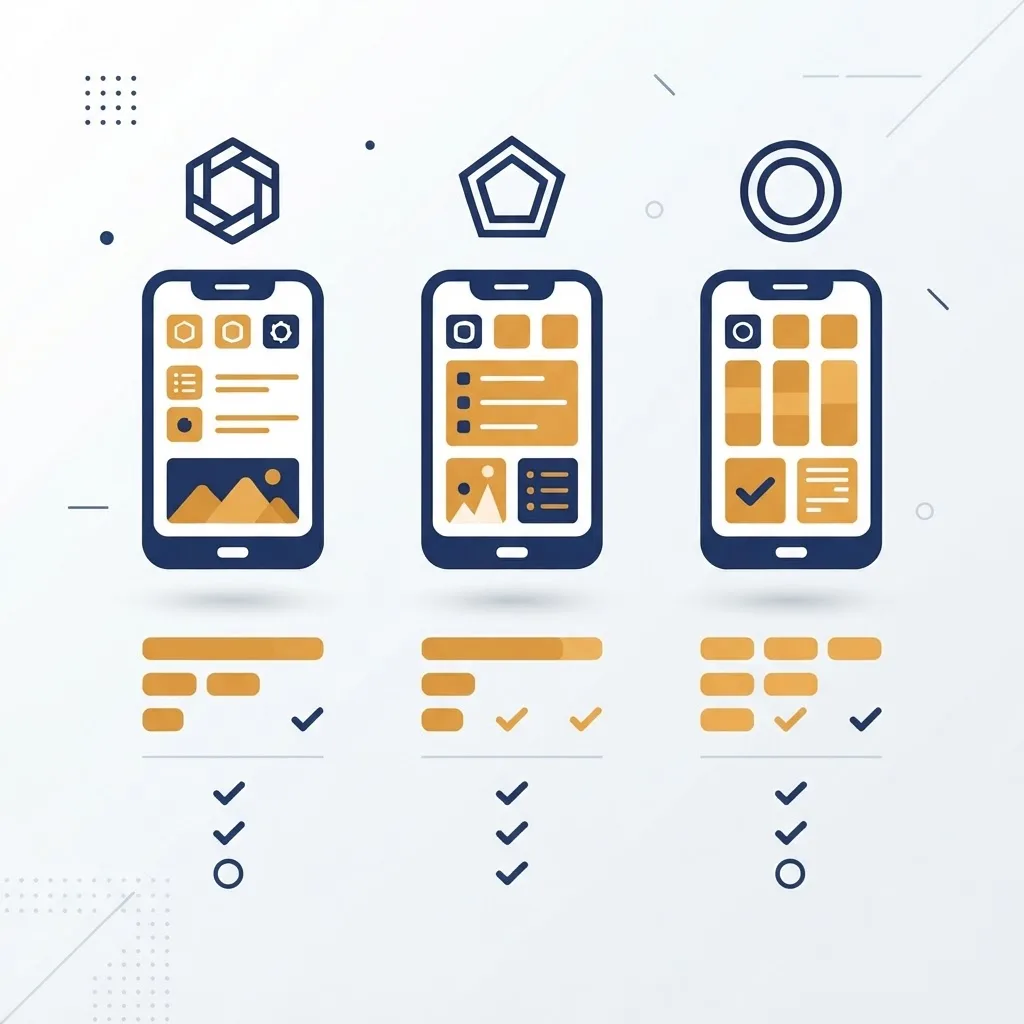
| Framework | Renders With | Best For | Native Feel | Learning Curve |
|---|---|---|---|---|
| React Native | Real native views | Consumer apps, complex UI, long-lived products | Excellent | Moderate |
| Expo (React Native) | Real native views | Fast launches, small teams, MVPs | Excellent | Low |
| Ionic + Capacitor | WebView (HTML/CSS) | Content apps, internal tools, forms | Good | Low |
| NativeScript | Real native views | Deep native API work, Angular/Vue teams | Excellent | Moderate |
| Progressive Web App | Mobile browser | No-install reach, simple utilities | Fair | Very low |
React Native and Expo
React Native maps your JavaScript components to actual UIView and ViewGroup objects, so a button is a real platform button. It powers Instagram, Shopify, Discord, and Microsoft Office mobile surfaces. Expo sits on top of it and removes most native build configuration — for most new projects, starting with Expo and ejecting only if required is the pragmatic default.
Ionic with Capacitor
Ionic renders your app as a web page inside a native shell. This is the right tool when your app is mostly forms, lists, dashboards, and text — internal business tools especially. It is the wrong tool for gesture-heavy, animation-heavy consumer products, where scroll behavior and transitions will feel subtly off.
NativeScript
NativeScript exposes the entire native API surface directly to JavaScript without writing a wrapper module first. If your app depends on an unusual SDK — industrial Bluetooth hardware, specialized payment terminals — this direct access saves real weeks.
How a JavaScript Mobile Application Actually Works
Understanding the runtime is what separates apps that stay fast from apps that degrade.
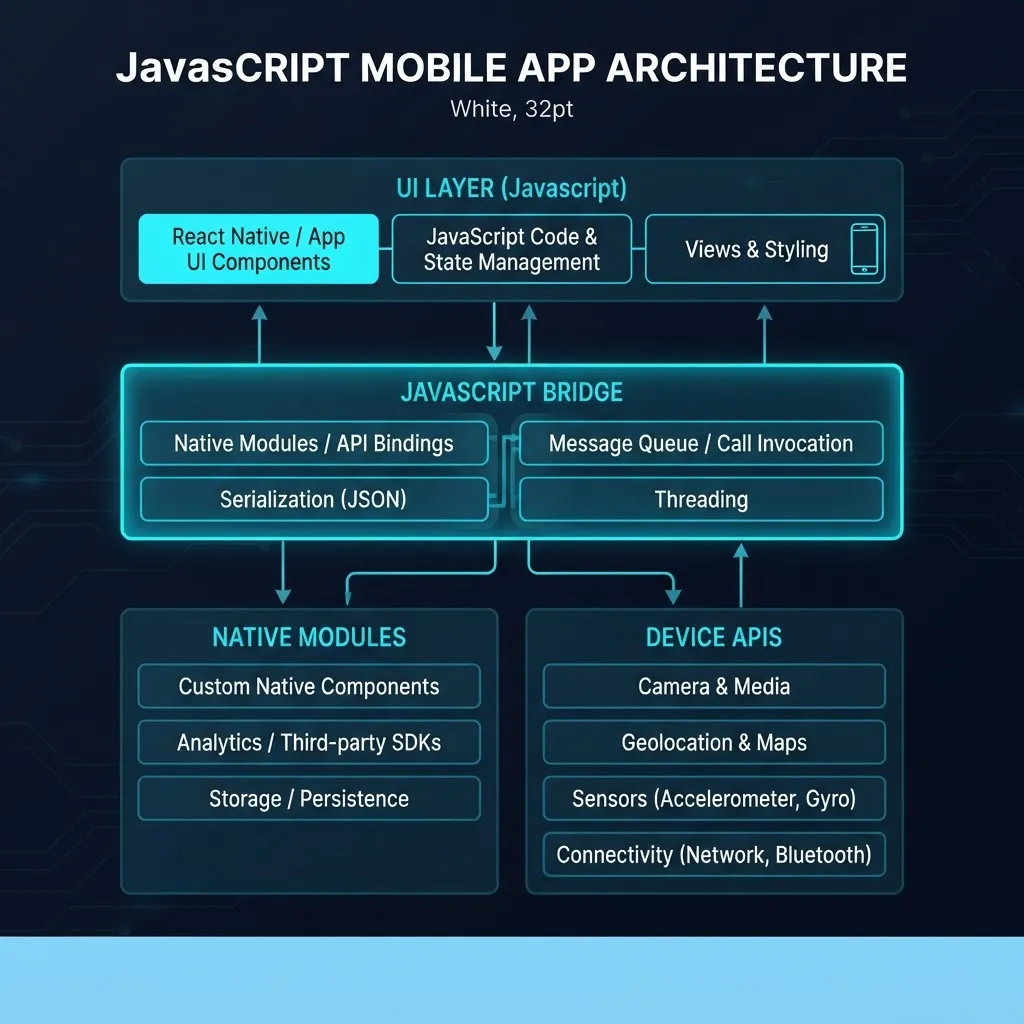
A modern React Native app has four layers:
- Your JavaScript code — components, state, business logic, running on a dedicated JS thread.
- The JavaScript engine — Hermes on both platforms by default, chosen because it precompiles to bytecode and cuts startup time.
- The interface layer — the New Architecture uses JSI (JavaScript Interface), which lets JavaScript hold direct references to C++ objects instead of passing serialized JSON messages.
- Native modules and views — camera, filesystem, notifications, and the actual rendered platform widgets.
The practical consequence: your JavaScript never blocks the UI thread, but heavy synchronous JavaScript work still starves your own animation callbacks. Long list filtering, large JSON parsing, and image manipulation belong in a native module or a worker, not inline in a render path.
The New Architecture matters here. The legacy bridge serialized every call as JSON, which made high-frequency interactions like drag gestures expensive. JSI removes that serialization step, and Fabric, the new renderer, allows synchronous layout measurement. Any new project in 2026 should start on the New Architecture rather than migrating later.
Performance: The Honest Assessment
A well-built JavaScript mobile application is indistinguishable from native for the vast majority of app categories. Where it differs is predictable and worth knowing before you commit.
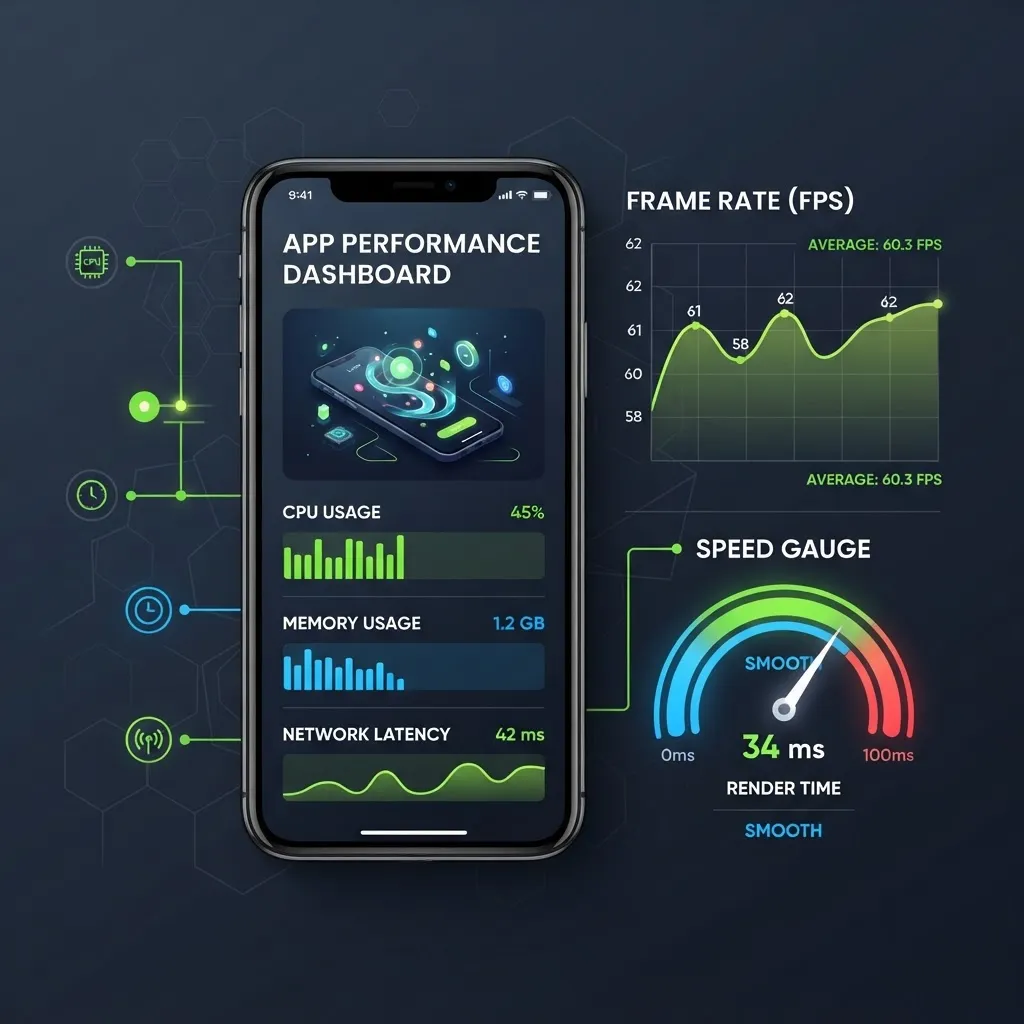
Where JavaScript apps match native: navigation, list scrolling with virtualized lists, forms, networking, standard animations driven on the native thread, and image-heavy feeds.
Where native still wins: sustained 3D rendering and games, real-time video and audio processing, augmented reality, continuous background sensor sampling, and apps where every millisecond of cold start is a business metric.
Three performance rules that consistently matter in production:
- Use the native driver for animations. Setting
useNativeDriver: truemoves the animation off the JS thread entirely, so a busy JavaScript thread cannot cause visible stutter. - Virtualize every long list.
FlatListorFlashListrenders only visible rows. A plainmap()over 2,000 items will allocate 2,000 view hierarchies and stall. - Budget your bundle. According to Google research, 53 percent of mobile site visits are abandoned if loading takes longer than three seconds, and users apply similar patience to app cold starts. Enable Hermes, ship optimized image assets, and lazy-load non-critical screens.
Accessing Native Device Features
The most common misconception is that JavaScript apps cannot reach real hardware. They can, and the ecosystem for it is mature.

Standard, well-maintained solutions exist for camera and video capture, GPS and geofencing, push notifications, biometric authentication with Face ID and fingerprint, Bluetooth Low Energy, secure keychain storage, in-app purchases, background tasks, and offline databases.
When no package exists, you write a native module: a small piece of Swift or Kotlin exposed to JavaScript as a function. This is the escape hatch that makes the platform viable for serious products — you are never fully blocked, only occasionally slowed. Teams planning complex hardware integration often scope that work upfront with a specialist partner such as the engineering team at ZoneTechify, rather than discovering the gap mid-sprint.
A critical trust and compliance note: store sensitive data in the platform keychain or keystore, never in AsyncStorage, which is unencrypted plain text on disk. Never embed API secrets in a JavaScript bundle either — a shipped bundle is trivially extractable from an APK.
A Realistic Development Workflow
This is the sequence that consistently produces shippable apps.
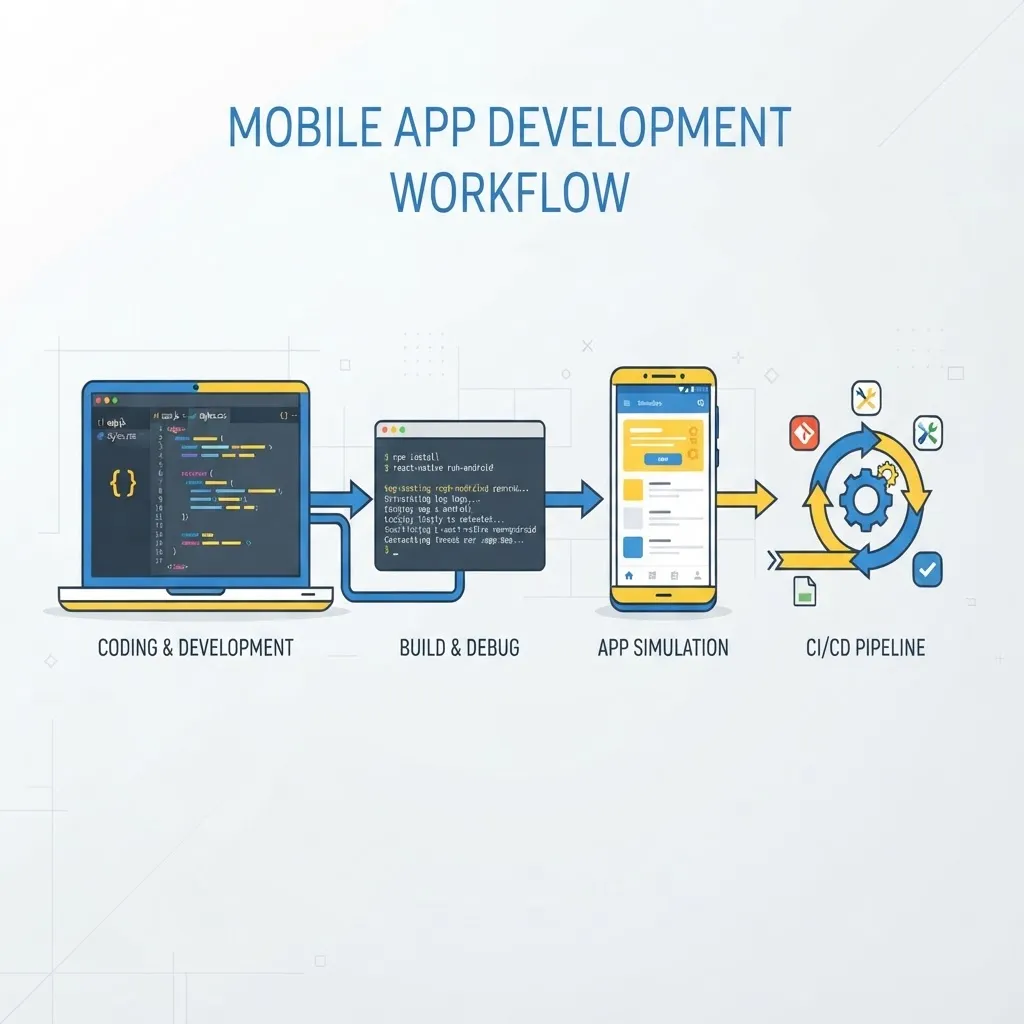
- Define the platform floor. Decide minimum iOS and Android versions before writing code, because it determines which APIs and packages are available.
- Scaffold with TypeScript. Typed props and API responses eliminate an entire category of runtime crashes that are painful to reproduce on a physical device.
- Build navigation first. Routing shapes state management. Retrofitting deep links and nested tab stacks late is one of the most expensive refactors in mobile work.
- Design offline-first. Mobile networks fail constantly. Cache reads, queue writes, and reconcile on reconnect — treat connectivity as optional, not assumed.
- Test on real low-end hardware. Simulators run on desktop-class CPUs and hide performance problems. A mid-range Android device is your real quality gate.
- Automate builds early. Cloud build pipelines remove the classic "works on my machine" certificate and signing failures.
- Instrument crash reporting from day one. Ship with symbolicated stack traces enabled, or your first production crash report will be unreadable.
Mobile development also does not end at launch. Every OS release cycle brings new permission prompts, privacy manifests, and deprecations, and store review policies tighten each year. Budget ongoing maintenance as a fixed cost, not an occasional event.
Testing and Debugging JavaScript Mobile Apps
Testing a JavaScript mobile application requires three distinct layers, and skipping the middle one is the most common quality mistake.
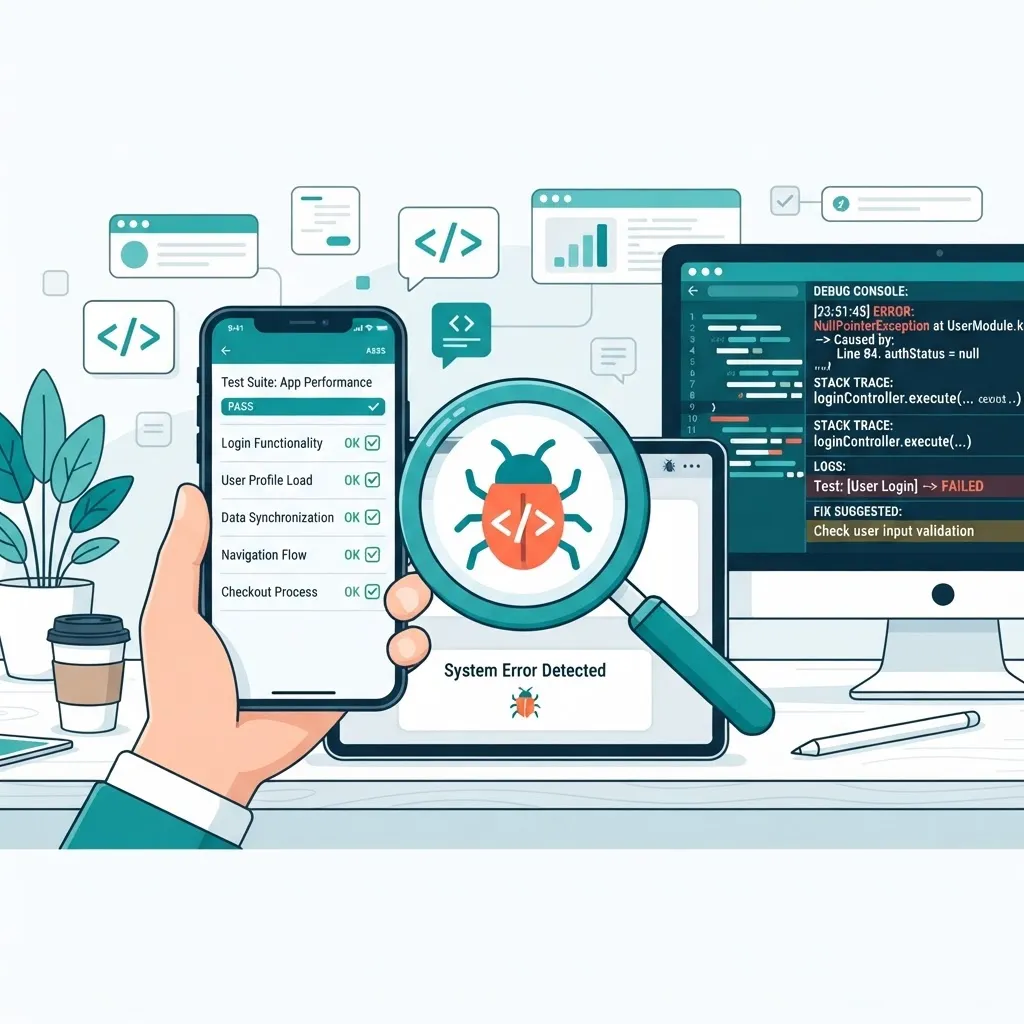
- Unit tests with Jest cover pure logic, reducers, formatters, and validation. Fast, cheap, and where most of your coverage should live.
- Component tests with React Native Testing Library assert that a screen renders the right content and responds to taps, without launching a simulator.
- End-to-end tests with Detox or Maestro drive a real build on a real device, covering login, purchase, and permission flows that only break in an actual runtime.
For debugging, React Native DevTools gives you breakpoints, a component inspector, and network inspection. Add Flipper or a performance monitor when chasing frame drops, and always reproduce reported bugs on the same OS version as the report — platform-specific behavior is the norm, not the exception.
Shipping to the App Store and Google Play
JavaScript mobile applications go through exactly the same review process as native apps, which surprises teams expecting a shortcut.

Plan for these requirements:
- Privacy disclosures. Both stores require declaring every category of data you collect and why, including data collected by third-party SDKs you did not write.
- Permission justification. Requesting camera or location access without an in-app explanation is a frequent rejection reason.
- Minimum functionality. An app that is only a wrapper around a website will be rejected by Apple. Ship genuine native value — offline access, notifications, hardware use.
- Over-the-air updates. JavaScript-only changes can be pushed without a store review, which is a real operational advantage for hotfixes. Native dependency changes still require a full submission.
Because a mobile app is usually one surface of a larger product, alignment with your web platform matters. Teams building both often share validation schemas, API clients, and design tokens across web and mobile — an approach the strategists at WebPeak apply when planning multi-surface product ecosystems.
Key Takeaways
- A JavaScript mobile application runs real JavaScript in an embedded engine and renders through native views, producing an installable iOS or Android app.
- React Native shares 85 to 95 percent of code across platforms; Expo is the fastest sensible starting point for new projects.
- JavaScript is used by roughly 62 percent of professional developers per Stack Overflow, making mobile teams easier to staff than dual native teams.
- Choose React Native or NativeScript for consumer apps with real native rendering; choose Ionic for form-heavy internal tools.
- The New Architecture with JSI and Fabric removes the old JSON bridge bottleneck and should be the default for new builds.
- Google research shows 53 percent of mobile visits are abandoned past three seconds, so cold-start and bundle optimization are business-critical.
- Native hardware access is fully available through community packages or custom native modules.
- Store sensitive credentials in the keychain or keystore, never in AsyncStorage or the JavaScript bundle.
Frequently Asked Questions (FAQ)
Can you really build a mobile app with JavaScript?
Yes. Frameworks like React Native, Ionen-free options such as NativeScript, and Ionic with Capacitor compile JavaScript projects into genuine installable iOS and Android apps. Instagram, Shopify, and Discord all ship JavaScript-based mobile code to hundreds of millions of users in production today.
Is a JavaScript mobile app slower than a native app?
For most app categories, no noticeable difference exists. Navigation, lists, forms, and standard animations perform at native speed when built correctly. Native still wins for 3D games, real-time video processing, augmented reality, and continuous background sensor work where every millisecond counts.
Which JavaScript framework is best for mobile apps in 2026?
React Native with Expo is the strongest default for most teams, offering real native rendering, the largest ecosystem, and the fastest setup. Pick Ionic for form-heavy internal tools, and NativeScript when you need direct, unwrapped access to unusual native SDKs.
Do I need to know Swift or Kotlin to build one?
Not to start. You can build and ship a complete app in JavaScript or TypeScript alone. Basic native knowledge becomes valuable when integrating an unsupported SDK, writing a custom native module, or debugging platform-specific build and permission failures.
Can one JavaScript codebase serve both iOS and Android?
Yes, typically sharing 85 to 95 percent of code. You will still write small platform-specific branches for navigation gestures, permission prompts, notification behavior, and safe-area layout. Always test on both platforms, because visual and permission differences appear even in shared code.
How long does it take to build a JavaScript mobile application?
A focused MVP with authentication, a few core screens, and an API typically takes six to ten weeks with a small experienced team. Complex apps with payments, offline sync, real-time features, and hardware integration commonly run four to six months including store review.