A practical guide to free web design classes, which platforms actually teach job-ready skills, and how to turn free lessons into a hireable portfolio.
Free Web Design Classes
Meta description: Discover the best free web design classes in 2026, what they really teach, and how to turn free lessons into a portfolio that wins paid client work.
Free web design classes have quietly become the most reliable entry point into the industry. Not because free is better than paid, but because the best free curricula are maintained by the same organizations that write the standards: Mozilla, Google, freeCodeCamp, and the browser vendors themselves. Access is no longer the problem. The problem is that most people start five free courses, finish none, and end up with tutorial notes instead of a portfolio.
This guide fixes that. It covers which free classes are worth your hours, the order to take them in, and the checkpoints that separate someone who watched web design lessons from someone who can be hired to design a website.
Quick Answer: Free web design classes are structured online lessons that teach layout, typography, color, HTML, CSS, and UI tools at no cost. The strongest options are freeCodeCamp Responsive Web Design, MDN Learn Web Development, Google UX Design lessons, and Figma official tutorials. Finish one path completely, then build three real projects.
What Counts as a Free Web Design Class in 2026
A free web design class is any structured, sequenced curriculum with lessons, exercises, and a completion checkpoint that costs nothing to finish. That definition matters because it excludes the three things learners most often mistake for classes.
- Single tutorials teach one technique. Useful, but they do not build sequenced skill.
- Free trials are paid courses with a countdown timer. You will lose access mid-module.
- Audit-only university courses often lock the graded assignments, which are the part that actually teaches you.
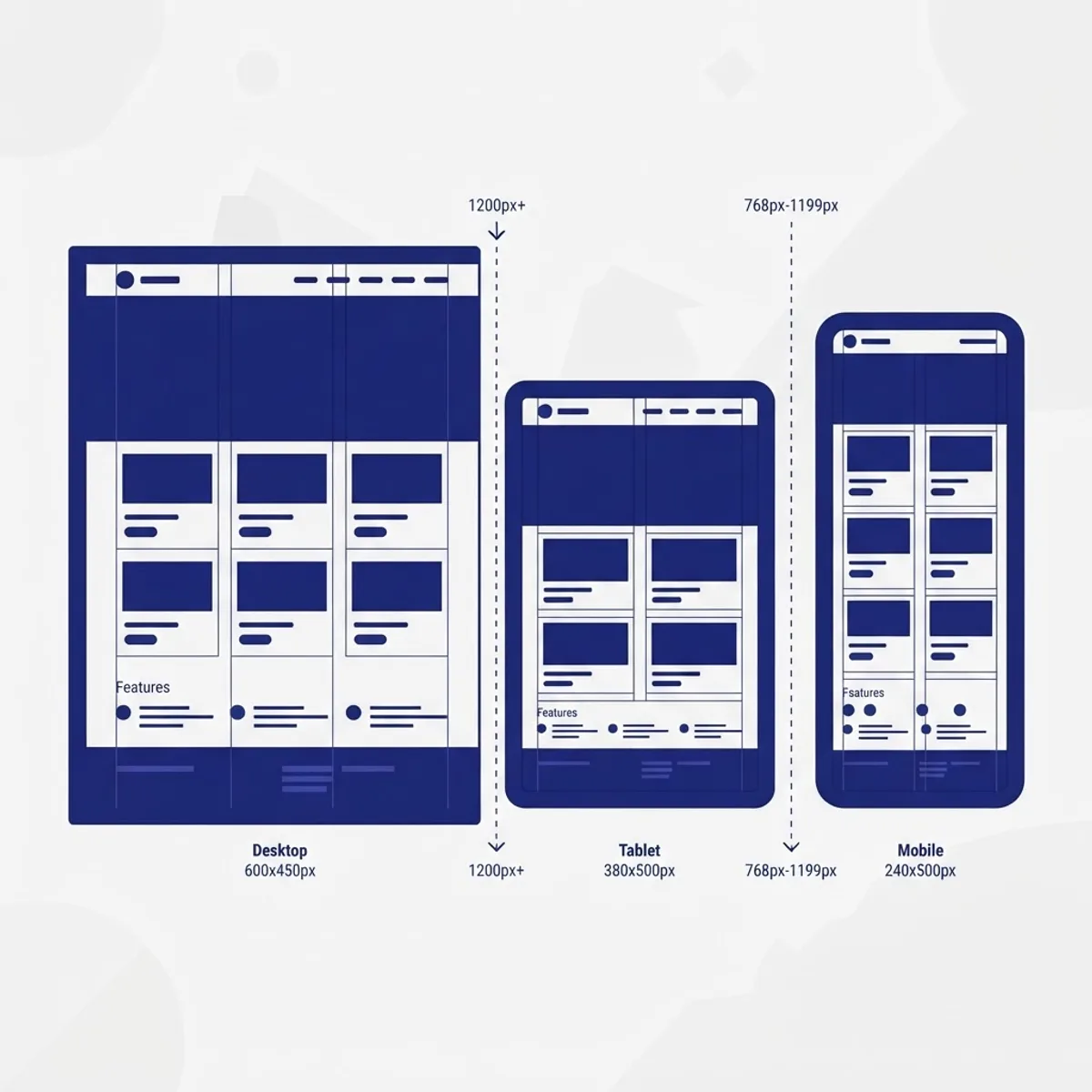
The distinction is practical. Sequenced curricula introduce concepts in dependency order, so you learn the CSS box model before flexbox, and flexbox before grid. Random tutorial consumption skips that order, which is why many self-taught designers can center a div but cannot explain why their layout breaks at 768 pixels.
Web Design vs Web Development: The Line You Need to Know
Web design covers visual and interaction decisions: layout, hierarchy, typography, color, spacing, states, and interface accessibility. Web development covers implementation: markup, styling, behavior, performance, and deployment. Free classes blur these constantly, and that blur is helpful. Employers overwhelmingly hire designers who can implement, or developers with design judgment. Plan on roughly 70 percent design and 30 percent front-end code.

The Best Free Web Design Classes, Compared
Each option below is genuinely free end to end, with no paywall on the assignments.
| Class | Best For | Format | Time to Finish | Certificate |
|---|---|---|---|---|
| freeCodeCamp Responsive Web Design | HTML and CSS through building | Browser projects | 30 to 100 hours | Yes, free |
| MDN Learn Web Development | Reference-grade fundamentals | Written lessons | 60 to 120 hours | No |
| Figma Learn and Config talks | UI tooling and components | Video plus files | 10 to 20 hours | No |
| Google UX Design lessons | Research and usability thinking | Video and reading | 15 to 30 hours | Partial free tier |
| The Odin Project | Full front-end depth | Reading plus projects | 200 plus hours | No |
| web.dev Learn CSS and Accessibility | Modern CSS and inclusive design | Written plus demos | 20 to 40 hours | No |
How to Choose Between Them
Pick based on your current blocker, not on popularity.
- You cannot build anything yet: start with freeCodeCamp. Its projects force output from week one.
- You can build but your work looks amateur: start with Figma Learn plus a typography-focused lesson set. Visual polish is a design problem, not a code problem.
- Your layouts break on mobile: go to web.dev Learn CSS and the MDN responsive design module.
- You want to work in product teams: add the Google UX lessons for research vocabulary that clients respect.
The Fundamentals Free Classes Teach Best
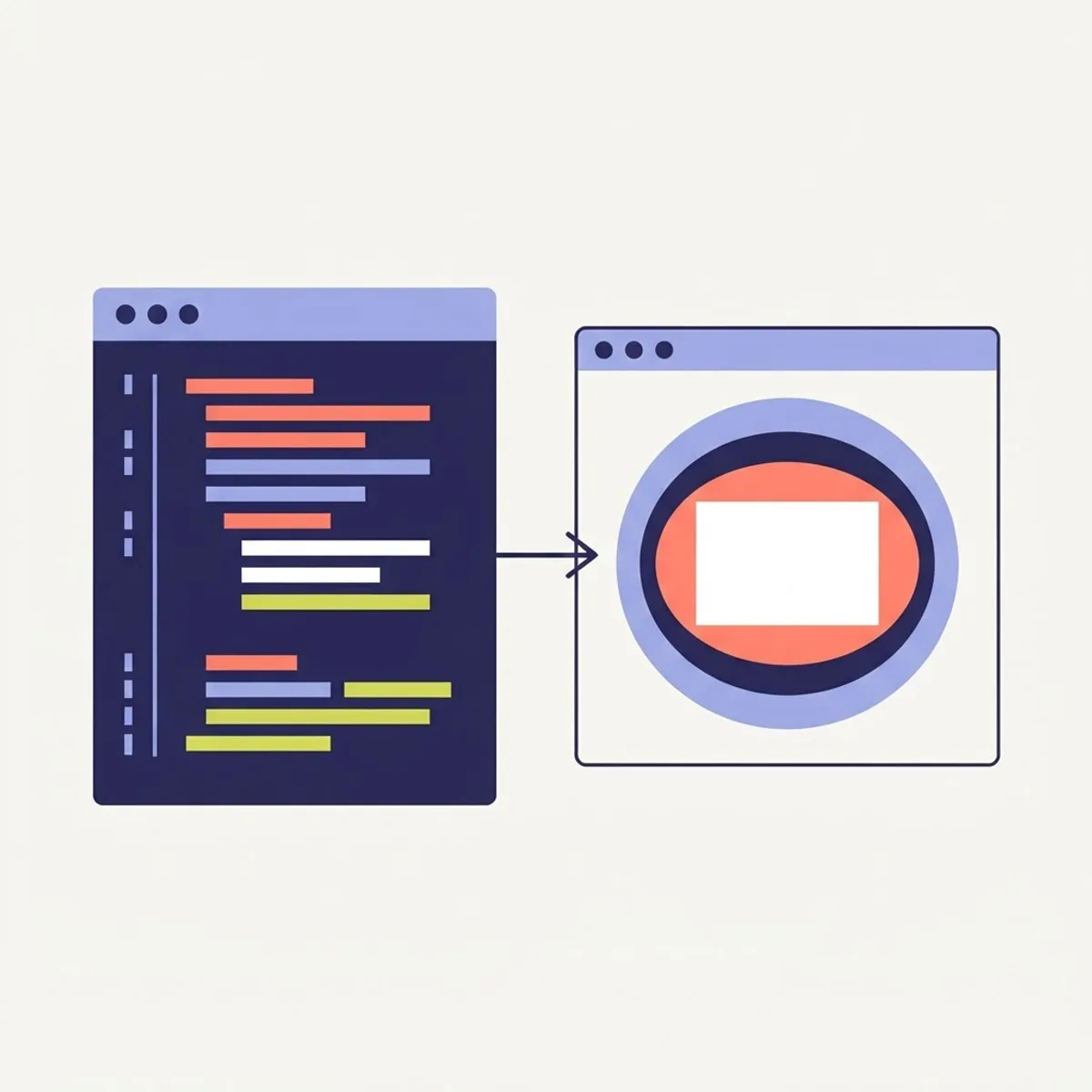
Fundamentals are where free resources outperform most paid bootcamps, because standards documentation is written by the people who define the standards.
HTML Structure and Semantics
Semantic HTML means choosing elements for meaning rather than appearance: header, nav, main, article, footer, button. This is not stylistic preference. The WebAIM Million report has repeatedly found that the large majority of tested home pages contain detectable accessibility failures, with low-contrast text, missing alternative text, and empty links among the most common. Most of those failures trace back to design decisions plus non-semantic markup. Free MDN lessons cover this in an afternoon, and it immediately separates your work from template output.
CSS Layout and the Box Model
Every layout problem is a box model problem. Learn in this order: box sizing, the difference between margin and padding, normal document flow, flexbox for one-dimensional alignment, CSS grid for two-dimensional layout, then container queries for component-level responsiveness. Free classes now teach container queries, which many paid 2022-era courses still omit.
Typography and Spacing Systems
Typography is the highest-leverage design skill you can learn free. Three rules carry most of the weight: limit yourself to two font families, set body line height between 1.4 and 1.6, and never drop below 14 pixels for body copy. Then adopt a spacing scale of 4, 8, 12, 16, 24, 32, 48, and 64 pixels instead of arbitrary values. Consistent spacing reads as professional even while your visual ideas are still developing.
Color and Contrast
Use three to five colors total: one brand color, two or three neutrals, and one accent. Verify contrast against WCAG minimums of 4.5:1 for normal body text and 3:1 for large text. Free contrast checkers make this a 30-second check, and it is one of the first things a reviewer looks at in a junior portfolio.
A 12-Week Plan That Turns Free Classes Into Skill
Structure beats motivation. This plan assumes eight to ten hours per week.
- Weeks 1 to 2: MDN HTML basics plus the first two freeCodeCamp project sets. Deliverable: a static one-page profile using semantic HTML and minimal CSS.
- Weeks 3 to 4: web.dev Learn CSS through flexbox. Deliverable: rebuild a page you admire from memory, then compare.
- Weeks 5 to 6: CSS grid plus responsive breakpoints. Deliverable: one layout that works at 375, 768, and 1440 pixels with no horizontal scroll.
- Weeks 7 to 8: Figma Learn. Deliverable: a small design system with a type scale, color tokens, buttons in all states, and form fields.
- Weeks 9 to 10: accessibility lessons plus a full audit of everything you already built. Deliverable: keyboard-navigable pages with alt text and 4.5:1 contrast.
- Weeks 11 to 12: one real project for a real person. A local business, a nonprofit, a friend side project. Deliverable: a live URL.
The live URL in week 12 is the entire point. Google Core Web Vitals thresholds give you a free, objective quality benchmark: Largest Contentful Paint under 2.5 seconds, Interaction to Next Paint under 200 milliseconds, and Cumulative Layout Shift under 0.1. Hitting those numbers on a project you designed is a credential no certificate matches.
Tools You Can Learn Free, and What Each Is Actually For
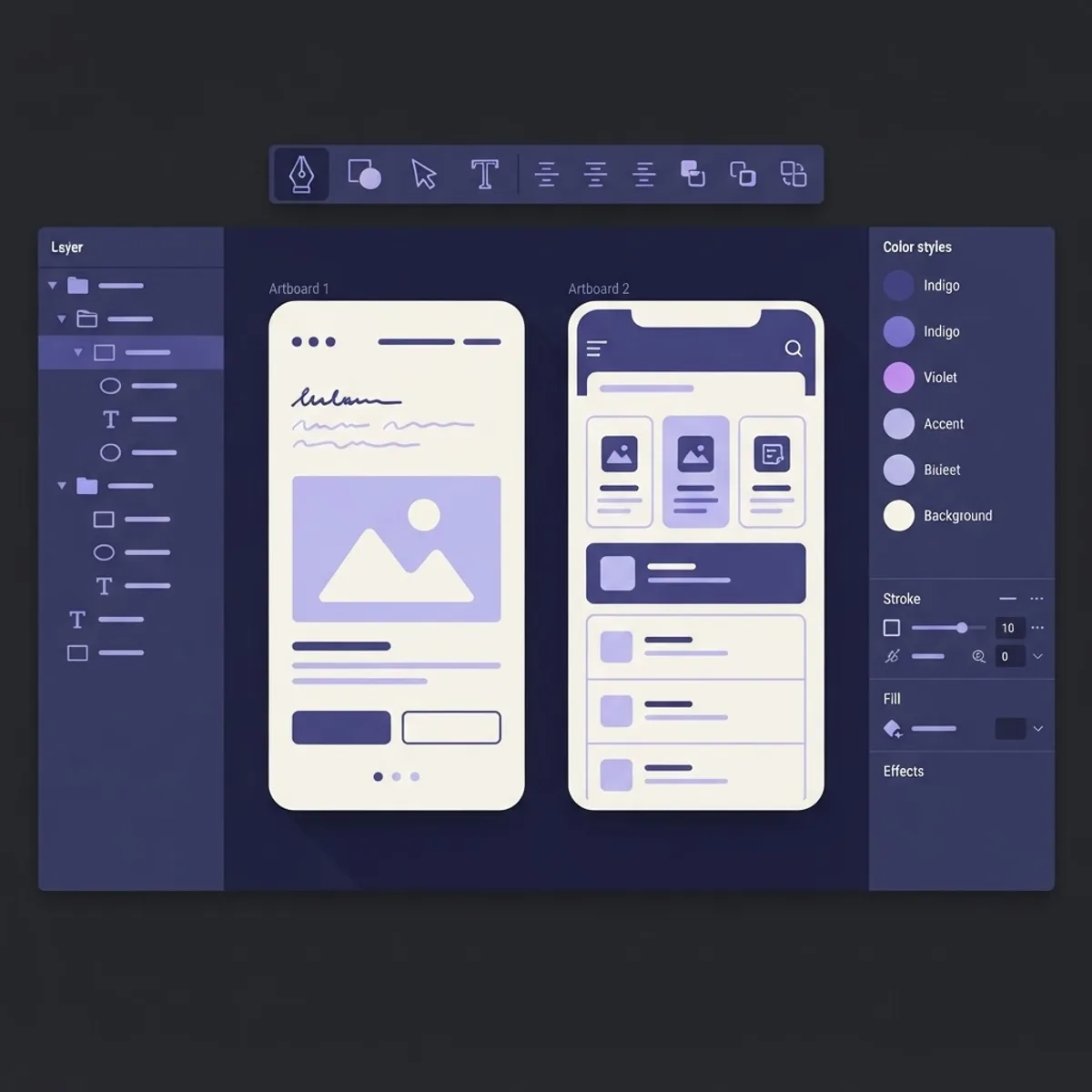
- Figma: interface design, prototyping, and design systems. The free tier covers three files, enough for a portfolio.
- Penpot: open-source alternative with no file limits, worth learning if you want self-hosting.
- Browser DevTools: the most underrated free class in existence. Learn the element inspector, device emulation, and Lighthouse audits.
- Git and GitHub: version control plus free hosting through GitHub Pages, so every finished project gets a public URL.
- VS Code: free editor with live preview and accessibility linting extensions.
Where Free Classes Stop Being Enough
Free curricula teach craft well and business badly. They rarely cover scoping, client communication, revision limits, pricing, or handoff documentation. That gap is why many self-taught designers plateau technically fine but commercially stuck. Studying how professional teams package work helps: the process and case studies published by a KPI-driven web agency show how discovery, design, build, and measurement fit into one deliverable. For the strategy side of tying design decisions to business outcomes, the breakdowns published by WebPeak Digital are a useful complement to a purely technical free curriculum.
Turning Free Classes Into Paid Work
Three projects beat ten certificates. Build these specific ones.
- A redesign with reasoning. Take a real, poorly designed local business site. Show before, after, and a short written rationale for each decision. Rationale proves you designed rather than decorated.
- A component library. Buttons, inputs, cards, navigation, and empty states in every interaction state. This proves systems thinking, which is the skill teams pay for.
- A live, measured build. Ship it, run Lighthouse, publish the scores. Measurable results make your portfolio citable.
Write a short case study for each: the problem, your constraints, two decisions you made, and one thing you would change. Hiring managers read the reasoning first.

Key Takeaways
- Free web design classes now cover job-ready fundamentals, with freeCodeCamp, MDN, web.dev, and Figma Learn as the strongest no-cost paths.
- Finish one sequenced curriculum completely instead of sampling several, because dependency order is what makes concepts stick.
- WebAIM annual accessibility audits show most home pages fail basic checks, so contrast, alt text, and semantic markup are immediate differentiators.
- Core Web Vitals thresholds of 2.5 seconds LCP, 200 milliseconds INP, and 0.1 CLS give free, objective proof of quality.
- Use three to five colors, two font families, a fixed spacing scale, and 1.4 to 1.6 body line height as non-negotiable defaults.
- Free classes teach craft, not client business, so learn scoping and pricing separately.
Frequently Asked Questions (FAQ)
Can I really learn web design for free?
Yes. The fundamentals of layout, typography, color, HTML, and CSS are fully covered by free curricula from MDN, freeCodeCamp, web.dev, and Figma. What free classes do not provide is feedback and client experience, so you must add real projects and peer critique to reach a professional standard.
How long do free web design classes take to complete?
Most structured free paths take 100 to 200 hours of focused work. At eight to ten hours per week, expect roughly three to five months to reach portfolio-ready ability. Learners who build alongside lessons finish faster than those who watch first and practice later, because retention comes from output.
Do free web design certificates help me get hired?
Certificates help slightly, but portfolios decide. A freeCodeCamp certification signals persistence, while employers judge three things: your live projects, the reasoning in your case studies, and whether your work meets accessibility and performance standards. Lead with links to shipped work, then mention the certificate.
Should I learn Figma or code first in web design?
Learn basic HTML and CSS first, then Figma. Understanding what the browser can do naturally prevents you from designing layouts that are painful to build. Two to three weeks of code fundamentals makes your later Figma work more realistic and far easier for developers to implement.
What is the best free web design class for absolute beginners?
The freeCodeCamp Responsive Web Design certification is the best starting point because it is project-based from lesson one, runs entirely in the browser with no setup, and issues a free certificate. Pair it with MDN written lessons whenever you need a deeper, standards-accurate explanation of a concept.
Are free web design classes enough to start freelancing?
They are enough for the craft, not the business. Free classes rarely teach scoping, pricing, contracts, or revision limits. Learn those separately, take two small paid projects at a low rate to build testimonials, then raise prices once you have measurable results to show prospective clients.