A practical guide to desktop software development services: what they include, when native desktop beats web, technology choices, realistic costs, timelines, and how to vet a development partner.
Desktop Software Development Services
Desktop software never died. It moved into the places where the browser struggles: hospital imaging rooms, factory floors, trading desks, video studios, CAD workstations, and point-of-sale counters with unreliable internet. If your operation depends on heavy local processing, direct hardware access, or guaranteed offline work, desktop software development services are not a legacy choice, they are the correct engineering decision.
This guide explains what those services actually include, how the technology choices differ, what the work costs, and how to evaluate a vendor before you sign anything. It is written from the perspective of teams who ship installers, sign binaries, and support auto-updates in production, not from a marketing brochure.
Quick Answer: Desktop software development services cover the design, engineering, testing, packaging, and long-term maintenance of applications that install and run natively on Windows, macOS, or Linux. They are the right choice when your software needs offline reliability, direct hardware access, heavy local computation, or strict data-residency control.
What Are Desktop Software Development Services?
Desktop software development services are end-to-end engineering engagements that produce an installable application running on a user's operating system rather than in a browser tab. The deliverable is not just source code, it is a signed, distributable product.
A complete engagement usually includes:
- Discovery and requirements engineering — workflow mapping, hardware inventory, OS version matrix, and compliance constraints.
- Architecture and technology selection — native versus cross-platform, local data store, sync strategy.
- UI/UX design for desktop conventions — keyboard shortcuts, menu bars, multi-window layouts, drag-and-drop, high-DPI scaling.
- Core development — business logic, hardware integrations, background services.
- Packaging and code signing — MSI/MSIX for Windows, notarized DMG or PKG for macOS, DEB/RPM/AppImage for Linux.
- Auto-update infrastructure — delta updates, rollback, staged rollouts.
- Maintenance and OS-compatibility upkeep — annual OS releases break things, and someone has to fix them.
The last two items are where inexperienced vendors fail. A desktop app is not finished when it compiles on a developer laptop. It is finished when a non-technical user in another country can install it, trust the publisher certificate, and receive updates silently for years.
Why Companies Still Invest in Desktop Applications
Desktop remains the dominant computing surface for productive work. According to StatCounter data, desktop devices consistently account for roughly 38 to 40 percent of global web traffic, and that share climbs far higher inside B2B and enterprise environments where employees work at a workstation all day. Meanwhile, Statista and industry analysts place global enterprise software spending above one trillion dollars annually, with a substantial slice going to installed line-of-business tools rather than pure SaaS.
There are five recurring reasons clients commission desktop software instead of a web app:
- Hardware and peripheral access. Barcode scanners, label printers, scientific instruments, CNC machines, medical devices, DSLR cameras, MIDI gear, and USB dongles are far easier to control from a native process than from a sandboxed browser.
- Offline-first reliability. A warehouse, ship, mine, clinic, or rural retail counter cannot pause operations because a connection dropped.
- Heavy local computation. Video encoding, 3D rendering, simulation, large dataset analysis, and on-device machine learning benefit from full CPU and GPU access without upload latency.
- Data residency and privacy. When regulated data must never leave a machine or a local network, local-only processing solves a compliance problem that no privacy policy can.
- Long-term cost control. A perpetual-license desktop tool with no per-seat cloud hosting bill can be dramatically cheaper to operate at scale.
If none of these apply to your product, be honest about it. A well-built web application is usually faster and cheaper to distribute. Teams at ZoneTechify and WebPeak routinely start engagements by pressure-testing this exact question before writing a line of code.
Desktop App vs Web App: An Honest Comparison
The decision is rarely about which is better in the abstract. It is about which constraint dominates your product.
| Factor | Desktop Application | Web Application |
|---|---|---|
| Offline operation | Full, by design | Limited, needs service workers |
| Hardware and peripheral access | Direct and deep | Restricted by browser sandbox |
| Local performance ceiling | High, uses full CPU/GPU | Constrained by browser runtime |
| Distribution and updates | Installer plus auto-update system | Instant, refresh the page |
| Cross-platform effort | Higher, per-OS testing needed | Low, one codebase |
| Data stays on device | Yes | No, server-side by default |
| Ongoing hosting cost | Minimal | Continuous |
| Initial build cost | Typically higher | Typically lower |
Key definition: A native desktop application is compiled against a specific operating system's own APIs and UI toolkit. A cross-platform desktop application uses a shared codebase and a runtime layer to target several operating systems from one project.
Many successful products are hybrids: a desktop client for capture and processing, plus a cloud backend for collaboration, licensing, and analytics. That architecture gives you offline resilience without giving up centralized reporting.
How the Development Process Actually Works
A disciplined desktop engagement follows a predictable sequence. Skipping any step tends to surface later as a support ticket you cannot reproduce.
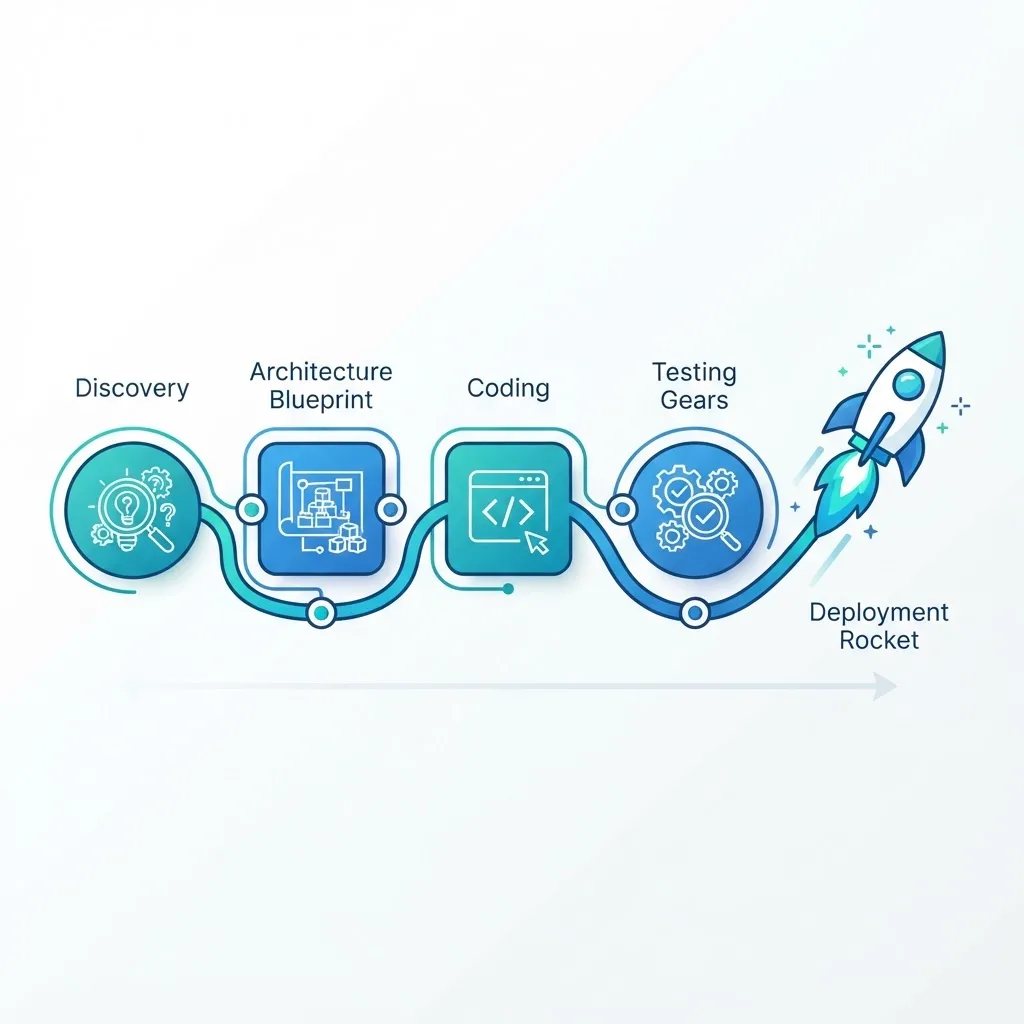
1. Discovery and Environment Audit
Before architecture, document the target environment precisely: exact OS versions, 32-bit versus 64-bit, ARM versus x86, screen scaling factors, antivirus software in use, admin-rights policy, and whether machines sit behind a corporate proxy. This one document prevents the most expensive category of rework.
2. Architecture and Technology Selection
Decide the runtime, the local storage engine (SQLite is the default for a reason), the sync model, the licensing mechanism, and the update channel. Write down which decisions are reversible and which are not.
3. Desktop-Native UX Design
Desktop users expect conventions the web does not have: right-click context menus, resizable panels, keyboard-first navigation, undo history, and a real menu bar. Designing a desktop app like a mobile screen is the fastest way to make power users abandon it.
4. Iterative Development with Real Hardware in the Loop
If the app talks to a scanner or an instrument, that device must be in the test loop from the first sprint. Emulated hardware hides timing and driver bugs.
5. Multi-OS QA and Installer Testing
Test clean installs, upgrade installs, downgrade attempts, uninstall cleanliness, non-admin installs, and behavior when disk or permissions are constrained. Then test the auto-updater on all of the above.
6. Signing, Distribution, and Release
Code signing certificates on Windows and Apple notarization on macOS are mandatory in practice. Unsigned binaries trigger security warnings that destroy user trust and inflate support volume.
7. Maintenance and Compatibility Cycles
Windows and macOS ship significant updates yearly. Budget recurring engineering time for OS compatibility, certificate renewals, and dependency security patches. Treat maintenance as a line item, not an afterthought.
Choosing the Right Technology Stack
The stack decision drives cost, performance, and hiring for years, so it deserves more than a preference argument.
- .NET with WPF or WinUI — the pragmatic default for Windows-only enterprise tools with deep Windows integration and strong tooling.
- Qt (C++ or Python bindings) — the standard for industrial, medical, and instrumentation software needing genuine native performance across Windows, macOS, and Linux.
- Electron — best when you already have web expertise and a rich UI matters more than memory footprint. Slack, VS Code, and Figma's desktop client proved the model at scale; expect a larger installer and higher RAM use.
- Tauri — a lighter alternative to Electron using the system webview with a Rust core, producing much smaller binaries.
- Swift and AppKit — the right call for macOS-first products that need to feel genuinely Apple-native.
- Flutter or Compose Multiplatform — viable when one design language must span desktop and mobile.
One practical rule from experience: choose based on what your team can maintain in year three, not on what looks fastest in week one. A beautifully architected app in a language nobody on staff can support is a liability.
Security, Licensing, and Offline Data Handling
Desktop apps carry a specific threat model, because the binary and the data both sit on a machine you do not control.
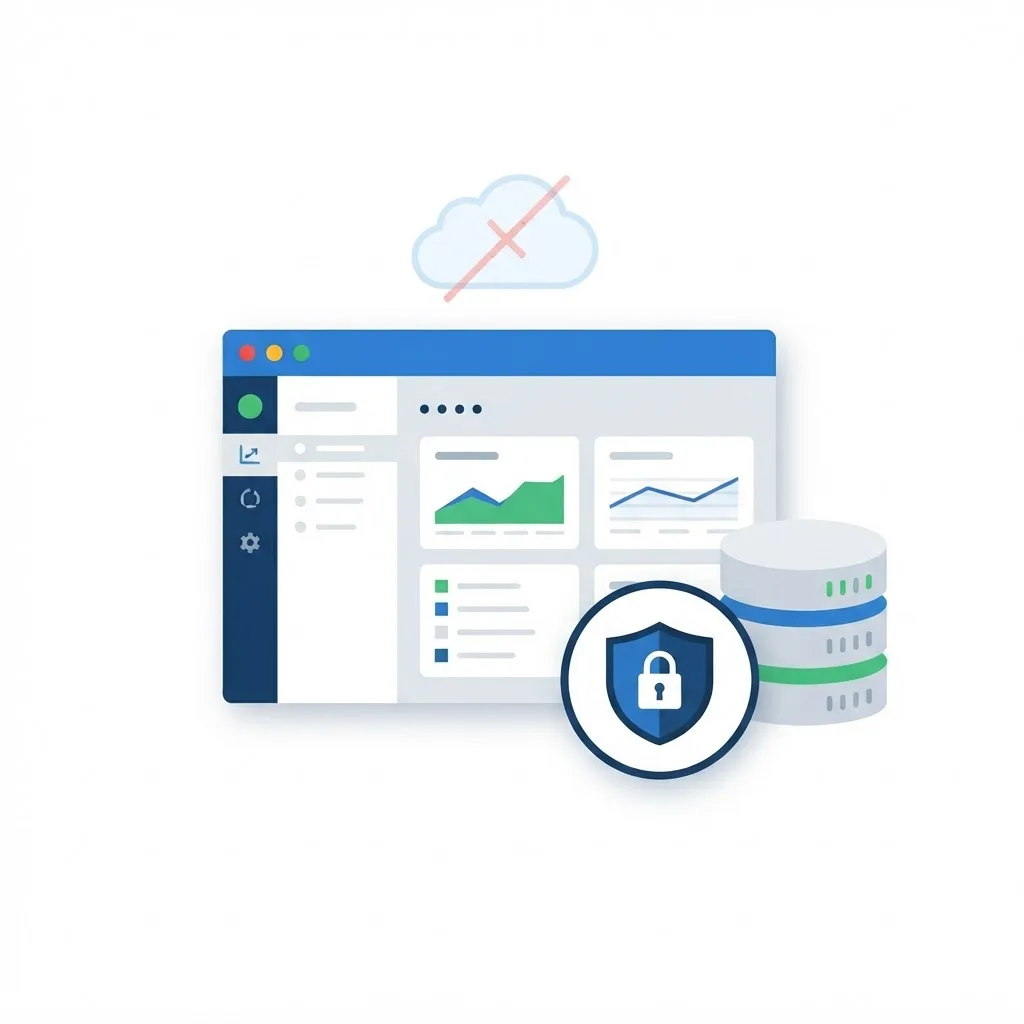
Non-negotiable practices include:
- Encrypt local data at rest, using OS keychains or credential stores for secrets rather than config files.
- Never ship hardcoded API keys or database credentials inside a distributable binary; anyone can inspect it.
- Sign every release and enforce signature verification in the auto-updater so a compromised update channel cannot push malware.
- Run with least privilege, requesting elevation only for the specific operations that need it.
- Validate licensing server-side where possible, with a grace period for offline users instead of hard failure.
- Log locally with rotation and redaction, so support can diagnose issues without leaking personal data.
For teams building enterprise-grade internal tools that mix desktop clients with cloud services, ZoneTechify's web application development services commonly handle the backend, licensing, and sync layer that sits behind the installed client.
What Desktop Software Development Costs
Cost is driven by scope and platform count, not by hourly rate alone. Based on typical mid-market engagements, useful planning ranges look like this:

| Project Type | Typical Scope | Indicative Range |
|---|---|---|
| Single-OS internal utility | Forms, local database, reports | 15,000 to 40,000 USD |
| Cross-platform business app | Sync, licensing, auto-update | 45,000 to 120,000 USD |
| Hardware-integrated system | Device drivers, real-time data | 90,000 to 250,000 USD |
| Complex technical product | 3D, media, simulation, GPU work | 200,000 USD and up |
The biggest cost multipliers are the number of supported operating systems, hardware integrations, real-time requirements, and regulatory certification. Plan an annual maintenance budget of roughly 15 to 20 percent of the original build cost to cover OS updates, security patches, and certificate renewals.
How to Vet a Desktop Development Partner
Ask questions that only experienced teams can answer well:
- Show me a shipped installer. Ask to install their work on your own machine and watch for security warnings.
- How do you handle auto-updates and rollback? A vendor without a rollback plan has not supported production software.
- What is your OS support matrix and deprecation policy?
- Who owns the code signing certificate? It should be you.
- How do you test on real hardware?
- What does year-two maintenance look like contractually?
Key Takeaways
- Desktop software development services deliver installable, signed, self-updating applications, not just source code.
- Desktop devices still generate roughly 38 to 40 percent of global web traffic, and a much larger share of enterprise working hours.
- Choose desktop when offline reliability, hardware access, heavy local compute, or data residency dominate your requirements.
- Cross-platform frameworks like Qt, Electron, and Tauri reduce cost, while native stacks maximize performance and OS fidelity.
- Code signing and notarization are mandatory in practice, not optional polish.
- Budget 15 to 20 percent of build cost annually for maintenance and OS compatibility.
Frequently Asked Questions (FAQ)
What does a desktop software development company actually do?
A desktop software development company handles requirements discovery, architecture, UI design, coding, multi-OS testing, installer packaging, code signing, distribution, and long-term maintenance. The deliverable is a working installable product your users can deploy, plus an update mechanism that keeps it current across operating system releases.
Is desktop software development still worth it in 2026?
Yes, when your product needs offline reliability, direct hardware control, heavy local processing, or strict data residency. Desktop remains the primary work surface in engineering, healthcare, manufacturing, finance, and creative industries. For simple collaborative tools with constant connectivity, a web application is usually the better investment.
How long does it take to build a custom desktop application?
A focused single-platform internal tool typically takes three to four months. Cross-platform business applications with sync, licensing, and auto-updates usually run five to nine months. Hardware-integrated or regulated systems often exceed twelve months because certification, driver work, and field testing add substantial validation time.
Should I choose native or cross-platform desktop development?
Choose native when you need maximum performance, deep OS integration, or a genuinely platform-authentic feel on one primary system. Choose cross-platform when you must support Windows, macOS, and Linux on a limited budget. Most business applications succeed with cross-platform frameworks like Qt, Tauri, or Electron.
How much does it cost to maintain a desktop application each year?
Plan roughly 15 to 20 percent of the original build cost annually. That covers operating system compatibility updates, security patches for dependencies, code signing certificate renewals, bug fixes reported from the field, and small feature improvements. Skipping maintenance leads to installation failures after major OS releases.
Can a desktop app work fully offline and sync later?
Yes. The standard pattern stores data locally in an embedded database such as SQLite, queues changes while offline, then reconciles with a server when connectivity returns. Good implementations include conflict resolution rules, sync status visibility for users, and audit logging so no record is silently lost.