A practical, experience-driven guide to custom web based application development covering architecture, tech stack choices, timelines, costs, security, and how to avoid the mistakes that sink most projects.
Custom Web Based Application Development
Most businesses do not fail at custom web based application development because they picked the wrong framework. They fail because they built the wrong thing, in the wrong order, with no plan for what happens after launch. After delivering dozens of browser-based platforms — internal operations tools, client portals, booking systems, and multi-tenant SaaS products — one pattern repeats: the projects that succeed spend more time defining workflows than debating technology.
This guide explains exactly how custom web application development works in practice: what it is, when it beats off-the-shelf software, how the build process runs, what it realistically costs, and how to keep the application secure and maintainable for years. Every section is written to answer a question a decision-maker actually asks before signing off on a budget.
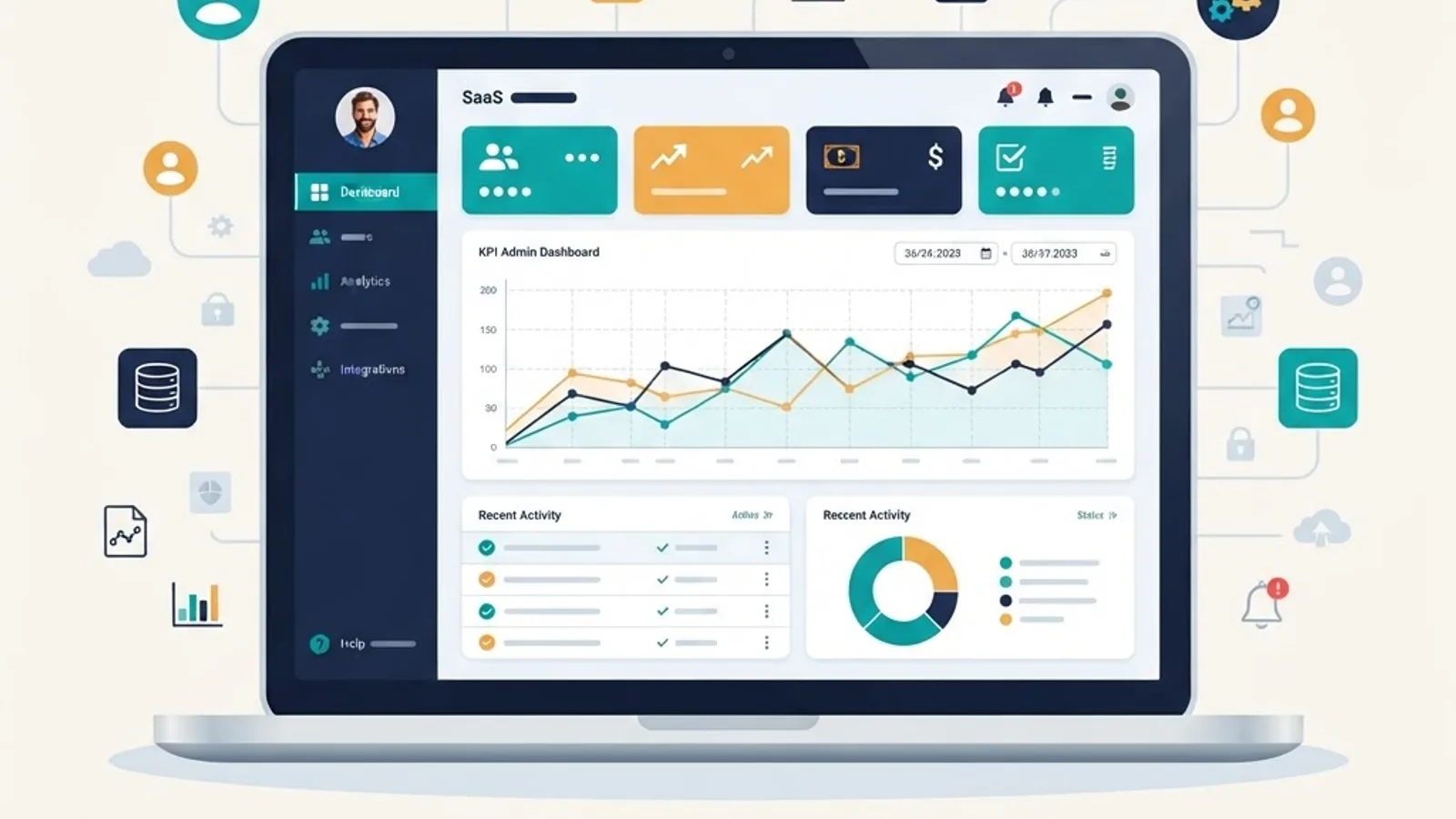
Quick Answer: Custom web based application development is the process of building browser-accessed software tailored to one organization's specific workflows, data, and users. Unlike static websites or generic SaaS tools, it delivers exact-fit functionality, owned data, and unlimited scalability — typically taking 8 to 24 weeks depending on complexity.
What Is a Custom Web Based Application?
A custom web based application is software that runs on a server, is accessed through a web browser, and is built specifically for one organization's processes rather than sold as a generic product. The user needs no installation — only a browser and a URL.
The defining characteristic is interactivity with persistent state. A website presents information. A web application accepts input, validates it, stores it in a database, applies business logic, and returns a result that differs per user. Gmail, Figma, Shopify's admin panel, and your bank's online portal are all web applications.
Three terms worth separating clearly:
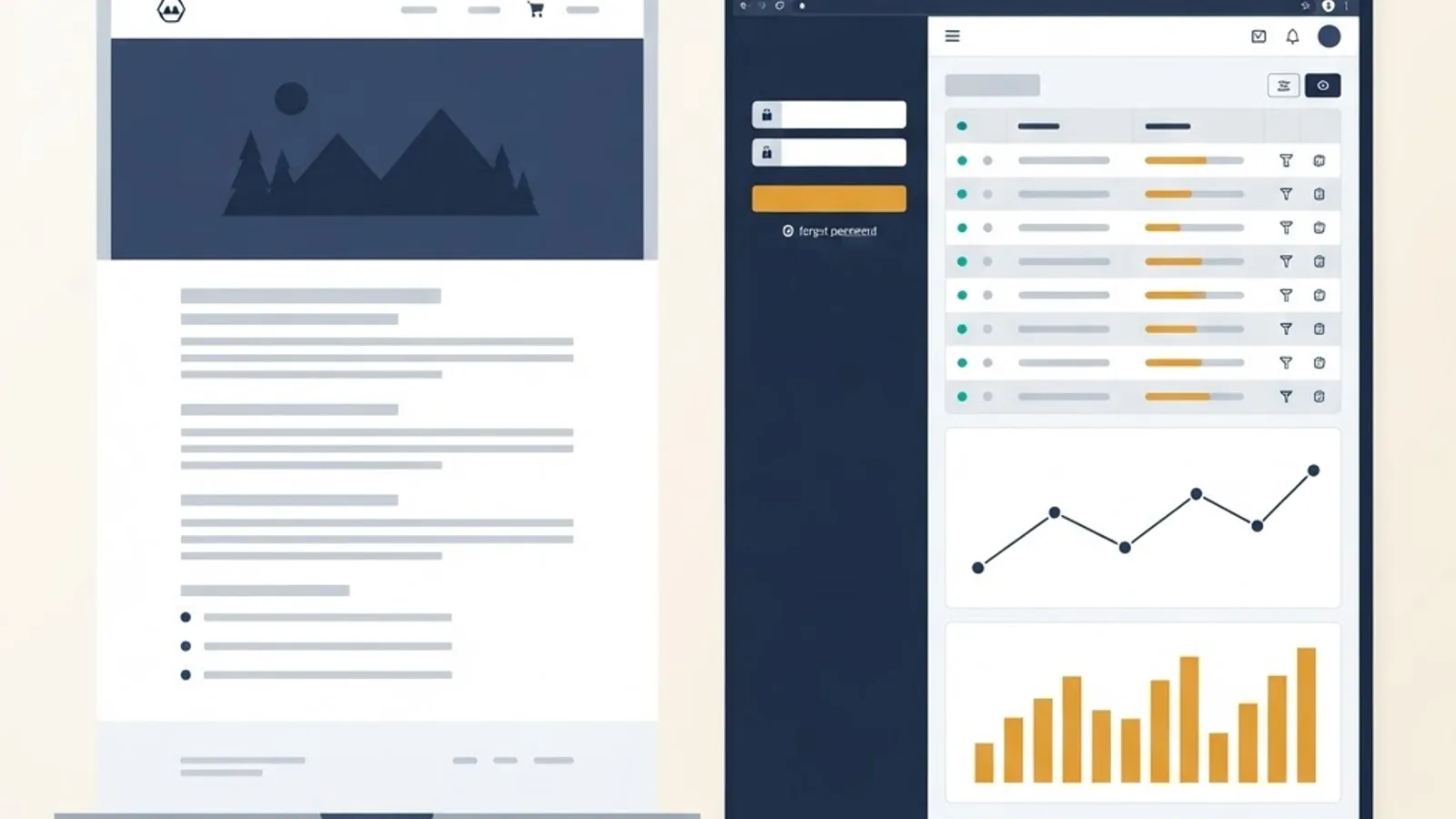
- Website: primarily informational, largely the same content for every visitor.
- Web application: interactive, authenticated, data-driven, personalized per user.
- Progressive Web App (PWA): a web application that installs to a device home screen, works offline, and sends push notifications.
Custom Build vs Off-the-Shelf SaaS: An Honest Comparison
Custom is not automatically better. The decision hinges on how unusual your workflow is and how central the software is to your revenue.
| Factor | Custom Web Application | Off-the-Shelf SaaS |
|---|---|---|
| Workflow fit | Exact match to your process | You adapt to the tool |
| Upfront cost | Higher | Low or free to start |
| Long-term cost | Fixed asset, no per-seat fees | Grows with every user added |
| Time to launch | 8-24 weeks | Same day |
| Data ownership | Full — your database, your rules | Vendor-controlled, export limits |
| Integrations | Built to fit your existing systems | Only what the vendor supports |
| Competitive advantage | Yes, the logic is yours alone | No, competitors use the same tool |
| Maintenance burden | Yours (or your partner's) | Vendor handles it |
Choose custom when your process is a genuine differentiator, per-seat SaaS fees have outgrown a build budget, you need deep integration with legacy systems, or compliance requires data to live in infrastructure you control.
Choose off-the-shelf when the function is a commodity — payroll, email, accounting, help desk. Building a custom CRM to save subscription fees is almost always a false economy.
The Technology Stack: What Actually Matters in 2026
Stack choice matters less than teams assume, but some decisions are genuinely hard to reverse. Here is how to think about each layer.
Frontend
React remains the dominant choice, and for good reason: the hiring pool is deep and the ecosystem is mature. According to the Stack Overflow Developer Survey, React has been the most-used web framework among professional developers for several consecutive years, which directly affects how easily you can replace a developer mid-project. Next.js adds server-side rendering, routing, and API layers on top, which matters if the application has public pages that need to rank in search.
Vue and Svelte are excellent technically. Choose them if your existing team already knows them — not because a blog post said they were faster.
Backend
Node.js, Python (Django or FastAPI), and .NET all handle the overwhelming majority of business applications comfortably. Node.js lets one team write both ends of the stack. Python wins when the application involves data processing or machine learning. .NET fits organizations already inside the Microsoft ecosystem.
Database
Default to PostgreSQL. Relational integrity, transactions, JSON columns when you need flexibility, and rich indexing cover roughly 95% of business applications. Reach for a document or key-value store for specific jobs — caching, session storage, event streams — not as your primary system of record.
Hosting and Infrastructure
Managed serverless platforms have removed most of the operational burden that once justified a dedicated DevOps hire. You get automatic scaling, global edge delivery, and preview deployments for every code change.
The Development Process, Phase by Phase
This is the sequence that consistently produces working software instead of an expensive prototype.
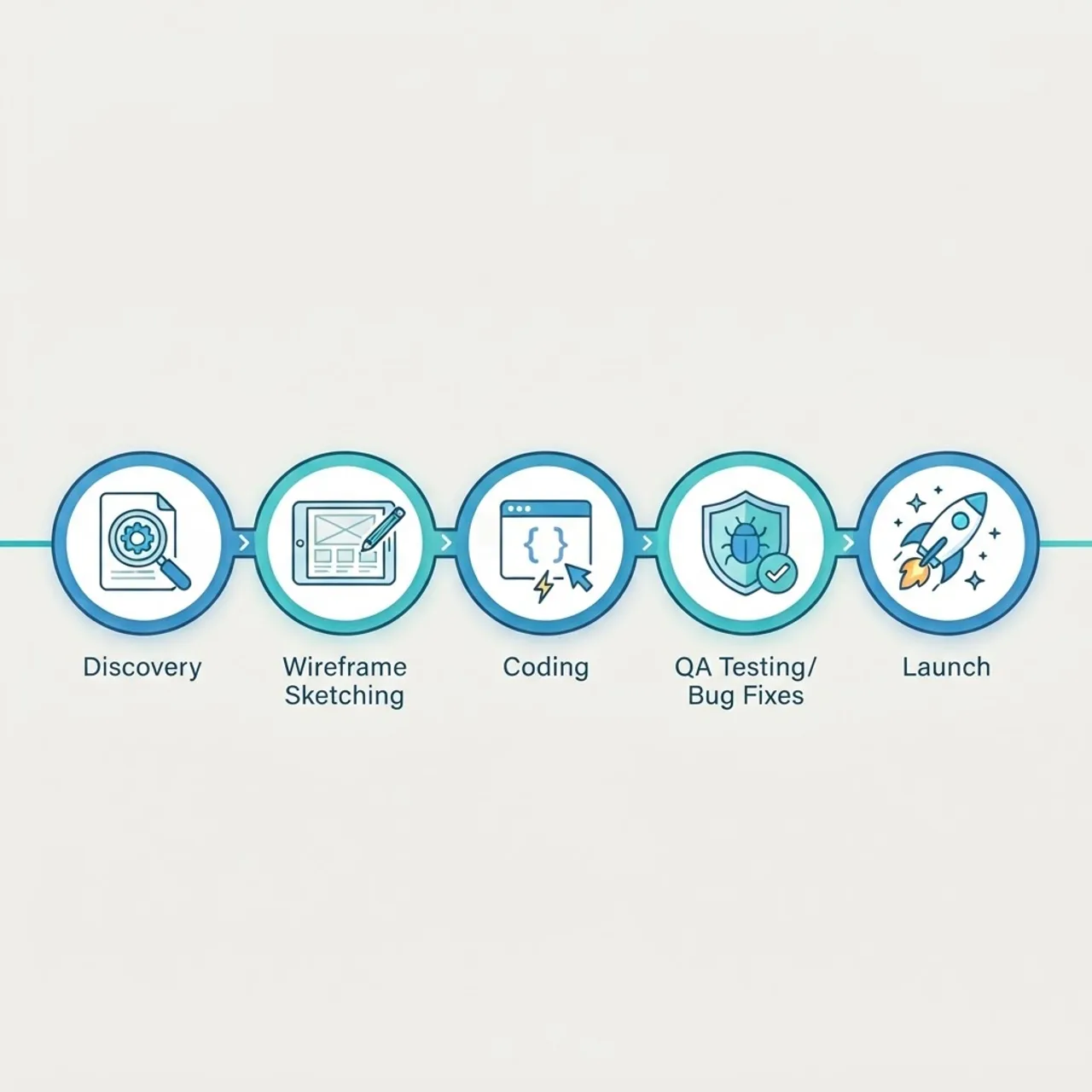
- Discovery and workflow mapping (1-2 weeks). Interview the people who will use the tool daily. Document current steps, including the spreadsheet workarounds nobody admits to. This phase prevents the most expensive category of rework.
- Scope definition and prioritization (1 week). Split features into must-have, should-have, and later. If everything is must-have, discovery was not finished.
- UX wireframes and clickable prototype (1-2 weeks). Get stakeholders clicking through screens before a line of production code exists. Changing a wireframe costs minutes; changing a built feature costs days.
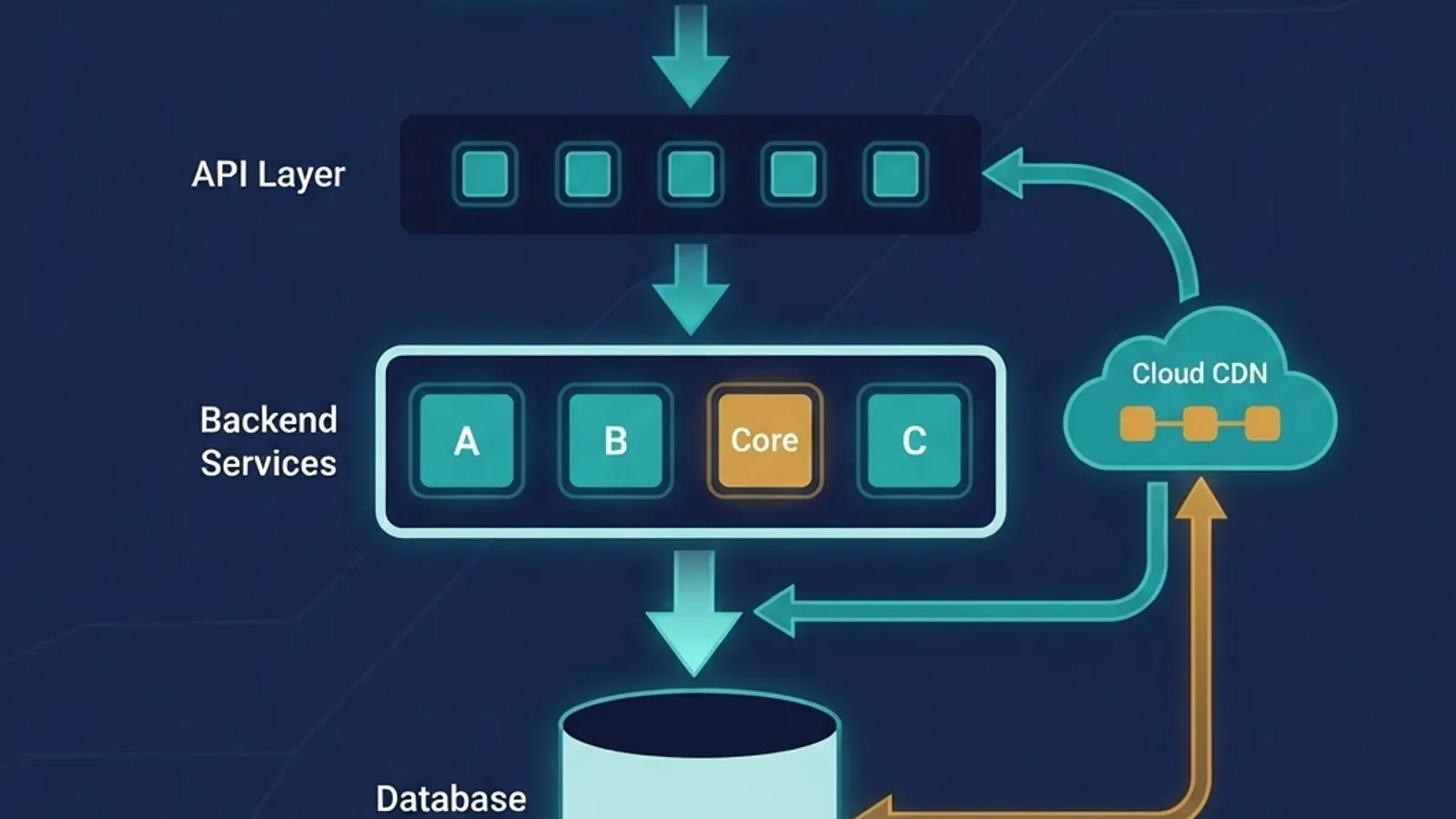
- Architecture and data modeling (1 week). Design the schema, define API contracts, and decide authentication and permission structure. Permissions retrofitted later are a recurring source of security holes.
- Iterative development in 2-week sprints (6-16 weeks). Ship a demoable increment every sprint. Stakeholders review working software, not status reports.
- Testing and hardening (2-3 weeks). Automated tests on business-critical paths, cross-browser checks, load testing, and a security review.
- Launch and stabilization (1-2 weeks). Deploy with monitoring and error tracking in place from day one, plus a documented rollback path.
- Ongoing iteration. Real usage data reveals which assumptions were wrong. Budget for it.
Teams that skip step 1 or 3 to "save time" reliably lose that time back with interest during step 5.
What Custom Web Application Development Costs
Cost is driven by four variables: number of distinct user roles, number of third-party integrations, complexity of business rules, and how much custom design work is required.
Realistic ranges from delivered projects:
- Internal tool, single user role, minimal integrations: roughly 8-10 weeks of work.
- Client portal with authentication, billing, and notifications: roughly 12-16 weeks.
- Multi-tenant SaaS platform with subscriptions, admin panel, and analytics: roughly 20-30 weeks.
The budget line most teams forget is year-two ownership: hosting, monitoring, dependency and security updates, and small feature additions. Plan on 15-20% of the original build cost annually. An application with no maintenance budget becomes a liability within eighteen months as dependencies age and vulnerabilities accumulate.
One concrete way to cut cost without cutting quality: ruthlessly reduce the launch scope. A focused application serving one workflow well, shipped in ten weeks, generates real feedback. A twelve-module platform shipped in nine months generates opinions.
If you are scoping a build and want a second opinion on estimates and architecture, the engineering team at ZoneTechify publishes phased breakdowns, and detailed custom web application development services outline how scope maps to timeline.
Security and Performance: Non-Negotiables
Custom applications handle real data, which makes them real targets. These controls belong in the build, not in a later hardening sprint.
Security Essentials
- Server-side validation on every input. Client-side validation is a user-experience feature, never a security control.
- Parameterized queries everywhere. Injection flaws remain among the most consistently exploited vulnerability classes in the OWASP Top 10.
- Authorization checked per request, per resource. Verify that this specific user may access this specific record — the most common real-world flaw is a valid user reading another user's data by changing an ID in the URL.
- Hashed passwords using a modern algorithm such as bcrypt or Argon2, with sessions that expire and rotate.
- Secrets in environment variables, never in the repository.
- Automated dependency scanning in the deployment pipeline.
Performance Essentials
Google's research found that as page load time goes from one second to three seconds, the probability of a mobile visitor bouncing increases by 32%. For an application people use eight hours a day, slowness is not a bounce problem — it is a productivity tax.
The highest-leverage fixes are consistently the same three: add database indexes on every column you filter or join on, eliminate N+1 query patterns, and paginate every list endpoint. Bundle size optimization matters, but it is rarely the actual bottleneck in a data-heavy application.

Common Mistakes That Derail Projects
Drawn from post-mortems across real engagements:
- Building for imagined future scale. Architecting for a million users when you have forty adds cost and complexity you cannot justify.
- No single decision-maker. Committee-driven scope produces a product nobody owns.
- Treating design as decoration. In an internal tool, interface clarity directly determines whether staff use it or revert to spreadsheets.
- Ignoring data migration. Getting existing records cleanly into the new system is frequently harder than building the features around them.
- No handover documentation. If only one developer understands the deployment, you have a business continuity risk, not a software asset.
For teams comparing technical partners and delivery models, WebPeak maintains useful breakdowns of how modern web platforms are architected and maintained.

Key Takeaways
- A custom web based application is browser-accessed software built around one organization's specific workflows, delivering exact-fit functionality and full data ownership.
- Custom builds win when your process is a competitive differentiator; off-the-shelf SaaS wins for commodity functions like payroll or accounting.
- PostgreSQL plus a React-based frontend and Node.js, Python, or .NET backend covers the vast majority of business applications.
- Typical timelines run 8-10 weeks for a focused internal tool and 20-30 weeks for a multi-tenant SaaS platform.
- Budget 15-20% of build cost annually for maintenance, hosting, and security updates.
- Google found that stretching load time from one to three seconds raises mobile bounce probability by 32%.
- Authorization must be verified per request and per resource — the most common real-world breach is a valid user accessing another user's records.
- The strongest predictor of project success is thorough discovery and prototyping before production code begins.
Frequently Asked Questions (FAQ)
How long does it take to build a custom web application?
A focused internal tool with one user role typically takes 8 to 10 weeks. A client portal with authentication and billing runs 12 to 16 weeks. A multi-tenant SaaS platform usually needs 20 to 30 weeks. Thorough discovery shortens these timelines by preventing mid-build rework.
Is a custom web app cheaper than paying for SaaS subscriptions?
It depends on team size and time horizon. Custom builds have higher upfront cost but no per-seat fees, so they often break even within two to three years for teams of 30 or more users. For small teams using commodity software, SaaS almost always stays cheaper.
What is the difference between a website and a web application?
A website mainly presents information that looks the same to every visitor. A web application accepts user input, authenticates people, stores data in a database, applies business logic, and returns personalized results. Gmail and online banking portals are web applications, not websites.
Do I own the code for a custom web application?
You should. Insist that the contract transfers full intellectual property and code ownership to you on final payment, with the repository hosted in your organization's account. Without written ownership terms, you may be licensing software you paid to build rather than owning it.
Which technology stack is best for custom web app development?
For most business applications, PostgreSQL with a React or Next.js frontend and a Node.js, Python, or .NET backend is a reliable default. Prioritize hiring availability and long-term maintainability over benchmark performance, since developer turnover affects your project far more than milliseconds.
Can a custom web application integrate with software we already use?
Yes, and this is a primary reason companies choose custom development. Any system with an API — accounting, CRM, ERP, payment processors, shipping providers — can be connected. Legacy systems without APIs usually require database-level or scheduled file-based integration, which adds scope but remains achievable.