Custom desktop software development explained: when native apps beat web apps, which frameworks to pick, real costs, security, and safe update rollout.
Custom Desktop Software Development
Desktop software never died. It moved into the places where the browser cannot go: operating rooms, CNC shops, trading desks, film studios, laboratories, and warehouses with unreliable connectivity. Custom desktop software development is the practice of building an application that installs and runs directly on Windows, macOS, or Linux machines, tailored to one organization's workflow instead of a generic market.
This guide is written from hands-on delivery experience: what actually drives cost, which framework choices we regret and which ones hold up after three years of maintenance, and how to avoid the two failures that kill most desktop projects — bad update strategy and unmanaged local data.
Quick Answer: Custom desktop software development is the process of designing, building, and maintaining an application installed natively on Windows, macOS, or Linux for one organization's specific workflow. It is the right choice when you need offline reliability, direct hardware access, heavy local computation, or strict on-premise data control.
What Custom Desktop Software Actually Means
Definition: A custom desktop application is software installed on an end user's operating system, built to a single client's requirements, with logic and data that can execute locally rather than depending entirely on a remote server.
Three properties separate it from a web app:
- Local execution. The CPU, GPU, and RAM of the user's machine do the work. No network round trip per action.
- Direct OS and hardware access. Serial ports, USB devices, scanners, scales, barcode readers, DICOM imaging hardware, GPUs, and the local file system are reachable without browser sandbox restrictions.
- Offline-first capability. The app keeps functioning when the network does not, then reconciles state later.
That third property is why desktop still wins contracts. According to Uptime Institute's annual outage analysis, a significant share of reported IT outages still trace back to network and connectivity failures rather than hardware — meaning any workflow that stops when the internet stops is a business risk, not just an inconvenience.
When a Desktop App Beats a Web App
Choose desktop when at least two of these are true:
- Users work in low-connectivity environments (field service, ships, plants, remote clinics).
- The workflow touches peripheral hardware directly.
- Processing is compute-heavy: video encoding, CAD, simulation, large local datasets, on-device machine learning.
- Data must never leave the premises for regulatory or contractual reasons.
- Users spend their entire shift in the tool and need keyboard-driven speed, multi-window layouts, and OS-level integration.
Choose web when access from anywhere, zero-install onboarding, and instant universal updates matter more than raw local power. Many mature products end up doing both — a web dashboard for management and a desktop client for operators.
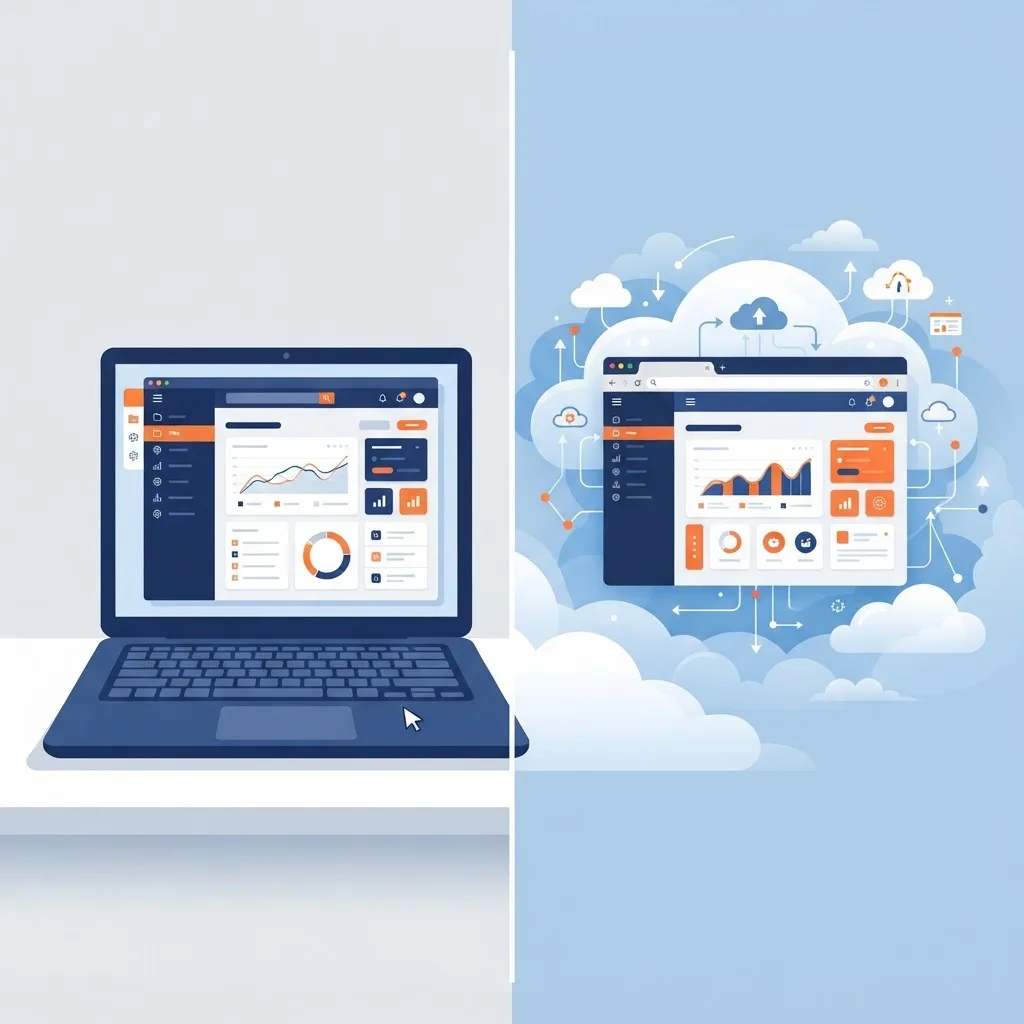
Desktop vs. Web vs. Hybrid: An Honest Comparison
| Factor | Custom Desktop App | Web App | Hybrid (Desktop Client + Cloud API) |
|---|---|---|---|
| Works fully offline | Yes | No | Partly, with local queue |
| Direct hardware and USB access | Yes | Limited | Yes |
| Heavy local computation | Excellent | Weak | Excellent |
| Install required | Yes | No | Yes |
| Update rollout speed | Needs auto-updater | Instant | Auto-updater plus server |
| Data stays on-premise | Yes | No, unless self-hosted | Configurable |
| Cross-device access | Low | High | Medium |
| Typical maintenance burden | Medium to high | Medium | High |
Choosing the Right Technology Stack
There is no universally correct stack, only correct trade-offs. Here is how the realistic options compare after real maintenance cycles.
Electron
Best when your team already writes TypeScript and React, the UI is information-dense, and you want one codebase across all three operating systems. Visual Studio Code, Slack, and Figma's desktop client all prove it can scale. The cost is memory footprint and bundle size — plan for a larger installer and stricter attention to renderer process security.
Tauri
Best when you want web-based UI with a far smaller binary. It uses the operating system's own webview and a Rust core, so installers commonly land in single-digit megabytes rather than a hundred-plus. The trade-off is webview inconsistency across platforms, which you must test for explicitly.
.NET (WPF, WinUI) and Windows-Only Builds
Best when the client is a Windows-only enterprise with Active Directory, Office integration, and existing .NET services. Deep OS integration and long-term Microsoft support make this the safest choice for internal line-of-business tools.
Qt or C++ and Native Swift
Best for performance-critical, hardware-adjacent, or graphics-heavy products: medical devices, industrial control, audio and video tooling. Highest engineering cost, highest ceiling.
Flutter Desktop
Best when a mobile Flutter app already exists and you want visual parity on desktop with shared business logic.
If you are weighing this decision against a browser-delivered alternative, teams at ZoneTechify and WebPeak typically prototype the single hardest workflow in both models before committing — a two-week spike is cheaper than a two-year architectural mistake.
The Custom Desktop Software Development Process
A disciplined process is what separates a delivered tool from an abandoned prototype.
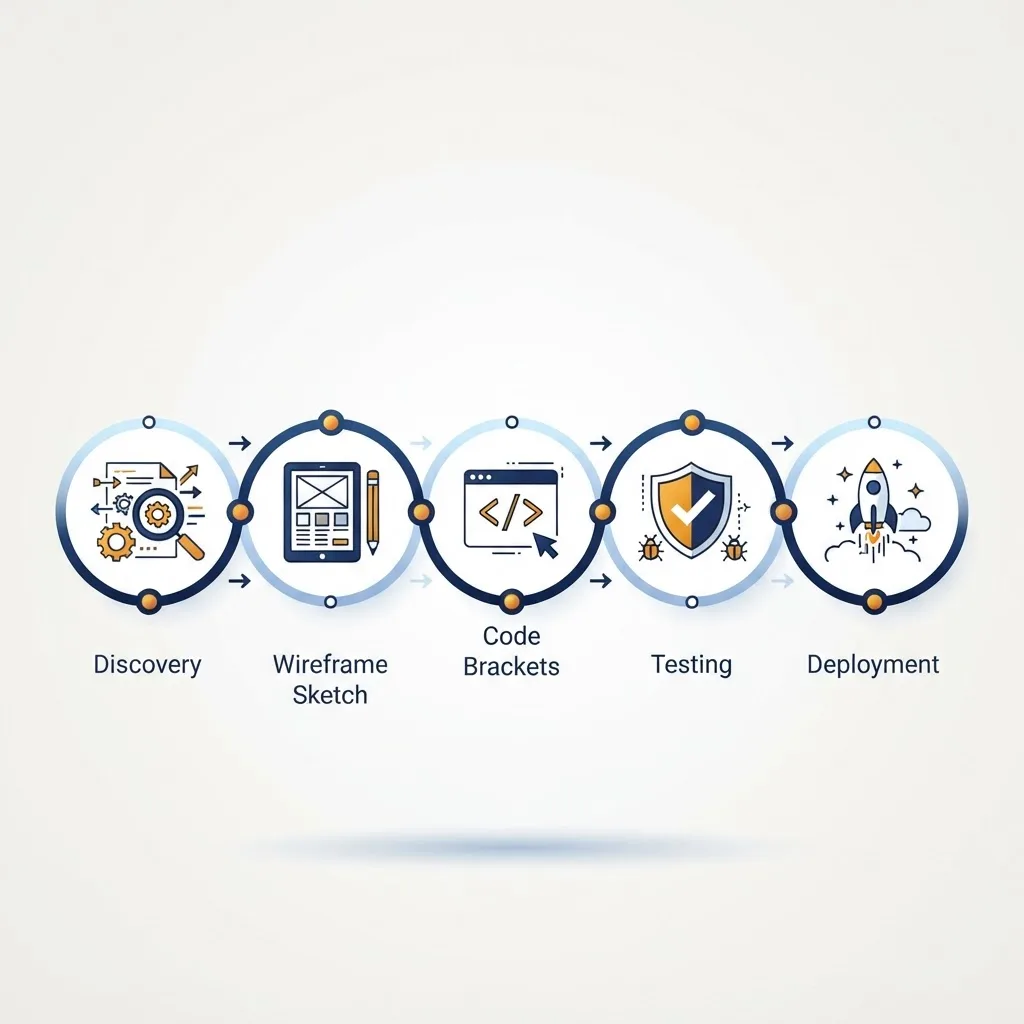
1. Workflow Discovery, Not Requirements Gathering
Sit with the actual users for a full shift. Count clicks, note every spreadsheet workaround, record how many times they alt-tab. The measurable goal of a custom desktop tool is usually "reduce this 14-step process to 4 steps," and you cannot claim that improvement if you never measured the original.
2. Architecture and Data Boundary Decisions
Decide early: what lives locally, what lives on the server, and who wins during a conflict. Write the sync rules down before writing code. Retrofitting offline sync into an online-only desktop app is one of the most expensive rewrites in software.
3. Interface Design for All-Day Use
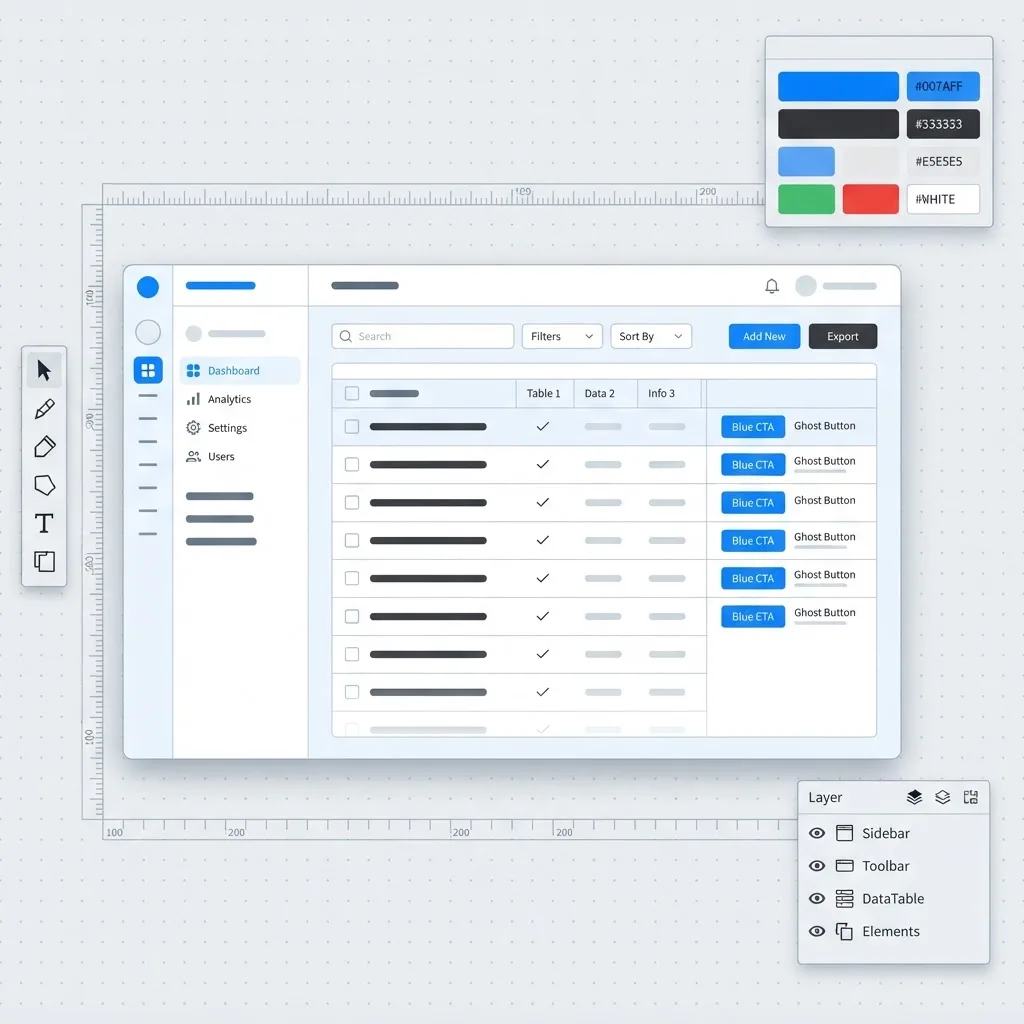
Desktop UI rules differ from web UI rules. Density is a feature. Keyboard shortcuts are mandatory. Native menus, right-click context actions, resizable panes, and multi-monitor support are baseline expectations, not extras.
4. Incremental Build with Real Data
Ship a usable slice every two weeks and put it on one real user's machine. Synthetic test data hides the problems that matter: a 400,000-row export, a malformed device reading, a locked file.
5. Testing Across Real Machines
Test on the oldest hardware and OS version in the client's estate, not on the developer's new laptop. Include high-DPI scaling, restricted user permissions, antivirus interference, and locked-down group policies.
6. Packaging, Signing, and Release
Code signing certificates for Windows and Apple notarization for macOS are not optional. Unsigned installers trigger security warnings that stop rollouts cold and destroy user trust on day one.
What Custom Desktop Software Really Costs
Cost is driven by five variables, roughly in order of impact:
- Number of target operating systems. Each additional platform adds testing, packaging, signing, and support surface.
- Integration count. Every ERP, database, device, or legacy API adds discovery, error handling, and long-term fragility.
- Offline and sync complexity. Conflict resolution is genuinely hard engineering.
- Compliance scope. HIPAA, GDPR, SOC 2, or industry certification adds documentation and audit work.
- Update and support model. Auto-update infrastructure, crash reporting, and telemetry all need building and running.
A useful planning rule from delivery experience: budget ongoing maintenance at roughly 15–20% of the original build cost per year. Operating systems change annually, certificates expire, dependencies are deprecated. Software that is not maintained becomes unusable within a few OS cycles.
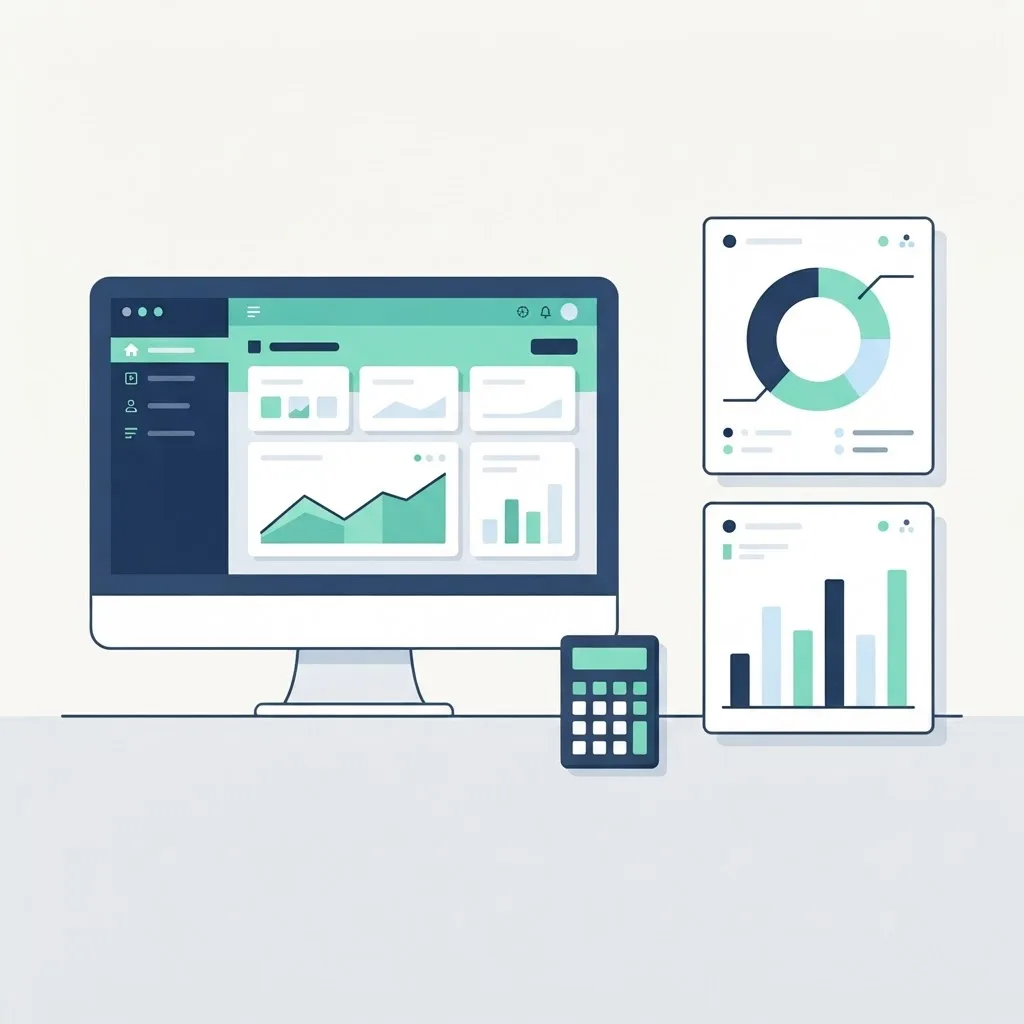
The strongest business case is usually time saved. If a tool removes 45 minutes of manual work per day for 30 employees, that is over 5,000 recovered hours annually — a figure that justifies a serious build budget on its own. Teams building operational tooling can start with an audit of existing workflows through custom web application services to determine whether a desktop client, a browser tool, or a combination fits best.
Security in Desktop Applications
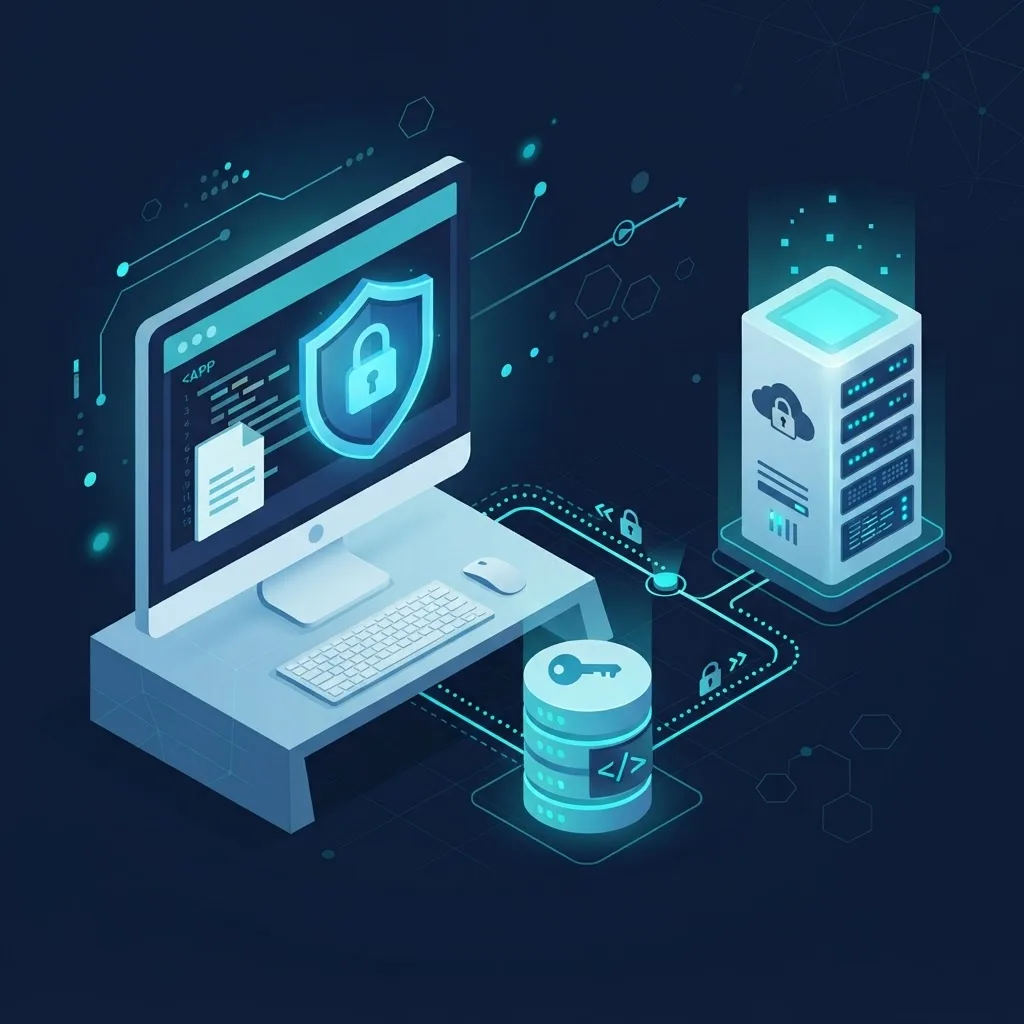
Desktop apps face a threat model most web teams never think about: the attacker may already control the machine.
- Never trust the client. Business rules that matter must be validated server-side. A determined user can inspect and modify anything local.
- Encrypt local storage. Use SQLCipher, DPAPI on Windows, or Keychain on macOS. Never store credentials or tokens in plaintext config files.
- Use the OS credential store, not a homemade encrypted file.
- Pin and verify update packages. An unsigned auto-updater is a malware distribution channel pointed at your customers.
- Least privilege at install. Do not require administrator rights for normal operation.
- Ship crash and error telemetry with consent. You cannot fix what you cannot see, and users must know what is transmitted.
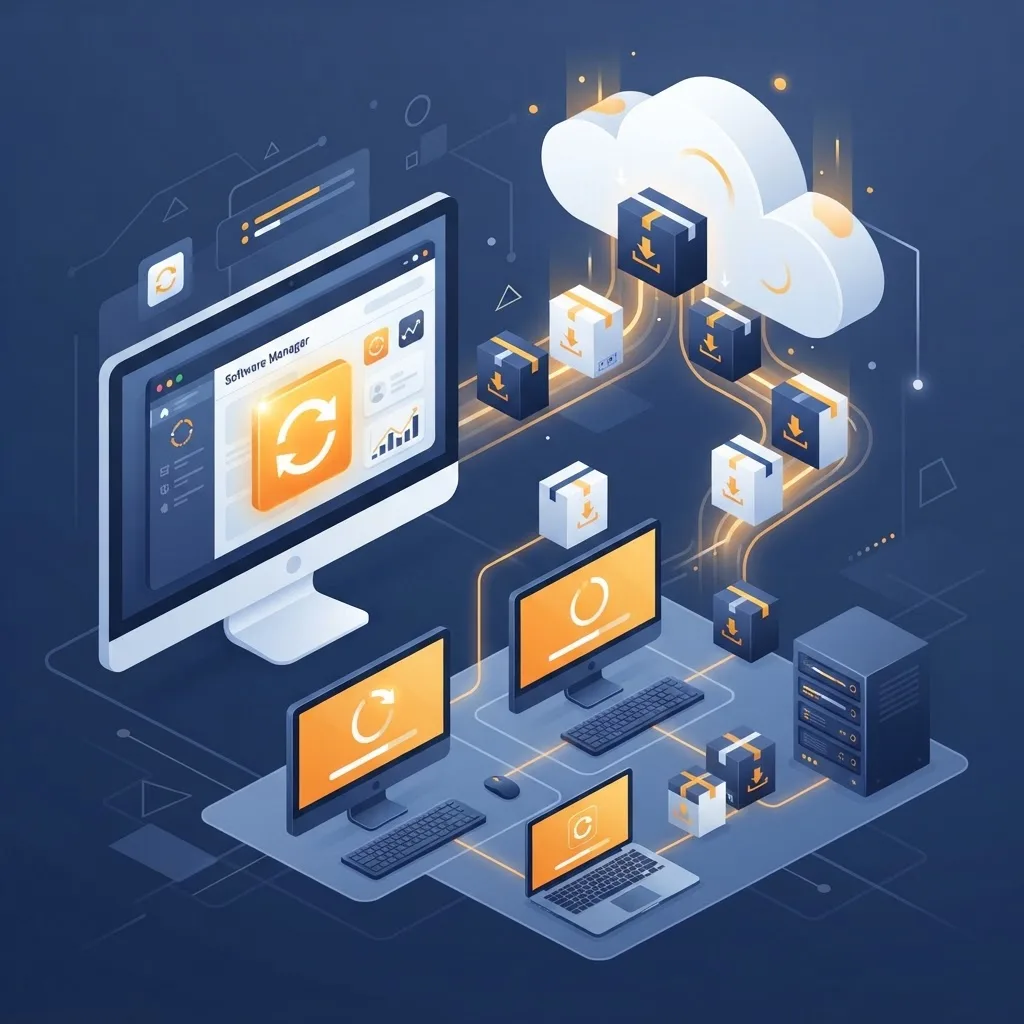
Deployment and Updates: The Part Teams Underestimate
On the web you deploy once. On the desktop, every user runs a different version until you convince them otherwise.
- Build silent auto-updates with staged rollout, so a bad release reaches 5% of users, not 100%.
- Support enterprise silent install via MSI, MSIX, or PKG so IT departments can push it through their management tools.
- Maintain backward-compatible APIs for at least two prior client versions.
- Provide a rollback path. Assume one release will be bad.
- Keep a version telemetry dashboard so support knows exactly what a caller is running.
Key Takeaways
- Custom desktop software development builds natively installed applications for one organization's workflow, with local execution, hardware access, and offline capability.
- Choose desktop when offline reliability, peripheral hardware, heavy local computation, or on-premise data control are requirements.
- Electron suits web-skilled teams, Tauri produces dramatically smaller binaries, .NET fits Windows-only enterprises, and Qt or native code fits performance-critical hardware products.
- Decide the offline and sync data boundary before writing code — retrofitting it later is among the most expensive rewrites in software.
- Code signing and Apple notarization are mandatory; unsigned installers block enterprise rollout.
- Budget 15–20% of the original build cost annually for maintenance across OS and dependency changes.
- Never trust the local client for business rule enforcement; validate server-side and encrypt local storage with OS-native mechanisms.
Frequently Asked Questions (FAQ)
How long does it take to build custom desktop software?
A focused single-platform tool with a few integrations typically takes three to five months from discovery to first production release. Multi-platform applications with offline sync, hardware integration, or compliance requirements commonly run eight to fourteen months. Shipping a usable slice within six weeks is realistic and strongly recommended.
Is desktop software still relevant compared to web apps?
Yes, in specific contexts. Any workflow that requires offline operation, direct USB or serial hardware access, heavy local computation, or on-premise data residency still runs better on the desktop. Professional tools in engineering, healthcare, manufacturing, media production, and finance remain overwhelmingly desktop-first for these exact reasons.
Should I build one cross-platform app or separate native apps?
Start cross-platform if your interface is form and data driven, using Electron or Tauri to share a single codebase. Build separate native apps only when platform-specific performance, deep OS integration, or specialized hardware demands it. Most business tools never need that additional cost and complexity.
Can custom desktop software work without an internet connection?
Yes, if it is designed offline-first from the start. That means a local encrypted database, a queued operation log, and explicit rules for resolving conflicts when connectivity returns. Adding offline support to an application originally built as online-only usually requires re-architecting the data layer entirely.
Who owns the source code for custom desktop software?
In a properly written agreement, you do. Insist on full intellectual property assignment, source code delivery in your own repository, documented build and release pipelines, and control of your signing certificates. Without those four things you are renting your software rather than owning it.
How do I keep desktop software secure after launch?
Run signed staged auto-updates, patch dependencies on a monthly cadence, encrypt local data with OS-native credential stores, enforce business rules server-side, and monitor crash and error telemetry. Also test against each new major OS release, because platform security changes can break existing installations without warning.