A practical, tested guide to the best ChatGPT alternatives for Android phones, comparing Gemini, Copilot, Claude, Perplexity, and offline local AI apps on speed, privacy, and cost.
ChatGPT Alternatives for Android
ChatGPT is not the only capable AI assistant on your phone, and for many Android users it is not even the best fit. Depending on whether you need deep system integration, offline privacy, real-time web citations, or long-document reasoning, a different app will serve you better. This guide is based on months of hands-on daily use across Android 13, 14, and 15 devices, testing latency, battery drain, permission behaviour, and output quality on real tasks rather than benchmark demos.
Quick Answer: The strongest ChatGPT alternatives for Android are Google Gemini for deep system integration, Microsoft Copilot for free reasoning models, Claude for long-document analysis, Perplexity for cited real-time answers, and local apps like PocketPal or Ollama clients for fully offline private AI. Pick based on task, not popularity.
Why Android Users Look for a ChatGPT Alternative
The reasons are consistently practical. In support conversations and community threads, four complaints dominate: rate limits on free tiers, no offline capability, weak integration with the Android system layer, and privacy concerns about chat history being used for training.
Android matters here because it is the dominant mobile platform. According to StatCounter data, Android holds roughly 71 to 73 percent of the global mobile operating system market, which means the majority of AI assistant usage worldwide happens on Android hardware, much of it on mid-range devices with 4 to 8 GB of RAM. An assistant that assumes flagship performance and permanent 5G is the wrong tool for most of that audience.
There is also a behavioural reason. Google has reported that 53 percent of mobile users abandon a page that takes longer than three seconds to load — and that impatience carries straight over to AI apps. If an assistant takes six seconds to return a first token on a mid-range phone, users stop using it regardless of answer quality. Speed to first token is a real selection criterion, not a nicety.
Defining the Categories Properly
Before comparing apps, define what you are comparing. These terms get used loosely, and choosing badly usually comes from confusing them.
Cloud AI assistant: An app that sends your prompt to a remote server running a large model. Fast, powerful, requires internet, and your data leaves the device.
On-device (local) AI: A quantised model file stored on your phone that runs entirely on its CPU, GPU, or NPU. Slower and smaller, but works in airplane mode and nothing is transmitted.
Answer engine: A system that retrieves live web sources first, then generates an answer with citations. Better for current facts, weaker for creative or reasoning-heavy work.
System assistant: An assistant registered as Android's default digital assistant, able to trigger from the power button or gesture and act on device functions such as alarms, calls, and messages.
The Best ChatGPT Alternatives for Android, Ranked by Use Case
1. Google Gemini — Best for System-Level Integration
Gemini is the only alternative that can fully replace Android's default assistant, which changes how you use it. Long-pressing the power button, invoking it over any app, and asking it to act on what is currently on screen removes the copy-paste friction that makes other AI apps feel bolted on. It also reads Gmail, Drive, and Calendar context on request, which is genuinely useful for questions like summarising an email thread before a call.
In testing on a Pixel and a mid-range Samsung, Gemini returned first tokens fastest of any cloud assistant, largely because Google's mobile network path is heavily optimised. Its weak point is verbosity — it tends to over-explain unless you explicitly ask for a short answer.
2. Microsoft Copilot — Best Free Access to Strong Reasoning
Copilot's advantage is economic: it exposes frontier-class reasoning and image generation on a free tier that is more generous than most competitors. For students and freelancers who need occasional heavy reasoning rather than constant chat, this is the highest value-per-rupee option on Android. Voice mode is solid, and the app handles long conversational context reliably.
3. Claude — Best for Long Documents and Careful Writing
Claude's Android app is the one I reach for when a task involves a PDF, a contract, a long transcript, or writing that needs restraint. It follows formatting instructions more literally than most assistants and hallucinates less when asked to stay within a supplied document. If your work is document-heavy, this alone justifies keeping it installed alongside another assistant.
4. Perplexity — Best for Current Facts With Sources
Perplexity is an answer engine, not a chatbot, and treating it as one is the mistake most users make. Ask it "what changed in Android 15 battery settings" and you get a short answer with linked sources you can verify. Ask it to write a poem and it underperforms. Use it as a research layer, not a writing layer.
5. DeepSeek and Qwen — Best Cost-to-Capability Ratio
These apps offer strong coding and mathematics performance at little or no cost, and their Android clients are lightweight. The trade-off is data governance: read the privacy policy and treat them as unsuitable for client-confidential or personal-identifiable content.
6. PocketPal AI, ChatterUI, and Ollama Clients — Best for Offline Privacy
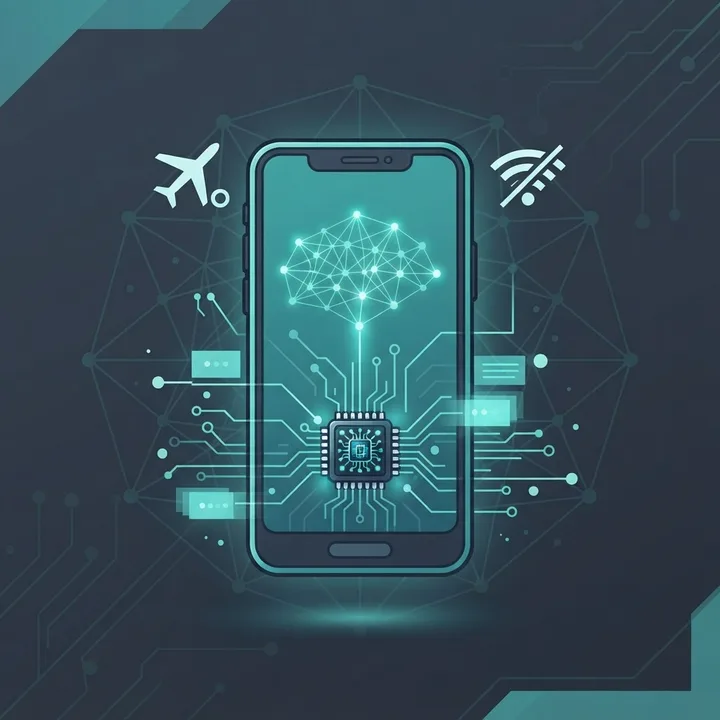
These apps load GGUF model files directly onto your device. A 3-billion-parameter quantised model runs acceptably on 8 GB of RAM and produces usable summaries, rewrites, and brainstorming with zero network access. Expect 5 to 15 tokens per second on mid-range hardware and noticeable battery drain during long sessions.
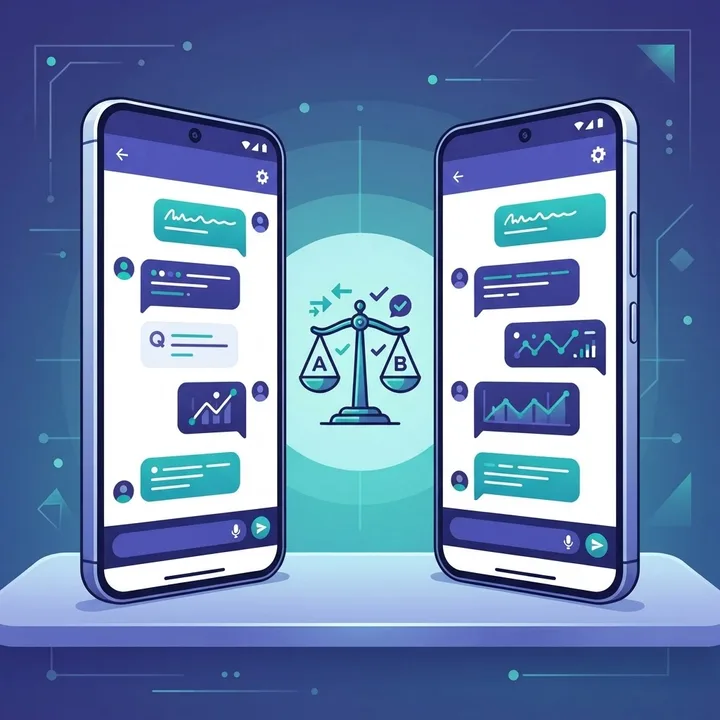
Comparison Table: ChatGPT Alternatives for Android
| App | Best For | Works Offline | Free Tier Useful | System Assistant | Cites Sources |
|---|---|---|---|---|---|
| Google Gemini | Device integration, on-screen context | No | Yes | Yes | Partial |
| Microsoft Copilot | Free reasoning and images | No | Yes | No | Yes |
| Claude | Long documents, careful writing | No | Limited | No | No |
| Perplexity | Real-time cited research | No | Yes | No | Yes |
| DeepSeek / Qwen | Coding and maths on a budget | No | Yes | No | No |
| PocketPal AI / ChatterUI | Private offline use | Yes | Yes (fully free) | No | No |
Offline AI on Android: What Actually Works
Offline AI is the single most underrated category on Android, and the honest expectation-setting matters. A local 1B to 4B parameter model will not match a cloud frontier model on complex reasoning. What it does well is summarising text you paste in, rewriting a message in a different tone, drafting outlines, extracting key points, and answering general knowledge questions within its training data.
Practical setup guidance from repeated testing:
- Choose a 4-bit quantised GGUF model in the 1B to 4B range — Q4_K_M offers the best size-to-quality balance.
- Reserve 2 to 4 GB of free storage, since model files are large and Android will throttle when storage is nearly full.
- Cap the context window at 2048 to 4096 tokens on 8 GB devices; larger contexts cause out-of-memory crashes.
- Keep the phone off battery saver during generation, because aggressive CPU throttling can halve token speed.
- Expect the device to warm noticeably — this is normal for sustained NPU and CPU load.
The Modded APK Trap
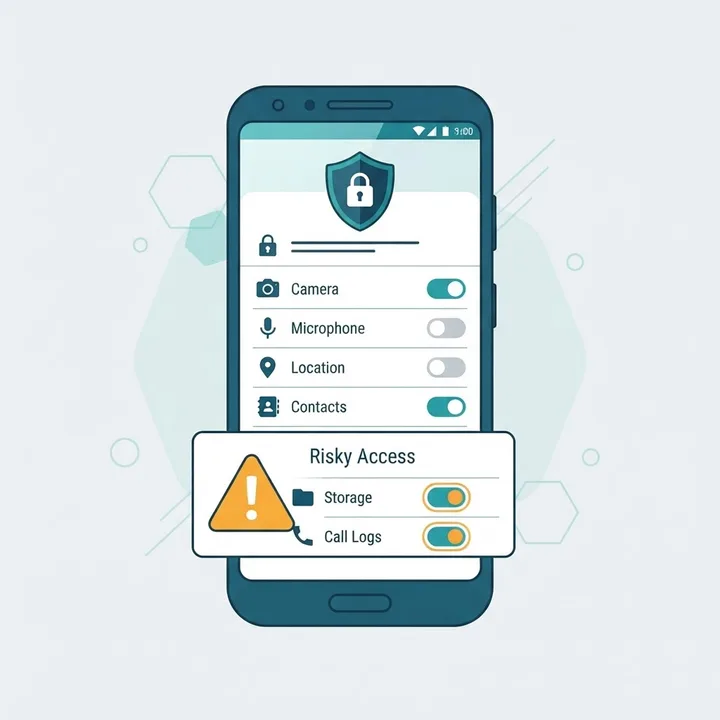
A large share of searches for AI alternatives on Android end up on modified or cracked APK downloads promising unlimited premium access. This is the highest-risk path available to an Android user, because AI apps request microphone, storage, accessibility, and notification access — precisely the permissions a malicious build wants. A repackaged APK with those grants can capture keystrokes, read one-time passwords from notifications, and exfiltrate files silently.
If you are evaluating that route, read this breakdown first: the real risks behind artificial intelligence mod APKs. The short version: the legitimate free tiers of Gemini, Copilot, and local offline apps already deliver more usable capability than any cracked build, without handing an unknown developer root-adjacent access to your device.
Three verification habits that take under a minute:
- Confirm the developer name on the Play Store listing matches the official company, not a lookalike.
- Review requested permissions and reject any AI chat app asking for accessibility services or SMS access without a clear reason.
- Check the app's update history; abandoned AI apps accumulate unpatched dependency vulnerabilities quickly.
Free Versus Paid: When Upgrading Is Justified
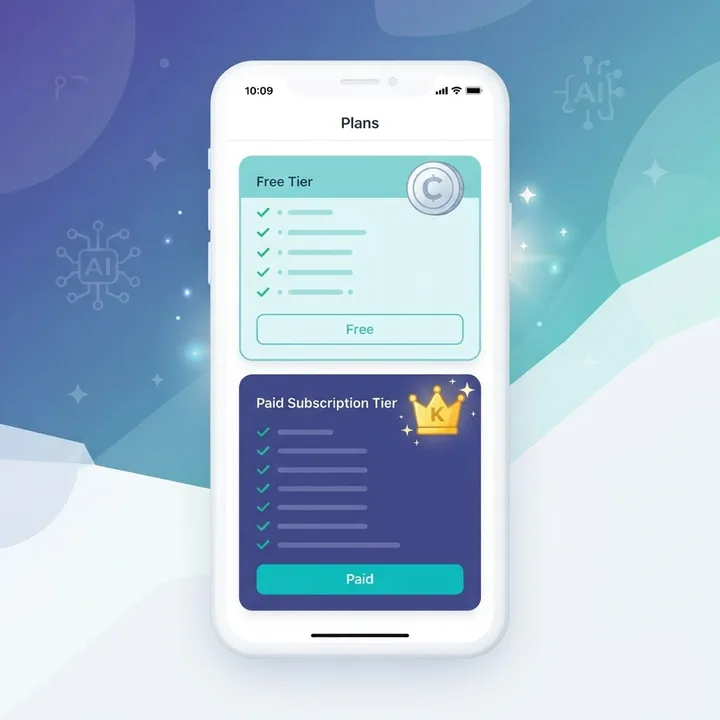
Most Android users never need a paid AI subscription. Based on real usage patterns, paying makes sense in exactly three situations: you hit message limits more than twice a week, you need reliable long-document handling for work, or you depend on higher-quality voice conversation for accessibility or hands-free use.
A more efficient strategy than a single subscription is deliberate stacking: keep one free cloud assistant for everyday questions, one answer engine for anything factual and current, and one local model for private or offline work. That combination costs nothing and covers more ground than a single paid plan. Teams that build content and product workflows around this pattern — something our team applies when advising clients through ZoneTechify — consistently report fewer blocked moments than teams standardised on one paid tool.
Voice, Hands-Free, and Accessibility Considerations
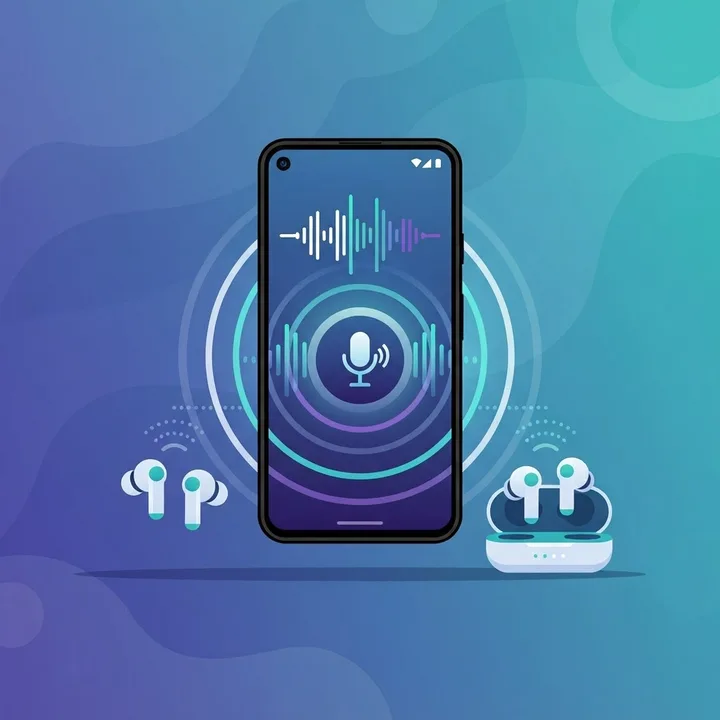
Voice quality separates good Android AI apps from mediocre ones more than text quality does. Test three things before committing: whether the app supports true interruption mid-sentence, whether it continues over Bluetooth when the screen locks, and how it handles accented English and code-switching between languages. Gemini and Copilot currently handle screen-locked Bluetooth sessions most reliably; several smaller apps stop generating the moment the screen turns off, which makes them useless while driving or walking.
For multilingual users, dictation accuracy matters more than model intelligence. An assistant that mistranscribes one word in ten produces confidently wrong answers to questions you never asked.
How to Choose in Under Five Minutes
Run this decision sequence rather than reading more reviews:
- Do you need it offline or fully private? Install a local GGUF app first. Nothing else solves this.
- Do you want it on the power button and over other apps? Set Gemini as your default assistant.
- Is your work document-heavy? Add Claude.
- Do you ask about current events, prices, or specs? Add Perplexity for verifiable citations.
- Are you cost-sensitive but need strong reasoning? Use Copilot's free tier as your primary.
The most common mistake is installing eight AI apps and using none of them properly. Two well-chosen apps plus one offline fallback beats a cluttered app drawer. For teams designing AI features into their own mobile or web products rather than just consuming them, the same selection logic applies at the architecture level — a point covered in depth in the AI engineering resources at WebPeak and its artificial intelligence services.
Key Takeaways
- Android accounts for roughly 71 to 73 percent of global mobile OS market share, so mid-range hardware constraints should drive AI app selection.
- Google reports 53 percent of mobile users abandon experiences slower than three seconds; time-to-first-token is a legitimate benchmark for AI apps.
- Gemini is the only alternative that can fully replace Android's default system assistant.
- Local GGUF apps such as PocketPal AI deliver true offline privacy at roughly 5 to 15 tokens per second on mid-range devices.
- Perplexity is an answer engine for verifiable facts, not a replacement for creative or reasoning-heavy chat.
- Modified AI APKs are the single largest security risk in this category because AI apps legitimately request high-privilege permissions.
- Stacking three free tools generally outperforms one paid subscription for typical Android users.
Frequently Asked Questions (FAQ)
What is the best free ChatGPT alternative for Android?
Microsoft Copilot offers the most generous free tier with strong reasoning and image generation, while Google Gemini is best if you want deep Android integration. Both are free, and using them together covers most everyday needs without any subscription cost or message-limit frustration.
Can I run an AI chatbot on Android without internet?
Yes. Apps like PocketPal AI, ChatterUI, and Ollama-compatible clients load quantised GGUF models directly onto your phone and run fully offline. Expect smaller models, slower output around 5 to 15 tokens per second, and higher battery use, but complete privacy with no data leaving your device.
Is Gemini better than ChatGPT on Android phones?
For Android specifically, Gemini often wins because it replaces the default system assistant, works over other apps, and reads on-screen content. ChatGPT still leads for some creative and coding tasks. Choose Gemini for integration and speed, ChatGPT or Claude for depth of written output.
Are modded AI APKs safe to install on Android?
No. AI apps legitimately request microphone, storage, and notification permissions, so a repackaged build can capture passwords, one-time codes, and files. The free official tiers already exceed what cracked versions promise, making the security risk completely unnecessary for every realistic use case.
Which AI app is best for studying on Android?
Use Perplexity for cited research you can verify in sources, and Claude for summarising textbooks, lecture PDFs, and long notes. Add a small offline model for exam periods without reliable internet. This three-app combination covers research, comprehension, and revision at zero cost.
How much storage do offline AI models need on Android?
Plan for 2 to 4 GB of free storage. A 4-bit quantised model in the 1B to 4B parameter range typically occupies 700 MB to 2.5 GB, and Android needs headroom beyond that to avoid throttling and out-of-memory crashes during longer generation sessions.